Introduction
Thank you for choosing the Walfront 2.4G Wireless Gaming Headset B100. This headset offers versatile connectivity options including 2.4G wireless, Bluetooth, and 3.5mm wired connections, designed to provide a low-latency audio experience for gaming and multimedia. This manual provides detailed instructions for setup, operation, and maintenance to ensure optimal performance and longevity of your device.
Пакеттин мазмуну
Сураныч, пакеттин мазмунун текшерип, бардык буюмдар бар экенин текшериңиз:
- 1 x Walfront 2.4G Wireless Gaming Headset (Model B100)
- 1 x 2.4G USB Adapter
- 1 x 3.5 мм аудио кабель
- 1 x USB заряддоо кабели
- 1 x User Manual

Image: The Walfront B100 headset shown with its 2.4G USB adapter, 3.5mm audio cable, and USB charging cable.
Продукт бүттүview
The Walfront B100 headset features a robust design with comfortable earcups and an adjustable headband. It integrates a retractable microphone and intuitive controls on the earcup for easy access to volume, mute, and connectivity options. The headset is equipped with 50mm drivers for clear audio output.
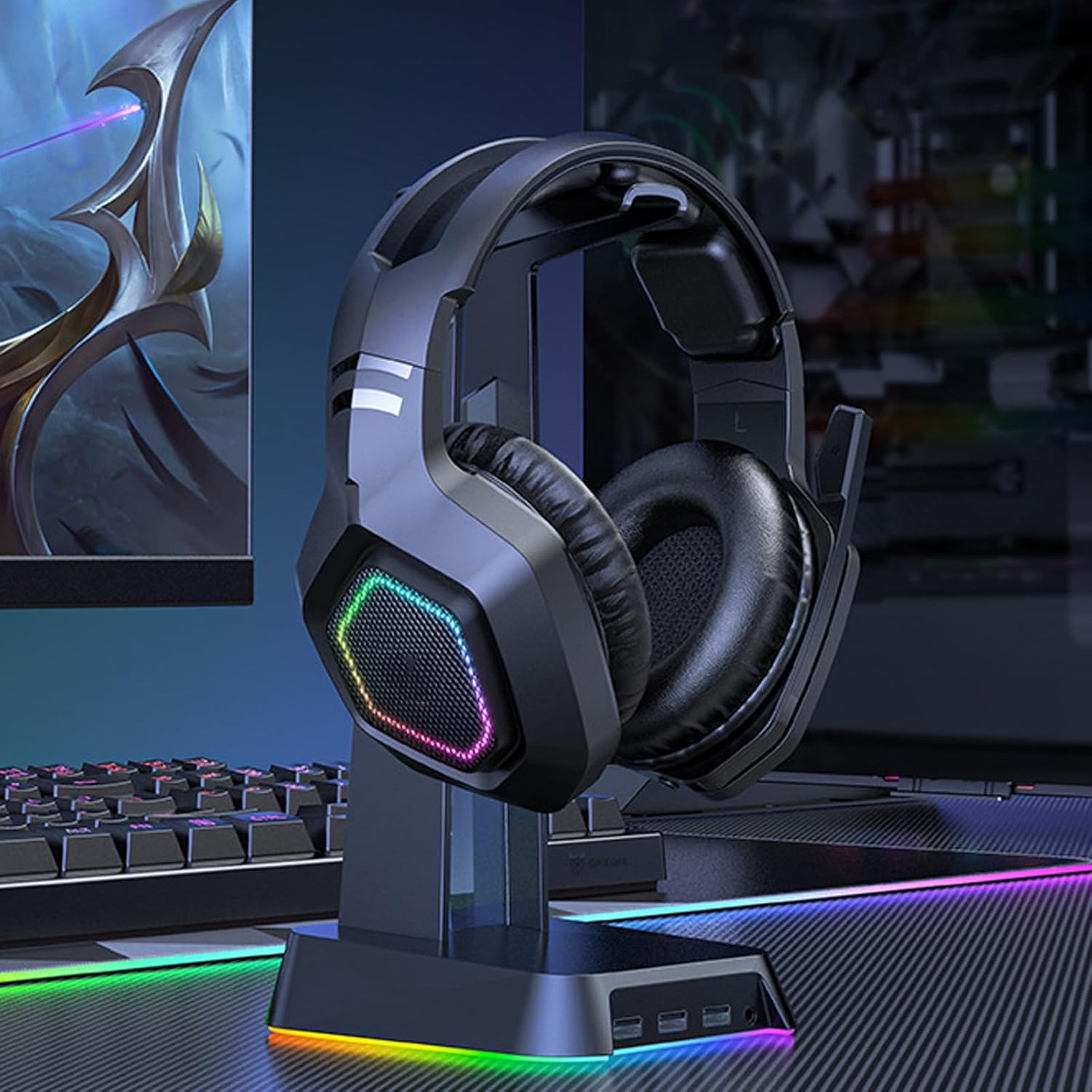
Image: The Walfront B100 gaming headset displayed on a headset stand, showcasing its design and RGB lighting on the earcups.

Сүрөт: жарылган view diagram of a 50mm diaphragm unit, highlighting its internal structure for balanced sound performance.

Сүрөт: деталдуу view of the headset's earcup, illustrating the location of the power button and charging port.
Жайгашуу
2.4G Wireless Connection (USB Adapter)
- Insert the 2.4G USB adapter into an available USB port on your device (PC, PS4, PS5, Switch dock).
- Power on the headset by pressing and holding the power button until the indicator light illuminates.
- The headset will automatically attempt to pair with the USB adapter. A solid indicator light on the headset typically signifies a successful connection.
- On your device, ensure the headset is selected as the default audio input and output device in the sound settings.
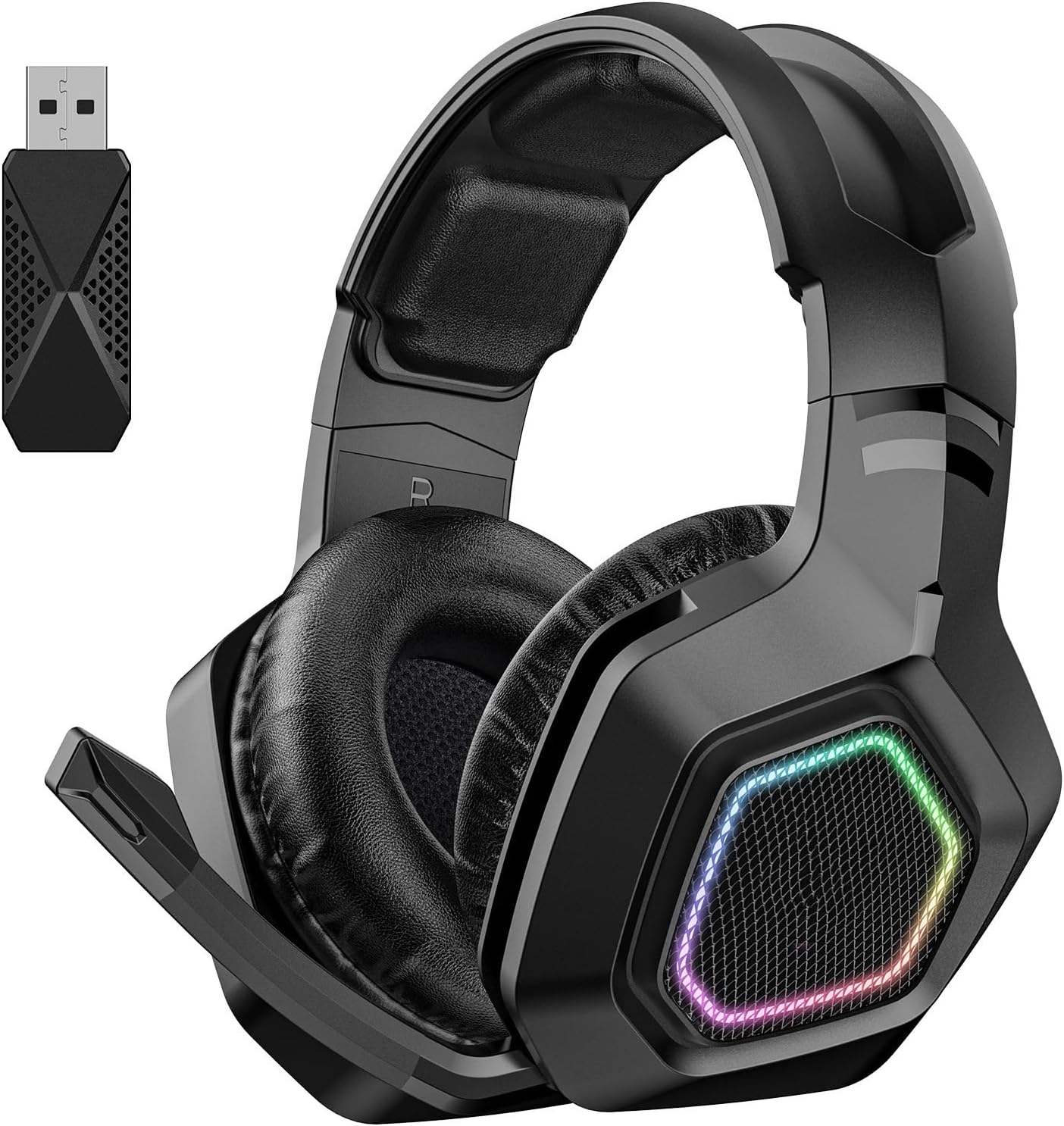
Image: The Walfront B100 headset shown alongside its dedicated 2.4G USB wireless adapter, used for low-latency gaming connections.
Bluetooth туташуу
- Гарнитура өчүрүлгөнүн текшериңиз.
- Press and hold the power button for approximately 5-7 seconds until the indicator light flashes rapidly, indicating pairing mode.
- On your Bluetooth-enabled device (smartphone, tablet, laptop), go to Bluetooth settings and search for available devices.
- Select "Walfront B100" (or similar name) from the list to connect.
- Once connected, the indicator light on the headset will typically become solid or flash slowly.
3.5 мм зымдуу туташуу
- 3.5 мм аудио кабелдин бир учун гарнитуранын аудио уячасына туташтырыңыз.
- Connect the other end of the 3.5mm audio cable to the 3.5mm audio port on your device.
- The headset will function in passive wired mode. Power is not required for basic audio playback in this mode, but some features like RGB lighting may require power.
Иштөө нускамалары
Күйгүзүү/өчүрүү
- Күйгүзүү: Кубат баскычын 2-3 секунд басып, кармап туруңуз.
- Өчүрүү: Кубат баскычын 3-4 секунд басып, кармап туруңуз.
Үндү көзөмөлдөө
- Locate the volume roller or buttons on the earcup.
- Roll up/press '+' to increase volume.
- Roll down/press '-' to decrease volume.
Микрофонду өчүрүү
- Press the microphone mute button (if available) on the earcup to toggle mute on/off.
- Alternatively, retracting the microphone boom may automatically mute the microphone on some models.
Чалууларды башкаруу (Bluetooth режими)
- Чалууга жооп берүү/аяктоо: Көп функциялуу баскычты бир жолу басыңыз.
- Чакырууну четке кагуу: Көп функциялуу баскычты 2 секунд басып туруңуз.
Музыка ойнотуу (Bluetooth режими)
- Ойнотуу/тындыруу: Көп функциялуу баскычты бир жолу басыңыз.
- Кийинки трек: Көп функциялуу баскычты эки жолу басыңыз.
- Мурунку трек: Көп функциялуу баскычты үч жолу басыңыз.
Жарыкты башкаруу
- If your headset features RGB lighting, there may be a dedicated button to cycle through lighting modes or turn them off. Refer to the specific button layout on your headset.
Заряддоо
To charge your Walfront B100 headset:
- USB кубаттоочу кабелди гарнитуранын кубаттоочу портуна туташтырыңыз.
- Connect the other end of the USB charging cable to a DC 5V power source (e.g., computer USB port, USB wall adapter).
- The indicator light on the headset will typically show red during charging and turn off or change color when fully charged.
Заряддоо убактысы: Болжол менен 3 саат.
Ойнотуу убактысы: Толук кубаттоо менен 20 саатка чейин.
Техникалык тейлөө
Тийиштүү техникалык тейлөө гарнитураңыздын узак мөөнөттүү иштешин жана иштешин камсыз кылат:
- Тазалоо: Гарнитураны сүртүү үчүн жумшак, кургак чүпүрөктү колдонуңуз. Катуу химиялык заттарды же абразивдүү материалдарды колдонуудан алыс болуңуз.
- Сактагыч: Гарнитураны күн нурунан жана экстремалдык температурадан алыс салкын, кургак жерде сактаңыз.
- Батареяга кам көрүү: Батареянын кубаттуулугун оптималдуу пайдалануу үчүн, гарнитураны тез-тез толук зарядсыздандырбаңыз. Аны көпкө чейин колдонбосоңуз да, үзгүлтүксүз кубаттап туруңуз.
- Нымдуулуктан качыңыз: Гарнитураны сууга же ашыкча нымдуулукка дуушар кылбаңыз.
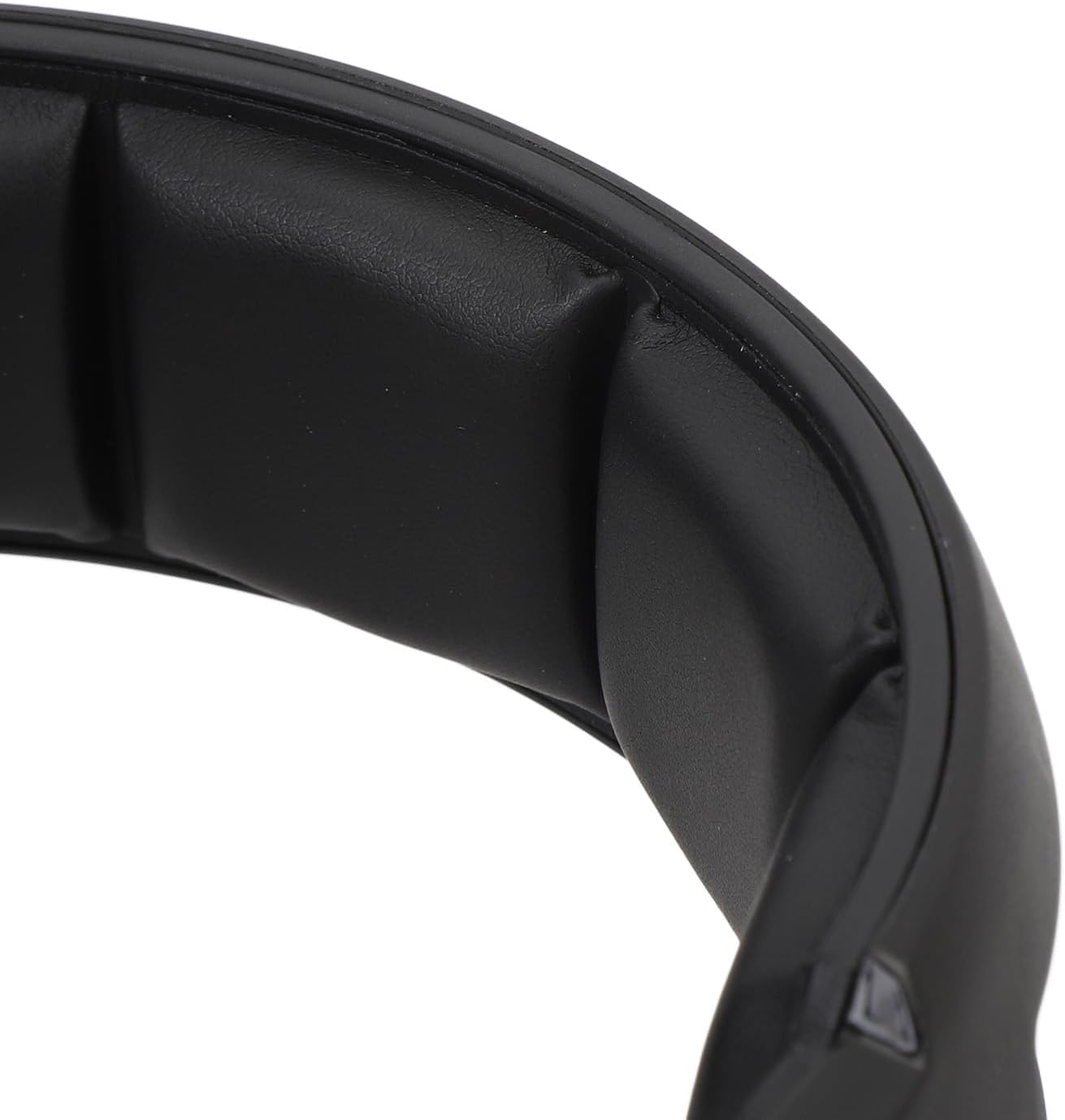
Сүрөт: жакын план view of the soft padding on the headband, designed for comfort during extended use.
Проблемаларды чечүү
| Көйгөй | Мүмкүн чечим |
|---|---|
| No sound from headset (2.4G/Bluetooth) |
|
| Микрофон иштебей жатат |
|
| Гарнитура заряддалбай жатат |
|
| Үн сапаты начар же байланыш үзгүлтүккө учурайт |
|
Техникалык шарттар
| Модел | B100 |
| Материал | ABS |
| Электр камсыздоо | 1 Li-Ion Battery 1000mAh (Included) |
| Заряддоо ыкмасы | DC 5V |
| Айдоочунун диаметри | Approx. 50mm / 1.97in |
| Чипсет | JL7018 |
| Колдоого алынган протоколдор | AVRCP1.4, A2DP1.2, HFP1.6, HSP1.2 |
| Sound Decoding | WMA, APE, FLAC, AAC, M4A, WAV, AIF, AIFC |
| Bluetooth аралык | Болжол менен 10 м / 32.8 фут |
| Transfer Rate | 2 Мбит/сек |
| RF чыгаруу күчү | 9дБм |
| RX Receiver Sensitivity | -92 дБм |
| RF TX Frequency Drift | ±15KHz |
| Жыштык | 2401МГц-2478МГц |
| Микрофондун сезгичтиги | -42±3ДБ |
| Сезимталдуулук | 105 ± 3дБ |
| Импеданс | 32 Ом |
| Frequency Response Range | 20Гц-20КГц |
| Ойнотуу убактысы | 20 саат |
| Заряддоо убактысы | 3 саат |
| Sound Latency | 20mS (2.4G Wireless) |
| Элемент Салмагы | 1.16 фунт |
| Пакеттин өлчөмдөрү | 8.66 x 7.48 x 3.94 дюйм |
Кепилдик жана колдоо
Walfront products are designed for reliability and performance. For warranty information, technical support, or customer service inquiries, please refer to the contact details provided on the product packaging or the official Walfront webсайт. Кепилдик дооматтары үчүн сатып алганыңыздын далилин сактап коюңуз.


