1. Продукт бүтүп калдыview
The GIGABYTE GP-UD850GM-A is an 850W 80 Plus Gold certified fully modular power supply designed for high-performance computing systems. It features high-quality Japanese capacitors and a +12V Single Rail for exceptional power output and stability.
Негизги өзгөчөлүктөрү:
- 850W Capacity with Single +12V Rail
- 80 Plus Gold Certified for high efficiency
- ATX Form Factor for broad compatibility
- Fully Modular Design for clean cable management
- Japanese Capacitors for enhanced durability and stability
- 120mm Hydraulic Bearing Fan for quiet and efficient cooling
- Comprehensive Protection: OVP/OPP/SCP/UVP/OCP/OTP
- Тайванда жасалган
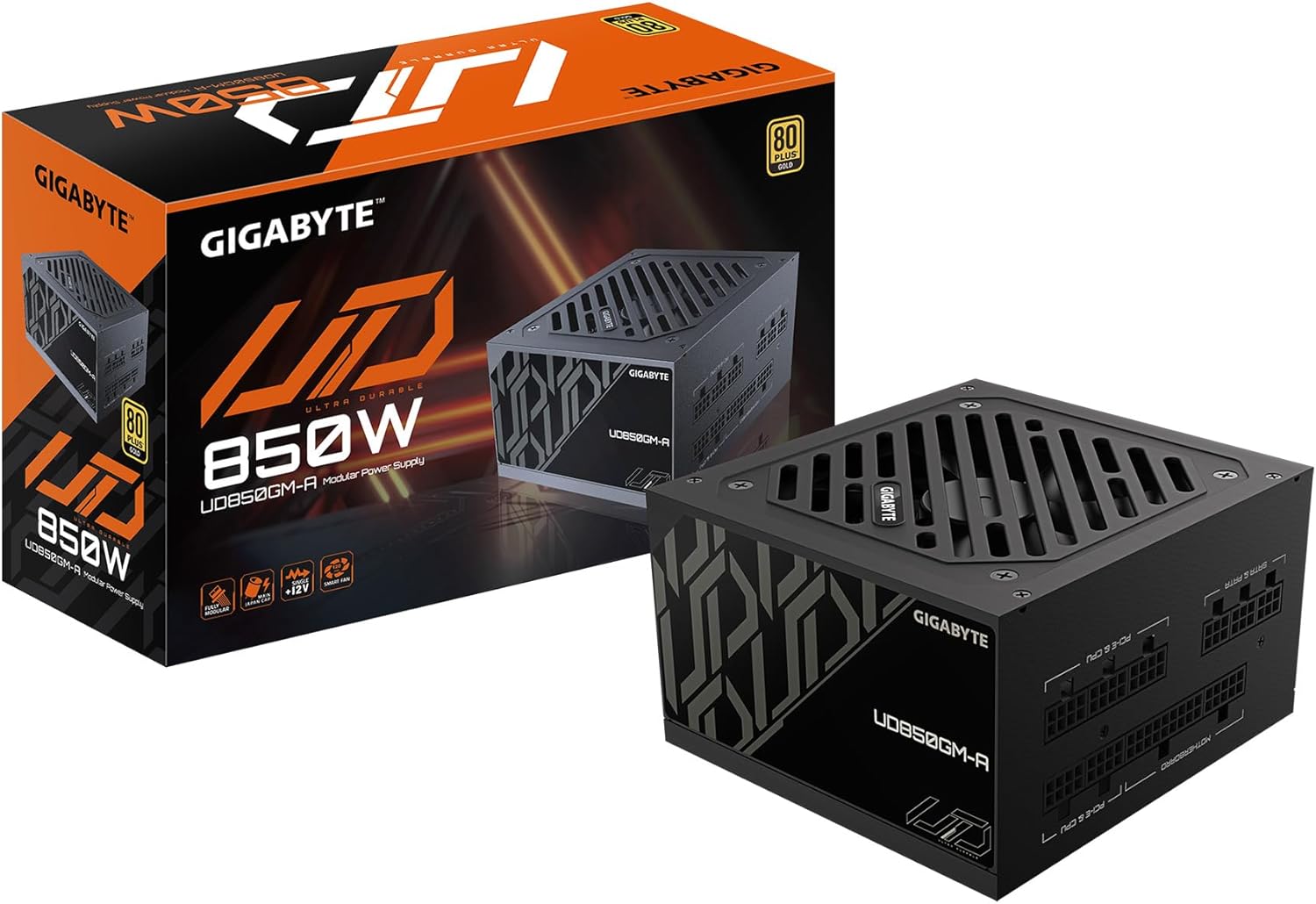
Figure 1: GIGABYTE GP-UD850GM-A 850W Power Supply and its packaging.
Продукт бүттүview Видео:
Расмий продукт аяктадыview video demonstrating the key features and physical aspects of the GIGABYTE GP-UD850GM-A power supply.
2. Коопсуздук маалыматы
Please read and understand all safety instructions before installing or operating your power supply unit (PSU). Failure to do so may result in personal injury or damage to equipment.
- Электр коркунучу: PSUну ачпаңыз casinг. Жогорку томtages бирдик розеткадан ажыратылганда да ичинде болот. Тейлөө квалификациялуу кызматкерлер тарабынан гана жүргүзүлүшү керек.
- Вентиляция: Ensure adequate airflow around the PSU. Do not block any ventilation openings.
- Нымдуулук: Keep the PSU away from water, humidity, and liquids.
- Температура: Operate the PSU within its specified temperature range. Avoid extreme heat or cold.
- Негиздөө: Always connect the PSU to a grounded power outlet.
- Кабелдик башкаруу: Ensure all cables are properly connected and routed to prevent damage or interference.
3. Пакеттин мазмуну
Төмөндө тизмеленген нерселердин баары пакетиңизге камтылганын текшериңиз:
- GIGABYTE GP-UD850GM-A 850W Power Supply Unit
- AC кубат кабели
- Modular Cable Set (including ATX/MB, CPU/EPS, PCI-e, SATA, 4 Pin Peripheral/Floppy)
- Монтаждоо бурамалар
- User Manual

Figure 2: Assortment of fully modular cables included with the power supply.
4. Физикалык мүнөздөмө
The GP-UD850GM-A features a compact design, measuring approximately 140mm in length, making it suitable for various PC cases, including smaller mid-towers. It incorporates a 120mm hydraulic bearing fan for efficient cooling and quiet operation, which can turn off under low load for silent performance.

3-сүрөт: Жогорку view of the power supply showing the 120mm fan.
The power supply is fully modular, meaning all cables are detachable. This allows for improved cable management and airflow within your PC case. The modular ports are clearly labeled for easy connection.

Figure 4: Modular connection panel with labeled ports.
The side panel features an 'ULTRA DURABLE' design, which is visible through power supply windows in compatible PC cases.
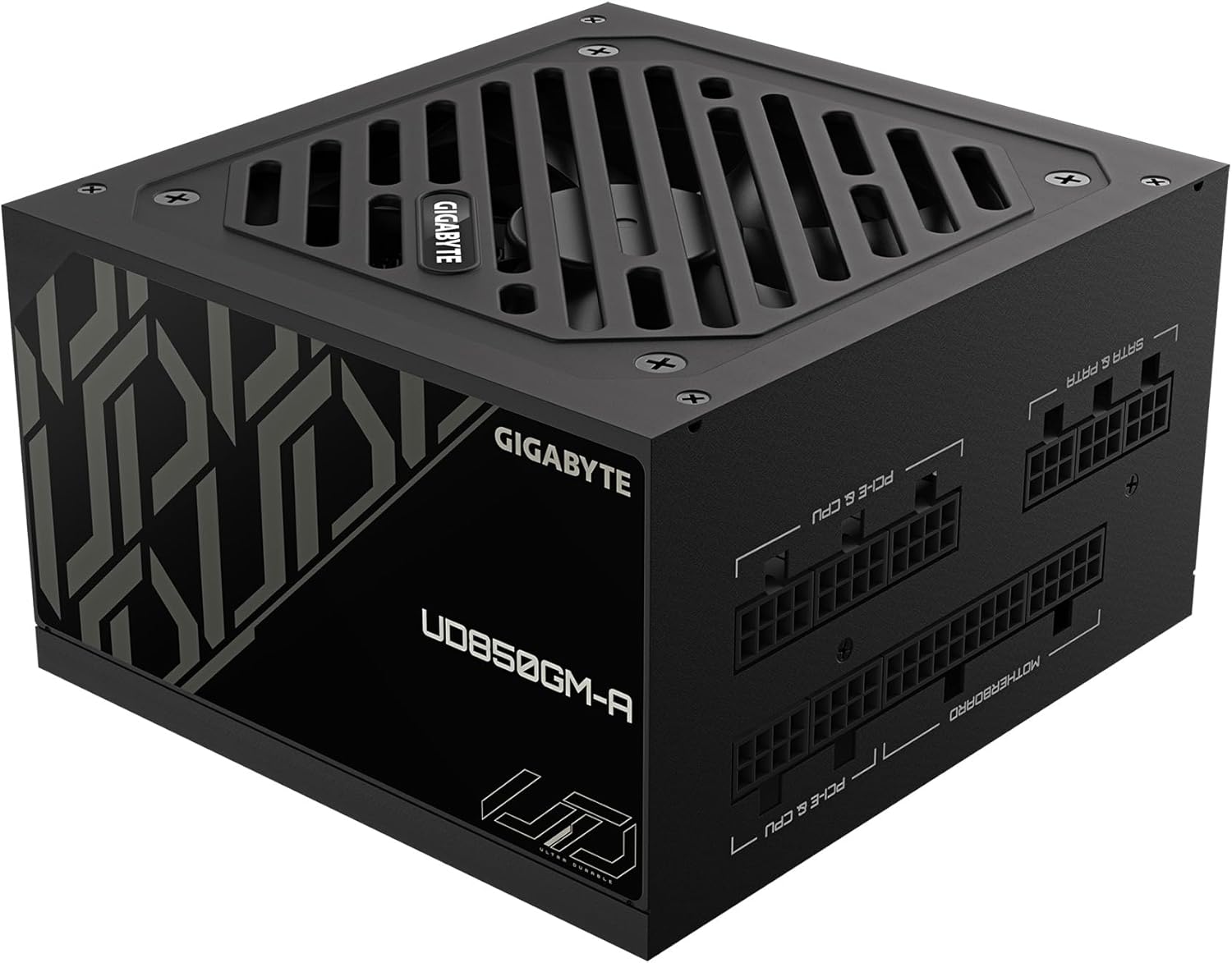
5-сүрөт: Каптал view with 'ULTRA DURABLE' branding.
5. Орнотуу жана орнотуу
Follow these general steps to install your GIGABYTE GP-UD850GM-A power supply. Refer to your PC case and motherboard manuals for specific instructions.
- Компьютериңиздин корпусун даярдаңыз: Ensure your PC case is powered off and unplugged. Remove the side panel(s) to access the PSU mounting area.
- PSU орнотуу: Insert the PSU into the designated bay in your PC case. Secure it with the provided mounting screws.
- Негизги кабелдерди туташтыруу:
- Connect the 20+4 pin ATX motherboard cable to the PSU and your motherboard.
- Connect the 4+4 pin CPU/EPS cable(s) to the PSU and your motherboard's CPU power connector(s).
- Connect the appropriate PCI-e 6+2 pin cables to the PSU and your graphics card(s). This PSU supports the new 12VHPWR connector for compatible GPUs.
- Перифериялык кабелдерди туташтыруу: Connect SATA power cables to your storage drives (HDDs, SSDs) and other peripherals as needed. Use 4-pin peripheral/floppy cables for older devices if necessary.
- Кабелдик башкаруу: Route all cables neatly behind the motherboard tray or in designated cable management channels to improve airflow and aesthetics. Use zip ties or Velcro straps to secure them.
- Акыркы текшерүүлөр: Double-check all connections to ensure they are secure. Replace the PC case side panel(s).
- Күйгүзүү: Connect the AC power cable to the PSU and a grounded wall outlet. Flip the power switch on the PSU to the 'ON' position. Power on your computer.
6. Иштөө нускамалары
Once installed, operating the GIGABYTE GP-UD850GM-A is straightforward:
- Күйгүзүү/өчүрүү: Use the main power switch located on the rear of the PSU to turn the unit on or off. Always ensure your computer is properly shut down before flipping this switch.
- Күйөрман операциясы: The 120mm hydraulic bearing fan is designed for quiet operation. Under low system loads, the fan may stop spinning entirely to minimize noise. It will automatically activate and adjust its speed as the system load and temperature increase.
- Натыйжалуулугу: The 80 Plus Gold certification ensures high power efficiency, reducing wasted energy and heat generation.
7. Техникалык тейлөө
Үзгүлтүксүз техникалык тейлөө сиздин электр энергияңыздын узак мөөнөттүү иштешин жана оптималдуу иштешин камсыз кылууга жардам берет:
- Чаңды тазалоо: Periodically clean dust from the PSU's fan and ventilation grilles using compressed air. Ensure the PC is powered off and unplugged before cleaning. Hold the fan blades gently to prevent over-spinning during cleaning.
- Кабелдик текшерүү: Occasionally inspect all modular cables for any signs of wear, fraying, or damage. Replace any damaged cables immediately.
- Экологиялык шарттар: Maintain a clean, dry, and well-ventilated environment for your PC to prevent dust buildup and overheating.
8. Кыйынчылыктарды
If you encounter issues with your GIGABYTE GP-UD850GM-A PSU, try the following troubleshooting steps:
- Кубат жок:
- Ensure the AC power cable is securely connected to both the PSU and the wall outlet.
- Verify the PSU's rear power switch is in the 'ON' position.
- Розетканы башка түзмөккө сайып текшериңиз.
- Ensure all modular cables (especially the 20+4 pin ATX and 4+4 pin CPU) are firmly seated in both the PSU and motherboard.
- Системанын туруксуздугу/бузуулар:
- Системаңыздын кубаттуулук талаптары PSUнун 850 Вт кубаттуулугунан ашпасын текшериңиз.
- Кабелдик туташуулардын боштугун текшериңиз.
- Компоненттердин ысып кетпеши үчүн системанын температурасына көз салыңыз.
- If possible, test the PSU with another known-good system or use a PSU tester.
- Катуу желдеткичтин үнү:
- Clean any dust buildup from the fan and grilles.
- Компьютердин корпусунда жетиштүү аба айланышын камсыз кылыңыз.
- If the fan is excessively loud even under low load, it may indicate a fault.
If problems persist after trying these steps, contact GIGABYTE customer support or a qualified technician.
9. Техникалык шарттар
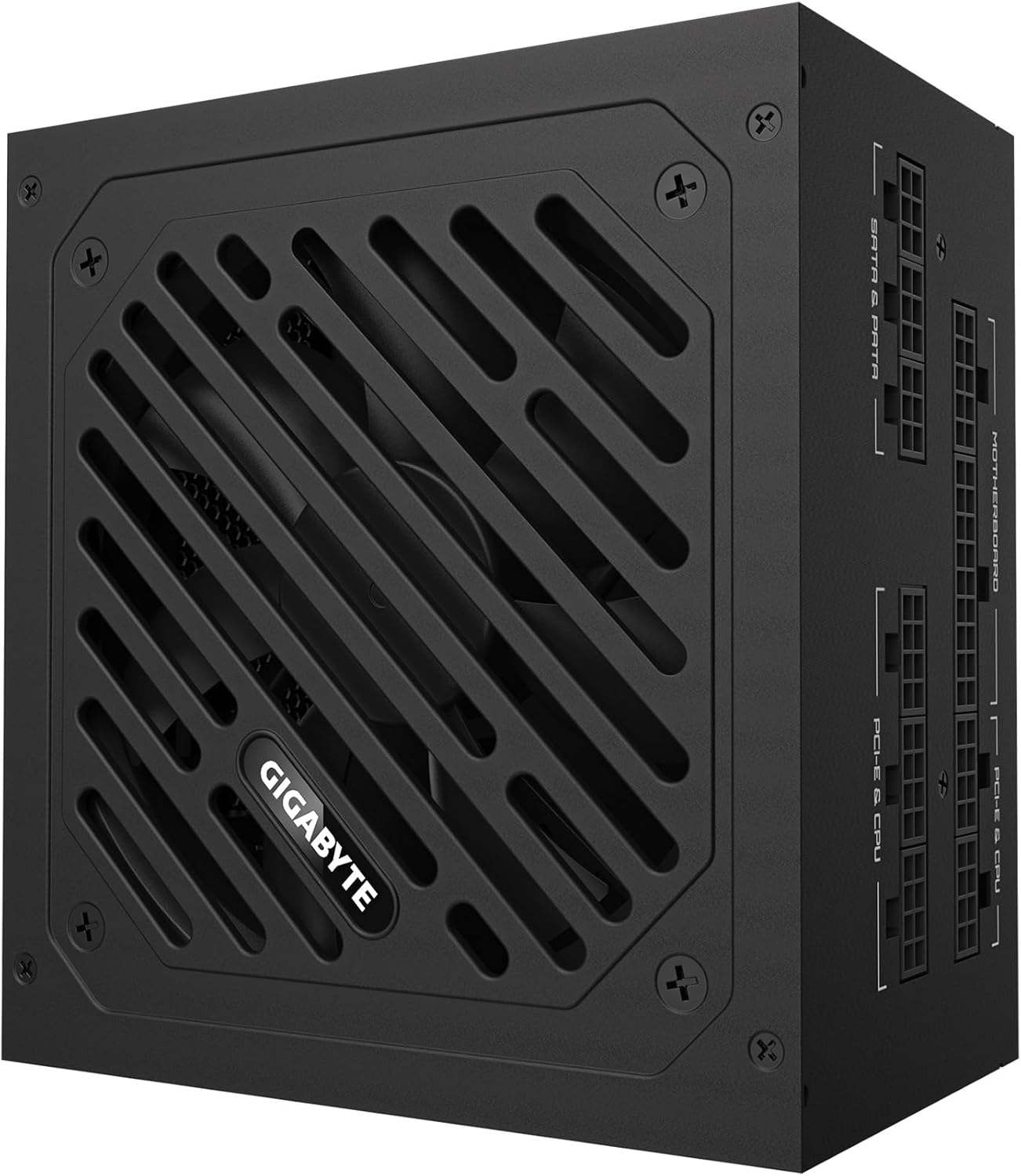
Figure 6: Detailed specification label on the power supply.
| Өзгөчөлүк | Деталь |
|---|---|
| Бренд | GIGABYTE |
| Модель аты | GP-UD850GM-A |
| Чыгуу Wattage | 850 Ватт |
| Натыйжалуулуктун сертификациясы | 80 Plus Gold тастыкталган |
| Форма фактору | ATX |
| Энергия менен жабдуунун дизайны | Толугу менен модулдук |
| Муздатуу ыкмасы | Air (120mm Hydraulic Bearing Fan) |
| Шайкеш түзмөктөр | Gaming Console (and PC components) |
| Туташтыргыч түрү | ATX, PCI Express (including 12VHPWR) |
| Элемент Салмагы | 6.5 фунт |
| Продукциянын өлчөмдөрү | 12.4 x 8.1 x 4.6 дюйм |
| Түс | Кара |
| Өндүрүүчү | GIGABYTE |
| Дата биринчи жеткиликтүү | 28-январь, 2025-жыл |
10. Кепилдик жана колдоо
Кепилдик маалыматы жана техникалык колдоо үчүн расмий GIGABYTEге кайрылыңыз webсайтка же түздөн-түз кардарларды тейлөөгө кайрылыңыз. Кепилдик дооматтар үчүн сатып алуу дүмүрчөгүңүздү сактаңыз.
GIGABYTE offers various protection plans for their products. Please check the product's official page or contact GIGABYTE support for details on available warranty and extended protection options.


