1. Киришүү
The WOLFANG 28000 Lumens 4K Mini Projector is designed to provide a high-quality home cinema experience with its native 4K support, 900 ANSI lumens brightness, and smart features. It includes officially licensed streaming platforms like Netflix, Prime Video, and YouTube, along with automatic focus and keystone correction for easy setup. The projector features WiFi 6 for smooth wireless projection, Bluetooth 5.2 for audio connectivity, and a 180-degree rotatable stand for flexible placement.
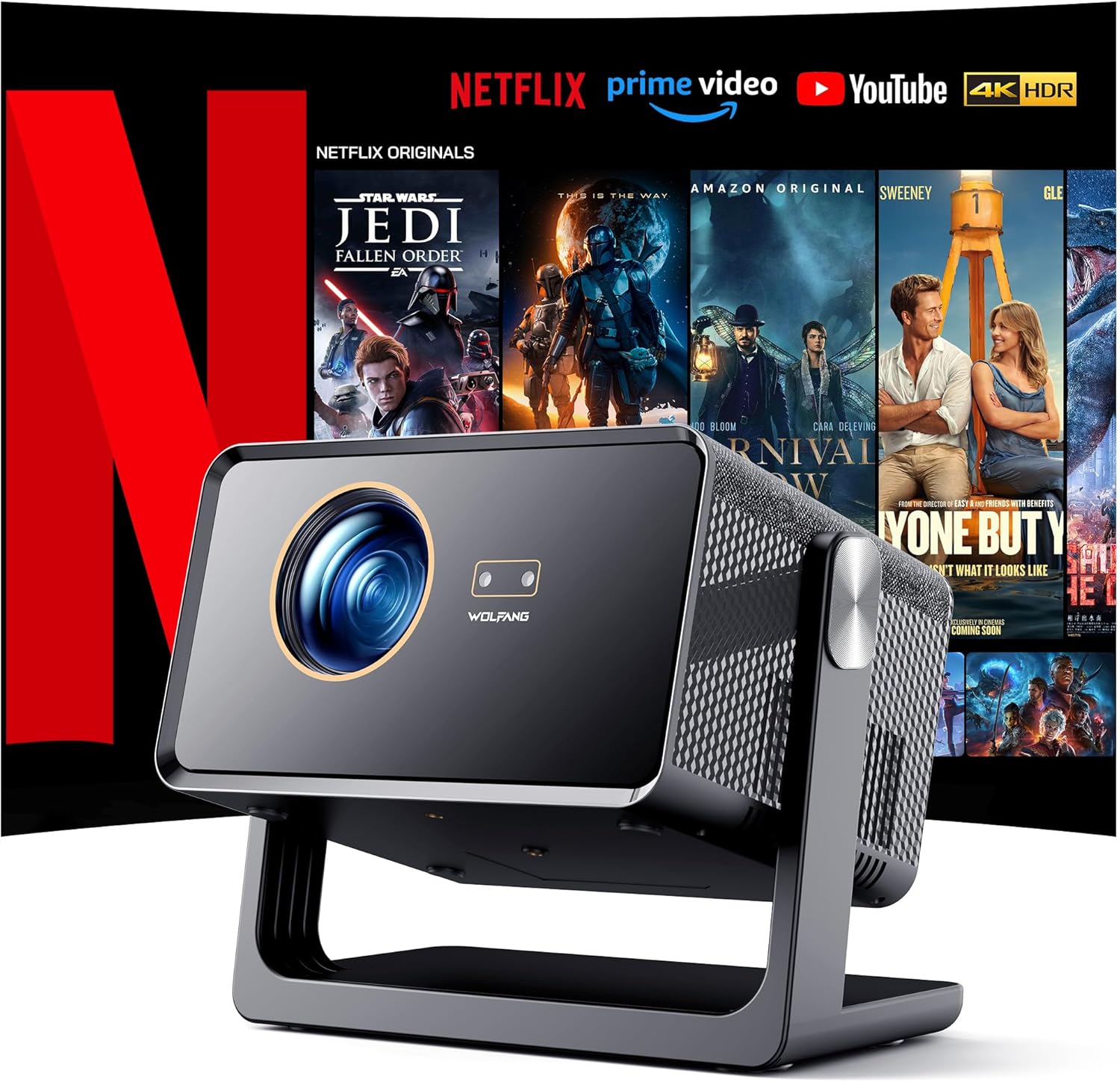
Image 1.1: WOLFANG 4K Mini Projector showcasing its integrated streaming capabilities.
2. Кутуда эмне бар
Сураныч, пакеттин мазмунун текшерип, бардык буюмдар бар экенин текшериңиз:
- WP04 Portable Projector
- Электр кабели
- Алыстан башкаруу
- User Manual
3. Орнотуу
3.1 Initial Placement and Adjustment
Place the projector on a stable surface. The 180-degree rotatable stand allows for flexible projection angles, including ceiling or wall projection. The projector features automatic focus and keystone correction to ensure a clear and properly shaped image without manual adjustments.

Image 3.1: Automatic focus and keystone correction capabilities of the projector.

Image 3.2: The 180-degree adjustable stand allows for versatile viewing angles, including ceiling projection.
3.2 Байланыш
The projector supports various connection methods:
- WiFi 6: For ultra-fast and stable wireless screen projection from compatible devices.
- Bluetooth 5.2: Connect external audio devices or use the projector as a Bluetooth speaker.
- HDMI: Connect laptops, TV boxes, gaming consoles (PS5, Switch), and other HDMI-enabled devices.
- USB: Медиа ойнотуу үчүн USB флэш-дисктерди туташтырыңыз.
- 3.5 мм аудио уячасы: Зымдуу аудио чыгаруу үчүн.

Image 3.3: High-speed Wi-Fi 6 ensures smooth and low-latency screen projection.

Image 3.4: Multiple interfaces for connecting various devices.
4. Иштөө нускамалары
4.1 Күйгүзүү/өчүрүү
Connect the power cord to the projector and a power outlet. Press the power button on the projector or the remote control to turn the device on or off.
4.2 Using Streaming Applications
The projector comes with pre-installed and officially licensed applications such as Netflix, Prime Video, and YouTube. Navigate through the smart system interface using the remote control to select and launch your desired streaming service. Additional applications can be downloaded from the App Store.
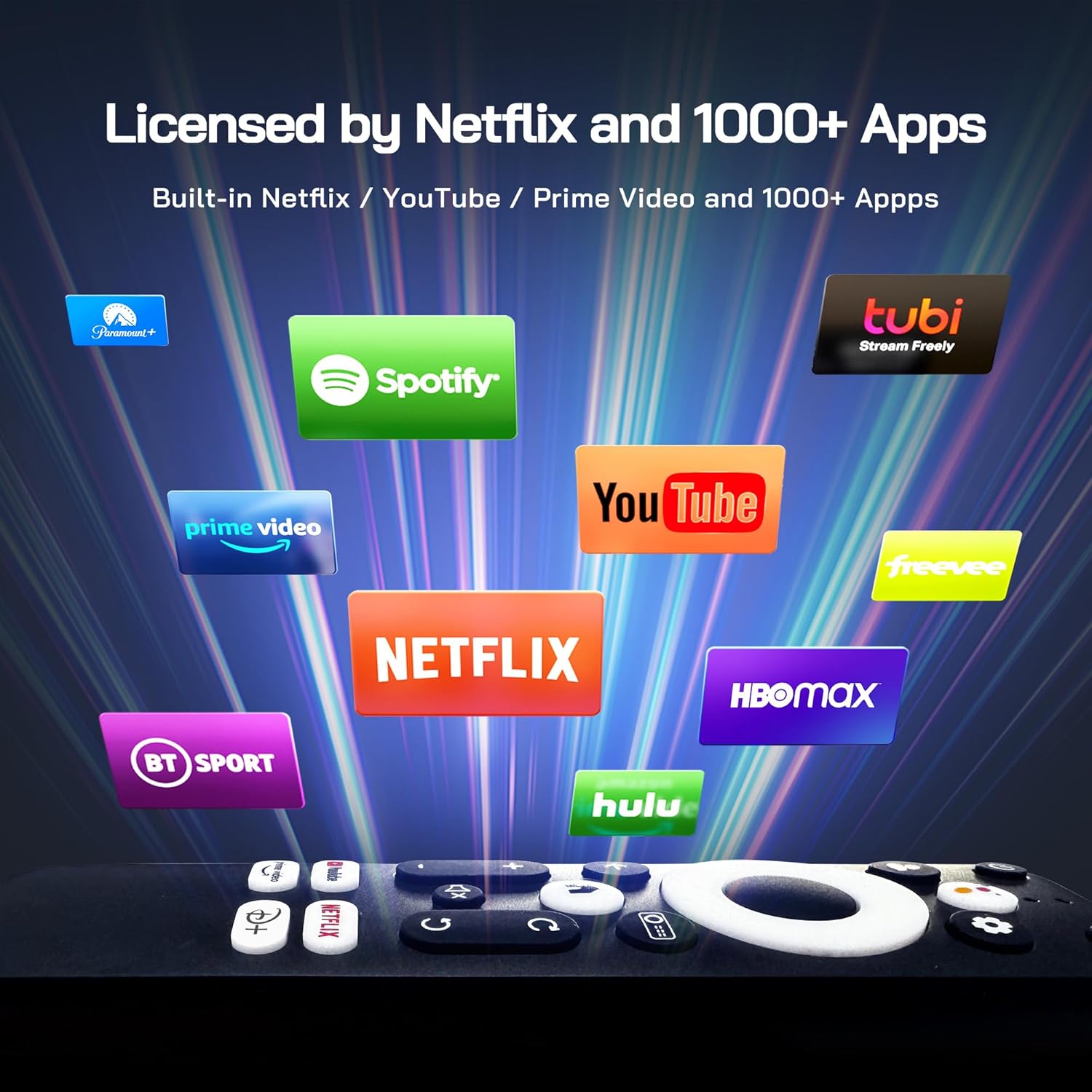
Image 4.1: Access to licensed streaming applications directly from the projector.
4.3 Screen Projection and Zoom
The projector supports a large screen display up to 300 inches. Use the 50% lossless zoom function to adjust the screen size without moving the projector, making it suitable for various room sizes and projection distances.

Image 4.2: Experience immersive viewing with a large 300-inch display.
4.4 Аудио чыгаруу
The projector is equipped with two built-in 12-watt stereo speakers for an immersive audio experience. You can also connect external audio devices via Bluetooth 5.2 or the 3.5mm audio jack for enhanced sound.

Image 4.3: The projector delivers stunning cinematic audio with its integrated speakers.
5. Техникалык тейлөө
Проекторуңуздун узак мөөнөттүү жана оптималдуу иштешин камсыз кылуу үчүн, төмөнкү техникалык тейлөө көрсөтмөлөрүн аткарыңыз:
- Тазалоо: Проектордун сыртын тазалоо үчүн жумшак, кургак чүпүрөктү колдонуңуз. Линза үчүн атайын линза тазалоочу чүпүрөктү жана эритмени колдонуңуз. Абразивдүү тазалоочу каражаттардан алыс болуңуз.
- Вентиляция: Ensure the ventilation openings are not blocked to prevent overheating. Do not place the projector on soft surfaces that may obstruct airflow.
- Сактагыч: When not in use for extended periods, store the projector in a cool, dry place, away from direct sunlight and excessive dust.
6. Кыйынчылыктарды
Эгерде сиз проекторуңуз менен көйгөйлөргө туш болсоңуз, төмөнкү кеңири таралган чечимдерди караңыз:
- Кубат жок: Check if the power cord is securely connected to both the projector and the power outlet. Ensure the power outlet is functional.
- Сүрөт жок: Verify that the correct input source is selected. Check all cable connections (HDMI, USB). Ensure the lens cap is removed.
- бүдөмүк сүрөт: Allow the auto-focus to complete. If the image remains blurry, manually adjust the focus if an option is available, or ensure the projector is within the recommended projection distance.
- Үн жок: Check the volume settings on both the projector and the connected device. Ensure external audio devices are properly connected via Bluetooth or the 3.5mm jack.
- Алыстан башкаруу иштебейт: Пульттагы батарейкаларды алмаштырыңыз. Пульт менен проектордун IR ресиверинин ортосунда эч кандай тоскоолдуктар жок экенин текшериңиз.
7. Техникалык шарттар
| Өзгөчөлүк | Спецификация |
|---|---|
| Бренд | WOLFANG |
| Модель номери | WP04 |
| Display Resolution | 4K Support (3840 x 2160 maximum) |
| Жарыктык | 900 ANSI челинин |
| Контраст катышы | 20000:1 |
| Байланыш технологиясы | WiFi 6, Bluetooth 5.2 |
| Өзгөчөлүктөр | Android Smart System, Official Netflix/Prime Video/YouTube, Auto Focus, Automatic Keystone Correction, 50% Zoom, 2 x 8W HiFi Audio, 180° Rotational Stand, HDMI/USB Support |
| Монтаж түрү | Tripod Stand (1/4-inch screw hole), Ceiling, Desktop, Wall |
| Пакеттин өлчөмдөрү | 32.6 x 23.1 x 17.9 см |
| Элемент Салмагы | 3.56 кг |
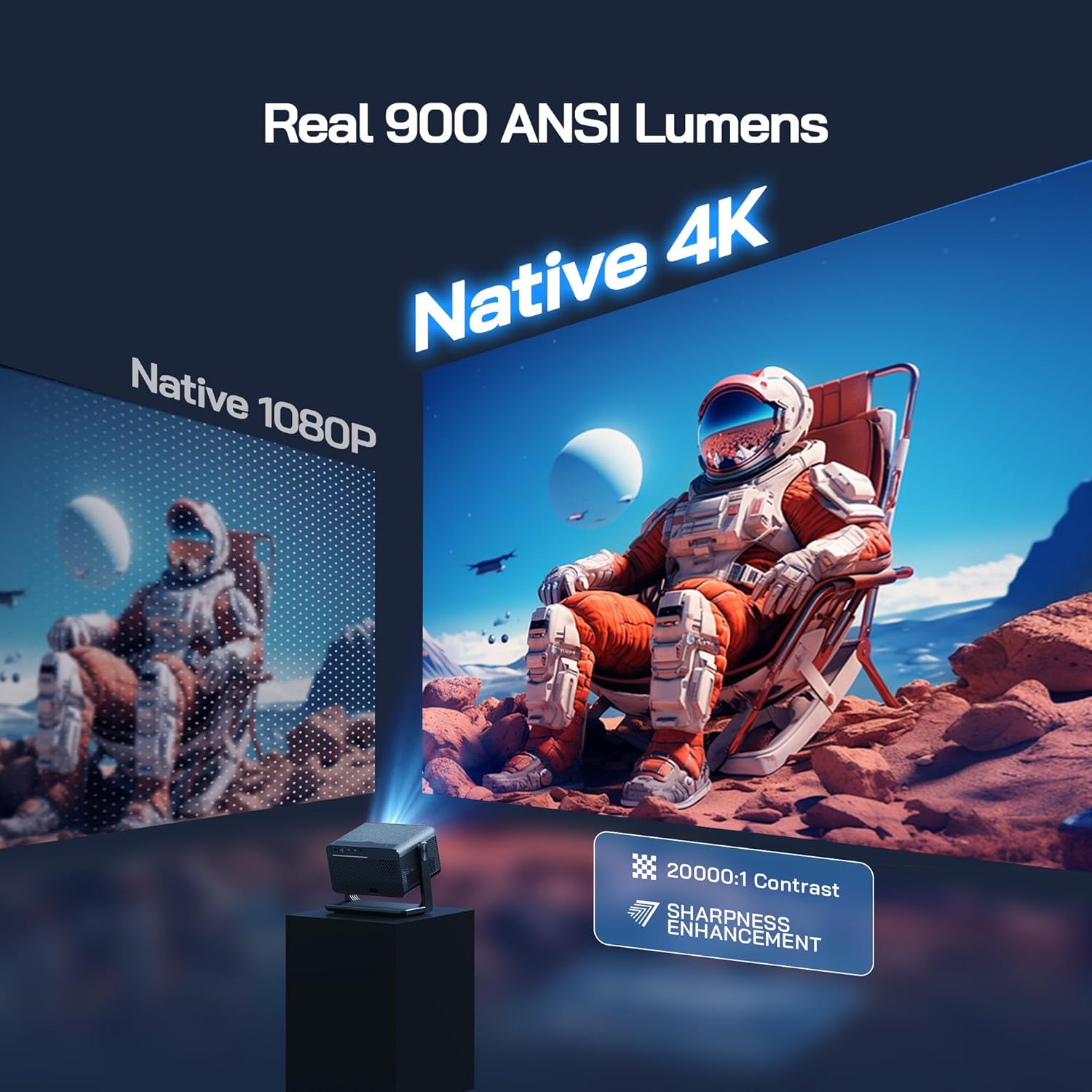
Image 7.1: Visual representation of Native 4K clarity and brightness.
8. Кепилдик жана колдоо
WOLFANG offers a 2 жылдык кепилдик кызматы for repair and lifetime professional technical support for the WP04 projector. For any questions or assistance, please contact our online customer service:
Электрондук почта: support.yc@wolfang.co
Our team is dedicated to providing prompt and satisfactory solutions to any issues you may encounter.


