Introduction
This manual provides comprehensive instructions for the safe and efficient use of your Lava Hero Shakti 2025 Dual Sim Keypad Mobile Phone. Please read this manual carefully before operating your device to ensure optimal performance and longevity.
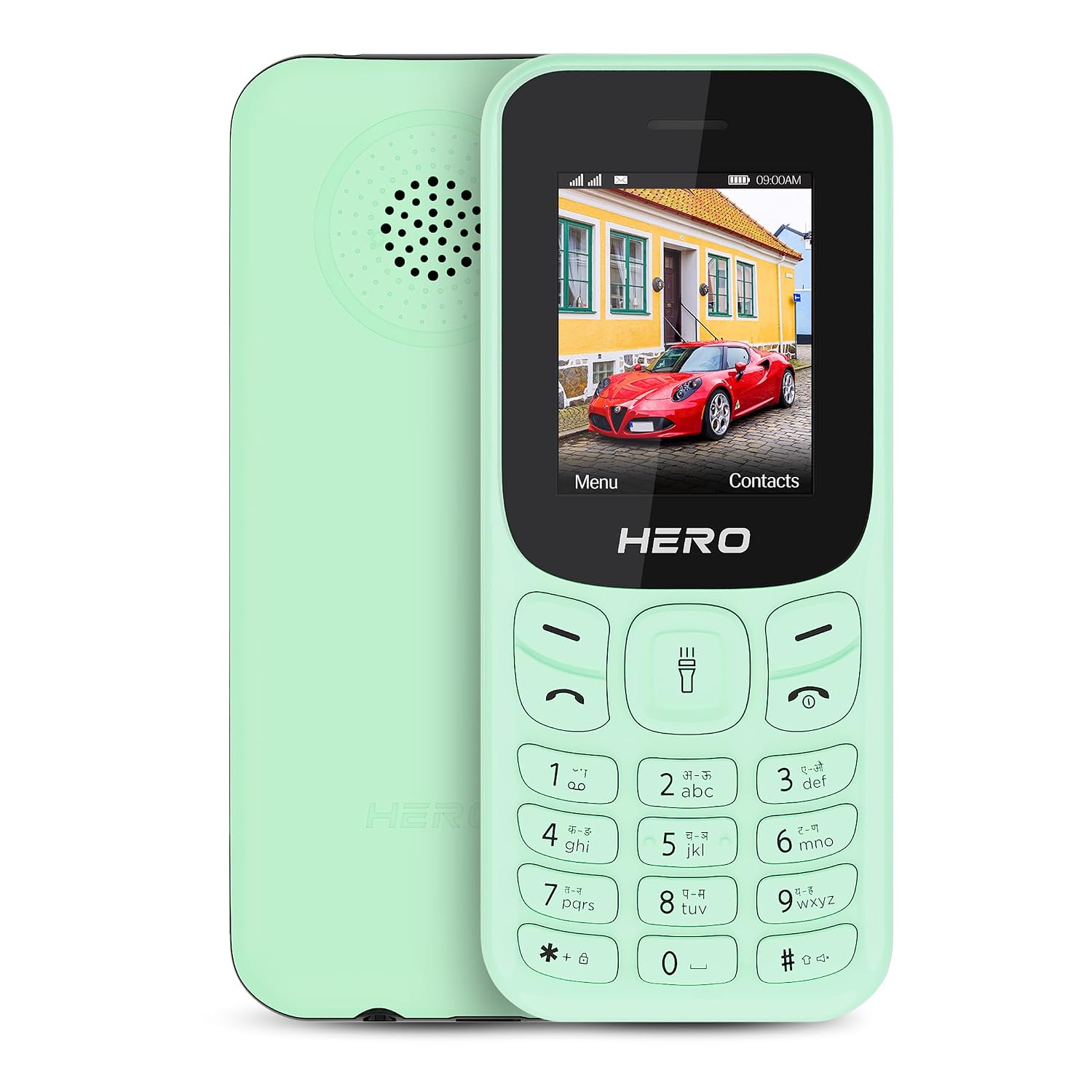
Сүрөт: алдыңкы жана арткы view of the Lava Hero Shakti 2025 mobile phone in Mint Green.
Орнотуу колдонмосу
1. Пакеттин мазмуну
Бардык буюмдар кутуда бар экенин текшериңиз:
- Lava Hero Shakti 2025 Mobile Phone
- Кубаттуу адаптер
- Батарея (алдын ала орнотулган же өзүнчө)
2. SIM карта(лар)ды жана батарейканы салуу
- Power off the phone if it is on.
- Телефондун арткы капкагын кылдаттык менен алып салыңыз.
- SIM карта(лар)ды алтын түстүү контакттары ылдый каратып, белгиленген уячага(ларга) салыңыз. Бул телефон кош SIM функциясын колдойт.
- If the battery is separate, insert it into the battery compartment, ensuring the contacts align.
- Арткы капкакты коопсуз ордуна коюңуз.

Сүрөт: алдыңкы view of the Lava Hero Shakti 2025, showing the display and keypad.
3. Батареяны заряддоо
- Connect the power adapter to the charging port on the phone.
- Кубат адаптерин розеткага сайыңыз.
- Allow the phone to charge completely before first use. A full charge typically takes a few hours.
- The battery icon on the display will indicate charging status.

Image: Illustration highlighting the long-lasting battery of the Lava Hero Shakti 2025.
4. Күйгүзүү / Өчүрүү
- To power on: Press and hold the Power/End Call button (red button) until the screen lights up.
- Өчүрүү үчүн: Өчүрүү параметрлери пайда болгонго чейин Күйгүзүү/Чалууну аяктоо баскычын басып туруңуз, андан кийин "Өчүрүүнү" тандаңыз.
Иштөө нускамалары
1. Баскычтоптун функциялары
The phone features a standard alphanumeric keypad for navigation and input.
- Чабыттоо баскычтары: Use the directional pad (up, down, left, right) to navigate menus.
- OK/Select Key: The center key of the directional pad confirms selections.
- Чалуу ачкычы (жашыл): Initiates calls and answers incoming calls.
- Чалууну аяктоо/Кубат баскычы (Кызыл): Ends calls, returns to the home screen, or powers the phone on/off.
- Жумшак баскычтар: The two keys directly below the display perform functions indicated on the screen (e.g., Menu, Contacts).
2. Чалууларды кабыл алуу жана кабыл алуу
- Чакыруу:
- Ариптакта аркылуу телефон номерин киргизиңиз.
- Press the Green Call key to dial.
- Чалууга жооп берүү:
- When the phone rings, press the Green Call key to answer.
- Чалууну аяктоо:
- Кызыл "Чакырууну аяктоо" баскычын басыңыз.
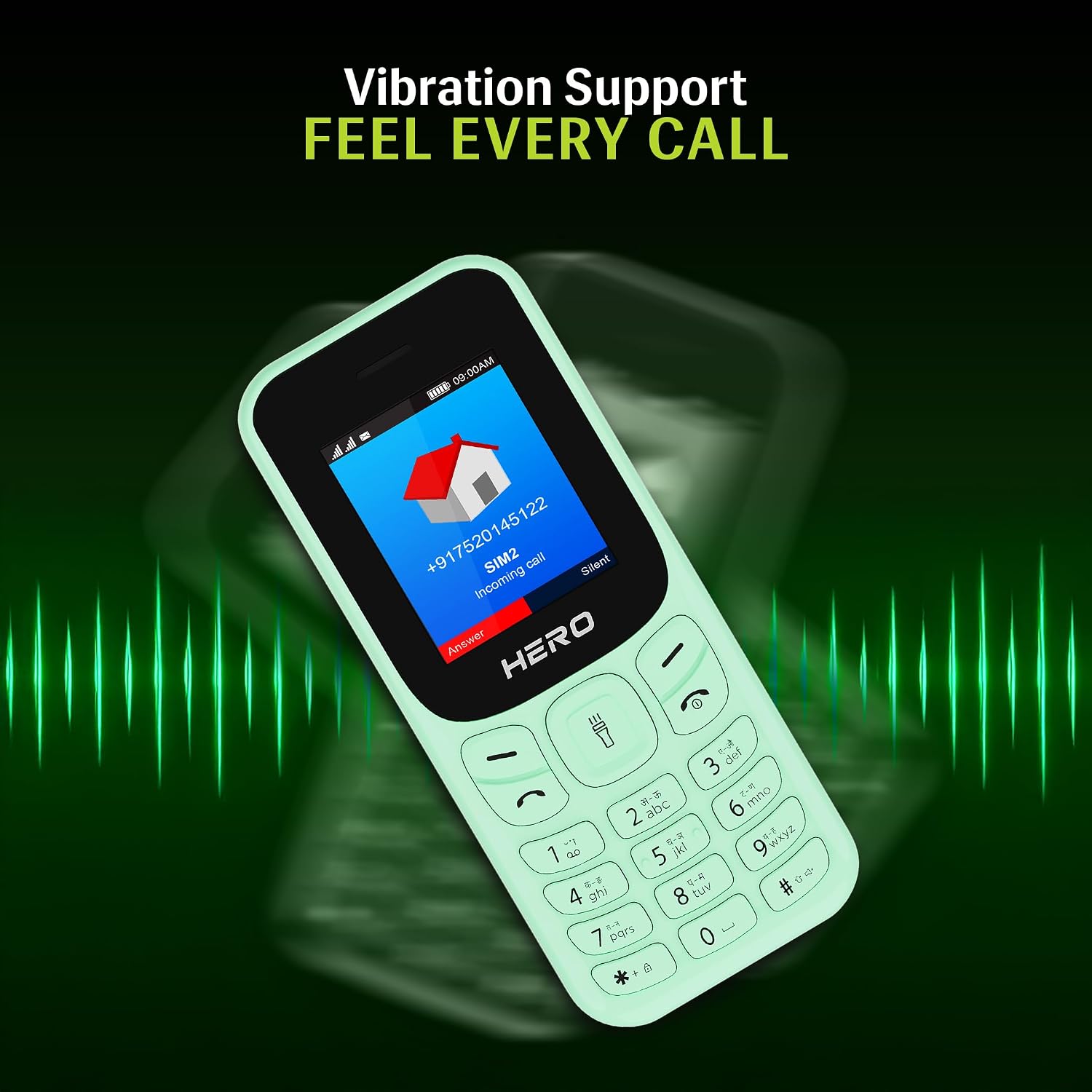
Image: The phone screen showing an incoming call, illustrating the vibration alert feature.
3. Кабарлашуу (SMS)
- Негизги менюдан "Билдирүүлөр" бөлүмүнө өтүңүз.
- "Билдирүү жазуу" же "Жаңы SMS" тандаңыз.
- Ариптакта аркылуу билдирүүңүздү киргизиңиз.
- Алуучунун телефон номерин киргизиңиз же байланыштардан тандаңыз.
- "Жөнөтүү" тандаңыз.
4. Байланыштар
- From the main menu, select "Contacts".
- You can "Add New Contact", "View Contacts", or "Search".
- To add a contact, enter the name and phone number, then save.
5. Өзгөчөлүктөр
- 1.8" дисплей: Телефон жеңил 1.8 дюймдук дисплейге ээ viewing of text and icons.

Image: Close-up of the 1.8-inch display, demonstrating its clarity.
- Дирилдөө эскертүүсү: The phone provides discreet vibration alerts for incoming calls and messages.
- Super Saving Battery Mode: Optimize battery usage for extended standby time. This phone offers up to 7 days of battery standby.
- Жаздыруу менен зымсыз FM: Access and record your favorite FM radio stations without needing a headset.

Image: Illustration of the phone's powerful speaker, suitable for FM radio playback.
- Number Talker: This feature announces incoming calls and messages aloud, enhancing accessibility.

Image: Visual representation of the Number Talker feature, where the phone speaks numbers.
- Көп тилдүү колдоо: The device supports 22 languages, including English, Hindi, Tamil, Telugu, Kannada, Punjabi, Gujarati, Bengali, Marathi, and Urdu.

Image: Graphic illustrating the phone's support for multiple Indian languages.
- Факел: An instant torch feature is available for convenience.
- Кеңейтүүчү сактагыч: The phone offers 32GB expandable storage.
Техникалык тейлөө жана кам көрүү
- Тазалоо: Телефондун бетин тазалоо үчүн жумшак, кургак чүпүрөктү колдонуңуз. Суюк тазалоочу каражаттарды колдонбоңуз.
- Батареяга кам көрүү:
- Батареяны экстремалдуу температурага калтырбаңыз.
- Батареяны бат-баттан ашыкча заряддоодон же толугу менен жарактан чыгаруудан алыс болуңуз.
- Эгер телефон көпкө колдонулбаса, сактоодон мурун аны болжол менен 50% га чейин кубаттаңыз.
- Сактагыч: Телефонду салкын, кургак жерде, күн нуру түз тийбеген жана нымдуулуктан алыс сактаңыз.
- Таасирден качуу: Protect the phone from drops and impacts to prevent damage.
Проблемаларды чечүү
| Көйгөй | Мүмкүн чечим |
|---|---|
| Телефон күйбөйт. | Ensure the battery is correctly inserted and charged. Connect to the charger and try again. |
| Чалууларды кабыл алуу же жасоо мүмкүн эмес. | Check if the SIM card is properly inserted and activated. Verify network signal strength. |
| Батарея бат эле түгөнөт. | Reduce screen brightness, close unused applications, or activate Super Saving Battery Mode. Ensure the battery is not old or damaged. |
| Ариптакта жооп бербей жатат. | Restart the phone. If the issue persists, contact customer support. |
Техникалык шарттар
| Өзгөчөлүк | Деталь |
|---|---|
| Модел | Lava Hero Shakti 2025 |
| Дисплей | 1.8 дюйм (4.57 см) |
| Операция системасы | RTOS |
| SIM колдоо | Кош SIM |
| Байланыш | Bluetooth, USB |
| Өзгөчөлүктөр | Vibration Alert, Expandable Memory (32GB), Wireless FM, Number Talker, Torch |
| Батарея | Lithium Ion (included), up to 7 days standby |
| Өлчөмдөрү (LxWxH) | 11.05 x 4.76 x 1.5 см |
| Салмагы | 110 г |
| Кутуда | Кубаттуу адаптер |
Кепилдик жана колдоо
Кепилдик маалымат
For detailed warranty terms and conditions, please refer to the warranty card included with your product or visit the official Lava webсайт. Сатып алганыңыздын далили катары сатып алуу дүмүрчөгүңүздү сактаңыз.
Кардарларды колдоо
If you encounter any issues not covered in this manual or require further assistance, please contact Lava customer support.
- Lava Official Webсайт: www.lavamobiles.com
- Кардарларды тейлөө байланышы: Продуктуңуздун таңгагына же расмий өкүлгө кайрылыңыз website for the latest contact information.


