Introduction
This manual provides essential instructions for setting up, operating, and maintaining your GOBOULT Pyro Smartwatch. Please read this manual thoroughly before using the device to ensure proper function and longevity.
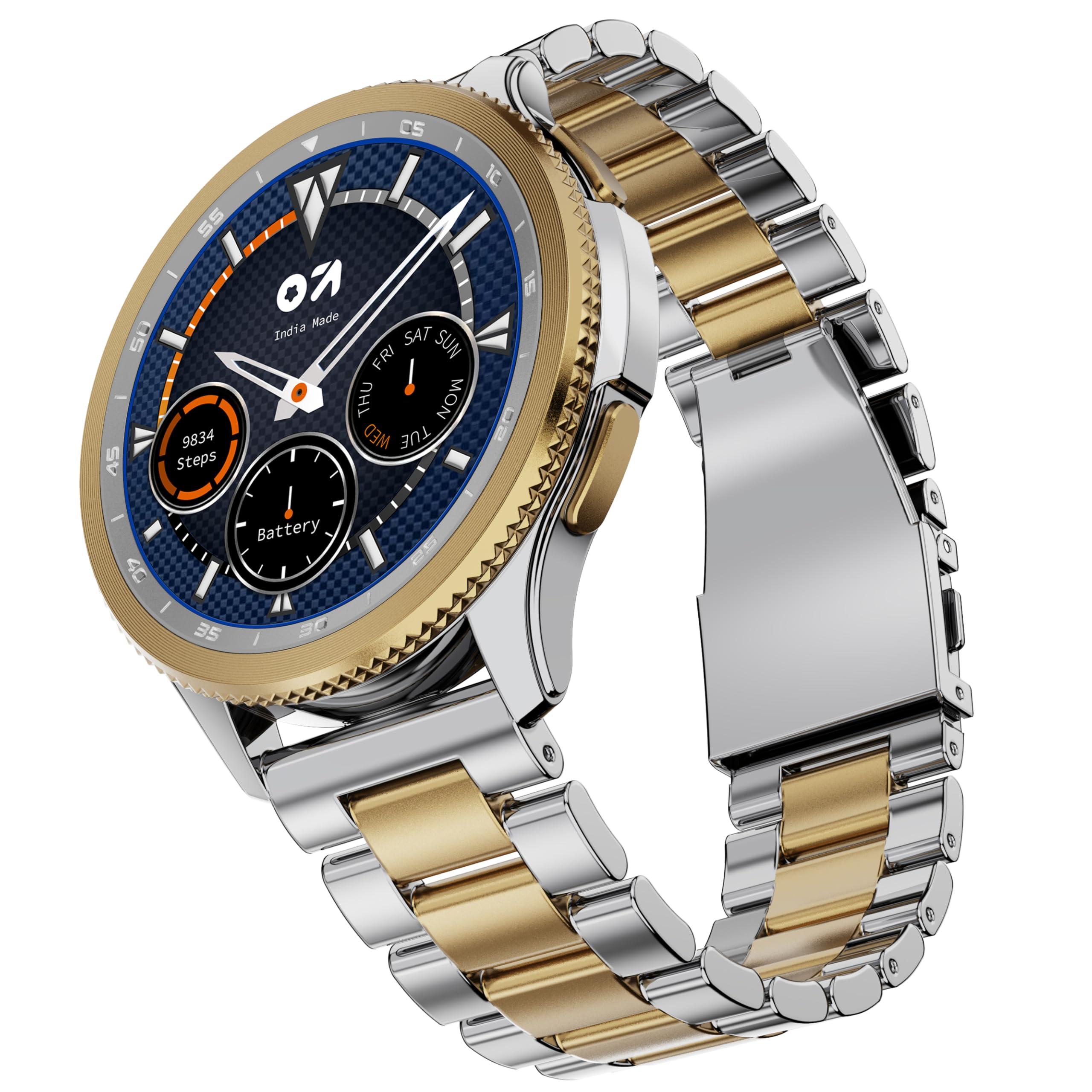
Image: GOBOULT Pyro Smartwatch in Gold Silver finish.
Кутуда эмне бар
Таңгакта бардык буюмдар бар экенин текшериңиз:
- Pyro Gold Silver Smartwatch
- Заряддоо кабели
- Колдонуучунун Колдонмосу (бул документ)
- Кепилдик картасы
Жайгашуу
1. Акылдуу саатты заряддоо
Before initial use, fully charge your smartwatch. Connect the provided charging cable to the charging port on the back of the watch and to a standard USB power adapter (not included). A full charge typically takes approximately 150 minutes.

Сүрөт: Арткы view of the smartwatch, highlighting charging contacts and health sensors.
2. Смартфонуңуз менен жупташуу
- Download the official GOBOULT companion application from your smartphone's app store (Android or iOS).
- Смартфонуңузда Bluetooth иштетилгенин текшериңиз.
- Open the GOBOULT app and follow the on-screen instructions to search for and connect to your Pyro Smartwatch.
- Смартфонуңузда да, акылдуу саатыңызда да жупташтыруу өтүнүчүн ырастаңыз.
Once paired, the smartwatch will synchronize time, date, and notifications with your phone.
Иштөө нускамалары
Дисплей жана навигация
The GOBOULT Pyro Smartwatch features a 1.43" AMOLED display with 600 nits brightness for clear visibility. Navigation is primarily done via touch gestures and the rotating dial.

Image: Close-up of the smartwatch display, highlighting the 1.43" AMOLED screen and Always On Display feature.
- Сенсордук экран: Swipe up, down, left, or right to access different menus and notifications. Tap to select items.
- Айлануучу терүү: Rotate the physical dial on the side of the watch to scroll through menus, adjust settings, or zoom in/out on certain interfaces. Press the dial to confirm selections or return to the home screen.
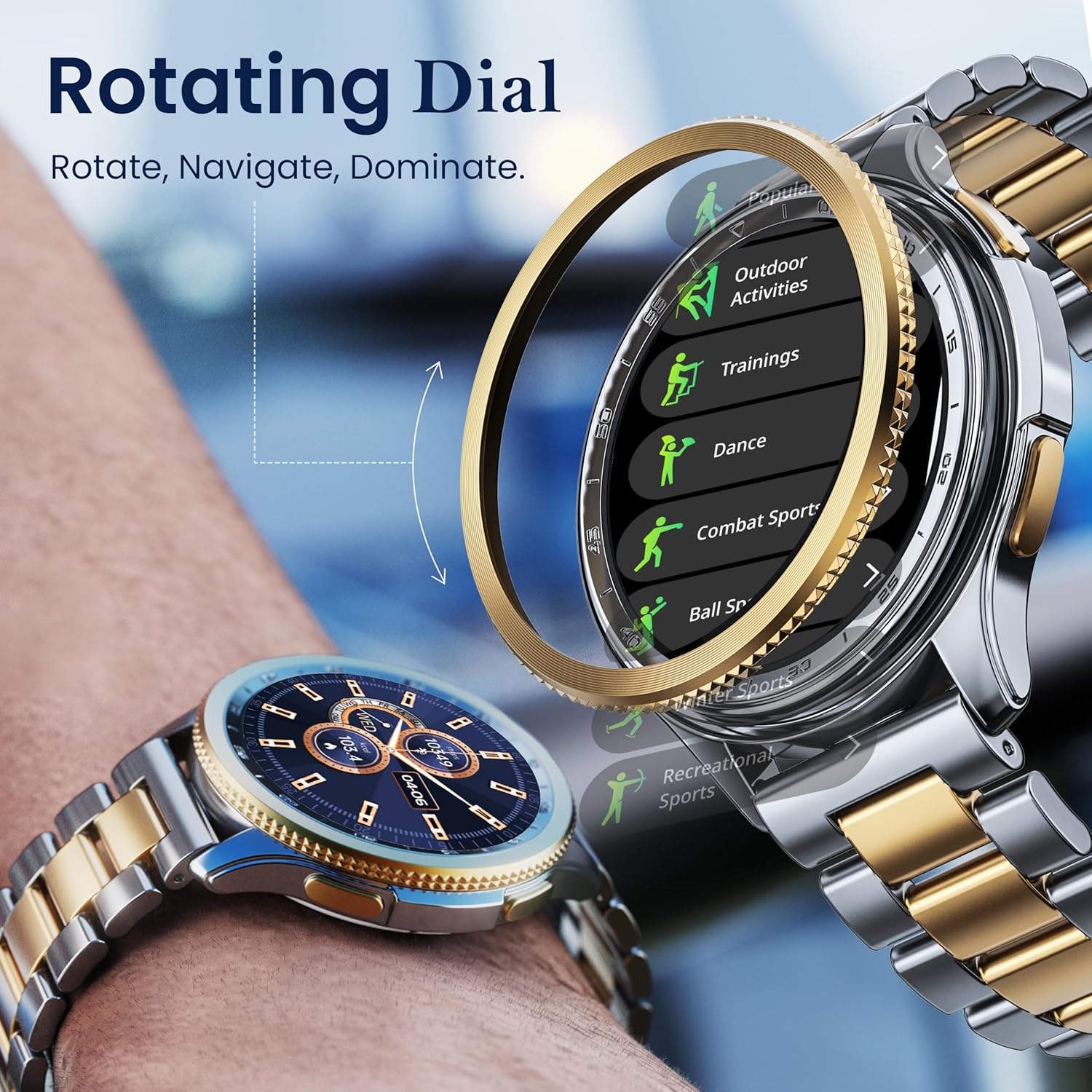
Image: Illustration of the rotating dial mechanism for navigation.
Bluetooth чалуу
With Bluetooth 5.3, you can make and receive calls directly from your smartwatch. Ensure your watch is connected to your smartphone via Bluetooth.
- Чалуу үчүн: Саатыңыздагы терүүчү же байланыштар тизмесине кириңиз.
- To receive a call: An incoming call notification will appear on your watch. Tap to answer or decline.
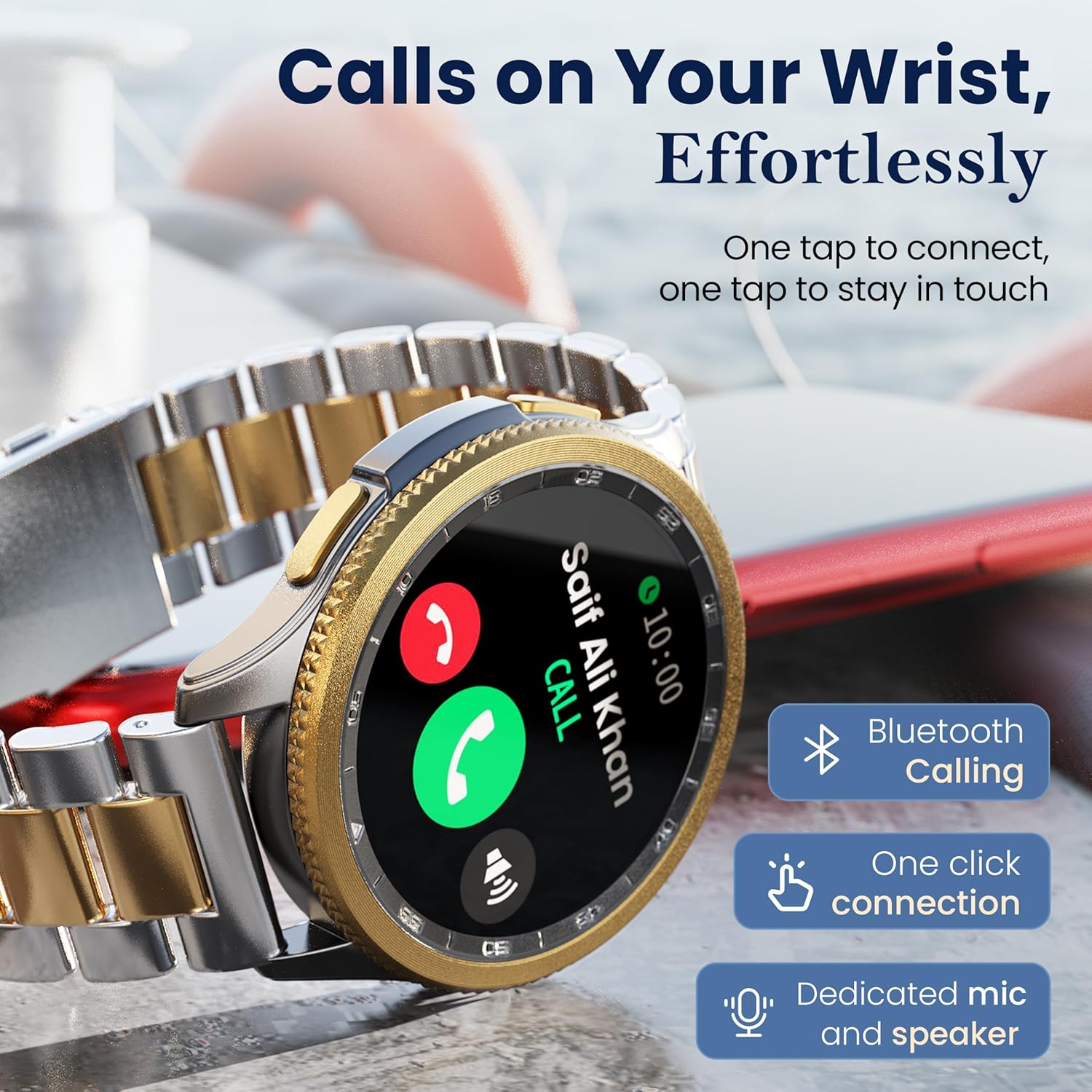
Image: Smartwatch screen showing an active Bluetooth call interface.
Watch Faces
Customize your smartwatch with over 150 available watch faces. These can be changed directly on the watch or through the companion app.
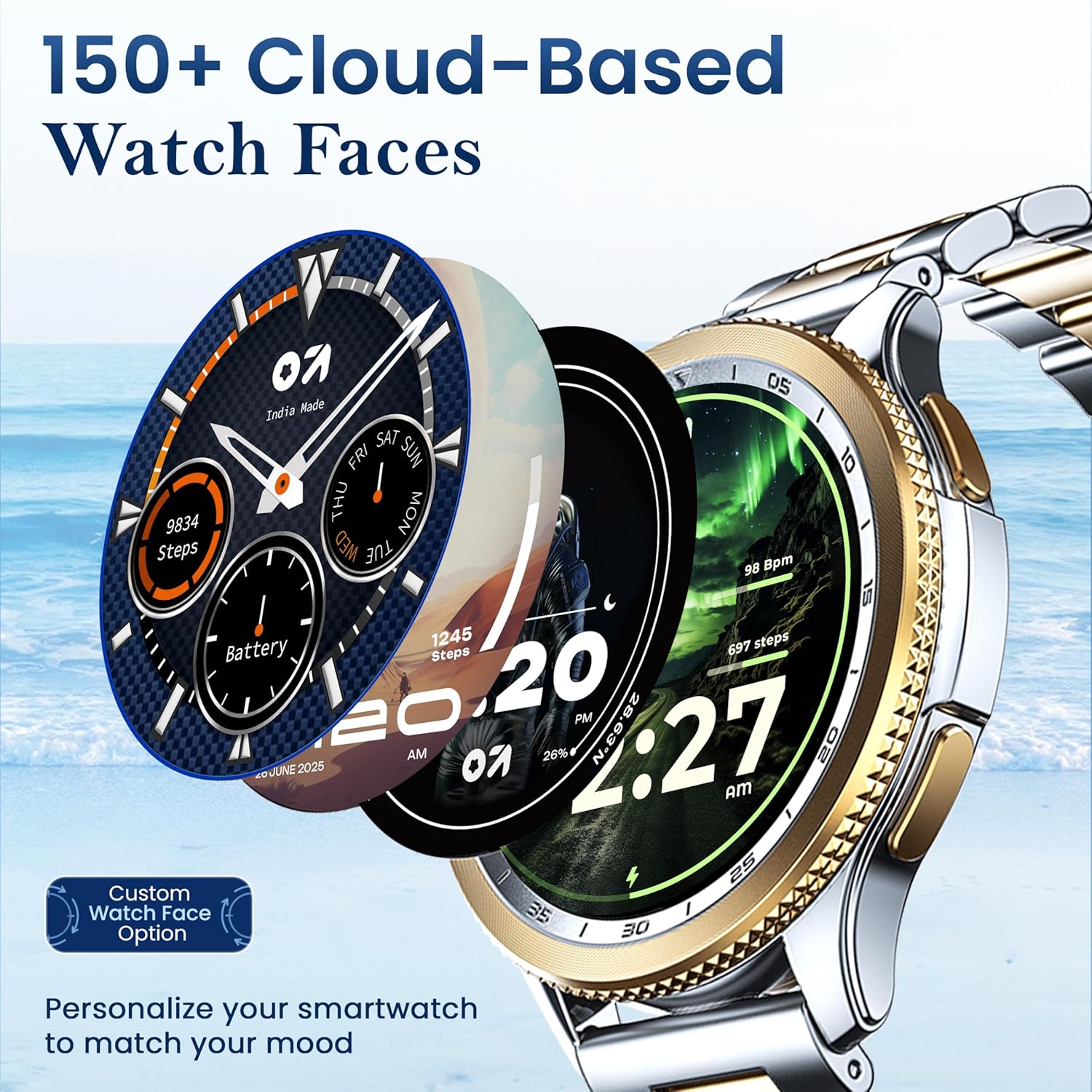
Image: Various watch face designs available for customization.
Спорт режимдери
The smartwatch supports over 120 sports modes for tracking various physical activities. Select your desired mode before starting an activity to record relevant data such as steps, calories burned, and heart rate.

Image: Smartwatch screen showing the selection of sports modes.
Ден соолук мониторинги
The GOBOULT Pyro Smartwatch includes several health monitoring features:
- 24x7 жүрөктүн кагышын өлчөгүч: Үзгүлтүксүз жүрөктүн кагышын көзөмөлдөйт.
- SpO2 Blood Oxygen Monitor: Кандагы кычкылтектин деңгээлин өлчөйт.
- Sleep & Stress Monitoring: Analyzes sleep patterns and stress levels.
- Кан басымы: Кан басымынын көрсөткүчтөрүн берет.
- Калория саны: Иштин негизинде күйгөн калорияларды эсептейт.
- Аялдардын этек кир циклин көзөмөлдөө: Supports tracking for female users.
Эскертүү: Бул түзмөк медициналык шайман эмес. Ден соолук маалыматтары маалымат үчүн гана берилген жана медициналык диагноз коюу же дарылоо үчүн колдонулбашы керек.
AI үн жардамчысы
Activate the AI voice assistant (Siri or Google Assistant, depending on your paired phone) for hands-free control. Use voice commands to perform tasks, set reminders, or get information.
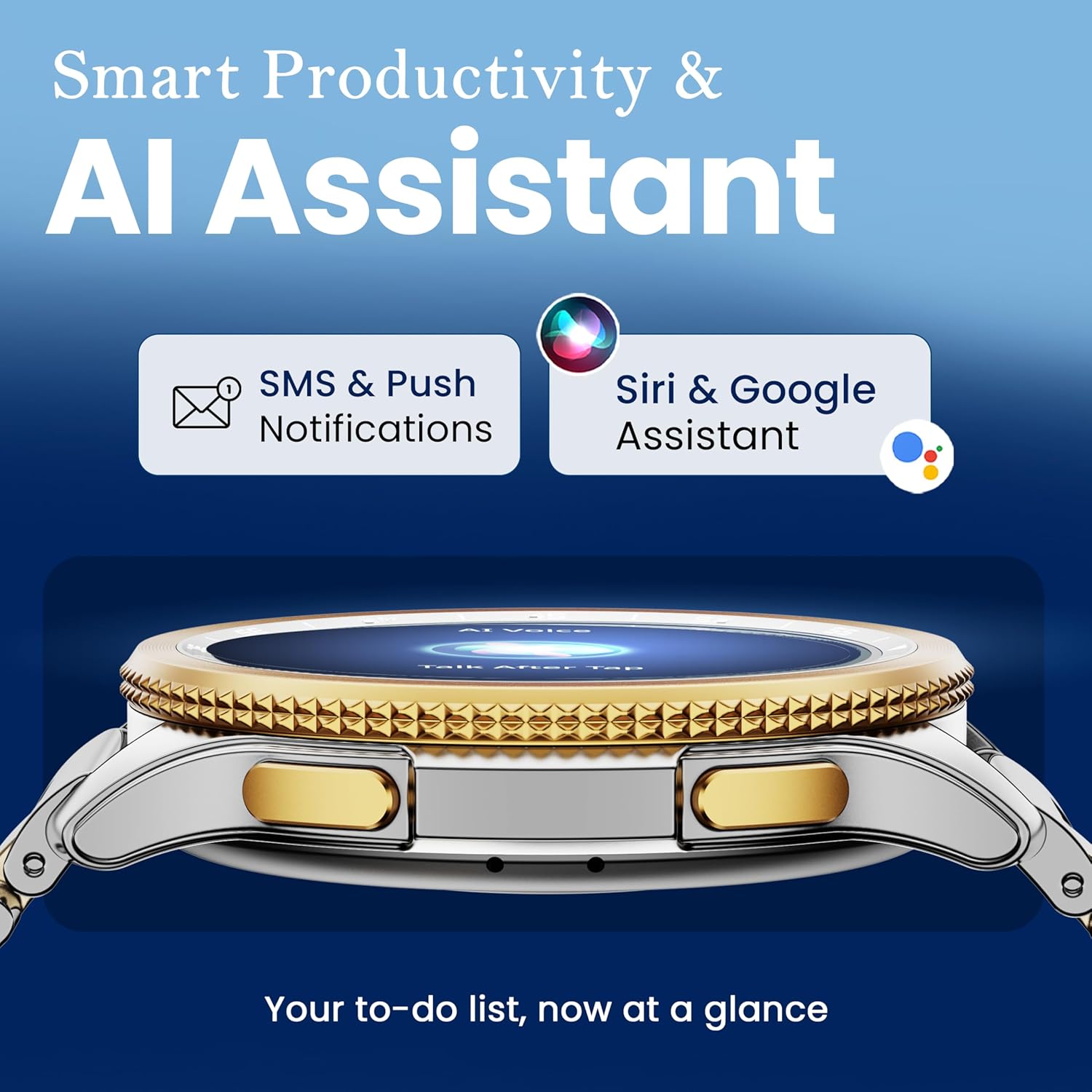
Image: Smartwatch interface indicating AI Assistant functionality and notification display.
Башка өзгөчөлүктөр
The smartwatch offers additional functionalities accessible through its menus:
- Камераны алыстан башкаруу: Телефонуңуздун камерасын алыстан иштетиңиз.
- Кол чырак: Use the screen as a temporary light source.
- Дүйнөлүк саат: View ар кандай глобалдык зоналардагы убакыт.
- Weather Details: Учурдагы аба ырайы маалымат алуу.
- Телефонду табуу: Жупташкан смартфонуңузду шыңгыратып, аны табыңыз.
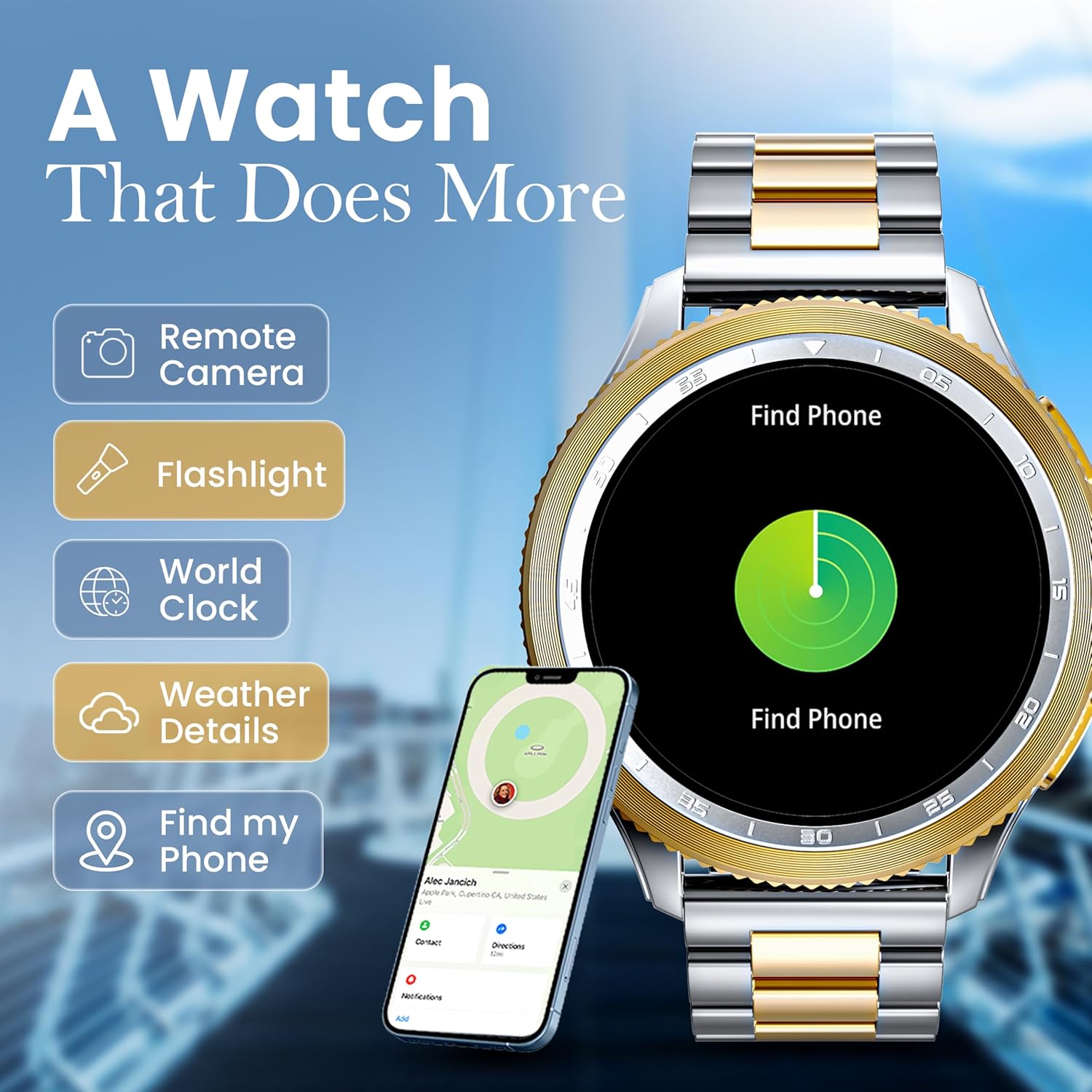
Image: Smartwatch displaying a menu of additional utility features.
Техникалык тейлөө
Тазалоо
Regularly clean your smartwatch and strap with a soft, dry cloth. For stubborn dirt, a slightly damp кездеме колдонсо болот. Катуу химиялык заттардан же абразивдүү материалдардан алыс болуңуз.
Сууга жана чаңга туруктуулук (IP68)
The GOBOULT Pyro Smartwatch is IP68 rated, meaning it is resistant to dust and can withstand immersion in water up to 1.5 meters for up to 30 minutes. It is suitable for daily use, such as washing hands or light rain exposure. However, it is not recommended for swimming, diving, or exposure to high-pressure water jets.
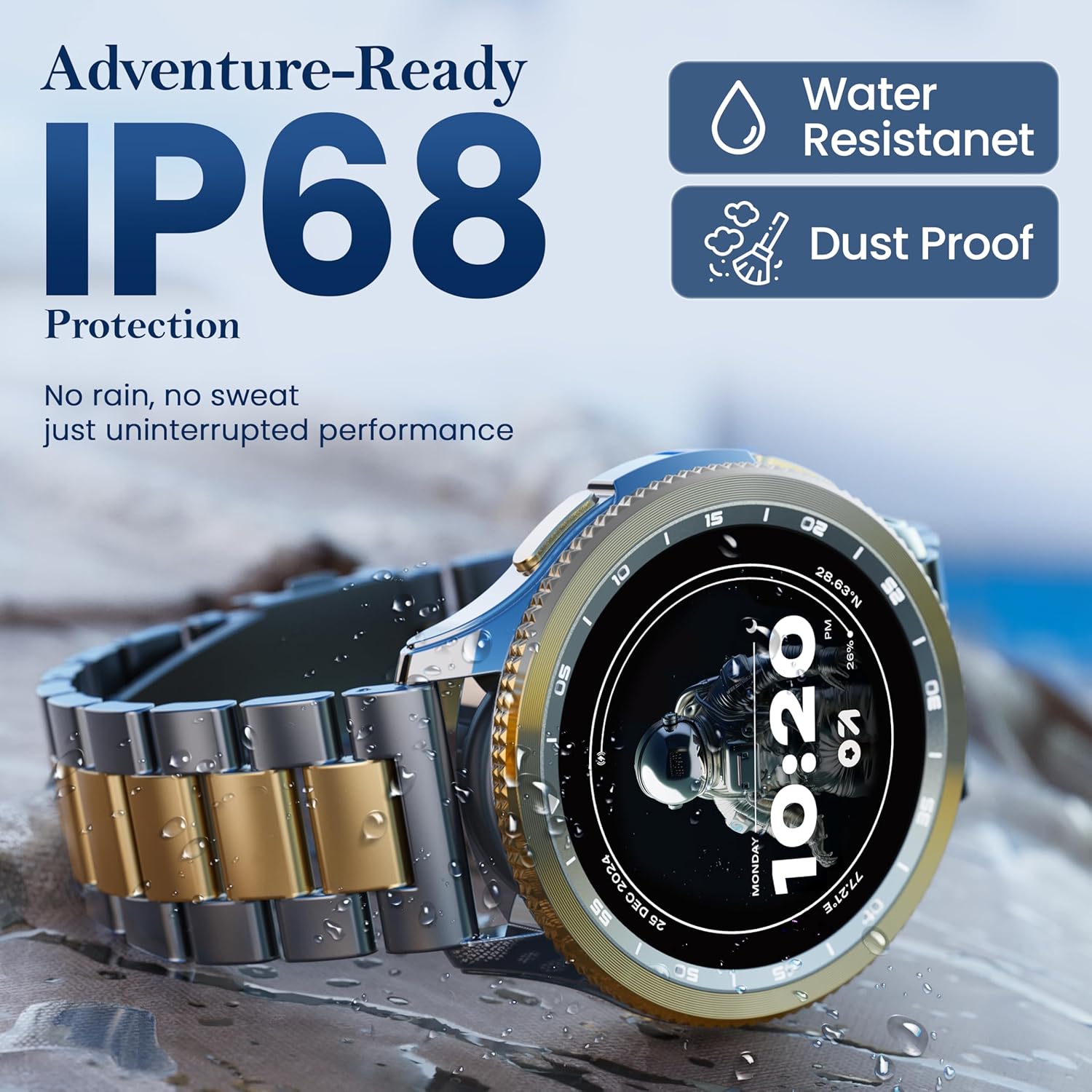
Image: Smartwatch highlighting its IP68 water and dust resistance rating.
After exposure to water, ensure the watch is completely dry before charging to prevent damage to the charging contacts.
Батареяга кам көрүү
To maximize battery life, avoid extreme temperatures and fully discharging the battery frequently. Average battery life is up to 7 days, depending on usage.
Проблемаларды чечүү
| Көйгөй | Мүмкүн чечим |
|---|---|
| Smartwatch does not turn on | Сааттын толук заряддалганын текшериңиз. Кубаттагычты кеминде 30 мүнөткө туташтырыңыз. |
| Смартфон менен жупташтыруу мүмкүн эмес |
|
| Билдирмелер алынган жок |
|
| Туура эмес ден соолук маалыматы | Ensure the watch is worn snugly on your wrist. Clean the sensors regularly. Avoid excessive movement during measurements. |
| Батареянын иштөө мөөнөтү кыска | Reduce screen brightness, disable unnecessary features (e.g., continuous heart rate monitoring if not needed), and limit frequent notifications. |
Техникалык шарттар
| Өзгөчөлүк | Деталь |
|---|---|
| Бренд | GOBOULT |
| Модел | Boult Pyro |
| Дисплей өлчөмү | 1.43 дюйм |
| Дисплей түрү | AMOLED |
| Жарыктык | 600 Nits |
| Байланыш | Bluetooth 5.3 |
| Суу каршылык | IP68 |
| Батареянын иштөө мөөнөтү (орточо) | 7 күн |
| Батареяны заряддоо убактысы | 150 мүнөт |
| Элемент Салмагы | 68 г |
| Operating System (Compatibility) | Android (for companion app) |
| Камтылган компоненттер | Акылдуу саат, кубаттоочу кабель, колдонуучунун колдонмосу, кепилдик картасы |
Кепилдик жана колдоо
Your GOBOULT Pyro Smartwatch comes with a warranty. Please refer to the included Warranty Card for detailed terms and conditions, including warranty period and coverage.
For technical support, service, or warranty claims, please contact GOBOULT customer service through the contact information provided on your Warranty Card or the official GOBOULT webсайт.


