1. Киришүү
The Shimbol CP5 Lite is a compact and versatile selfie monitor screen designed to enhance your mobile video recording and live streaming experience. It allows you to utilize your phone's higher-quality rear camera while still being able to monitor your shot in real-time. This manual provides essential information for setting up, operating, and maintaining your CP5 Lite.
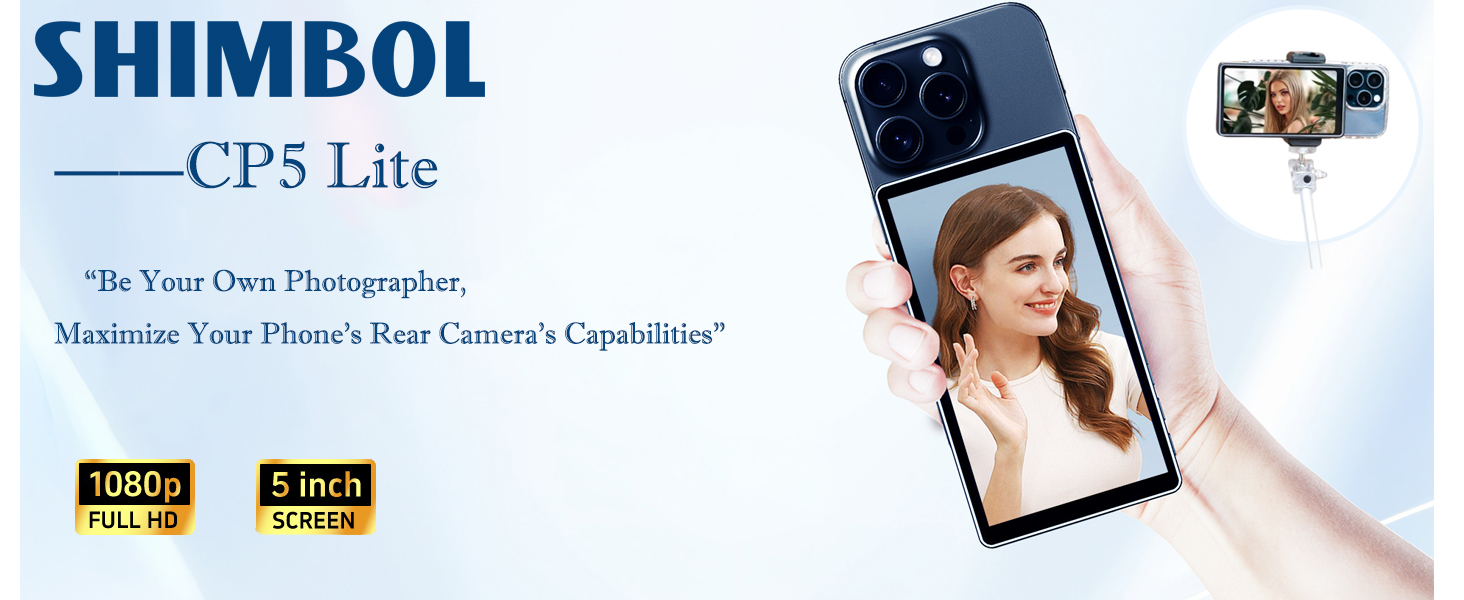
Image: The Shimbol CP5 Lite monitor attached to a smartphone, showing a live video feed.
2. Пакеттин мазмуну
Upon unboxing your Shimbol CP5 Lite, please ensure all items listed below are present:
- Shimbol CP5 Lite Monitor
- Магниттик корпус
- USB-Aдан USB-Cге заряддоо кабели
- USB-Cден USB-Cге чейин кубаттоочу кабель
- User Manual
- Сатуудан кийинки тейлөө картасы

Image: A visual representation of the Shimbol CP5 Lite package contents.
Кутудан чыгуучу видео
Video: An unboxing demonstration of the Shimbol CP5 Lite, showing the monitor, cables, and included magnetic case.
3. Продукт бүтүп калдыview
The CP5 Lite features a sleek, lightweight design with a durable metal body. It includes a 5-inch 1080P Full HD display for clear monitoring.
Физикалык өзгөчөлүктөрү
- Дисплей: 5-inch 1080P Full HD screen.
- Баскычтар: Power On/Off, Brightness Adjustment, Photo/Zoom, Screen Flip/Rotate.
- Порттор: Type-C charging port (5V/1A compatible), 3.5mm headphone jack.
- Материал: Алюминий конструкциясы.
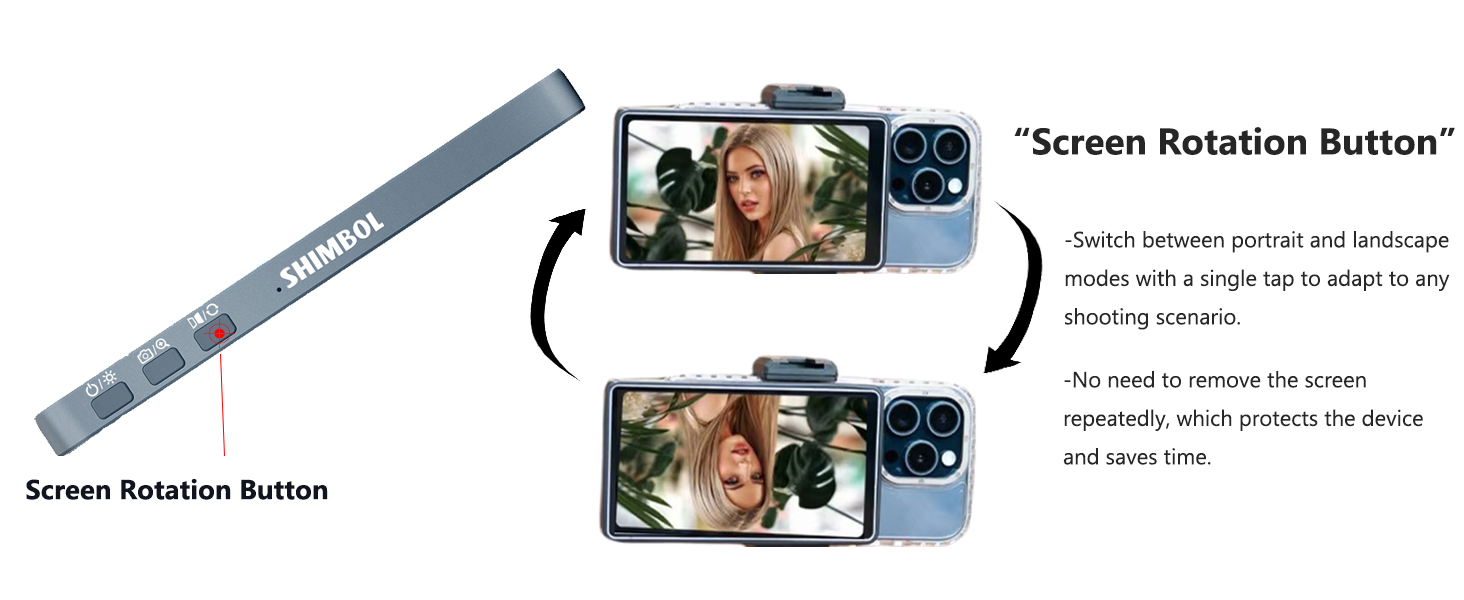
Image: The side of the CP5 Lite highlighting the screen rotation button and other control buttons.
4. Орнотуу жана туташуу
Follow these steps to connect your Shimbol CP5 Lite to your smartphone:
- Күйгүзүү: Press and hold the power button on the side of the CP5 Lite until the screen illuminates.
- Экранды чагылдыруу: The CP5 Lite will display a QR code and instructions for connecting via screen mirroring.
- Wi-Fi'га туташуу: On your smartphone, navigate to your Wi-Fi settings and connect to the network named "CP5_Lite_XXXXXX" (where XXXXXX is a unique identifier for your device).
- Экранды чагылдырууну иштетүү:
- iOS системасы: Swipe down from the top-right corner of your iPhone to open the Control Center. Tap on 'Screen Mirroring' and select 'CP5_Lite_XXXXXX'.
- Android системасы: Swipe down from the top-right corner to open the quick settings. Look for 'Screen Mirroring', 'Wireless Projection', or 'Smart View' and select 'CP5_Lite_XXXXXX'.
- Samsung System: Similar to Android, access 'Smart View' from quick settings and select 'CP5_Lite_XXXXXX'.
- Bluetooth Pairing (for Shutter Control): Go to your smartphone's Bluetooth settings, find 'CP5_Lite_XXXXXX', and pair the device. This enables remote photo capture and video recording control.

Image: Visual guide for connecting the CP5 Lite via screen mirroring on various smartphone operating systems.
Байланыш боюнча көрсөтмөнүн видеосу
Video: A detailed guide on how to connect the Shimbol CP5 Lite to a smartphone for screen mirroring and Bluetooth control.
5. Иштөө нускамалары
Magnetic Adhesion System
The CP5 Lite comes with a magnetic case that securely attaches to your phone. This provides a reliable fit and prevents accidental slipping. The magnetic function is primarily designed for phones with magnetic charging capabilities. For other phones, the included magnetic case ensures compatibility.
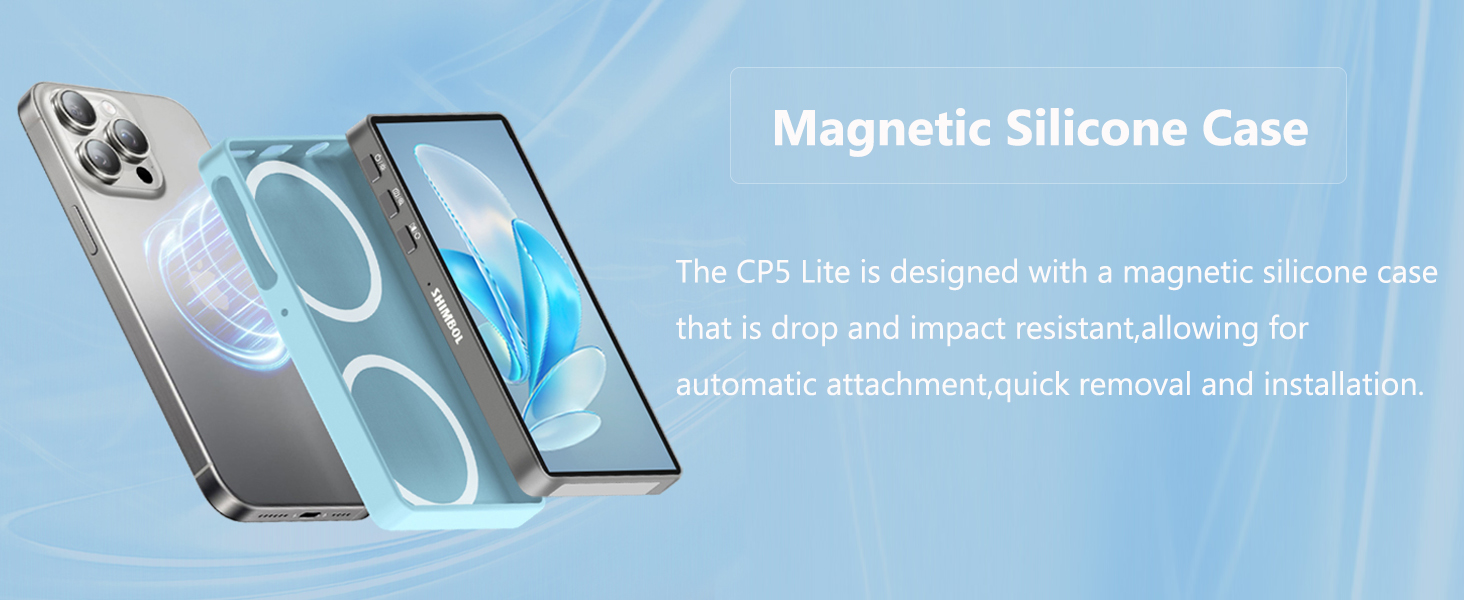
Image: The magnetic silicone case and its attachment to a smartphone.
Зымсыз берүү
The CP5 Lite utilizes dual-band Wi-Fi (2.4G+5G) for stable connections up to 50 meters with low latency (approximately 0.04s). For optimal HD transmission and lower latency, it is recommended to download a compatible app (e.g., Blackmagic Camera for iOS).
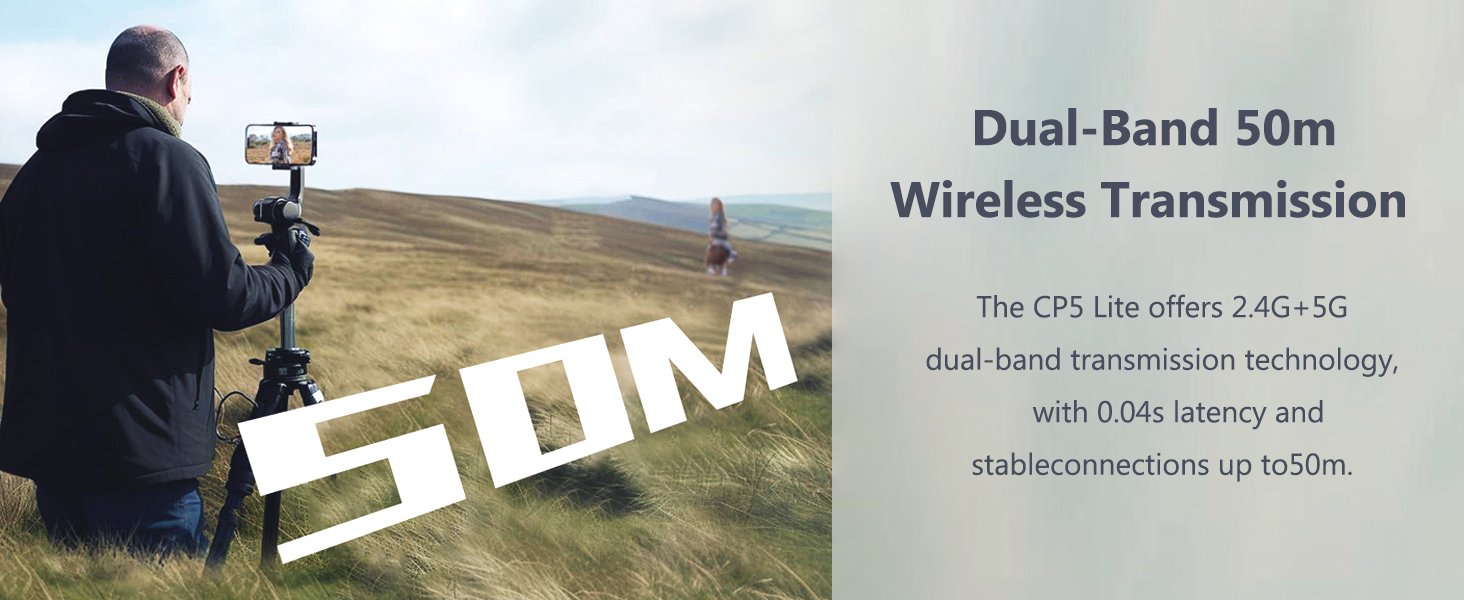
Image: Demonstrating the 50m wireless transmission range of the CP5 Lite.
Экранды айландыруу жана чагылдыруу
Use the dedicated screen rotation button to easily switch between portrait and landscape modes or to mirror the display 180°. This allows for flexible shooting scenarios without needing to physically reorient the device.
Borderless Enlarged Display
Tap and hold the shutter button to zoom in and enlarge the screen display, eliminating black borders and enhancing your monitoring experience.
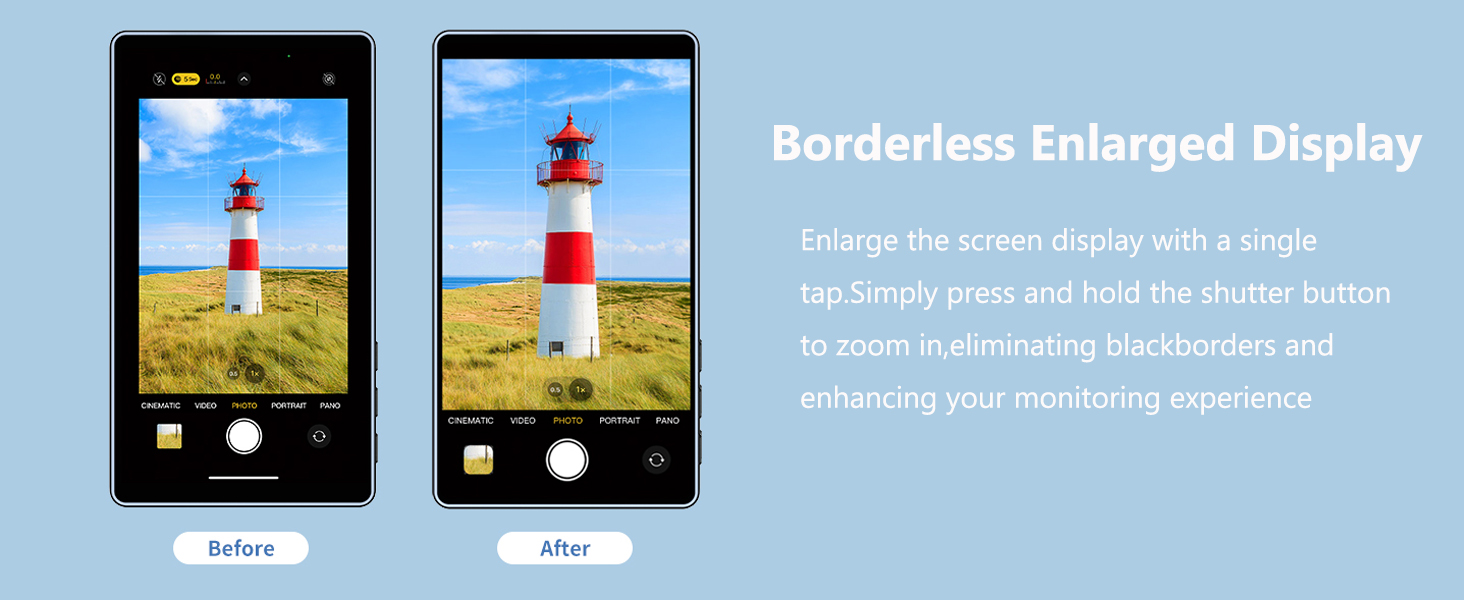
Image: Illustrating the borderless enlarged display feature for a wider view.
Using with Rear Camera
The primary benefit of the CP5 Lite is to enable the use of your smartphone's superior rear camera for selfies, vlogging, live streaming, and group photos, ensuring higher quality visuals.
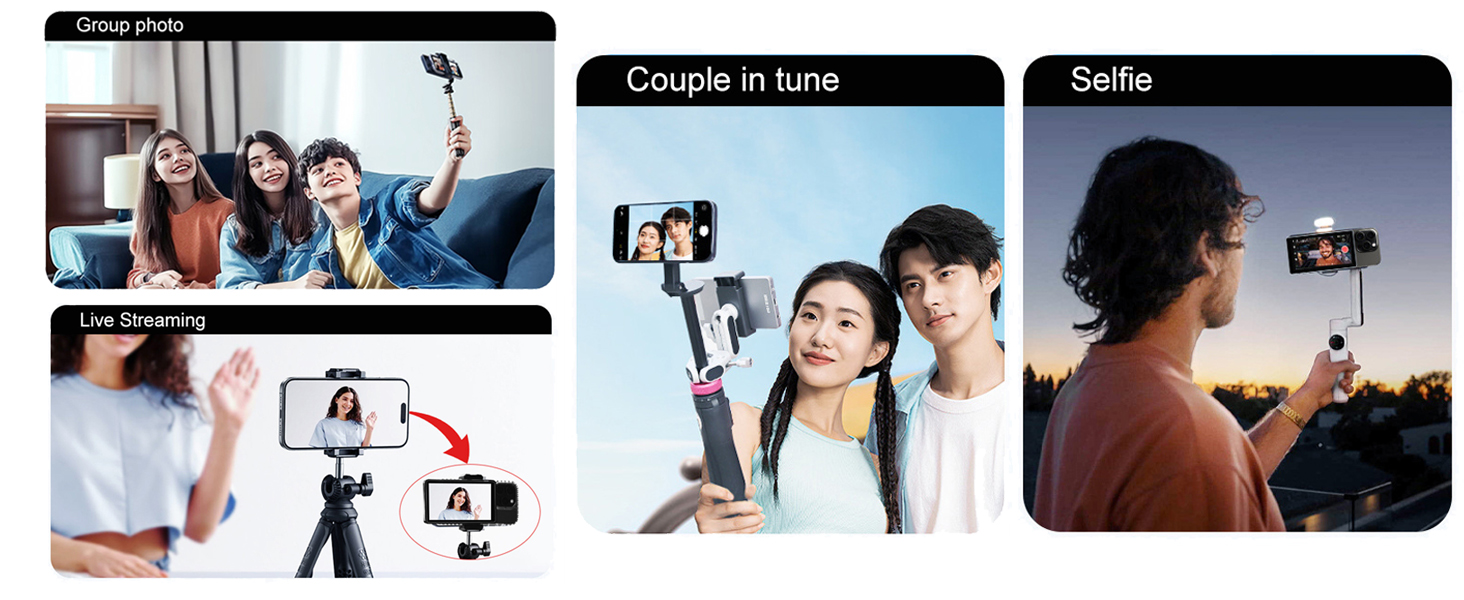
Сүрөт: Мисamples of using the CP5 Lite for different content creation scenarios.
Official Product Video: How to Use CP5 Lite
Video: A demonstration of the Shimbol CP5 Lite's features and how to use it effectively for various shooting needs.
6. Шайкештик
The CP5 Lite offers wide compatibility with various smartphone brands and operating systems:
- iOS: Compatible with iPhone (whole series). For iPhone 17 series, contact support for firmware upgrade.
- Android: Compatible with Huawei (Mate, Pura, Nova, Pocket), Xiaomi (MIX, Flagship series, CIVI), OPPO (Find N, Find X, Reno, OnePlus Ace), VIVO (X, S, Y, iQOO).
- Эскертүү: Currently not compatible with Google Pixel devices.
Android devices support 4K format shooting with their original camera app. Apple devices do not support 4K shooting with the original camera; for 4K needs, use the Blackmagic Camera app.

Image: A detailed list of compatible smartphone models and notes on 4K recording for iOS and Android.
7. Заряддоо жана Батарея
The CP5 Lite is equipped with a 2000mAh high-capacity rechargeable battery, providing up to 3.5 hours of usage. It features a Type-C charging port compatible with 5V/1A chargers, mobile power banks, laptops, or car chargers.
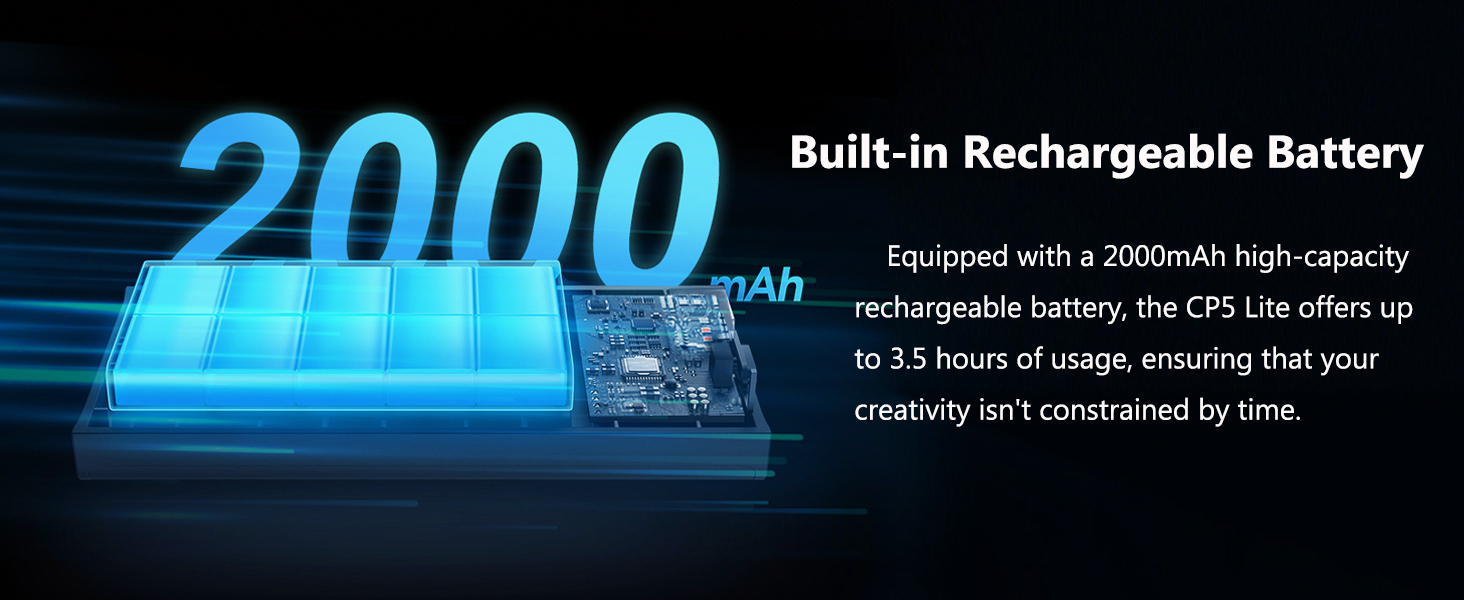
Image: Diagram showing the internal battery capacity and usage time.
8. Техникалык тейлөө
- Аппаратты жумшак, кургак чүпүрөк менен таза кармаңыз.
- Аппаратты экстремалдык температуранын же нымдуулуктун таасиринен сактаңыз.
- Колдонулбаганда салкын, кургак жерде сактаңыз.
9. Кыйынчылыктарды
- Туташуу маселелери: Ensure your phone is connected to the CP5 Lite's Wi-Fi and screen mirroring is activated. Re-pair Bluetooth for shutter control if unresponsive.
- Кечигүү/Кечиктирүү: For lower latency during HD transmission, download the recommended app (e.g., Blackmagic Camera for iOS).
- Magnetic Adhesion: Ensure your phone has magnetic charging capabilities or is used with the provided magnetic case for secure attachment.
- iPhone 17 Series: If using with iPhone 17 series devices, contact Shimbol support to upgrade the firmware version.
10. Техникалык шарттар
| Өзгөчөлүк | Деталь |
|---|---|
| Бренд | Шимбол |
| Модель номери | CP5 Lite |
| Элемент Салмагы | 4.3 унция (123 грамм) |
| Пакеттин өлчөмдөрү | 6.02 x 3.9 x 2.24 дюйм |
| Түс | Gray (variant) |
| Шайкеш түзмөктөр | Уюлдук телефон (iOS жана Android) |
| Дисплей | 5 дюймдук 1080P Full HD |
| Зымсыз берүү | Dual-band Wi-Fi (2.4G+5G), up to 50m range, 0.04s latency |
| Батарея | 2000mAh (3.5 саатка чейин колдонуу) |
| Заряддоо порту | Type-C (5V/1A) |
11. Кепилдик жана колдоо
For warranty information, please refer to the included After-sales Service Card. For technical support, firmware upgrades (e.g., for iPhone 17 series compatibility), or any other inquiries, please contact Shimbol customer service. Contact details can be found on the After-sales Service Card or the official Shimbol webсайт.
12. Коопсуздук маалыматы
- Do not place the product near fire or flammable gases.
- Do not use in rain or humid environments.
- Продукцияны балдар жетпеген жерде сактаңыз.
- Do not disassemble at will. If repair is required, the product must be sent to an authorized repair center.

Image: Important safety warnings for the product.


