1. Киришүү
Thank you for choosing the NACODEX AK820 Gasket Mechanical Keyboard. This manual provides essential information for setting up, operating, and maintaining your keyboard. Please read it thoroughly to ensure optimal performance and longevity of your device.
The AK820 features a 75% layout with 82 keys, a gasket structure for enhanced typing feel, hot-swappable switches, PBT keycaps, and a volume control knob. It is designed for both typing and gaming with a focus on comfort and customization.
2. Пакеттин мазмуну
Пакетте бардык буюмдар бар экенин текшериңиз:
- NACODEX AK820 Gasket Mechanical Keyboard
- USB-C - USB-A кабели
- Keycap Puller / Switch Puller (2-in-1 tool)
- User Manual
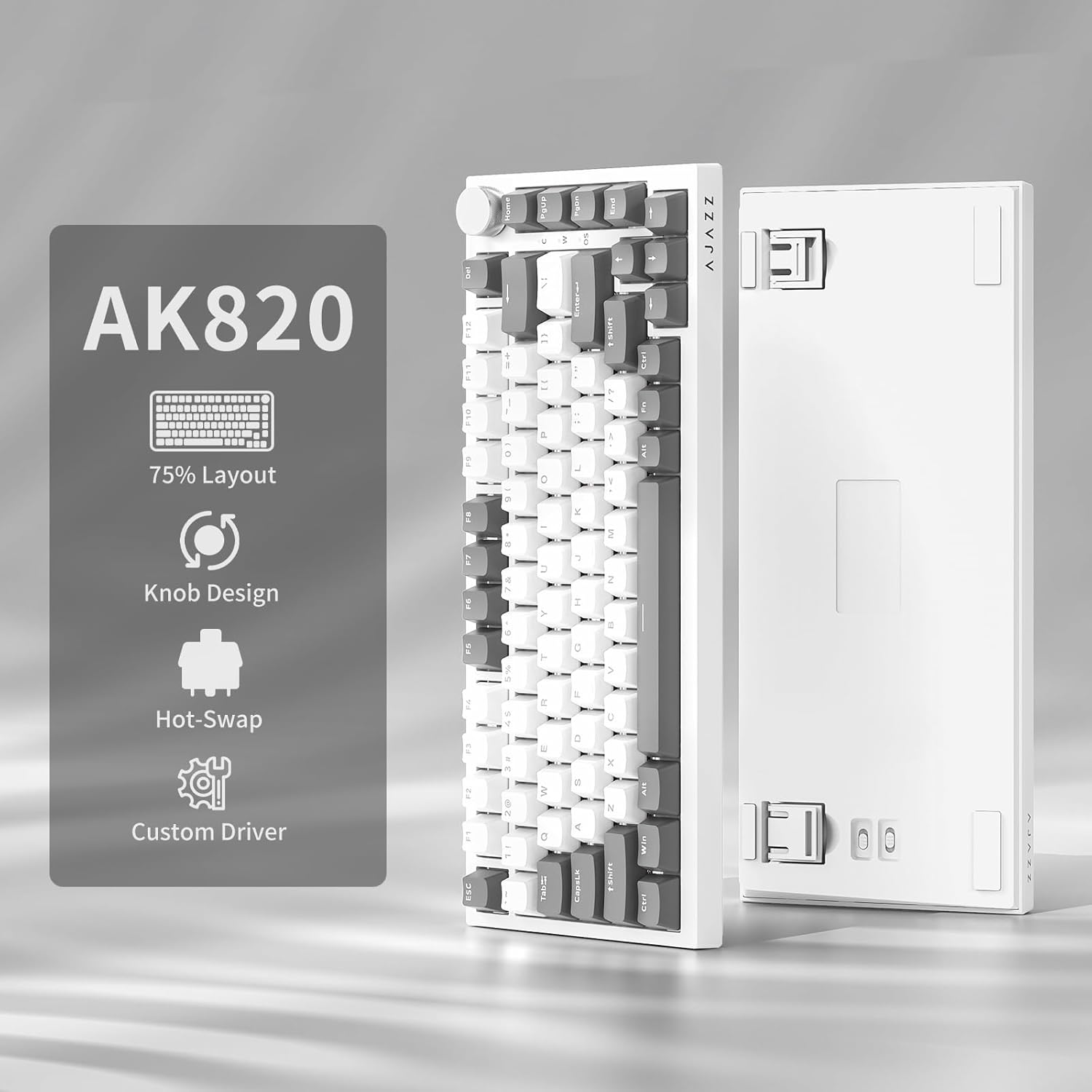
Image: NACODEX AK820 keyboard, USB-C cable, and keycap/switch puller.
3. Орнотуу жана туташуу
3.1 Зымдуу туташуу
- Connect the USB-C end of the provided cable to the keyboard's USB-C port (located on the back edge).
- Кабелдин USB-A учунун компьютериңиздеги жеткиликтүү USB портуна туташтырыңыз.
- The keyboard is now ready for use in wired mode.

Image: NACODEX AK820 keyboard with USB-C cable connected to a laptop.
4. Иштөө нускамалары
4.1 Үндү башкаруу баскычы
The multifunctional knob located on the top-right corner of the keyboard allows for quick audio adjustments.
- Turn Clockwise: Үнүн жогорулатуу.
- Turn Counter-Clockwise: Үнүн азайтуу.
- Төмөн басыңыз: Аудиону үнсүз кылуу/үнсүз кылуу.

Сүрөт: деталдуу view of the volume knob, indicating its turn and press functions for volume control and mute.
4.2 Жарык эффекттери
The AK820 features customizable RGB backlighting. Use the following key combinations to adjust lighting:
- FN + \ (Backslash): Cycle through 20 different lighting effects.
- FN + ↑ (Өйдө жебе): Increase backlight brightness (5 levels).
- FN + ↓ (Төмөн жебе): Decrease backlight brightness (5 levels).
- FN + ← (Сол жебе): Жарык багытын тууралоо.
- FN + → (Оңго жебе): Жарык багытын тууралоо.
- FN + - (Minus): Жарыктын ылдамдыгын азайтыңыз.
- FN + = (Equals): Жарыктын ылдамдыгын жогорулатыңыз.
- FN + Үй: Switch between Windows/MAC system modes.
- FN + ESC: Reset to factory default lighting settings (hold for 3-5 seconds).
Video: Demonstrates various RGB lighting effects and customization options on the NACODEX AK820 keyboard.
4.3 Ыкчам алмаштыруучу которгучтар
The AK820 supports 3/5-pin hot-swappable mechanical switches, allowing you to customize your typing experience without soldering.
- Pull out the keycap using the provided keycap puller.
- cl үчүн которгуч тарткычты колдонуңузamp the buckles on the upper and lower sides of the switch body, then pull the switch up and out.
- Align the pins and holes of the new switch.
- Tap the new switch vertically until it clicks into place.

Сүрөт: жакын план view of the keyboard's switches and keycaps, highlighting the hot-swappable design.
Video: Demonstrates the difference in sound and feel between AJAZZ Gift Switches and AJAZZ Dreamy Switches, showcasing the hot-swappable feature.
4.4 Keycap Features
The AK820 comes with durable PBT keycaps, known for their oil resistance and longevity. They feature a two-color design for clear fonts and enhanced light transmission.
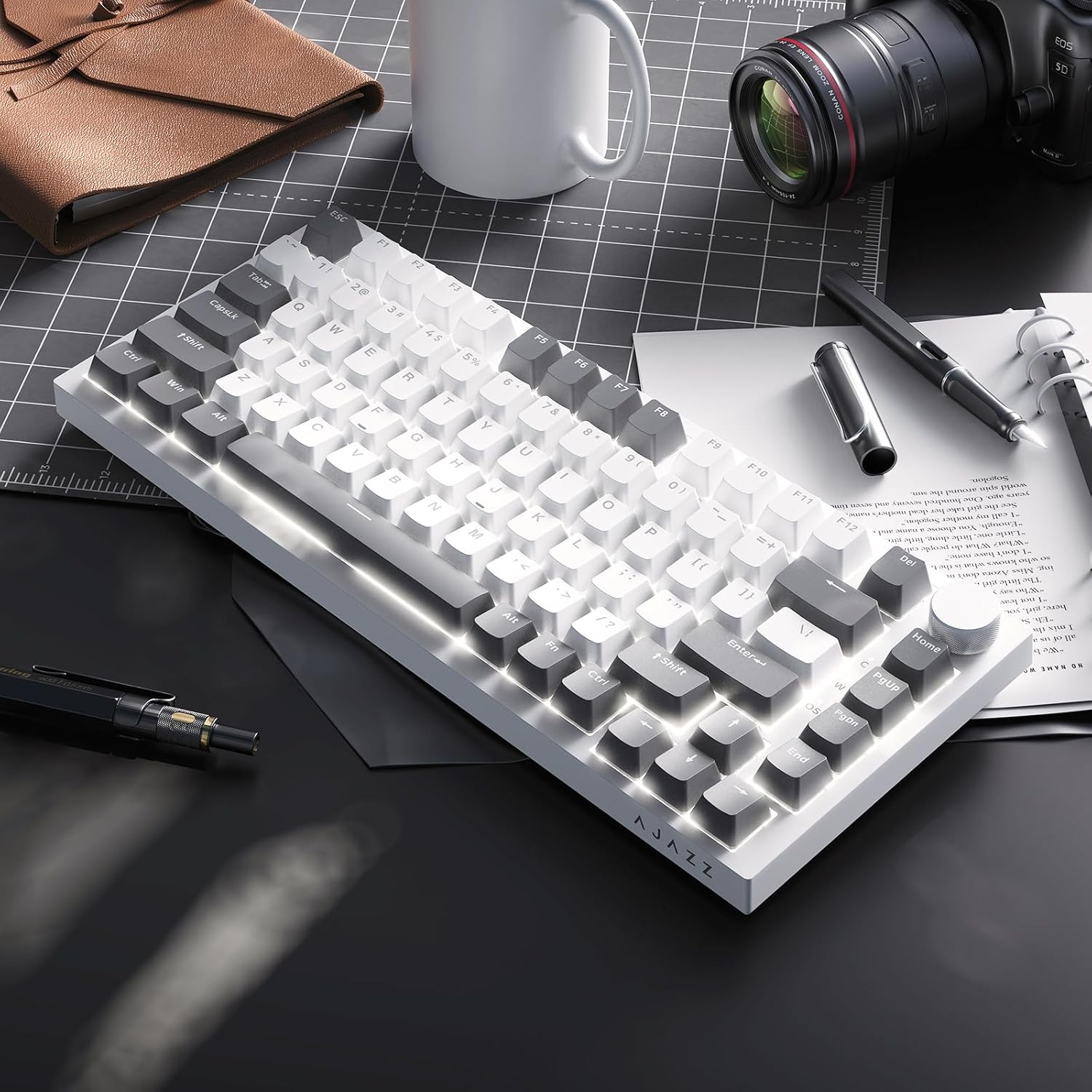
Image: A close-up of the PBT keycaps, highlighting their texture and two-color design.
5. Техникалык шарттар
| Продукциянын өлчөмдөрү | 12.87 x 5.35 x 1.57 дюйм |
| Элемент Салмагы | 1.79 фунт |
| Өндүрүүчү | AJAZZ |
| Модель номери | AK820 Gray White |
| Байланыш технологиясы | USB-C (Зымдуу) |
| Keyboard Description | Механикалык |
| Өзгөчө өзгөчөлүк | Ergonomic, Gasket Structure, Hot-Swappable |
| Баскычтоптун арткы жарыгы | RGB |
6. Кепилдик жана колдоо
For warranty information and technical support, please refer to the official AJAZZ webсайтка же кардарларды тейлөөгө кайрылыңыз. Кепилдик дооматтар үчүн сатып алуу дүмүрчөгүңүздү сактаңыз.


