Introduction
Thank you for choosing the ZAQE M4 MP3 Player. This device combines a portable music player with advanced features like Bluetooth 5.3 connectivity, a 2.4-inch full touchscreen, and a built-in high-definition speaker. With 128GB of internal storage, expandable up to 512GB via Micro SD card, it offers ample space for your music, videos, and e-books. This manual provides detailed instructions to help you get the most out of your new MP3 player.
Пакеттин мазмуну
Сураныч, пакетте төмөнкү нерселерди текшериңиз:
- 1 x ZAQE M4 MP3 Player (128GB)
- 1 x Зымдуу гарнитура
- 1 х USB-C кубаттоо кабели
- 1 x 3.5 мм аудио кабель
- 1 x Silicone Protective Case
- 1 х Колдонуучунун колдонмосу (бул документ)

Image: All components included in the ZAQE M4 MP3 Player package.
Продукт бүттүview
Familiarize yourself with the device's physical features and interface.
Сүрөт: алдыңкы view of the ZAQE M4 MP3 Player, showing the 2.4-inch touchscreen with various application icons.
Порттор жана баскычтар
- 2.4 дюймдук толук сенсордук экран: Навигация жана өз ара аракеттенүү үчүн.
- Кубат баскычы: Капталында, аппаратты күйгүзүү/өчүрүү жана экранды кулпулоо үчүн.
- Үн баскычтары: Капталында, аудио үнүн жөндөө үчүн.
- 3.5 мм аудио уячасы: Зымдуу кулакчындарды туташтыруу үчүн.
- USB-C порту: Заряддоо жана маалыматтарды өткөрүү үчүн.
- Микро SD карта слоту: Сактоо көлөмүн 512 ГБ чейин кеңейтүү үчүн.
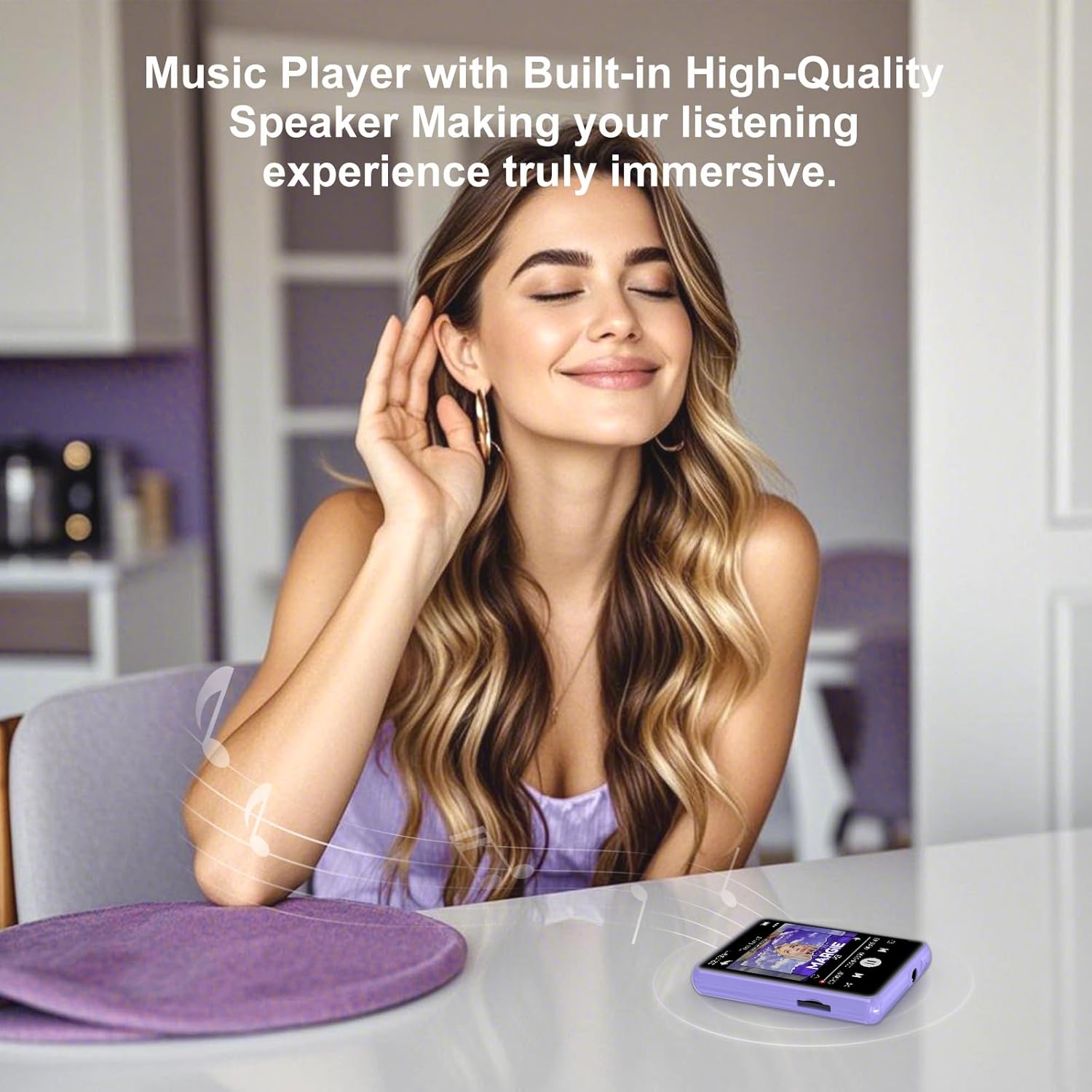
- Камтылган динамик: For audio playback without headphones.

Сүрөт: деталдуу view of the 3.5mm audio jack and USB Type-C port on the ZAQE M4 MP3 Player.
Жайгашуу
1. Аппаратты заряддоо
Before first use, fully charge the MP3 player. Connect the provided USB-C cable to the device's USB-C port and the other end to a USB power adapter (not included) or a computer's USB port. The battery indicator on the screen will show charging status.
2. Күйгүзүү/өчүрүү
- Күйгүзүү үчүн: Press and hold the Power button on the side until the screen lights up.
- Өчүрүү үчүн: Press and hold the Power button, then select "Power Off" on the screen.
- Экранды кулпулоо/кулпусун ачуу: Түзмөктү өчүрбөстөн экранды күйгүзүү же өчүрүү үчүн Кубат баскычын кыскача басыңыз.
3. Micro SD картаны салуу (милдеттүү эмес)
The device has 128GB of internal storage. If you need more space, you can insert a Micro SD card (up to 512GB). Gently insert the Micro SD card into the designated slot until it clicks into place. To remove, push the card in slightly until it springs out.
4. Adding Music and Files
Connect the MP3 player to your computer using the USB-C cable. The device will appear as a removable disk. You can drag and drop music files (MP3, WMA, APE, FLAC, WAV, ACELP), videos, and e-books into the respective folders on the device or Micro SD card.
Иштөө нускамалары
1. Негизги навигация
The ZAQE M4 features a full touchscreen for intuitive control. Swipe left/right or up/down to navigate through menus and applications. Tap an icon to open an application. Use the back arrow icon on the screen to return to the previous menu.

Image: The multi-function interface of the ZAQE M4 MP3 Player, showing icons for Music, Video, Record, FM Radio, E-book, and Alarm.
2. Музыканы ойнотуу
- Tap the "Music" icon on the home screen.
- Browse your music by Artist, Album, Songs, or Folders.
- Tap a song to start playback.
- On the playback screen, you can pause/play, skip tracks, adjust volume using the side buttons, and access playback modes (single loop, list loop, sequential play, random play).
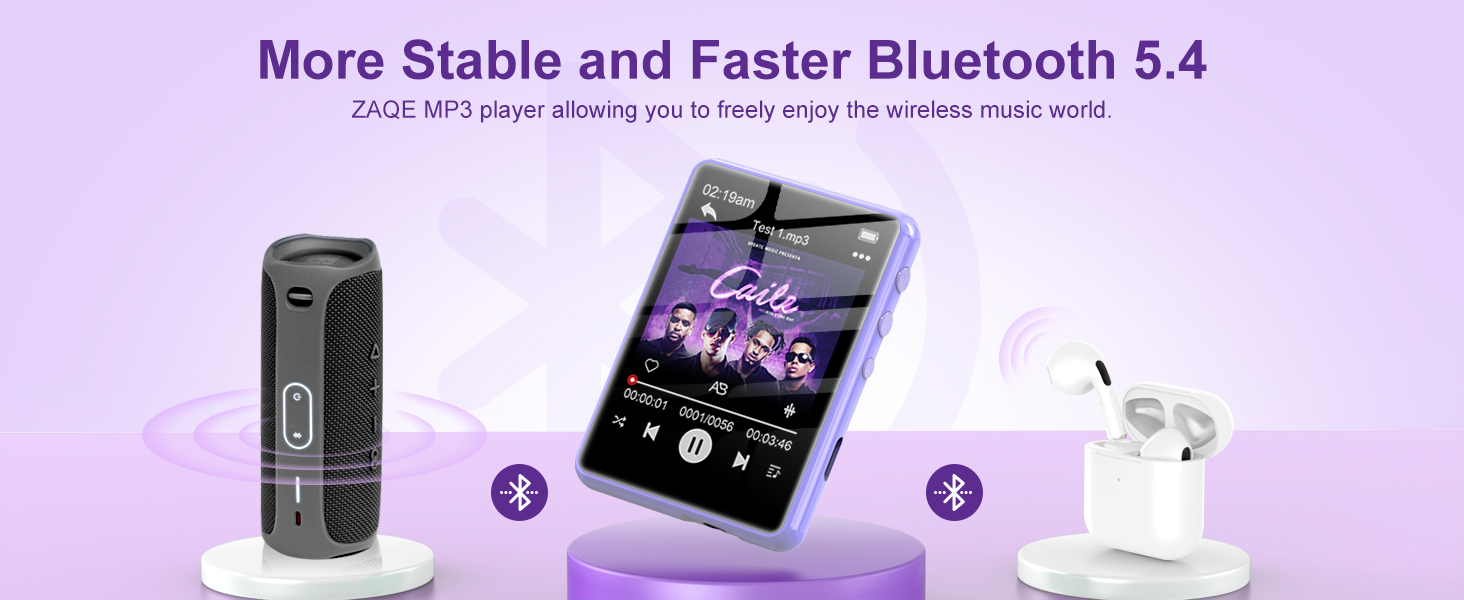
Image: The music playback interface of the ZAQE M4 MP3 Player, highlighting its Hi-Fi sound quality and supported audio formats.
3. Bluetooth байланышы
The ZAQE M4 supports Bluetooth 5.3 for connecting to wireless headphones or speakers. Note: Bluetooth function only supports audio output, not file өткөрүп берүү.
- Go to "Settings" and select "Bluetooth".
- Bluetooth'ту "күйгүзүңүз".
- The player will scan for available devices. Select your Bluetooth headphones or speaker from the list to pair.
- Once paired, audio will be routed to the connected Bluetooth device.

Image: The ZAQE M4 MP3 Player demonstrating advanced Bluetooth 5.3 connectivity with various audio devices.
4. FM радиосу
To use the FM Radio, connect wired headphones as they act as the antenna.
- Plug in your wired headphones.
- Tap the "FM Radio" icon.
- Станцияларды издөө же жыштыкка кол менен тууралоо үчүн экрандагы башкаруу элементтерин колдонуңуз.

Image: The FM Radio function of the ZAQE M4 MP3 Player, illustrating its use in different daily activities.
5. Башка функциялар
- Жаздыруу: Tap the "Record" icon to access the voice recorder.
- Электрондук китеп: Tap the "E-book" icon to read text files. Supported format is TXT.
- Видео: Tap the "Video" icon to play compatible video files.
- Ойготкуч: Tap the "Alarm" icon to set alarms.
- Calendar/Stopwatch: Access these tools from the main menu.

Image: The ZAQE M4 MP3 Player showing an e-book being read on its screen.

Image: The alarm function of the ZAQE M4 MP3 Player, useful for setting reminders or wake-up calls.
Техникалык тейлөө
- Тазалоо: Аппаратты тазалоо үчүн жумшак, кургак чүпүрөктү колдонуңуз. Суюк тазалагычтарды же аэрозолдорду колдонбоңуз.
- Сактагыч: Аппаратты түз күн нурунан жана экстремалдык температурадан алыс салкын, кургак жерде сактаңыз.
- Батареяга кам көрүү: Батареянын иштөө мөөнөтүн узартуу үчүн, бат-баттан батарейканы толук зарядсыздандырбаңыз. Аппаратты узак убакыт бою колдонбосо дагы, үзгүлтүксүз заряддаңыз.
- Суу каршылык: Бул аппарат суу өткөрбөйт. Суунун же жогорку нымдуулуктун таасиринен алыс болуңуз.
Проблемаларды чечүү
| Көйгөй | Чечим |
|---|---|
| Түзмөк күйбөйт. | Ensure the device is charged. Connect it to a power source and try again. If unresponsive, press and hold the power button for 10-15 seconds to force a restart. |
| Bluetooth түзмөгүнө туташа албай жатат. | Make sure Bluetooth is enabled on both the MP3 player and the target device. Ensure the target device is in pairing mode. Try restarting both devices. Bluetooth only supports audio output. |
| Наушниктен/динамиктен үн чыкпайт. | Check volume levels on both the player and the connected audio device. Ensure headphones are properly plugged in or Bluetooth is correctly paired. Test with different headphones/speakers. |
| Files not appearing on the device. | камсыз кылуу files are in supported formats (MP3, WMA, APE, FLAC, WAV, ACELP for audio). Verify files were transferred to the correct folders. Disconnect and reconnect the device to the computer. |
| Сенсордук экран жооп бербей жатат. | Аппаратты кайра иштетиңиз. Эгер маселе чечилбесе, экрандын таза жана таштандылардан таза экенин текшериңиз. |
Техникалык шарттар
- Бренд: ZAQE
- Модел: M4
- Ички эстутум: 128 ГБ
- Кеңейтүүчү эстутум: 512 ГБ чейин (Micro SD карта)
- Bluetooth версиясы: 5.3
- Экрандын өлчөмү: 2.4 дюйм
- Экран түрү: LCD, Full Touchscreen
- Колдоого алынган аудио форматтары: MP3, WMA, APE, FLAC, WAV, ACELP
- Battery Life (Average): 8 саат
- Батарея түрү: Литий Полимер (Заряддоочу)
- Өлчөмдөрү: 1.1 x 4 x 7 см
- Салмагы: 125 грамм
- Кошумча өзгөчөлүктөр: Built-in Speaker, FM Radio, Voice Recorder, E-book Reader, Video Player, Alarm, Calendar, Stopwatch.
Кепилдик жана колдоо
ZAQE offers a one-year return policy and a 24-hour response guarantee for customer inquiries. If you encounter any issues or have questions regarding your ZAQE M4 MP3 Player, please contact our customer support team. We are committed to providing prompt and quality assistance to ensure your satisfaction.
For support, please refer to the contact information provided with your purchase or visit the official ZAQE webсайт.


