Introduction
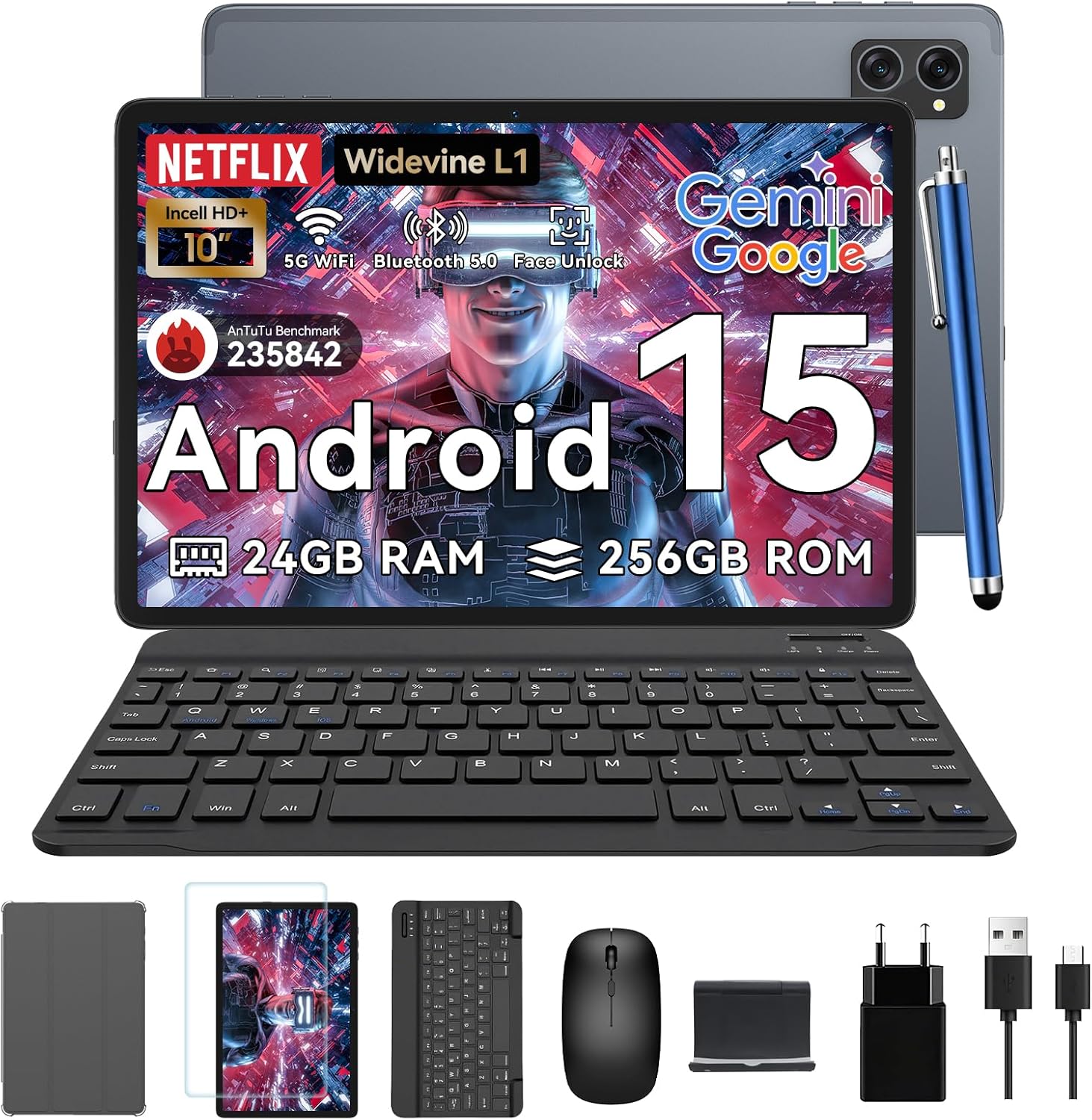
Thank you for choosing the TABWEE T20 Tablet. This manual provides essential information for setting up, operating, and maintaining your device. The T20 Tablet is designed for versatile use, featuring the latest Android 15 with Gemini AI, a powerful Octa-Core processor, and a comprehensive accessory kit for enhanced productivity and entertainment.
Планшетиңизди иштетүү
Android 15 with Gemini AI
Your TABWEE T20 runs on Android 15, enhanced with Gemini AI for an intuitive and efficient experience. Features include real-time language translation, intelligent task management, and personalized widget previews.

Image: Visual representation of Android 15 features, including app management and connectivity options.

Сүрөт: бүттүview of Gemini AI 2.0 experimental features, including voice control and smart assistance.
Дисплей жана аудио
The 10.1-inch Full HD display with Widevine L1 certification provides vibrant 1080p visuals. Enjoy immersive sound with the Smart-K dual BOX speakers.
- Widevine L1: Enables high-definition streaming from platforms like Netflix, Prime Video, and Hulu.
- Көзгө ыңгайлуу режимдер: Access Reading Mode, Night Light, and Dark Mode in display settings for comfortable viewing.

Image: The tablet display showcasing Widevine L1 certification and different eye-friendly viewрежимдери.

Image: Illustration of the tablet's dual Smart-K Box speakers, emphasizing sound quality.
Камера функциялары
The tablet features 8MP front and rear AI cameras. Utilize the Smart Scan camera for efficient document scanning.
- Smart Scan: Automatically detects and enhances documents, receipts, or whiteboards.
- Google Lens Integration: Use Google Lens for smart scanning, searching, and exploring.

Image: The tablet's camera system, highlighting 5MP front and 8MP rear AI cameras, along with Google Lens and Face Unlock capabilities.
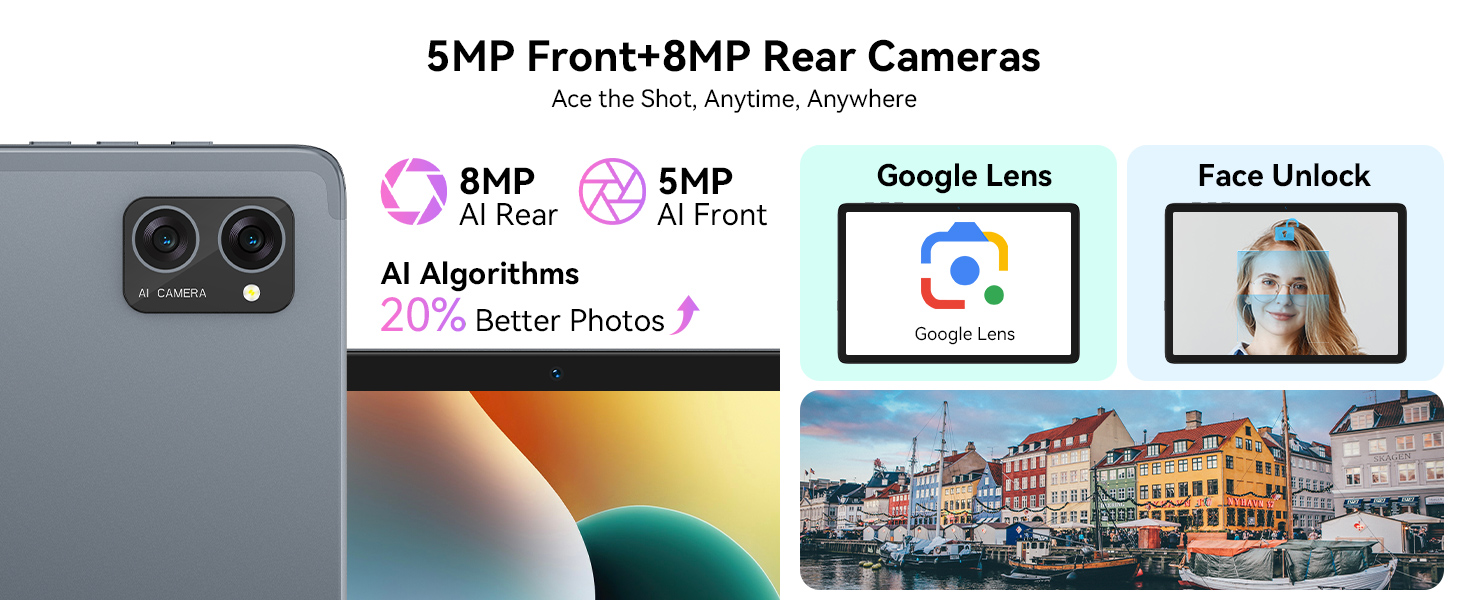
Image: Various applications of Smart Google Lens for scanning, searching, and exploring.
Байланыш
- 5G Dual-Band WiFi: Connect to high-speed wireless networks for fast browsing and streaming.
- Bluetooth 5.0: Зымсыз гарнитура, динамиктер жана башка Bluetooth иштетилген түзмөктөр менен жупташтырыңыз.

Image: The tablet demonstrating fast WiFi 5 connectivity, shown with connected keyboard and mouse.

Image: A user enjoying audio content with wireless earbuds connected to the tablet via Bluetooth 5.0.
Кароо жана тейлөө
- Тазалоо: Экранды жана корпусту тазалоо үчүн жумшак, мамыксыз чүпүрөктү колдонуңуз. Өжөр тактар үчүн бир аз сүртүңүзampчүпүрөккө суу же экран тазалоочу каражат. Катуу химиялык заттардан алыс болуңуз.
- Батареяга кам көрүү: To prolong battery life, avoid extreme temperatures. Do not let the battery fully drain frequently. For long-term storage, charge the tablet to about 50% and power it off.
- Программалык камсыздоо жаңыртуулары: Оптималдуу аткарууну жана коопсуздукту камсыз кылуу үчүн системанын жаңыртууларын дайыма текшерип, орнотуңуз. Орнотуулар > Система > Системанын жаңыртууларына өтүңүз.
- Сактагычты башкаруу: Мезгил-мезгили менен ачык-айкын керексиз files and apps to maintain performance. Utilize the 2TB expandable storage for large media files.

Image: The tablet's internal battery, illustrating its 5000mAh capacity and estimated usage durations.
Кепилдик жана колдоо
Your TABWEE T20 Tablet comes with a 2-year UK warranty, ensuring peace of mind. TABWEE is committed to quality and customer satisfaction.
- 24 айлык акысыз оңдоо кепилдиги: Covers manufacturing defects and ensures free repairs for two years from the date of purchase.
- Өмүр бою техникалык колдоо: Expert assistance is available whenever you need it.
- Hassle-Free Service: Support is provided through the TABWEE Official Flagship Store.
For technical support, warranty claims, or general inquiries, please contact TABWEE customer service through the official channels provided at the point of purchase or on the TABWEE brand webсайт.

Image: Information regarding TABWEE's 2-year warranty and lifetime customer support.