1. Киришүү
This manual provides essential information for setting up, operating, and maintaining your BOSGAME M4 Mini Gaming PC. Please read it thoroughly to ensure optimal performance and longevity of your device.

Figure 1: BOSGAME M4 Mini Gaming PC, showcasing анын компакттуу конструкциясы жана ар турдуу порттору.
2. Кутуда эмне бар
Бардык буюмдар кутудан чыгарылганда бар экенин текшериңиз:
- 1x BOSGAME Mini PC M4
- 1x Power Adapter (Input AC 100~240V, 50/60Hz, Output DC 19V/6.3A) (5.5mm x 2.5mm)
- 1x Instruction Manual
- 1x VESA Fixed Bracket
- 1x HDMI кабели
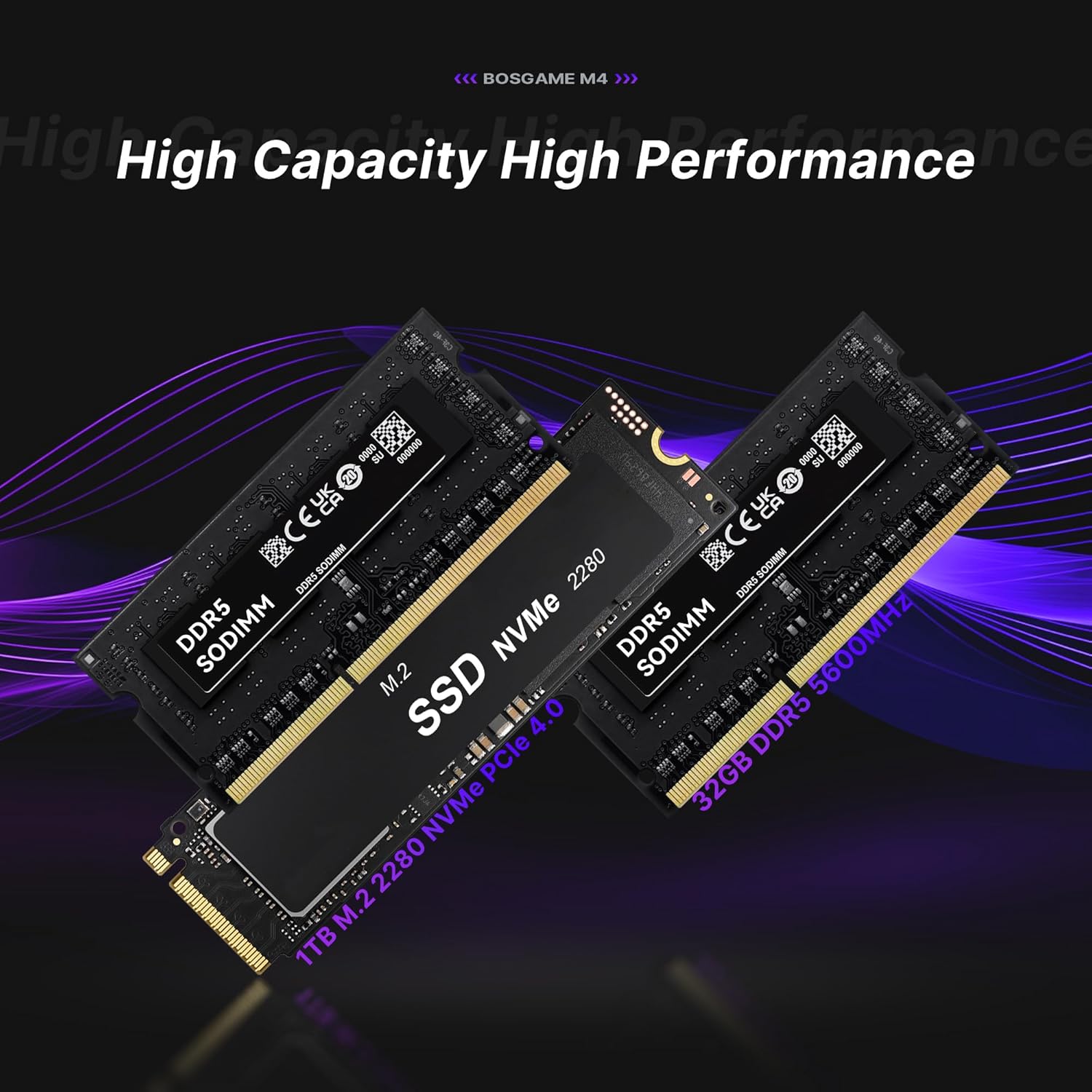
Figure 2: Included accessories with the BOSGAME M4 Mini PC.
3. Орнотуу нускамалары
- Туташуу кубаты: Plug the power adapter into the DC port on the rear of the Mini PC and then into a power outlet.
- Дисплейди туташтыруу: Use the provided HDMI cable to connect your monitor to the HDMI port on the Mini PC. Alternatively, use the DisplayPort (DP) or USB4.0 (Type-C) ports for display output.
- Перифериялык түзүлүштөрдү туташтыруу: Клавиатураңызды, чычканыңызды жана башка USB түзмөктөрүңүздү жеткиликтүү USB портторуна туташтырыңыз.
- Тармак туташуусу: For wired internet, connect an Ethernet cable to one of the 2.5G RJ45 LAN ports. For wireless, the device supports Wi-Fi 6E.
- Күйгүзүү: Mini PCтин алдыңкы бетиндеги кубат баскычын басыңыз.
- Алгачкы Windows орнотуулары: Follow the on-screen prompts to complete the Windows operating system setup. This includes selecting your region, keyboard layout, and creating a user account.
For a visual guide on setting up the Windows system, please refer to the video below:
Video 1: Guide on how to set up the Windows system on your BOSGAME Mini PC.
VESA монтаждоо
The included VESA bracket allows you to mount the Mini PC to the back of a compatible monitor, saving desk space.
- Fix the bracket onto the Mini PC using the provided screws.
- Fix the bracket onto the back of your display using the appropriate screws.
4. Иштөө нускамалары
Күйгүзүү/өчүрүү
- To power on, press the red power button on the front panel.
- To power off, use the operating system's shutdown function. Alternatively, press and hold the power button for several seconds to force a shutdown (use only when necessary).
Көп экрандуу дисплей
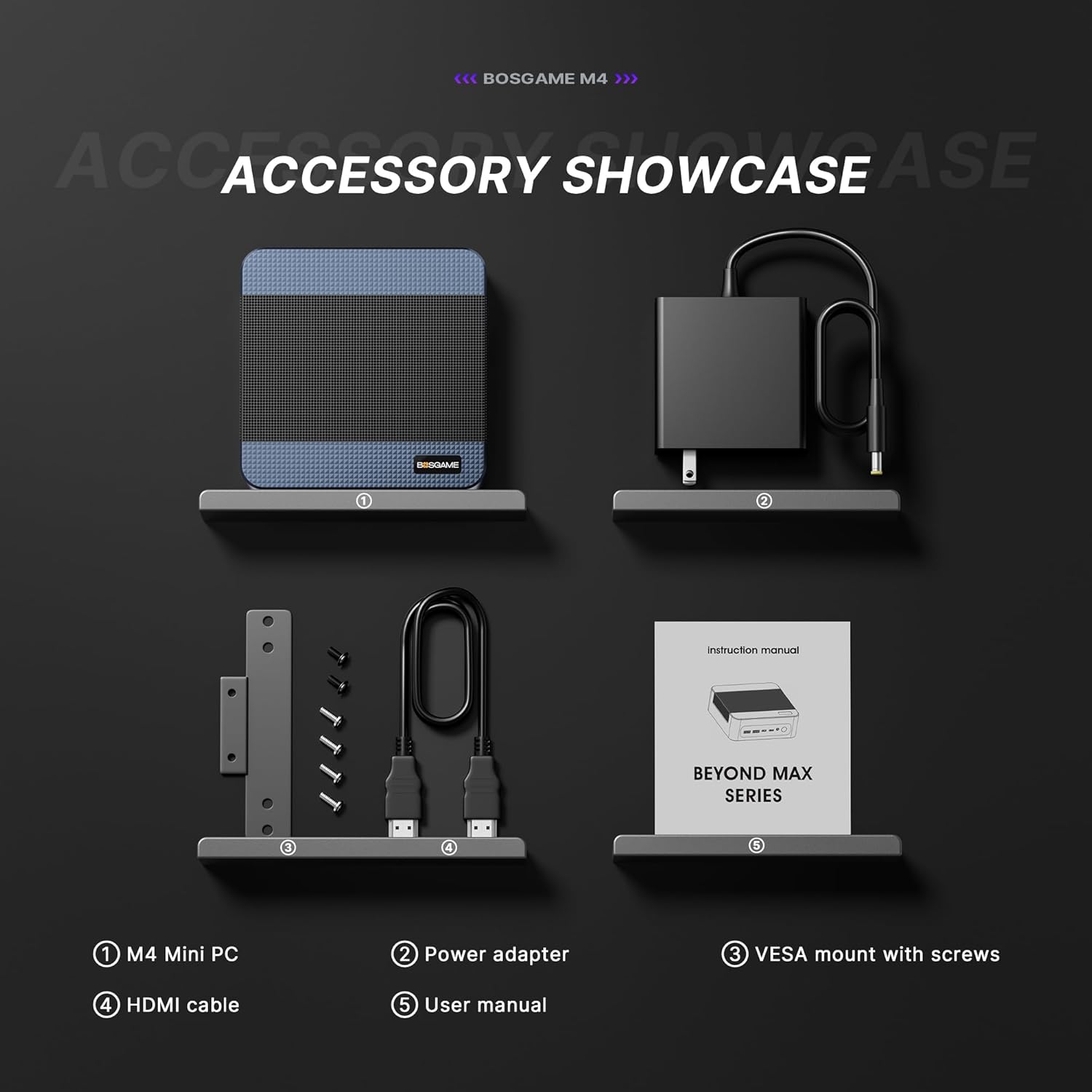
The BOSGAME M4 supports up to four screens simultaneously, utilizing its HDMI, DisplayPort, and two USB4.0 (Type-C) outputs. This allows for enhanced productivity and immersive experiences.

3-сүрөт: Мисample of a four-screen display setup with the Mini PC.
Oculink Port Usage
The Oculink port provides a high-speed PCIe 4.0 x4 interface, offering up to 40Gbps transfer rates. This port is designed for connecting external graphics card docking stations (eGPUs) or high-speed storage arrays for demanding applications like gaming or professional content creation.
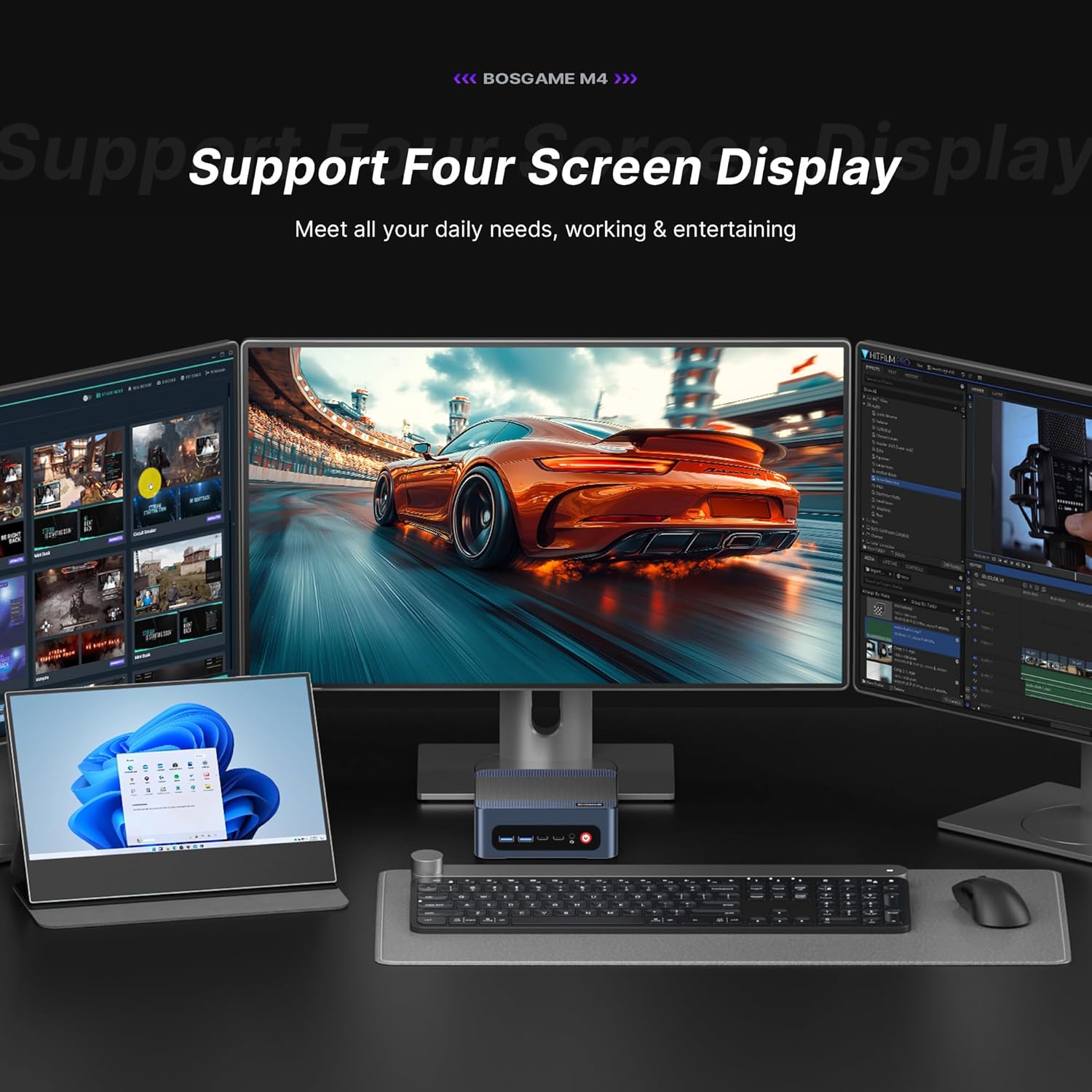
Figure 4: Utilizing the Oculink port for enhanced graphics performance.
Генерал үчүнview of the BOSGAME M4 Mini Gaming PC, including its features and capabilities, please watch the following videos:
Video 2: BOSGAME M4 Mini Gaming PC featuring AMD Ryzen 7 8745HS with Oculink.
Video 3: BOSGAME Mini Gaming PC Powered by AMD Ryzen 7 8745HS.
5. Техникалык шарттар
| Өзгөчөлүк | Деталь |
|---|---|
| Процессор | AMD Ryzen 7 8745HS (3.8 GHz, Max Turbo 4.9GHz, 8 Cores/16 Threads, 16MB Smart Cache) |
| Графикалык сопроцессор | AMD Radeon 780M (2600 MHz Graphics Frequency) |
| RAM | 32GB DDR5 (5600MHz, 16GB x Dual Channel) |
| Сактагыч | 1TB M.2 2280 NVMe PCIe 4.0x4 SSD (Expandable with one additional M.2 NVMe PCIe 4.0 x4 2280 slot) |
| Max Screen Resolution | 7680x4320 (8K) |
| Зымсыз байланыш | Wi-Fi 6E, Bluetooth 5.2 |
| Ethernet | Dual 2.5G RJ45 LAN ports |
| USB порттору | 2x USB 2.0, 3x USB 3.0, 1x USB4.0 (Type-C) |
| Video Output | HDMI 2.0, DisplayPort (DP), USB4.0 (Type-C) |
| Special Ports | Oculink (PCIe 4.0, 40Gbps) |
| Операция системасы | Supports Windows, Ubuntu, Linux |
| Элемент Салмагы | 1 фунт |
| Пакеттин өлчөмдөрү | 6.5 x 6.5 x 4.2 дюйм |

Figure 5: Key features and specifications of the BOSGAME M4.
6-сүрөт: Детальдуу view of the Mini PC's rich interface ports.
6. Техникалык тейлөө
- Тазалоо: Regularly clean the exterior of the Mini PC with a soft, dry cloth. Ensure ventilation grilles are free from dust to maintain optimal airflow.
- Вентиляция: Place the Mini PC in a well-ventilated area. Avoid blocking the air vents to prevent overheating. The device features a quiet and stable cooling fan system.
- Программалык камсыздоо жаңыртуулары: Системанын туруктуулугун жана коопсуздугун камсыз кылуу үчүн операциялык системаңызды жана драйверлериңизди жаңыртып туруңуз.
- Storage and RAM Upgrades: The Mini PC allows for easy upgrades of its M.2 NVMe SSD and DDR5 RAM. Refer to the internal layout for component access.
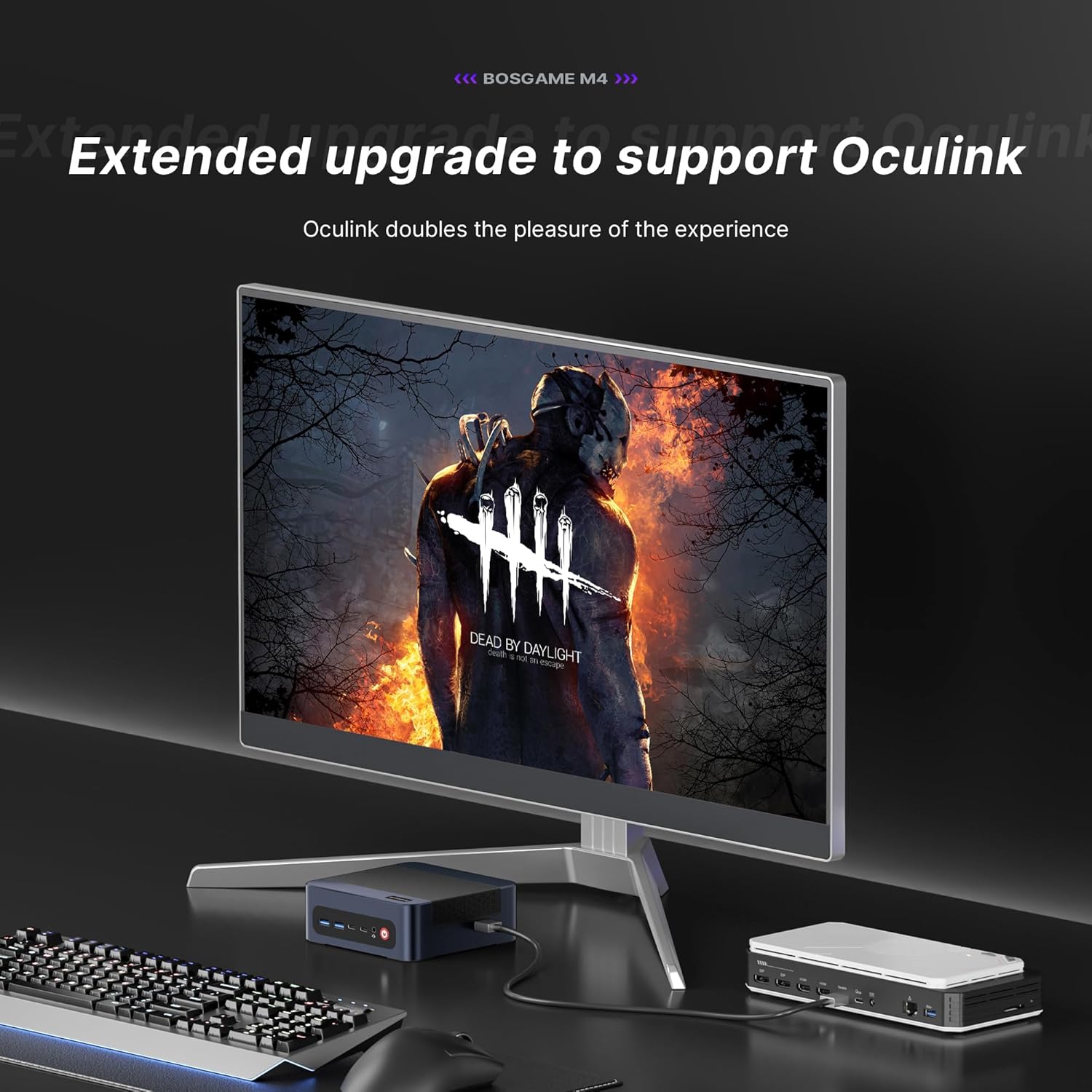
Figure 7: Internal components, highlighting the expandable RAM and SSD.
7. Кыйынчылыктарды
- Кубат жок: Кубат адаптери Mini PCке да, иштеп жаткан розеткага да бекем туташтырылганын текшериңиз. Зарыл болсо, башка розетканы колдонуп көрүңүз.
- Дисплей жок: Verify that the HDMI/DP/USB4.0 cable is correctly connected to both the Mini PC and the monitor. Check the monitor's input source settings.
- Жай аткаруу: Close unnecessary applications. Check for background processes consuming high resources. Ensure sufficient free storage space.
- Тармак маселелери: For wired connections, check the Ethernet cable and router status. For Wi-Fi, ensure the correct network is selected and the password is entered accurately.
- Ашыкча ысып кетүү: Ensure the Mini PC is placed in a well-ventilated area and its vents are not obstructed.
8. Кепилдик жана колдоо
BOSGAME is committed to providing reliable products and customer service.
- Кепилдик: The BOSGAME M4 Mini PC comes with a 1-year limited warranty.
- Кайтаруулар: Enjoy 30-day hassle-free returns.
- Техникалык колдоо: Access 24/7 technical support for any issues or inquiries.
- Байланыш: If you encounter any problems, please contact BOSGAME directly for prompt and professional service.


