1. Киришүү
The Bartec TechRitePro Tool Kit is a professional-grade diagnostic and programming tool for Tire Pressure Monitoring Systems (TPMS). This manual provides essential information for the proper setup, operation, and maintenance of your TechRitePro device and included RiteSensors. It is designed to assist technicians in diagnosing, programming, and relearning TPMS sensors efficiently.
Key features include a 2.8-inch high-resolution color display, a graphical user interface, a rechargeable LiPo battery, and multi-language support. The tool supports improved LF signal and UHF detection for reliable performance.
2. Кутуда эмне бар
Таңгактан чыгарууда бардык компоненттер бар экенин текшериңиз:
- Bartec TechRitePro TPMS Diagnostic Tool (Model WRTTRP100)
- Heavy-Duty OBDII Cable/Connector
- 4 RiteSensors (Programmable Replacement TPMS Sensors)
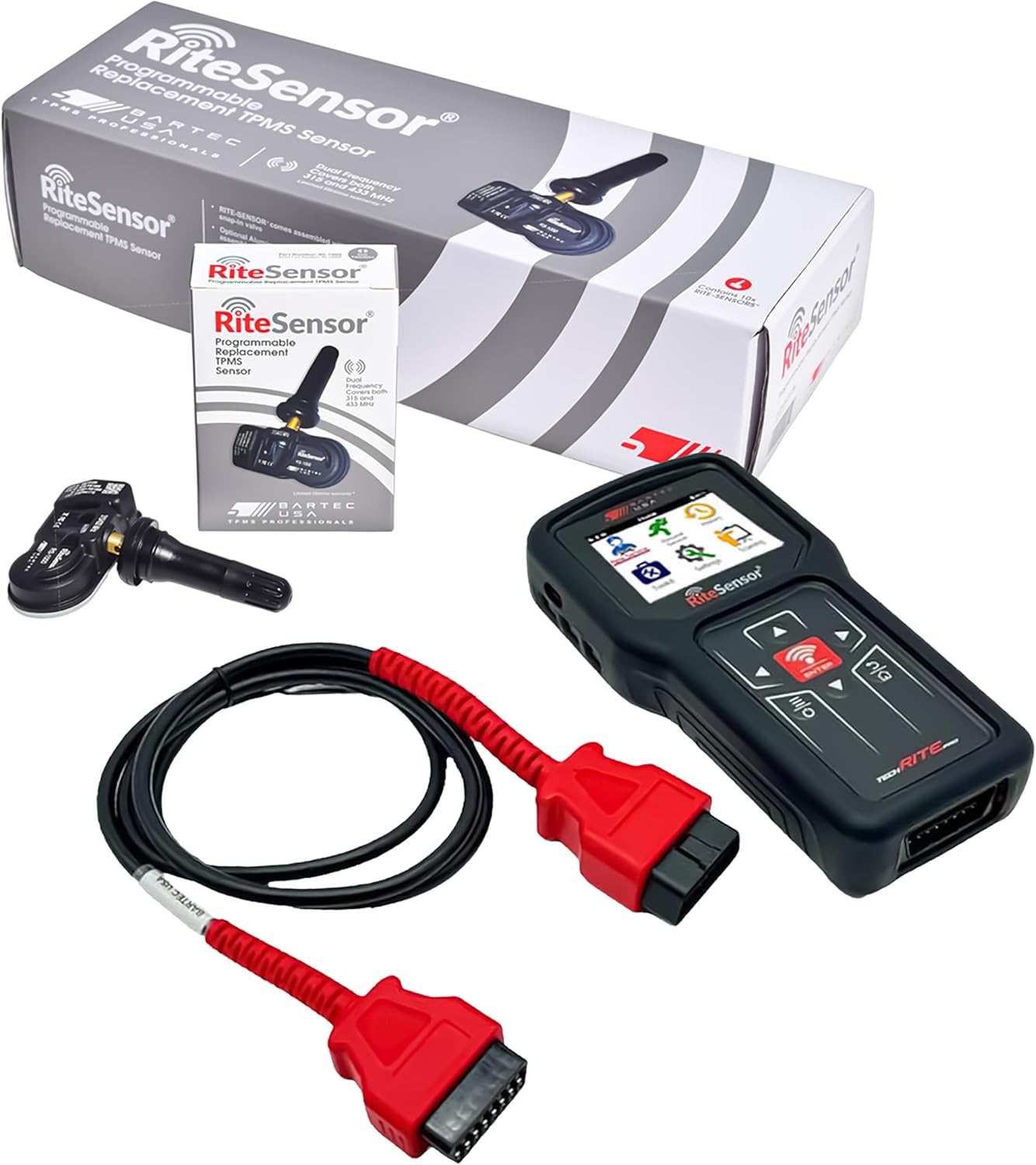
2.1-сүрөт: Contents of the Bartec TechRitePro Tool Kit. This image displays the TechRitePro diagnostic tool, the OBDII cable, and four RiteSensors, along with their individual packaging.
3. Орнотуу
3.1 Алгачкы заряддоо
Before first use, fully charge the TechRitePro device's internal 2.3Ah LiPo battery using the provided charging cable and a compatible power source. A full charge ensures uninterrupted performance during diagnostic and programming tasks. The device features a removable battery for convenience.

3.1-сүрөт: The TechRitePro tool highlighting its power features, including the rechargeable and removable battery.
3.2 Software Installation (TPMS Desktop)
The TechRitePro tool requires the "TPMS Desktop" software to be downloaded and installed on a PC or laptop for updates, data management, and extended functionalities.
- Visit the official Bartec website to locate the TPMS Desktop software download page.
- Орноткучту жүктөп алыңыз file компьютериңизге.
- Орнотууну аяктоо үчүн экрандагы нускамаларды аткарыңыз.
- Connect your TechRitePro device to the computer via the provided USB cable (if applicable, or follow software instructions for connection).

3.2-сүрөт: TPMS Desktop software is required for full functionality and updates.
3.3 Түзмөктүн баштапкы конфигурациясы
Upon first power-on, the device may prompt you to set up basic configurations such as language. The TechRitePro supports multiple languages, including English, French, and Spanish. Navigate through the on-screen menus using the directional buttons and the ENTER button to select your preferences.

3.3-сүрөт: The TechRitePro tool's user interface, designed for global technicians with multi-language support.
4. Иштөө нускамалары
4.1 Аспап навигациясы
The TechRitePro features a 2.8-inch high-resolution color display and a graphical user interface. Use the directional buttons (Up, Down, Left, Right) to navigate through menus and options. The ENTER баскычы тандоолорду ырастайт, жана КАЙТ button (often labeled with an arrow or 'ESC') returns to the previous screen.

4.1-сүрөт: The TechRitePro's 2.8-inch color display and user interface.
4.2 TPMS Sensor Activation and Health Check
To activate a TPMS sensor or perform a quick health check:
- Power on the TechRitePro tool.
- Select the "New Sensor" or "TPMS Health Check" option from the main menu.
- Follow the on-screen prompts to position the tool near each tire's sensor.
- The tool will activate the sensor and display its ID, pressure, temperature, and battery status.
- Confirm the sensor is functioning correctly.
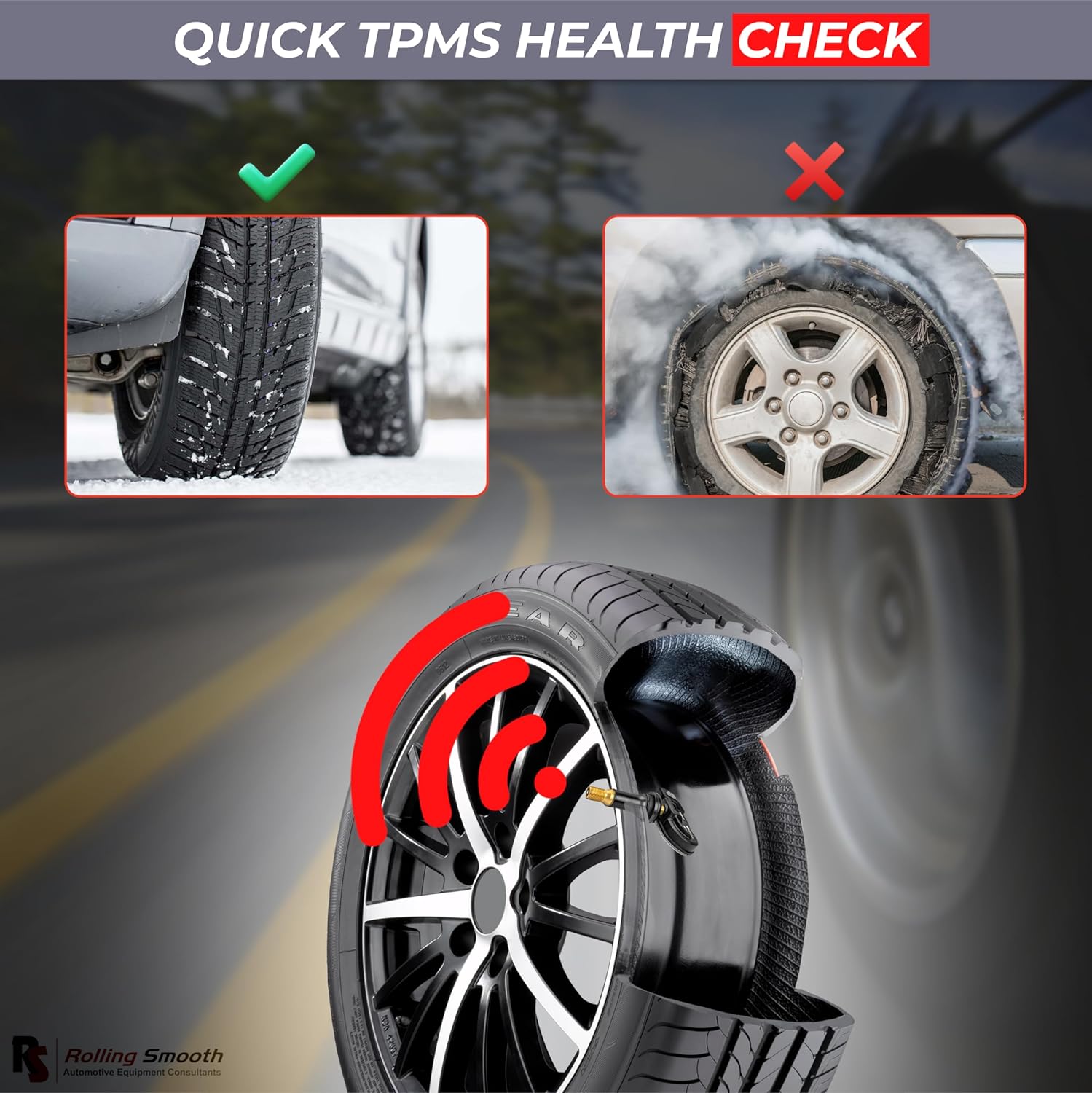
4.2-сүрөт: Performing a quick TPMS health check to ensure proper tire pressure monitoring.
4.3 TPMS сенсордук программалоо
The TechRitePro tool allows for programming of the included RiteSensors or other compatible universal sensors.
- From the main menu, select the "Programming" or "New Sensor" option.
- Choose the desired programming method (e.g., Copy by Activation, Manual Input, Auto Create).
- Follow the on-screen instructions to program the new sensor. This may involve activating an existing sensor to copy its ID or manually entering sensor IDs.
- Ensure the programming is successful before installation.
4.4 TPMS Sensor Relearn Procedure
After replacing or programming TPMS sensors, a relearn procedure is often required for the vehicle's ECU to recognize the new sensor IDs.
- Connect the TechRitePro tool to the vehicle's OBDII port using the heavy-duty OBDII cable.
- Select the "Relearn" function from the tool's menu.
- Choose the vehicle make, model, and year.
- Follow the specific relearn procedure displayed on the tool, which may involve driving the vehicle, performing specific actions, or using the tool to force a relearn via OBDII.
- Confirm that the vehicle's TPMS warning light has turned off.

4.3-сүрөт: Using the TechRitePro tool for TPMS tracking and detection.
5. Техникалык тейлөө
5.1 Аппаратты тазалоо
Аппаратты жумшак менен сүртүңүз, гamp кездеме. Абразивдүү тазалоочу каражаттарды же эриткичтерди колдонбоңуз. Тазалоодон мурун түзмөктүн өчүрүлгөнүн жана кубат булагынан ажыратылганын текшериңиз.
5.2 Батареяга кам көрүү
To prolong battery life, avoid fully discharging the battery frequently. Store the device in a cool, dry place when not in use. The removable battery allows for replacement if its capacity diminishes over time.
5.3 Программалык камсыздоо жаңыртуулары
Regularly check for software updates via the TPMS Desktop application. Updates often include new vehicle coverage, sensor programming capabilities, and performance enhancements.
6. Кыйынчылыктарды
If you encounter issues with your TechRitePro tool, consider the following:
- Түзмөк күйбөй жатат: Ensure the battery is charged. Connect the device to a power source and attempt to power it on.
- Сенсор иштетилбей жатат: Verify the tool is positioned correctly near the sensor. Check the sensor's battery status (if possible). Ensure the sensor is compatible with the tool.
- OBDII Communication Failure: Check the OBDII cable connection to both the tool and the vehicle. Ensure the vehicle's ignition is on (or in the correct position for diagnostics).
- Программалык камсыздоону жаңыртуудагы көйгөйлөр: Ensure your PC has a stable internet connection. Temporarily disable any antivirus or firewall software that might interfere with the TPMS Desktop application.
- Туура эмес окуулар: Ensure the sensors are correctly installed and programmed. Perform a relearn procedure if necessary.
For further assistance, refer to the Bartec support webсайтка же кардарларды тейлөөгө кайрылыңыз.
7. Техникалык шарттар

7.1-сүрөт: Size and weight specifications of the TechRitePro tool and included components.
| Өзгөчөлүк | Спецификация |
|---|---|
| Бренд | Bartec |
| Модел | TECHRITEPRO (WRTTRP100) |
| Элемент моделинин номери | WRTTRP100 |
| Өндүрүүчү бөлүгүнүн номери | WRTP100-4 |
| Дисплей | 2.8" High-Resolution Color Display |
| Батарея | 2.3Ah LiPo (Rechargeable, Removable) |
| Байланыш | OBDII туташтыргычы |
| Сенсордук байланыш | Improved LF Signal, UHF Detection |
| Колдоого алынган тилдер | Англис, француз, испан |
| Automotive Fit түрү | Universal Fit |
| UPC | 199284877863 |
| Сертификаттар | FCC & IC Approved |

7.2-сүрөт: The TechRitePro tool is FCC and IC approved, ensuring compliance with regulatory standards.
8. Кепилдик жана колдоо
For information regarding product warranty, please refer to the documentation included with your purchase or visit the official Bartec webсайт.
For technical support, software updates, or service inquiries, please contact Bartec customer service or visit their online support portal.
9. Коопсуздук маалыматы
- Түзмөктү иштетүүдөн мурун ар дайым бардык көрсөтмөлөрдү окуп жана түшүнүп алыңыз.
- Аппаратты өз максатына ылайык гана колдонуңуз.
- Түзмөктү өтө жогорку температурага, нымдуулукка же түз күн нуруна дуушар кылбаңыз.
- Аппаратты балдардан алыс кармаңыз.
- Аппаратты өз алдынча бөлүүгө же оңдоого аракет кылбаңыз. Квалификациялуу тейлөө кызматкерлерине кайрылыңыз.
- Аппаратты заряддоодо туура желдетүүнү камсыз кылыңыз.
- Always follow vehicle manufacturer's guidelines when performing TPMS service.


