Introduction
Thank you for choosing the GOBOULT Flex On-Ear Bluetooth Headphones. This manual provides essential information for setting up, operating, and maintaining your headphones to ensure optimal performance and longevity. Please read this manual thoroughly before using the product.
Кутуда эмне бар
- GOBOULT Flex On-Ear Bluetooth Headphones
- С тибиндеги тез кубаттоочу кабель
- User Manual
- Кепилдик картасы
Продукт бүттүview
The GOBOULT Flex headphones are designed for comfort and high-quality audio. They feature 40mm bass-boosted drivers, Bluetooth 5.4 connectivity, and an adjustable, foldable design.

Сүрөт: бүттүview of GOBOULT Flex features including 40mm drivers, Bluetooth 5.4, 4 EQ modes, 60ms low latency, 80-hour battery, and ENC calling.
Негизги компоненттер:
- Кулакчындар: Soft, cushioned earcups for comfort.
- Жөнгө салынуучу баш боосу: Ыңгайлаштырылган түрдө тууралоого мүмкүндүк берет.
- Башкаруу баскычтары: Located on the earcups for power, volume, playback, and call management.
- Type-C заряддоо порту: Наушниктерди заряддоо үчүн.
- AUX киргизүү: Зымдуу аудио туташуу үчүн.
- Микрофон: Integrated Zen™ ENC mic for clear calls.

Image: The adjustable headband and earcups of the GOBOULT Flex headphones, designed for a comfortable fit.
Жайгашуу
1. Наушниктерди заряддоо
Before first use, fully charge your GOBOULT Flex headphones. Use the provided Type-C charging cable.
- Connect the Type-C cable to the charging port on the headphones.
- Кабелдин экинчи учун USB кубат булагына туташтырыңыз (мисалы, дубал адаптери, компьютердин USB порту).
- The LED indicator will show charging status (refer to product for specific light patterns).
- A full charge takes approximately 60 minutes and provides up to 80 hours of playtime.
- Fast charging provides 5 hours of playtime with just 10 minutes of charging.
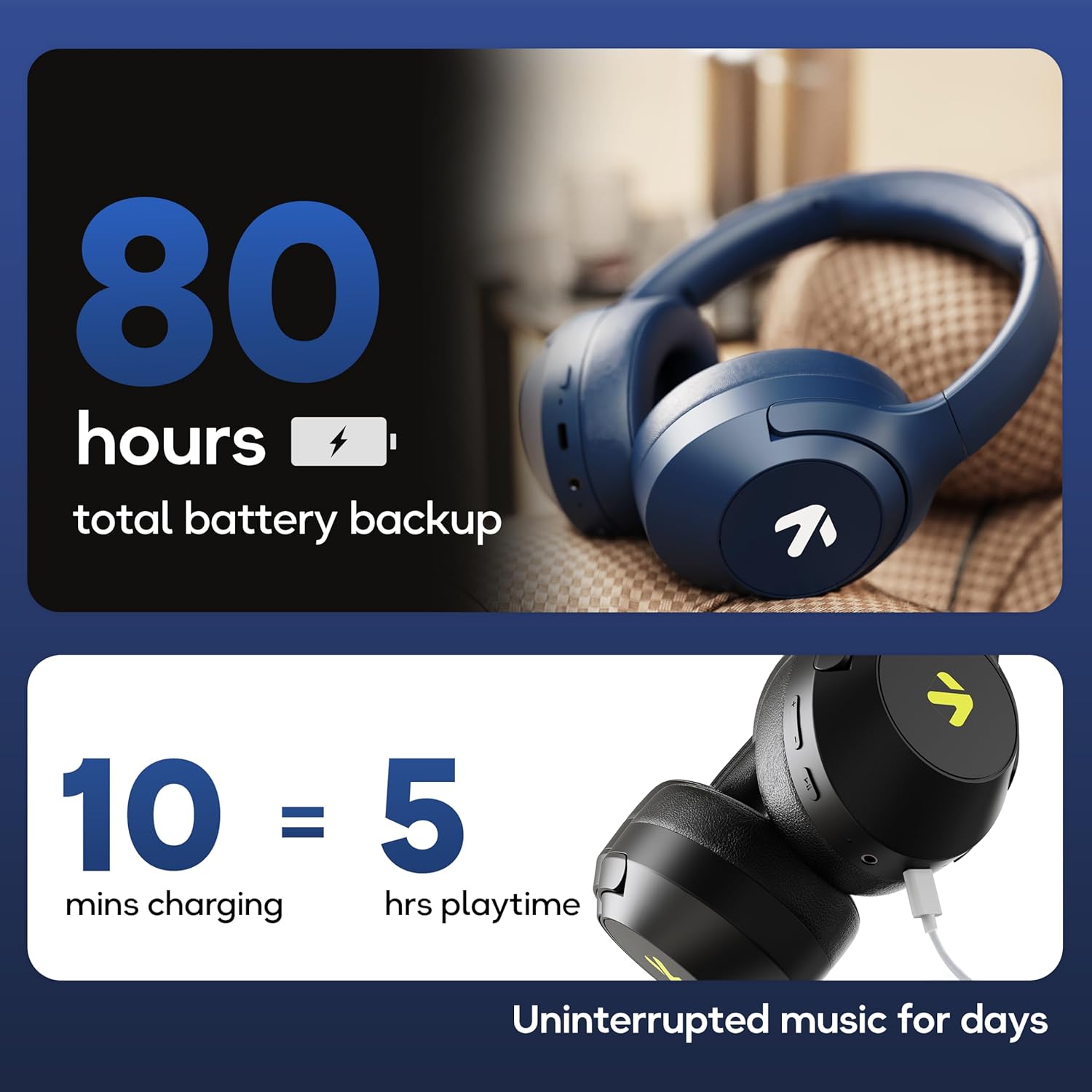
Image: Visual representation of the 80-hour battery life and fast charging capability (10 minutes charge for 5 hours playback).
2. Bluetooth Жупташтыруу
Зымсыз аудио үчүн кулакчындарды түзмөгүңүз менен жупташтырыңыз.
- Наушниктердин заряддалганын жана өчүрүлгөнүн текшериңиз.
- Press and hold the Power button until the LED indicator flashes (usually blue and red alternately), indicating pairing mode.
- Түзмөгүңүздө (смартфон, планшет, ноутбук) Bluetooth иштетиңиз жана жеткиликтүү түзмөктөрдү издеңиз.
- Select "GOBOULT Flex" from the list of devices.
- Туташкандан кийин, LED индикатору, адатта, катуу көк жарыкты көрсөтөт же жай жарк этет.
- The headphones feature Bluetooth 5.4 and Blink & Pair™ technology for fast and stable connections.

Image: The headphones connected via Bluetooth 5.4, highlighting the Blink & Pair feature for quick device connection.
Иштөө нускамалары
Күйгүзүү/өчүрүү
- Күйгүзүү: Кубат баскычын болжол менен 3 секунд басып туруңуз.
- Өчүрүү: Кубат баскычын болжол менен 5 секунд басып туруңуз.
Музыкалык башкаруу
- Ойнотуу/тындыруу: Көп функциялуу баскычты бир жолу басыңыз.
- Кийинки трек: Үнүн жогорулатуу баскычын басып, кармап туруңуз.
- Мурунку трек: Үндү азайтуу баскычын басып, кармап туруңуз.
- Көлөмү: Үндү жогорулатуу баскычын кыска басыңыз.
- Үнүн азайтуу: Үндү азайтуу баскычын кыска басыңыз.
Чалууларды башкаруу
The Zen™ ENC mic ensures clear communication by reducing environmental noise.

Сүрөт: деталдуу view of the Zen™ ENC microphone technology for effective environmental noise cancellation during calls.
- Чалууга жооп берүү/аяктоо: Көп функциялуу баскычты бир жолу басыңыз.
- Чакырууну четке кагуу: Көп функциялуу баскычты 2 секунд басып туруңуз.
- Акыркы номерди кайра терүү: Көп функциялуу баскычты эки жолу басыңыз.
Үн жардамчысы
Activate your device's voice assistant (e.g., Google Assistant) directly from the headphones.
- Үн Жардамчысын жандыруу: Көп функциялуу баскычты үч жолу басыңыз.

Image: The headphones featuring voice assistant compatibility and IPX5 water resistance for protection against sweat and splashes.
Оюн режими (60мс аз кечигүү)
Engage Combat™ Gaming Mode for ultra-low latency audio, ideal for gaming.
- Оюн режимин иштетүү: Refer to the specific button combination in your quick start guide (often a dedicated button or a long press of a volume button).
- This mode reduces audio latency to 60ms for a synchronized gaming experience.
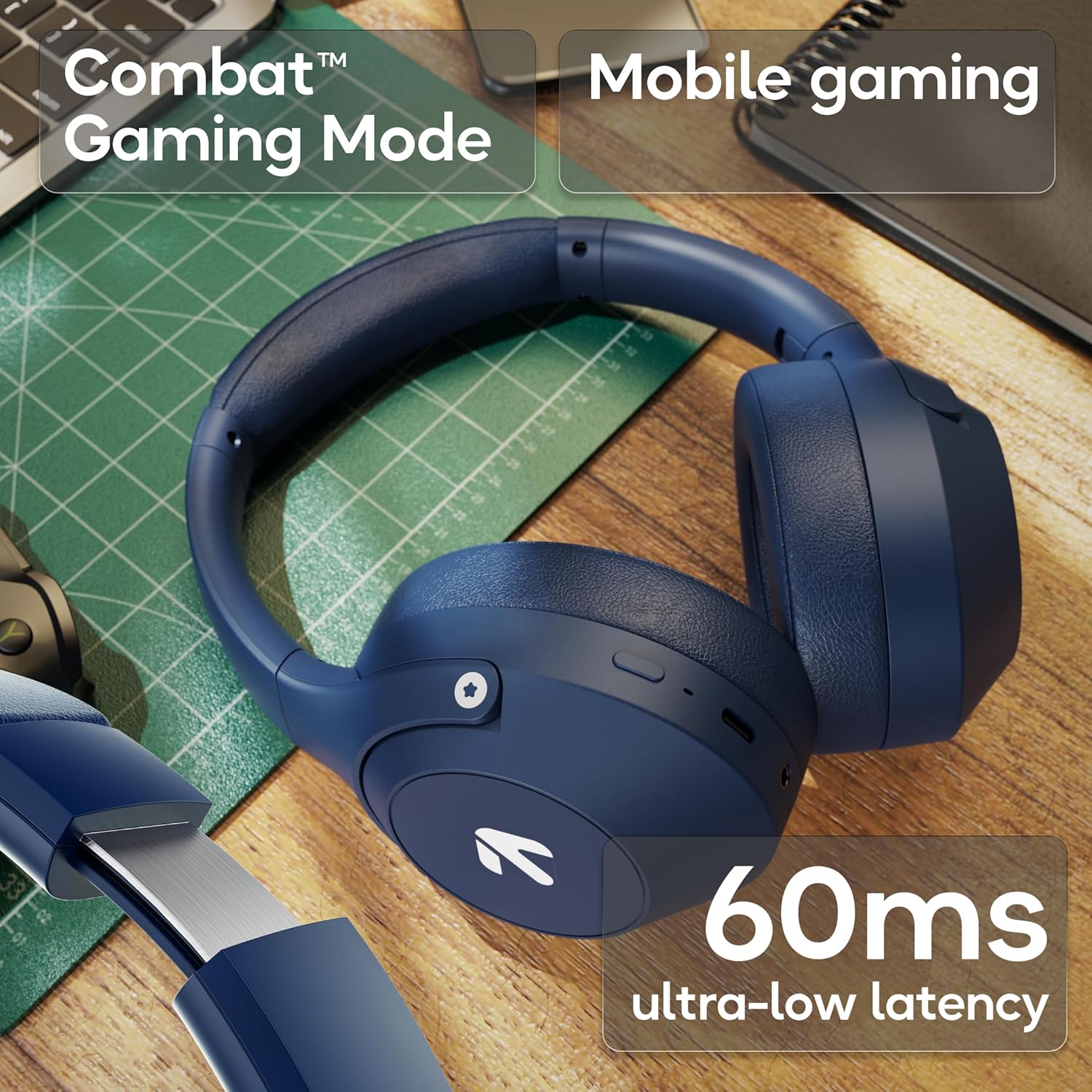
Image: The headphones highlighting the Combat™ Gaming Mode with 60ms ultra-low latency for an enhanced gaming experience.
Зымдуу режим
Use the included AUX cable for a wired connection when wireless is not preferred or the battery is low. Note that the microphone is typically off in wired mode.
- Connect one end of the 3.5mm AUX cable to the headphone's AUX port.
- Экинчи учун аудио булагынын 3.5 мм уячасына туташтырыңыз.
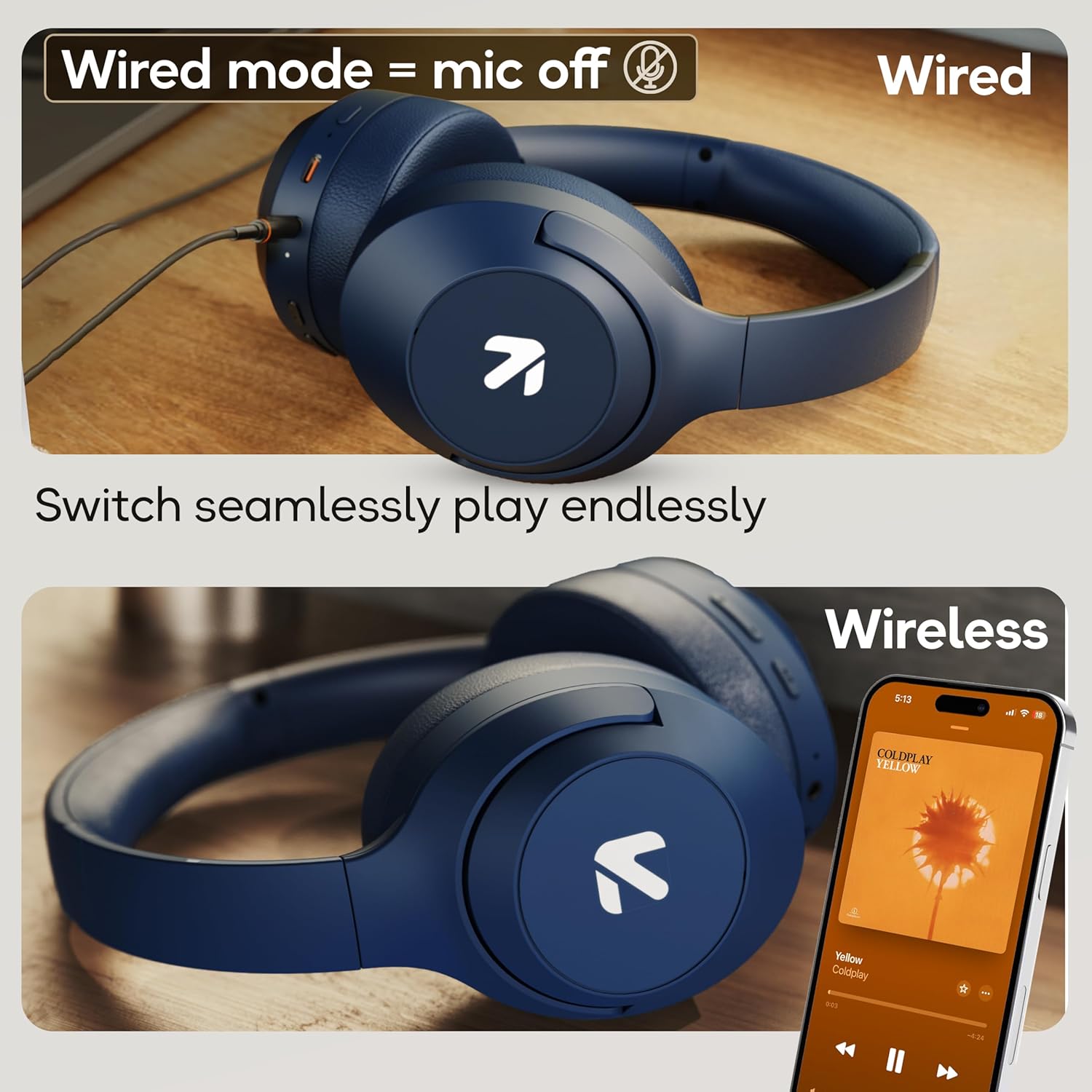
Image: Comparison of wired mode (with mic off) and wireless mode, demonstrating the flexibility of connection options.
EQ режимдери
The headphones offer 4 Equalizer (EQ) modes to customize your audio experience.
- Жеткиликтүү режимдер: Bass, Rock, Pop, Vocal.
- Которуу режимдери: Refer to the specific button combination in your quick start guide (often a dedicated EQ button or a combination press).

Image: The headphones emphasizing powerful bass delivered by 40mm boosted drivers with Boomx™ technology, and support for AAC/SBC codecs.

Сүрөт: Ички view of the headphones showing the DSP processor, indicating features like seamless VoIP calls, adaptive audio equalization, and 16-bit dual-audio processing.
Техникалык тейлөө
Тийиштүү тейлөө кулакчындарыңыздын узак мөөнөттүү иштешин камсыздайт.
- Тазалоо: Кулакчындарды жумшак, кургак чүпүрөк менен сүртүңүз. Катуу химиялык заттарды же абразивдүү материалдарды колдонбоңуз.
- Сактагыч: Наушниктерди салкын, кургак жерде күндүн тике тийген нурунан жана экстремалдык температурадан алыс сактаңыз. Бүктөлүүчү дизайн компакт сактоого мүмкүндүк берет.
- Суу каршылык: Наушниктердин рейтинги IPX5, башкача айтканда, алар терге жана жарык чачырандыларына туруктуу. Аларды сууга батырбаңыз же катуу жамгырга дуушар кылбаңыз.
Проблемаларды чечүү
Күч жок
- Наушниктердин толук заряддалганын текшериңиз.
- Заряддоо кабелин жана кубат булагын текшериңиз.
Bluetooth аркылуу жупташтырылбай жатат
- Наушниктердин жупташтыруу режиминде экенин текшериңиз (LED көк/кызыл күйүп турат).
- Make sure Bluetooth is enabled on your device and it is within 10 meters of the headphones.
- Forget "GOBOULT Flex" from your device's Bluetooth list and try pairing again.
- Наушникти да, түзмөгүңүздү да өчүрүп күйгүзүңүз.
Үн жок
- Наушниктердин жана туташкан түзмөгүңүздүн үнүнүн деңгээлин текшериңиз.
- Наушниктердин туура жупташтырылганын жана туташтырылганын текшериңиз.
- If using wired mode, ensure the AUX cable is fully inserted into both the headphones and the audio source.
Чалуу сапаты начар
- Микрофондун тоскоол болбогонун текшериңиз.
- Move to a quieter environment to allow the ENC mic to function optimally.
- Түзмөгүңүздүн чалуу жөндөөлөрүн текшериңиз.
Техникалык шарттар
| Өзгөчөлүк | Спецификация |
|---|---|
| Модель аты | Flex |
| Бренд | GOBOULT |
| Байланыш технологиясы | Bluetooth, зымсыз |
| Bluetooth версиясы | 5.4 (Product Title says 5.4, Specs say 5.3, using 5.4 as per title) |
| Bluetooth диапазону | 10 метр |
| Аудио драйверинин өлчөмү | 40 миллиметр |
| Аудио драйвер түрү | Динамикалык драйвер |
| Батареянын иштөө мөөнөтү | 80 саат (ойноо убактысы) |
| Заряддоо убактысы | 60 мүнөт |
| Тез заряддоо | 10 саат ойноо үчүн 5 мүнөт |
| Наушник уясы | Type-C Fast Charging Jack, 3.5mm AUX |
| Микрофон | Zen™ ENC Mic |
| Төмөн күтүү режими | 60ms (Combat™ Gaming Mode) |
| Сууга туруктуулук деңгээли | IPX5 (Sweatproof, Water-resistant, Splashproof) |
| Noise Control | Пассивдүү ызы-чууну жокко чыгаруу |
| Элемент Салмагы | 214 грамм |
| Продукциянын өлчөмдөрү | 5 x 19 x 20 см |
| Камтылган компоненттер | Cable, Headphone, Type-C Fast Charging Cable, User Manual, Warranty Card |
Кепилдик жана колдоо
The GOBOULT Flex On-Ear Bluetooth Headphones come with a 1 жылдык кепилдик.
For warranty registration, technical support, or customer service inquiries, please visit the official GOBOULT website or contact their customer support team using the information provided on the warranty card.


