1. Киришүү
This manual provides detailed instructions for the safe and efficient use of your Crelander 10.1 Inch Android 13 Tablet. Please read this manual thoroughly before operating the device and retain it for future reference.
The Crelander 10.1 Inch Android 13 Tablet is a versatile device designed for productivity, entertainment, and communication. It features a powerful processor, ample storage, a vibrant display, and comprehensive connectivity options, including 4G LTE calling.
2. Пакеттин мазмуну
Таңгакты ачканда, бардык буюмдардын бар экенин жана жакшы абалда экенин текшериңиз. Стандарттык таңгакка төмөнкүлөр кирет:
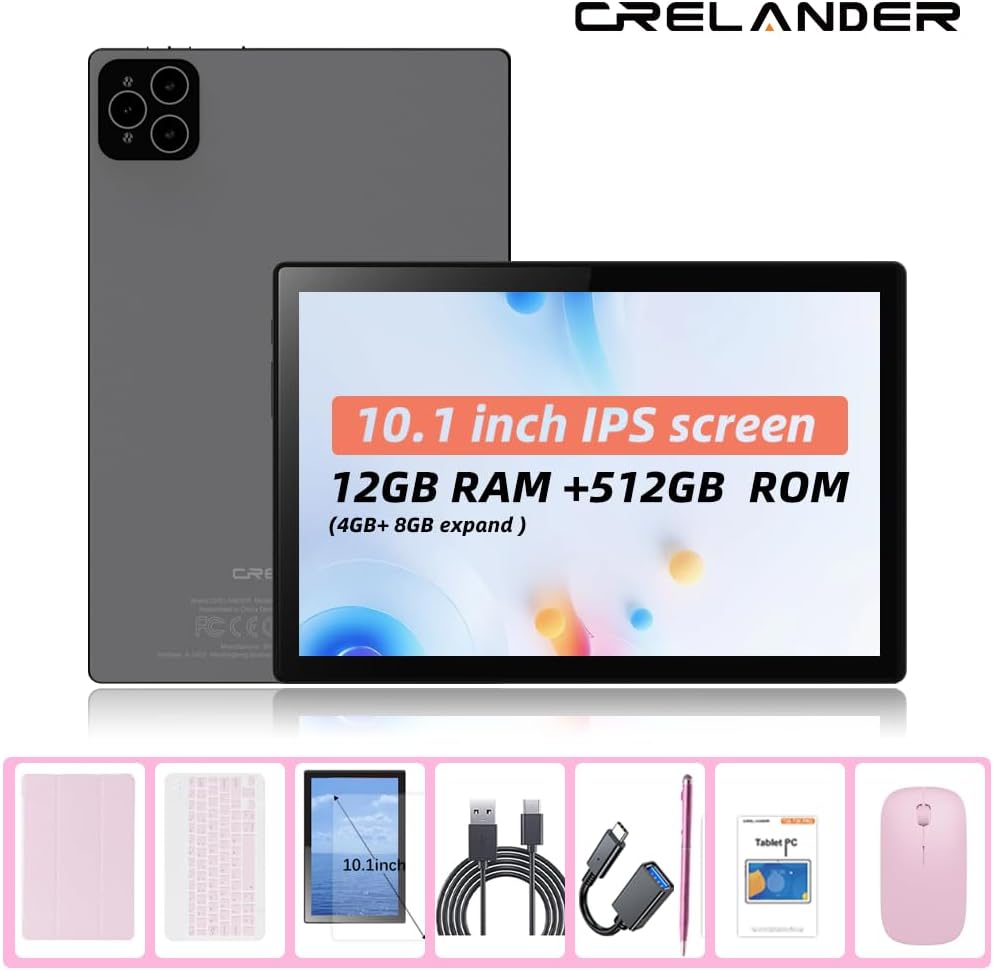
- Crelander 10.1 Inch Android 13 Tablet
- Коргоочу кап
- Зымсыз клавиатура
- Зымсыз чычкан
- Стилус калеми
- USB заряддоо кабели
- USB-C to USB-A Adapter (OTG)
- Колдонуучунун Колдонмосу (бул документ)

Figure 2.1: Crelander Tablet and included accessories.
3. Түзмөктүн жайгашуусу жана функциялары
Familiarize yourself with the physical layout of your tablet.
3.1-сүрөт: Алдыңкы жана арткы View of the Tablet.
Негизги өзгөчөлүктөрү:
- 10.1 дюймдук IPS HD дисплей: 1280x800 pixel resolution for clear and vibrant visuals.
- Android 13 операциялык системасы: Enhanced performance and user experience.
- Жогорку аткаруу: 12GB RAM (with potential virtual expansion) and 512GB internal storage (ROM).
- Кеңейтүүчү сактагыч: Supports up to 1TB TF (microSD) card for additional storage.
- 4G LTE Calling: Integrated SIM card slot for cellular connectivity and voice calls.
- Кош камералар: Сүрөттөр, видеолор жана видео чалуулар үчүн алдыңкы жана арткы камералар.
- Жүздү таануу: For secure and convenient unlocking.
- 8000 мАч Батарея: Узак мөөнөттүү колдонуу үчүн узак мөөнөттүү кубаттуулук.
- Зымсыз туташуу: Bluetooth and Wi-Fi (802.11n) for seamless connections.
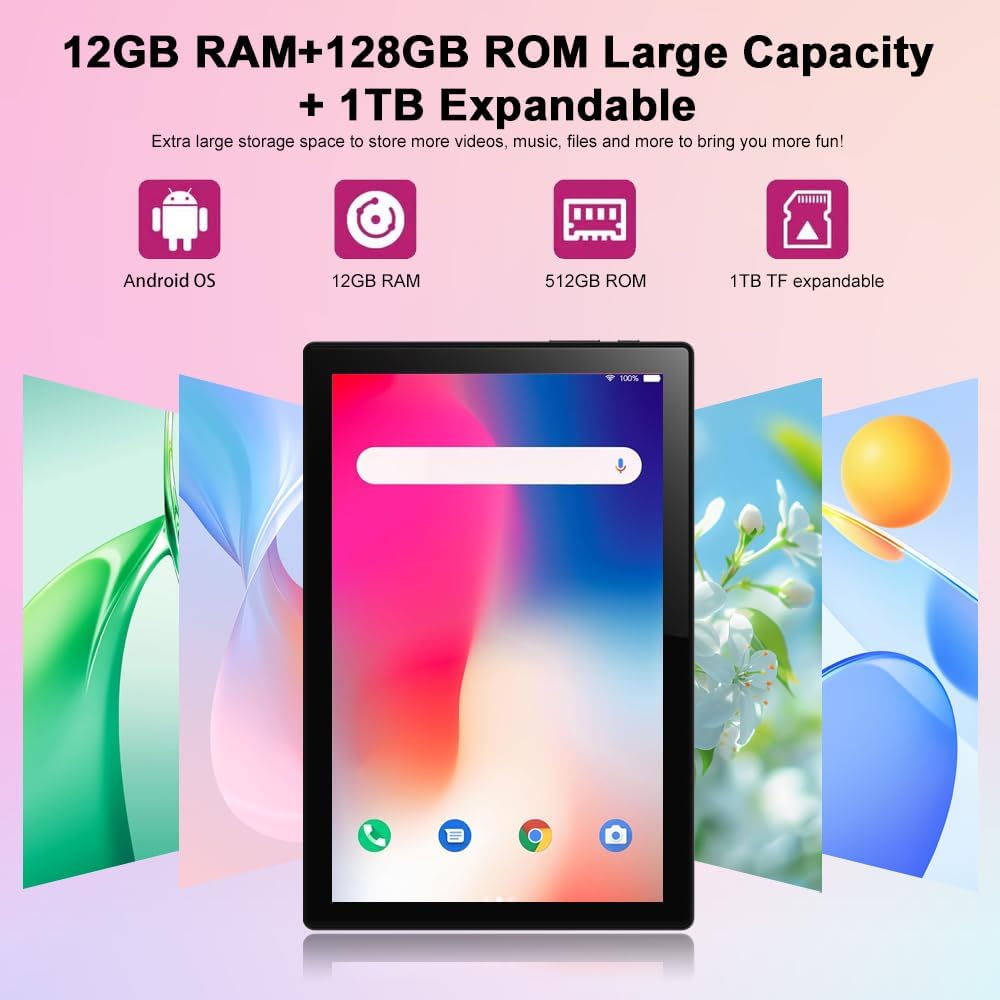
Figure 3.2: Storage and RAM Capabilities.

Figure 3.3: Display Specifications.
4. Баштоо: Орнотуу
4.1 Планшетти заряддоо
Before first use, fully charge the tablet. Connect the USB charging cable to the tablet's charging port and the other end to a compatible USB power adapter (not included) or a computer's USB port. The battery indicator on the screen will show charging status.
4.2 Күйгүзүү/өчүрүү
- Күйгүзүү үчүн: Press and hold the Power button until the Crelander logo appears.
- Өчүрүү үчүн: Кубат параметрлери менюсу чыкканга чейин Кубат баскычын басып, кармап туруңуз, андан кийин "Өчүрүү" дегенди тандаңыз.
- Кайра баштоо үчүн: Кубат параметрлери менюсу пайда болгонго чейин Кубат баскычын басып, кармап туруңуз, андан кийин "Кайра баштоо" тандаңыз.
4.3 Баштапкы орнотуу устасы
Биринчи күйгүзүлгөндө, планшет сизди баштапкы орнотуу процессине жетектейт. Буга төмөнкүлөр кирет:
- Тилиңизди тандоо.
- Wi-Fi тармагына туташууда.
- Setting up your Google account (optional, but recommended for app downloads).
- Экран кулпусун орнотуу (PIN код, үлгү, сырсөз же бетти таануу).
4.4 Inserting a SIM Card (for 4G LTE Calling)
The tablet supports Micro SIM cards for 2G/3G/4G cellular connectivity and calling.
- Планшеттин капталындагы SIM карта салгычын табыңыз.
- Табаны ачуу үчүн берилген SIM чыгаруучу куралды (эгер камтылган болсо) же кичинекей кагаз кычгычты колдонуңуз.
- Carefully place the Micro SIM card into the designated slot on the tray, ensuring correct orientation.
- Табакты акырын кайра планшеттин ичине чыкылдатмайынча түртүңүз.

Figure 4.1: Inserting a Micro SIM Card.
4.5 Inserting a MicroSD (TF) Card
To expand storage, insert a MicroSD (TF) card (up to 1TB, not included).
- Locate the MicroSD card slot, often combined with the SIM tray or a separate slot.
- Insert the MicroSD card into the slot with the gold contacts facing down, until it clicks into place.
- The tablet will recognize the card, and you may be prompted to format it for internal or portable storage.
5. Планшетти иштетүү
5.1 Негизги навигация
The Android 13 operating system uses touch gestures for navigation:
- таптаңыз: To open apps, select items, or activate buttons.
- Серпүү: To scroll through pages, menus, or switch between home screens.
- Чымчып-кичирейтүү: Сүрөттөрдү, карталарды чоңойтуу же кичирейтүү үчүн же web барактар.
- Узак басуу: Контексттик менюларга же колдонмонун сүрөтчөлөрүн жылдыруу үчүн.
5.2 Connecting Accessories (Keyboard, Mouse, Stylus)
The included keyboard and mouse connect via Bluetooth. The stylus is typically passive and does not require pairing.
- Bluetooth иштетүү: барыңыз Орнотуулар > Туташкан түзмөктөр > Bluetooth жана Bluetooth күйгүзүңүз.
- Клавиатураны/чычканды жупташтыруу: Put the keyboard/mouse into pairing mode (refer to their individual manuals if needed). Select the device from the list of available Bluetooth devices on your tablet and follow on-screen prompts to pair.
5.3 Using Facial Recognition
Set up facial recognition for quick and secure unlocking.
- барыңыз Орнотуулар > Коопсуздук жана купуялык > Түзмөктүн кулпусун ачуу > Жүз менен ачуу.
- Follow the on-screen instructions to register your face using the front camera.
- Ensure good lighting and hold the tablet at eye level during registration.
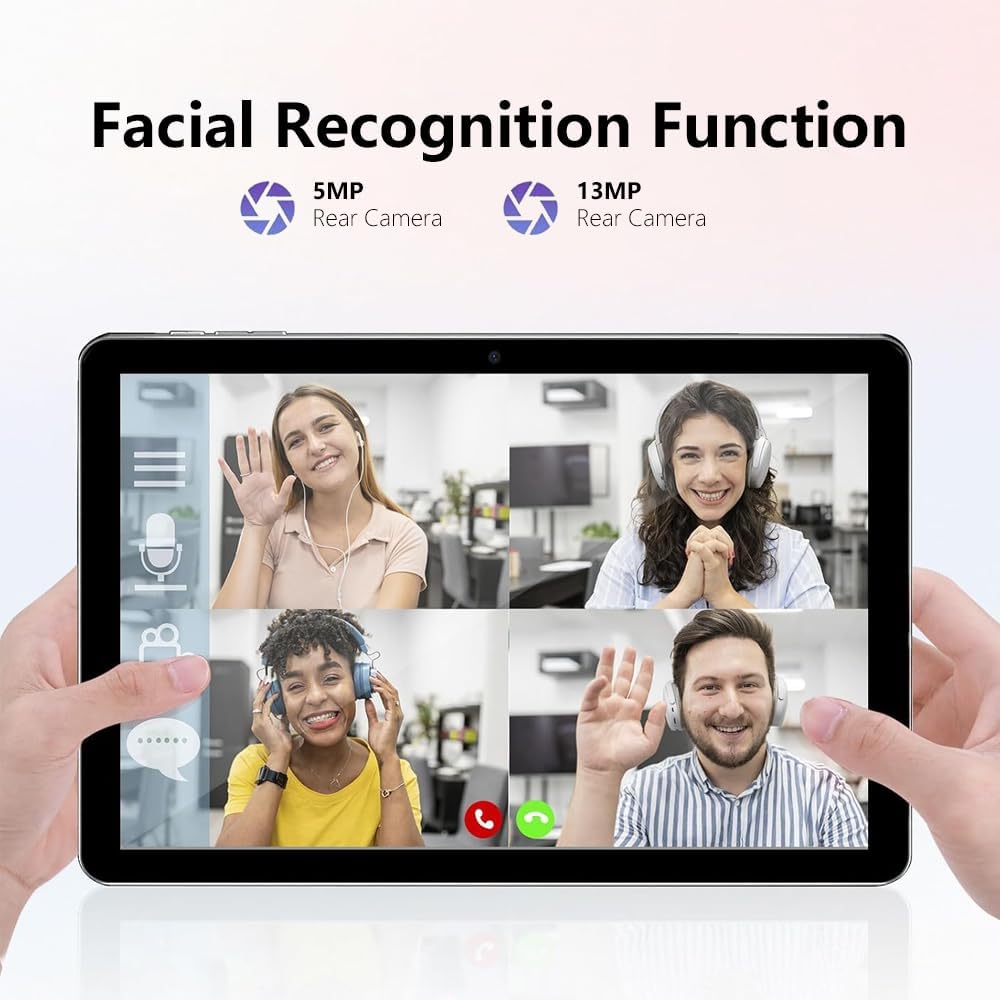
Figure 5.1: Facial Recognition in Use (Illustrative).
5.4 Wi-Fi and Cellular Data
- Wi-Fi: Мүмкүнчүлүк Орнотуулар > Тармак жана интернет > Интернет жеткиликтүү Wi-Fi тармактарына туташуу үчүн.
- Мобилдик дайындар: Эгер SIM карта салынган болсо, мобилдик маалыматтарды иштетүү үчүн Орнотуулар > Тармак жана интернет > SIM карталар.
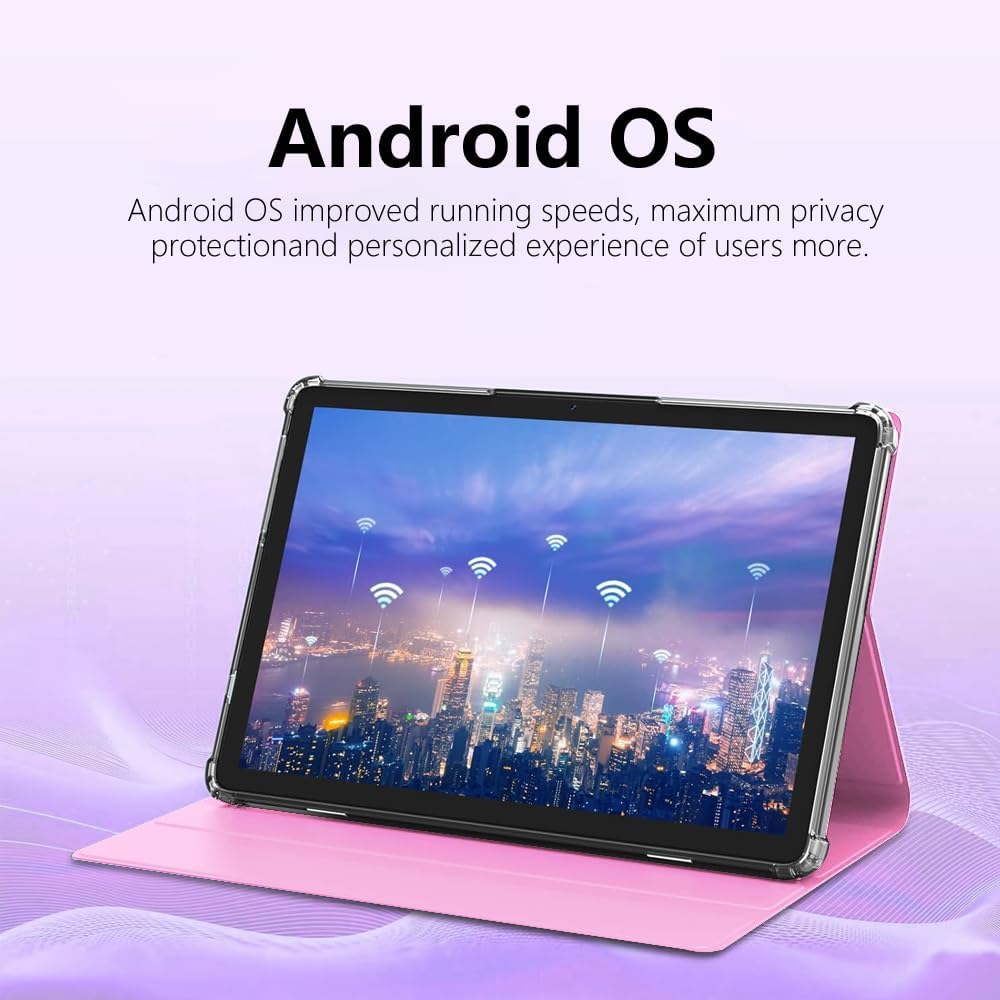
Figure 5.2: Android OS and Wireless Connectivity.
6. Техникалык тейлөө жана кам көрүү
- Тазалоо: Экранды жана корпусту тазалоо үчүн жумшак, мамыксыз чүпүрөктү колдонуңуз. Абразивдүү тазалоочу каражаттарды же эриткичтерди колдонбоңуз.
- Батареяга кам көрүү: Ашыкча температурадан алыс болуңуз. Узак мөөнөткө сактоо үчүн батарейканы болжол менен 50% га чейин кубаттаңыз.
- Программалык камсыздоо жаңыртуулары: Системанын жаңыртууларын үзгүлтүксүз текшерип туруңуз Орнотуулар > Система > Системаны жаңыртуу оптималдуу аткарууну жана коопсуздукту камсыз кылуу.
- Сактагычты башкаруу: Мезгил-мезгили менен кэшти тазалап, колдонулбаган колдонмолорду чыгарып, чоң көлөмдөгү файлдарды өткөрүп берип туруңуз files to external storage (MicroSD card) to maintain performance.
- Коргоо: Use the provided protective case to guard against drops and scratches.
7. Кыйынчылыктарды
| Көйгөй | Мүмкүн чечим |
|---|---|
| Планшет күйбөйт. | Ensure the tablet is charged. Connect to a charger for at least 30 minutes before attempting to power on again. |
| Wi-Fi'га туташпай жатат. | Жөндөөлөрдө Wi-Fi иштетилгенин текшериңиз. Роутериңизди өчүрүп-күйгүзүңүз. Тармакты унутуп, кайра туташыңыз. |
| SIM карта табылган жок. | Ensure the SIM card is correctly inserted and is a Micro SIM. Restart the tablet. Check with your carrier if the SIM is active. |
| Планшет жай иштеп жатат же жооп бербей жатат. | Close unused apps. Clear app caches. Restart the tablet. Consider a factory reset as a last resort (backup data first). |
| Батарея бат эле түгөнөт. | Reduce screen brightness. Disable unused features like Bluetooth/GPS. Close background apps. Limit notifications. |
8. Техникалык шарттар
| Өзгөчөлүк | Деталь |
|---|---|
| Модель номери | CR-T40-pink |
| Операция системасы | Android 13 |
| Дисплей | 10.1-inch IPS HD Touchscreen (1280 x 800 pixels) |
| Процессор | MT6763 |
| RAM | 12 ГБ |
| Ички сактагыч (ROM) | 512 ГБ |
| Кеңейтүүчү сактагыч | Up to 1TB via MicroSD (TF) card |
| Камералар | Front and Rear (specific MP not detailed in all specs, but 5MP/13MP mentioned in image) |
| Батарея | 8000mAh (Built-in rechargeable) |
| Байланыш | Wi-Fi (802.11n), Bluetooth, 4G LTE (Micro SIM) |
| Өлчөмдөрү (LxWxH) | 10 x 0.3 x 7 дюйм |
| Салмагы | 3.3 фунт |
| Түс | Кызгылт |
9. Кепилдик жана колдоо
Crelander products are designed for reliability and performance. For warranty information, technical support, or service inquiries, please refer to the contact information provided with your purchase or visit the official Crelander webсайт.
Кепилдик дооматтары үчүн сатып алганыңыздын далилин сактап коюңуз.


