Model: Y10 | Brand: 4DRC
This manual provides essential information for the safe and effective operation of your 4DRC Y10 Amphibious Waterproof RC Monster Truck. Please read these instructions thoroughly before use and retain for future reference.
No specific safety warnings were provided beyond general product safety. Always supervise children during operation. Keep fingers, hair, and loose clothing away from moving parts. Do not operate near people, pets, or obstacles. Ensure the battery compartment is securely sealed before water play.

Image: The 4DRC Y10 RC Monster Truck, remote control, wristband controller, two rechargeable batteries, USB charging cable, and a screwdriver.
Locate the battery compartment on the underside of the RC truck. Use the provided screwdriver to open the compartment. Connect one of the 7.4V rechargeable batteries to the truck's power connector. Securely close the battery compartment, ensuring it is sealed for waterproof operation.

Image: Illustration of battery installation in the RC truck, showing the compartment and connection points.
The 2.4GHz remote control requires 2 AA batteries (not included). Open the battery cover on the back of the remote control and insert the batteries, observing correct polarity. Close the cover securely.
Connect the 7.4V rechargeable battery to the USB charging cable. Plug the USB cable into a standard USB power adapter (e.g., phone charger, computer USB port). The indicator light on the USB cable will show charging status (typically red for charging, off or green for fully charged). Charging time is approximately 2-3 hours. Do not overcharge.

Image: The USB charging cable connected to a rechargeable battery, illustrating the charging process.
To pair the remote control with the truck:

Image: The 2.4GHz remote control, highlighting the joysticks for movement and steering.
The 4DRC Y10 offers two control methods:

Image: The RC truck shown with both the traditional remote control and the wristband controller, illustrating the dual control options.
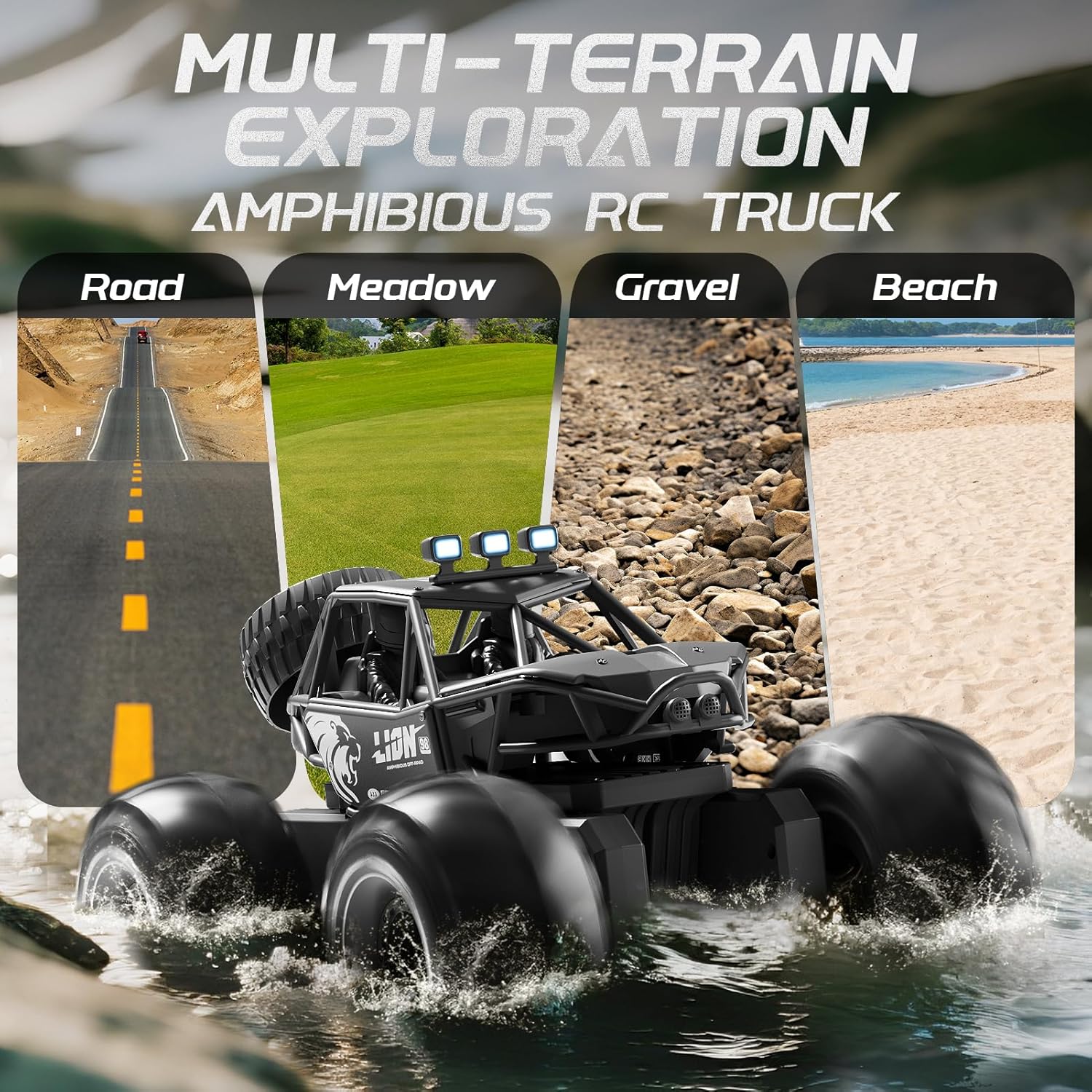
The 4DRC Y10 is designed for versatile use on various surfaces:

Image: The 4DRC Y10 RC Monster Truck driving through water, demonstrating its amphibious capability.

Image: The 4DRC Y10 RC Monster Truck depicted on different terrains including road, meadow, gravel, and beach, showcasing its multi-terrain exploration capabilities.
The truck can perform 360-degree rotations. Refer to the remote control's specific button or joystick combination for activating this stunt. This feature adds dynamic play to both land and water operations.
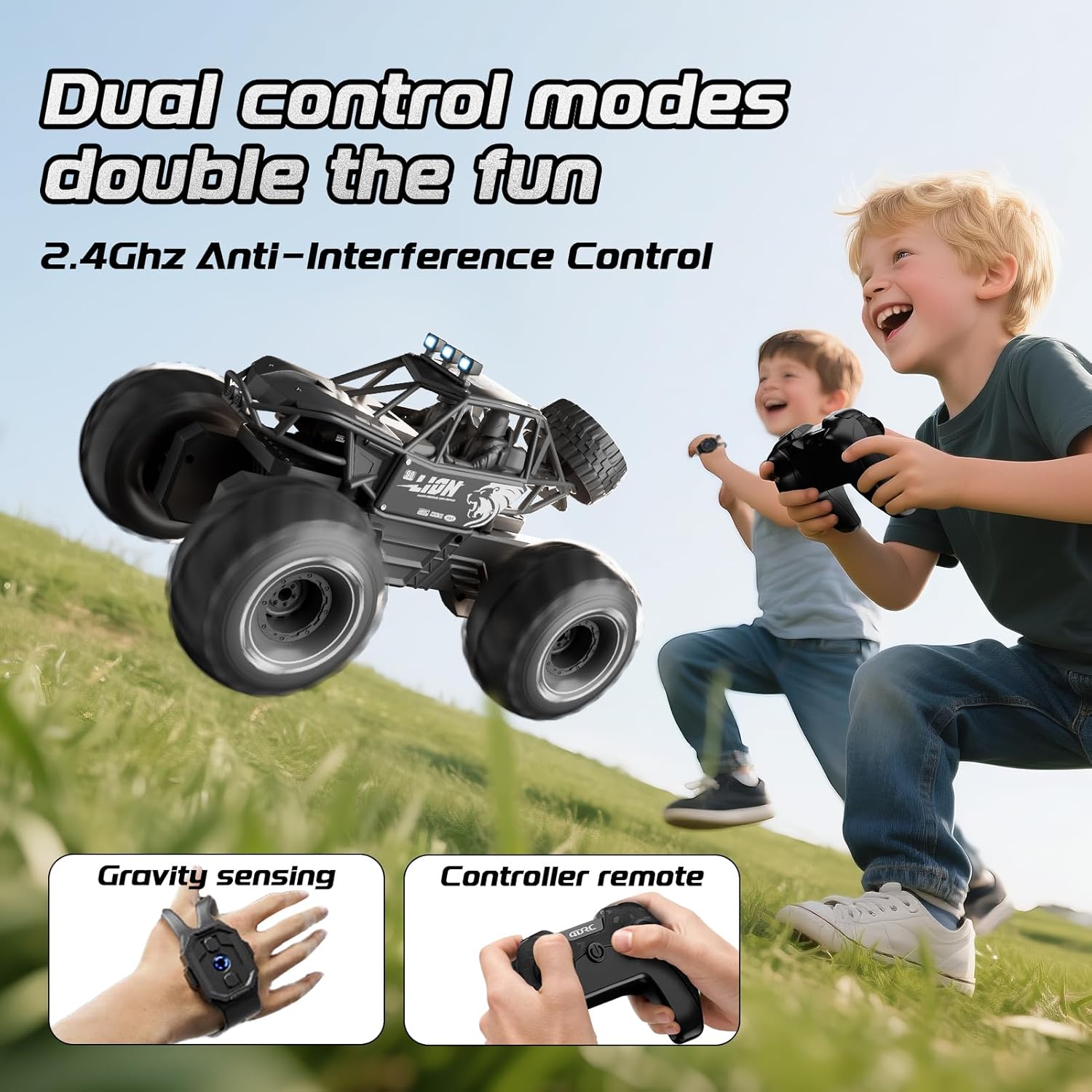
Image: The 4DRC Y10 RC Monster Truck shown in mid-rotation, illustrating its 360-degree stunt capability.
The integrated LED headlights provide visibility and enhance the visual experience during operation, especially in low-light conditions.
| Көйгөй | Мүмкүн себеп | Чечим |
|---|---|---|
| Жүк ташуучу унаа алыстан жооп бербейт. | Low battery in truck or remote; not paired; out of range. | Charge truck battery. Replace remote batteries. Re-pair the truck and remote. Ensure truck is within operating range (approx. 150 feet). |
| Truck moves erratically or is hard to control. | Interference; joystick stiffness/malfunction. | Operate in an open area away from other 2.4GHz devices. If joysticks are stiff, ensure they are not obstructed and apply gentle, consistent pressure. If the issue persists, contact customer support. |
| Truck stops working in water. | Battery compartment not sealed; water ingress. | Immediately remove from water. Open battery compartment and dry thoroughly. Ensure compartment is properly sealed before next water use. If damage occurred, contact customer support. |
| Кыска ойноо убактысы. | Батарея толук заряддалган эмес; эски батарея. | Ensure battery is fully charged before use. Consider replacing old batteries if performance degrades significantly. |
Кепилдик жөнүндө маалымат же техникалык колдоо алуу үчүн, сатып алууңуз менен бирге берилген байланыш маалыматтарын караңыз же расмий 4DRC сайтына кириңиз webсайт. Сатып алганыңыздын далили катары сатып алуу дүмүрчөгүңүздү сактаңыз.
![]() |
Y10 мотоцикл туулгасы үчүн Bluetooth гарнитурасы үчүн кыскача колдонмо Y10 мотоцикл шлеминин Bluetooth гарнитурасы боюнча кыскача көрсөтмө, анда продукттун чоо-жайы баяндалганview, телефондун функциялары, музыка ойнотуу, кубаттоо, жупташтыруу жана маанилүү коопсуздук көрсөтмөлөрү. |
![]() |
4DRC 4D-FII Quadcopter Operating Instructions This document provides operating instructions for the 4DRC 4D-FII Quadcopter, covering setup, controls, flight modes, and safety precautions. |
![]() |
4DRC 4D-FIO квадрокоптер колдонуучусунун колдонмосу жана колдонуу боюнча нускамалар Бул колдонуучу колдонмосунда 4DRC 4D-FIO квадрокоптери үчүн кеңири колдонуу боюнча нускамалар камтылган. 14 жаштан жогорку курактагылар үчүн ылайыктуу, GPS менен жабдылган бул дрондун орнотуусу, учууну башкаруу элементтери, колдонмонун функциялары, коопсуздук көрсөтмөлөрү жана бузулууларды оңдоо жөнүндө билип алыңыз. |
![]() |
Y10-2X Intercom Version User Manual Y10-2X Intercom Version үчүн комплекстүү колдонуучу колдонмосу, күйгүзүү/өчүрүү, музыканы ойнотуу, телефон функциялары жана домофонду жупташтыруу сыяктуу өзгөчөлүктөр. Товарды камтыйтview, нерселердин тизмеси жана маанилүү эскертүүлөр. |
![]() |
4DRC 4D-F13 квадрокоптерин колдонуу боюнча нускамалар жана колдонуучунун колдонмосу Comprehensive guide to operating the 4DRC 4D-F13 quadcopter, including setup, controls, flight modes, safety precautions, and app integration. |
![]() |
4DRC 4D-F13 Quadcopter иштетүү нускамалары 4DRC 4D-F13 квадрокоптери үчүн кеңири эксплуатациялык көрсөтмөлөр, анда оптималдуу учуу тажрыйбасы үчүн орнотуу, башкаруу элементтери, колдонмо функциялары жана коопсуздук көрсөтмөлөрү камтылган. |