Introduction
This manual provides essential information for setting up, operating, and maintaining your Philips Ambilight 55MLED920 'The Xtra' Mini LED 4K Smart TV. Please read these instructions carefully before using your television to ensure optimal performance and safety.
Жайгашуу
1. Кутудан чыгаруу жана Пакеттин мазмуну
Бардык компоненттерди таңгактан кылдаттык менен алып салыңыз. Төмөндө саналып өткөн нерселердин бардыгы бар экенин текшериңиз:
- ТВ бирдиги
- Электр кабели
- 2 AAA батареялары менен алыстан башкаруу
- Тур
- Колдонуучунун колдонмосу жана Кепилдик картасы
Keep the packaging for future transport or storage.
2. Телевизордун стендин же дубалга орноткучту орнотуу
Follow the instructions provided in the separate stand installation guide or wall mount kit. Ensure the TV is placed on a stable, level surface or securely mounted to a wall, away from direct sunlight or heat sources.
3. Түзмөктөрдү туташтыруу
Connect your external devices such as set-top boxes, gaming consoles, or sound systems to the appropriate ports on your TV.

Сүрөт: Арткы жана каптал view of the Philips Ambilight TV, illustrating the various connectivity ports available for external devices. These include HDMI, USB, Satellite, TV Antenna, Digital Audio Out, and Network connections.
- HDMI: For high-definition audio and video connections (e.g., Blu-ray players, game consoles). This TV supports HDMI 2.1.
- USB: Медияны ойнотуу үчүн USB сактагыч түзмөктөрдү туташтыруу үчүн files же программалык камсыздоо жаңыртуулары үчүн.
- Ethernet (тармак): Зымдуу интернет байланышы үчүн.
- Wi-Fi: Зымсыз интернет байланышы үчүн.
- Bluetooth: Кулакчындар же динамиктер сыяктуу зымсыз аксессуарларды туташтыруу үчүн.
- Антенна/Спутник: For connecting to broadcast signals.
- Digital Audio Out: Тышкы аудио системаларына туташуу үчүн.
4. Power Connection
Connect the power cable to the TV and then to a wall outlet. The TV will enter standby mode.
Телевизоруңузду иштетүү
1. Алыстан башкаруу
The included remote control allows you to navigate menus, adjust settings, and control your TV's functions. Insert the two AAA batteries as indicated in the battery compartment.
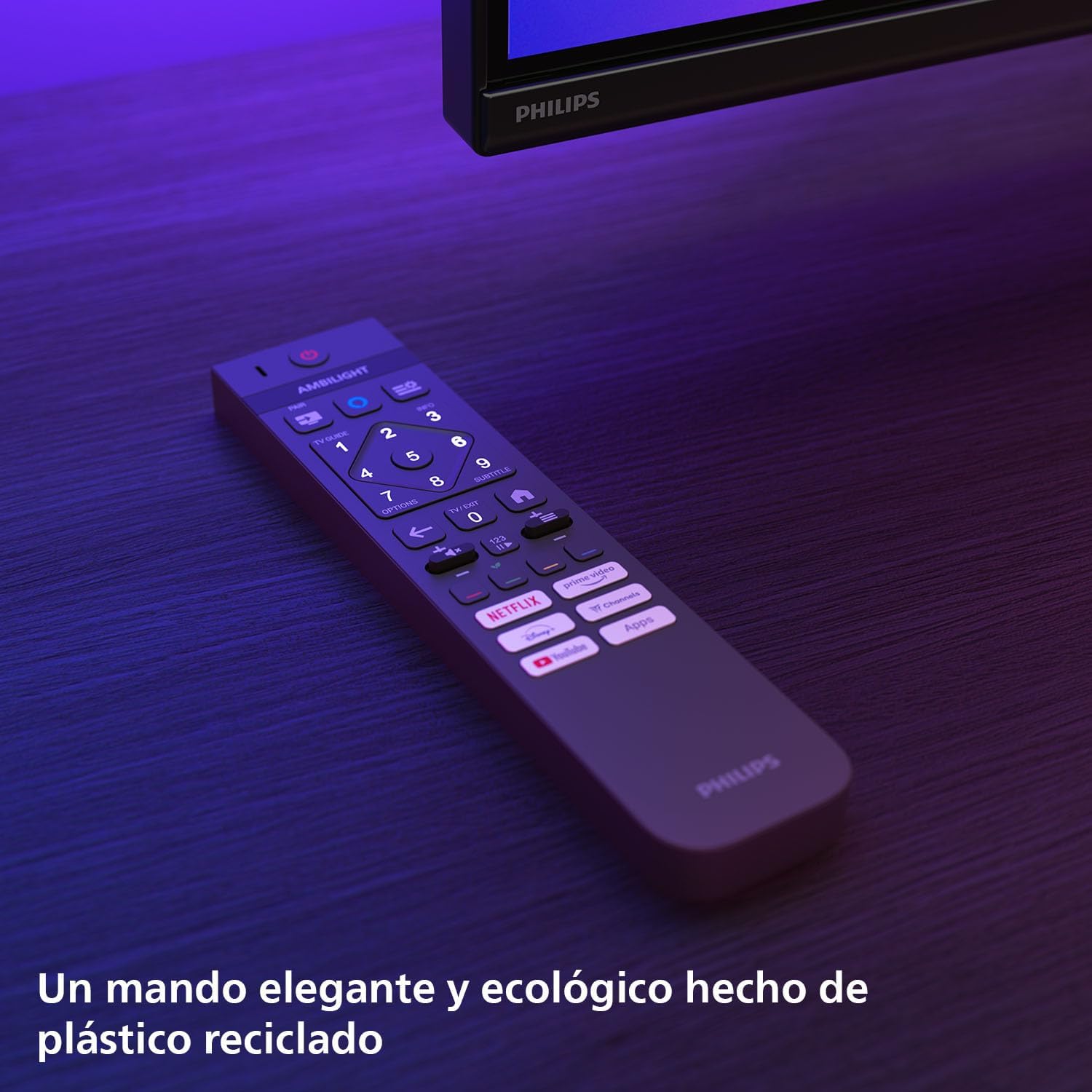
Сүрөт: The Philips TV remote control, designed for ease of use and made from recycled plastic, shown illuminated by the TV's Ambilight feature.
2. Күйгүзүү/өчүрүү
Press the power button on the remote control or on the TV to turn the TV on or off. Pressing it once will put the TV into standby mode.
3. Ambilight функциясы
Your Philips Ambilight TV features reactive LED lights integrated into the back of the screen. These lights project colors onto the wall behind the TV, matching the on-screen content to create an immersive viewing experience. You can customize Ambilight settings through the TV menu.

Сүрөт: The Philips Ambilight TV in a living room setting, showcasing its reactive LED lights that extend the visual experience beyond the screen by projecting matching colors onto the surrounding wall.
4. Picture Quality (P5 Picture Engine, Mini LED, Quantum Dot, HDR)
The TV utilizes the P5 Picture Engine to deliver vibrant colors, natural skin tones, and sharp contrast. Combined with Quantum Dot Mini-LED technology, it produces deeper blacks, brighter whites, and a wider color spectrum for clear, detailed images. It supports various HDR formats for enhanced depth and contrast.
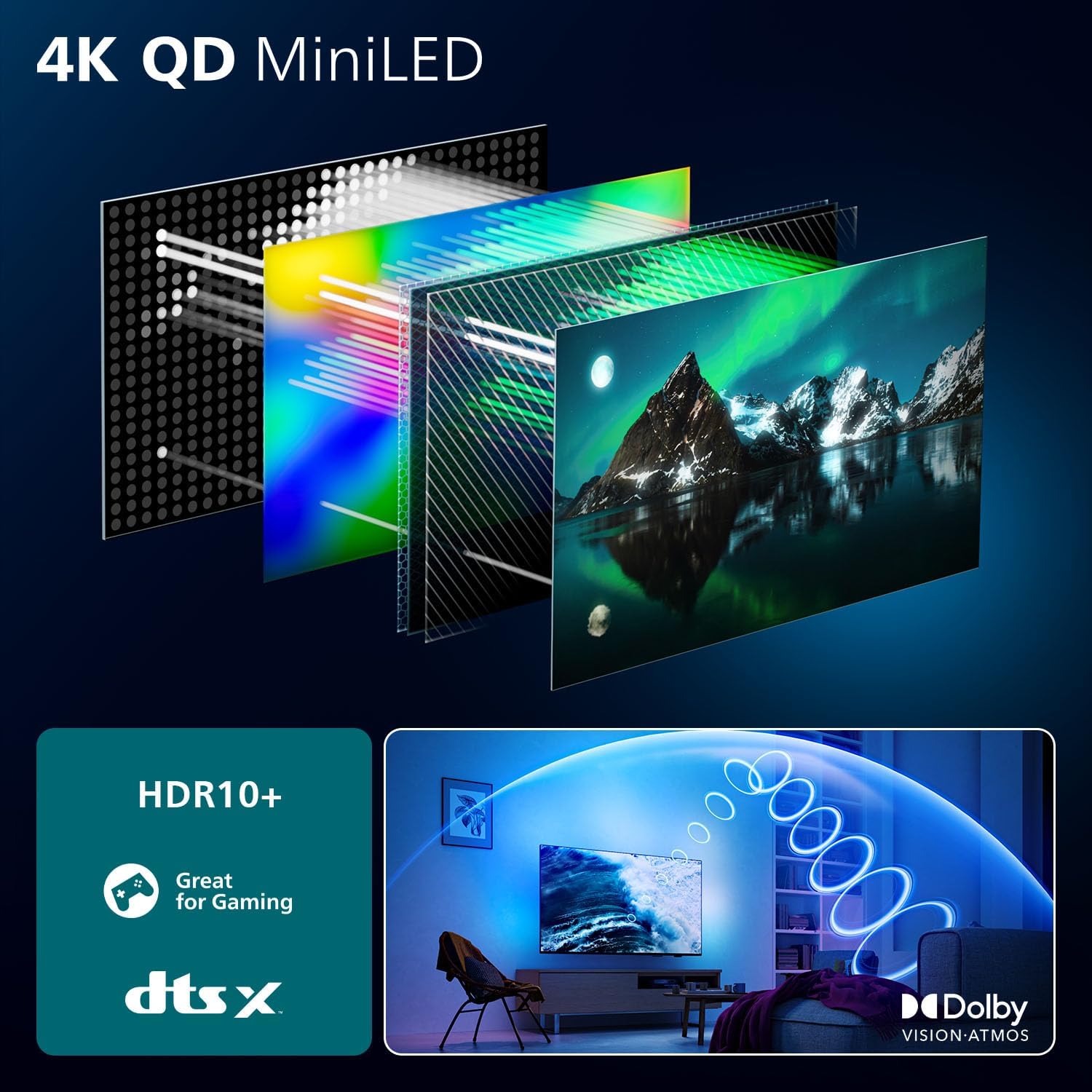
Сүрөт: A detailed diagram illustrating the internal structure of the 4K QD MiniLED display, highlighting the layers responsible for producing enhanced color and contrast.
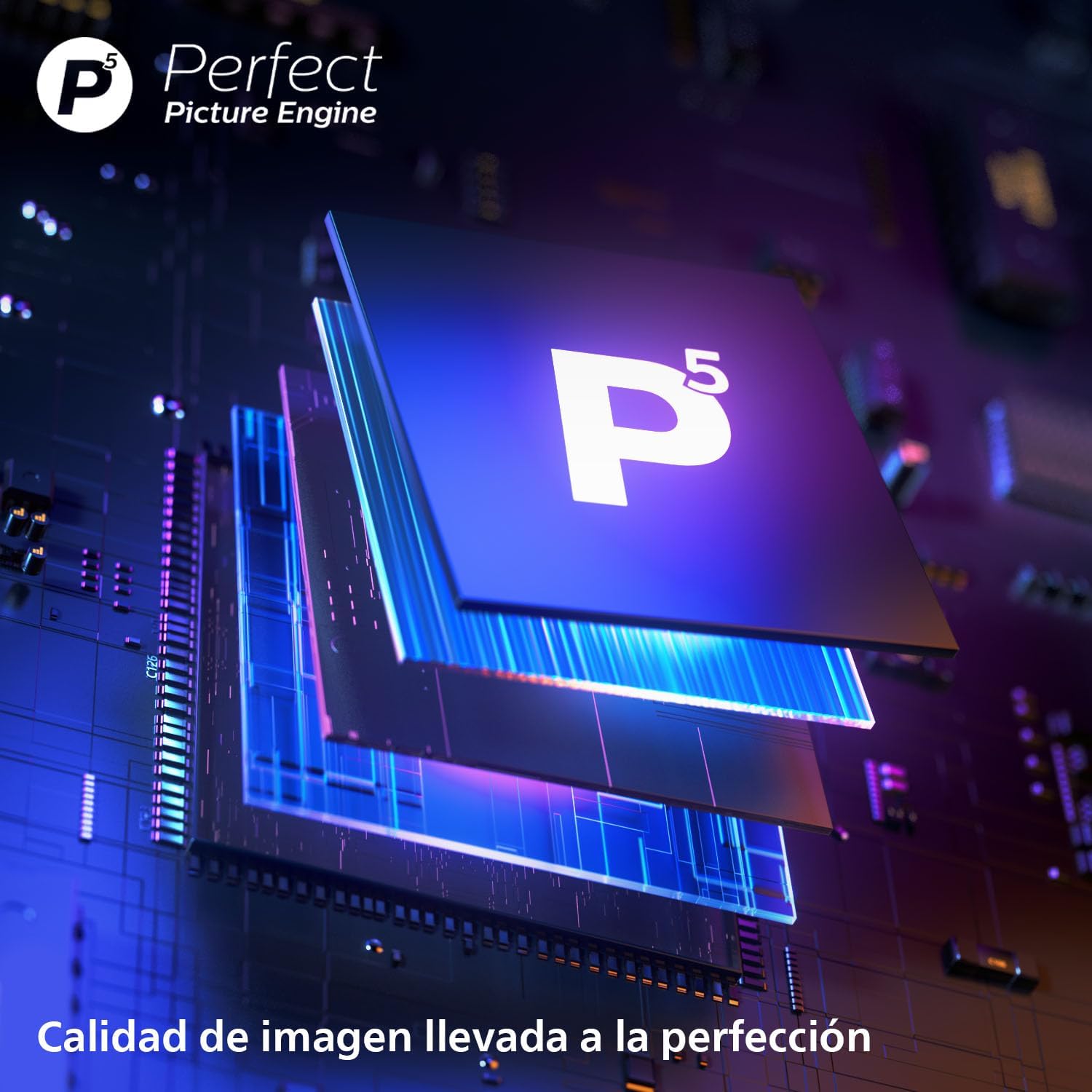
Сүрөт: Жакын план view of the P5 Perfect Picture Engine microchip, symbolizing the advanced image processing capabilities that ensure brilliant and detailed visuals.
5. Sound Quality (Dolby Atmos, IntelliSound)
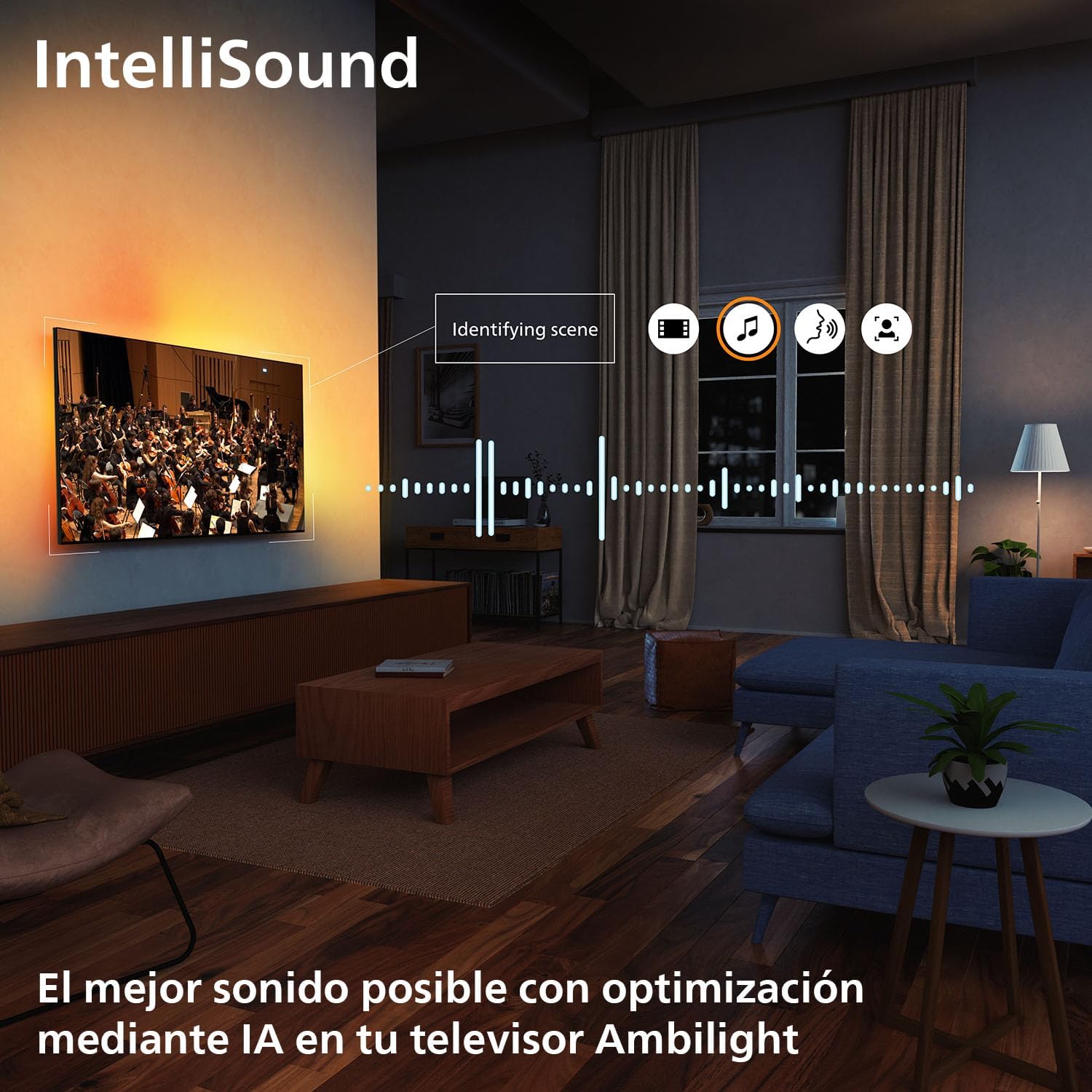
Experience immersive audio with Dolby Atmos, which creates a three-dimensional sound experience. The integrated IntelliSound engine uses AI to optimize audio settings automatically based on the content you are watching, whether it's news, music, or movies.
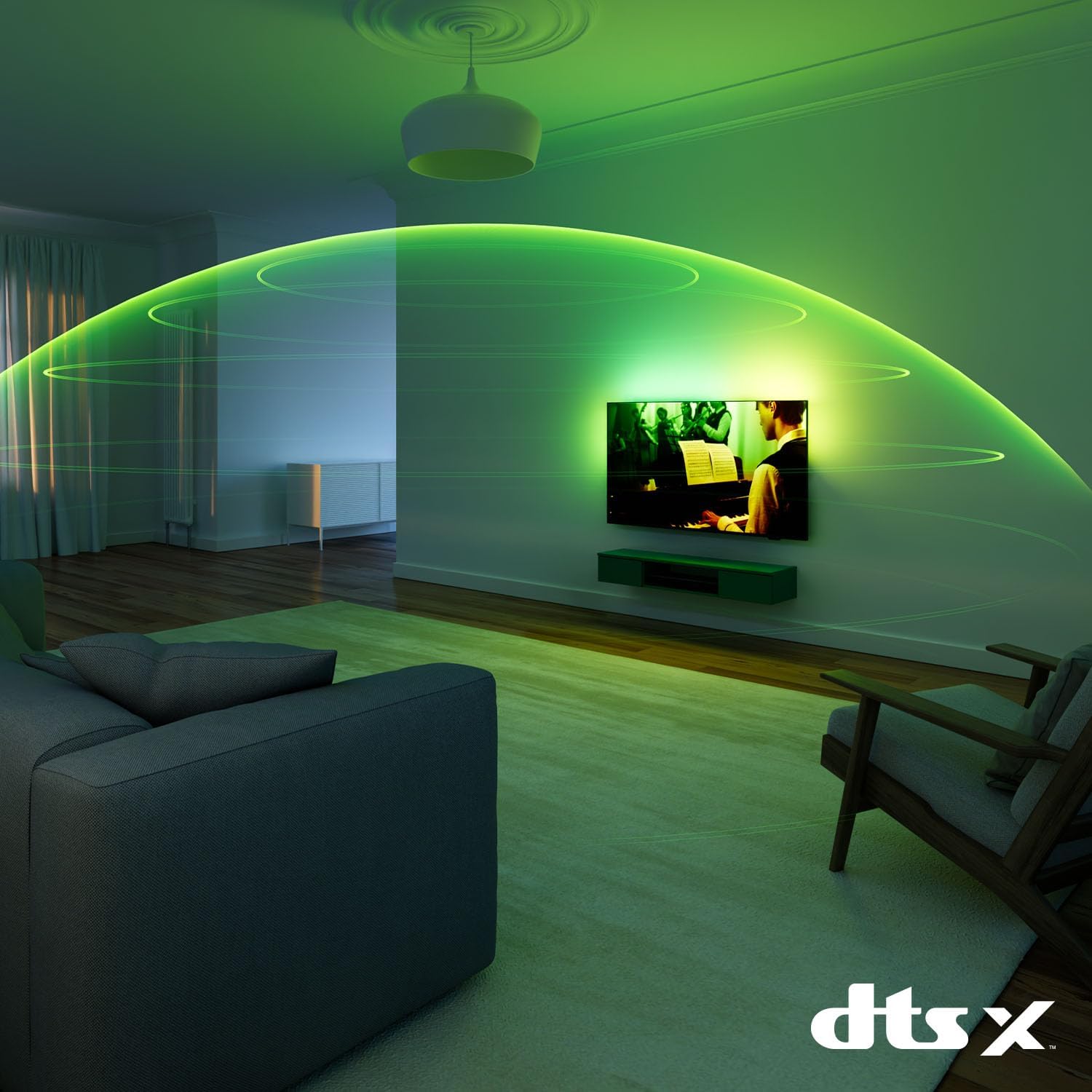
Сүрөт: A visual representation of immersive sound technology in a living room, with sound waves emanating from the Philips Ambilight TV, indicating a rich audio experience.
6. Smart TV Features (Titan OS, Voice Assistant, Matter)
Телевизоруңуз иштеп жатат Titan OS, providing access to streaming services and apps. The intuitive interface allows for easy navigation and content discovery. The TV is compatible with Материя for seamless integration into your smart home network and supports voice assistants like Alexa жана Google Жардамчы for hands-free control.

Сүрөт: The Philips TV displaying the Titan OS smart TV interface, featuring popular streaming applications and indicating compatibility with Alexa and Matter smart home systems.
Сүрөт: Illustrations demonstrating the TV's integration with voice assistants, showing interactions with both Google Home and Alexa devices for controlling the TV and querying information.
7. Оюн функциялары
This TV is optimized for gaming with features like AMD FreeSync, а 120 Гц жаңылоо ылдамдыгы (up to 144 Hz VRR via HDMI for PC gaming), and a dedicated Game Mode. These features ensure smooth, tear-free gameplay and ultra-low input lag.

Сүрөт: A gaming setup featuring the Philips Ambilight TV, emphasizing its high refresh rate (up to 144Hz VRR) and AMD FreeSync Premium for a smooth gaming experience.
Техникалык тейлөө
- Экранды тазалоо: Экранды жумшак, түксүз чүпүрөк менен акырын сүртүңүз. Кежир тактар үчүн, экранга түздөн-түз эмес, кездемеге колдонулган экранга тиешелүү тазалоочу эритмени колдонуңуз.
- Кабинетти тазалоо: Телевизордун шкафын тазалоо үчүн жумшак, кургак чүпүрөктү колдонуңуз. Абразивдүү тазалагычтарды же эриткичтерди колдонуудан алыс болуңуз.
- Программалык камсыздоо жаңыртуулары: Ensure your TV's software is up to date for optimal performance and new features. You can usually find this option in the TV's settings menu under "Software Update" or "About TV".
Проблемаларды чечүү
Эгерде сиз телевизоруңузда көйгөйлөргө туш болсоңуз, колдоо кызматына кайрылуудан мурун төмөнкү кеңири таралган чечимдерди колдонуп көрүңүз:
- Кубат жок: Электр кабели сыналгыга да, розеткага да бекем туташтырылганын текшериңиз. Розетка иштеп жатканын текшериңиз.
- Сүрөт/үн жок: Туура киргизүү булагы тандалганын текшериңиз. Тышкы түзмөктөргө бардык кабелдик байланыштарды текшериңиз.
- Алыстан башкаруу иштебейт: Батареяларды алмаштырыңыз. Пульт менен сыналгынын IR сенсорунун ортосунда эч кандай тоскоолдуктар жок экенин текшериңиз.
- Сүрөттүн сапаты начар: Сигнал булагын текшериңиз. Сыналгы менюсунда сүрөт жөндөөлөрүн (жарыктык, контраст, тактык) тууралаңыз.
- Интернет байланышы жок: For Wi-Fi, check your router and network settings. For wired connection, ensure the Ethernet cable is properly connected.
For more detailed troubleshooting, refer to the full user manual or visit the Philips support webсайт.
Техникалык шарттар
| Өзгөчөлүк | Деталь |
|---|---|
| Бренд | Philips |
| Модель номери | 55MLED920/12 |
| Screen Size | 55 дюйм |
| Дисплей технологиясы | Мини LED |
| Резолюция | 4K |
| Жаңыртуу ылдамдыгы | 120 Hz (up to 144 Hz VRR) |
| Өзгөчөлүктөр | AMD FreeSync, Ambilight, Game Mode, Automatic Volume Leveler, Ambient Light Sensor |
| Байланыш технологиясы | Bluetooth, Ethernet, HDMI, USB, Wi-Fi |
| Аспект катышы | 16:9 |
| Продукциянын өлчөмдөрү | 28 x 122.6 x 77.8 см; 11.7 кг |
| Операция системасы | Titan OS |
Кепилдик жана колдоо
Your Philips Ambilight TV comes with a manufacturer's warranty. Please refer to the warranty card included in your package for details on coverage and terms. For technical support, product registration, or to download the full user manual, please visit the official Philips support webсайтка же кардарларды тейлөөгө кайрылыңыз.
Онлайн колдоо: www.philips.com/support


