Introduction
The Logitech K250 Bluetooth® Keyboard offers effortless wireless connectivity, allowing for quick setup without a dongle and contributing to a clutter-free workspace. Designed for durability, it features a spill-resistant build and is constructed with a minimum of 64% recycled plastic. The keyboard provides a comfortable typing experience with its deep-profile keys and includes a numpad and essential function keys within a compact design, making it suitable for various environments and on-the-go use.
Продукт бүттүview
The Logitech K250 is a compact wireless keyboard designed for efficiency and comfort. Key features include:
- Bluetooth байланышы: Connects quickly and easily without a USB dongle.
- Туруктуу дизайн: Built with long-lasting keys and a spill-resistant construction.
- Ыңгайлуу терүү: Features deep-profile keys and adjustable tilt legs for an ergonomic experience.
- Орун үнөмдөөчү схема: Compact design includes a full numpad and essential F-key shortcuts.
- Туруктуу материалдар: Plastic parts are made with a minimum of 64% recycled plastic.
- Батареянын узак иштөө мөөнөтү: Up to 12 months of daily use on a single set of batteries.

1-сүрөт: жогорудан ылдыйга view of the Logitech K250 Bluetooth Keyboard, showcasing its compact layout and full numpad.

Figure 2: Diagram illustrating key features of the K250 keyboard, including the Bluetooth pair button, power/connect LED, and adjustable tilt legs on the underside.

Сүрөт 3: Жакын пландан view of the K250 keyboard alongside recycled plastic pellets, emphasizing its construction from sustainable materials.
Жайгашуу
1. Батареяны орнотуу
The Logitech K250 keyboard requires two AAA batteries, which are included in the package. To install the batteries:
- Баскычтоптун астыңкы жагындагы батарея бөлүкчөсүн табыңыз.
- Батарея уясынын капкагын ачыңыз.
- Туура полярдуулукту (+/-) камсыз кылуу менен эки AAA батарейкасын салыңыз.
- Батарея уясынын капкагын бекем жабыңыз.
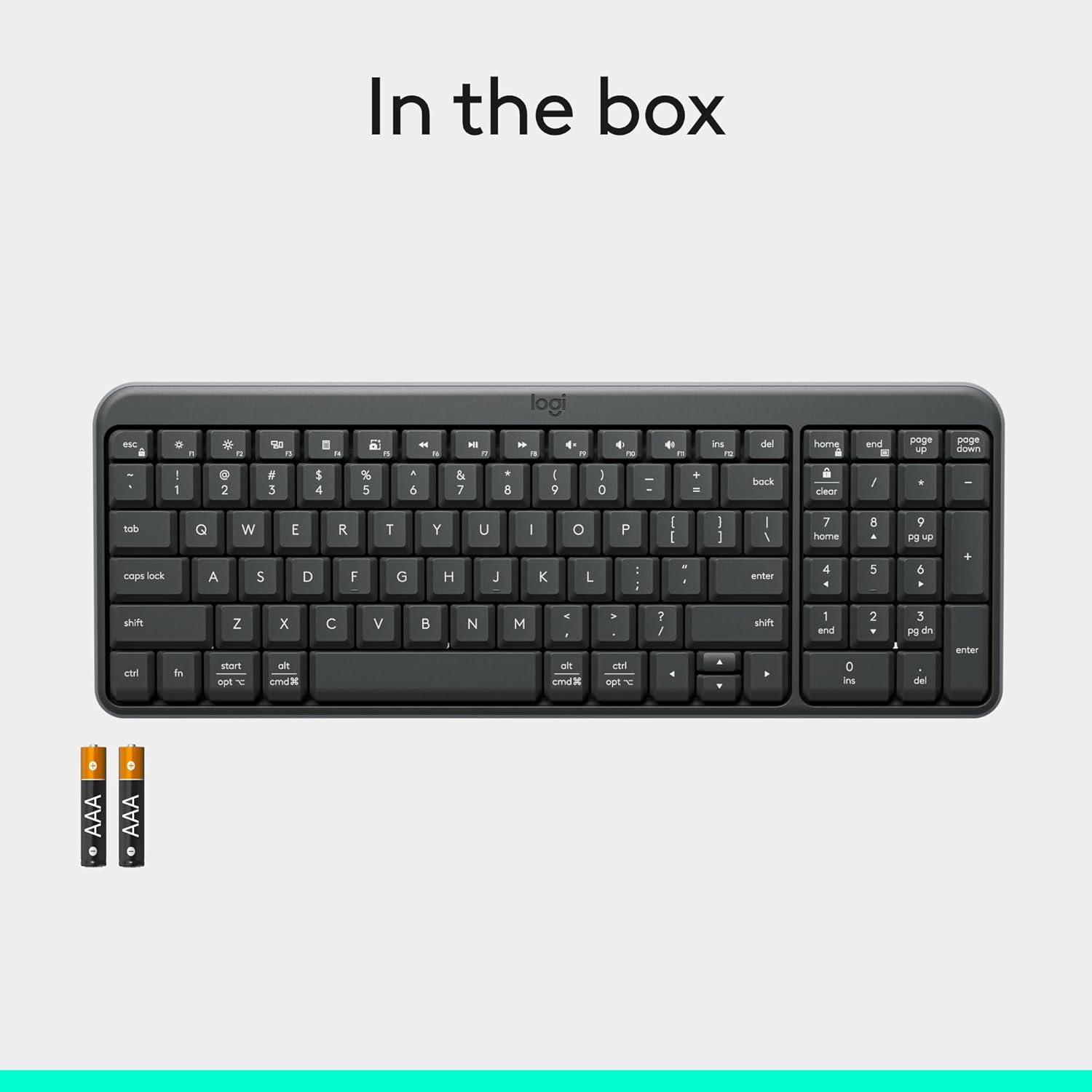
Figure 4: Contents of the K250 package, showing the keyboard and two AAA batteries.
2. Bluetooth Жупташтыруу
The K250 keyboard connects wirelessly via Bluetooth, eliminating the need for a USB dongle. Follow these steps to pair your keyboard with your device:
- Ensure the keyboard is powered on. The power/connect LED (refer to Figure 2) should be active.
- Press and hold the Bluetooth pair button on the underside of the keyboard (refer to Figure 2) until the LED starts blinking, indicating it's in pairing mode.
- On your computer, tablet, or smartphone (Windows, macOS, etc.), navigate to your Bluetooth settings.
- Издөө available Bluetooth devices. The Logitech K250 should appear in the list.
- Select "Logitech K250" and follow any on-screen prompts to complete the pairing process. You may be asked to enter a code displayed on your screen using the keyboard.
- Once successfully paired, the power/connect LED on the keyboard will stop blinking and remain solid for a few seconds, then turn off to conserve power.

Figure 5: The Logitech K250 keyboard in a workspace, demonstrating easy Bluetooth pairing with a computer.
Иштөө нускамалары
Негизги колдонуу
The Logitech K250 keyboard provides a familiar typing experience with its standard QWERTY layout and integrated numpad. The deep-profile keys are designed for comfortable and accurate keystrokes.
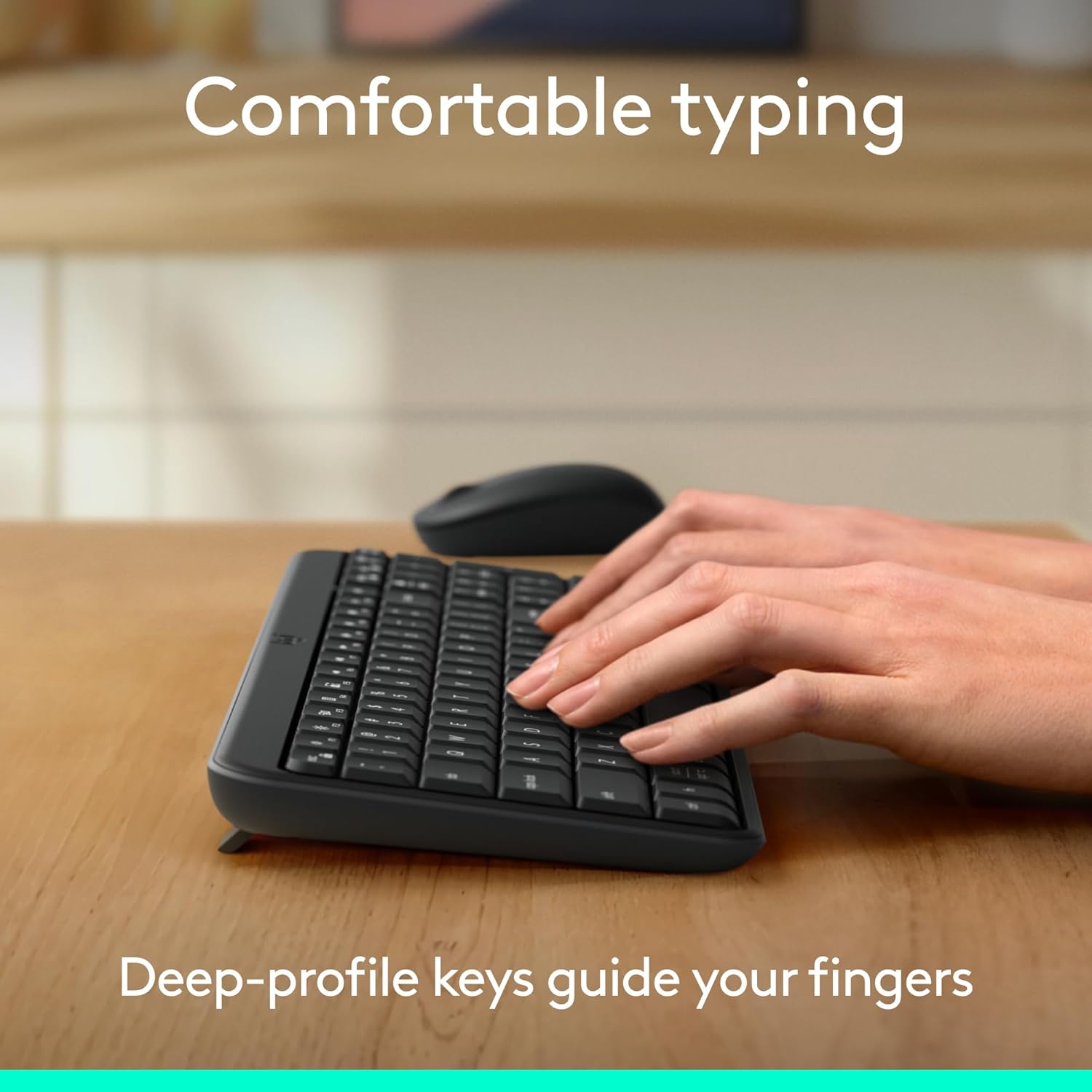
Figure 6: Hands demonstrating comfortable typing on the K250 keyboard, emphasizing the deep-profile ачкычтар.
Function Keys (F-keys) and Shortcuts
The K250 includes a row of F-keys (F1-F12) that can perform various functions, often in combination with the 'Fn' key. These shortcuts provide quick access to media controls, volume adjustments, and other system functions. Refer to your operating system's documentation for specific F-key functionalities.
Despite its compact size, the keyboard retains full functionality, including a dedicated numpad and arrow keys, making it versatile for both data entry and navigation.

Figure 7: The K250 keyboard integrated into a space-saving desk setup, demonstrating its compact yet functional design.
Техникалык тейлөө
Клавиатураңызды тазалоо
To maintain the performance and appearance of your Logitech K250 keyboard, regular cleaning is recommended:
- Тазалоодон мурун клавиатураны түзмөгүңүздөн ажыратыңыз.
- Жумшак, түксүз кездемени жеңил колдонуңуз dampсуу же жумшак тазалоо эритмеси менен.
- Wipe down the keys and surface of the keyboard. Avoid excessive moisture.
- Ачкычтардын ортосундагы таштандылар үчүн кысылган абаны колдонуңуз.
- Do not immerse the keyboard in water or use harsh chemicals.
Spill Resistance
The K250 keyboard features a spill-resistant design, meaning it can withstand minor liquid spills. In case of a spill:
- Баскычтопту түзмөгүңүздөн дароо ажыратыңыз.
- Turn the keyboard upside down to drain any liquid.
- Бетти таза чүпүрөк менен кургатып сүртүңүз.
- Клавиатураны кайра туташтырардан мурун аны толугу менен кургатууга уруксат бериңиз.
Note: Spill resistance is tested under limited conditions. Do not intentionally submerge the keyboard in liquid.

Figure 8: Illustration of the K250 keyboard's spill-resistant design, showing liquid on the keys.

Figure 9: The K250 keyboard and a Logitech mouse on a desk, representing the product's durable construction.
Проблемаларды чечүү
Байланыш маселелери
- Баскычтоп туташпай жатат:
- Ensure the keyboard batteries are not depleted. Replace them if necessary.
- Түзмөгүңүздө Bluetooth иштетилгенин текшериңиз.
- Try re-pairing the keyboard by putting it into pairing mode and searching for it on your device's Bluetooth settings.
- Move the keyboard closer to your device to rule out range issues.
- Түзмөгүңүздү өчүрүп күйгүзүп, кайра жупташтырып көрүңүз.
- Үзгүлтүксүз туташуу:
- Башка зымсыз аппараттар тоскоолдук жаратышы мүмкүн экенин текшериңиз.
- Ensure the keyboard is within optimal Bluetooth range.
- Update your device's Bluetooth drivers.
Key Functionality Issues
- Keys sticking or not responding:
- Clean around and under the affected keys using compressed air to remove debris.
- If a key feels physically stuck, gently press it multiple times to dislodge any obstruction.
- Ensure the keyboard is dry if it has recently been exposed to liquids.
- Incorrect character output:
- Check your device's language and keyboard layout settings.
- Restart the keyboard and your device.
Техникалык шарттар
| Өзгөчөлүк | Деталь |
|---|---|
| Бренд | Logitech |
| Модель аты | K250 |
| Элемент моделинин номери | 920-013442 |
| Байланыш технологиясы | Bluetooth |
| Түс | Графит |
| Продукциянын өлчөмдөрү (L x W x Y) | 36.98 x 13.69 x 2.29 см |
| Элемент Салмагы | 380 грамм |
| Power Source | Батарея менен иштейт |
| Батареялар талап кылынат | 2 AAA батарейка (кошулган) |
| Keyboard Description | Мембрана |
| Шайкеш түзмөктөр | Ноутбук, персоналдык компьютер, планшет |
| Өзгөчөлүктөр | Lightweight, Portable, Spill-Resistant, Made with Recycled Plastic |
Кепилдик жана колдоо
For warranty information, technical support, or further assistance with your Logitech K250 keyboard, please visit the official Logitech support website or contact their customer service. You can also find additional resources and product information on the Logitech store page on Amazon.


