Crelander 10.1-inch Android 13 Tablet User Manual
Модел: T40
Introduction
This user manual provides comprehensive instructions for setting up, operating, and maintaining your Crelander 10.1-inch Android 13 Tablet. Designed for versatility and performance, this tablet comes equipped with a powerful processor, ample storage, and a vibrant display, making it suitable for various tasks from entertainment to productivity.

Image: The Crelander 10.1-inch Android 13 Tablet shown with its accompanying keyboard, mouse, and stylus, highlighting its 12GB RAM and 512GB ROM capabilities.
Кутуда эмне бар
Кутудан чыгаргандан кийин, төмөнкү нерселердин бардыгы камтылганын текшериңиз:
- Crelander 10.1-inch Android 13 Tablet
- Коргоочу кап
- Зымсыз клавиатура
- Зымсыз чычкан
- Стилус калеми
- USB-C Cable
- OTG Data Cable
- Колдонуучунун Колдонмосу (бул документ)
- Screen Protector
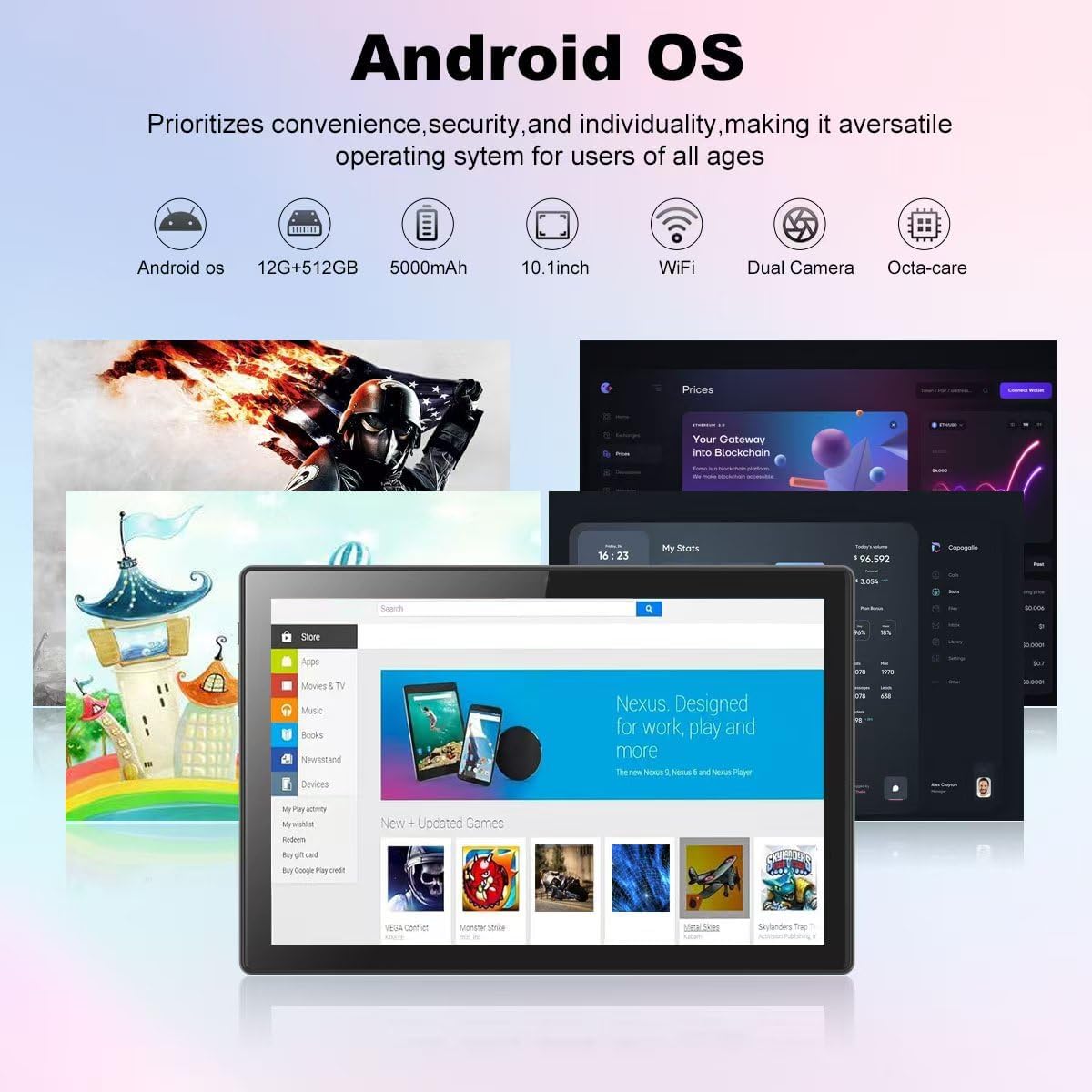
Image: A visual representation of the Crelander tablet package contents, including the tablet, protective case, keyboard, mouse, stylus, and cables.
Продукт бүттүview
Физикалык компоненттер

Image: A detailed diagram illustrating the various ports and buttons on the Crelander tablet, including the Type-C port, Reset button, Volume controls, Power button, Headphone Jack, TF-Card/SIM-Card slot, and speakers.
- Тип-C Port: Заряддоо жана маалыматтарды өткөрүү үчүн.
- Калыбына келтирүү баскычы: Small pinhole for system reset if needed.
- Үн баскычтары: Аудионун үнүн тууралоо.
- Кубат баскычы: Press and hold to power on/off or restart. Short press to sleep/wake.
- Гарнитура уячасы: 3.5 мм аудио чыгаруу.
- TF-Card / SIM-Card Slot: Insert a TF (MicroSD) card for expandable storage (up to 1TB) or a SIM card for cellular data (if supported by your model).
- Баяндамачылар: Интеграцияланган аудио чыгаруу.
Негизги өзгөчөлүктөрү
- Дисплей: 10.1-inch 1280x800 IPS HD Touch Screen for vibrant visuals.
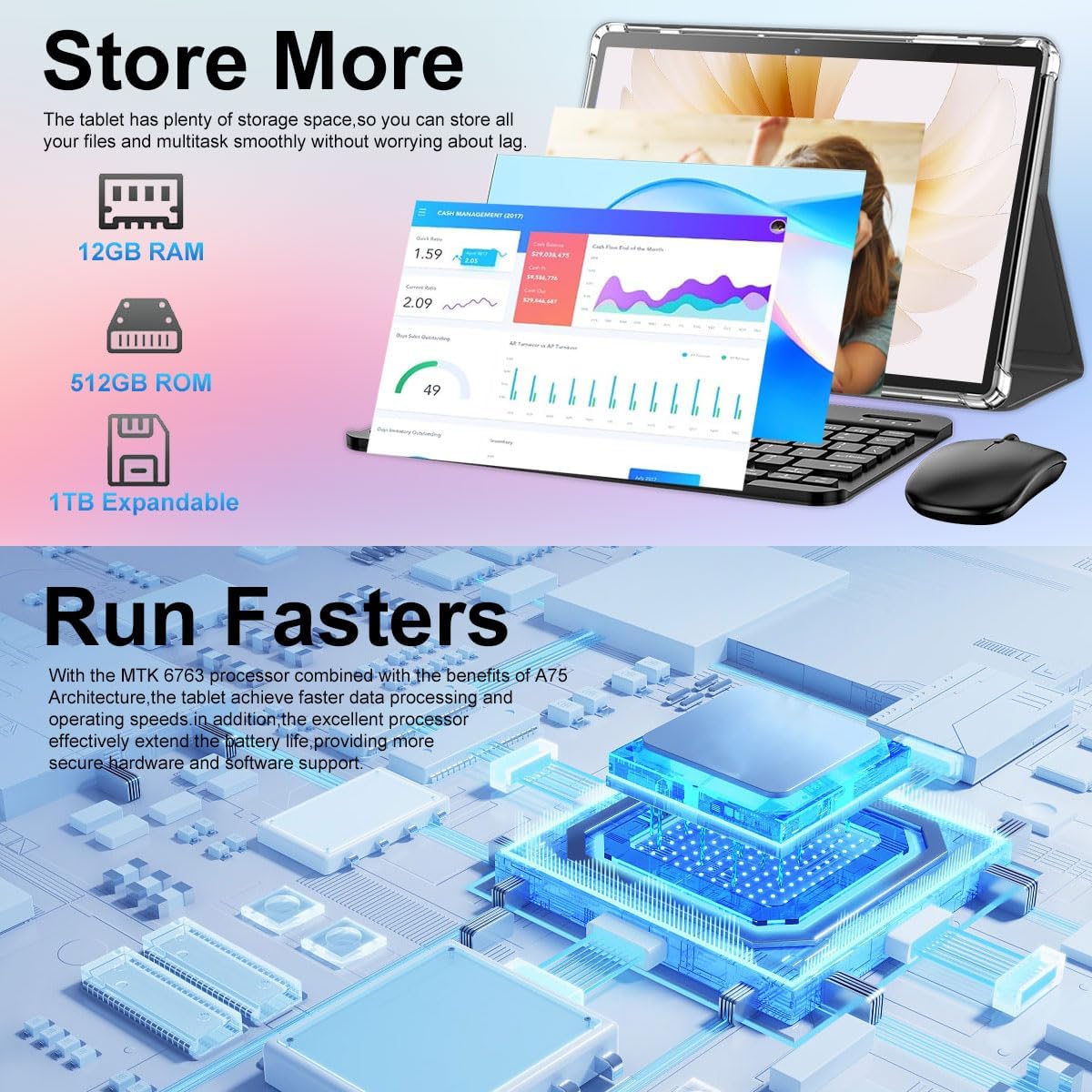
- Аткаруу: 12GB RAM and 512GB ROM, powered by Android 13 for smooth multitasking.
- Кеңейтүүчү сактагыч: Supports up to 1TB via Micro SD card.
- Камералар: Dual cameras (5MP Front, 13MP Rear) for photos and video calls. Features LED Flash and Face Unlock.
- Байланыш: Built-in WiFi and Bluetooth for seamless wireless connections.
- Батарея: Узак мөөнөттүү колдонуу үчүн 8000 мАч батарейка.
Сүрөт: An overview of the Crelander tablet's features, including its 10-inch HD screen, dual camera system, 8000mAh battery, SIM card slot, and Android OS.

Image: Details on the tablet's camera capabilities, showing 5MP front and 13MP rear cameras, LED flash, and face unlock functionality.
Жайгашуу
Баштапкы заряддоо
Before first use, fully charge the tablet using the provided USB-C cable and a compatible power adapter. The battery indicator on the screen will show charging status.
Күйгүзүү/өчүрүү
- Күйгүзүү үчүн: Press and hold the Power button until the Crelander logo appears.
- Өчүрүү үчүн: Кубат баскычын кубат менюсу пайда болгонго чейин басып туруңуз, андан кийин "Өчүрүү" дегенди тандаңыз.
- Кайра баштоо үчүн: Press and hold the Power button until a power menu appears, then select "Restart".
Кошумча шаймандар
The tablet comes with a keyboard, mouse, and stylus for enhanced productivity. These accessories typically connect via Bluetooth.
- Баскычтоп/Чычкан:
- Клавиатура/чычкан кубатталганын жана күйүп турганын текшериңиз.
- Планшетке өтүңүз Орнотуулар > Туташкан түзмөктөр > Bluetooth.
- Bluetooth'ду күйгүзүп, жеткиликтүү түзмөктөрдү издеңиз.
- Select the keyboard/mouse from the list and follow on-screen pairing instructions.
- Калем: The provided stylus is a passive capacitive stylus and does not require pairing. Simply use it directly on the screen.
Планшетти иштетүү
Негизги навигация
The tablet runs on Android 13, offering an intuitive user interface. Use touch gestures for navigation:
- таптаңыз: Бир нерсени тандаңыз же колдонмону ачыңыз.
- Серпүү: Барактарды же менюларды жылдырыңыз.
- Чымчып-кичирейтүү: Сүрөттөрдү чоңойтуу же кичирейтүү жана web барактар.
- Узак басуу: Контексттик менюларга кириңиз же сүрөтчөлөрдү жылдырыңыз.

Image: A screenshot of the Android OS interface on the Crelander tablet, showcasing various applications and the overall user experience.
Wi-Fi туташуусу
Wi-Fi тармагына туташуу үчүн:
- барыңыз Орнотуулар > Тармак жана интернет > Wi-Fi.
- Wi-Fi күйгүзүңүз.
- Тизмеден каалаган тармакты тандаңыз.
- Эгер суралса, сырсөздү киргизип, "Туташуу" баскычын басыңыз.
SIM Card Installation (if applicable)
If your model supports cellular data, you can install a SIM card:
- Locate the SIM card slot on the side of the tablet (refer to Product Overview диаграмма).
- Use the SIM ejector tool (not explicitly listed but implied for SIM slot) or a paperclip to open the tray.
- Place the SIM card correctly into the tray.
- Табаны акырын кайра уячага түртүңүз, ал чыкылдаганча.
Камераларды колдонуу
The tablet features a 5MP front camera and a 13MP rear camera. Open the "Camera" app to capture photos or record videos.

Image: The tablet's dual camera setup, showing the rear camera module and a user taking a photo with the tablet.
Video Playback Demonstration
Watch this video to see the Crelander tablet in action, demonstrating its display quality and accessory integration.
Video: An official product video from Crelander, showcasing the 10.1-inch Android 13 Tablet, its accessories, and demonstrating video playback and general usage.
Техникалык шарттар
| Өзгөчөлүк | Спецификация |
|---|---|
| Бренд | Crelander |
| Модель аты | T40 |
| Операция системасы | Android 13 |
| Screen Size | 10.1 дюйм |
| Max Screen Resolution | 1280x800 пиксел |
| Процессор бренди | MT6750 |
| RAM | 12 ГБ |
| Ички сактагыч (ROM) | 512 ГБ |
| Кеңейтүүчү сактагыч | Up to 1TB via TF (MicroSD) Card |
| Алдыңкы камера | 5 депутат |
| Арткы камера | 13 депутат |
| Батарея сыйымдуулугу | 8000mAh |
| Байланыш | Wi-Fi, Bluetooth |
| Элемент Салмагы | 3.3 фунт |
| Продукциянын өлчөмдөрү (LxWxH) | 10 x 0.3 x 7 дюйм |
| Түс | Боз кара |

Image: Diagram showing the physical dimensions of the Crelander 10.1-inch tablet.
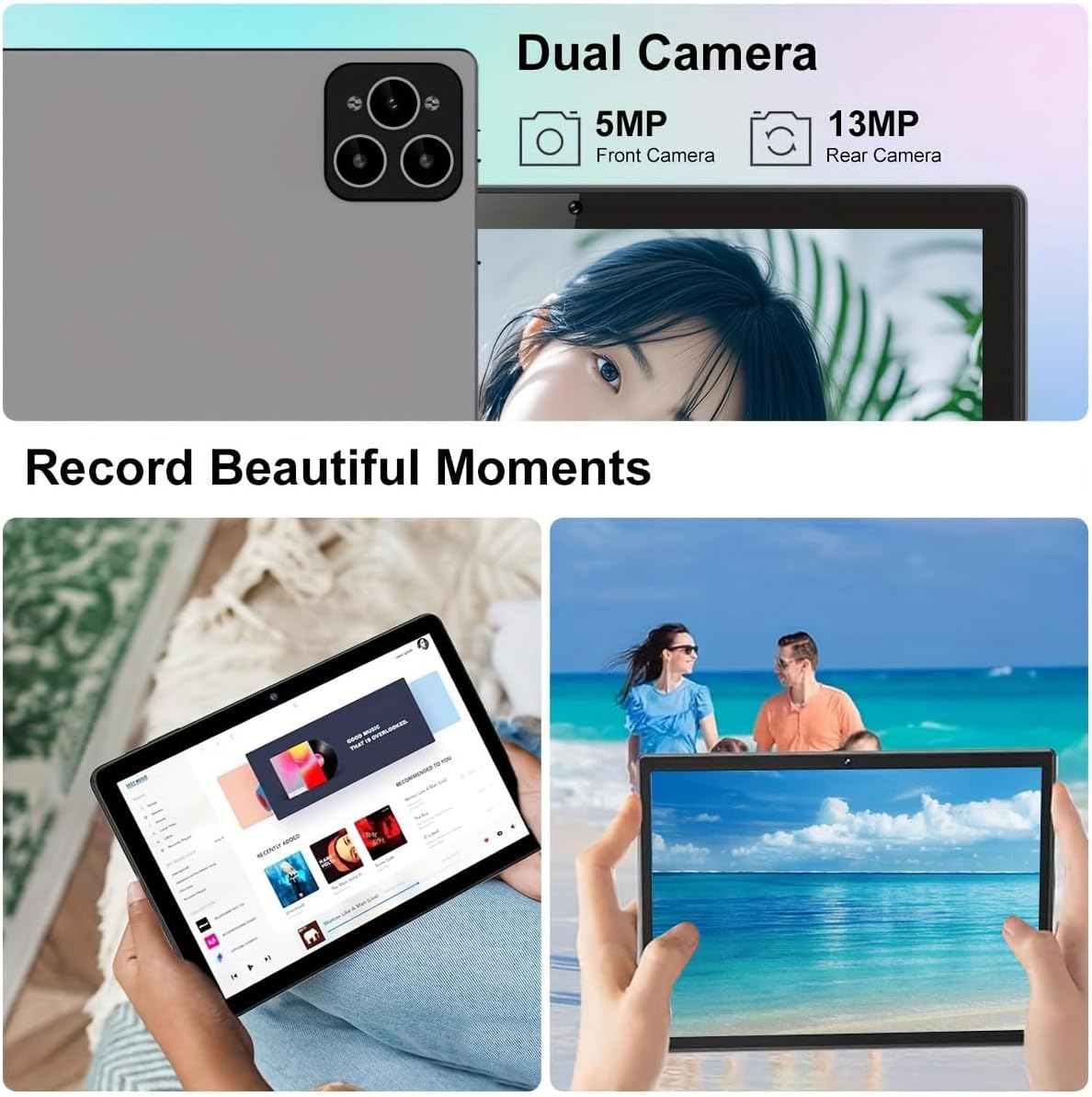
Image: Visual representation of the tablet's storage (12GB RAM, 512GB ROM, 1TB expandable) and processor (MTK 6763) capabilities.
Техникалык тейлөө
- Тазалоо: Экранды жана корпусту тазалоо үчүн жумшак, мамыксыз чүпүрөктү колдонуңуз. Абразивдүү тазалоочу каражаттарды же эриткичтерди колдонбоңуз.
- Батареяга кам көрүү: To prolong battery life, avoid extreme temperatures and do not let the battery fully drain frequently.
- Программалык камсыздоо жаңыртуулары: Оптималдуу аткарууну жана коопсуздукту камсыз кылуу үчүн системанын жаңыртууларын дайыма текшерип, орнотуңуз. барыңыз Орнотуулар > Система > Системаны жаңыртуу.
- Сактагычты башкаруу: Мезгил-мезгили менен ачык-айкын керексиз fileжана колдонмолор жетиштүү сактоо мейкиндигин жана иштешин камсыз кылуу үчүн.
Проблемаларды чечүү
| Көйгөй | Чечим |
|---|---|
| Планшет күйбөйт. | Ensure the tablet is fully charged. Press and hold the Power button for at least 10 seconds. |
| Wi-Fi'га туташпай жатат. | Жөндөөлөрдө Wi-Fi иштетилгенин текшериңиз. Роутериңизди өчүрүп-күйгүзүңүз. Туура сырсөздү киргизип жатканыңызды текшериңиз. |
| Планшет жай иштеп жатат же жооп бербей жатат. | Close unused applications. Clear cache. Restart the tablet. Consider a factory reset if issues persist (backup data first). |
| Кошумча жабдуулар (клавиатура/чычкан) туташпай жатат. | Ensure accessories are charged and in pairing mode. Re-pair them via Bluetooth settings. |
Кепилдик жана колдоо
Crelander offers dedicated after-sales support for any inquiries or issues you may encounter with your tablet. Please refer to your purchase documentation for specific warranty terms and contact information. For general support, visit the official Crelander webсайтка же кардарларды тейлөөгө кайрылыңыз.
Онлайн ресурстар:
- Crelander Store on Amazon: Visit Crelander Store


