1. Киришүү
This manual provides detailed instructions for the setup, operation, and maintenance of your Razer BlackShark V3 Pro Wireless ANC Gaming Headset. Designed for elite console and PC gamers, this headset offers advanced audio features and versatile connectivity. Please read this manual thoroughly to ensure optimal performance and longevity of your device.

Image 1.1: Razer BlackShark V3 Pro Wireless ANC Gaming Headset with its components.
2. Кутуда эмне бар
Сиздин пакетте төмөнкү компоненттердин бардыгы камтылганын текшериңиз:
- Razer BlackShark V3 Pro Wireless ANC Gaming Headset
- Razer HyperSpeed Wireless Gen-2 Dongle
- Detachable Razer HyperClear Full Band 12mm Mic
- USB Type A to Type C Cable
- 3.5mm TRRS Analog to USB-C Converter Cable
- Колдонуучунун Колдонмосу (бул документ)

Image 2.1: Contents of the Razer BlackShark V3 Pro package.
3. Орнотуу нускамалары
3.1. Гарнитураны заряддоо
Before first use, fully charge the headset using the provided USB Type A to Type C cable. Connect the USB-C end to the headset's charging port and the USB-A end to a powered USB port (e.g., computer, wall adapter).
3.2. Микрофонду тиркөө
Align the detachable Razer HyperClear Full Band 12mm Mic with the microphone port on the left earcup and push it firmly until it clicks into place.
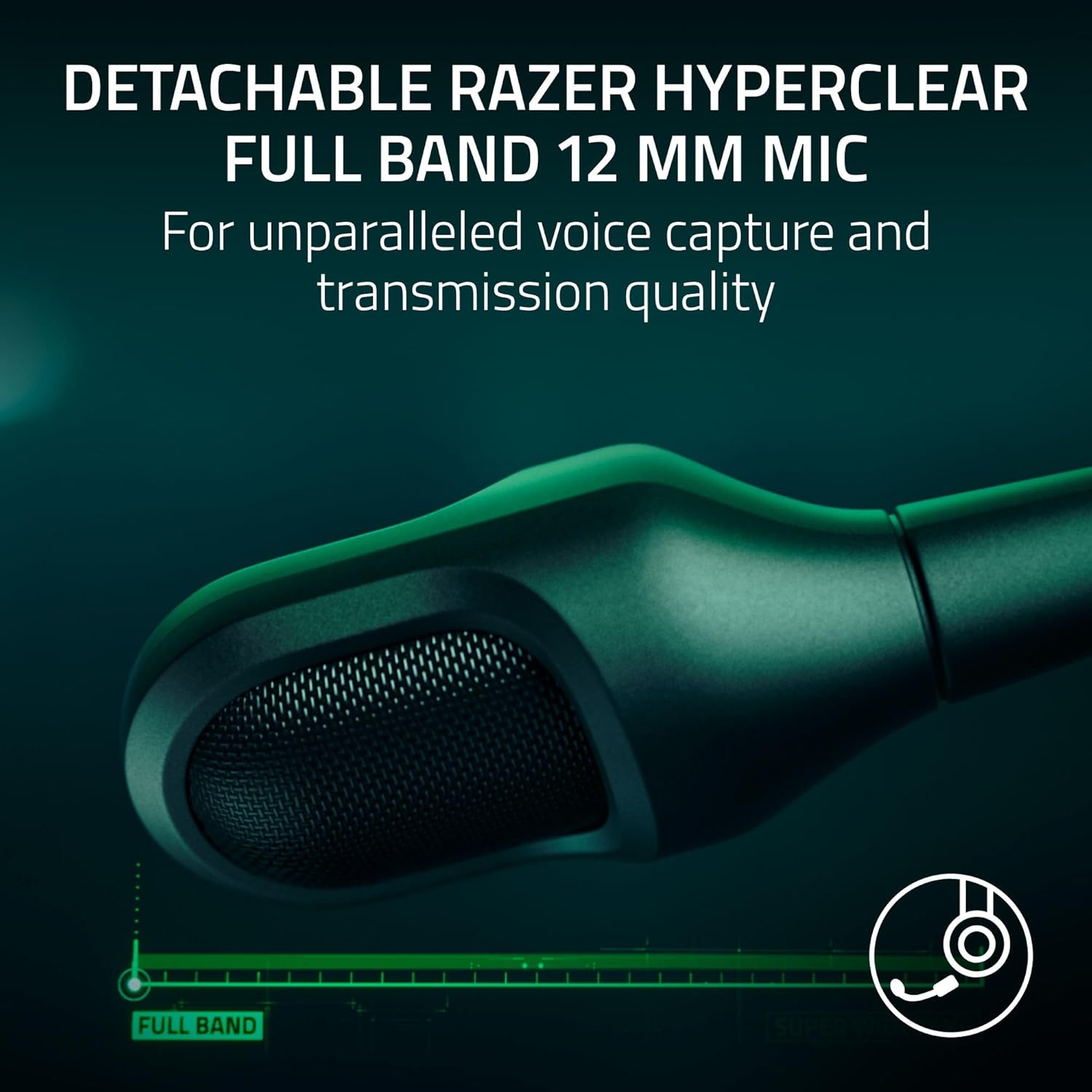
Image 3.1: Detachable microphone for clear voice capture.
3.3. Байланыш параметрлери
The Razer BlackShark V3 Pro offers four primary connectivity modes:
- Razer HyperSpeed Wireless Gen-2 (2.4 GHz): For ultra-low latency wireless connection to PC, Mac, PS5, PS4, Xbox Series X|S, and Xbox One.
- Bluetooth: Смартфондорго, планшеттерге жана башка Bluetooth иштетилген түзмөктөргө зымсыз туташуу үчүн.
- USB-C: For wired connection and charging to compatible devices.
- 3.5mm Analog: For universal wired connection to devices with a 3.5mm audio jack, using the provided 3.5mm TRRS Analog to USB-C Converter Cable.
3.3.1. HyperSpeed Wireless Setup
- Plug the Razer HyperSpeed Wireless Gen-2 Dongle into an available USB port on your PC, Mac, or console.
- Power on your headset. The headset should automatically connect to the dongle. The LED indicator on the dongle will turn solid green when connected.

Image 3.2: Razer HyperSpeed Wireless Gen-2 Dongle.
3.3.2. Bluetooth орнотуу
- With the headset powered on, press and hold the Bluetooth button until the LED indicator blinks blue. This indicates pairing mode.
- On your device, enable Bluetooth and select "Razer BlackShark V3 Pro" from the list of available devices.
- The headset LED will turn solid blue when successfully paired.
3.3.3. Wired Connections (USB-C and 3.5mm)
- USB-C: Connect the USB Type A to Type C cable directly from your device to the headset's USB-C port.
- 3.5mm Analog: Connect the 3.5mm TRRS Analog to USB-C Converter Cable to the headset's USB-C port, then plug the 3.5mm jack into your device's audio port.
4. Иштөө нускамалары
4.1. Гарнитураны башкаруу элементтери
Familiarize yourself with the controls located on the earcups:
- Кубат баскычы: Күйгүзүү/өчүрүү үчүн басып туруңуз.
- Көлөм дөңгөлөгү: Rotate to adjust headset volume.
- Микрофондун үнүн басуу баскычы: Микрофондун үнүн басуу/ачуу үчүн басыңыз.
- ANC/Айлана режиминин баскычы: Press to cycle through Active Noise Cancellation (ANC), Ambient Mode, and ANC Off.
- SmartSwitch Button: Used for switching between 2.4 GHz and Bluetooth modes, and for managing calls in Bluetooth mode.
4.2. Активдүү ызы-чууну жокко чыгаруу (ANC)
The Hybrid Active Noise Cancellation feature helps block out external distractions. Press the ANC button to activate or deactivate it. Ambient Mode allows you to hear your surroundings without removing the headset.
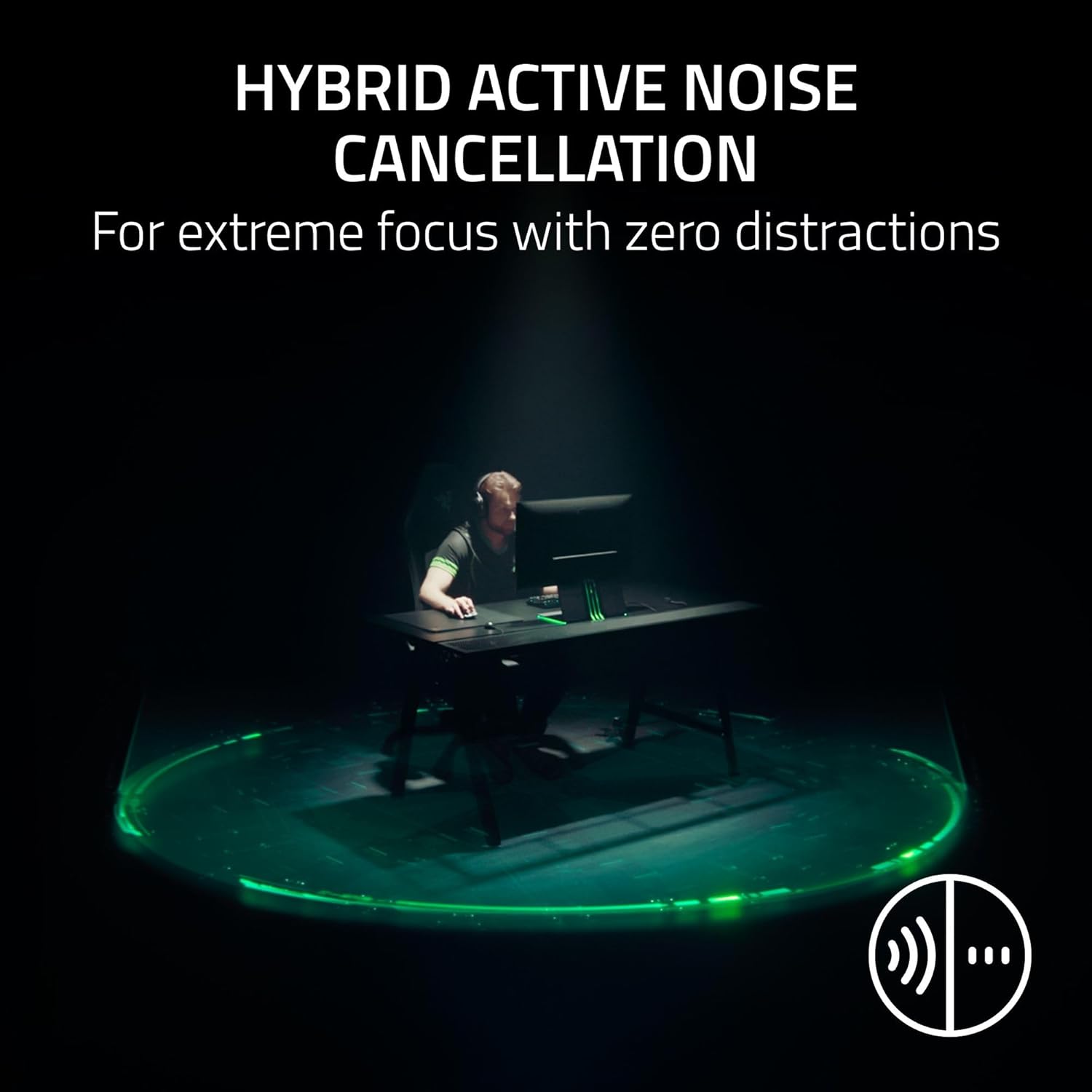
Image 4.1: Hybrid Active Noise Cancellation in action.
4.3. Audio Customization (Razer Synapse 4)
For PC users, download and install Razer Synapse 4 software to access advanced audio customization options, including:
- Pro-tuned FPS Profiles: Game-specific EQ settings optimized for competitive play.
- Ыңгайлаштырылган EQ: Create and save your own equalizer settings.
- THX мейкиндик аудио: Experience 7.1.4 surround sound for enhanced positional awareness.

Image 4.2: Razer Synapse 4 app interface for EQ and settings.
5. Негизги өзгөчөлүктөрү
5.1. Razer HyperSpeed Wireless Gen-2
This technology provides an ultra-low latency wireless connection, ensuring near-instantaneous audio transmission for competitive gaming.
5.2. Razer HyperClear Full Band 12mm Mic
The detachable microphone features a large 12mm capsule for clear voice capture and a unidirectional pick-up pattern to suppress background noise, crucial for team communication.
5.3. Razer TriForce Bio-Cellulose 50mm Drivers Gen-2
These 50mm drivers are engineered with a bio-cellulose diaphragm to deliver natural, powerful sound with improved clarity and positional accuracy, allowing you to hear subtle audio cues like footsteps.

Image 5.1: Razer TriForce Bio-Cellulose 50mm Drivers Gen-2.
5.4. Next-Gen Surround Sound
On Xbox, the headset supports Windows Sonic for an expanded competitive soundstage. On PC, it utilizes THX Spatial Audio for 7.1.4 surround sound, providing precise 3D positional audio.

Image 5.2: THX Spatial Audio representation.
6. Техникалык тейлөө
To maintain your Razer BlackShark V3 Pro headset in optimal condition:
- Тазалоо: Кулакчындарды жана баш боону тазалоо үчүн жумшак, кургак чүпүрөк колдонуңуз. Катуу химиялык заттардан же абразивдүү материалдардан алыс болуңуз.
- Сактагыч: Гарнитураны күн нурунан жана экстремалдык температурадан алыс салкын, кургак жерде сактаңыз.
- Батареяга кам көрүү: Узак мөөнөткө сактоо үчүн, терең разряддын алдын алуу үчүн батарейканы ар бир үч ай сайын болжол менен 50% га чейин кубаттаңыз.
- Микрофон: Detach the microphone when not in use to prevent damage during transport or storage.
7. Кыйынчылыктарды
Эгерде сиз гарнитураңыз менен көйгөйлөргө туш болсоңуз, төмөнкү кеңири таралган көйгөйлөрдү жана чечимдерди караңыз:
| Көйгөй | Чечим |
|---|---|
| Гарнитурадан аудио жок |
|
| Микрофон иштебей жатат |
|
| Bluetooth жупташуу көйгөйлөрү |
|
| Үзгүлтүктүү зымсыз байланыш |
|
8. Техникалык шарттар
| Өзгөчөлүк | Деталь |
|---|---|
| Модель аты | BlackShark V3 Pro |
| Модель номери | RZ04-05400300-R3U1 |
| Байланыш технологиясы | 3.5mm, Bluetooth, USB, Wireless (2.4 GHz) |
| Зымсыз байланыш | 2.4 GHz (HyperSpeed Gen-2), Bluetooth 5.3 |
| Noise Control | Гибриддик активдүү ызы-чууну жокко чыгаруу |
| Аудио драйвер түрү | Dynamic Driver (TriForce Bio-Cellulose) |
| Аудио драйверинин өлчөмү | 50 миллиметр |
| Frequency Response | 28 KHz |
| Сезимталдуулук | 108 дБ |
| Микрофон | Detachable Razer HyperClear Full Band 12mm Mic |
| Наушник уясы | 3.5 мм Джек |
| Шайкеш түзмөктөр | Mac, Nintendo Switch, PC, PlayStation (PS4, PS5), Xbox (Series X|S, One X, One), Smartphones, Tablets |
| Элемент Салмагы | 2.28 фунт |
| Батареялар | 1 литий-иондук батарейка (кошулган) |
| UPC | 840272919521 |
9. Кепилдик жана колдоо
Your Razer BlackShark V3 Pro Wireless ANC Gaming Headset comes with a limited manufacturer's warranty. For detailed warranty information, please refer to the warranty card included in your product packaging or visit the official Razer support webсайт.
Техникалык колдоо, драйверлерди жүктөп алуу же кошумча жардам алуу үчүн, сураныч, бул жерге кириңиз Razer колдоо баракчасы. Сиз ошондой эле көп берилүүчү суроолорду жана коомдук форумдарды ал жерден таба аласыз.


