Introduction
This manual provides detailed instructions for the setup, operation, maintenance, and troubleshooting of your AOC Gaming U27G4R 27-inch 4K UHD Monitor. Please read this manual thoroughly before using the product to ensure proper functionality and to prevent damage.

Сүрөт 1: Алдыңкы view of the AOC Gaming U27G4R Monitor.
1. Орнотуу
1.1 Кутудан чыгаруу жана Пакеттин мазмуну
Бардык компоненттерди таңгактан кылдаттык менен алып салыңыз. Төмөндө саналып өткөн нерселердин бардыгы бар экенин текшериңиз:
- AOC Gaming U27G4R Monitor
- Монитор стенд (негизги жана моюн)
- Электр кабели
- HDMI кабели
- DisplayPort кабели
- USB-B to USB-A Cable (for USB Hub functionality)
- Quick Start Guide
- Кепилдик картасы
1.2 Стендди чогултуу
- Чийип кетпеши үчүн мониторду жумшак, таза бетке ылдый каратып кой.
- Attach the stand neck to the monitor's VESA mount area. Secure with screws if provided.
- Attach the stand base to the neck. Tighten the thumb screw or screws at the bottom of the base.

2-сүрөт: Арткы view illustrating the stand attachment point.
1.3 Туташтыруучу кабельдер
Мониторго жана компьютериңизге/түзмөккө керектүү кабелдерди туташтырыңыз:
- Кубат кабели: Бир учун монитордун кубат киресине, экинчи учун розеткага туташтырыңыз.
- Видео кабель: Connect either an HDMI cable (2x HDMI 2.1 ports available) or a DisplayPort cable (1x DisplayPort 1.4 available) from your computer's graphics card to the corresponding input on the monitor.
- USB жогорку агым кабели: To enable the monitor's USB hub (4x USB 2.0, 1x USB 3.0), connect the USB-B end of the provided cable to the monitor's USB upstream port and the USB-A end to your computer.
- Аудио чыгаруу: If using external speakers or headphones, connect them to the 3.5mm headphone out port on the monitor.
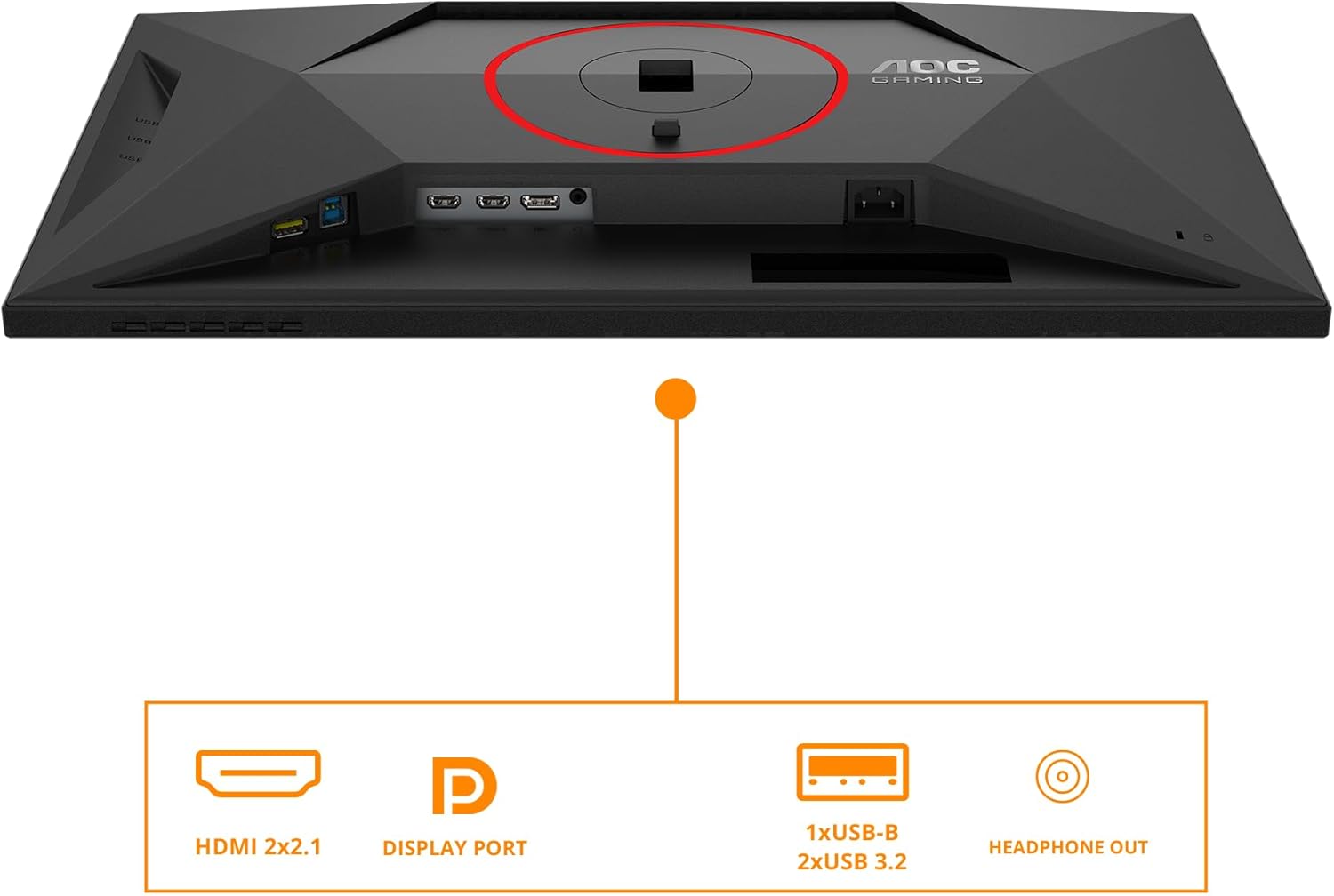
Figure 3: ашыкview of the monitor's input and output ports, including HDMI, DisplayPort, USB hub, and headphone out.
1.4 Күйгүзүү
Мониторду күйгүзүү үчүн монитордо жайгашкан кубат баскычын басыңыз. Кубат индикаторунун жарыгы күйөт.
2. Мониторду иштетүү
2.1 Экрандагы дисплей (OSD) менюсунун навигациясы
The monitor features an intuitive OSD menu for adjusting various settings. Use the joystick or buttons located on the bottom right of the monitor to navigate.
- Joystick/Buttons: Press to open the OSD menu. Move up/down/left/right to navigate options. Press again to select.
- Кубат баскычы: Мониторду күйгүзөт/өчүрөт.
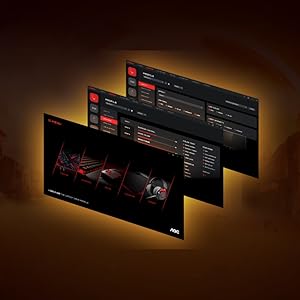
4-сүрөт: Мисample of the On-Screen Display (OSD) menu for configuration.
2.2 Дисплей орнотуулары
Adjust picture quality and performance settings through the OSD menu:
- Чечим: The native resolution is 3840x2160 (4K UHD). Ensure your operating system is set to this resolution for optimal clarity.
- Жаңыртуу ылдамдыгы: Supports up to 160Hz for UHD and 320Hz for FHD. Adjust this in your graphics card control panel or display settings for smoother visuals.
- Адаптивдүү синхрондоштуруу: This monitor is G-Sync compatible. Enable Adaptive Sync in the OSD menu and your graphics card settings to synchronize the display's refresh rate with your GPU's frame rate, reducing screen tearing and stuttering.
- HDR400: The monitor supports VESA DisplayHDR 400 for enhanced contrast and color vibrancy. Enable HDR in your operating system's display settings for compatible content.
- Жооп убактысы: Features a rapid 1ms (GtG) and 0.5ms (MPRT) response time for crisp images and reduced motion blur, ideal for fast-paced gaming.
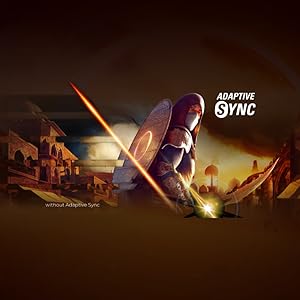
Figure 5: Visual representation of Adaptive Sync technology in action.
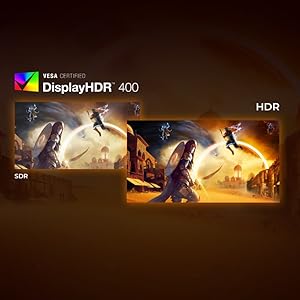
Figure 6: Comparison illustrating the visual difference between HDR and SDR content.
2.3 Эргономикалык жөндөөлөр
The monitor stand allows for height adjustment to optimize your viewсооронуч.
- Бийиктигин тууралоо: Gently push or pull the monitor up or down along the stand's vertical axis to find your preferred height. The monitor offers up to 130mm of height adjustment.
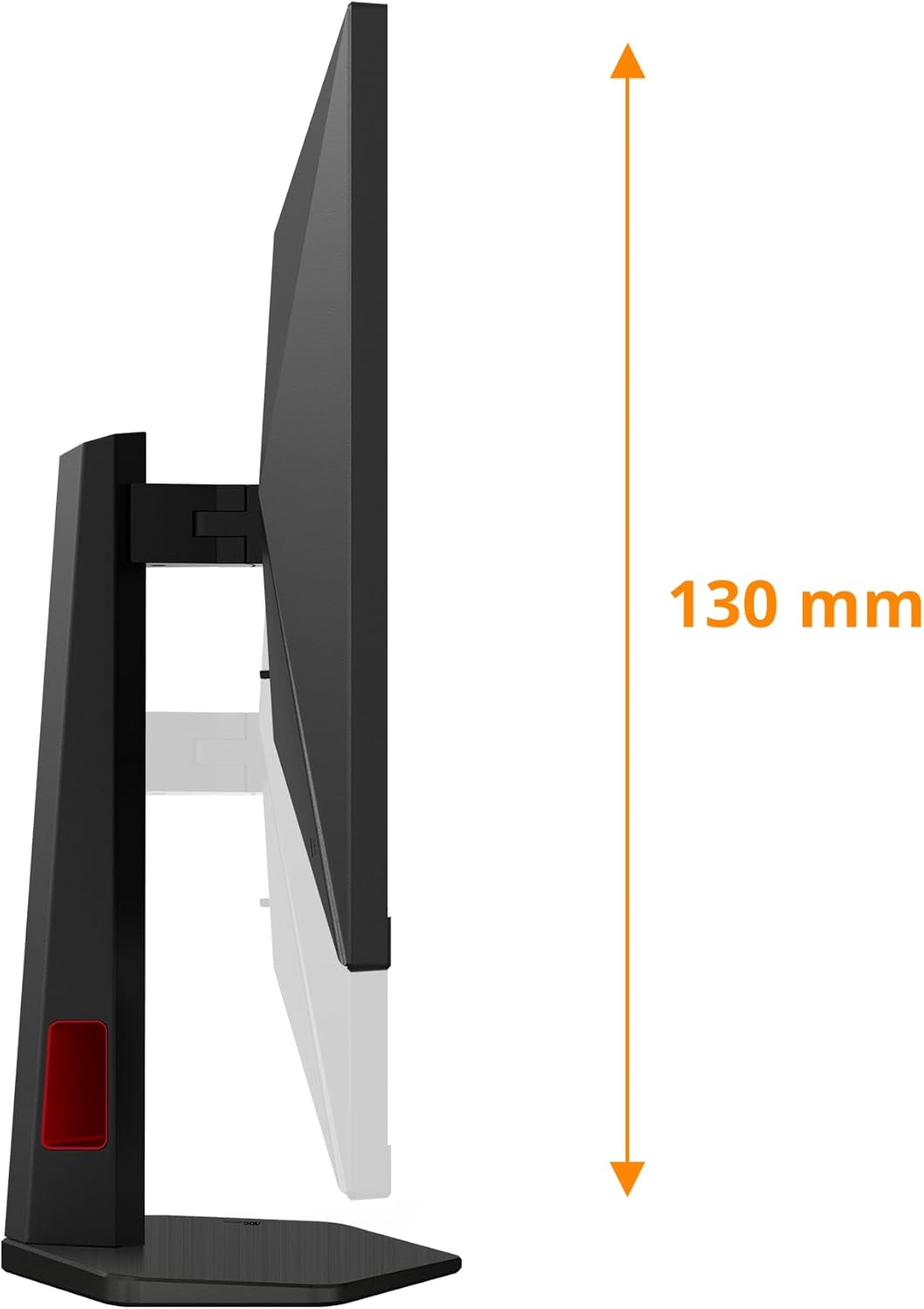
7-сүрөт: Каптал view demonstrating the monitor's height adjustment capability.
3. Техникалык тейлөө
3.1 Мониторду тазалоо
Монитордун көрүнүшүн жана иштешин сактоо үчүн:
- Тазалоодон мурун мониторду дайыма электр розеткасынан сууруп алыңыз.
- Бир аз жумшак, түксүз кездемени колдонуңуз dampсуу же абразивдүү эмес экран тазалагыч менен иштетиңиз.
- Тазалоочу каражатты түз экранга чачпаңыз.
- Бензол, суюктук, аммиак негизиндеги тазалагычтарды же абразивдик материалдарды колдонуудан алыс болуңуз, анткени алар экранга зыян келтириши мүмкүн.asing.
3.2 Сактоо
When storing the monitor for extended periods, ensure it is:
- Stored in a cool, dry place away from direct sunlight and extreme temperatures.
- Protected from dust and moisture.
- Preferably stored in its original packaging to prevent damage.
4. Кыйынчылыктарды
Мониторуңузда көйгөйлөргө туш болсоңуз, төмөнкү жалпы көйгөйлөрдү жана чечимдерди караңыз:
| Көйгөй | Мүмкүн себеп | Чечим |
|---|---|---|
| Экранда сүрөт жок | Power cable disconnected; Video cable disconnected or incorrect input selected. | Ensure power cable is securely connected. Check video cable connection (HDMI/DisplayPort). Press the OSD button to select the correct input source. |
| Сүрөт бүдөмүк же бурмаланган | Туура эмес чечим же жаңыртуу ылдамдыгы жөндөөлөрү. | Set display resolution to 3840x2160 and refresh rate to 160Hz (or lower compatible rates) in your computer's display settings. |
| Экрандын бүлбүлдөөсү | Adaptive Sync not enabled or compatibility issue; Cable issue. | Ensure Adaptive Sync is enabled on both the monitor and your graphics card. Try a different video cable. |
| No audio from headphone out | Audio settings incorrect; External device issue. | Check audio output settings on your computer (select AOC monitor as output). Ensure headphones/speakers are working correctly. |
| USB порттору иштебейт | USB жогорку агым кабели туташкан эмес. | Connect the USB-B to USB-A upstream cable from the monitor to your computer. |
Эгерде бул чечимдерди колдонуп көргөндөн кийин да көйгөй чечилбесе, AOC кардарларды колдоо кызматына кайрылыңыз.
5. Техникалык шарттар
| Өзгөчөлүк | Деталь |
|---|---|
| Бренд | AOC |
| Модель номери | U27G4R |
| Screen Size | 27 дюйм |
| Резолюция | 3840 x 2160 (4K UHD) |
| Жаңыртуу ылдамдыгы | 160Hz (UHD), 320Hz (FHD) |
| Жооп убактысы | 0.5ms (MPRT) / 1ms (GtG) |
| Панел түрү | IPS |
| HDR колдоо | VESA DisplayHDR 400 |
| Adaptive Sync | G-Sync шайкеш |
| Video Inputs | 2x HDMI 2.1, 1x DisplayPort 1.4 |
| USB хабы | 4x USB 2.0, 1x USB 3.0 (with upstream port) |
| Аудио чыгаруу | 1x Headphone Out (3.5mm) |
| Эргономика | Height Adjustable (up to 130mm) |
| Өлчөмдөрү (стенд менен) | 22.76 x 61.39 x 51.6 см |
| Салмагы (стенд менен) | 8.2 кг |
6. Кепилдик жана колдоо
6.1 Кепилдик маалыматы
Your AOC Gaming U27G4R Monitor comes with a manufacturer's warranty. Please refer to the warranty card included in your product packaging for specific terms, conditions, and duration of the warranty. Keep your proof of purchase for warranty claims.
6.2 Кардарларды колдоо
For technical assistance, product inquiries, or warranty service, please visit the official AOC support website or contact their customer service department. Contact details can typically be found on the AOC webсайтында же продукт документациясында.
Онлайн колдоо: www.aoc.com


