1. Киришүү
The HOTWAV Hyper 7 is a robust 5G smartphone designed for durability and high performance. It features a powerful MediaTek Dimensity 7050 5G chip, a large 10800mAh battery, and advanced camera capabilities, all housed within a rugged, waterproof, and dustproof design. This manual provides essential information for setting up, operating, and maintaining your device.

Сүрөт 1.1: Алдыңкы жана арткы view of the HOTWAV Hyper 7 Rugged Phone.
2. Кутуда эмне бар
Upon unboxing your HOTWAV Hyper 7, please verify that all the following items are included:
- HOTWAV Hyper 7 Rugged Phone
- Кубаттуу адаптер
- USB кабели
- USB OTG адаптери
- Screen Protector (pre-applied or in package)
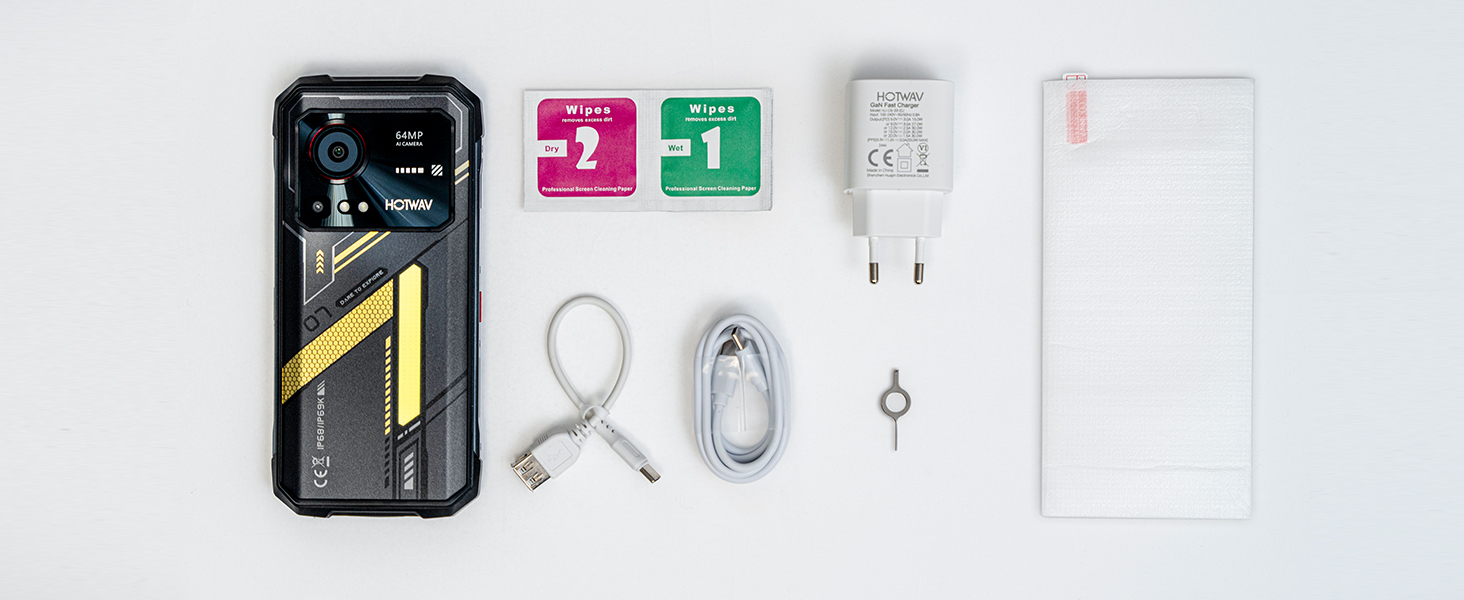
Figure 2.1: Standard package contents for the HOTWAV Hyper 7.
3. Орнотуу
3.1. SIM карталарды жана MicroSD картасын салуу
- Телефондун капталындагы SIM карта салгычын табыңыз.
- Салгычты ачуу үчүн берилген SIM чыгаруучу куралды колдонуңуз.
- Carefully place your Nano-SIM cards (up to two) and/or a MicroSD card (up to 1TB) into the designated slots on the tray. Ensure the gold contacts face downwards.
- Аспаптын корпусуна туура келгенче, лотокту акырын кайра телефонго түртүңүз.
3.2. Баштапкы заряддоо
Before first use, it is recommended to fully charge the device. Connect the USB cable to the phone's charging port and the power adapter, then plug the adapter into a wall outlet. The phone supports 33W fast charging.
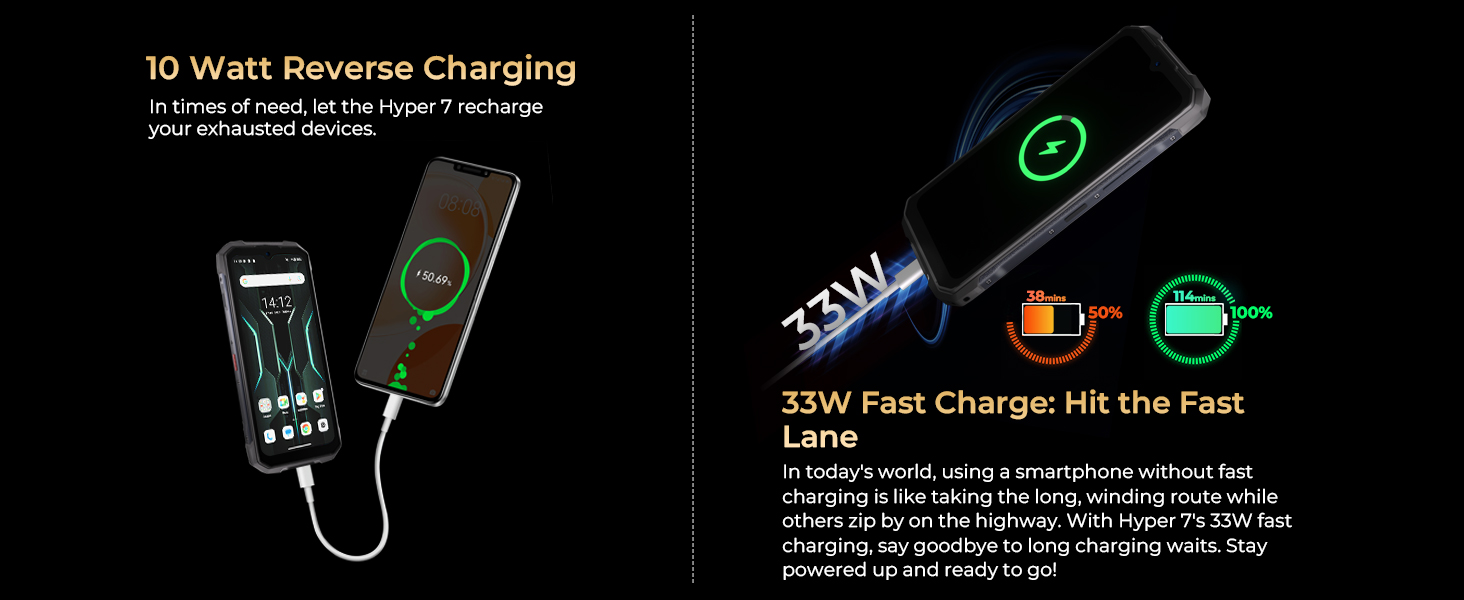
Figure 3.1: Charging the HOTWAV Hyper 7 and its reverse charging capability.
3.3. Күйгүзүү жана баштапкы орнотуу
Press and hold the Power button until the HOTWAV logo appears. Follow the on-screen prompts to complete the initial setup, including language selection, Wi-Fi connection, Google account login, and security settings (Face ID, fingerprint, PIN/pattern).
4. Иштөө нускамалары
4.1. Дисплей жана навигация
The Hyper 7 features a 6.6-inch FHD+ display with a 120Hz refresh rate for smooth visuals. Navigation is primarily touch-based, with standard Android gestures and on-screen navigation buttons.

Figure 4.1: The Hyper 7's 6.6-inch FHD+ 120Hz 2K display.
4.2. Камеранын иштеши
The phone is equipped with a 64MP main rear camera and a 32MP Sony selfie camera. Open the Camera app to access various modes including Photo, Video, Pro Mode, and Night Mode. The 64MP main camera utilizes PureCel Plus technology for enhanced image quality and supports 4K video recording.

Figure 4.2: ашыкview of the Hyper 7's camera specifications.
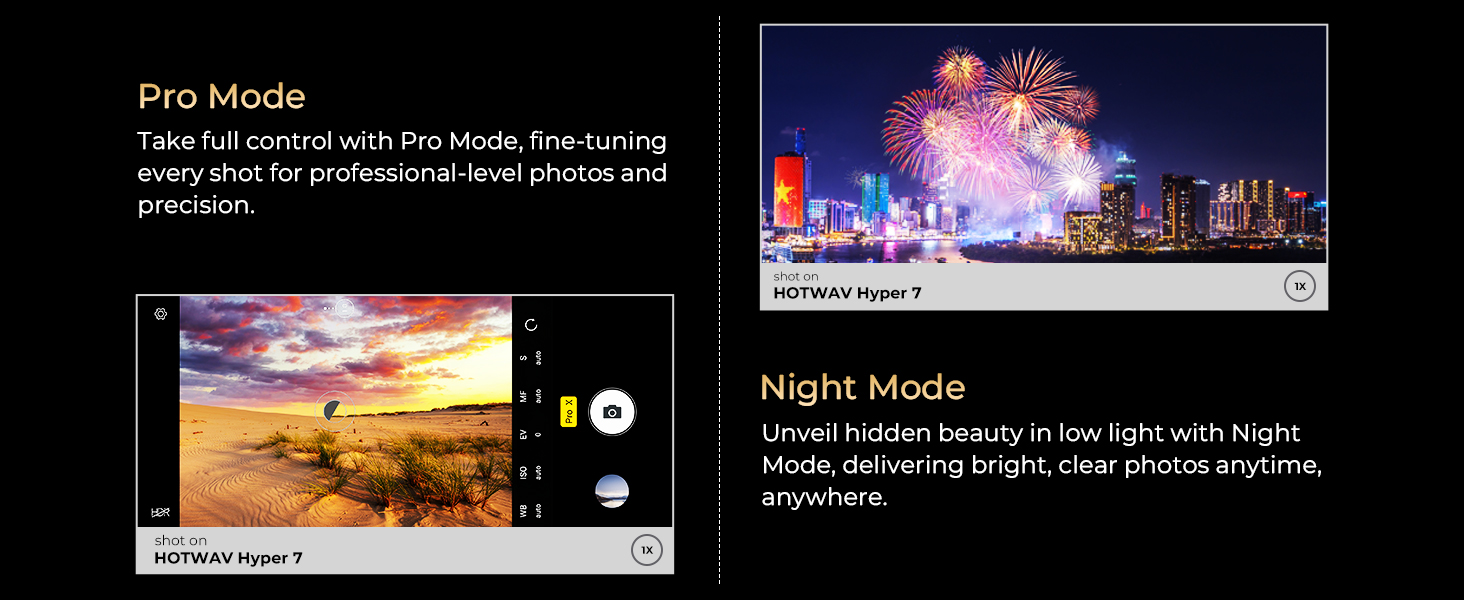
Figure 4.3: Camera modes including Pro Mode and Night Mode.
4.3. Батареяны башкаруу
The 10800mAh battery provides extended usage times. To optimize battery life, reduce screen brightness, disable unused connectivity features (Wi-Fi, Bluetooth, GPS), and close background applications. The phone also supports 10W reverse charging, allowing it to act as a power bank for other devices.

4.4-сүрөт: Батареянын кубаттуулугу жана кубаттоо функциялары.
4.4. Байланыш
- 5G тармагы: Supports dual-mode 5G for high-speed data. Compatible with T-Mobile, Mint, and Boost (USA). Verify network bands with your carrier.
- Wi-Fi 6: Provides faster and more efficient wireless connectivity. Supports both 2.4GHz and 5GHz bands.
- Bluetooth 5.2: Наушник жана динамиктер сыяктуу зымсыз аксессуарларды туташтыруу үчүн.
- NFC: Enables contactless payments and data transfer.
- GPS: Features L1+L5 dual-frequency GPS for accurate outdoor navigation.
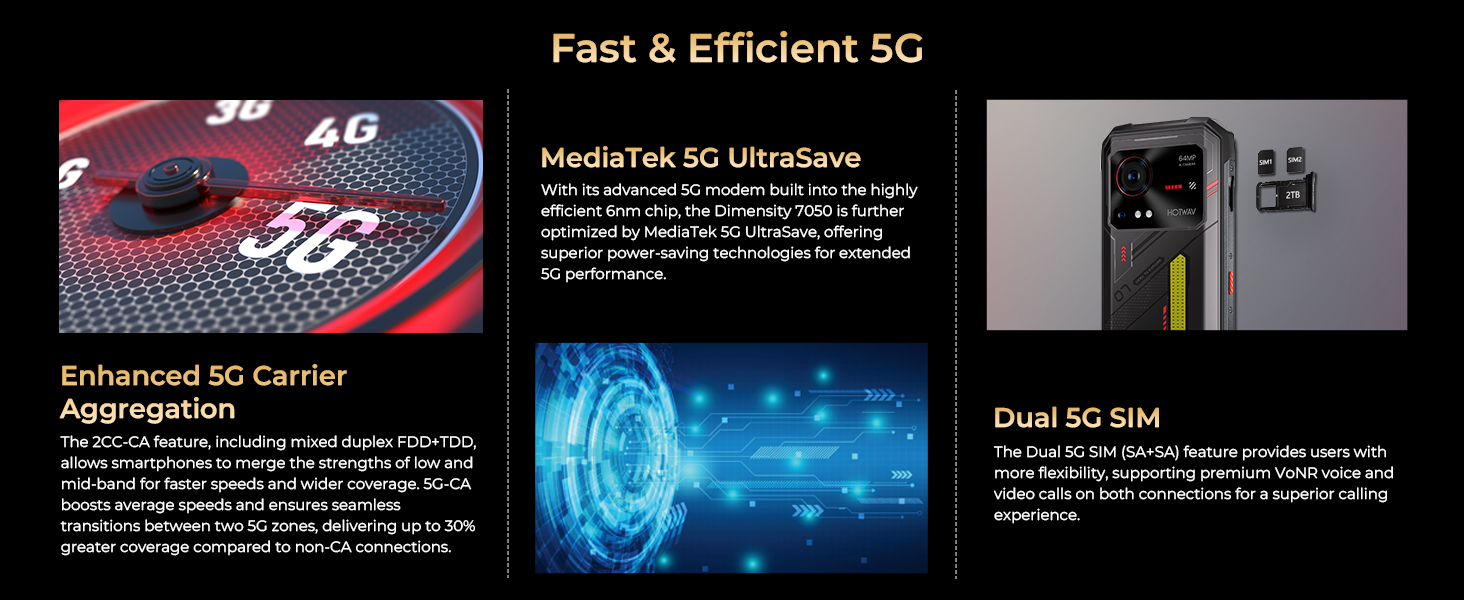
Figure 4.5: Details on 5G network capabilities.
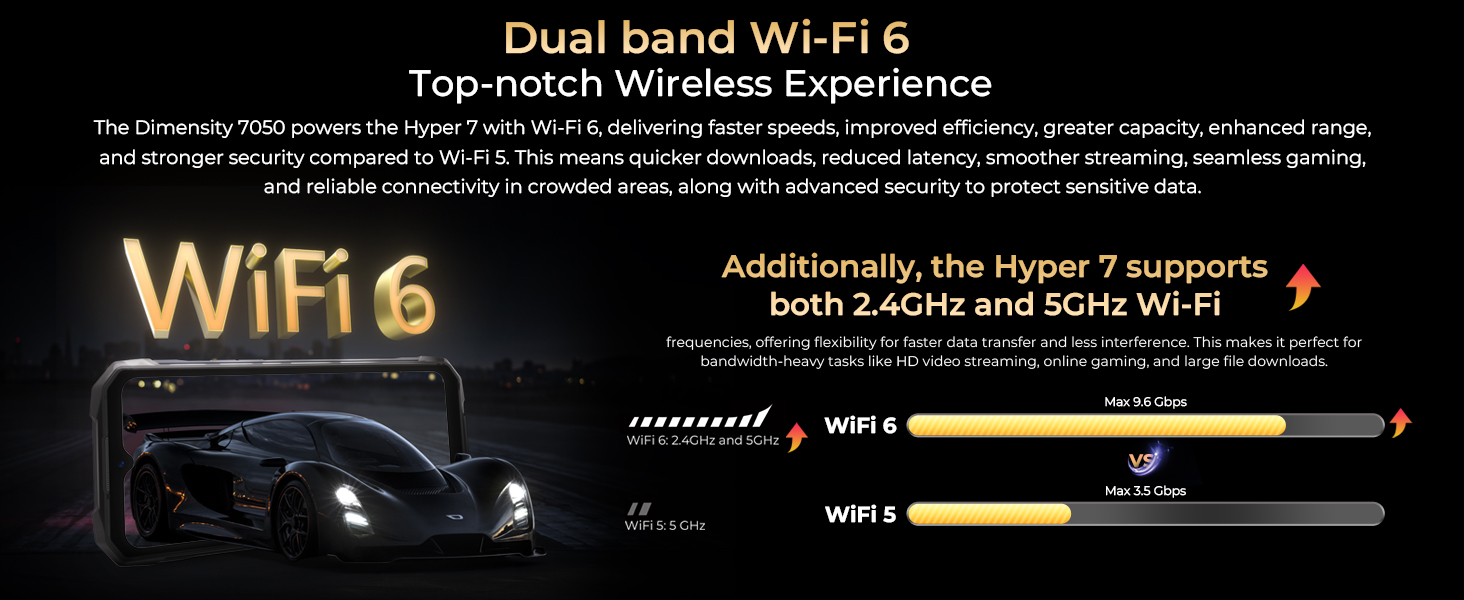
Figure 4.6: Wi-Fi 6 performance and benefits.
4.5. Программалык камсыздоонун өзгөчөлүктөрү
- Android 14: The phone runs on Android 14, offering enhanced privacy protection, smoother operation, and improved battery management.
- Gemini AI: Integrated with Google's Gemini AI model for advanced reasoning and conversational capabilities.
- Колкап режими: Allows for touch screen operation even when wearing thick gloves.
- Campжарык: A powerful 280-lumen LED light on the back for outdoor use.
- RGB Dynamic Light: An interactive light on the back panel for notifications and calls.
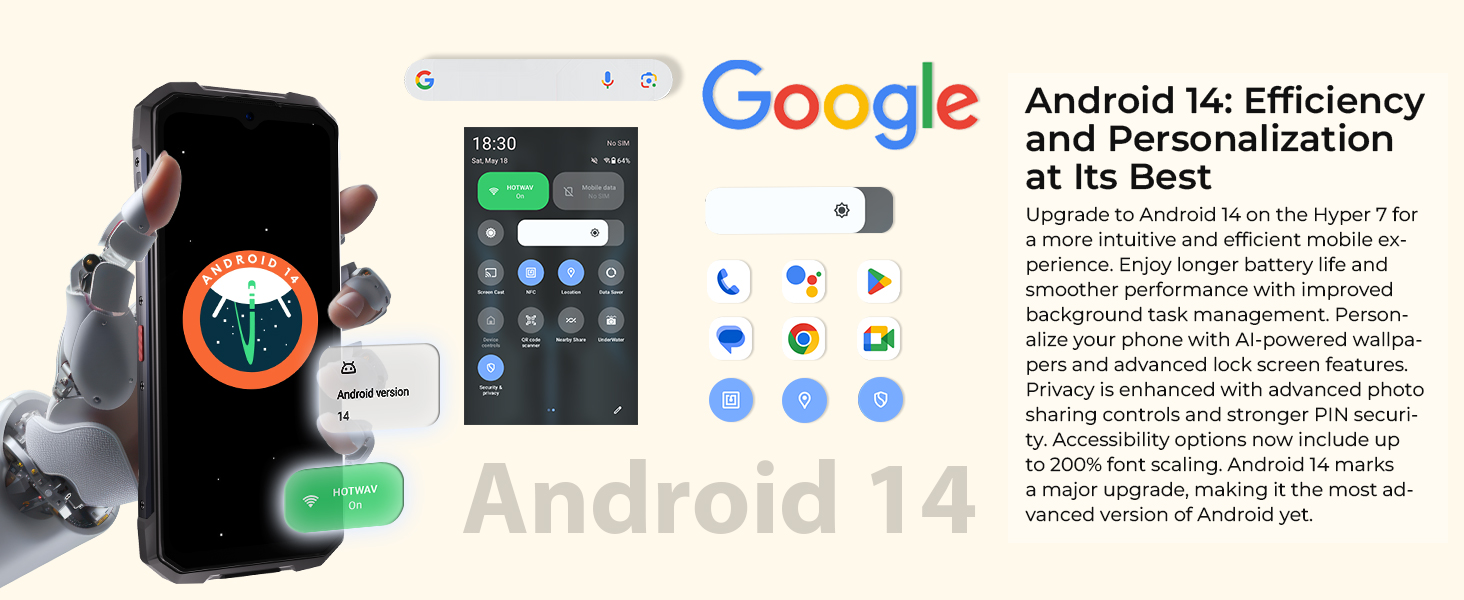
Figure 4.7: Android 14 operating system features.
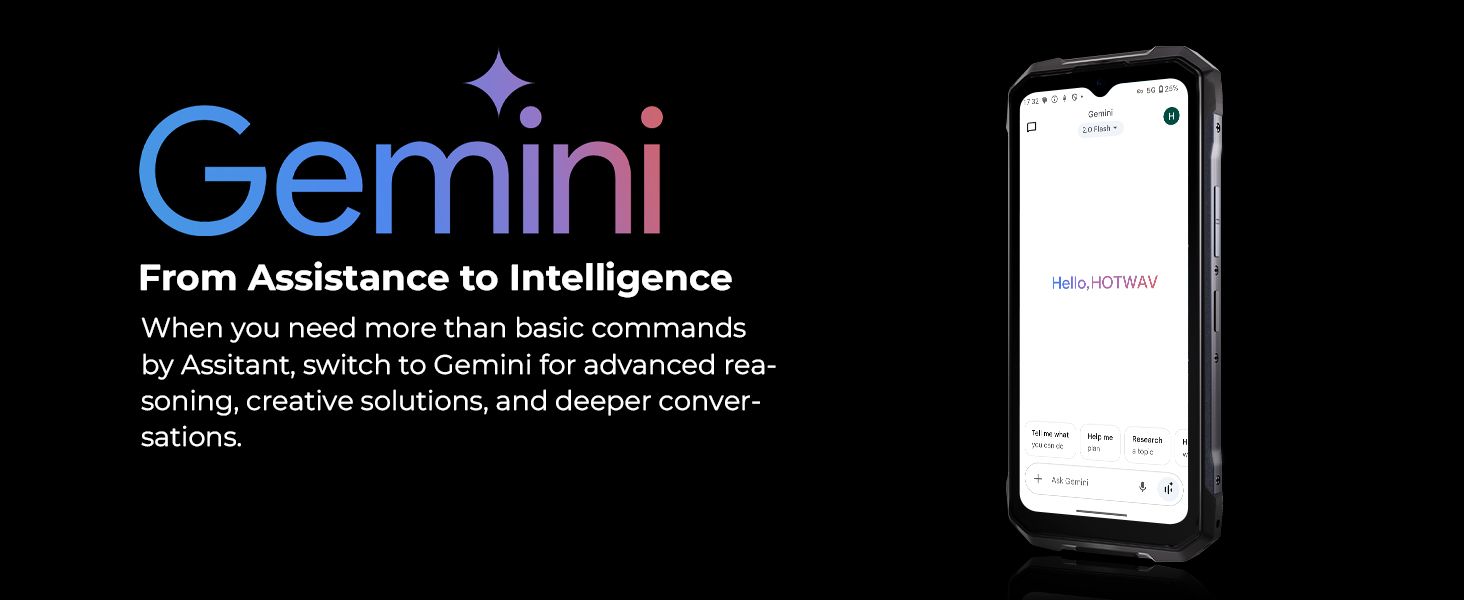
Figure 4.8: Gemini AI integration.
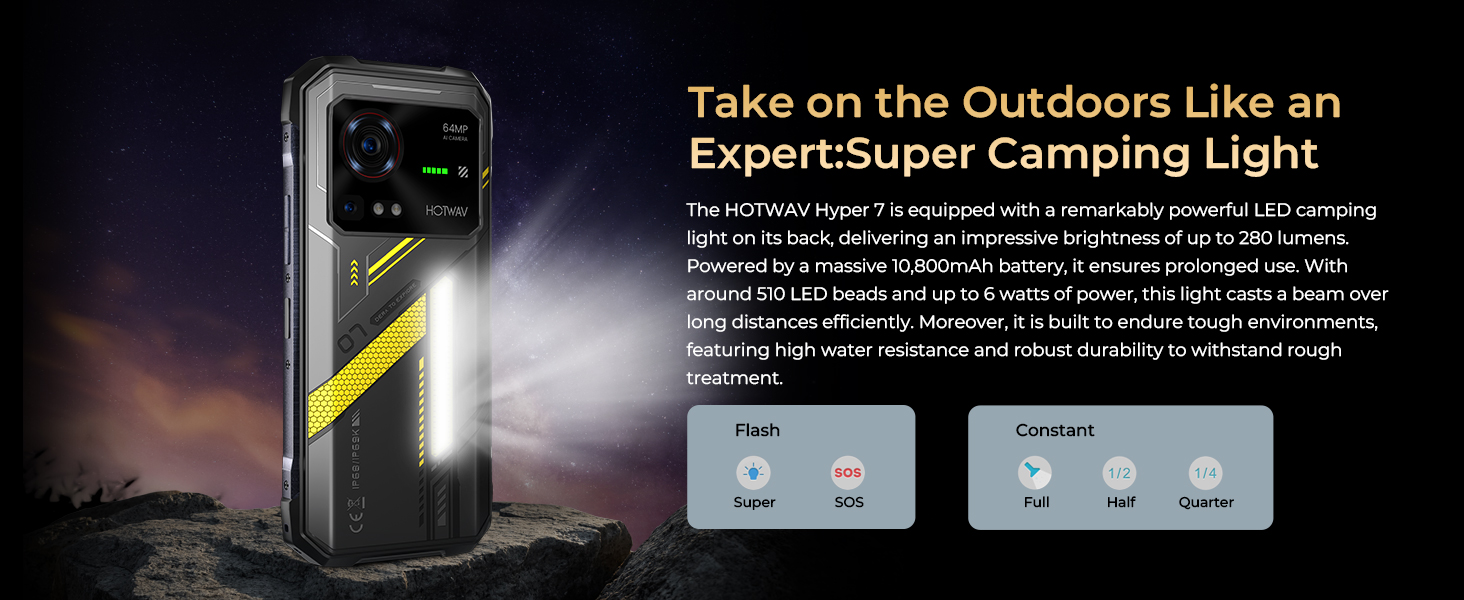
Figure 4.9: Super Camping Light functionality.
5. Узактыгы жана коргоо
The HOTWAV Hyper 7 is built to withstand harsh environments, meeting IP68, IP69K, and MIL-STD-810H standards. This ensures the device is:
- Суу өткөрбөйт: Can be submerged in 1.5 meters of water for up to 30 minutes.
- Чаң өткөрбөөчү: Чаңдын киришинен толук корголгон.
- Тамчылабай турган: Can withstand drops from 1.5 meters.
The display is protected by Corning Gorilla Glass 3, offering enhanced resistance against scratches and impacts.

Figure 5.1: The Hyper 7's rugged design and protection ratings.
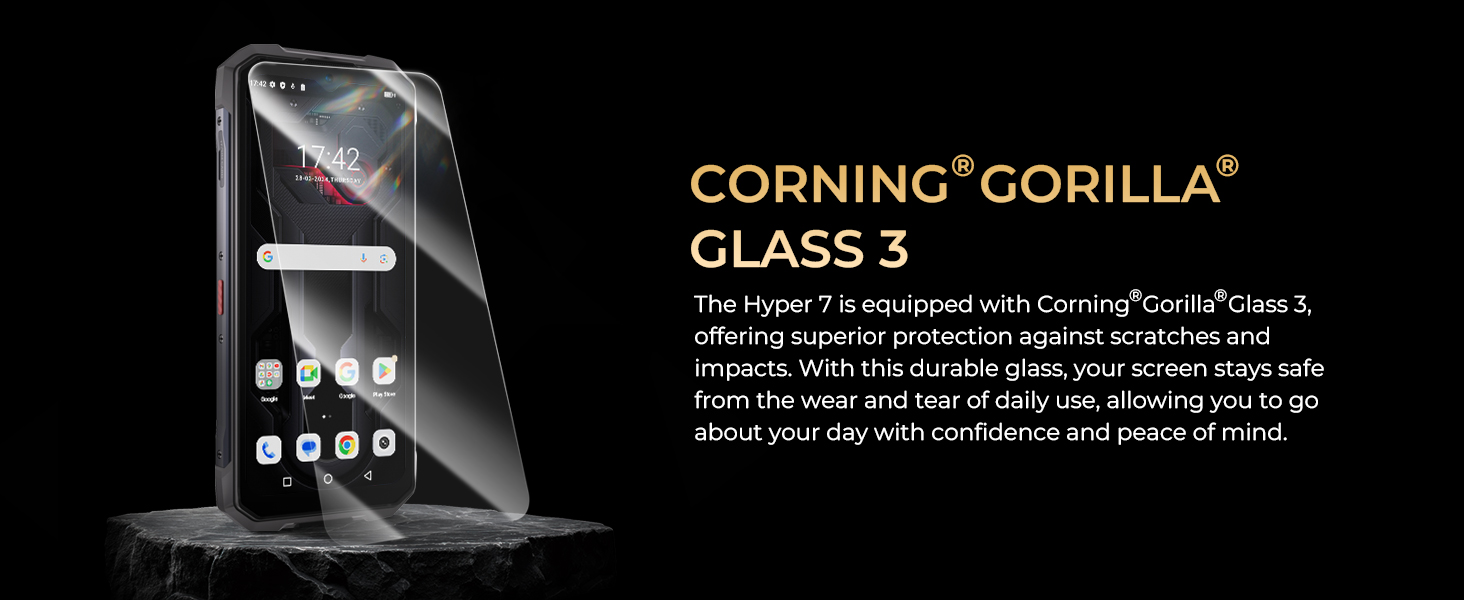
Figure 5.2: Corning Gorilla Glass 3 for display durability.
6. Техникалык шарттар
| Өзгөчөлүк | Спецификация |
|---|---|
| Модель аты | Hyper 7 |
| Процессор | MediaTek Dimensity 7050 5G (6nm, 2.6GHz Octa-core) |
| RAM | 8 ГБ (20 ГБ виртуалдык оперативдик эс тутумга чейин кеңейтилиши мүмкүн) |
| Ички сактагыч | 256 ГБ UFS 3.1 |
| Кеңейтүүчү сактагыч | Up to 1TB MicroSD card |
| Операция системасы | Android 14 |
| Дисплей | 6.6-inch FHD+ (1080*2408) 120Hz 2K Display |
| Арткы камера | 64MP PureCel Plus Main Camera |
| Алдыңкы камера | 32MP Sony Selfie Camera |
| Батарея сыйымдуулугу | 10800mAh |
| Заряддоо | 33W Fast Charge, 10W Reverse Charging |
| Байланыш | 5G, Wi-Fi 6 (2.4G/5G), Bluetooth 5.2, NFC, GPS (L1+L5) |
| Туруктуулук рейтингдери | IP68, IP69K, MIL-STD-810H |
| Экранды коргоо | Corning Gorilla Glass 3 |
| Өлчөмдөр | 8.07 x 7.32 x 1.56 дюйм (Пакет) |
| Элемент Салмагы | 14.1 унция (399 грамм) |

6.1-сүрөт: Негизги мүнөздөмөлөрдүн визуалдык кыскача баяндамасы.
7. Техникалык тейлөө жана кам көрүү
To ensure the longevity and optimal performance of your HOTWAV Hyper 7, follow these maintenance guidelines:
- Тазалоо: Экранды жана корпусту тазалоо үчүн жумшак, мамыксыз чүпүрөктү колдонуңуз. Өжөр тактар үчүн бир аз сүртүңүзampчүпүрөктү суу менен. Катуу химиялык заттардан же абразивдүү материалдардан алыс болуңуз.
- Суу таасири: While waterproof, ensure all ports (charging port, SIM tray) are securely closed before exposing the phone to water. After water exposure, dry the phone thoroughly before charging.
- Температура: Телефонду өтө ысык же өтө суук температурага (өтө ысык же өтө суук) дуушар кылбаңыз, анткени бул батареянын иштөө мөөнөтүнө жана ички компоненттерине таасир этиши мүмкүн.
- Программалык камсыздоо жаңыртуулары: Түзмөгүңүздө эң акыркы коопсуздук тактары жана иштеши жакшыртылганын текшерүү үчүн системанын жаңыртууларын дайыма текшерип, орнотуп алыңыз.
- Сактагычты башкаруу: Мезгил-мезгили менен ачык-айкын керексиз fileжана колдонмолор оптималдуу иштөөсүн сактоо үчүн.
8. Кыйынчылыктарды
If you encounter issues with your HOTWAV Hyper 7, try the following common troubleshooting steps:
- Түзмөк күйбөй жатат: Батарея заряддалганын текшериңиз. Телефонду заряддагычка туташтырыңыз жана кайра күйгүзүү аракетинен мурун бир нече мүнөт күтүңүз.
- Колдонмолор бузулуп/тоңуп жатат: Close the problematic app and reopen it. If the issue persists, restart the phone. Ensure apps are updated to their latest versions.
- Тармак сигналы начар: Check if your SIM card is properly inserted. Move to an area with better network coverage. Restart the phone. Verify your carrier supports the phone's network bands.
- Батареянын бат түгөнүп калышы: Reduce screen brightness, disable unnecessary background apps, turn off Wi-Fi/Bluetooth/GPS when not in use. Check battery usage in settings to identify power-hungry apps.
- Сенсордук экран жооп бербейт: Restart the phone. If the issue persists, perform a factory reset (back up data first).
- Суу ташкынынан улам келип чыккан зыян жөнүндө кооптонуу: If the phone was exposed to water with ports open, power it off immediately and allow it to dry completely before attempting to power on or charge.
For persistent issues, refer to the official HOTWAV support resources or contact customer service.
9. Кепилдик жана колдоо
The HOTWAV Hyper 7 rugged smartphone comes with a 2 жылдык кепилдик. For any questions or issues regarding your smartphone, please contact HOTWAV customer service. Our professional technical team is available to provide assistance and satisfactory solutions.
You can typically find support contact information on the official HOTWAV website or through the platform where you purchased the device.


