
1. Киришүү
Сатып алганыңыз үчүн рахматasing the karuisrc K600GPS-C GPS Drone with Camera. This manual provides essential information for the safe operation, setup, and maintenance of your new drone. Please read this manual thoroughly before operating the drone to ensure proper usage and to maximize your flying experience.

Figure 1.1: The karuisrc K600GPS-C Drone and its Remote Control.
2. Коопсуздук маалыматы
Operating a drone requires attention to safety. Failure to follow these guidelines may result in injury, damage to property, or legal issues. Always prioritize safety during flight.
- Учуу алдында текшерүү: Ensure the drone and remote control batteries are fully charged. Inspect propellers for damage and ensure they are securely attached.
- Экологиялык шарттар: Fly in open areas, away from people, animals, buildings, and trees. Avoid flying in strong winds, rain, snow, or fog.
- Көрүү сызыгы: Учуу учурунда дрондун көрүү сызыгын дайыма сактаңыз.
- Altitude and Distance: Adhere to local regulations regarding maximum flight altitude and distance.
- Батареянын коопсуздугу: Use only the provided charger and batteries. Do not overcharge or puncture batteries. Store batteries in a cool, dry place.
- Пропеллердин коопсуздугу: Колдорду, бетти жана кенен кийимдерди айлануучу пропеллерлерден алыс кармаңыз.
- Responsible Operation: Do not operate the drone under the influence of alcohol or drugs. Respect privacy and do not fly over private property without permission.
- Weight Classification: This drone weighs under 249g, which may exempt it from certain registration requirements in some regions. Always check local aviation authority regulations.
3. Пакеттин мазмуну
Төмөндө тизмеленген нерселердин баары пакетиңизге камтылганын текшериңиз. Эгерде кандайдыр бир нерселер жок болсо же бузулса, кардарларды колдоо менен байланышыңыз.
- Дрон x 1
- Алыстан башкаруу x 1
- Батарея x 1
- Propeller x 4 (spare)
- X 1 бурагыч
- USB кабели x 1
- Көтөрмө кап x 1
- 32 ГБ SD карта x 1
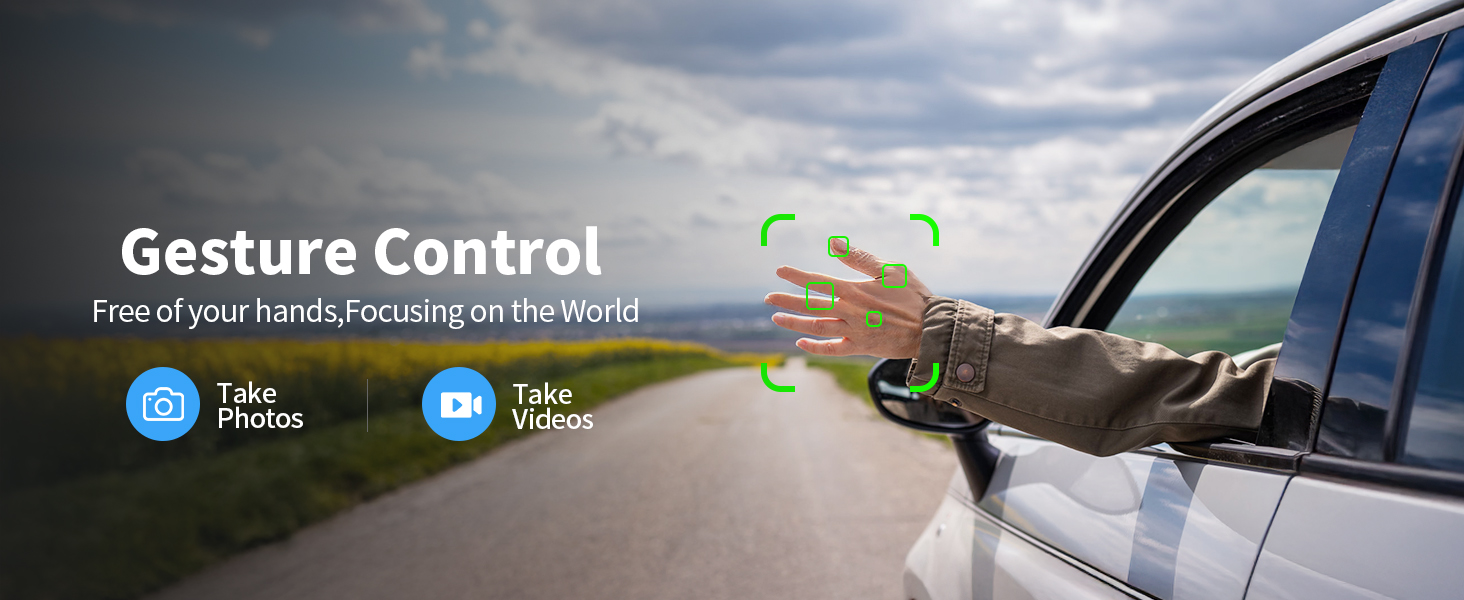
Figure 3.1: All components included in the K600GPS-C package.
4. Продукт бүтүп калдыview
4.1 Дрондун компоненттери
Familiarize yourself with the key parts of your K600GPS-C drone:
- Пропеллер: Four rotating blades for lift and propulsion.
- Моторлор: Пропеллерлерди иштетиңиз.
- HD камера: Front-facing camera for photo and video capture, with 90° electric adjustment.
- Оптикалык агым сенсору: Located on the bottom, assists with stable hovering indoors.
- Батарея бөлүмү: Houses the drone's flight battery.
- GPS модулу: Enables precise positioning and intelligent flight features.

Figure 4.1: Detail of the drone's 1080p HD Camera with adjustable angle.
4.2 Алыстан башкаруу функциялары
The remote control is your primary interface for operating the drone. It features a built-in 4.5" HD LCD screen for real-time video transmission.
- 4.5" HD LCD Screen: Displays live video feed from the drone's camera and flight data, eliminating the need for a smartphone.
- Башкаруу таякчалары: Left stick for throttle and yaw, right stick for pitch and roll.
- Функция баскычтары: Dedicated buttons for features like One-Key Takeoff/Landing, Auto Return, Photo/Video capture, and Speed Mode.
- Антенналар: For stable signal transmission to the drone.

Figure 4.2: The remote control with integrated 4.5" HD LCD screen.
5. Орнотуу
5.1 Батареяларды заряддоо
Before first use, fully charge both the drone battery and the remote control battery.
- Connect the drone battery to the provided USB charging cable. Connect the USB cable to a 5V/2A USB power adapter (not included).
- The remote control supports TPC charging. Connect the remote control to a USB power source using the provided USB cable.
- Charging indicators will show the charging status. Once fully charged, disconnect the batteries.
5.2 Батареяны орнотуу
- Дрон Батарея: Insert the charged drone battery into the battery compartment on the rear of the drone until it clicks into place.
- Алыстан башкаруунун батареясы: The remote control has a built-in rechargeable battery. Ensure it is fully charged as per section 5.1.
5.3 Пропеллерди орнотуу
Эгерде пропеллер алдын ала орнотулбаса же алмаштыруу керек болсо:
- Пропеллерлерди тиешелүү мотор рычагдары менен дал келтириңиз (адатта А жана В менен белгиленет).
- Use the provided screwdriver to securely attach the propellers to the motor shafts. Do not overtighten.
5.4 Баштапкы жупташтыруу жана калибрлөө
- Дронду тегиз, тегиз жерге орнотуңуз.
- Power on the drone, then power on the remote control.
- Wait for the drone and remote control to pair automatically. The indicator lights on the drone will change from flashing to solid.
- Perform gyroscope calibration by moving both control sticks to the bottom-right corner simultaneously until the drone lights flash rapidly and then become solid.
- For GPS mode, take the drone outdoors to an open area. Wait for the drone to acquire sufficient GPS satellites (indicator lights will confirm GPS lock).
6. Операция
6.1 Учууну башкаруунун негизги каражаттары
The K600GPS-C is designed for ease of use, making it suitable for beginners.
- Бир баскычтуу учуу/конуу: Press the dedicated button on the remote control to automatically take off or land.
- Дроссель (Сол таякча өйдө/ылдый): Controls the drone's altitude.
- Яв (Сол таякчаны солго/оңго айландыруу): Rotates the drone horizontally.
- Pitch (Right Stick Up/Down): Дронду алдыга же артка жылдырат.
- Roll (Right Stick Left/Right): Moves the drone left or right (sideways).
- Ылдамдык режимдери: Adjust flight speed for different skill levels or wind conditions.
6.2 Акылдуу учуу функциялары
Leverage the drone's advanced GPS capabilities for enhanced flight experiences.
- Intelligent Return to Home (RTH): The drone will automatically return to its takeoff point under the following conditions:
- Low Battery Return: When the battery level is critically low.
- Lost Signal Return: If the connection between the drone and remote control is lost.
- One-Key Return: Manually activated by pressing the RTH button on the remote.
- Мени ээрчүү режими: The drone will automatically follow the remote control, keeping you centered in the frame. Ensure sufficient GPS signal for this feature.
- Жаңсоо башкаруу: Perform specific hand gestures in front of the camera to trigger photo or video recording. Refer to the remote control's display for gesture recognition indicators.

Figure 6.1: Intelligent Return to Home (RTH) functionality.

Figure 6.2: Drone utilizing Follow Me mode.
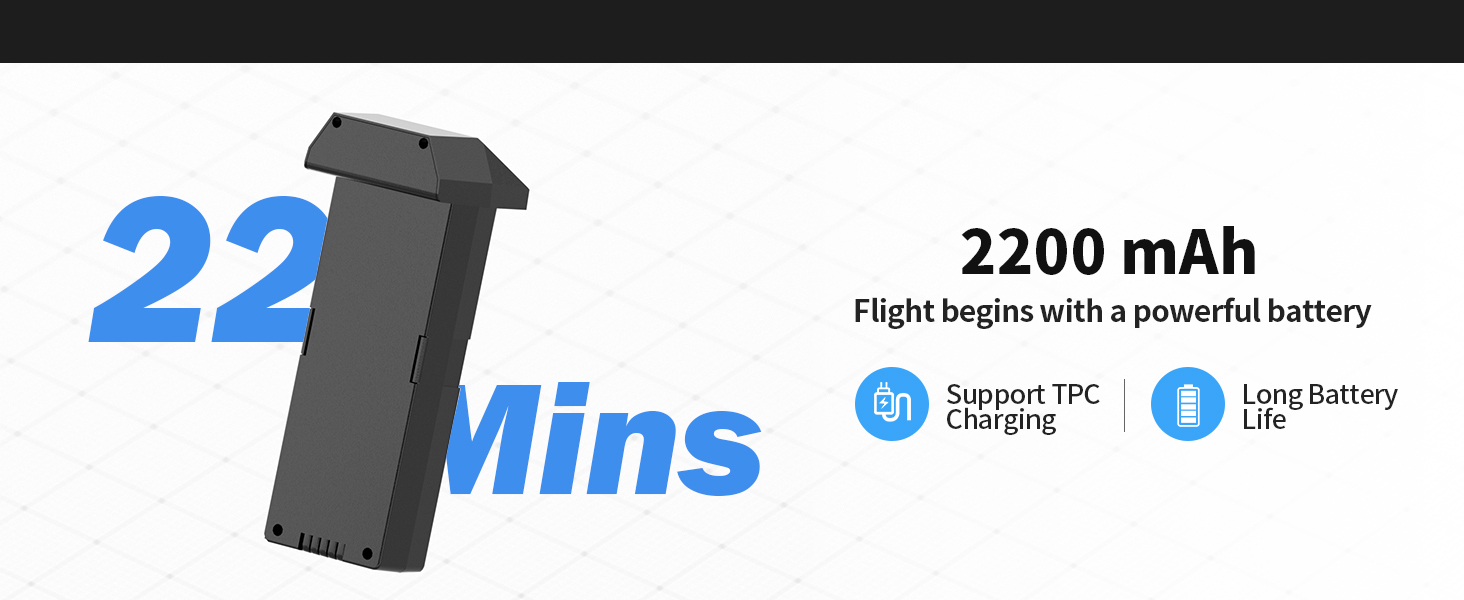
Figure 6.3: Gesture Control for photo and video capture.
6.3 Camera and SD Card Usage
The K600GPS-C is equipped with a 1080p HD camera capable of capturing high-quality photos and videos, stored on the included 32GB SD card.
- Сүрөт/Видео тартуу: Сүрөткө тартуу же видео жаздырууну баштоо/токтотуу үчүн алыстан башкаруу пультундагы атайын баскычтарды колдонуңуз.
- Жөнгө салынуучу камера бурчу: The camera angle can be adjusted electrically via the remote control for optimal framing.
- SD карта: Insert the 32GB SD card into the drone's SD card slot before flight. All captured media will be saved directly to this card.
- To access media, remove the SD card from the drone and insert it into a card reader connected to a computer.

Figure 6.4: SD Card slot for media storage.
7. Техникалык тейлөө
Proper maintenance ensures the longevity and optimal performance of your drone.
- Тазалоо: After each flight, gently wipe the drone and remote control with a clean, dry cloth. Remove any dust, dirt, or debris from the motors and propellers.
- Пропеллер текшерүү: Regularly check propellers for cracks, bends, or chips. Replace damaged propellers immediately using the provided spares.
- Батареяга кам көрүү: Store batteries in a cool, dry place, away from direct sunlight and extreme temperatures. Do not store fully charged or completely depleted batteries for extended periods. Charge them to about 50% for long-term storage.
- Сактагыч: When not in use, store the drone and all accessories in the provided carrying case to protect them from damage.
8. Кыйынчылыктарды
If you encounter issues with your K600GPS-C drone, refer to the following common problems and solutions:
| Көйгөй | Мүмкүн себеп | Чечим |
|---|---|---|
| Дрон пультка жооп бербейт. | Жупташтырылган эмес, батареясы аз, байланыш аймагынан тышкары. | Ensure both drone and remote are powered on and paired. Recharge batteries. Fly within operational range. |
| Учуу учурунда учкучсуз учат. | Gyroscope not calibrated, strong wind. | Perform gyroscope calibration on a flat surface. Avoid flying in windy conditions. |
| Poor video transmission or freezing. | Interference, drone too far, low battery. | Fly in an open area away from obstacles. Keep drone within optimal transmission range (within 50 meters for best video). Ensure batteries are charged. |
| Drone does not return to home point accurately. | Weak GPS signal, strong wind, RTH initiated indoors. | Ensure strong GPS signal before takeoff. Avoid strong winds. RTH is designed for outdoor GPS-enabled flight. |
| Батарея заряддалбай жатат. | Faulty cable/adapter, battery issue. | Try a different USB cable and power adapter. If issue persists, contact customer support. |
9. Техникалык шарттар
| Өзгөчөлүк | Деталь |
|---|---|
| Бренд | karuisrc |
| Модель аты | K600GPS-C |
| Модель номери | JRSMY2026043001 |
| Өлчөмдөр | 9"L x 7.3"W x 5"H |
| Элемент Салмагы | 2.27 pounds (under 249g for drone itself, total package weight is 2.27 lbs) |
| Видео тартуунун резолюциясы | 1080p (4K quality photos) |
| Байланыш технологиясы | Wi-Fi (5GHz Transmission) |
| Өзгөчөлүктөр | Auto Follow, Auto-Landing, GPS Positioning, Gesture Control, 4.5" HD LCD RC Screen |
| Батарея түрү | Литий-ион (2200 мАч) |
| SD картаны колдоо | Up to 32GB (32GB SD Card included) |
| Башкаруу түрү | Алыстан башкаруу |
| Материал | Пластик |
| Skill Level | All (Beginner-friendly) |
10. Кепилдик жана колдоо
karuisrc is committed to providing high-quality products and customer satisfaction. For any inquiries, technical support, or warranty claims, please contact us using the information below.
- Кардарларды тейлөө телефону: +44 7419 298225
- Кардарларды тейлөө электрондук почтасы: Karuisrc@gmail.com
- Кайтаруу саясаты: This product is eligible for a 30-day refund/replacement policy from the date of purchase. Please refer to your retailer's specific return guidelines for detailed information.
Figure 10.1: Dedicated customer support for karuisrc products.


