1. Бүттүview
The Picun F5 Active Noise Cancelling Headphones are designed to provide an immersive audio experience with advanced noise cancellation technology. These over-ear headphones feature a built-in microphone for clear calls, multi-point Bluetooth connectivity, and customizable EQ settings via a dedicated application. Enjoy extended listening sessions with up to 30 hours of playtime and convenient fast charging.

Image 1.1: Picun F5 Active Noise Cancelling Headphones, showcasing the sleek silver design.
2. Пакеттин мазмуну
Пакетте бардык буюмдар бар экенин текшериңиз:
- 1 x Picun F5 кулакчын
- 1 x 3.5 мм аудио кабель
- 1 x USB заряддоо кабели (Type-C)
- 1 x User Manual

Image 2.1: The complete package contents of the Picun F5 headphones.
3. Продукциянын өзгөчөлүктөрү
3.1 Активдүү ызы-чууну жокко чыгаруу (ANC)
Block out ambient distractions with advanced ANC technology, providing a quiet listening environment ideal for travel, commuting, or focused work. The headphones effectively reduce external noise up to 25dB.

Image 3.1: Visual representation of the noise reduction capability of the Picun F5 headphones.
3.2 Hi-Fi Audio with Deep Bass & App-Controlled EQ
Experience crystal-clear sound and powerful deep bass with certified Hi-Fi Audio. The companion application allows for personalized equalization (EQ) settings to match your audio preferences.
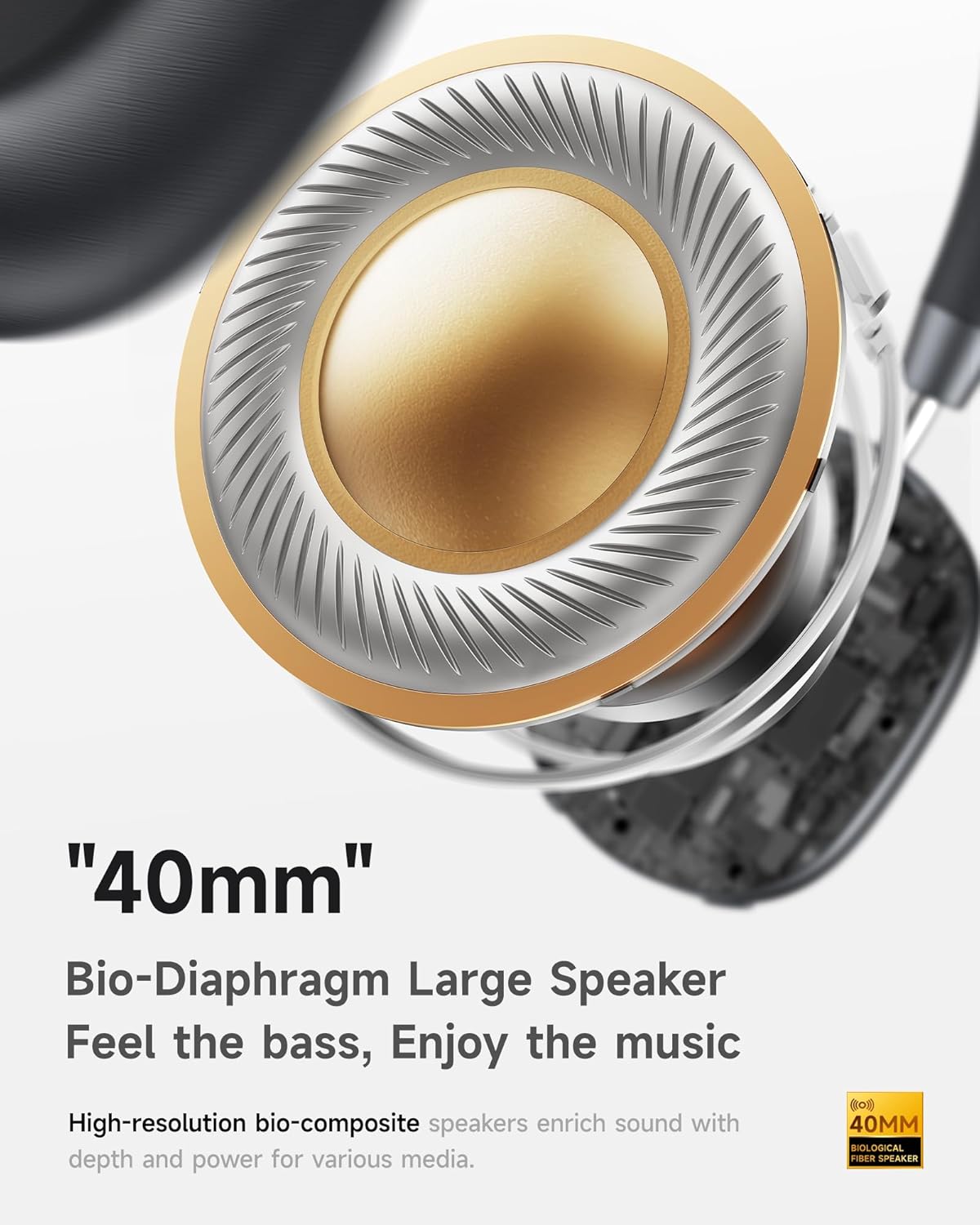
Image 3.2: Detail of the 40mm bio-diaphragm large speaker for enhanced audio quality.
3.3 Built-in Microphone & Multi-Point Connection
The integrated microphone ensures clear voice calls. Multi-point Bluetooth allows seamless switching between two connected devices, such as a phone and a laptop, without re-pairing.

Image 3.3: Illustration of ENC Noise Reduction with Smart DSP for clear communication.

Image 3.4: The headphones connected to multiple devices, highlighting the double connection feature.
3.4 30H Playtime & Fast Charging
Enjoy up to 30 hours of continuous audio playback on a single charge. A quick 1-2 hour charge provides several hours of listening, perfect for busy lifestyles.
3.5 Comfortable and Adjustable Design
Designed for extended wear, the headphones feature soft and breathable medical-grade foam earcups and a 90° rotatable design for a snug and comfortable fit. The aluminum shaft is adjustable and durable.

Image 3.5: The ergonomic design of the Picun F5 headphones for optimal comfort.
4. Орнотуу
4.1 Наушниктерди заряддоо
- Connect the USB charging cable (Type-C) to the charging port on the headphones.
- Кабелдин экинчи учун USB кубат адаптерине (кошумча эмес) же компьютердин USB портуна туташтырыңыз.
- LED индикатору кубаттоо абалын көрсөтөт. Толук кубаттоо, адатта, 1-2 саатты талап кылат.
4.2 Bluetooth жупташтыруу
- Наушниктердин толук заряддалганын текшериңиз.
- LED индикатору жупташтыруу режимин көрсөткөн көк жана кызыл күйгүчө Күч баскычын басып, кармап туруңуз.
- Түзмөгүңүздө (смартфон, планшет, компьютер) Bluetooth иштетип, жеткиликтүү түзмөктөрдү издеңиз.
- Select "Picun F5" from the list of devices.
- Туташкандан кийин LED индикатору көк түскө айланат.
4.3 Using the 3.5mm Audio Cable
For wired listening, connect one end of the included 3.5mm audio cable to the headphone's audio jack and the other end to your audio source. Bluetooth functionality will be disabled when the audio cable is connected.
5. Иштөө нускамалары
5.1 Күйгүзүү/өчүрүү
- Күйгүзүү: Кубат баскычын болжол менен 3 секунд басып туруңуз.
- Өчүрүү: Кубат баскычын болжол менен 5 секунд басып туруңуз.
5.2 Үндү башкаруу
Use the dedicated volume knob/buttons on the earcup to adjust the audio level.
5.3 Активдүү ызы-чууну жокко чыгаруу (ANC) режимдери
Press the ANC button to cycle through different noise cancelling modes (e.g., ANC On, Ambient Sound/Transparency Mode, ANC Off). Refer to the LED indicator for the current mode.
5.4 Чалууларды башкаруу
- Чалууга жооп берүү/аяктоо: Көп функциялуу баскычты бир жолу басыңыз.
- Чакырууну четке кагуу: Көп функциялуу баскычты 2 секунд басып туруңуз.
5.5 Көп чекиттүү туташуу
After pairing with two devices, the headphones will automatically switch between them based on audio playback. For example, if you are listening to music on your laptop and receive a call on your phone, the headphones will switch to the phone call.
5.6 Custom EQ via App
Download the Picun companion app from your device's app store. The app allows you to customize sound profiles, adjust EQ settings, and potentially update firmware for your headphones.
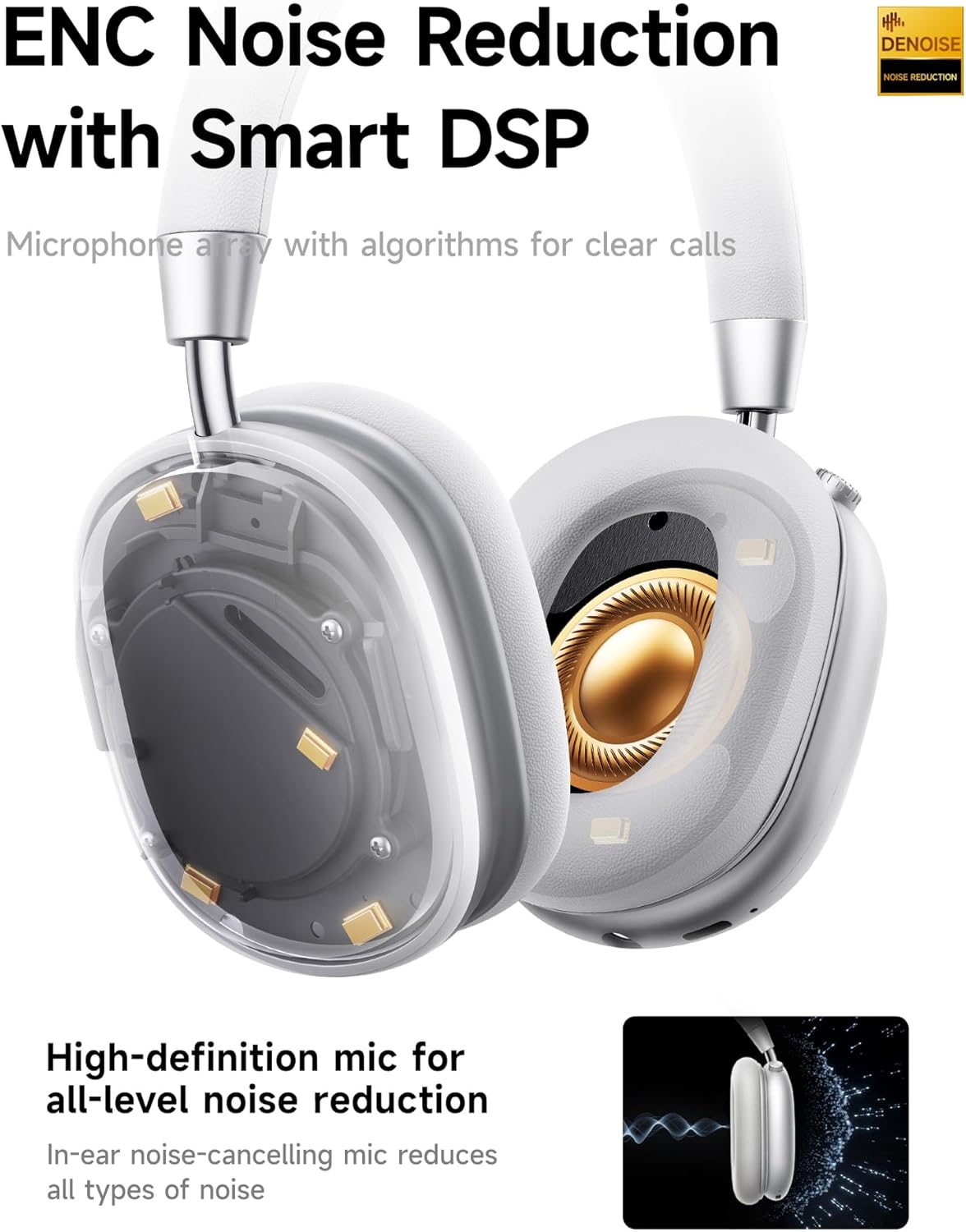
Image 5.1: The Picun app interface for customizing your listening experience.
6. Техникалык тейлөө
6.1 Тазалоо
- Наушниктерди жумшак, кургак чүпүрөк менен сүртүңүз.
- The earpieces are designed for easy cleaning; use a slightly damp cloth if necessary, but avoid excessive moisture.
- Абразивдүү тазалагычтарды же эриткичтерди колдонбоңуз.
6.2 Сактоо
Store the headphones in a cool, dry place away from direct sunlight and extreme temperatures. When not in use, it is recommended to store them in their protective case (if included) to prevent damage.
7. Кыйынчылыктарды
| Көйгөй | Мүмкүн себеп | Чечим |
|---|---|---|
| Кулакчындар күйбөйт | Батарея аз | Наушниктерди толук заряддаңыз. |
| Түзмөк менен жупташтыруу мүмкүн эмес | Headphones not in pairing mode; Bluetooth off on device; Device too far | Наушниктердин жупташтыруу режиминде экенин текшериңиз (көк/кызыл күйүп). Түзмөгүңүздө Bluetooth'ду күйгүзүңүз. Түзмөктү гарнитурага жакыныраак жылдырыңыз. |
| Үн жок | Volume too low; Incorrect audio source; Headphones connected via 3.5mm cable | Increase volume on headphones and device. Check device's audio output settings. Disconnect 3.5mm cable for Bluetooth audio. |
| АНК эффективдүү иштебей жатат | Incorrect ANC mode; Poor fit | Cycle through ANC modes. Adjust headphones for a secure fit over your ears. |
8. Техникалык шарттар
| Өзгөчөлүк | Деталь |
|---|---|
| Модель аты | F5 |
| Байланыш технологиясы | Зымсыз (Bluetooth) |
| Зымсыз байланыш технологиясы | Bluetooth 4.0 |
| Noise Control | Үн изоляциясы (активдүү ызы-чууну жокко чыгаруу) |
| Frequency Response | 20 KHz |
| Сезимталдуулук | 42 дБ |
| Наушник уясы | 3.5 мм Джек |
| Батареянын иштөө мөөнөтү | 30 саат |
| Аудио драйвер түрү | Динамикалык драйвер |
| Наушник формасы | Ашыкча кулак |
| Материал | Акрилонитрил бутадиен стирол (ABS) |
| Элемент Салмагы | 14 унция |
| Башкаруу түрү | Үндү көзөмөлдөө |
| Башкаруу ыкмасы | тийүү |
9. Кепилдик жана колдоо
The Picun F5 headphones typically include a warranty. Please refer to the warranty card included in your package for specific terms and conditions, including details on how to activate any extended guarantee. For further support or inquiries, please visit the official Picun store or contact customer service through the details provided in your product documentation.
зыярат кылыңыз Picun Store on Amazon көбүрөөк маалымат жана продукт жаңыртуу үчүн.


