1. Киришүү
This user manual provides comprehensive instructions for the Crelander 10.1 Inch Android 15 Tablet, Model W30 PRO. It covers initial setup, operational guidelines, maintenance tips, and troubleshooting solutions to ensure optimal performance and longevity of your device. Please read this manual thoroughly before using your tablet.
2. Пакеттин мазмуну
Кутучаны ачканда, таңгагыңызда төмөнкү нерселердин бардыгы бар экенин текшериңиз:
- Crelander 10.1 Inch Android 15 Tablet (W30 PRO)
- Коргоочу кап
- Bluetooth баскычтоп
- Зымсыз чычкан
- Стилус калеми
- Кубаттуу адаптер
- USB заряддоо кабели
- USB-C to USB-A Adapter (OTG Cable)
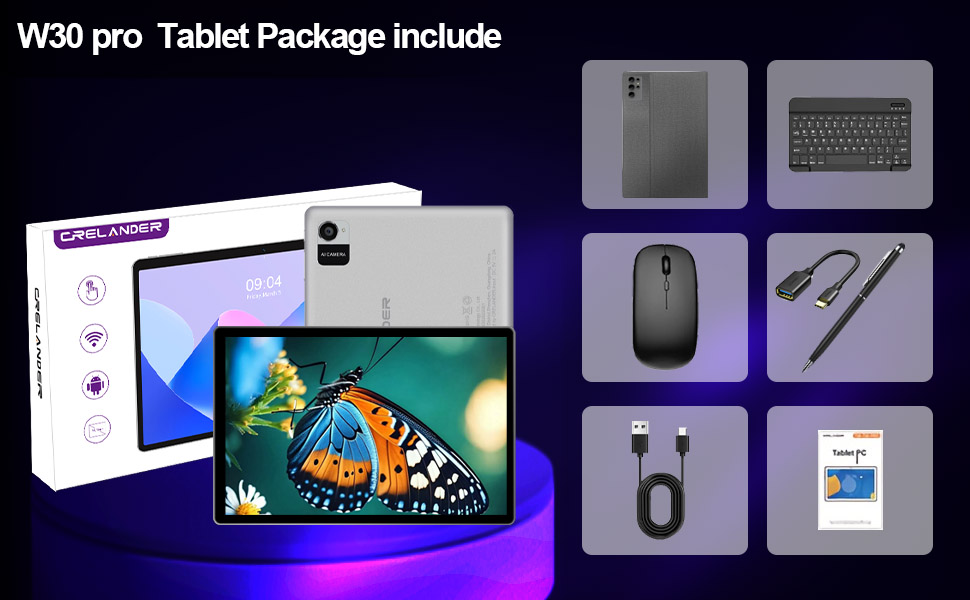
Figure 2.1: All items included in the Crelander W30 PRO Tablet package.
3. Продукт бүтүп калдыview
3.1 Crelander W30 PRO Tablet
The Crelander W30 PRO is a 10.1-inch Android 15 tablet designed for versatile use, from entertainment to productivity. It features a high-definition IPS touchscreen and a powerful octa-core processor.

Figure 3.1: Crelander W30 PRO Tablet and accessories.
- Дисплей: 10.1-inch 1280x800 IPS HD touchscreen for vibrant colors and sharp visuals.
- Операция системасы: Latest Android 15 for a smooth user experience.
- Аткаруу: Octa-core T310 processor with 12GB RAM (4GB physical + 8GB expandable virtual RAM) and 128GB internal storage.
- Байланыш: Supports Bluetooth and 2.4G+5G WiFi.
- Батарея: Узак мөөнөттүү колдонуу үчүн 5000 мАч батарейка.
- Камералар: 13MP Rear Camera and 5MP Front Camera.
- Мультимедиа: Widevine L1 support for HD streaming.
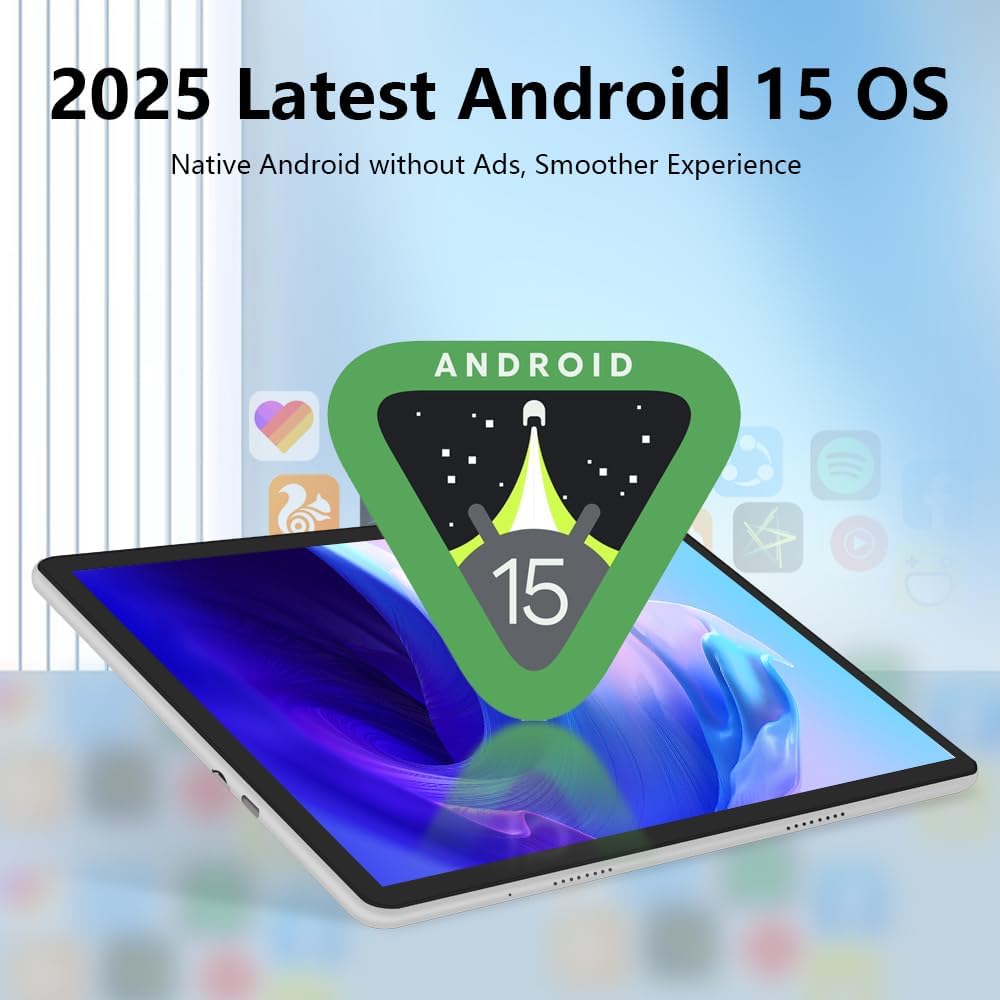
Figure 3.2: The tablet runs on the latest Android 15 operating system.

Figure 3.3: The 10.1-inch IPS HD touchscreen provides clear visuals.
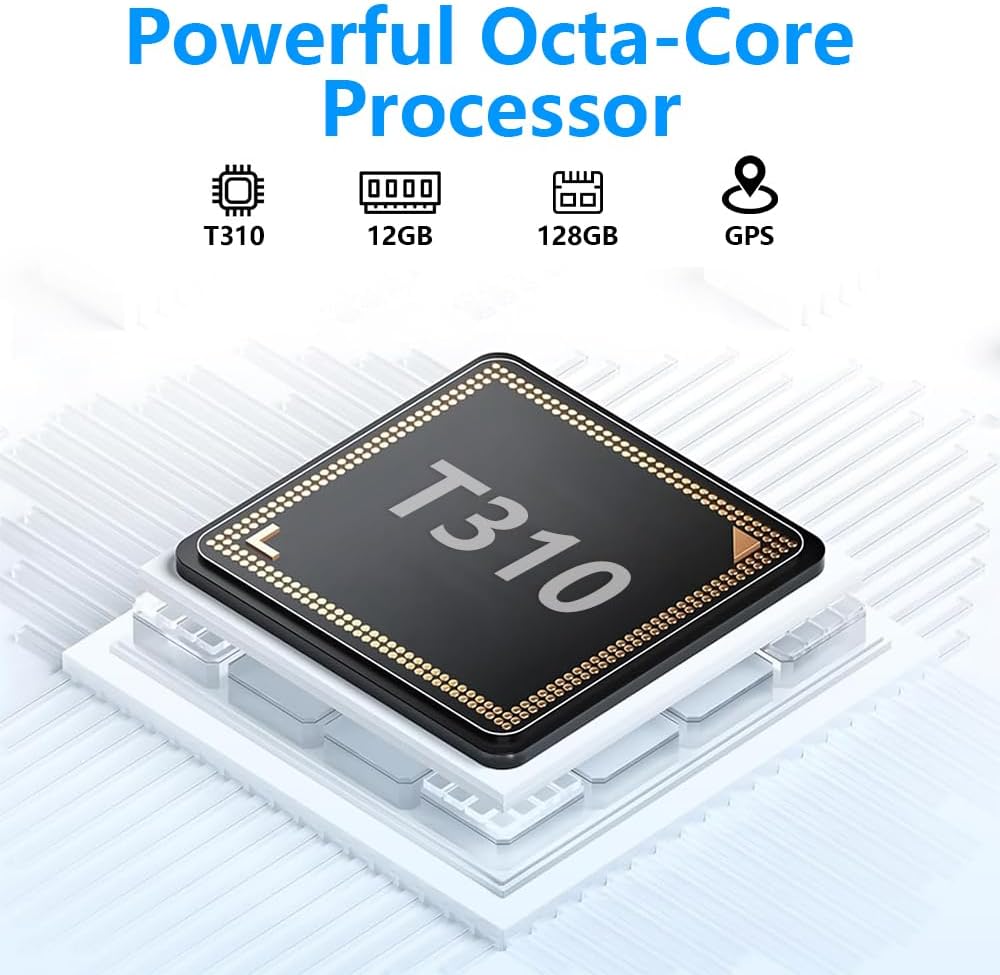
Figure 3.4: The tablet is powered by a powerful Octa-Core T310 Processor.

Figure 3.5: The tablet offers 128GB of internal storage and up to 12GB of expandable memory.

Figure 3.6: The tablet is equipped with a 13MP rear camera and a 5MP front camera.
3.2 Коргоочу кап
The included protective case safeguards your tablet from scratches and minor impacts. It also functions as a stand, allowing for comfortable viewбурчтар.
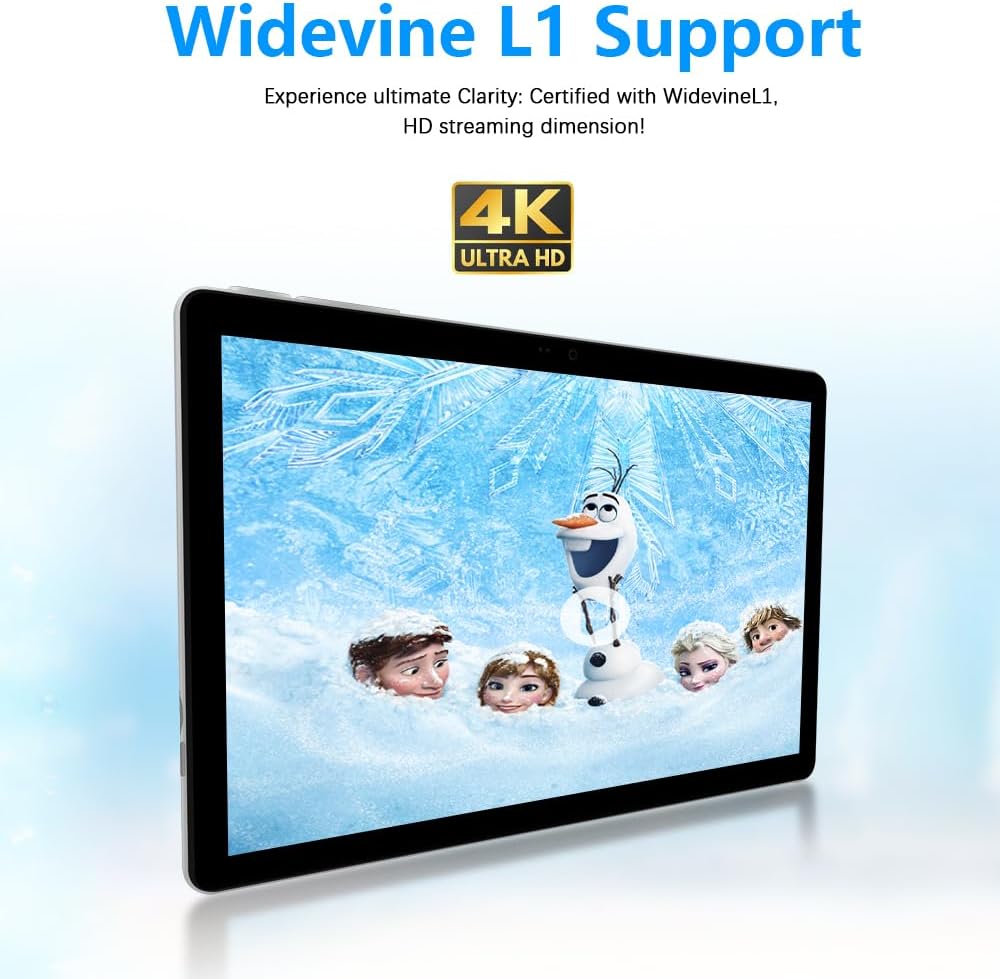
Figure 3.7: The tablet supports Widevine L1 for high-definition streaming.
3.3 Bluetooth Keyboard and Mouse
The wireless Bluetooth keyboard and mouse provide a desktop-like experience, enhancing productivity for typing and navigation.
3.4 Стилус калеми
The stylus pen offers precise input for drawing, note-taking, and navigating the touchscreen.
4. Орнотуу
4.1 Баштапкы төлөм
Before first use, fully charge your tablet using the provided power adapter and USB charging cable. A full charge typically takes several hours.
- USB кубаттоочу кабелди планшеттин кубаттоо портуна туташтырыңыз.
- Кубат адаптерин розеткага сайыңыз.
- The charging indicator on the tablet will illuminate.
4.2 Күйгүзүү/өчүрүү
- Күйгүзүү үчүн: Press and hold the Power button on the side of the tablet until the screen lights up.
- Өчүрүү үчүн: Кубат баскычын басып, кармап туруңуз, андан кийин экранда пайда болгон параметрлерден "Өчүрүү" дегенди тандаңыз.
- Кайра баштоо үчүн: Кубат баскычын басып, кармап туруңуз, андан кийин параметрлерден "Кайра баштоо" тандаңыз.
4.3 Аксессуарларды туташтыруу
The tablet comes with a protective case, Bluetooth keyboard, and wireless mouse. Follow these steps to set them up:
- Attaching the Protective Case: Carefully insert the tablet into the protective case, ensuring all ports and buttons are accessible. The case can be folded to act as a stand.
- Bluetooth клавиатурасын жупташтыруу:
- Баскычтопту күйгүзүңүз.
- Планшетиңизден төмөнкүгө өтүңүз Орнотуулар > Туташкан түзмөктөр > Bluetooth.
- Bluetooth'ду иштетиңиз жана жеткиликтүү түзмөктөрдү издеңиз.
- Select the keyboard from the list (it may appear as "Bluetooth Keyboard" or a similar name) and follow the on-screen pairing instructions.
- Pairing the Wireless Mouse:
- Ensure the mouse has batteries and is turned on.
- Планшетиңизден төмөнкүгө өтүңүз Орнотуулар > Туташкан түзмөктөр > Bluetooth.
- Bluetooth'ду иштетиңиз жана жеткиликтүү түзмөктөрдү издеңиз.
- Select the mouse from the list and follow the on-screen pairing instructions.
- Using the Stylus Pen: The stylus pen does not require pairing. Simply use it directly on the tablet screen for navigation or drawing.
Видео 4.1: Бүттүview of the Crelander W30 PRO Tablet and its accessories, demonstrating the unboxing and initial setup of the tablet with its case, keyboard, and mouse.
5. Иштөө нускамалары
5.1 Негизги навигация
- Тийүү жаңсоолору: Тандоо үчүн таптаңыз, сыдыруу үчүн серпиңиз, чоңойтуу үчүн чымчыңыз.
- Башкы экран: Ар кандай үй экрандарына кирүү үчүн солго же оңго сүрүңүз.
- Эскертме панели: Эскертмелерге жана тез жөндөөлөргө жетүү үчүн экрандын өйдө жагынан ылдый сүрүңүз.
- Колдонмо тартмасы: Экранды ылдый жагынан өйдө сүрүңүз view бардык орнотулган колдонмолор.
5.2 Wi-Fi байланышы
Wi-Fi тармагына туташуу үчүн:
- барыңыз Орнотуулар > Тармак жана интернет > Интернет.
- Wi-Fi'ды "Күйгүзүү" абалына которуштуруңуз.
- Тизмеден каалаган тармакты тандап, суралса сырсөздү киргизиңиз.
5.3 Bluetooth түзмөктөрү
To connect other Bluetooth devices (e.g., headphones, speakers):
- Bluetooth түзмөгү жупташтыруу режиминде экенин текшериңиз.
- Планшетиңизден төмөнкүгө өтүңүз Орнотуулар > Туташкан түзмөктөр > Жаңы түзмөктү жупташтыруу.
- Select the device from the list and follow the on-screen instructions.
5.4 Камераны колдонуу
Сүрөткө тартуу же видео жаздыруу үчүн:
- ачыңыз Камера колдонмо.
- Сүрөткө тартуу үчүн жапкыч баскычын же видео жазууну баштоо/токтоо үчүн жаздыруу баскычын таптаңыз.
- Камераны которуштуруу сүрөтчөсүн колдонуп, алдыңкы жана арткы камераларды которуштуруу.
5.5 Сактагычты башкаруу
Планшетиңиздин сактагычын башкаруу үчүн:
- барыңыз Орнотуулар > Сактагыч чейин view сактоо пайдалануу.
- You can clear cached data or uninstall apps to free up space.
- The tablet supports expandable memory; you may insert a microSD card (not included) for additional storage.
6. Техникалык тейлөө
Proper maintenance ensures the longevity and optimal performance of your Crelander tablet.
- Тазалоо: Экранды жана корпусту тазалоо үчүн жумшак, мамыксыз чүпүрөктү колдонуңуз. Абразивдүү тазалоочу каражаттарды же эриткичтерди колдонбоңуз.
- Батареяга кам көрүү: Avoid extreme temperatures. Do not let the battery fully drain frequently. For long-term storage, charge the battery to about 50%.
- Программалык камсыздоо жаңыртуулары: Regularly check for and install system updates to ensure your tablet has the latest features and security patches. Go to Орнотуулар > Система > Системаны жаңыртуу.
- Маалыматтын камдык көчүрмөсү: Regularly back up important data to a cloud service or external storage device to prevent data loss.
7. Кыйынчылыктарды
If you encounter issues with your tablet, refer to the following common problems and solutions:
| Көйгөй | Мүмкүн болгон себеп / Чечим |
|---|---|
| Планшет күйбөйт. | Battery may be depleted. Connect to charger and allow it to charge for at least 30 minutes before attempting to power on again. |
| Экран жооп бербей жатат. | Restart the tablet by holding the Power button for 10-15 seconds until it reboots. Ensure the screen is clean and dry. |
| Wi-Fi'га туташпай жатат. | Ensure Wi-Fi is enabled in settings. Check if the router is working correctly. Try restarting both the tablet and the router. |
| Bluetooth аксессуарлары жупташпай жатат. | Ensure Bluetooth is enabled on the tablet and the accessory is in pairing mode. Move devices closer. Try unpairing and re-pairing. |
| Планшет жай иштеп жатат. | Close unnecessary background applications. Clear cached data. Uninstall unused apps. Consider a factory reset if issues persist (backup data first). |
| Батарея бат эле түгөнөт. | Reduce screen brightness. Close background apps. Disable Wi-Fi/Bluetooth when not in use. Limit usage of power-intensive applications. |
8. Техникалык шарттар
Detailed technical specifications for the Crelander W30 PRO Tablet:
| Өзгөчөлүк | Деталь |
|---|---|
| Бренд | Crelander |
| Модель аты | W30 PRO |
| Операция системасы | Android 15 |
| Screen Size | 10.1 дюйм |
| Max Screen Resolution | 1280x800 Pixels (IPS HD Touchscreen) |
| Процессор бренди | T310 (Octa-Core) |
| Флэш эстутумдун көлөмү (RAM) | 12 ГБ (4 ГБ физикалык + 8 ГБ кеңейтилүүчү виртуалдык оперативдик эс тутум) |
| Memory Storage Capacity (ROM) | 128 ГБ |
| Арткы камера | 13MP |
| Алдыңкы камера | 5MP |
| Батарея сыйымдуулугу | 5000mAh |
| Байланыш | Bluetooth, Wi-Fi (2.4G+5G) |
| Түс | Боз |
| Элемент Салмагы | 2.86 фунт |
| Продукциянын өлчөмдөрү (LxWxH) | 10 x 0.3 x 7 дюйм |
9. Кепилдик жана колдоо
Crelander provides dedicated after-sales support for any inquiries or issues you may encounter with your W30 PRO Tablet.
- For warranty information, please refer to the documentation included with your purchase or contact Crelander customer service.
- For technical support or assistance, please visit the official Crelander store on Amazon: Crelander Store.


