1. Киришүү
This manual provides essential information for setting up, operating, and maintaining your Huidun Hibook 6 Laptop. Please read it thoroughly to ensure proper use and to maximize the lifespan of your device.
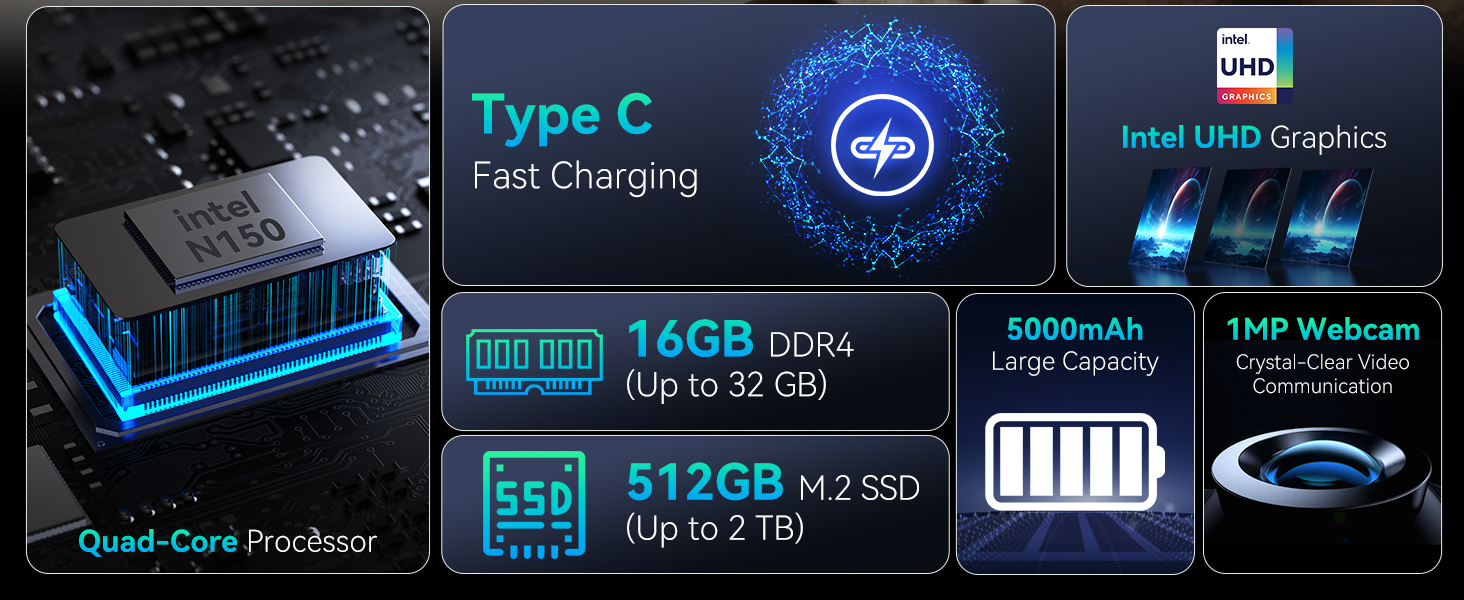
The Huidun Hibook 6 is a 15.6-inch laptop designed for productivity and entertainment, featuring an Intel N150 processor, 16GB DDR4 RAM, and a 512GB SSD. It comes pre-installed with Windows 11 Home.
2. Орнотуу
2.1 Кутудан чыгаруу жана алгачкы текшерүү
Carefully remove all components from the packaging. Verify that all items listed in the 'What's in the Box' section are present and undamaged. If any items are missing or damaged, contact customer support immediately.
Видео: Unboxing the Huidun Hibook 6 Laptop. This video demonstrates the unboxing process and shows the included accessories.

Сүрөт: The Huidun Hibook 6 Laptop displayed with its accompanying Type-C charger, wireless mouse, and protective laptop bag.
2.2 Charging the Laptop
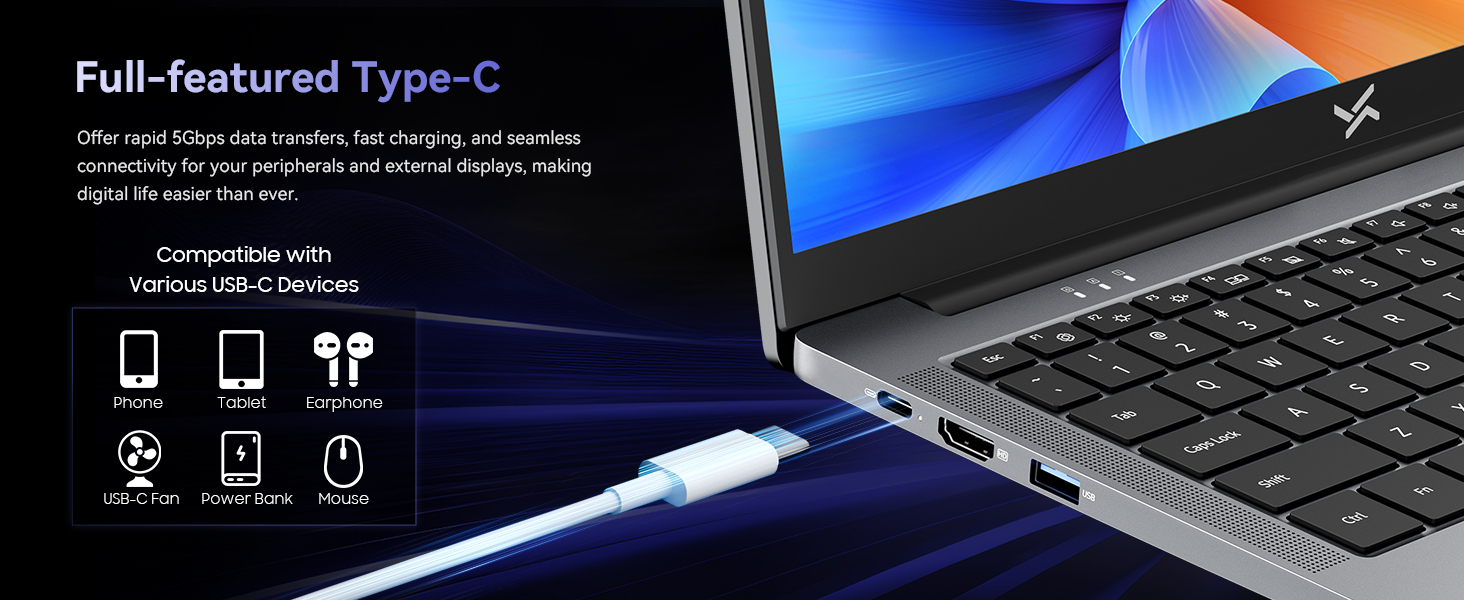
Before first use, connect the provided Type-C PD charger to the laptop's Type-C port and a power outlet. The battery indicator light will show charging status. Allow the laptop to charge fully before initial use.
Сүрөт: Demonstrates connecting the Type-C charger to the laptop for fast charging.
2.3 Күйгүзүү
Press the power button located on the top right of the keyboard to turn on the laptop. Follow the on-screen instructions to complete the initial Windows 11 setup, including language selection, network connection, and user account creation.
3. Иштөө нускамалары
3.1 Аткаруу
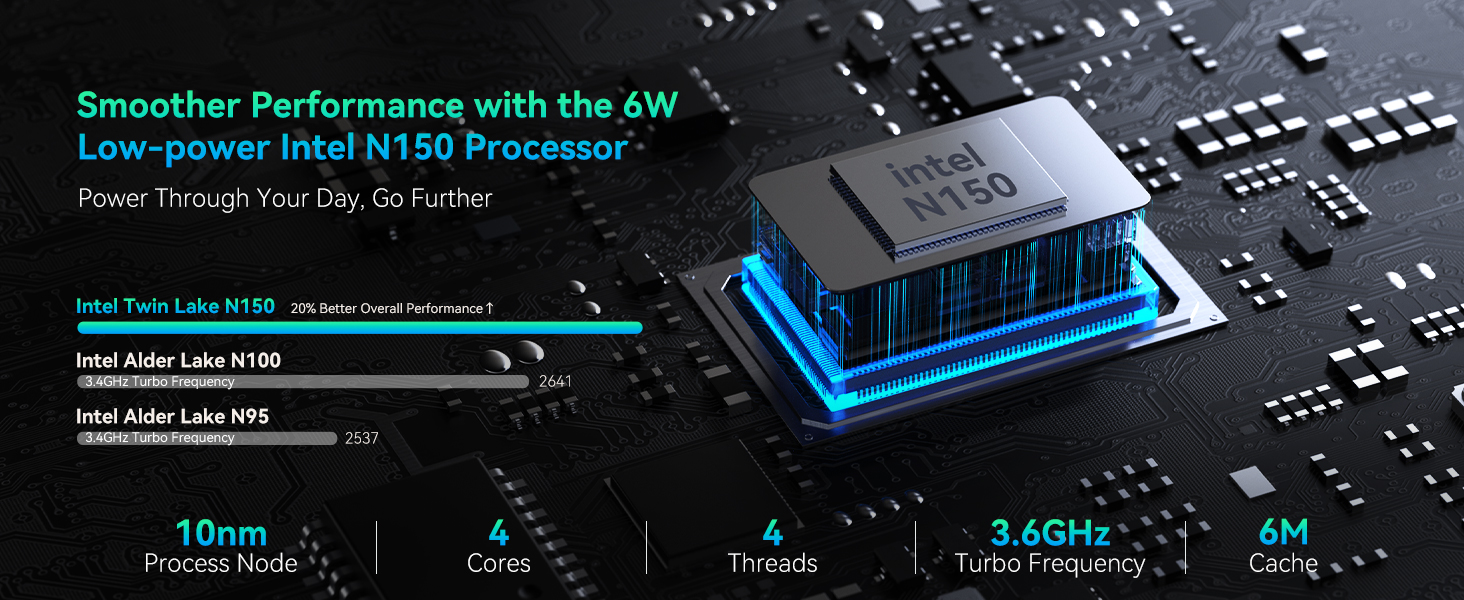
The Huidun Hibook 6 is equipped with an Intel N150 Quad-Core processor (up to 3.6GHz) and 16GB DDR4 RAM, providing efficient performance for daily tasks, multitasking, and multimedia. The 512GB M.2 SSD ensures fast boot times and quick application loading.

Сүрөт: Деталдаштырылган view of the Intel N150 CPU architecture and performance metrics.
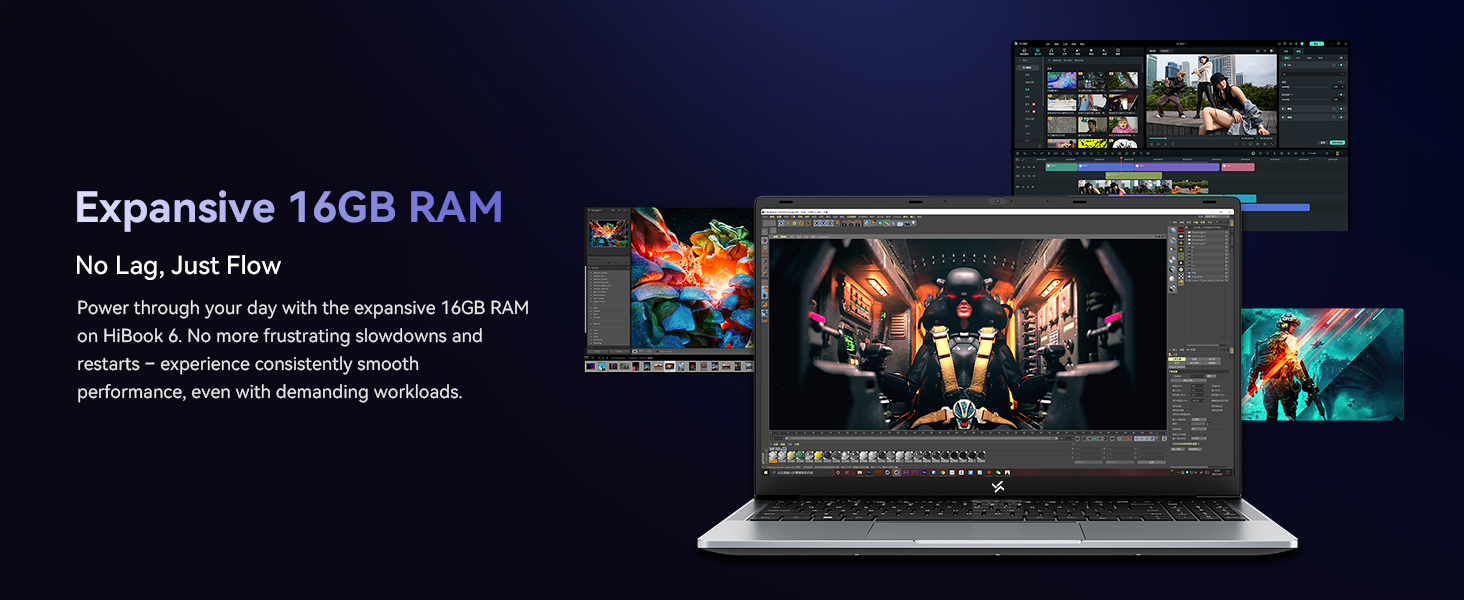
Сүрөт: Visual representation of the laptop's 16GB RAM handling multiple tasks efficiently.
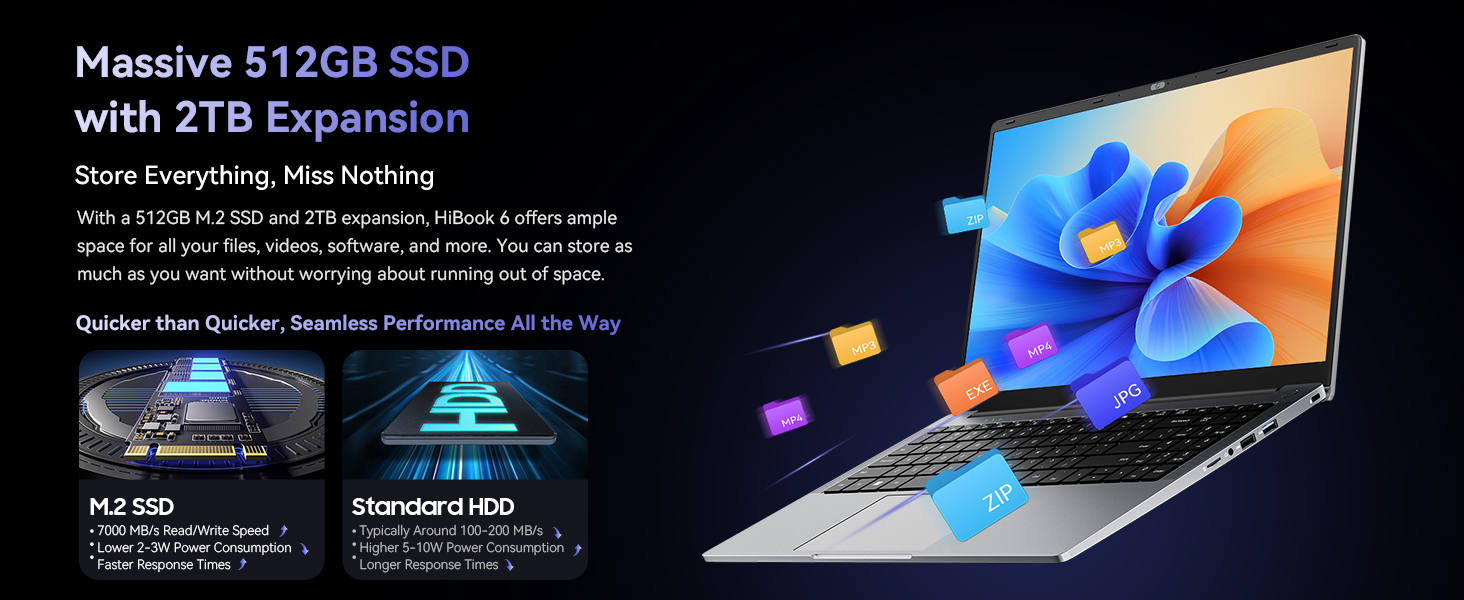
Сүрөт: Illustrates the 512GB SSD and its expandability for storing files.
3.2 Дисплей
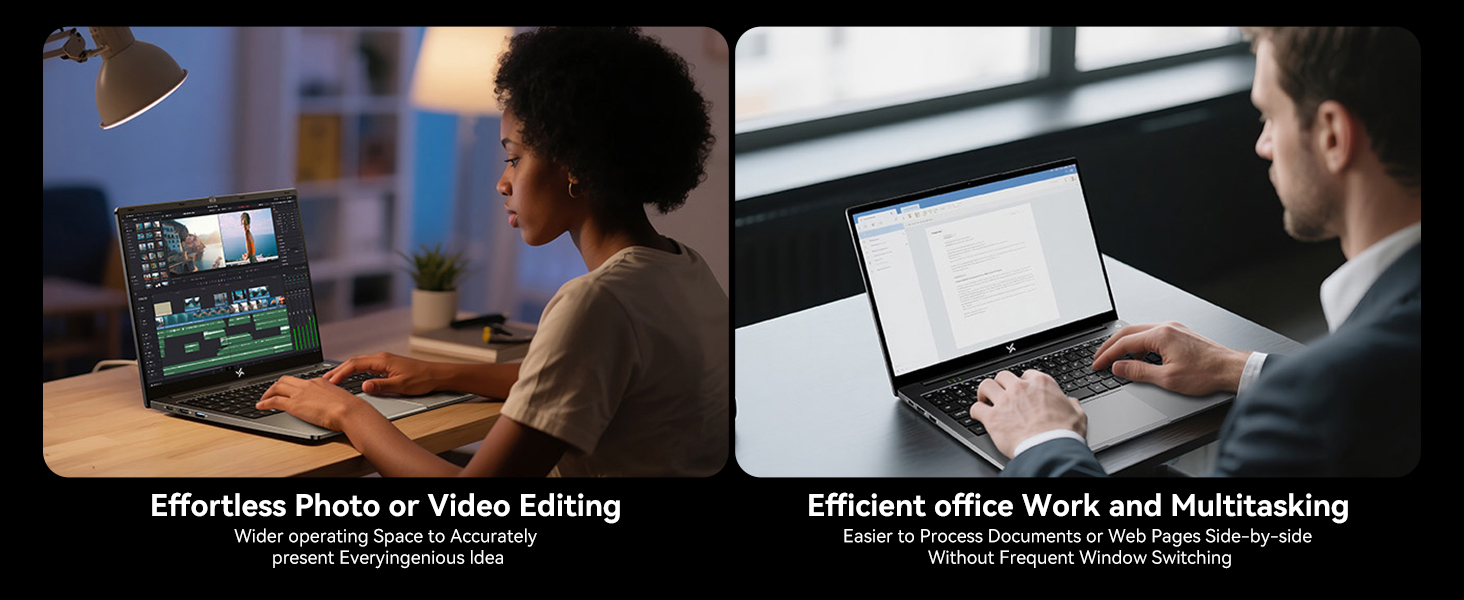
The 15.6-inch Full HD IPS display (1920x1080) offers clear visuals and an 84% screen-to-body ratio. It features low blue light technology to reduce eye strain during extended use. The 180° lay-flat hinge allows for flexible viewинг жана бөлүшүү.
Сүрөт: The laptop's 15.6-inch Full HD IPS screen with TÜV Rheinland Low Blue Light Certification.
Сүрөт: Illustration of the 180° rotatable hinge for enhanced flexibility.
3.3 Батарея жана заряддоо
The laptop features a 5000mAh (38Whr) battery and supports 45W Type-C fast charging (PD 3.0 compliant, with 100W fast charging support). This allows for quick power-ups, reaching 60% charge in approximately 45 minutes.
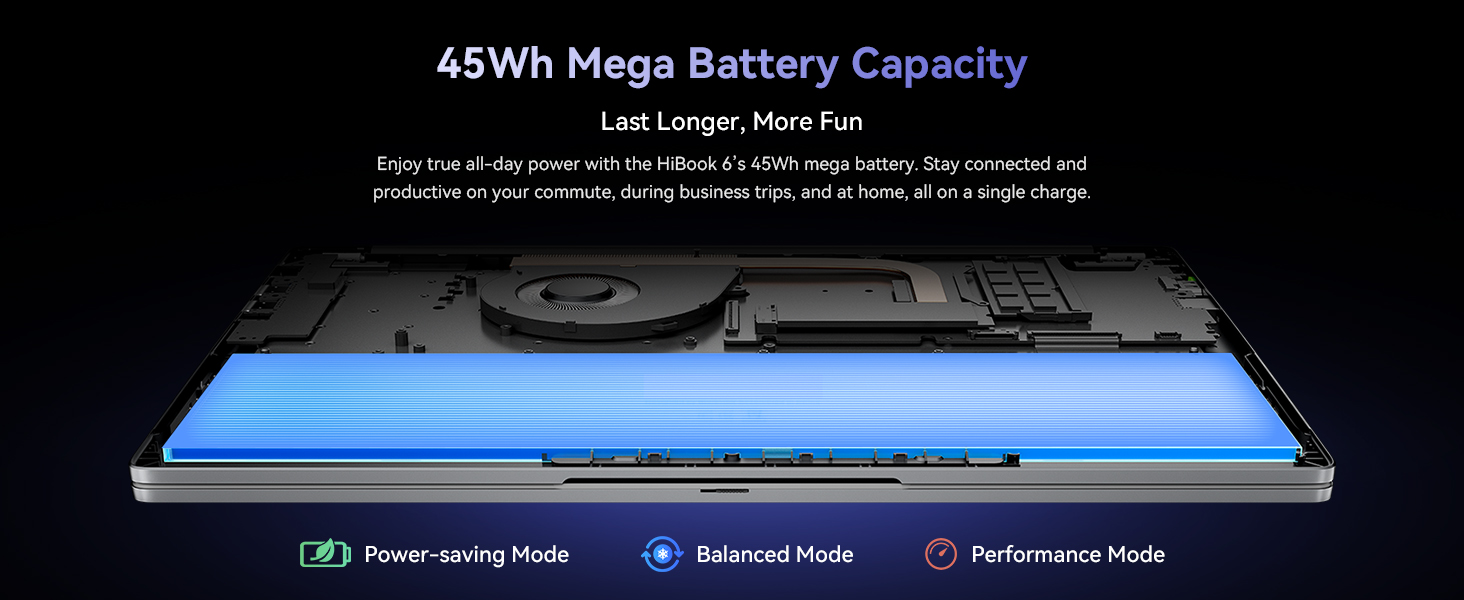
Сүрөт: Visual of the laptop's battery and power management modes.
3.4 Байланыш
The Hibook 6 offers a range of ports for versatile connectivity:
- 1x Full-featured Type-C (PD 3.0, DisplayPort 1.4)
- 2x USB 3.2 Gen1 ports
- 1x USB 2.0 порту
- 1x HDMI 2.0 port (supports 4K output)
- 1x 3.5 мм аудио уячасы
- 1x TF карта уячасы
It also includes Dual-band Wi-Fi and Bluetooth 5.0 for wireless connections.
Сүрөт: Бүттүview ноутбуктун ар кандай киргизүү/чыгаруу портторунун.
3.5 Көчүрүү
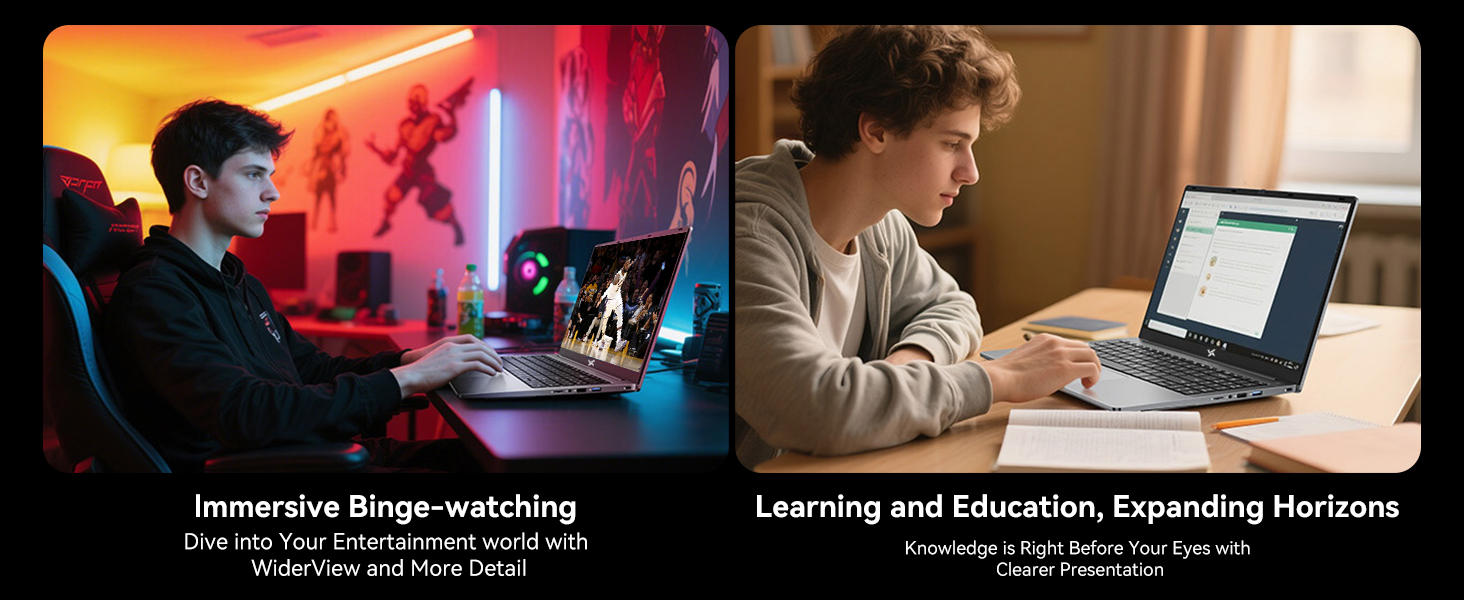
Weighing 1.7kg (3.74 lbs) and featuring a slim 19.5mm profile, the Hibook 6 is designed for easy portability, making it suitable for on-the-go use.
Сүрөт: The slim and lightweight design of the Hibook 6 laptop.
3.6 Сандык баскычтоп
The laptop includes an independent numeric keypad, enhancing productivity for data entry and financial tasks.
Сүрөт: The integrated numeric keypad on the laptop.
4. Техникалык тейлөө
4.1 Тазалоо
Экранды жана сырткы беттерди тазалоо үчүн жумшак, түксүз чүпүрөктү колдонуңуз. Кежир тактар үчүн, гampкездемени суу же экранга тийбей турган тазалоочу каражат менен бир аз сүртүңүз. Катуу химиялык заттардан же абразивдүү материалдардан алыс болуңуз.
4.2 Муздатуу системасы
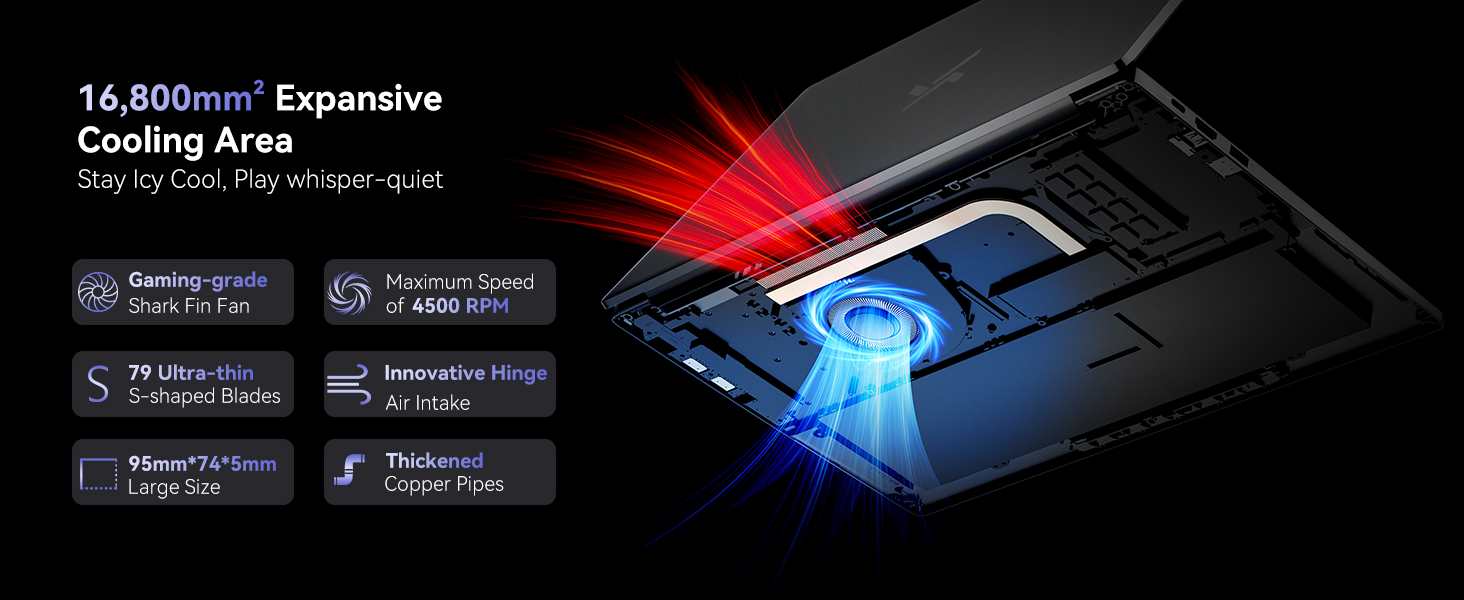
The laptop features a dual copper tube and fan cooling system to maintain optimal operating temperatures. Ensure that the air vents are not obstructed to allow for proper airflow. Regularly clean dust from the vents using compressed air.
Сүрөт: Diagram of the laptop's cooling system, showing the fan and copper pipes.
4.3 Батареяга кам көрүү
Батареянын иштөө мөөнөтүн узартуу үчүн, бат-баттан батарейканы толук зарядсыздандырбаңыз. Мүмкүн болсо, батареянын зарядын 20% жана 80% арасында кармап туруу сунушталат. Ноутбукту узак убакытка колдонбогондо салкын, кургак жерде сактаңыз.
5. Кыйынчылыктарды
5.1 Ноутбук күйбөйт
- Ensure the laptop is connected to the charger and the charger is plugged into a working power outlet.
- Check if the power adapter is securely connected to both the laptop and the wall socket.
- Try pressing and holding the power button for 10-15 seconds to perform a hard reset.
5.2 Screen Remains Blank
- If an external monitor is connected, disconnect it to see if the internal display activates.
- Функция баскычтарын колдонуп экрандын жарыктыгын тууралаңыз (мисалы, Fn + F2/F3).
- Ноутбукту кайра иштетиңиз.
5.3 Жай аткаруу
- Фондо иштеп жаткан керексиз тиркемелерди жабыңыз.
- Күтүүдөгү Windows жаңыртууларынын бардыгын текшерип, орнотуңуз.
- SSDде жетиштүү бош орун камсыз кылыңыз.
- Кесепеттүү программаны текшерүү үчүн вирусту сканерлеңиз.
5.4 Wi-Fi туташуу маселелери
- Windows жөндөөлөрүндө Wi-Fi иштетилгенин текшериңиз.
- Роутериңизди жана модемиңизди өчүрүп күйгүзүңүз.
- Update your Wi-Fi adapter drivers.
Көбүрөөк жардам алуу үчүн, Кепилдик жана колдоо бөлүмүн караңыз.
6. Техникалык шарттар
| Өзгөчөлүк | Деталь |
|---|---|
| Модель аты | Hibook 6 |
| Процессор | Intel N150 Quad-Core (up to 3.6GHz) |
| RAM | 16 ГБ DDR4 |
| Сактагыч | 512GB M.2 SSD (expandable up to 2TB) |
| Дисплей | 15.6-inch Full HD IPS (1920x1080 pixels, 220 nits, 45% NTSC) |
| Графика | Intel UHD графикасы |
| Операция системасы | Windows 11 Home |
| Батарея | 5000mAh (38Whr) Lithium Ion |
| Заряддоо | 45W Type-C PD (supports 100W fast charging) |
| Порттар | 1x Type-C (PD 3.0), 2x USB 3.2 Gen1, 1x USB 2.0, 1x HDMI 2.0, 1x 3.5mm Audio, 1x TF Card Slot |
| Зымсыз байланыш | Dual-band Wi-Fi, Bluetooth 5.0 |
| Өлчөмдөрү (LxWxH) | 14.07 x 9 x 0.66 дюйм (35.7 x 22.9 x 1.68 см) |
| Салмагы | 3.74 фунт (1.7 кг) |
| Түс | Space Gray |
7. Кепилдик жана колдоо
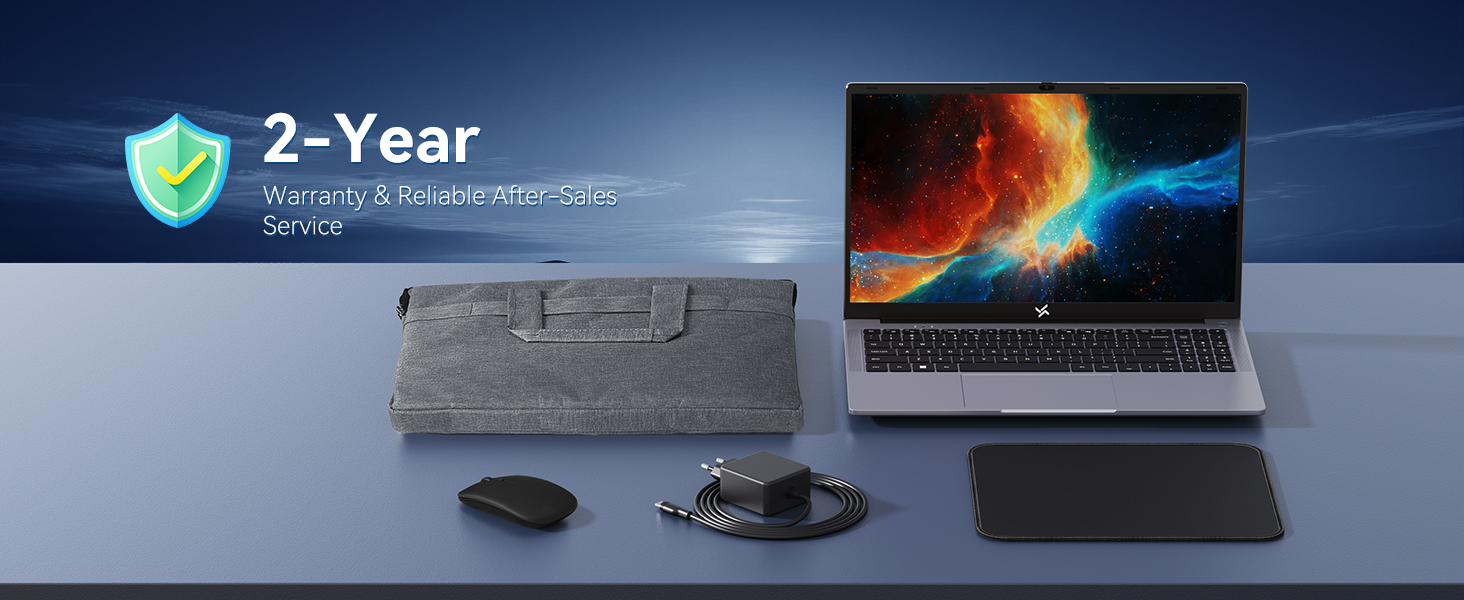
The Huidun Hibook 6 Laptop comes with a 24-month repair warranty covering manufacturer defects. Huidun also provides lifetime technical support for its products.

Сүрөт: Huidun Care details, including warranty and support information.
7.1 Колдоо кызматы менен байланышуу
For setup guidance, troubleshooting, or any other technical inquiries, please contact Huidun customer support. Support is available Monday through Saturday, with responses typically provided within 24 hours.
You may also find helpful resources and FAQs on the official Huidun website or by scanning the QR code provided with your laptop for direct assistance.


