1. Киришүү
This manual provides essential information for setting up, operating, maintaining, and troubleshooting your HP 17-cp2025dx Laptop. Please read it thoroughly to ensure optimal performance and longevity of your device.

Image 1.1: The HP 17-cp2025dx Laptop, showcasing its 17.3-inch Full HD display, Windows 11 Pro operating system, and Copilot AI integration.
2. Баштапкы орнотуу
2.1 Unpacking and First Boot
Ноутбугуңузду жана бардык аксессуарларды таңгактан этияттык менен алып чыгыңыз. Бардык компоненттердин бар экенин текшериңиз:
- HP 17-cp2025dx Laptop
- Кубаттуу адаптер
- Accessories (as included)

Image 2.1: Included accessories, which may vary. This image shows a wireless mouse, a 7-in-1 cleaning kit, a 1TB flash disk, and a double-head magnetic bracket.
Connect the power adapter to the laptop and a power outlet. Open the laptop lid to power it on. Follow the on-screen instructions to complete the Windows 11 Pro setup, including language selection, network connection, and user account creation.
2.2 Перифериялык түзүлүштөрдү туташтыруу
Your HP 17-cp2025dx Laptop features various ports for connecting external devices:
- USB-A 3.0 Ports (x2): Чычкандар, баскычтоптор же тышкы катуу дисктер сыяктуу стандарттуу USB түзмөктөрүн туташтыруу үчүн.
- USB-C 3.0 Port (x1): For connecting compatible USB-C devices, offering faster data transfer.
- HDMI 1.4 Port (x1): Тышкы дисплейлерге же проекторлорго туташуу үчүн.
- Гарнитура/Микрофон айкалыштыруу уячасы (x1): Наушниктерди же гарнитураны туташтыруу үчүн.

Сүрөт 2.2: Каптал view of the laptop illustrating the placement of the AC smart pin, USB Type-A, USB Type-C, HDMI 1.4b, and headphone/microphone combo ports.
3. Ноутбугуңузду иштетүү
3.1 Windows 11 Pro Overview
Your laptop comes pre-installed with Windows 11 Pro, offering a modern interface and enhanced productivity features. Explore the Start Menu, Taskbar, and Widgets for quick access to applications and information.

Image 3.1: The HP 17-cp2025dx laptop showcasing the Windows 11 Pro operating system interface.
3.2 Utilizing Copilot AI
The HP 17-cp2025dx is a Copilot AI PC, integrating Microsoft Copilot to assist with various tasks. Access Copilot from the taskbar to:
- Generate text or ideas.
- Summarize documents or web барактар.
- Control system settings (e.g., turn on dark mode).
- Organize windows and manage applications.
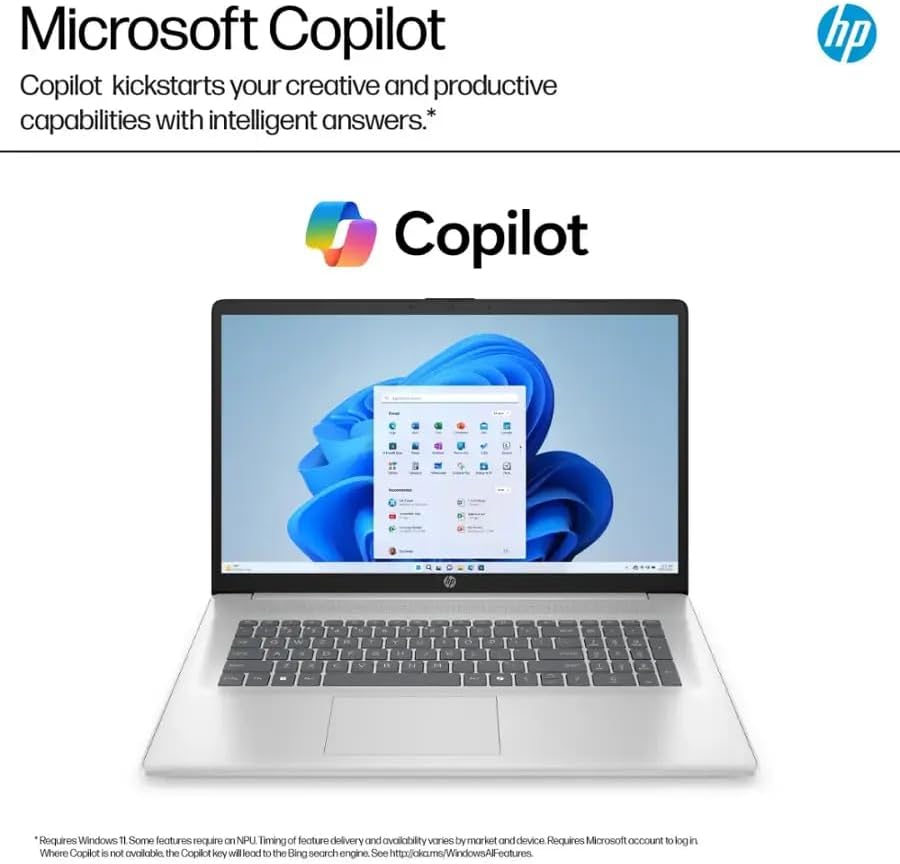
Image 3.2: The Microsoft Copilot interface, demonstrating its ability to provide intelligent assistance and relevant answers.
Video 3.1: An official product video demonstrating the features and functionality of Copilot on Windows 11, including its AI tools for productivity and creativity.
3.3 Дисплей жана аудио
The 17.3-inch Full HD (1920 x 1080) IPS anti-glare display provides clear visuals and wide viewing angles. Integrated stereo speakers deliver audio output. For private listening, use the headphone jack.

Image 3.3: Key display and design features of the HP 17.3-inch laptop, including the HP True Vision HD camera with privacy shutter, anti-glare panel, 17.3 Full HD IPS display, narrow bezel, and lift-hinge design for comfortable typing.
3.4 Байланыш
The laptop supports Wi-Fi 6 (802.11ax) for fast wireless internet and Bluetooth 5.3 for connecting wireless peripherals.
4. Техникалык тейлөө жана кам көрүү
4.1 Ноутбугуңузду тазалоо
Экранды жана сырткы беттерди тазалоо үчүн жумшак, түксүз чүпүрөктү колдонуңуз. Кежир тактар үчүн, гampчүпүрөккө суу же экранды тазалоо эритмеси. Катуу химиялык заттардан же абразивдүү материалдардан алыс болуңуз.
4.2 Программалык камсыздоо жаңыртуулары
Regularly check for and install Windows updates to ensure your system has the latest security patches and performance improvements. HP may also release driver updates through their support webсайт.
4.3 Батареяга кам көрүү
To maximize battery life, avoid extreme temperatures. The laptop features HP Fast Charge, allowing it to charge from 0 to 50% in approximately 45 minutes.

Image 4.1: The HP laptop on a desk, highlighting its battery life of up to 9.75 hours.
5. Жалпы көйгөйлөрдү чечүү
5.1 Электр энергиясы маселелери
- Ноутбук күйбөйт: Кубат адаптери ноутбукка да, иштеген электр розеткасына да бекем туташып турганын текшериңиз. Башка розеткадан аракет кылып көрүңүз.
- Батарея кубатталбай жатат: Verify the power adapter is functioning correctly. Check for any damage to the charging port or cable.
5.2 Дисплей көйгөйлөрү
- Экранда сүрөт жок: Connect an external monitor via the HDMI port to check if the issue is with the laptop's internal display.
- Жаркылдаган экран: Графикалык драйверлериңизди жаңыртыңыз. Дисплейдин жаңылануу ылдамдыгын Windows жөндөөлөрүнөн тууралаңыз.
5.3 Байланыш маселелери
- Wi-Fi туташпай жатат: Restart your router and modem. Ensure Wi-Fi is enabled on your laptop and try reconnecting to the network.
- Bluetooth түзмөгү жупташкан жок: Bluetooth түзмөгү жупташтыруу режиминде жана диапазондо экенин текшериңиз. Ноутбугуңуздагы Bluetooth жөндөөлөрүн текшериңиз.
6. Техникалык шарттар
| Өзгөчөлүк | Спецификация |
|---|---|
| Бренд | HP |
| Модел | 17-cp2025dx |
| Операция системасы | Windows 11 Pro |
| Процессор | AMD Ryzen 5 7520U (2.8 GHz base, up to 4.3 GHz boost) |
| Графика | AMD Radeon графикасы (интегралдык) |
| RAM | 8 ГБ LPDDR5 (5500 МГц) |
| Сактагыч | 512 GB SSD (PCIe) |
| Дисплей | 17.3 дюймдук FHD (1920 x 1080) IPS Жаркылууга каршы |
| Зымсыз байланыш | Wi-Fi 6 (802.11ax), Bluetooth 5.3 |
| Порттар | 2x USB-A 3.0, 1x USB-C 3.0, 1x HDMI 1.4, 1x Headphone Jack |
| Камера | HP TrueVision 720p HD with Privacy Shutter |
| Батареянын иштөө мөөнөтү | Up to 9.75 hours (HP Fast Charge supported) |
| Өлчөмдөрү (LxWxH) | 15.78 x 10.15 x 0.78 дюйм |
| Салмагы | 4.58 фунт |
7. Кепилдик жана колдоо
7.1 Өндүрүүчүнүн Кепилдиги
Your HP 17-cp2025dx Laptop is covered by a 1 жылдык Өндүрүүчүнүн Кепилдиги. This warranty covers defects in materials and workmanship under normal use. For specific terms and conditions, please refer to the warranty documentation included with your product or visit the official HP support webсайт.
7.2 Техникалык колдоо
Техникалык жардам, драйверди жүктөп алуу же кошумча маалымат алуу үчүн, расмий HP колдоо бөлүмүнө баш багыңыз website or contact HP customer service. Have your product model number (17-cp2025dx) and serial number ready when seeking support.