1. Киришүү
Thank you for choosing the Monster Persona 6th ANC Wireless Headphones. These headphones are designed to provide a superior audio experience with Active Noise Cancellation, long battery life, and comfortable wear. This manual will guide you through the setup, operation, and maintenance of your new headphones to ensure optimal performance.

Image: Monster Persona 6th ANC Wireless Headphones, showcasing the sleek black design with subtle gold accents.
2. Кутуда эмне бар
Сураныч, пакеттин мазмунун текшерип, бардык буюмдар бар экенин текшериңиз:
- Monster Persona 6th ANC Headphones × 1
- C түрүндөгү кубаттоочу кабель × 1
- Aux Cable × 1
- Колдонуучунун колдонмосу × 1

Image: A visual representation of all items included in the Monster Persona 6th ANC headphone package.
3. Продукт бүтүп калдыview
Familiarize yourself with the various parts and controls of your Monster Persona 6th ANC headphones.

Image: Detailed diagram illustrating the location and function of each button and port on the headphones for easy operation.
- ANC баскычы: Activates/deactivates Active Noise Cancellation and switches between sound modes.
- Көлөмү - / Мурунку ыр: Press to decrease volume; long press to go to the previous song.
- On/Off / Play/Pause / Answer/Hang Up: Long press for 3 seconds to power on/off; press once to play/pause music or answer/hang up calls. Long press for 2 seconds to reject calls. Long press for 2 seconds to activate voice assistant.
- Көлөм + / Кийинки ыр: Press to increase volume; long press to go to the next song.
- Type-C заряддоо порту: Наушниктерди заряддоо үчүн.
- 3.5 мм аудио уячасы: For wired connection using the Aux Cable.
4. Орнотуу
4.1 Наушниктерди заряддоо
Биринчи жолу колдонуудан мурун, кулакчыныңызды толук кубаттаңыз. Толук кубаттоо болжол менен 2 саатты талап кылат.
- Type-C кубаттоочу кабелин кулакчындардын кубаттоо портуна туташтырыңыз.
- Кабелдин экинчи учун USB кубат адаптерине (кошумча эмес) же компьютердин USB портуна туташтырыңыз.
- The indicator light will show charging status (refer to the specific light behavior in your included manual for details).
- Once fully charged, the indicator light will change (e.g., turn off or change color).
A 10-minute charge provides approximately 5 hours of playback. A full charge offers up to 60 hours of playtime (ANC off) or 40 hours (ANC on).

Image: The headphones highlighting their extended battery life and rapid charging feature.
4.2 Күйгүзүү/өчүрүү
- Күйгүзүү үчүн: Long press the On/Off button for 3 seconds. The indicator light will flash, and you will hear a power-on prompt.
- Өчүрүү үчүн: Long press the On/Off button for 3 seconds. The indicator light will turn off, and you will hear a power-off prompt.
4.3 Bluetooth жупташтыруу
The Monster Persona 6th ANC headphones utilize Bluetooth 6.0 for stable and efficient wireless connection.
- Наушниктердин өчүрүлгөнүн текшериңиз.
- Long press the On/Off button for 3 seconds until the indicator light flashes rapidly (usually blue and red alternately), indicating pairing mode.
- Түзмөгүңүздө (смартфон, планшет, компьютер) Bluetooth иштетип, жеткиликтүү түзмөктөрдү издеңиз.
- Түзмөктөр тизмесинен "Monster Persona 6th ANC" тандаңыз.
- Once connected, the indicator light will stop flashing rapidly and may show a steady blue light, and you will hear a connection prompt.
The headphones support dual device connection, allowing you to seamlessly switch between two paired devices.
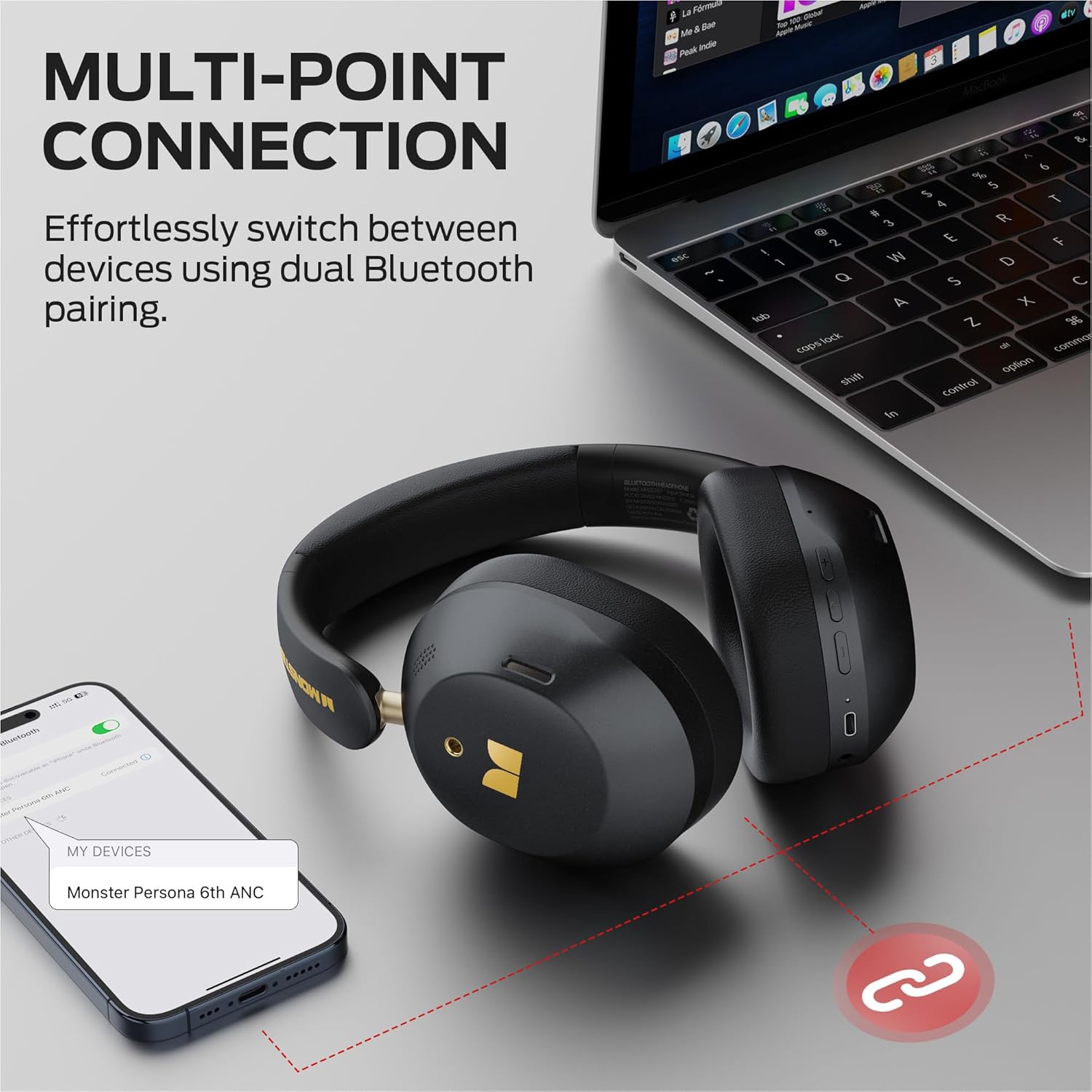
Image: Illustration of the multi-point connection feature, showing the headphones paired with both a phone and a laptop.
5. Наушниктерди иштетүү
5.1 Негизги башкаруу каражаттары
| Функция | Акция |
|---|---|
| Күйгүзүү/өчүрүү | Long press On/Off button (3s) |
| Музыканы ойнотуу/тындыруу | Press On/Off button (1x) |
| Үндү көтөрүү | Press Vol+ button (1x) |
| Үндү төмөндөтүү | Press Vol- button (1x) |
| Кийинки ыр | Long press Vol+ button (2s) |
| Мурунку ыр | Long press Vol- button (2s) |
| Чалууга жооп берүү/түп коюу | Press On/Off button (1x) |
| Чакырууну четке кагуу | Long press On/Off button (2s) |
| Үн жардамчысын жандырыңыз | Long press On/Off button (2s) |
5.2 Sound Modes (ANC, Transparency, Standard)
The headphones offer three distinct sound modes to adapt to your environment:
- Активдүү ызы-чууну жокко чыгаруу (ANC) режими: Reduces ambient noise, providing an immersive listening experience. Ideal for travel or noisy environments.
- Ачыктык режими: Allows you to hear your surroundings while still enjoying your audio. Useful for commutes or when you need to be aware of your environment.
- Стандарттык режим: Provides a balanced audio experience without active noise cancellation or transparency features.
Режимдерди которуштуруу үчүн: Press the ANC button once to cycle through the modes (ANC > Transparency > Standard).
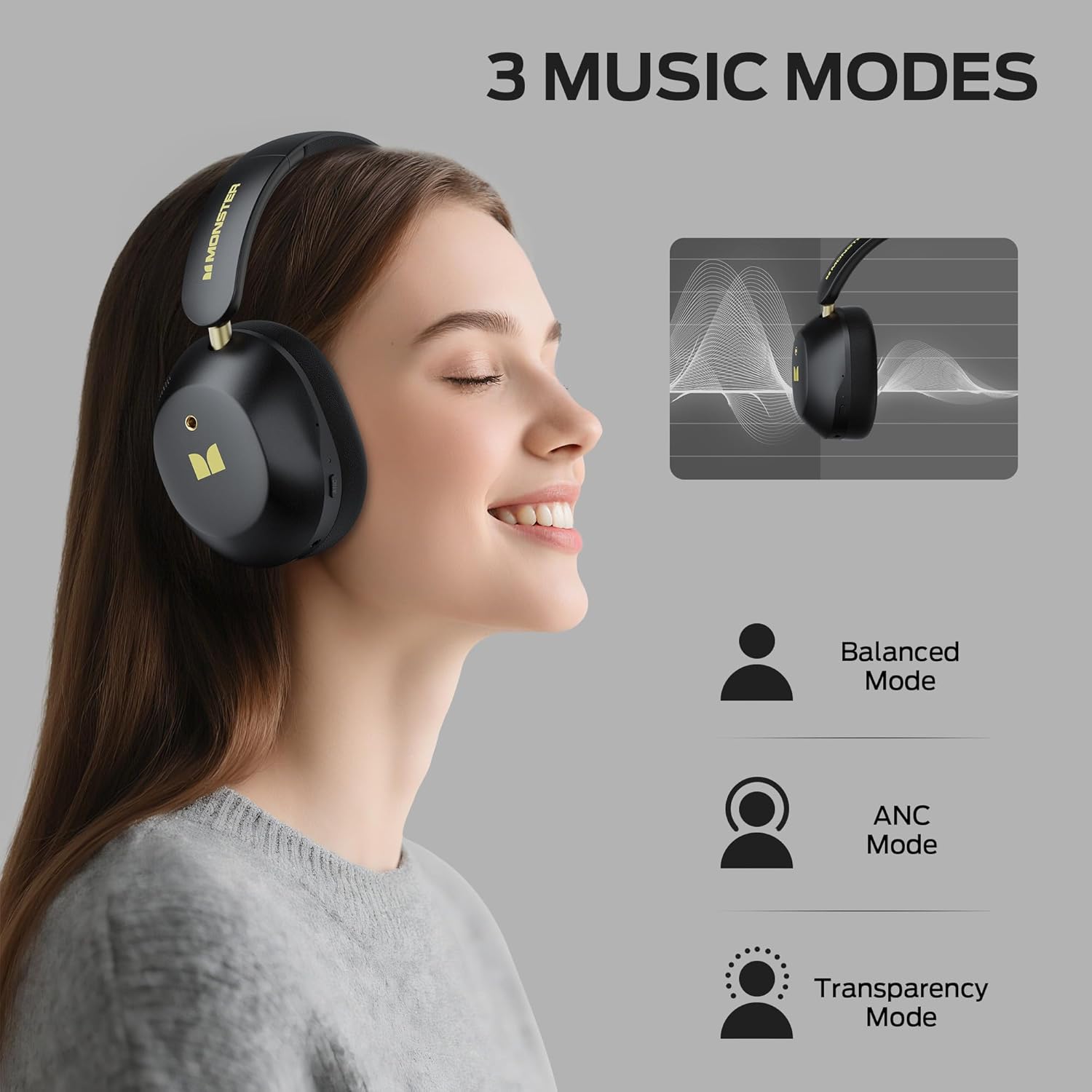
Image: Visual explanation of the three available sound modes and their respective icons.
5.3 Зымдуу туташуу
You can use the included 3.5mm Aux Cable for a wired connection, which is useful when the battery is depleted or for devices without Bluetooth connectivity.
- Plug one end of the 3.5mm Aux Cable into the audio jack on the headphones.
- Экинчи учун түзмөгүңүздүн 3.5 мм аудио чыгаруусуна сайыңыз.
- The headphones will operate in passive mode, and Bluetooth functions will be disabled.

Image: Demonstrating both wired (3.5mm) and wireless (Bluetooth) connection options for the headphones.
6. Техникалык тейлөө
To ensure the longevity and optimal performance of your Monster Persona 6th ANC headphones, follow these maintenance guidelines:
- Тазалоо: Use a soft, dry cloth to clean the headphones. Do not use abrasive cleaners, solvents, or harsh chemicals.
- Сактагыч: When not in use, store the headphones in a cool, dry place, away from direct sunlight and extreme temperatures. The headphones feature a practical folding design for effortless portability and storage.
- Суудан качуу: These headphones are not waterproof. Avoid exposure to water, moisture, or rain.
- Этияттык менен мамиле кылуу: Наушниктерди өзүңүз түшүрбөңүз, ажыратпаңыз же оңдоого аракет кылбаңыз. Бул кепилдикти жокко чыгарып, зыян келтириши мүмкүн.
- Заряддоо: Батареянын иштөө мөөнөтүн сактоо үчүн, көп колдонулбаса да, кулакчындарды үзгүлтүксүз кубаттап туруңуз.
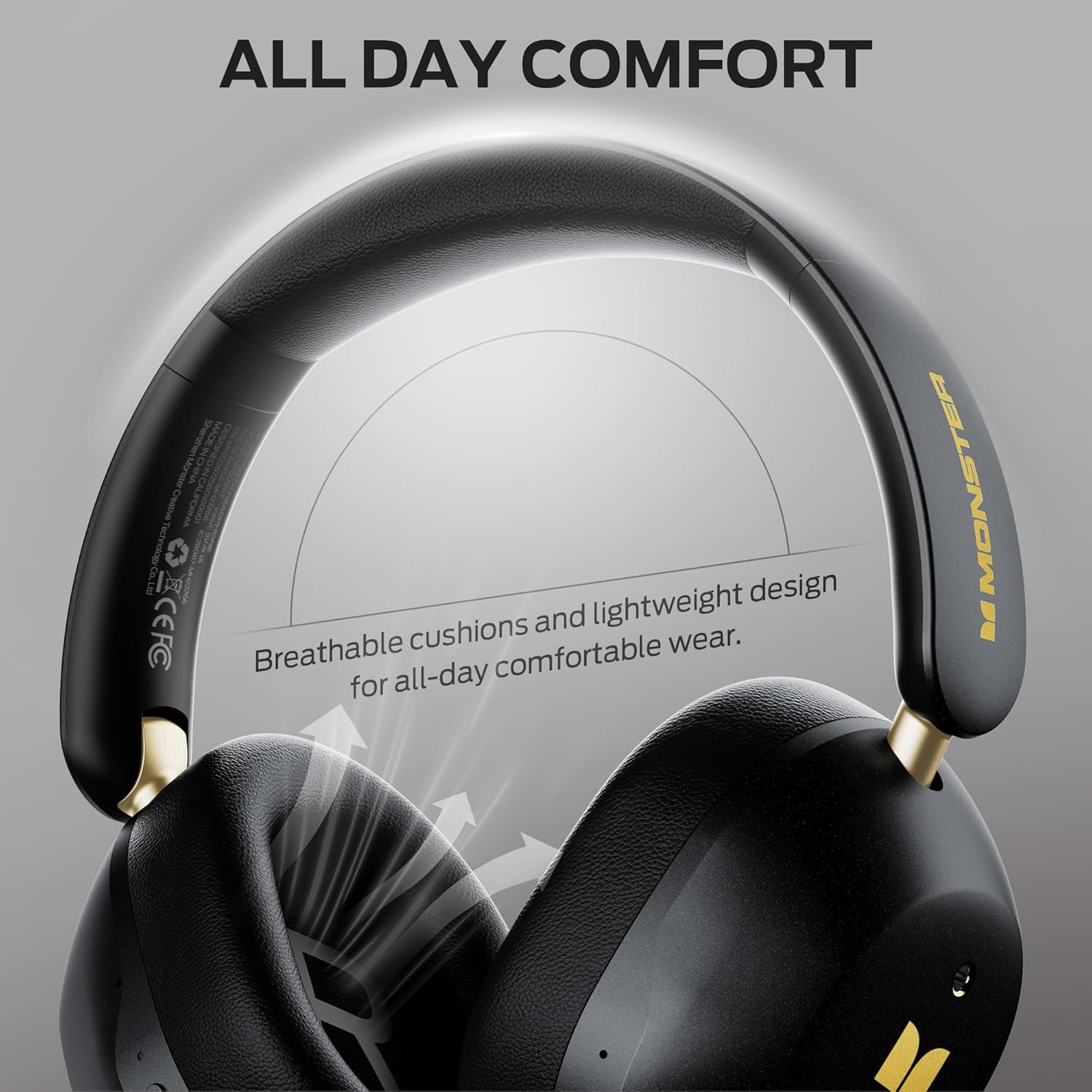
Image: Highlighting the comfortable design elements, such as breathable cushions and an adjustable headband, which also contribute to ease of maintenance.
7. Кыйынчылыктарды
Эгерде сиз кулакчындарыңыз менен кандайдыр бир көйгөйлөргө туш болсоңуз, төмөнкү кеңири таралган көйгөйлөрдү жана чечимдерди караңыз:
| Көйгөй | Мүмкүн чечим |
|---|---|
| Кулакчындар күйбөйт | Наушниктердин заряддалганын текшериңиз. Кубат булагына туташып, кайра аракет кылыңыз. |
| Bluetooth аркылуу жупташтыруу мүмкүн эмес | Ensure headphones are in pairing mode (flashing indicator light). Turn off and on Bluetooth on your device. Move closer to the device (within 33 feet). Forget the device in your phone's Bluetooth settings and re-pair. |
| Үн жок же үнү төмөн | Check volume levels on both headphones and connected device. Ensure headphones are properly paired. If using wired connection, ensure cable is fully inserted. |
| АНК эффективдүү иштебей жатат | Ensure ANC mode is activated (press the ANC button). Adjust headphone fit to ensure a good seal around your ears. |
| үзгүлтүктүү байланыш | Move closer to your device. Avoid obstacles between headphones and device. Disconnect from other Bluetooth devices if using multi-point connection. |
8. Техникалык шарттар
| Өзгөчөлүк | Деталь |
|---|---|
| Модель аты | Monster Persona 6-ANC |
| Байланыш технологиясы | Зымсыз (Bluetooth), Зымдуу (3.5 мм Aux) |
| Bluetooth версиясы | 6.0 |
| Bluetooth диапазону | 33 Фут (10 метр) |
| Noise Control | Активдүү ызы-чууну жокко чыгаруу |
| Аудио драйверинин өлчөмү | 40 миллиметр |
| Батареянын иштөө мөөнөтү | 60 саатка чейин (ANC өчүрүлгөн) |
| Заряддоо убактысы | Болжол менен 2 саат |
| Тез заряддоо | 5 саат ойнотуу үчүн 10 мүнөт заряддаңыз |
| Башкаруу түрү | Control Button |
| Кулак жайгаштыруу | Кулак үстүндө |
| Материал | Пластик |
| Элемент Салмагы | 13.7 унция |
| Шайкеш түзмөктөр | Bluetooth-enabled devices (smartphones, tablets, computers, MP3 players, TVs, laptops) |
9. Кепилдик жана колдоо
Monster products are built with quality and reliability in mind. For specific warranty information, please refer to the warranty card included in your product packaging or visit the official Monster webсайт. Сатып алганыңыздын далили катары сатып алуу дүмүрчөгүңүздү сактаңыз.
For technical support, troubleshooting assistance, or service inquiries, please contact Monster customer support through their official channels. You can often find contact information on the manufacturer's webсайтында же продуктуңуз менен бирге берилген документтерде.
Онлайн ресурстар: For additional information, FAQs, and support, please visit the Amazonдагы Monster дүкөнү.


