Introduction
This manual provides detailed instructions for the setup, operation, and maintenance of your Ratakee Digital Alarm Clock Radio H249. Please read this manual thoroughly before using the device to ensure proper functionality and to maximize your user experience. This device features a large LED display, dual alarms, AM/FM radio with presets, adjustable alarm volume, sleep timer, and display dimmer.

Сүрөт: алдыңкы view of the Ratakee Digital Alarm Clock Radio H249, displaying the time 12:00 PM in blue LED digits.
Продукт өзгөчөлүктөрү бүттүview
- Чоң LED дисплей: 6.6-inch screen with 1.6-inch blue LED numbers for clear visibility.
- Кош ойготкучтар: Set two independent alarms with options for beep or radio wake-up.
- AM/FM радиосу: Digital tuning with frequency ranges FM 87.5-108MHz and AM 520-1710KHz.
- Станциянын алдын ала орнотуулары: Save up to 20 AM and 20 FM stations for quick access.
- Жөнгө салынуучу ойготкучтун үнү: Alarm volume can be set from levels 5 to 15.
- Уйку таймери: Program the radio to turn off automatically after 10-90 minutes.
- Дисплейдин күңүрткүсү: Four brightness levels for the LED display.
- Чырым Function: Provides an extra 9 minutes of sleep.
- Батареянын камдык көчүрмөсү: 2 AAA batteries (not included) preserve time and alarm settings during power outages.
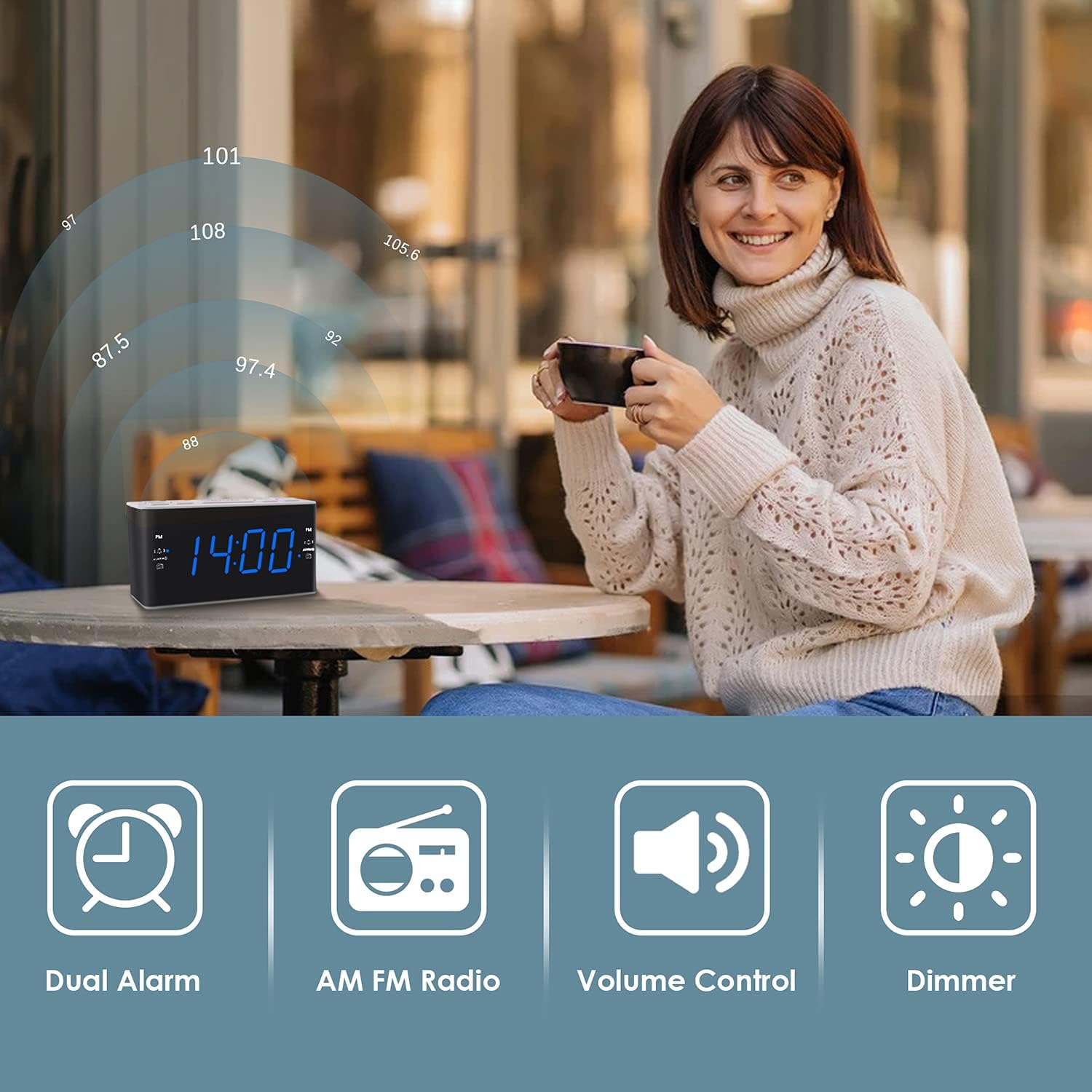
Image: Visual representation of the alarm clock's main features: Dual Alarm, AM FM Radio, Volume Control, and Dimmer, with a woman enjoying music in the background.
Жайгашуу
1. Power Connection
The Ratakee H249 operates on AC power. Connect the provided power cord to the clock radio and then plug it into a standard AC 120V 60Hz wall outlet. The display will illuminate once power is supplied.
2. Батареянын резервдик көчүрмөсүн орнотуу
For battery backup, insert two (2) AAA batteries (not included) into the battery compartment located on the bottom of the unit. The battery backup maintains time and alarm settings during a power interruption but does not power the clock display or radio functions.
3. Баштапкы убакытты орнотуу
- басып, кармап туруңуз УБАКЫТ КОЙГУЛА Сааттын сандары күйүп-өчө баштайт.
- колдонуу VOL+ or VOL- buttons to adjust the hour. Pay attention to the PM indicator if setting a PM time.
- басыңыз УБАКЫТ КОЙГУЛА баскычын кайра басыңыз. Мүнөттөрдүн сандары күйүп-өчүп турат.
- колдонуу VOL+ or VOL- мүнөттөрдү тууралоо үчүн баскычтар.
- басыңыз УБАКЫТ КОЙГУЛА ырастоо жана убакыт орнотуу режиминен чыгуу үчүн дагы бир жолу басыңыз.
Иштөө нускамалары
1. Ойготкучтарды орнотуу (ойготкуч 1 жана Ойготкуч 2)
The clock radio features two independent alarms. The process is identical for both.
- басып, кармап туруңуз ALARM1 (же ALARM2) button. The alarm hour digits will flash.
- колдонуу VOL+ or VOL- buttons to set the desired alarm hour. Observe the PM indicator.
- басыңыз ALARM1 (же ALARM2) button again. The alarm minute digits will flash.
- колдонуу VOL+ or VOL- каалаган ойготкуч мүнөттөрдү коюу үчүн баскычтар.
- басыңыз ALARM1 (же ALARM2сигнал булагын тандоо үчүн кайра ) баскычын басыңыз:
- Александра: A standard alarm tone.
- Радио: Wakes you up to the last tuned radio station.
- басыңыз ALARM1 (же ALARM2) button one more time to confirm and activate the alarm. An alarm icon will appear on the display.
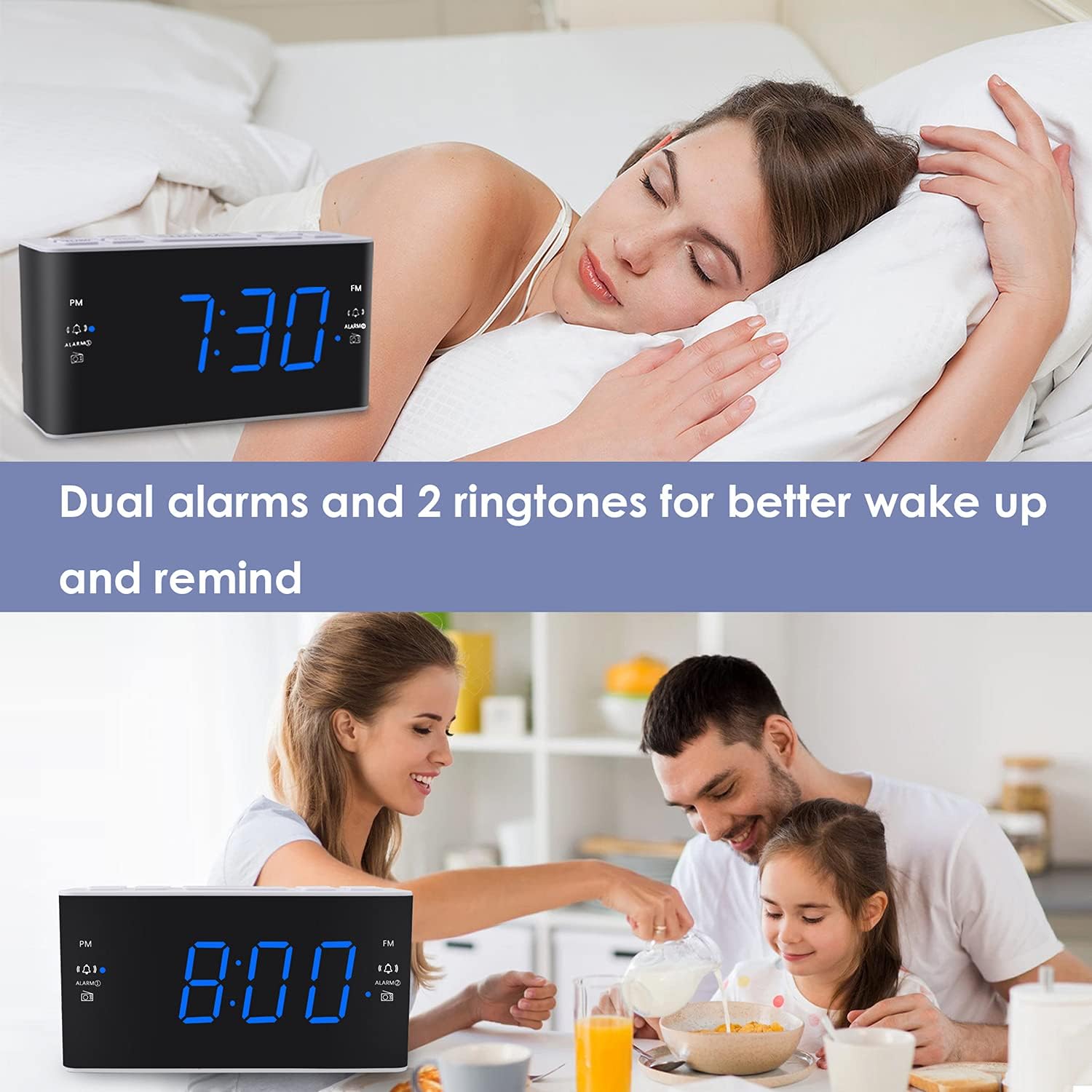
Image: The alarm clock displaying 7:30, with icons indicating dual alarms are set, positioned on a bedside table next to a person waking up.
2. Сигнализациянын үнүн жөндөө
When an alarm is sounding, use the VOL+ or VOL- buttons to adjust the alarm volume between levels 5 and 15.
3. Тындырма функциясы
Ойготкуч чыкканда чоң баскычты басыңыз SNOOZE / DIMMER button to temporarily silence the alarm for 9 minutes. The alarm will sound again after 9 minutes. This can be repeated up to 5 times. To cancel the alarm completely, press any other button (e.g., ALARM1, ALARM2, RADIO).
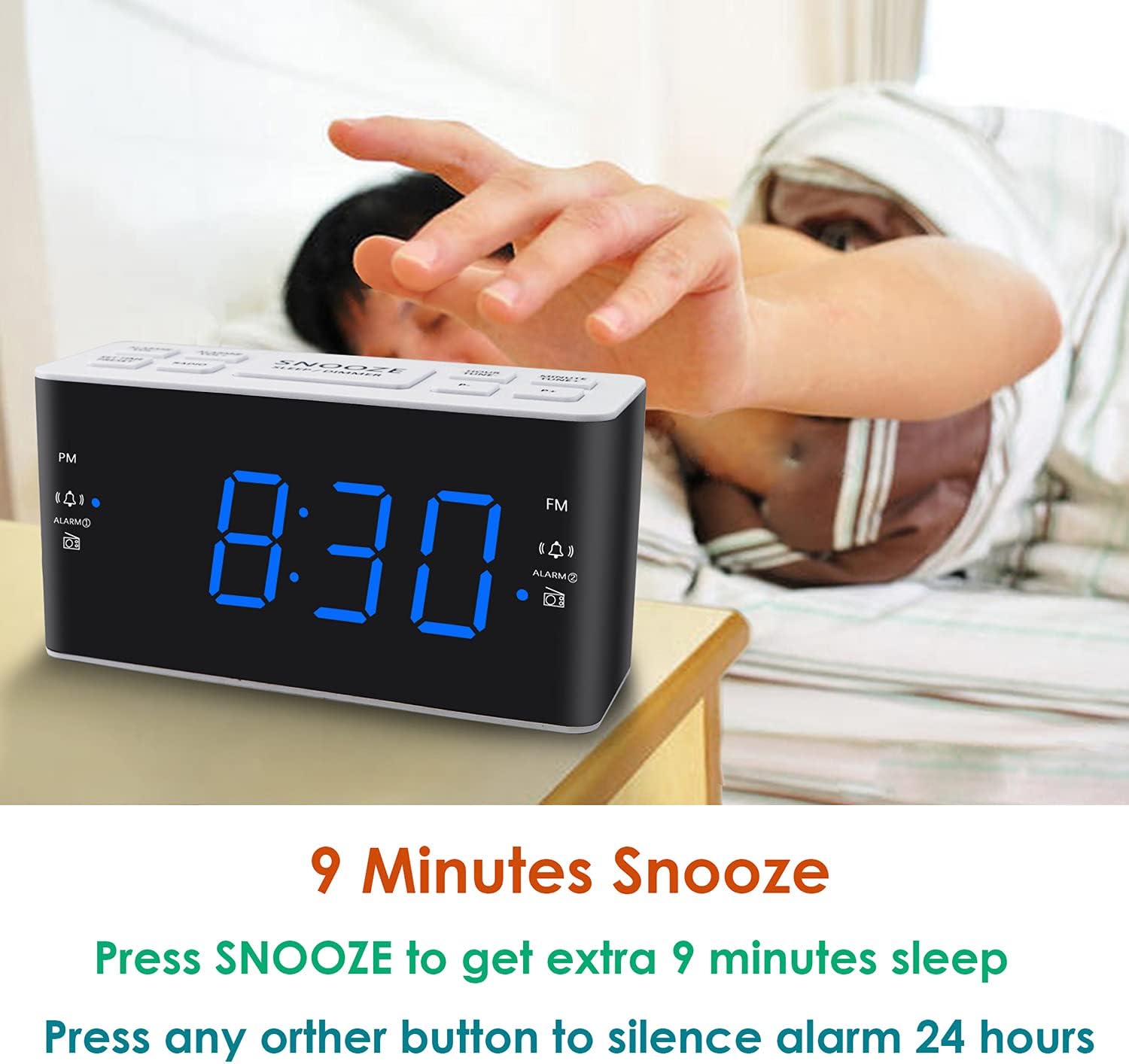
Image: A hand reaching to press the SNOOZE button on the alarm clock, which shows 8:30, illustrating the snooze function.
4. AM/FM радиосунун иштеши
- басыңыз РАДИО радиону күйгүзүү же өчүрүү үчүн баскыч.
- To tune, press the VOL+ or VOL- buttons to manually adjust the frequency. Press and hold these buttons for automatic scanning to the next available station.
- Алдын ала орнотууларды орнотуу: While listening to a desired station, press and hold the АЛДЫН АЛА button. The preset number will flash. Use VOL+ or VOL- to select a preset slot (P01-P20 for AM/FM). Press АЛДЫН АЛА сактап калуу үчүн дагы.
- Алдын ала орнотууларды эстөө: баскычын кыскача басыңыз АЛДЫН АЛА баскычы сакталган станциялар аркылуу айлануу үчүн.
- Adjusting Radio Volume: колдонуу VOL+ or VOL- buttons when the radio is on to adjust the listening volume.
5. Уйку таймери
Уйку таймери радионун автоматтык түрдө өчүшүнөн мурун белгиленген убакытка чейин ойнотулушуна мүмкүндүк берет.
- Радио ойноп жатканда, баскычын басыңыз УЙКУ button (if available, otherwise use a combination like SNOOZE + RADIO, or refer to specific button if different).
- кайра-кайра басыңыз УЙКУ button to cycle through available sleep times (e.g., 10, 20, 30, 60, 90 minutes).
- The radio will turn off automatically after the selected time.
6. Диммерди көрсөтүү
LED дисплейдин жарыктыгын тууралоо үчүн, баскычын басыңыз SNOOZE / DIMMER button (when the alarm is not sounding). Each press will cycle through the four available brightness levels (High, Medium, Low, Off).

Image: The alarm clock displaying 20:00 (8 PM) with a dimmed blue LED display, illustrating the dimmer function for nighttime use.
Техникалык тейлөө
1. Тазалоо
To clean the clock radio, gently wipe the surface with a soft, dry cloth. Do not use abrasive cleaners, waxes, or solvents as these can damage the finish. Ensure the device is unplugged before cleaning.
2. Battery Replacement (Backup)
If the time and alarm settings are not retained during a power outage, the AAA backup batteries may need to be replaced. Open the battery compartment, remove the old batteries, and insert two new AAA batteries, observing the correct polarity (+/-). Close the compartment securely.
Проблемаларды чечүү
| Көйгөй | Мүмкүн себеп | Чечим |
|---|---|---|
| Сааттын дисплейи өчүк же иштебей жатат. | AC кубаты жок; электр кубатыtage; display dimmer set to 'Off'. | Ensure the power cord is securely plugged into a live outlet. Check for power outages. Press the SNOOZE / DIMMER дисплейдин жарыктыгын тууралоо үчүн баскыч. |
| Time/Alarm settings are lost after a power outage. | Камдык батареялар өлүп калган же орнотулган эмес. | Install two fresh AAA batteries or replace existing ones in the battery compartment. |
| Ойготкуч угулбайт. | Alarm is not activated; alarm volume is too low; incorrect alarm time. | Ensure the alarm icon is visible on the display. Re-check alarm time and source. Adjust alarm volume (levels 5-15). |
| Радио кабыл алуу начар. | Антенна узартылган эмес; тоскоолдук; алсыз сигнал. | Fully extend the FM wire antenna. Reposition the clock radio to improve reception. Avoid placing near electronic devices that may cause interference. |
| Radio presets are not saved. | Incorrect saving procedure; power interruption without backup. | Ensure you press and hold the АЛДЫН АЛА button to save, then press again to confirm. Ensure backup batteries are installed and functional to retain settings during power loss. |
Техникалык шарттар
| Өзгөчөлүк | Деталь |
|---|---|
| Бренд | Ratakee |
| Модель номери | H249 |
| Дисплей түрү | Digital LED (көк) |
| Power Source | Corded Electric (AC 120V 60Hz) |
| Батареянын камдык көчүрмөсү | 2 AAA batteries (not included) for settings retention |
| Продукциянын өлчөмдөрү | 6.14" W x 3.15" H x 2.17" D |
| Элемент Салмагы | 4 унция (0.25 фунт) |
| Радио жыштык (FM) | 87.5-108 МГц |
| Radio Frequency (AM) | 520-1710 KHz |
| Өзгөчөлүктөр | Adjustable Brightness, Adjustable Volume, Dual Alarms, Radio, Sleep Timer |
| Материал | Пластик |

Image: Dimensional drawing of the alarm clock, indicating its width (6.14in), height (3.15in), and depth (2.17in).
Кепилдик жана колдоо
Кепилдик маалымат
This Ratakee Digital Alarm Clock Radio H249 comes with a 1 жылдык чектелген кепилдик сатып алынган күндөн тартып. Мындан тышкары, а 90 күндүк акчаны кайтаруу кепилдиги is offered. This warranty covers manufacturing defects and malfunctions under normal use. It does not cover damage caused by misuse, accidents, unauthorized modifications, or external factors.
Кардарларды колдоо
For technical assistance, troubleshooting not covered in this manual, or warranty claims, please contact Ratakee customer support through the retailer's platform or the contact information provided with your purchase. Please have your model number (H249) and purchase date available when contacting support.


