Introduction
This manual provides comprehensive instructions for the setup, operation, and maintenance of your V7 Dual Bay Docking Station USB 3.0. This device is designed to provide convenient access to 2.5-inch and 3.5-inch SATA hard disk drives (HDDs) and solid-state drives (SSDs), offering high-speed data transfer and a standalone cloning function.
Продукциянын туура иштешин камсыз кылуу жана бузулуулардын алдын алуу үчүн колдонуудан мурун, ушул колдонмону кылдат окуп чыгыңыз.
Пакеттин мазмуну

Image: The side of the V7 Dual Bay Docking Station packaging, detailing the included items.
Төмөндө тизмеленген нерселердин баары пакетиңизде бар экенин текшериңиз:
- 1x V7 Dual Bay Docking Station
- 1x USB 3.0 A to B Cable
- 1x DC 12V/3A Power Adapter
- 1x Колдонуучунун колдонмосу (бул документ)
Продукт бүттүview
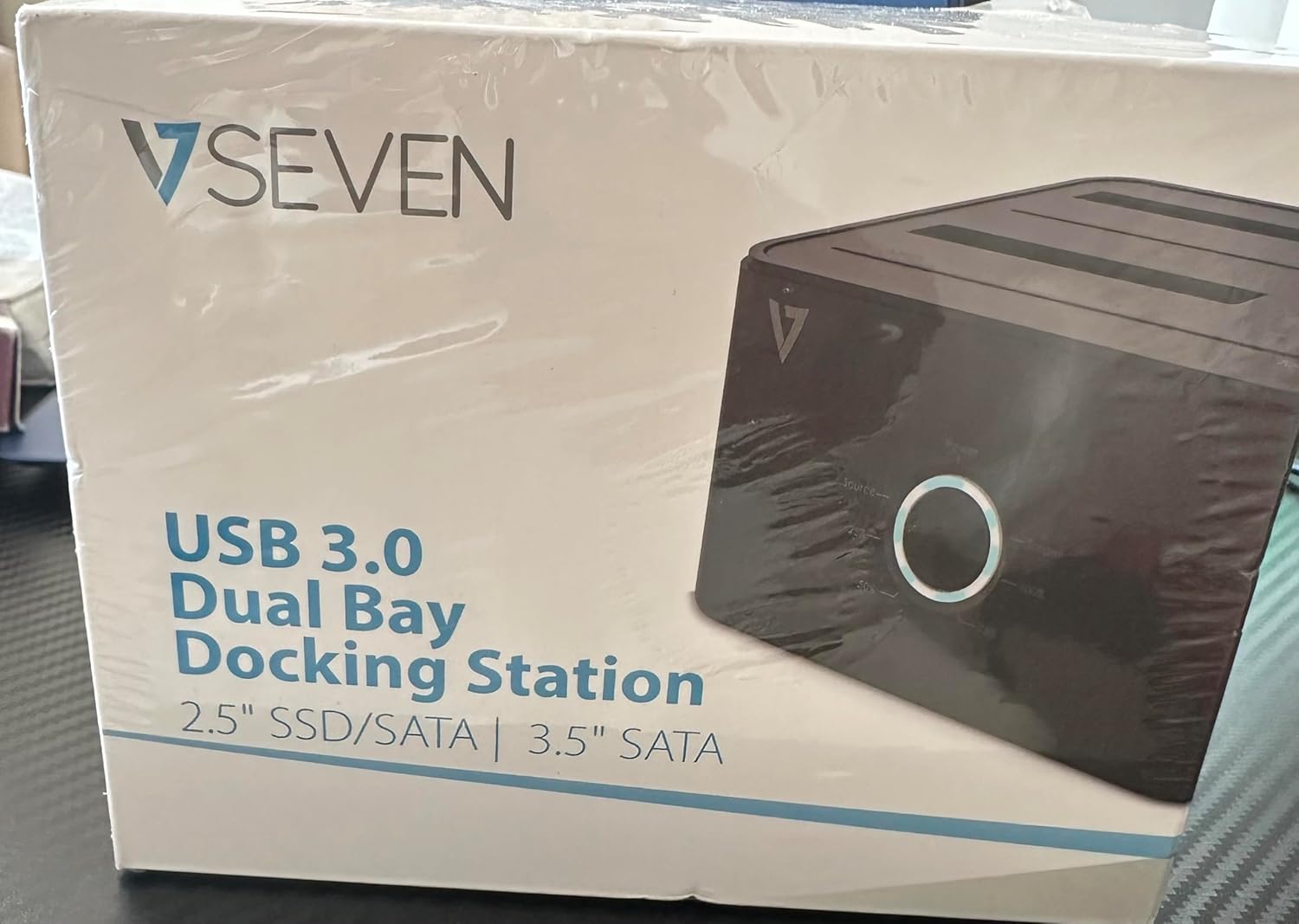
Image: The front of the V7 Dual Bay Docking Station packaging, displaying the product and its name.
The V7 Dual Bay Docking Station provides a versatile solution for managing your 2.5-inch and 3.5-inch SATA drives. Key features include:
- USB 3.0 Super-Speed Data Transfer: Achieves speeds up to 5 Gbps, significantly faster than USB 2.0.
- Эки жактуу дизайн: Supports two SATA I/II/III HDDs or SSDs simultaneously.
- Standalone Clone Function: Allows direct cloning of one drive to another without requiring a computer.
- LED дисплей: Provides status indication during operation, especially for cloning.
- Кайра иштетилген материалдар: Constructed with recycled materials, contributing to environmental sustainability.

Image: The back of the V7 Dual Bay Docking Station packaging, illustrating key features and benefits, including the use of recycled materials.
Порттор жана көрсөткүчтөр:
- USB-B Port (1x): Connects the docking station to your computer.
- SATA Drive Bays (2x): For inserting 2.5-inch or 3.5-inch SATA HDDs/SSDs.
- DC Power Input (1x): For connecting the 12V/3A power adapter.
- Power Button/LED: Controls power and indicates operational status.
- Clone Button/LEDs: Initiates the cloning process and indicates progress.
Жайгашуу
- Туташуу кубаты: Insert the DC 12V/3A power adapter into the "DC Power Input" port on the docking station, then plug the adapter into a wall outlet.
- Insert Drives:
- Gently slide your 2.5-inch or 3.5-inch SATA HDD/SSD into the drive bay(s) until it is securely seated. Ensure the SATA connector aligns correctly.
- For cloning, insert the source drive into Bay 1 (Source) and the target drive into Bay 2 (Target). The target drive must be equal to or larger in capacity than the source drive.
- Connect to Computer (for data transfer): If you intend to use the docking station for data transfer with a computer, connect one end of the USB 3.0 A to B cable to the USB-B port on the docking station and the other end to an available USB 3.0 port on your computer.
- Күйгүзүү: Press the power button on the docking station. The power LED should illuminate.
Иштөө нускамалары
A. Data Transfer Mode (Connected to Computer)
- Ensure the docking station is powered on and connected to your computer via the USB 3.0 cable.
- Insert one or two SATA drives into the bays.
- Your operating system should detect the drives as external storage. You may need to initialize and format new drives through Disk Management (Windows) or Disk Utility (macOS) before use.
- You can now access, read, and write data to the inserted drives as you would with any external storage device.
- Always safely eject the drives from your operating system before powering off the docking station or removing the drives.
B. Standalone Clone Function (Without Computer)
The clone function allows you to duplicate a source drive to a target drive without a computer connection. The target drive must have a capacity equal to or greater than the source drive.
- Даярдоо:
- Ensure the docking station is disconnected from any computer.
- салыңыз Баштапкы диск (the drive you want to copy FROM) into Булуң 1.
- салыңыз Максаттуу Drive (the drive you want to copy TO) into Булуң 2.
- Warning: All data on the target drive will be erased during the cloning process. Back up any important data on the target drive before proceeding.
- Клондоону баштоо:
- Док станциясын күйгүзүңүз.
- Press and hold the "Clone" button for approximately 3-5 seconds until the clone progress LEDs begin to flash.
- Клондоону ырастоо:
- Release the "Clone" button. The 25% progress LED should start blinking.
- Press the "Clone" button again briefly to confirm and start the cloning process.
- Прогресс мониторинги: The progress LEDs (25%, 50%, 75%, 100%) will illuminate sequentially to indicate the cloning status.
- Аяктоо: When the 100% LED remains solid, the cloning process is complete.
- Power Off and Remove: Power off the docking station before removing the drives.
Техникалык тейлөө
- Док станциясын таза жана чаңсыз кармаңыз. Тазалоо үчүн жумшак, кургак чүпүрөк колдонуңуз.
- Аппаратты экстремалдык температурага, нымдуулукка же тике күн нуруна тийгизүүдөн сактаңыз.
- Түзмөктү өз алдынча бөлүктөргө бөлүүгө же оңдоого аракет кылбаңыз. Бул кепилдикти жокко чыгарат.
- Иштеп жаткан учурда аппараттын айланасында туура желдетүүнү камсыз кылыңыз.
Проблемаларды чечүү
| Көйгөй | Мүмкүн себеп | Чечим |
|---|---|---|
| Түзмөк күйбөй жатат. | Кубат адаптери туташкан эмес же туура эмес. | Ensure the power adapter is securely connected to both the docking station and a working power outlet. Try a different outlet. |
| Drives not detected by computer. | USB cable not connected properly; drive not seated correctly; drive uninitialized/unformatted. | Check USB cable connection. Re-seat the drive(s). For new drives, initialize and format them via Disk Management (Windows) or Disk Utility (macOS). Try a different USB port on your computer. |
| Clone function not starting. | Incorrect drive placement; target drive too small; clone button not held long enough. | Ensure source drive is in Bay 1 and target drive in Bay 2. Verify target drive capacity is equal to or larger than source. Hold the clone button for 3-5 seconds until LEDs flash. |
| Жай маалымат берүү ылдамдыгы. | Connected to USB 2.0 port; faulty USB cable. | Ensure the docking station is connected to a USB 3.0 port on your computer. Try a different USB 3.0 cable. |
Техникалык шарттар
- Модел: 9UDBBS-BLK
- Аппараттык интерфейс: USB 3.0 (USB 2.0 менен артка шайкеш келет)
- Маалыматтарды өткөрүү ылдамдыгы: Up to 5 Gbps (USB 3.0 Super-Speed)
- Drive шайкештиги: 2.5" and 3.5" SATA I/II/III HDDs and SSDs
- Drive Bays: 2
- Порттор: 1x USB-B (Host), 2x SATA (Internal), 1x DC Power Input
- Кубат киргизүү: DC 12V/3A (12 Watts)
- UPC: 662919116557
- Өндүрүүчү: Ingram Micro Inc
- Материал: Made from Recycled Materials
Кепилдик жана колдоо
For warranty information and technical support, please refer to the official V7 webсайтка же сатуучуга кайрылыңыз. Кепилдик дооматтар үчүн сатып алганыңыздын далилин сактаңыз.
Кошумча жардам алуу үчүн төмөнкү дарекке кайрылыңыз: www.v7world.com/support (Чыгampшилтеме, чыныгы шилтеме ар кандай болушу мүмкүн)