1. Киришүү
The KERUI A6504-1 is a 4-channel H.265+ security camera DVR system designed for comprehensive surveillance. This system includes a DVR recorder and four 2MP surveillance cameras, featuring human detection, mobile app and PC remote access, and smart playback capabilities. A 500GB hard drive is pre-installed for immediate recording. This manual provides detailed instructions for setting up, operating, and maintaining your security system.
2. Продукт бүтүп калдыview
2.1. Компоненттер
- 1 x 4-Channel H.265+ DVR Recorder
- 4 x 2MP Surveillance Cameras
- 1 x Pre-installed 500GB Hard Drive
- Power adapters for DVR and cameras
- USB чычкан
- Mounting screws and cables
2.2. Негизги өзгөчөлүктөрү
- 4 каналдуу сыйымдуулук: Connects up to four cameras simultaneously.
- 6-in-1 Camera Compatibility: Supports AHD, TVI, CVI, CVBS, XVI, and IP cameras.
- 1080P HD видео сапаты: Так жана деталдуу сүрөттөрдү тартат.
- H.265+ Video кысуу: Efficiently saves storage space and improves streaming.
- IP66 аба ырайы камералары: Suitable for indoor and outdoor use, resistant to harsh weather.
- IR-CUT Night Vision: Automatic switching for clear day and night surveillance.
- Адамды аныктоо: Advanced motion detection to reduce false alarms.
- Алыстан кирүү: View тирүү жана жазылган footage via mobile app (XMEye, Icsee) or PC software (VMS).
- Акылдуу ойнотуу: Easily search and review жаздырылган окуялар.
- Акылдуу сигнализация системасы: Sends push notifications and email alerts upon detection.
3. Орнотуу колдонмосу
This section guides you through the initial installation and configuration of your KERUI A6504-1 security system.
3.1. Таңгактан чыгаруу жана текшерүү
- Бардык компоненттерди кылдаттык менен таңгактан чыгарыңыз.
- Verify that all items listed in the "Product Overview" are present and undamaged.
- Keep packaging for future transport or returns.
3.2. DVRди туташтыруу
- Камераларды туташтыруу: Connect the BNC cables from your surveillance cameras to the "VIDEO IN" ports on the back of the DVR. Ensure power is supplied to each camera.
- Мониторду туташтыруу: Connect a monitor to the DVR using either an HDMI cable (for high-definition display) or a VGA cable. The HDMI port is labeled "HDMI Output" and the VGA port is labeled "VGA Output".
- Чычканды туташтыруу: Берилген USB чычканын DVRдеги USB портторунун бирине сайыңыз.
- Тармакты туташтыруу (милдеттүү эмес, бирок сунушталат): For remote access and updates, connect an Ethernet cable from your router to the "LAN" port on the DVR.
- Күйгүзүү: Connect the DVR's power adapter to the "DC 12V" input and then plug it into a power outlet. The system will start automatically.

This image illustrates the various input and output ports on the DVR, including video input for cameras, HDMI and VGA outputs for monitors, audio input/output, network port, and USB ports.
3.3. Баштапкы конфигурация
- Upon first startup, the DVR will guide you through a setup wizard.
- Тил тандоо: Өзүңүзгө жаккан тилди тандаңыз.
- Сырсөз түзүү: Create a strong password for the administrator account. This is crucial for security.
- Тармак орнотуулары: Configure network settings. If connected via Ethernet, DHCP is usually sufficient.
- Катуу дискти инициализациялоо: The pre-installed 500GB HDD may need to be formatted or initialized. Follow on-screen prompts.
- Убакыт жана дата: Set the correct time zone, date, and time.
4. Иштөө нускамалары
This section covers the daily use and advanced features of your KERUI A6504-1 system.
4.1. Түз эфир View
- Системага киргенден кийин, ал түз эфирди көрсөтөт view of all connected cameras.
- Use the mouse to navigate the interface. Double-click a camera view аны чоңойтуу үчүн.
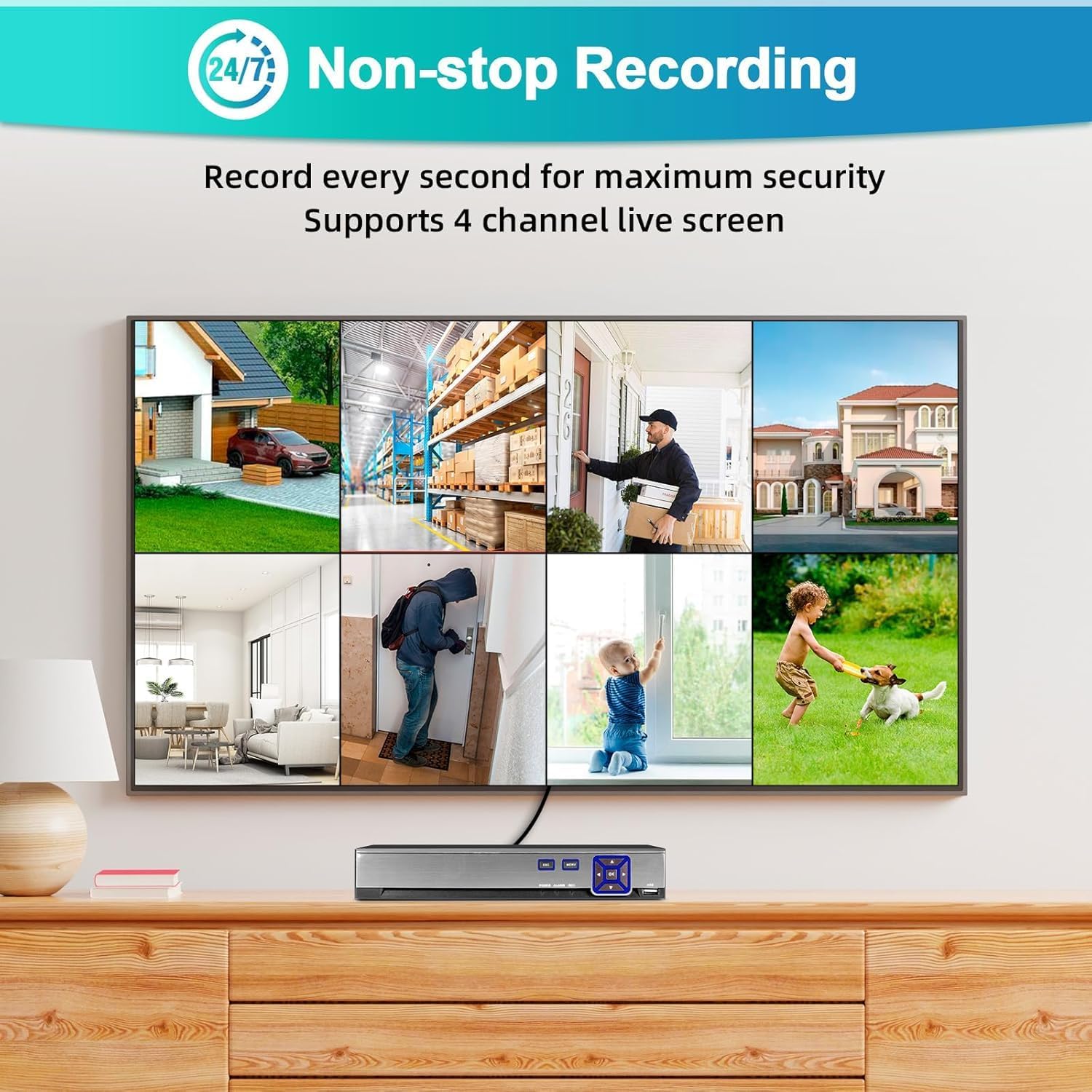
This image shows the multi-channel live view interface, demonstrating simultaneous monitoring of up to 4 cameras.
4.2. Жаздыруу
- The system is pre-configured for 24/7 continuous recording to the 500GB hard drive.
- Жаздыруу режимдери: You can configure different recording modes via the DVR menu:
- Тынымсыз жаздыруу: Дайыма жазып турат.
- Кыймылды аныктоо жазуусу: Кыймыл аныкталганда гана жаздырылат.
- Пландаштырылган жаздыруу: Белгилүү бир убакыт аралыгындагы жазуулар.
- Access recording settings through the main menu: Record > Record Schedule.
4.3. Ойнотуу
- үчүн view foo жазылганtage, go to the main menu and select Ойнотуу.
- Choose the camera channel and the date/time range you wish to review.
- The timeline will show recorded events. Use the playback controls (play, pause, fast forward, rewind) to navigate.
4.4. Remote Access (Mobile App & PC)
- Мобилдик колдонмо:
- Download the "XMEye" or "Icsee" app from the Apple App Store or Google Play Store.
- Каттоо эсебин.
- Add your DVR by scanning the QR code (usually found in the DVR's network settings) or manually entering the device ID.
- DVR интернетке туташкандыгын текшериңиз.
- Компьютердик Программалык камсыздоо:
- Download the "VMS" software from the manufacturer's webсайт.
- Install and configure the software to add your DVR using its IP address or device ID.

This image illustrates the remote access capabilities, allowing users to monitor their property from anywhere using a smartphone or computer.
4.5. Motion Detection & Alarms
- The system features human detection to minimize false alarms.
- Конфигурация: Мүмкүнчүлүк Ойготкуч > Кыймылды аныктоо in the DVR menu.
- Enable motion detection for desired channels.
- Adjust sensitivity and detection areas.
- Configure alarm actions: push notifications to the mobile app, email alerts, or local buzzer.
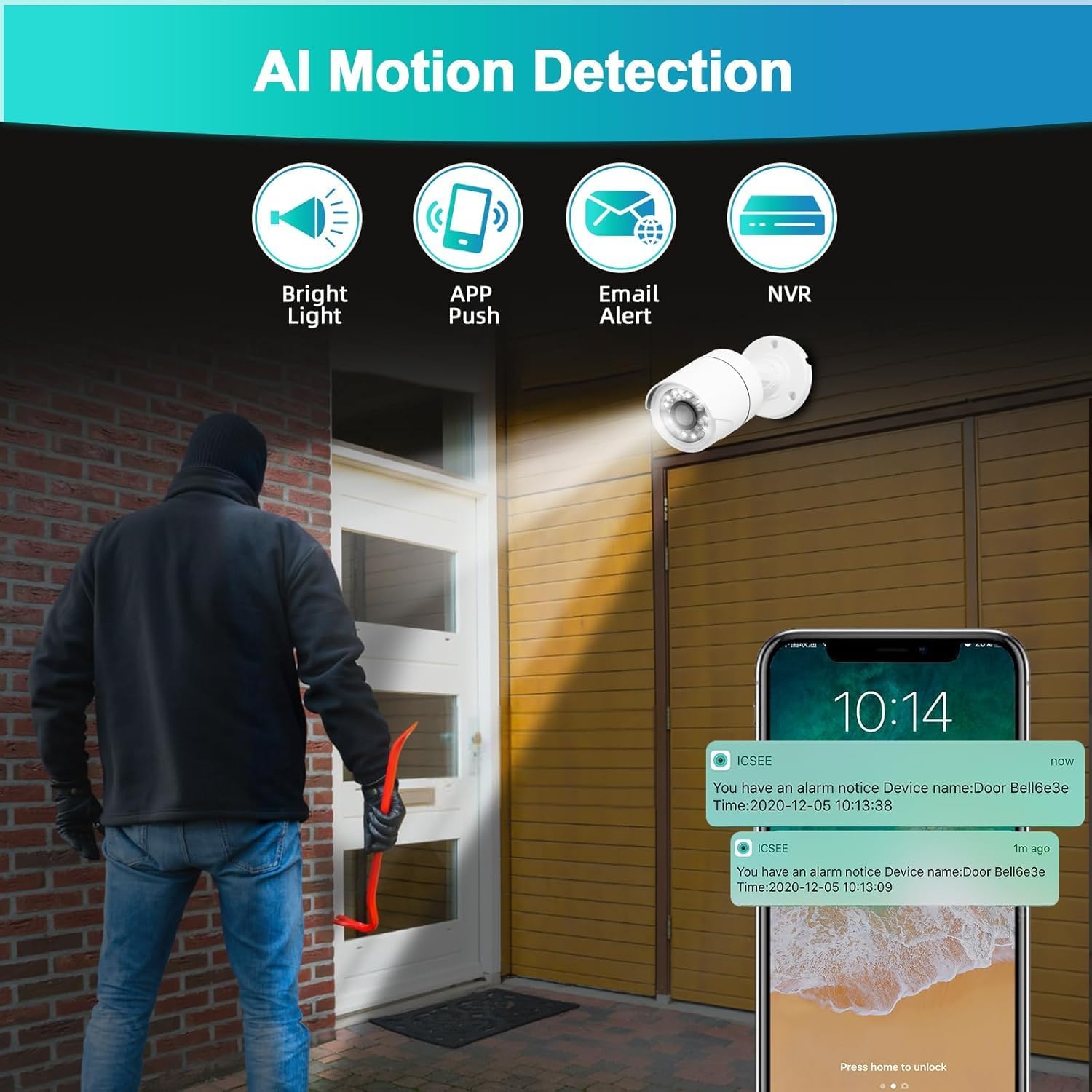
This image demonstrates the AI motion detection feature, showing an alert being sent to a mobile phone when suspicious activity is detected.
5. Техникалык тейлөө
Үзгүлтүксүз техникалык тейлөө сиздин коопсуздук системаңыздын оптималдуу иштешин жана узак мөөнөттүү иштешин камсыз кылат.
5.1. Катуу дискти башкаруу
- The 500GB hard drive will automatically overwrite the oldest footagд толгондо.
- Periodically check the hard drive status in the DVR menu (HDD > General) to ensure it is functioning correctly.
5.2. Камераны тазалоо
- Gently clean camera lenses with a soft, damp cloth to remove dust, dirt, or smudges that may affect image quality.
- Катуу химикаттарды колдонбоңуз.
5.3. Микропрограмманы жаңыртуу
- Өндүрүүчүнү текшериңиз webпрошивка жаңыртуулары үчүн сайт мезгил-мезгили менен.
- Firmware updates can improve system stability, add new features, or fix bugs. Follow the provided instructions carefully when performing updates.
6. Кыйынчылыктарды
Бул бөлүм сиз кабылышы мүмкүн болгон жалпы көйгөйлөрдү карайт.
- Монитордо видео чыгышы жок:
- Ensure the monitor is powered on and correctly connected to the DVR via HDMI or VGA.
- Verify the monitor's input source is set to the correct HDMI/VGA port.
- Check if the DVR's power adapter is securely connected and the DVR is powered on.
- Камера сүрөтү жок:
- Check if the camera is properly connected to the DVR's video input port.
- Ensure the camera is receiving power. Check power adapters and cables.
- Verify the camera type is compatible with the DVR (AHD/TVI/CVI/CVBS/IP).
- Жаздыруу жок:
- Check the hard drive status in the DVR menu (HDD > General). Ensure it is initialized and has free space.
- Verify recording schedules are correctly configured (Record > Record Schedule).
- Ensure motion detection is enabled and configured if using motion-triggered recording.
- Алыстан кирүү иштебей жатат:
- Ensure the DVR is connected to the internet via an Ethernet cable.
- Check network settings on the DVR (Network > TCP/IP) to ensure it has a valid IP address.
- Verify your mobile device or PC has an active internet connection.
- Ensure the correct device ID or IP address is entered in the app/software.
- Check firewall settings on your router if you are experiencing connection issues.
- Кыймылды аныктоо жалган ойготкучтары:
- Adjust the sensitivity settings for motion detection in the DVR menu (Ойготкуч > Кыймылды аныктоо).
- Refine the detection area to exclude irrelevant zones (e.g., moving trees, busy roads).
7. Техникалык шарттар
| Өзгөчөлүк | Деталь |
|---|---|
| Модель номери | A6504-1 |
| Каналдар | 4 канал |
| Видео киргизүү | XVI, AHD, TVI, CVBS, CVI, IP |
| Video Output | Сапаттуу, VGA |
| Аудио киргизүү | Микрофон |
| USB порттору | 2 |
| Катуу дисктин сыйымдуулугу | 500GB (Pre-installed) |
| Видеону кысуу | H.265 + |
| Камеранын чечилиши | 2 МП (1920x1080P) |
| Камеранын аба ырайынын рейтинги | IP66 |
| Өзгөчөлүктөр | App Control, Human Detection, Night Vision, Motion Sensor, Smart Playback, Two-Way Audio, Video Recording |
| Иштөө температурасы | -10 градустан 60 градуска чейин |
8. Кепилдик жана колдоо
8.1. Кепилдик маалыматы
This product comes with a standard manufacturer's warranty. Please refer to the warranty card included in your package or contact customer support for specific details regarding coverage and duration.
8.2. Кардарларды колдоо кызматы
For technical assistance, troubleshooting, or warranty claims, please contact KERUI customer support. (Specific contact details are not provided in the product data. Please refer to the product packaging or manufacturer's website for contact information.)


