Introduction
This manual provides detailed instructions for the setup, operation, and maintenance of your MoKo Ergonomic Foldable Bluetooth Keyboard DF047. Please read this manual thoroughly before using the product to ensure optimal performance and longevity.
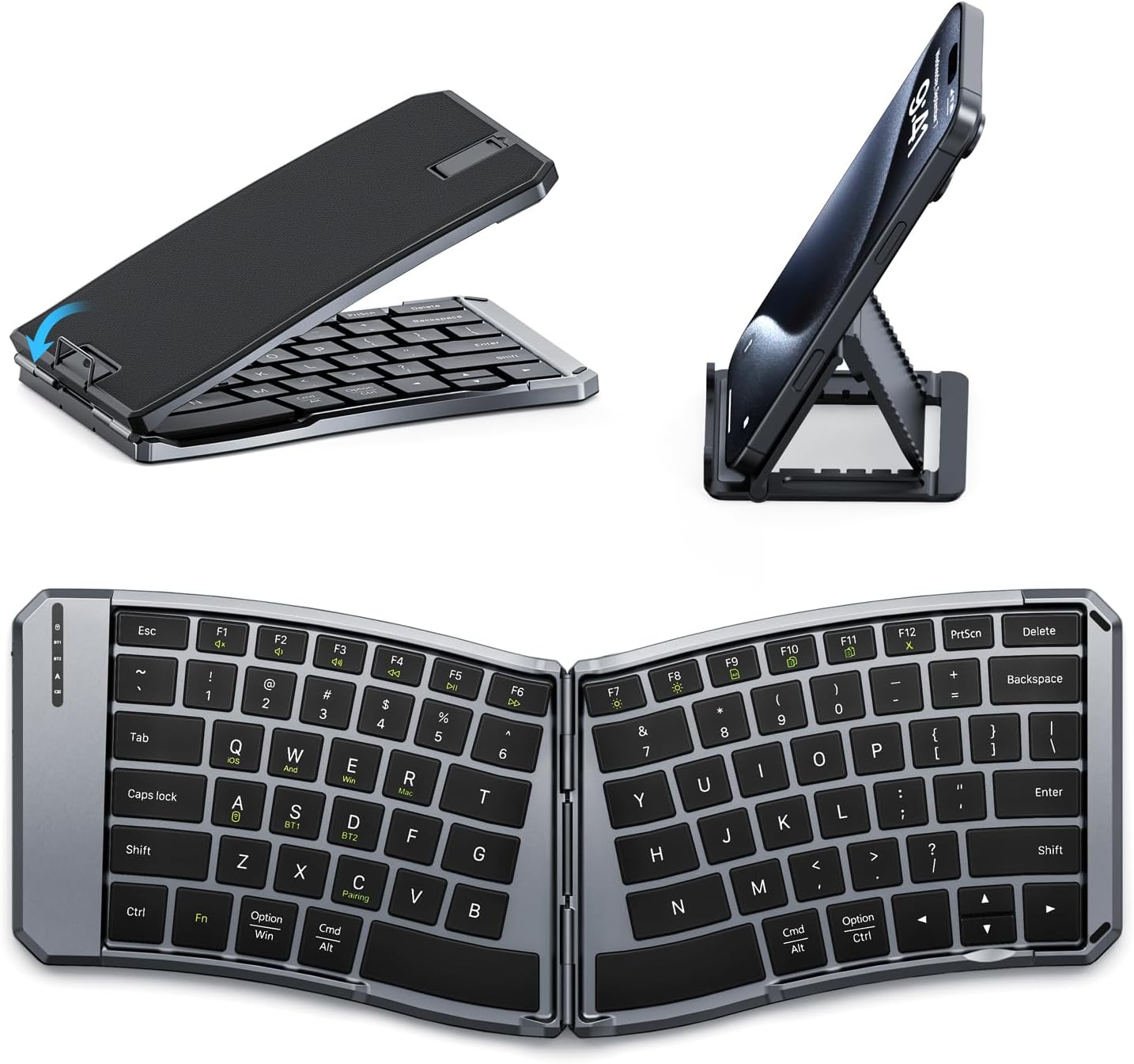
Image: The MoKo Ergonomic Foldable Bluetooth Keyboard shown in its compact folded form, alongside a phone stand, and fully unfolded, highlighting its ergonomic design.
Продукт өзгөчөлүктөрү
- Ergonomic design for comfortable typing.
- Foldable and portable for easy travel.
- Dual connection modes: Bluetooth and 2.4G wireless.
- Connects up to 3 Bluetooth devices simultaneously.
- Wide compatibility with iOS, Android, Windows, and Mac OS.
- Built-in 140mAh rechargeable battery (USB-C).
- Auto-sleep function for extended battery life.
- Back locking clasp for stability during use.
- PU leather non-slip pad on base.
- Scissor mechanism keys for quiet typing.
Жайгашуу
1. Кутудан чыгаруу жана алгачкы текшерүү
Carefully remove the keyboard and all accessories from the packaging. Inspect for any signs of damage.
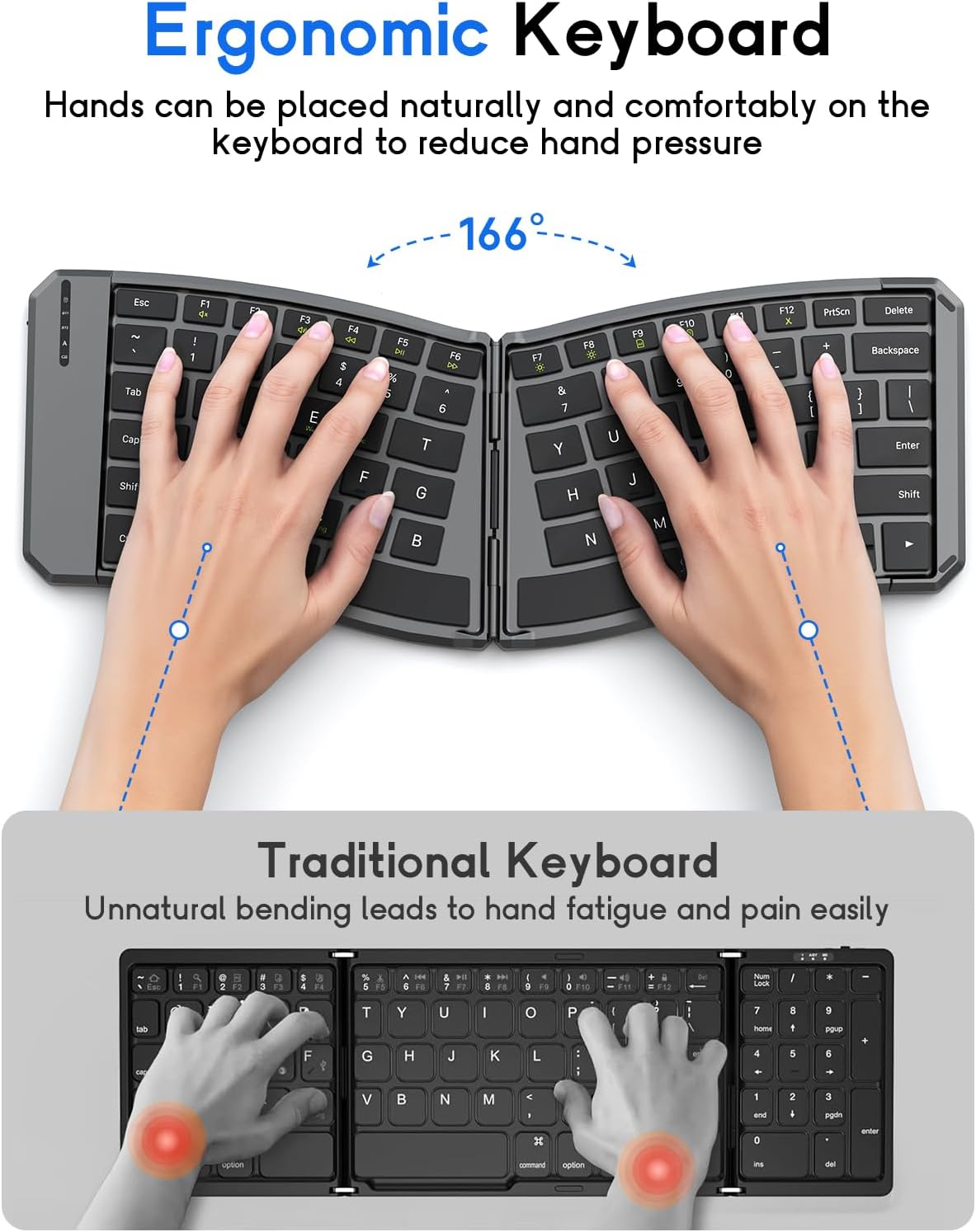
Image: The MoKo Ergonomic Foldable Bluetooth Keyboard in its compact, folded form, ready for transport.
2. Баскычтопту заряддоо
- USB-C кубаттоо портун баскычтоптун капталынан табыңыз.
- Берилген USB-C кабелин клавиатурага жана кубат булагына (мисалы, компьютердин USB портуна, USB дубал адаптерине) туташтырыңыз.
- The charging indicator light will illuminate. A full charge typically takes about 2 hours.
- Толук заряддалгандан кийин индикатордун жарыгы өзгөрөт же өчөт.

Сүрөт: жакын план view of the keyboard's USB-C charging port, illustrating where to connect the charging cable.
3. Unfolding the Keyboard
Gently unfold the keyboard until it lies flat. Ensure the back locking clasp is engaged for stability, especially when using on a lap.

Image: The MoKo Ergonomic Foldable Bluetooth Keyboard fully opened, showcasing its split ergonomic layout.

Сүрөт: деталдуу view of the back locking clasp, which secures the keyboard in its unfolded position for stable typing.
Иштөө нускамалары
1. Күйгүзүү/өчүрүү
Slide the power switch located on the side of the keyboard to the "ON" position to turn it on. Slide it to "OFF" to power down.
2. Bluetooth аркылуу туташуу
- Баскычтопту күйгүзүңүз.
- басыңыз Fn + Q (for iOS), Fn + W (for Android), or Fn + E (for Windows) keys to select the appropriate operating system mode.
- Басыңыз Fn + C to enter pairing mode. The Bluetooth indicator light will flash.
- On your device (smartphone, tablet, PC), go to Bluetooth settings and search for "Bluetooth Keyboard" or a similar name.
- Жупташтыруу үчүн баскычтопту тандаңыз. Туташтырылгандан кийин индикатор жарыгы өчүп-өчүп токтойт.
- To switch between paired Bluetooth devices (up to 3), press Fn + BT1, Fn + BT2, же Fn + BT3.
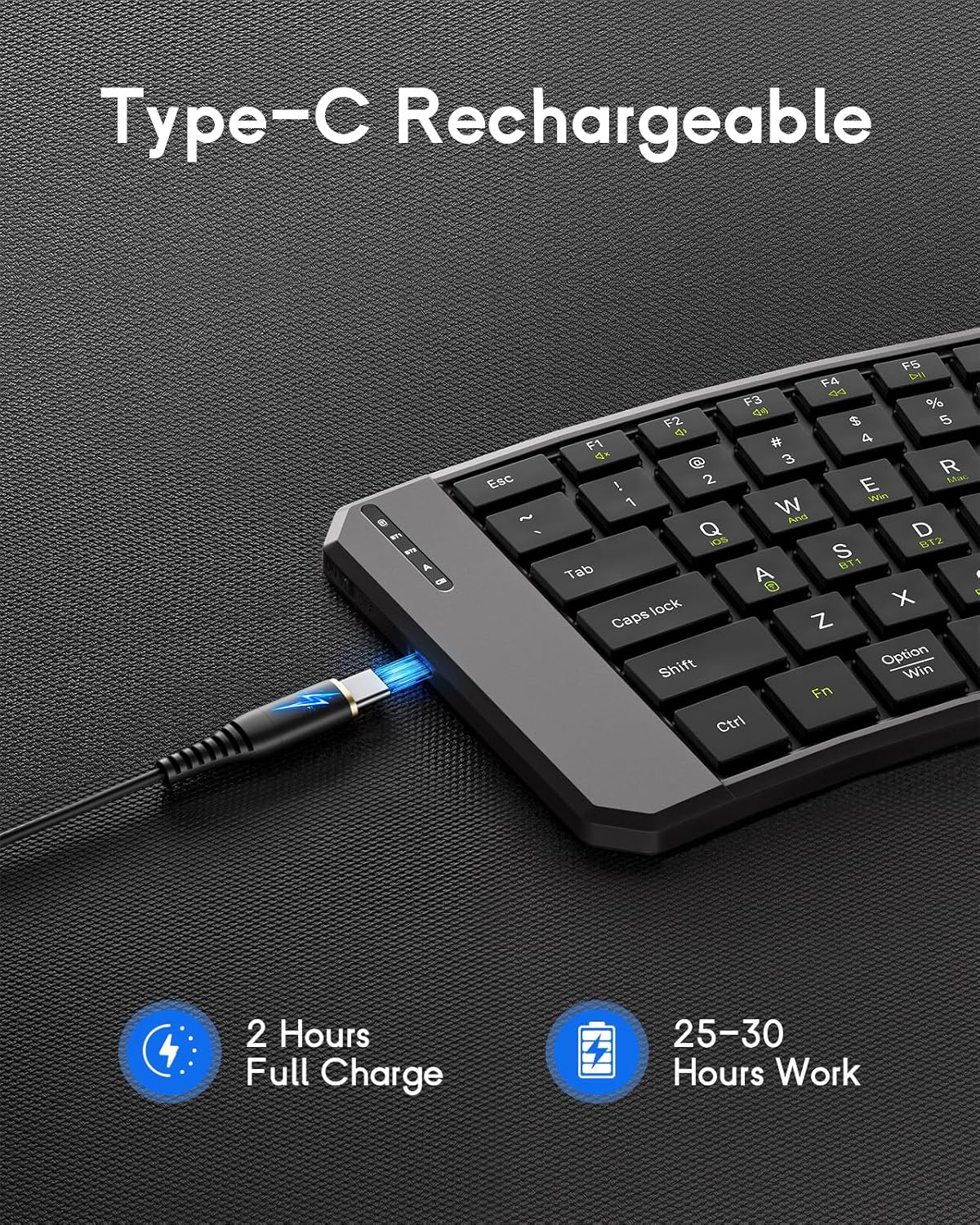
Image: The keyboard demonstrating its ability to connect to a smartphone, tablet, and laptop simultaneously using Bluetooth and 2.4G wireless connections.
3. 2.4G зымсыз (USB кабылдагыч) аркылуу туташуу
- Баскычтопту күйгүзүңүз.
- 2.4G USB кабыл алгычын табыңыз (адатта клавиатурадагы бөлүмдө сакталат).
- USB кабыл алгычты компьютериңиздеги же түзмөгүңүздөгү жеткиликтүү USB портуна сайыңыз.
- Клавиатура автоматтык түрдө туташышы керек.
4. System Compatibility Selection
- Fn + Q: iOS
- Fn + W: Android
- Fn + E:Windows
- Fn + R: Mac OS

Image: A visual guide illustrating the Fn key combinations required to switch between iOS, Android, Windows, and Mac OS modes for optimal compatibility.
5. Мультимедиа ачкычтары
The keyboard features dedicated multimedia keys for quick access to functions like volume control, playback, etc. Refer to the key legends for specific functions.

Image: The keyboard layout emphasizing the independent multimedia keys for efficient task processing.
Техникалык тейлөө
- Тергичти жумшак, кургак чүпүрөк менен сүртүп, аны таза кармаңыз.
- Avoid exposing the keyboard to extreme temperatures, moisture, or direct sunlight.
- Катуу химиялык заттарды же абразивдүү тазалоочу каражаттарды колдонбоңуз.
- Store the keyboard in its folded position when not in use to protect the keys and conserve space.
Проблемаларды чечүү
Баскычтоп туташпай жатат:
- Баскычтоптун күйгүзүлгөнүн жана толук заряддалганын текшериңиз.
- Түзмөгүңүздө Bluetooth иштетилгенин текшериңиз.
- Make sure the correct operating system mode is selected (Fn + Q/W/E/R).
- Жупташтыруу режимине кайра кириңиз (Fn + C) and try connecting again.
- If using 2.4G, ensure the USB receiver is properly plugged in.
- Баскычтопту да, түзмөгүңүздү да өчүрүп-күйгүзүп көрүңүз.
Ачкычтар жооп бербейт:
- Батареянын деңгээлин текшерип, керек болсо кайра заряддаңыз.
- Клавиатура түзмөгүңүзгө туура туташкандыгын текшериңиз.
- Ачкычтардын айланасындагы калдыктарды тазалаңыз.
Lag or Disconnections:
- Кедергилерди азайтуу үчүн түзмөгүңүзгө жакындаңыз.
- Башка түзмөктөр Bluetooth тоскоолдуктарын жаратпай турганын текшериңиз.
- Баскычтопту түзмөгүңүз менен кайра жуптаңыз.
Техникалык шарттар
| Өзгөчөлүк | Деталь |
|---|---|
| Модел | DF047 |
| Продукциянын өлчөмдөрү (бүктөлгөн) | 7.09 × 4.92 × 1.5 дюйм (18 × 12.5 × 3.8 см) |
| Продукциянын өлчөмдөрү (кеңейтилген) | 14.09 × 4.92 × 0.75 дюйм (35.8 × 12.5 × 1.9 см) |
| Элемент Салмагы | 13.4 унция |
| Байланыш технологиясы | Bluetooth, 2.4G зымсыз |
| Батарея сыйымдуулугу | 140mAh |
| Заряддоо порту | USB-C |
| Заряддоо убактысы | Болжол менен 2 саат |
| Жумуш убактысы | 25-30 саат (толугу менен заряддалган) |
| Шайкештик | iOS, Android, Windows, Mac OS |
| Баскычтоптун жайгашуусу | QWERTY |
| Өзгөчөлүктөр | Ergonomic, Foldable, Lightweight, Portable, Auto-sleep, Back Locking Clasp, Non-slip Pad, Scissor-switch keys |
Расмий продукт Video
Video: An official product video demonstrating the features and functionality of the MoKo Ergonomic Foldable Bluetooth Keyboard, including its ergonomic design, portability, and connectivity options.
Кепилдик жана колдоо
For warranty information and customer support, please refer to the contact details provided in your product packaging or visit the official MoKo webсайт. Кепилдик дооматтары үчүн сатып алуу дүмүрчөгүңүздү сактаңыз.
Manufacturer: MoKo
ASIN: B0FD9K7DKS


