Introduction
The GOBOULT W60 True Wireless Earbuds provide a high-quality audio experience with advanced features designed for daily use, gaming, and communication. This manual provides instructions for setup, operation, maintenance, and troubleshooting to ensure optimal performance of your device.
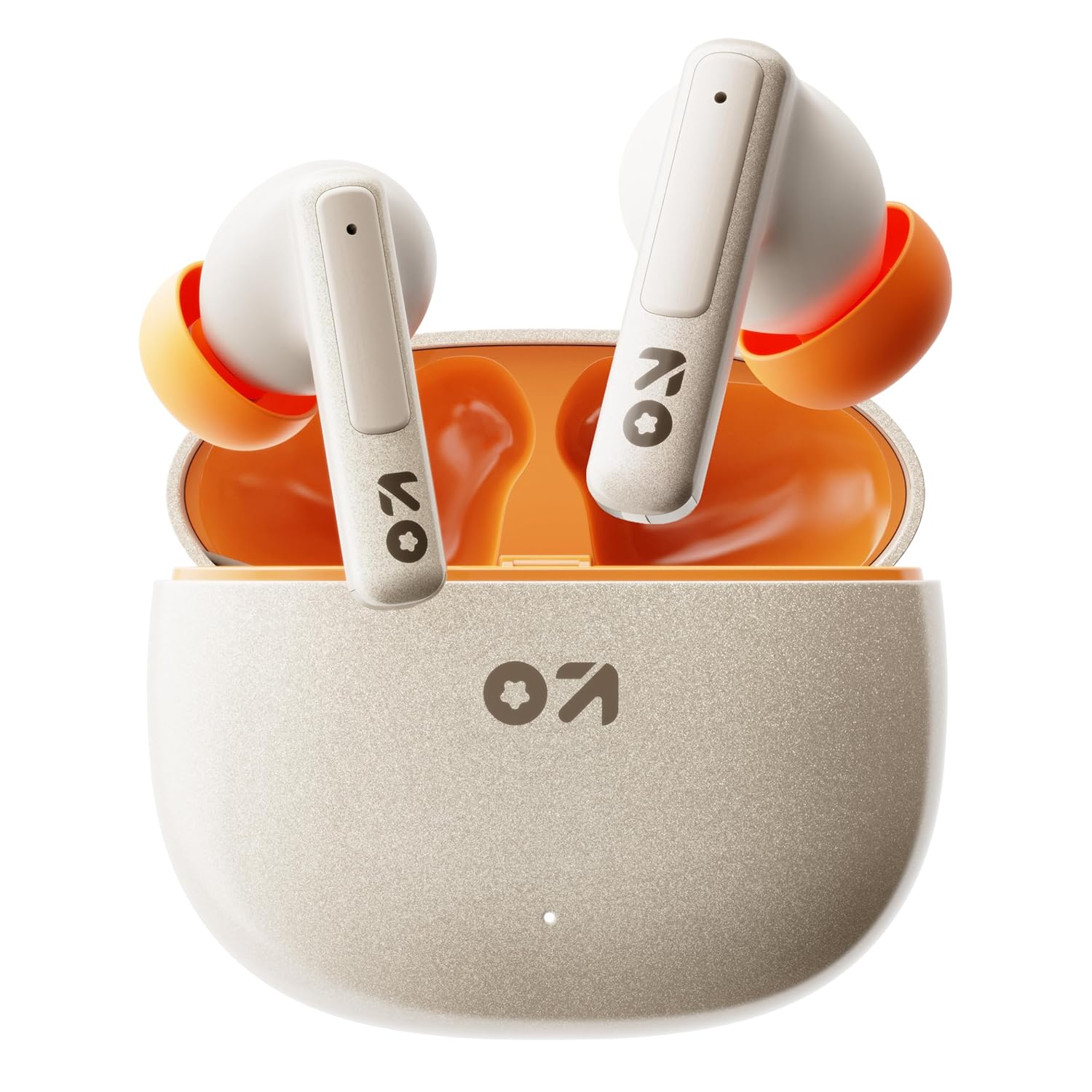
Image: GOBOULT W60 True Wireless Earbuds in their charging case.
Кутуда эмне бар
- GOBOULT W60 чыныгы зымсыз кулакчындар
- Зымсыз кубаттоо кутусу
- Кошумча кулак учтары
- С тибиндеги тез кубаттоочу кабель
- User Manual
- Кепилдик картасы
Жайгашуу
1. Кулакчындарды жана кутуну кубаттоо
Before first use, fully charge the GOBOULT W60 earbuds and their charging case.
- Берилген Type-C кубаттоо кабелин корпустагы кубаттоо портуна жана шайкеш келген USB кубат булагына туташтырыңыз.
- Корпустагы индикатор кубаттоо абалын көрсөтөт. Толук заряддалгандан кийин индикатор өзгөрөт же өчөт.
- Кулакчындарды заряддоо кутусуна салыңыз. Алар автоматтык түрдө кубаттай башташат.
A 10-minute charge provides approximately 4 hours of playtime. The case offers up to 60 hours of total playtime for the earbuds.
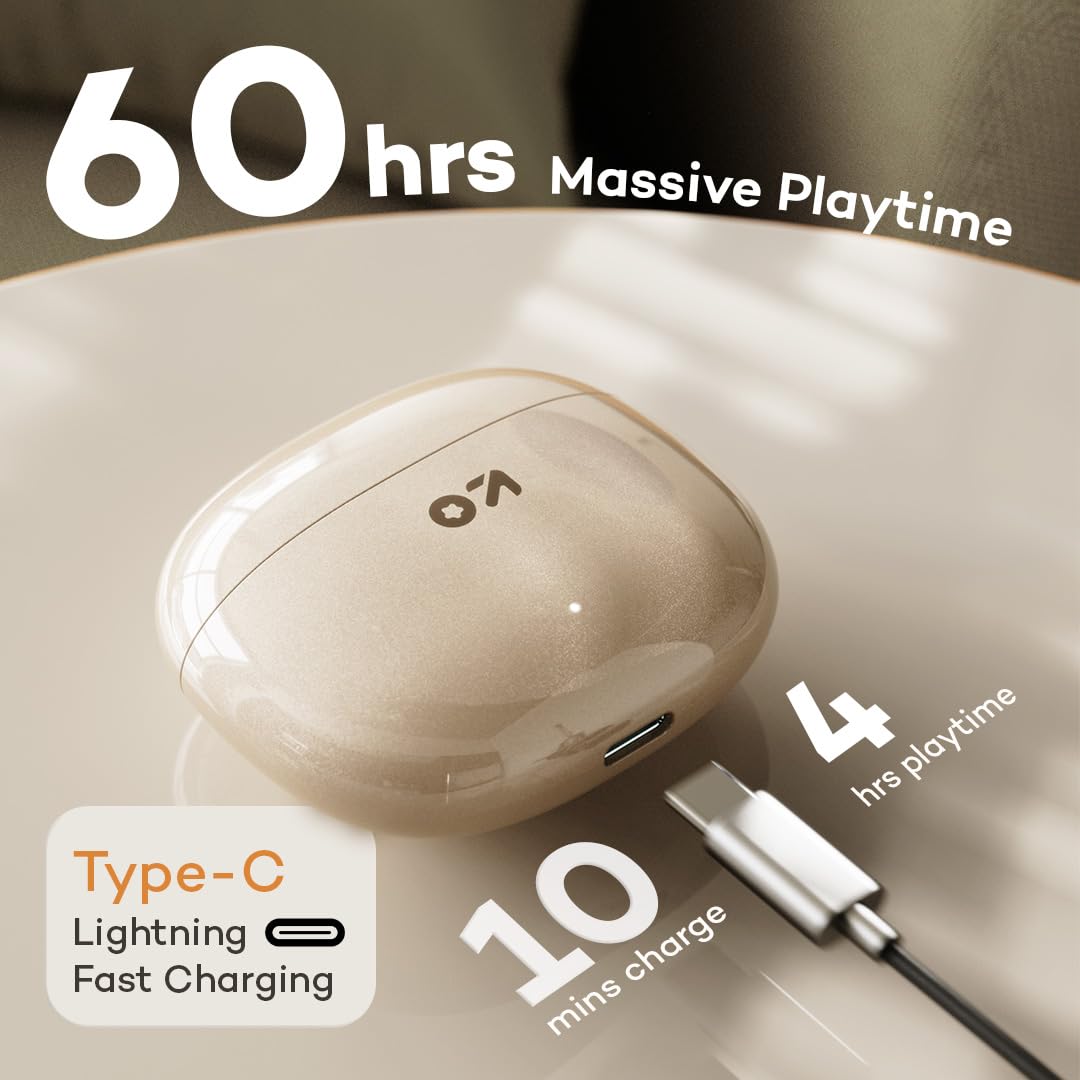
Image: GOBOULT W60 charging case with Type-C cable, highlighting fast charging capabilities.
2. Түзмөк менен жупташтыруу
The GOBOULT W60 earbuds utilize Bluetooth 5.4 for a fast and stable connection.
- Заряддоо кутучасын ачыңыз. Кулакчындар жупташтыруу режимине автоматтык түрдө кирет.
- Түзмөгүңүздө (смартфон, планшет, ноутбук) Bluetooth иштетиңиз.
- Издөө available Bluetooth devices and select "GOBOULT W60" from the list.
- Туташкандан кийин аудио сигналын угасыз жана кулакчындар колдонууга даяр болот.
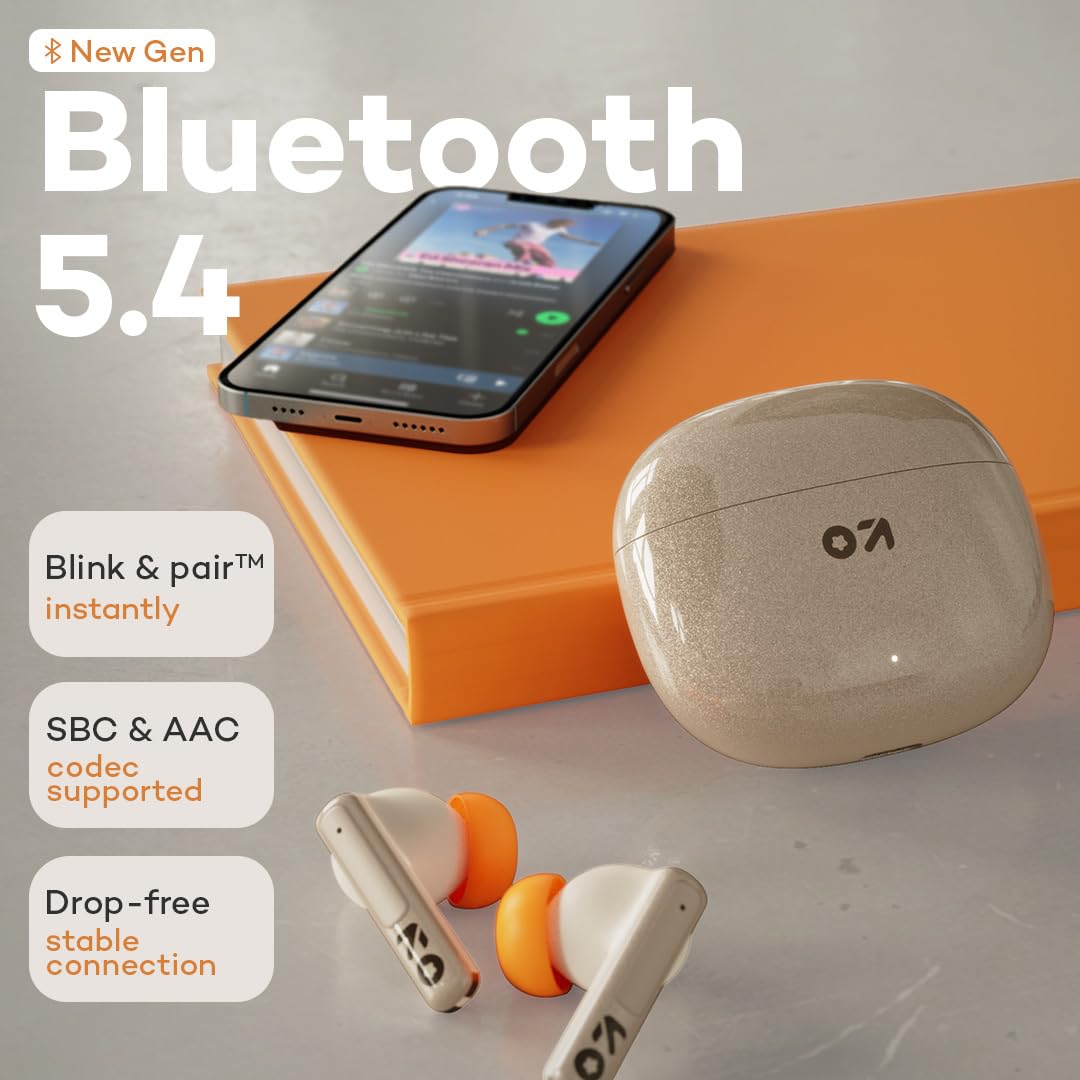
Image: GOBOULT W60 earbuds demonstrating Bluetooth 5.4 connectivity.
Иштөө нускамалары
Touch Controls
The GOBOULT W60 earbuds feature intuitive touch controls for managing audio playback, calls, and voice assistant activation.

Image: GOBOULT W60 earbuds highlighting touch control areas.
- Ойнотуу/тындыруу: Кулакчындарды бир жолу таптаңыз.
- Кийинки трек: Оң кулакчынды эки жолу таптаңыз.
- Мурунку трек: Сол кулакчынды эки жолу таптаңыз.
- Чалууга жооп берүү/аяктоо: Кулакчындарды бир жолу таптаңыз.
- Чакырууну четке кагуу: Кулакчындардын бирин дагы көпкө басыңыз.
- Үн Жардамчысын жандыруу: Triple tap on either earbud (supports Google Assistant and Siri).
- Үндү көзөмөлдөө: Long press the right earbud to increase volume, long press the left earbud to decrease volume.
Calling Functionality
Equipped with ZEN Quad Mic ENC (Environmental Noise Cancellation), the W60 earbuds ensure clear communication by filtering out background noise during calls.
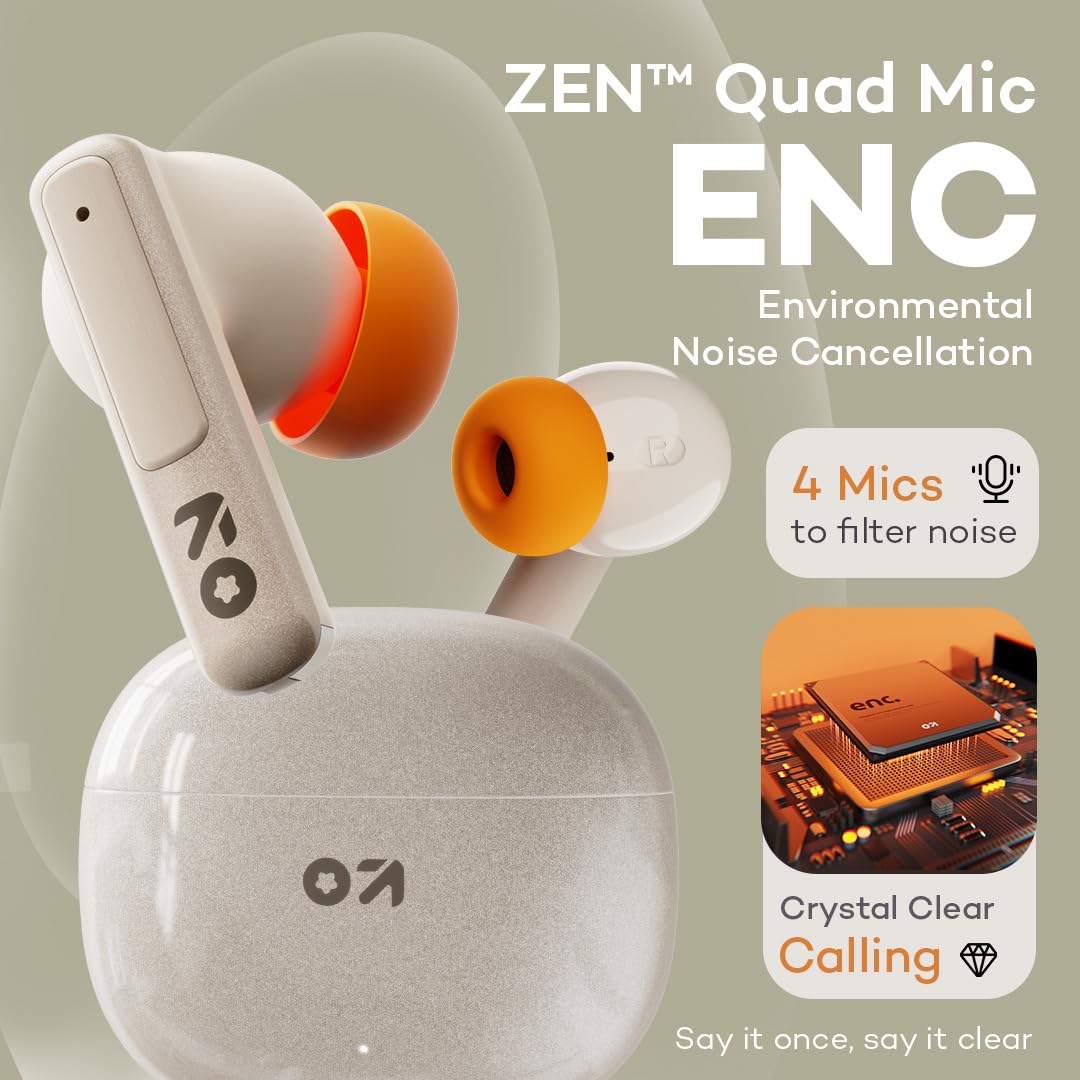
Image: GOBOULT W60 earbuds showcasing ZEN Quad Mic ENC for crystal-clear calls.
Оюн режими
Activate the Combat Gaming mode for an ultra-low latency experience of 50ms, providing synchronized audio during gaming or video playback.
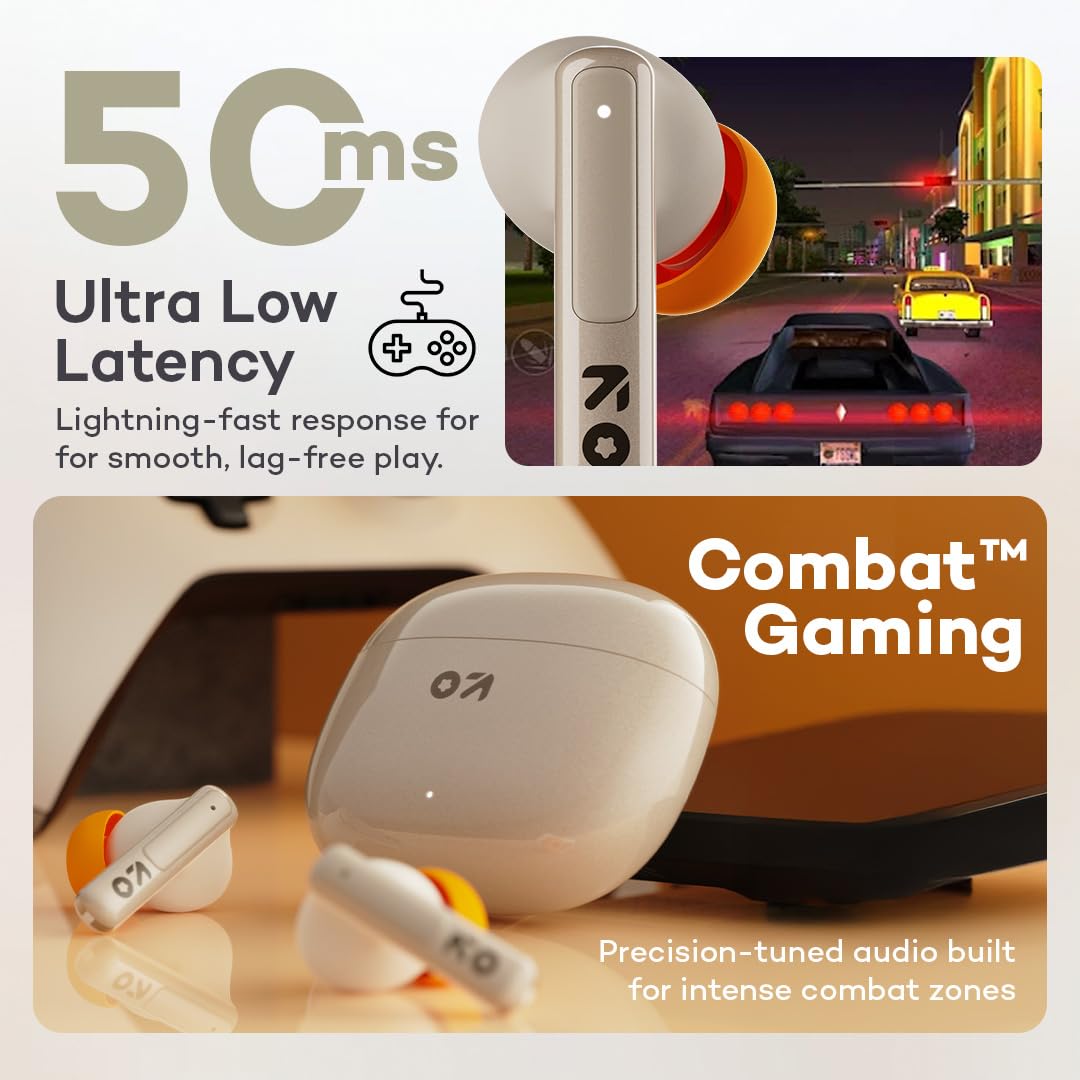
Image: GOBOULT W60 earbuds illustrating low latency for gaming.
Аудио аткаруу
The W60 earbuds feature 13mm dynamic drivers with BoomX technology, delivering supreme bass and immersive sound for an enhanced listening experience.

Image: GOBOULT W60 earbuds highlighting 13mm punchy bass drivers.
Техникалык тейлөө
Тазалоо жана кам көрүү
- Кулакчындарды жана заряддоо кутусун жумшак, кургак, түксүз чүпүрөк менен дайыма тазалап туруңуз.
- Абразивдүү материалдарды, эриткичтерди же аэрозоль чачыраткычтарын колдонуудан алыс болуңуз.
- Кулакчындардагы жана кутудагы кубаттоо контакттары таза жана калдыктары жок экенин текшериңиз.
Суу каршылык
The GOBOULT W60 earbuds are IPX5 water resistant, meaning they are protected against sweat and splashes. They are not designed for submersion in water.

Image: GOBOULT W60 earbuds demonstrating IPX5 water resistance.
Проблемаларды чечүү
If you encounter issues with your GOBOULT W60 earbuds, refer to the following common solutions:
- Үн жок: Кулакчындар кубатталганын, туура жупташтырылганын жана кулакчындар менен туташкан түзмөгүңүздүн үнү туураланганын текшериңиз.
- Жупташтыруу маселелери: Turn off Bluetooth on your device, place earbuds back in the case, close and reopen the case, then try pairing again. Ensure no other devices are actively connected to the earbuds.
- Бир кулакчын иштебей жатат: Place both earbuds in the charging case, close the lid, wait a few seconds, then open the lid and try reconnecting. Check for debris on charging contacts.
- Заряддоо көйгөйлөрү: Verify the Type-C cable and power adapter are working correctly. Ensure the charging contacts on the earbuds and case are clean.
- Чалуу сапаты начар: Ensure the microphones are not obstructed. Check your network signal.
If problems persist, consult the support section or contact customer service.
Техникалык шарттар
| Өзгөчөлүк | Деталь |
|---|---|
| Модель аты | W60 (AirBass) |
| Байланыш технологиясы | Bluetooth 5.4, зымсыз |
| Bluetooth диапазону | 10 метр |
| Аудио драйверинин өлчөмү | 13мм динамикалык драйвер |
| Noise Control | ZEN Quad Mic ENC (Environmental Noise Cancellation) |
| Аудио кечигүү | 50 миллисекунд (Оюн режими) |
| Ойнотуу убактысы (наушник) | 60 саатка чейин (заряддоо кутусу менен) |
| Заряддоо убактысы | 10 Minutes for 4 Hours Playtime |
| Заряддоо порту | Type-C |
| Сууга туруктуулук деңгээли | IPX5 (терге, чачырабайт) |
| Башкаруу түрү | Touch Controls, Voice Assistant (Google Assistant, Siri) |
| Элемент Салмагы | 51.6 грамм |
| Келип чыккан өлкө | Индия |
Кепилдик жана колдоо
Your GOBOULT W60 True Wireless Earbuds come with a warranty. Please refer to the included Warranty Card for details regarding coverage and terms. For further assistance, technical support, or warranty claims, please visit the official GOBOULT store or contact customer service.
GOBOULT Store: Visit GOBOULT Store on Amazon.in


