1. Продукт бүтүп калдыview
The Anona Pano 4K UHD Indoor Camera is a versatile security solution designed for monitoring pets, babies, and general indoor surveillance. It features 4K Ultra HD resolution, 360° pan and 110° tilt capabilities, dual-band Wi-Fi 6 connectivity, and advanced AI detection for persons, pets, and baby crying. This manual provides detailed instructions for setting up, operating, and maintaining your Anona Pano camera.
1.1 Негизги өзгөчөлүктөрү
- Stunning 4K UHD & 8x Zoom: Captures ultra-clear videos with professional-grade lens and 8X digital zoom.
- AI Person/Pet/Crying Detection: Advanced algorithms detect and notify for human presence, pet activity, and baby crying.
- Ultra-Smooth 360° Pan & 110° Tilt: Provides comprehensive coverage with remote-controlled pan and tilt, including auto-tracking.
- Faster Dual-Band Wi-Fi 6: Ensures stable and smooth data transmission with support for both 2.4 GHz and 5 GHz Wi-Fi networks.
- Safer Local or Cloud Storage: Offers flexible storage options with support for up to 512 GB microSD card (not included) and encrypted cloud storage.
- Эки тараптуу аудио: Камера аркылуу байланышууга мүмкүндүк берет.
- Купуялык режими: Allows instant cessation of recording and live view for privacy.
- Alexa жана Google Assistant менен иштейт: Integrates with smart home ecosystems for voice control and streaming.
1.2 Пакеттин мазмуну
Пакетте бардык буюмдар бар экенин текшериңиз:
- Anona Pano Camera
- 5V2A Power Adapter (3m power cable)
- Монтаждоо плитасы
- Screws & Anchors Kit
- Quick Start Guide

Image: Anona Pano 4K UHD Indoor Camera with a smartphone showing its live feed.
2. Орнотуу колдонмосу
2.1 Баштоодон мурун
- Ensure your Wi-Fi network is available (supports 2.4 GHz and 5 GHz).
- Wi-Fi тармагыңыздын атын (SSID) жана сырсөзүңүздү даярдап коюңуз.
- Download the Anona App from your smartphone's app store (iOS or Android).
2.2 Камераны күйгүзүү
- Connect the provided 5V2A power adapter to the camera's power port.
- Кубат адаптерин розеткага сайыңыз.
- The camera will power on, and its indicator light will begin to flash, indicating it's ready for setup.
2.3 Connecting to Wi-Fi via Anona App
- Open the Anona App on your smartphone.
- Каттоо эсебин түзүңүз же сизде мурунтан эле бар болсо кириңиз.
- Жаңы түзмөк кошуу үчүн "+" сөлөкөтүн таптаңыз.
- Follow the on-screen instructions to select your camera model and connect it to your Wi-Fi network. This typically involves scanning a QR code displayed on your phone with the camera, or entering Wi-Fi credentials.
- Once connected, the camera's indicator light will turn solid, and you will see the live feed in the app.
2.4 Камераны орнотуу
The Anona Pano camera can be placed on a flat surface (tabletop) or mounted to a ceiling.
Столдун үстүнө жайгаштыруу:
- Place the camera on a stable, flat surface within range of your Wi-Fi signal.
- Камеранын сиз көзөмөлдөгүңүз келген аймакка так сызыгы бар экенин текшериңиз.
Шыпка орнотуу:
- Choose a suitable location on the ceiling.
- Бургулоочу тешиктерди белгилөө үчүн берилген бекитүүчү пластинаны шаблон катары колдонуңуз.
- Drill holes and insert the anchors if necessary.
- Secure the mounting plate to the ceiling using the provided screws.
- Камераны ордуна бекитилгенче бурап, аны бекитүүчү пластинкага бекитиңиз.
- In the Anona App settings, enable "Image Rotation" if the camera is mounted upside down.
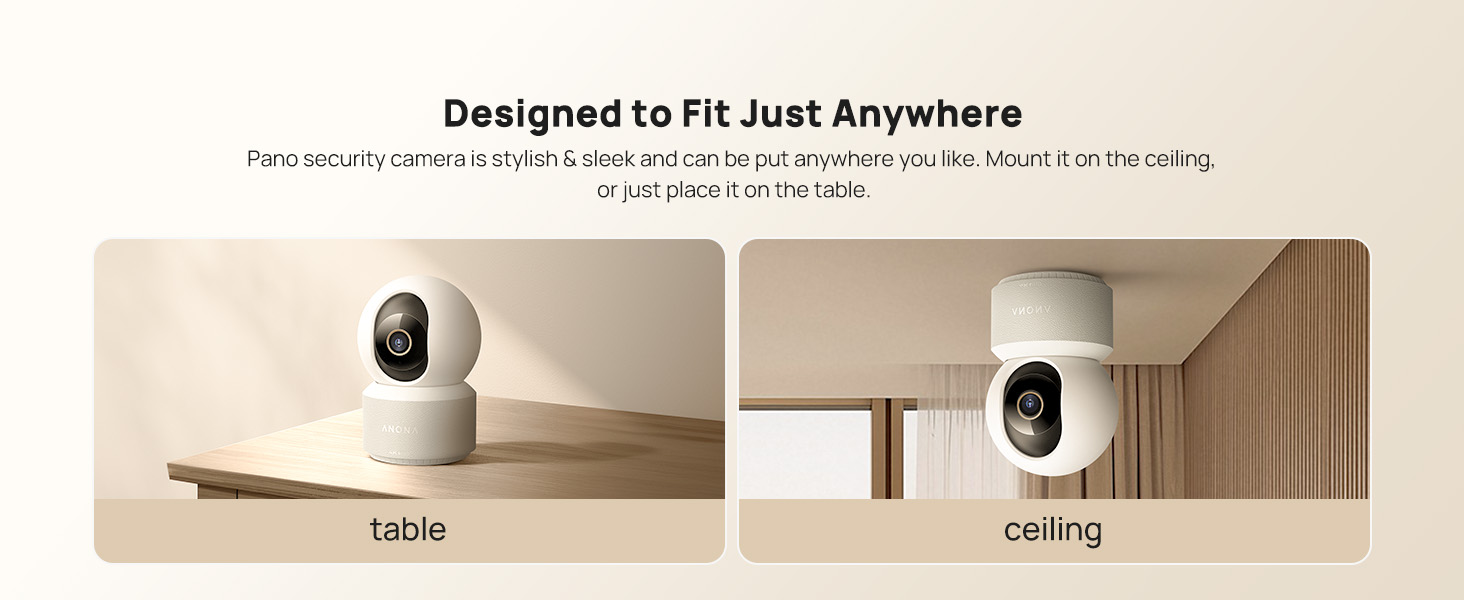
Image: The Anona Pano camera can be placed on a table or mounted to a ceiling.
3. Камераны иштетүү
3.1 Live View жана панорамалоо/кыйшайтуу башкаруусу
- Open the Anona App and select your camera to view жандуу тоют.
- Use the directional controls within the app to pan the camera horizontally (360°) and tilt it vertically (110°) to adjust the viewбурч.

Image: The Anona Pano camera offers 360° pan and 110° tilt for full room coverage.
3.2 Автоматтык түрдө көзөмөлдөө
Enable auto-tracking in the app settings. The camera will automatically detect and follow moving objects within its field of view, ensuring continuous recording of activity.
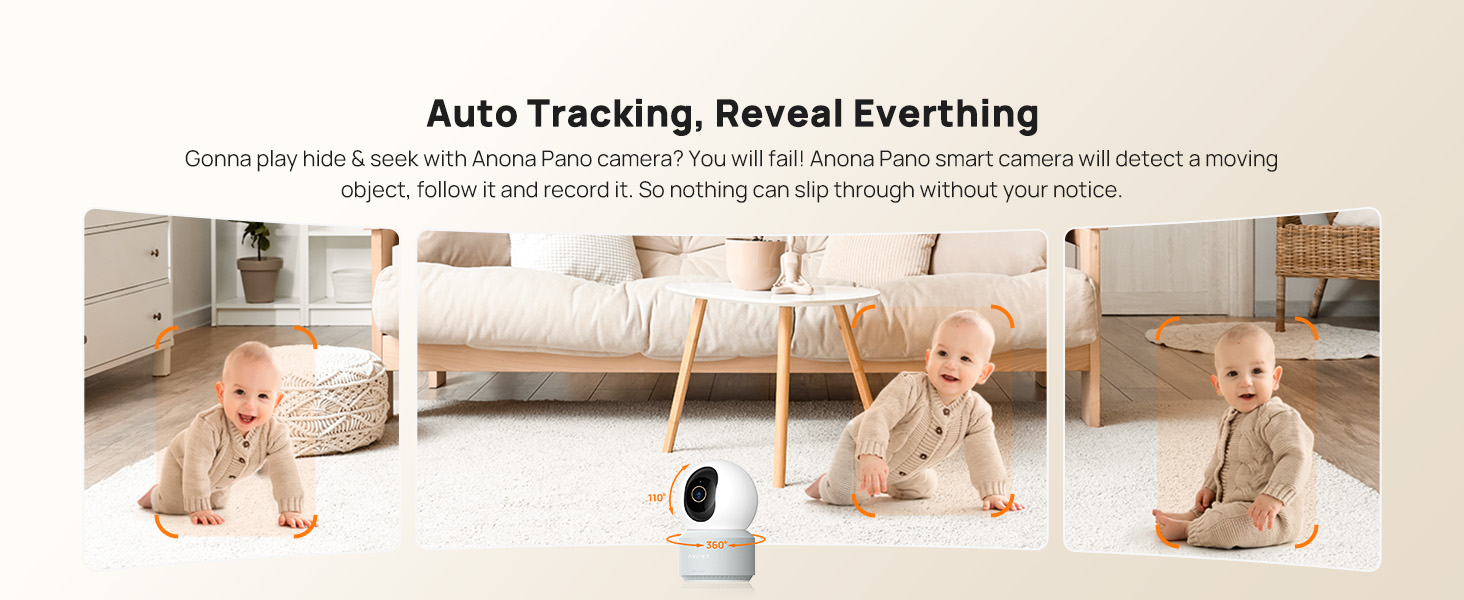
Image: The camera's auto-tracking feature follows moving subjects like a crawling baby.
3.3 Жасалма интеллектти аныктоо жана эскертүүлөр
The Anona Pano camera utilizes AI algorithms for intelligent detection:
- Адамды аныктоо: Identifies human shapes and movements, sending real-time alerts.
- Үй жаныбарларын аныктоо: Recognizes cats and dogs, alerting you to their activity.
- Баланын ыйлаганын аныктоо: Detects the sound of a baby crying and sends immediate notifications.
Configure alert settings and notification preferences within the Anona App.
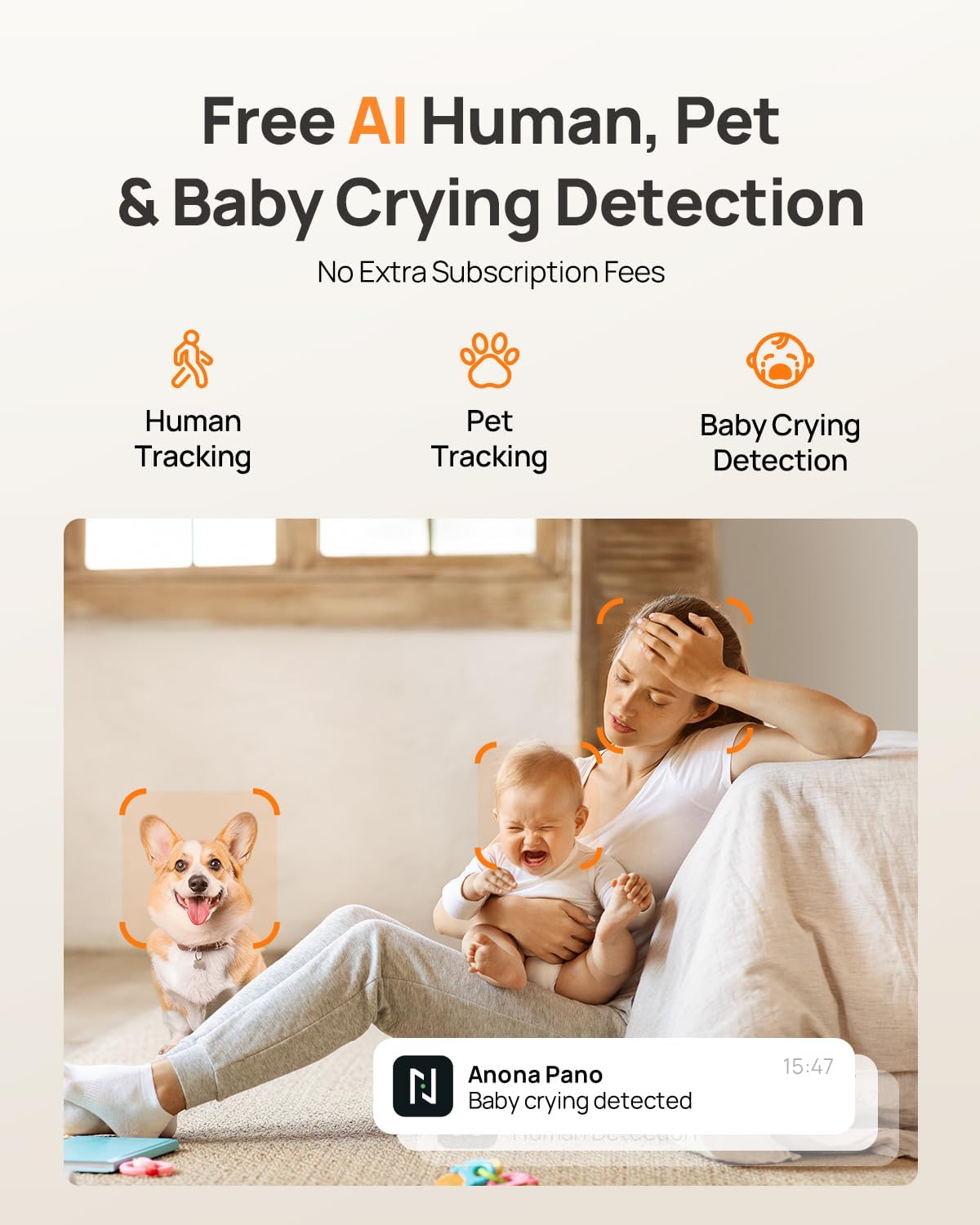
Image: AI detection for human, pet, and baby crying events, with app notification example.
3.4 Эки тараптуу аудио
Use the two-way audio feature to communicate with individuals near the camera. Tap the microphone icon in the live view interface of the Anona App to speak, and listen through the camera's speaker.
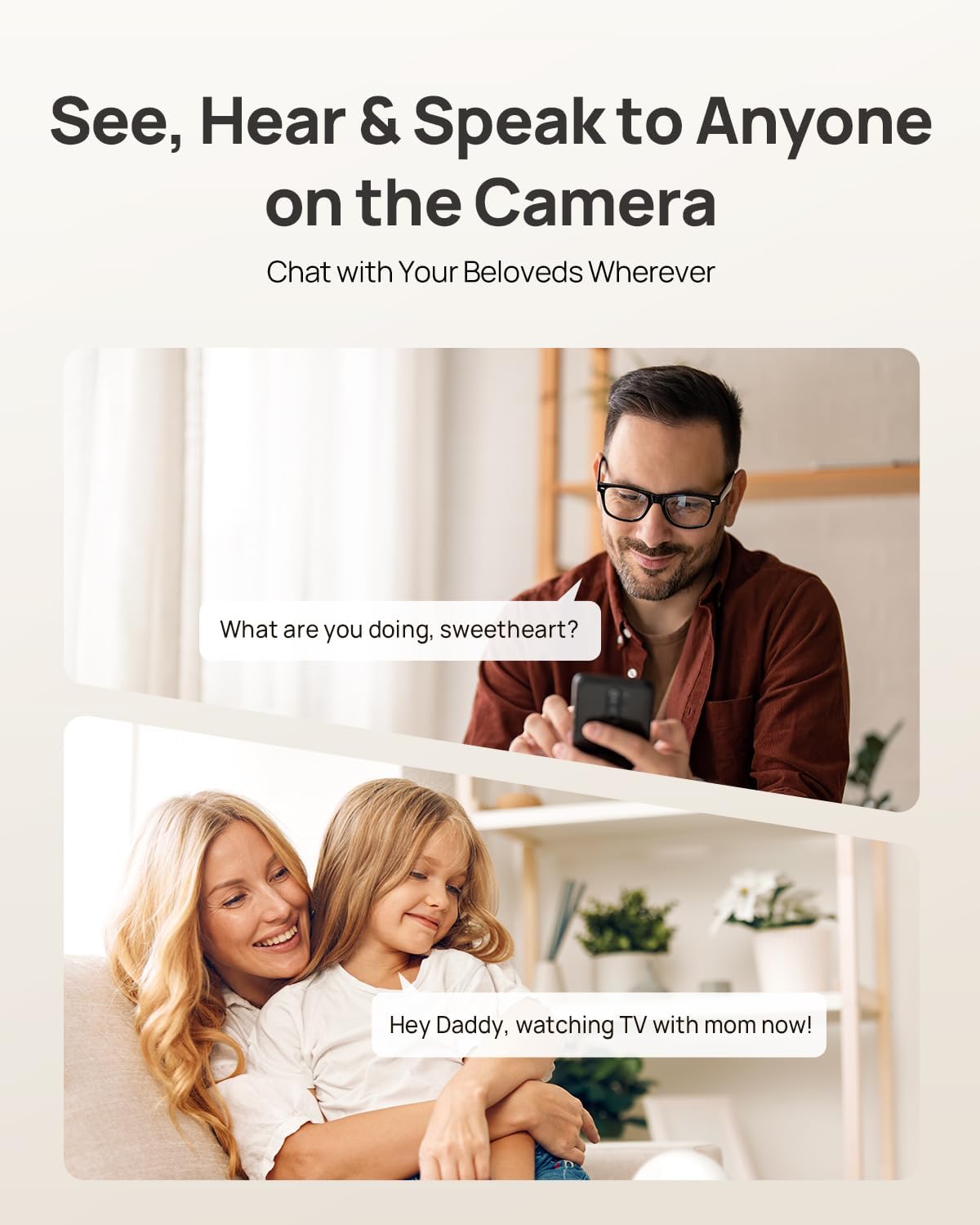
Image: Two-way audio allows communication with family members or pets via the camera.
3.5 Купуялык режими
Activate Privacy Mode via a single tap in the Anona App. This feature instantly stops live view and recording, providing privacy without needing to unplug the camera.

Image: Privacy Mode can be activated with one tap in the app, stopping recording and live view.
3.6 Сактоо параметрлери
The Anona Pano camera supports two storage methods:
- Local Storage (MicroSD Card): Insert a microSD card (up to 512 GB, not included) into the camera's designated slot for local recording. This allows saving up to 150 days of motion-triggered videos or 14 days of 24/7 recordings.
- Булуттагы сактагыч: Opt for Anona Cloud service to save videos securely with AES-128 encryption. Subscription may be required for cloud services.
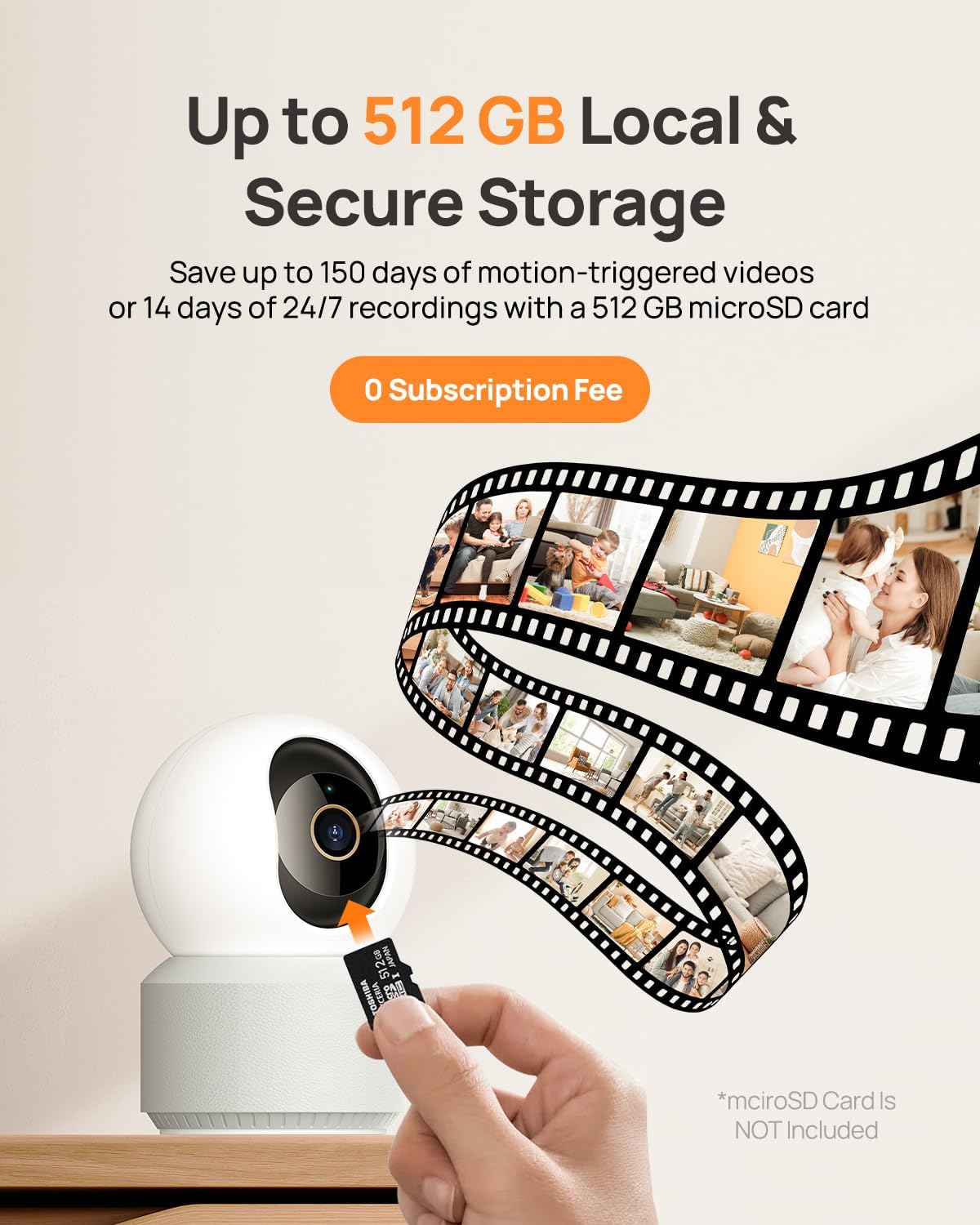
Image: The camera supports local storage via a microSD card (up to 512 GB).
3.7 Түнкү көрүнүш
The camera features F1.6 aperture and powerful IR LEDs for enhanced night vision, allowing clear 4K UHD footage even in low-light or pitch-black conditions up to 30 feet.
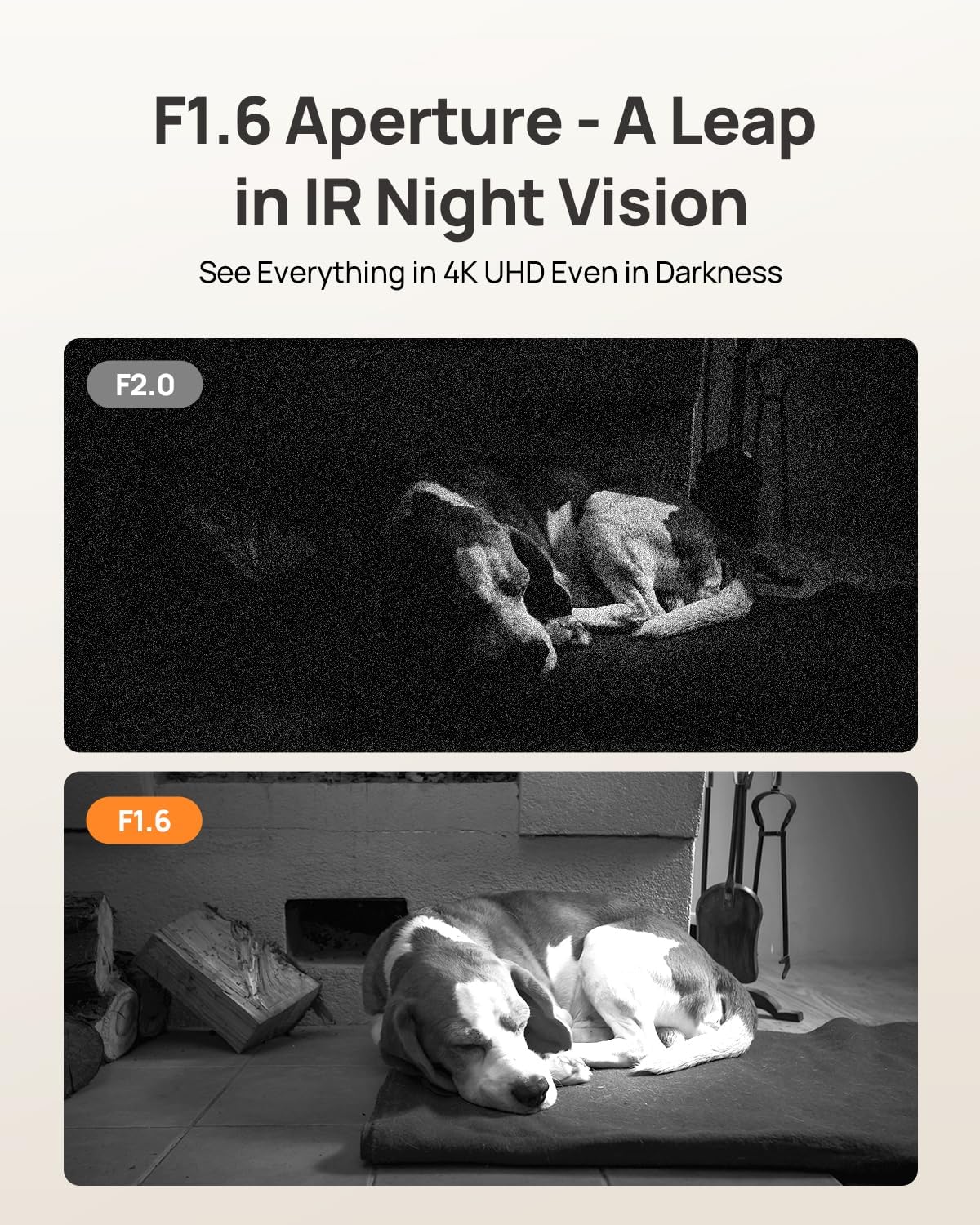
Image: F1.6 aperture provides superior night vision clarity compared to F2.0.
3.8 Smart Home интеграциясы
The Anona Pano camera is compatible with Amazon Alexa and Google Assistant. Link your camera through the respective smart home apps to enable voice commands and stream live video to compatible smart displays.
- Example command: "Hey Alexa, show me the Anona Pano camera!"
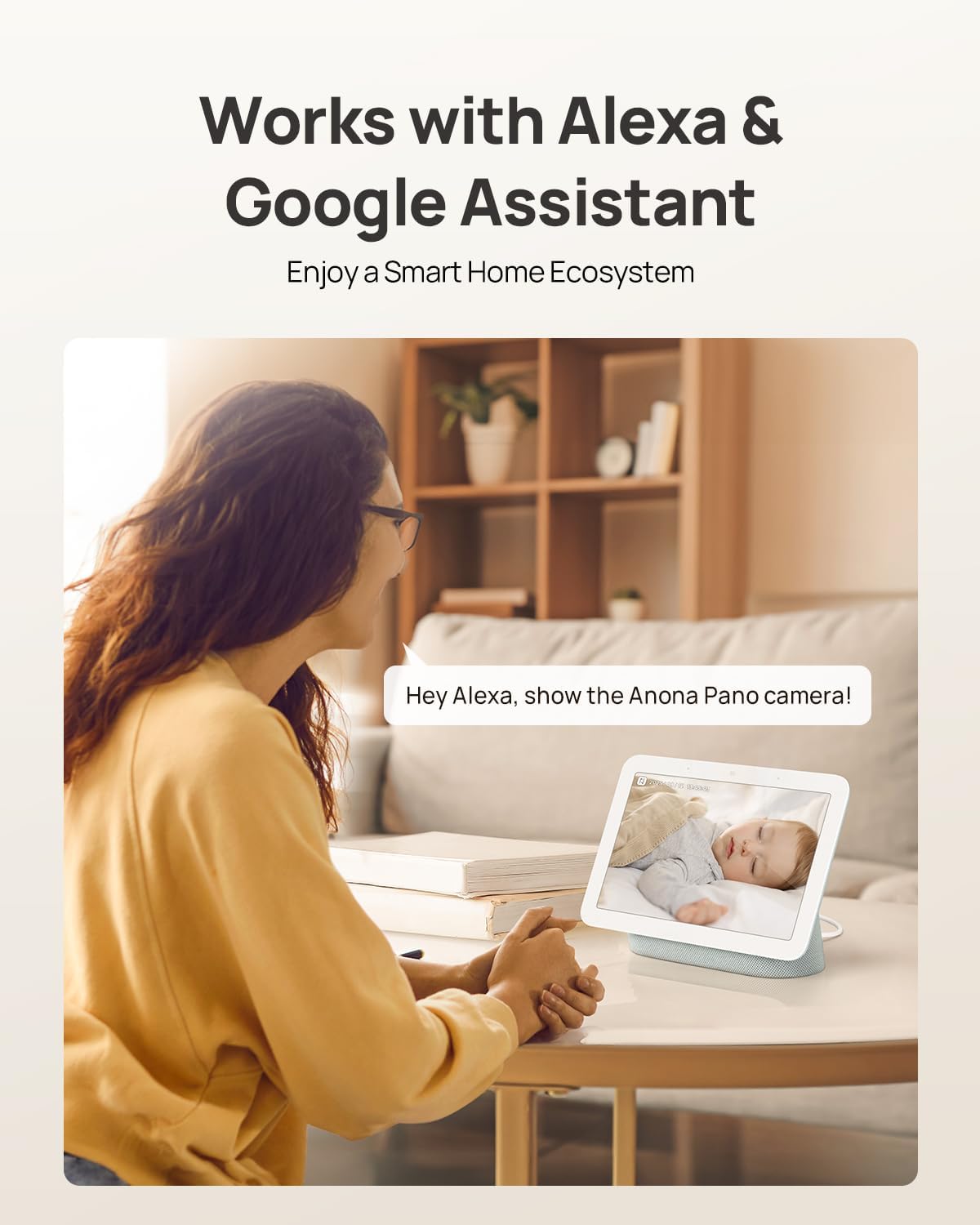
Image: The camera integrates with smart home devices like Amazon Echo Show or Google Nest Hub.
4. Техникалык тейлөө
4.1 Камераны тазалоо
- Тазалоодон мурун камеранын өчүк экенин текшериңиз.
- Камеранын корпусун сүртүү үчүн жумшак, кургак чүпүрөктү колдонуңуз.
- For the lens, use a lens cleaning cloth specifically designed for optics to avoid scratches. Do not use harsh chemicals or abrasive cleaners.
4.2 Микропрограмма жаңыртуулары
Regularly check for firmware updates through the Anona App. Updates often include performance improvements, new features, and security enhancements. The app will typically notify you when an update is available and guide you through the process.
4.3 Сактагычты башкаруу
- MicroSD картасы: Мезгил-мезгили менен кайраview and back up important recordings from your microSD card. When the card is full, older footage will typically be overwritten.
- Булуттагы сактагыч: Manage your cloud storage subscription and review сакталган азык-түлүкtage directly through the Anona App.
5. Кыйынчылыктарды
5.1 Жалпы маселелер жана чечимдер
| Маселе | Мүмкүн себеп | Чечим |
|---|---|---|
| Камера күйбөй жатат | Кубат адаптери туташкан эмес же туура эмес розетка. | Кубат адаптери бекем туташып турганын текшерип, башка розеткадан колдонуп көрүңүз. |
| Wi-Fi'га туташуу мүмкүн эмес | Incorrect Wi-Fi password, camera too far from router, or network interference. | Verify Wi-Fi password, move camera closer to router, ensure router supports 2.4/5 GHz, and restart router. |
| Видеонун сапаты начар | Weak Wi-Fi signal, dirty lens, or insufficient lighting. | Improve Wi-Fi signal strength, clean the camera lens, ensure adequate lighting or rely on night vision. |
| Жасалма интеллектти аныктоо иштебей жатат | Detection settings disabled in app, or objects are out of detection range/angle. | Check and enable detection settings in the Anona App. Adjust camera position for optimal coverage. |
| Эки тараптуу аудио көйгөйлөр | Microphone/speaker muted in app, or network latency. | Ensure audio settings are enabled in the app. Check network connection for stability. |
| MicroSD карта жаздырылбай жатат | Card not inserted correctly, card full, or card not formatted. | Reinsert card, check storage status in app, format card via app if necessary. Ensure card is compatible (up to 512 GB). |
For further assistance, refer to the Anona App's help section or contact customer support.
6. Продукттун спецификациялары
| Өзгөчөлүк | Деталь |
|---|---|
| Модель аты | Anona Pano |
| Ички/тышкы колдонуу | Indoor |
| Видео тартуунун резолюциясы | 4K (8 МП) |
| Оптикалык масштаб | 8x |
| Пан бурчу | 360 градус |
| Тит бурч | 110 градус |
| Байланыш технологиясы | Зымсыз (Wi-Fi) |
| Зымсыз байланыш технологиясы | Bluetooth, Wi-Fi (Dual-Band 2.4/5 GHz Wi-Fi 6) |
| Power Source | Электр зымдары (5V) |
| Controller Type | Колдонмо, Алыстан башкаруу, Үн (Amazon Alexa, Google Жардамчысы) |
| Монтаж түрү | Tabletop Mount, Freestanding, Ceiling Mount |
| Түнкү көрүү диапазону | 30 Фут |
| Frame Rate | секундасына 15 кадр |
| Материал | Пластик |
| Элементтин өлчөмдөрү (L x W x Y) | 3.23 x 3.11 x 4.77 дюйм |
| Элемент Салмагы | 14.9 унция (0.93 фунт) |
| Флэш эс тутумдун максималдуу өлчөмү | 512 ГБ (Micro SD) |
| Өзгөчөлүктөр | 2-Way Talk, 2.4/5G WiFi, 355° Pan & 110° Tilt, 4K 8MP Resolution, AI Person/Pet/Cry Detection |
7. Кепилдик жана колдоо
7.1 Продукциянын кепилдиги
Anona products typically come with a manufacturer's warranty. Please refer to the warranty card included in your product packaging or visit the official Anona website for detailed warranty terms and conditions. Protection plans may also be available for extended coverage.
- Optional 2-Year Protection Plan
- Optional 3-Year Protection Plan
7.2 Кардарларды колдоо
If you encounter any issues or have questions regarding your Anona Pano camera, please contact Anona Customer Support. You can usually find contact information (email, phone, or support portal) on the official Anona website or within the Anona App's help section.
Акыркы маалымат жана колдоо ресурстары үчүн, сураныч, төмөнкү дарекке кириңиз Anona Store on Amazon.


