1. Киришүү
The BOBLOV M11 Police Body Camera is a high-performance wearable device designed for capturing crystal-clear 3.2K video with audio. It is suitable for a variety of applications including law enforcement, security personnel, commuters, delivery staff, and personal security. This manual provides essential information for the proper setup, operation, and maintenance of your M11 body camera.

Image: The BOBLOV M11 Police Body Camera shown with its various accessories, highlighting its compact design and included clips.
2. Пакеттин мазмуну
Пакетиңизде бардык буюмдар бар экенин текшериңиз:
- M11 камера
- Узун клип
- Кыска клип
- User Manual
- USB кабели
- Hand Strap
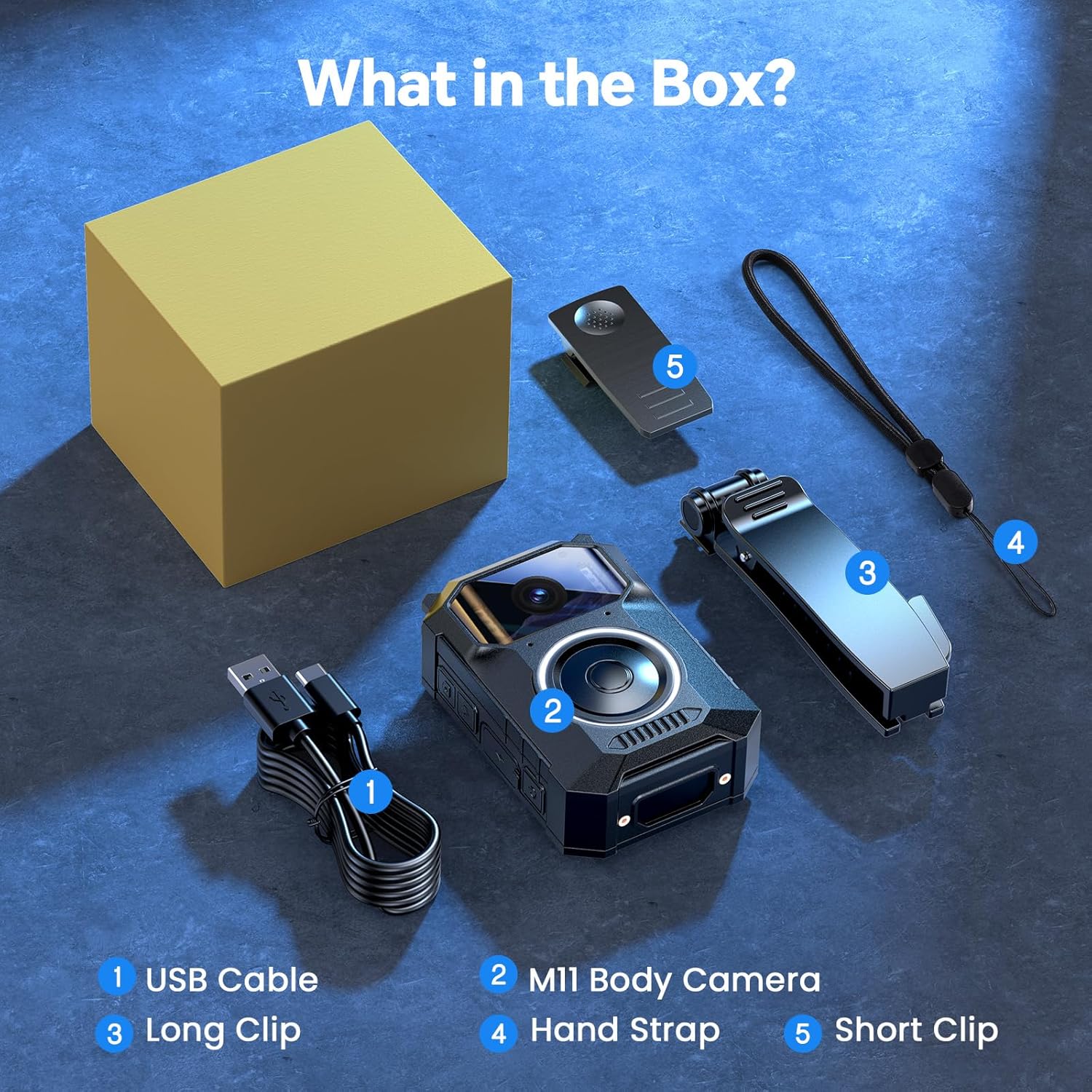
Image: A visual representation of the BOBLOV M11 package contents, including the camera, clips, USB cable, and hand strap.
3. Продукт бүтүп калдыview
The M11 body camera features a robust design with intuitive controls for ease of use in various situations.
Негизги өзгөчөлүктөрү:
- Crystal-Clear 3.2K Video with Audio: Records in 3.2K resolution for high-definition footage.
- User-Friendly Big Button Design: A large, easily accessible button for quick operation, even in stressful situations.
- 10H Long-Lasting Battery: Provides up to 10 hours of continuous video recording on a single charge.
- Жакшыртылган түнкү көрүнүш: Equipped with 8 built-in infrared (IR) lights for clear visibility in low-light conditions.
- Windows & Mac Compatibility: Footage can be easily transferred and viewed on both Windows and Mac operating systems without additional software.
- Туруктуу курулуш: Designed to work reliably in light rain and various outdoor conditions.

Image: Close-up of the BOBLOV M11 body camera, highlighting its large, easily accessible back button for quick recording activation.

Сүрөт: алдыңкы view of the BOBLOV M11 camera, showing the lens, microphone, and indicator lights.
4. Орнотуу
4.1 Камераны заряддоо
Before first use, fully charge the M11 camera. Connect the provided USB cable to the camera's charging port and to a USB power source (e.g., computer, wall adapter). The charging indicator light will show the charging status.
4.2 Күйгүзүү/өчүрүү
- Күйгүзүү үчүн: Индикатор жарыгы күйгүчө кубат баскычын басып, кармап туруңуз.
- Өчүрүү үчүн: Индикатор жарыгы өчкөнчө кубат баскычын басып, кармап туруңуз.
5. Иштөө нускамалары
5.1 Видео жаздыруу
To start recording, short press the large button. The blue indicator light will flash, indicating that recording is in progress. Short press the button again to stop recording. The camera will save the file жана күтүү режимине кайтуу.
Video: An official BOBLOV video demonstrating the M11 3.2K Body Camera's features, including its large button for easy recording and 10-hour video record capability.
5.2 Түнкү көрүнүш
The M11 camera automatically activates its 8 IR night vision lights in low-light environments to ensure clear footage even after dark. No manual activation is required.
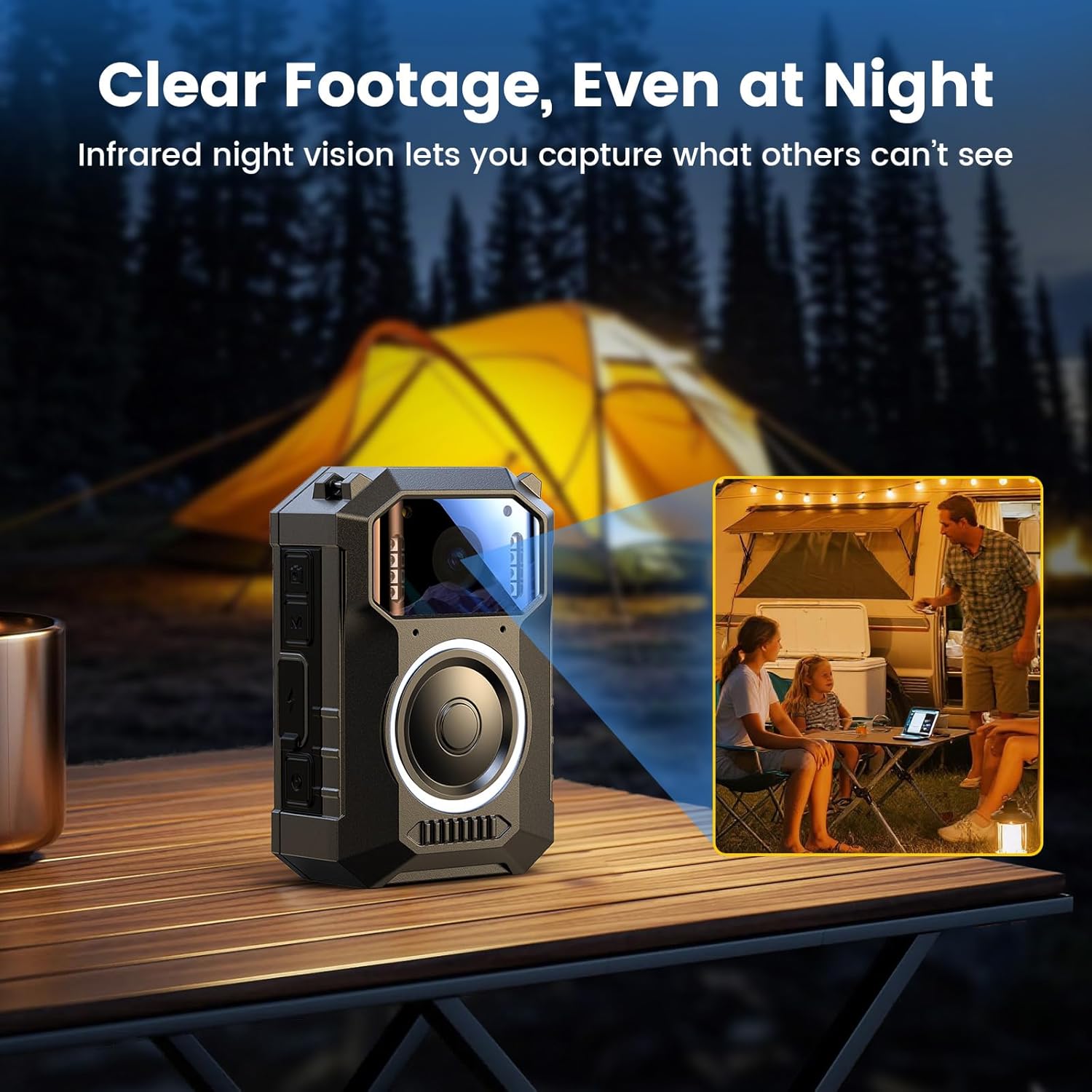
Image: The BOBLOV M11 body camera capturing clear footage in a low-light outdoor setting, demonstrating its enhanced night vision capabilities with 8 IR lights.
5.3 Компьютерге туташуу
To transfer or view footage, connect the camera to your Windows or Mac computer using the provided USB cable. The camera will appear as a removable disk, allowing you to access your recorded files directly. No extra software is needed.
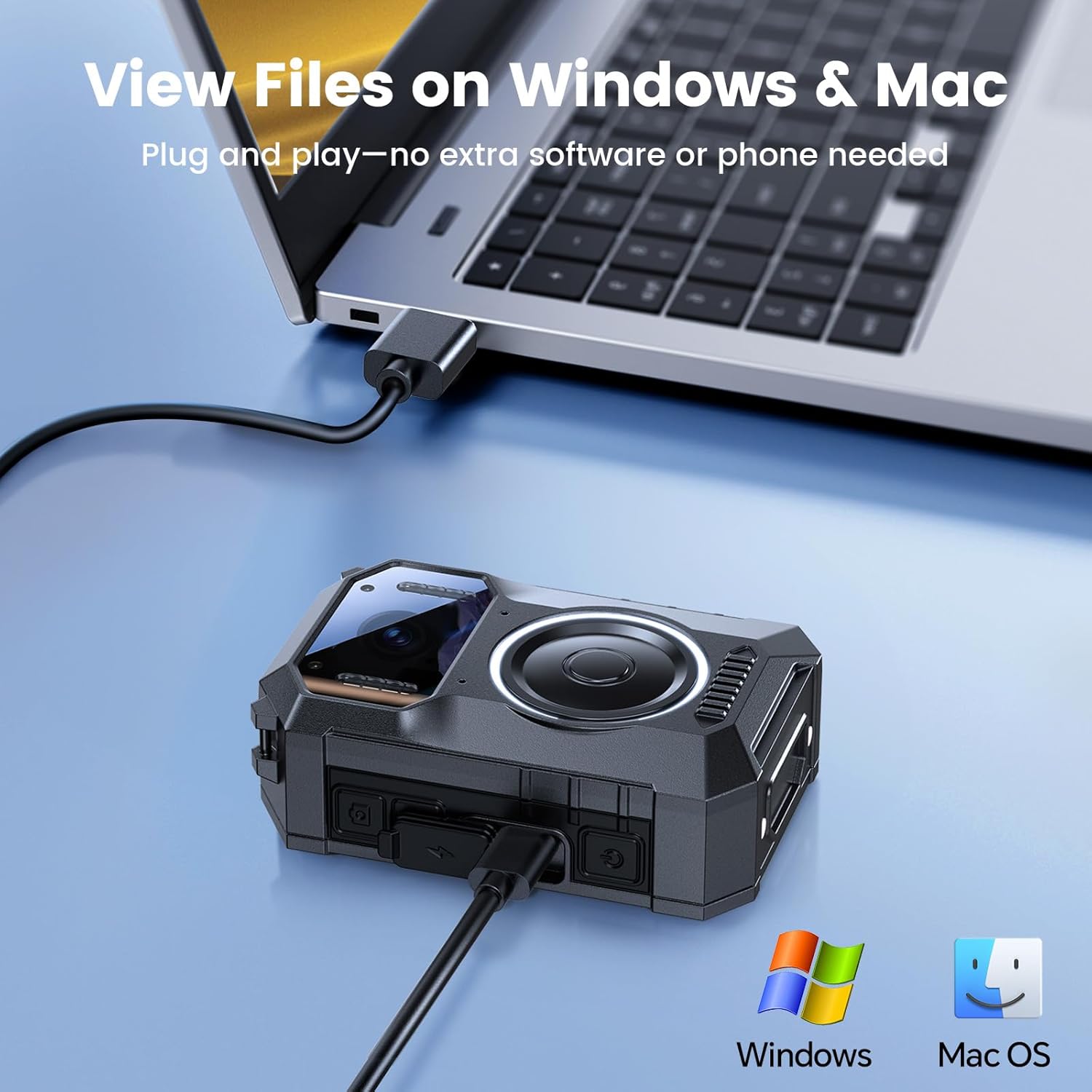
Image: The BOBLOV M11 body camera connected to a laptop via USB cable, illustrating its compatibility with Windows and Mac for file которуу жана viewing.
6. Wearing the Camera
The M11 body camera offers flexible wearing options to suit various scenarios, ensuring hands-free recording.
6.1 Using the Clips
Attach either the long or short clip to the back of the camera. These clips allow you to securely fasten the camera to clothing, pockets, or gear. The clips are designed for 360-degree rotation, enabling you to adjust the camera's angle as needed.
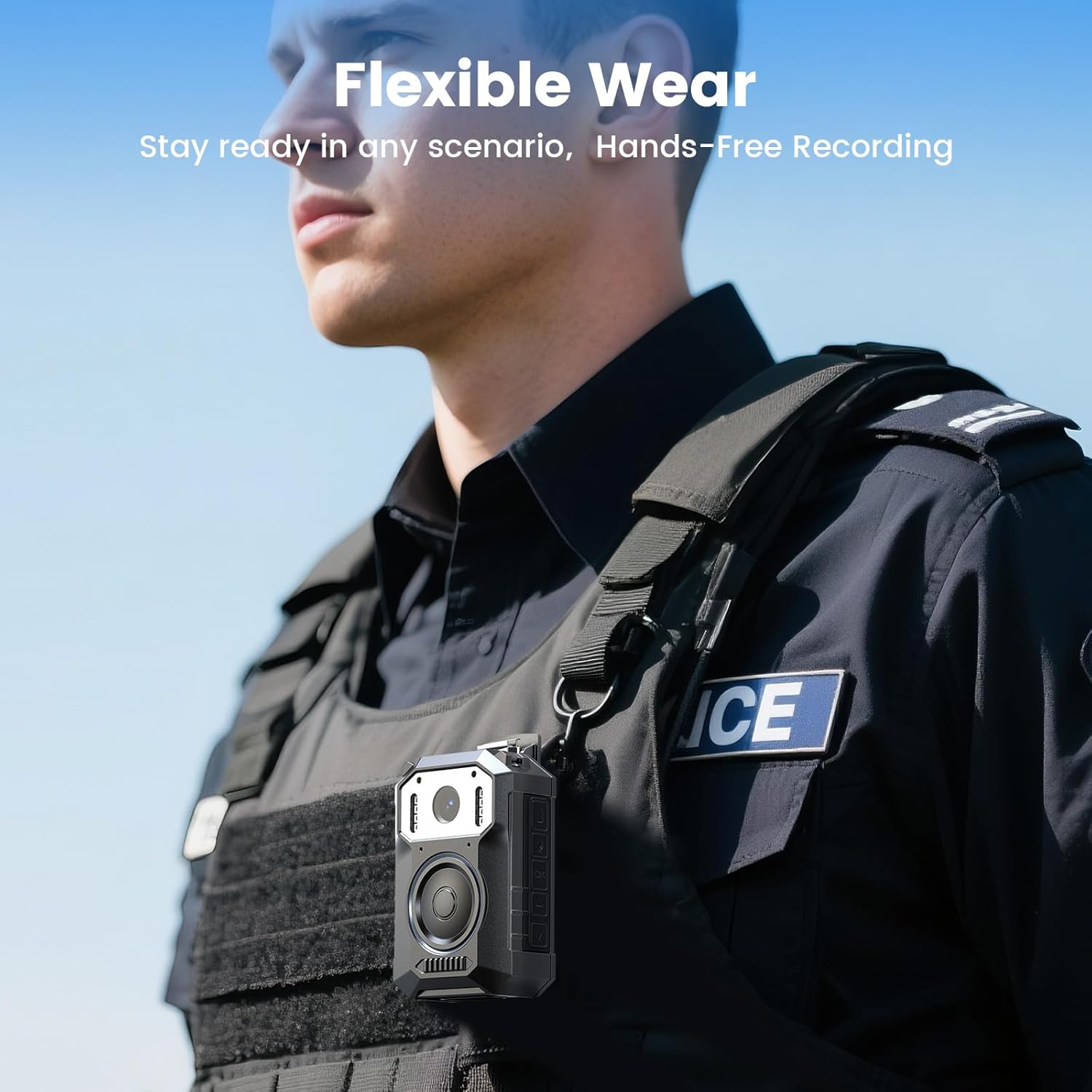
Image: A person wearing the BOBLOV M11 body camera clipped to their tactical vest, demonstrating its flexible wearability for hands-free recording.
6.2 Кол боосун колдонуу
The included hand strap can be attached to the camera for additional security or alternative carrying methods.
7. Техникалык тейлөө
- Тазалоо: Use a soft, dry cloth to clean the camera body and lens. Avoid using harsh chemicals or abrasive materials.
- Сактагыч: Камераны салкын, кургак жерде күндүн тике тийген нурунан жана экстремалдык температурадан алыс сактаңыз.
- Батареяга кам көрүү: For optimal battery life, avoid fully discharging the battery frequently. Charge the camera regularly, even if not in use for extended periods.
8. Кыйынчылыктарды
| Көйгөй | Мүмкүн себеп | Чечим |
|---|---|---|
| Камера күйбөйт. | Батарея аз. | Камераны толугу менен заряддаңыз. |
| Видео жаздыруу мүмкүн эмес. | Сактоочу жай жетишсиз. | Эскисин жок кылуу files or replace the memory card. |
| Видеонун сапаты начар. | Кир линза. | Камера линзасын жумшак чүпүрөк менен тазалаңыз. |
| Камера компьютер тарабынан таанылган жок. | USB кабели же порту туура эмес. | Try a different USB cable or computer port. Ensure the camera is powered on. |
9. Техникалык шарттар
| Өзгөчөлүк | Деталь |
|---|---|
| Бренд | БОБЛОВ |
| Модель номери | M11 |
| Видео тартуунун резолюциясы | 3.2K |
| Элемент Салмагы | 1.17 фунт |
| Пакеттин өлчөмдөрү | 5.91 x 3.94 x 3.15 дюйм |
| Батареялар | 1 А батарейка талап кылынат (кошулган) |
| Түс | Кара |
| Өзгөчөлүктөр | Built-in Microphone, Portable, USB Port, Waterproof |
| Фото сенсор технологиясы | CMOS |
| Максималдуу фокус узундугу | 20 миллиметр |
| Максималдуу диафрагма | 2 f |
| Flash эс тутум түрү | Микро SD |
| Видео тартуу форматы | MOV |
| Screen Size | 2 дюйм |
| Байланыш технологиясы | USB |
10. Кепилдик жана колдоо
BOBLOV provides 24 months of product coverage for registered users. For any technical assistance or inquiries, please contact BOBLOV customer support. We aim to provide a quick response within 24 hours and offer lifetime technical support.
Кошумча жардам алуу үчүн, сураныч, баш багыңыз Amazon'догу BOBLOV дүкөнү.


