Introduction
Thank you for choosing the ZEBRONICS Transformer M Plus Wired Gaming Mouse. This manual provides detailed instructions for setting up, operating, and maintaining your new gaming mouse to ensure optimal performance and an enhanced gaming experience. Please read this manual thoroughly before use.
Пакеттин мазмуну
- ZEBRONICS Transformer M Plus Wired Gaming Mouse
- USB to Type C Cable (1.5m detachable)
Продукт бүттүview
The ZEBRONICS Transformer M Plus is a high-performance wired gaming mouse designed for precision and comfort. It features 6 programmable buttons, a 6-level DPI switch, and 8 RGB lighting modes.
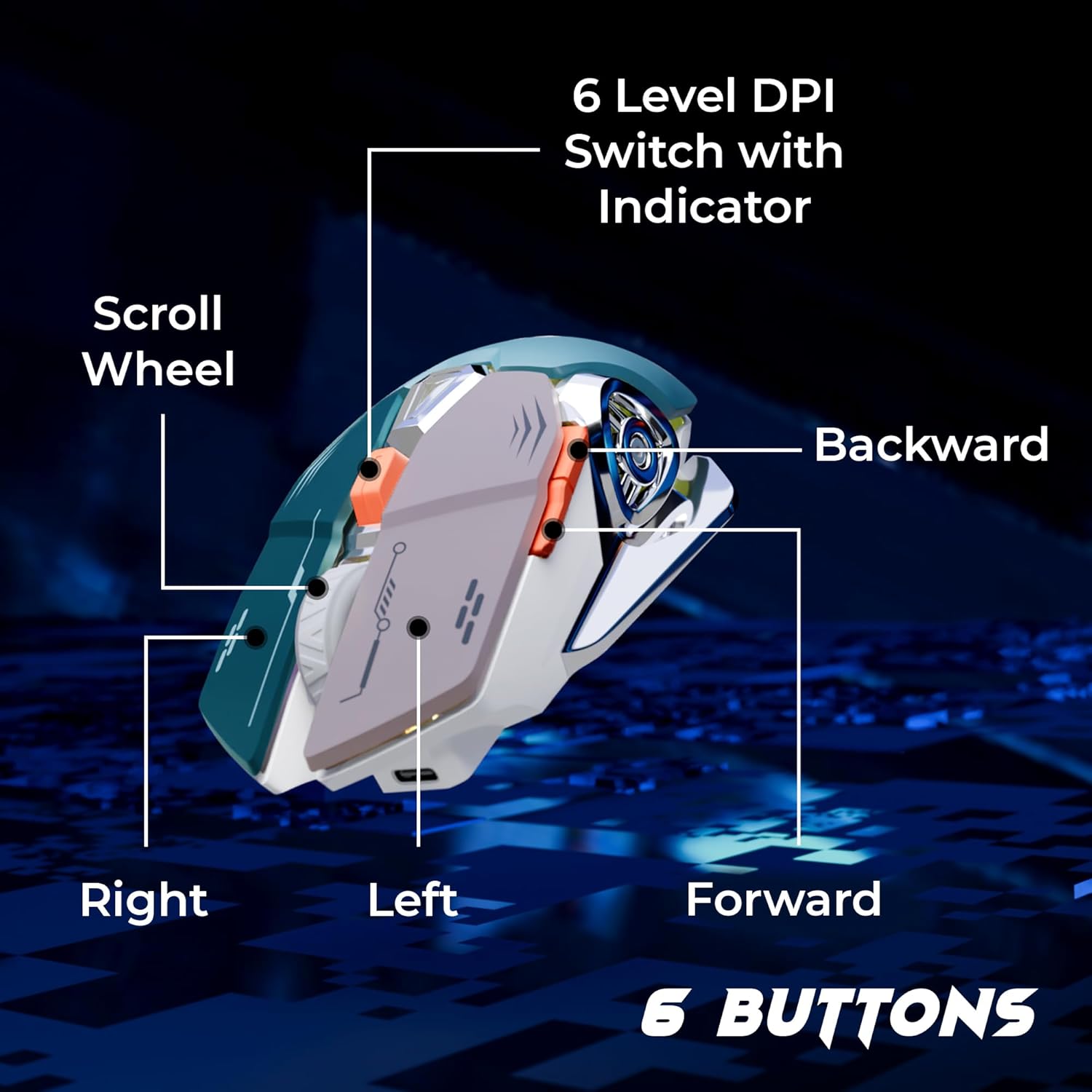
Сүрөт: Бүттүview of the mouse buttons, including Left, Right, Scroll Wheel, Forward, Backward, and 6-Level DPI Switch with Indicator.
- Сол чыкылдатуу баскычы: Стандарттык сол чычкан баскычы функциясы.
- Оң баскычты чыкылдатуу: Стандарттык оң чычкан баскычы функциясы.
- Жылдыруу дөңгөлөгү: Жылдыруу жана ортоңку чыкылдатуу функциясы үчүн.
- Алга баскычы: Алга карай жылдырат web браузерлер же тиркемелер.
- Артка баскычы: Артка карай багыт алат web браузерлер же тиркемелер.
- DPI которуу баскычы: Cycles through 6 customizable DPI levels.
Жайгашуу
- Кабелди туташтыруу: Attach the USB to Type C cable to the mouse's Type C port.
- Plug into Computer: Кабелдин USB-A учун компьютериңиздеги жеткиликтүү USB портуна кыстарыңыз.
- Драйверди орнотуу: The mouse is plug-and-play. Your operating system will automatically detect and install the necessary drivers. No additional software installation is required for basic functionality.

Сүрөт: The detachable 1.5-meter USB to Type C cable and its USB-A connector for computer connection.
Иштөө нускамалары
DPI тууралоо
The mouse features a 6-level DPI switch, allowing you to adjust cursor sensitivity on the fly. Press the DPI button (located behind the scroll wheel) to cycle through the available DPI settings. An indicator light will change to show the current DPI level.
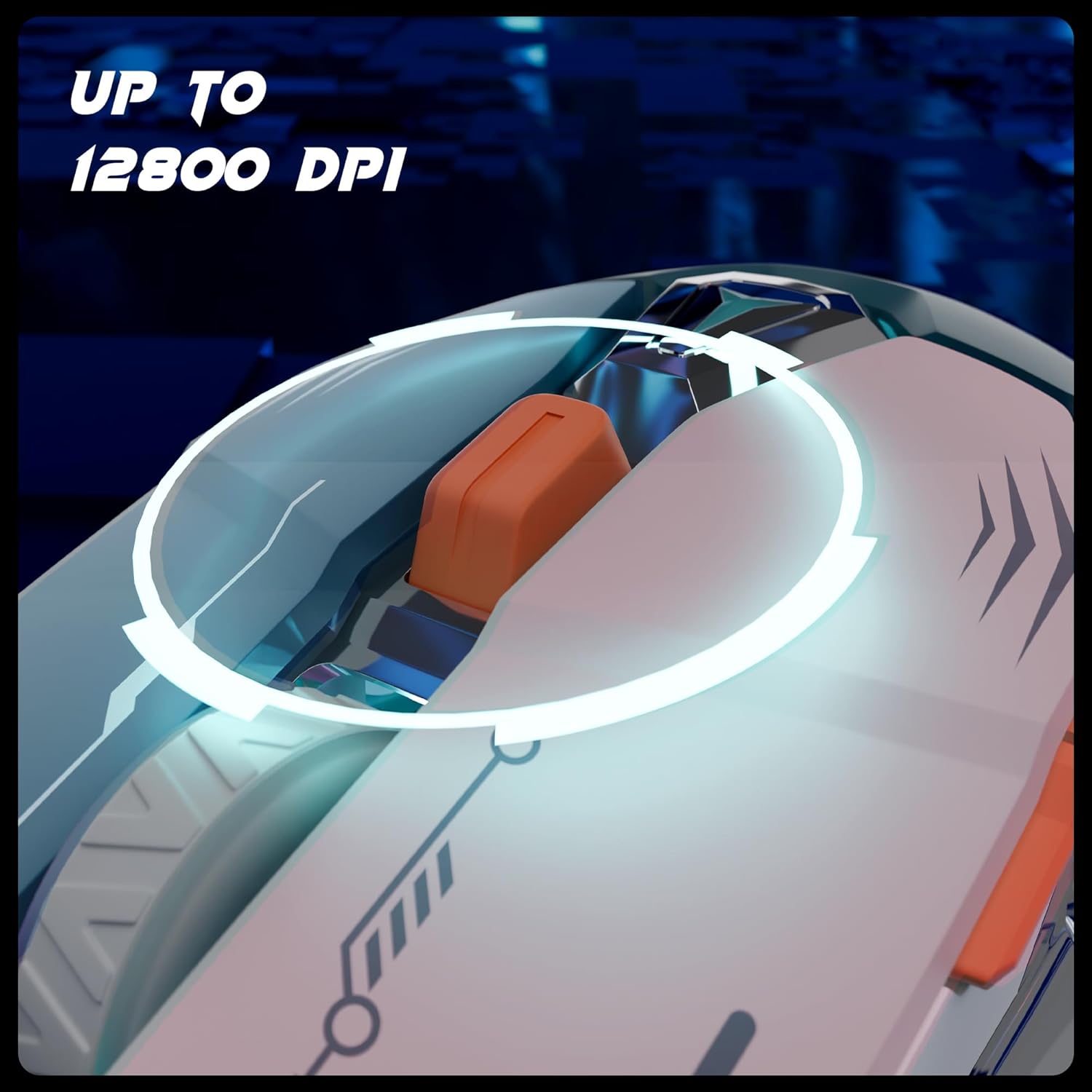
Сүрөт: The DPI switch button and its function, enabling quick sensitivity changes up to 12800 DPI.
The mouse supports up to 12800 DPI for ultra-fast tracking and precise cursor movement.
RGB жарык режимдери
Customize your gaming setup with 8 dynamic RGB lighting modes. A dedicated button (often combined with the DPI button or a separate button on the mouse) allows you to cycle through these modes. Refer to the product's specific button layout for the RGB control button.
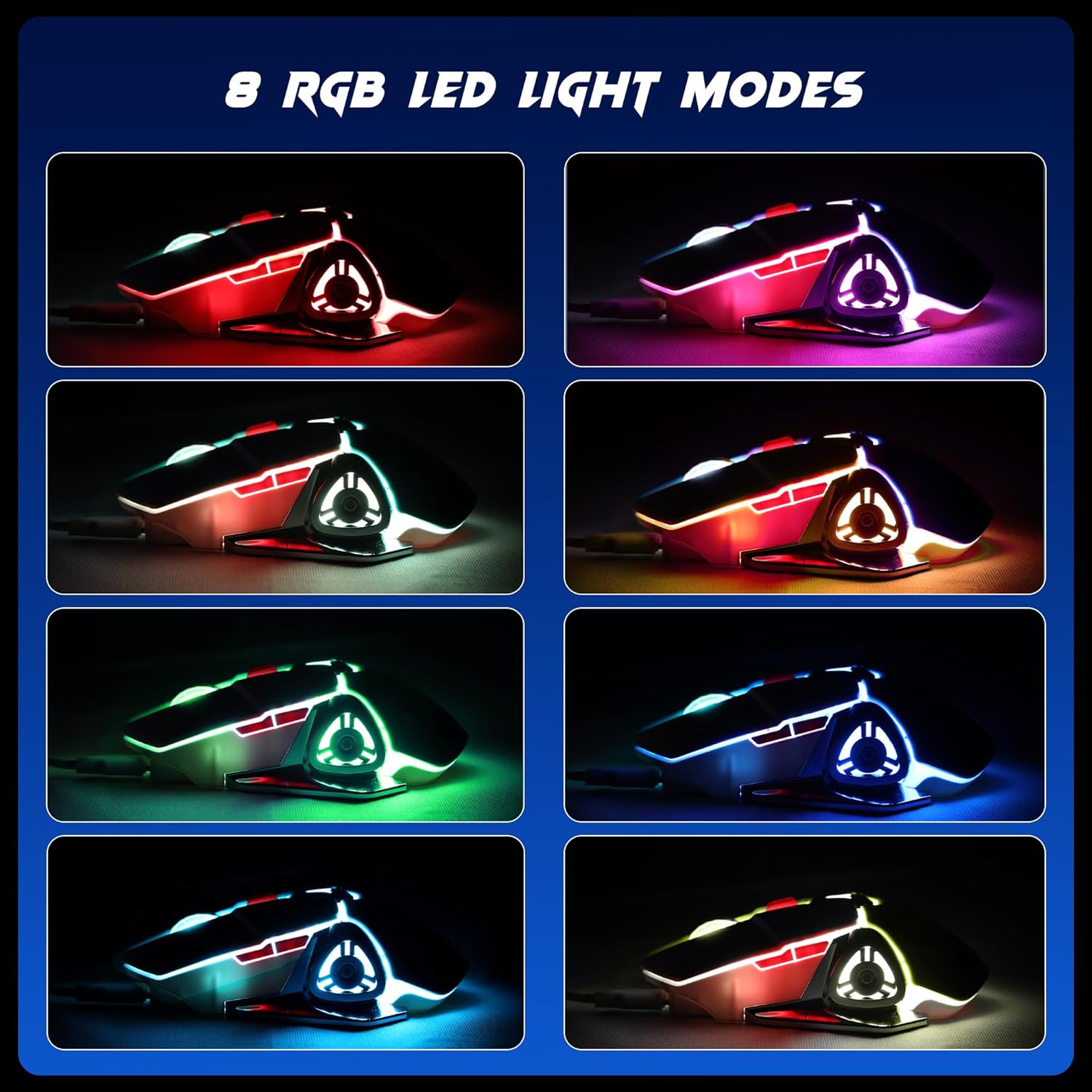
Сүрөт: Visual representation of the 8 distinct RGB LED light modes available on the mouse.
Добуш берүү көрсөткүчү
The mouse operates at a 1000Hz polling rate, ensuring a rapid response time and minimal input lag for smoother gameplay.

Сүрөт: Illustration of the mouse's 1000Hz polling rate and high accuracy tracking.
Техникалык тейлөө
- Тазалоо: Чычканды тазалоо үчүн жумшак, кургак чүпүрөктү колдонуңуз. Катуу химиялык заттарды же абразивдүү материалдарды колдонуудан алыс болуңуз.
- Кабельге кам көрүү: Handle the detachable cable carefully. Avoid sharp bends or excessive pulling to prevent damage.
- Сактагыч: Store the mouse in a dry, dust-free environment when not in use.
Проблемаларды чечүү
- Чычкан жооп бербейт:
- USB кабелинин чычканга да, компьютерге да бекем туташтырылганын текшериңиз.
- Чычканды компьютериңиздеги башка USB портуна сайып көрүңүз.
- Компьютериңизди өчүрүп күйгүзүңүз.
- Көз салуу маселелери:
- Чычкандын астыңкы жагындагы оптикалык сенсорду жумшак чүпүрөк менен тазалаңыз.
- Чычканды ылайыктуу жерде (мисалы, чычкан аянтчасында) колдонуп жатканыңызды текшериңиз.
- Adjust the DPI settings using the DPI switch button.
- RGB жарыктары иштебейт:
- Ensure the mouse is properly connected and powered.
- Cycle through the RGB modes using the dedicated button to see if it responds.
Техникалык шарттар
| Өзгөчөлүк | Деталь |
|---|---|
| Бренд | ЗЕБРОНИКА |
| Модель номери | ZEB TRANSFORMER M PLUS |
| Байланыш технологиясы | USB Wired |
| Кыймылды аныктоо технологиясы | Оптикалык |
| DPI диапазону | Up to 12800 DPI (6-level switch) |
| Добуш берүү көрсөткүчү | 1000Hz |
| баскычтардын саны | 6 |
| RGB жарыктандыруу | 8 режим |
| Кабелдин узундугу | 1.5m (Detachable) |
| Өлчөмдөрү (LxWxH) | 13 x 8.3 x 0.1 сантиметр |
| Элемент Салмагы | 111 г |
| Power Source | USB менен иштейт |
| Келип чыккан өлкө | Кытай |
Кепилдик жана колдоо
For warranty information, technical support, or service inquiries, please refer to the warranty card included with your product or visit the official ZEBRONICS webсайт. Кепилдик дооматтары үчүн сатып алуу дүмүрчөгүңүздү сактаңыз.
Official ZEBRONICS Webсайт: www.zebronics.com


