1. Introduction and Overview
The Google Pixel 10 is an advanced Android smartphone featuring the Google Tensor G5 chip, an incredible camera system, and integrated Gemini AI for enhanced productivity and creativity. This manual provides essential information to help you get the most out of your device.
Негизги өзгөчөлүктөрү:
- Google Tensor G5: Pixel’s most powerful chip for optimal performance.
- Advanced Triple Rear Camera: Features a new 5x telephoto lens with up to 20x Super Res Zoom, Night Sight for low-light photography, and Camera Coach for improved shots.
- Gemini AI Assistant: Built-in AI for natural conversations, brainstorming, and app integration.
- Unlocked Android Phone: Provides flexibility to choose carriers and data plans.
- Туруктуу дизайн: Scratch-resistant Corning Gorilla Glass Victus 2 and IP68 water and dust protection.
- Актуа дисплейи: 6.3-inch display with 3,000-nit peak brightness for clear visibility in direct sunlight.
- Узак мөөнөттүү батарея: Fast-charging 24+ hour battery life.

Image: Google Pixel 10 showcasing its design and Gemini AI integration.
Видео: Бүттүview of the Google Pixel 10 Pro XL, highlighting key features and design elements.
2. Кутуда эмне бар
Google Pixel 10 кутусунан чыгаргандан кийин, сиз төмөнкү нерселерди табышыңыз керек:
- Google Pixel 10 уюлдук телефону
- USB Cable (USB-C to USB-C, USB 2.0)
- Warranty Booklet (not shown)

Image: The Google Pixel 10 smartphone and its included USB-C cable.
Video: An unboxing of the Google Pixel 10 base model, showing the phone and its accessories.
3. Орнотуу
Алгачкы түзмөктү активдештирүү:
- Power on your Pixel 10 by pressing and holding the power button.
- Тилди жана аймакты тандоо үчүн экрандагы көрсөтмөлөрдү аткарыңыз.
- Жөндөөнү улантуу үчүн Wi-Fi тармагына туташыңыз.
eSIM иштетүү:
The Pixel 10 is eSIM-only, meaning it does not use a physical SIM card. You will activate your cellular plan digitally during the phone setup process. This allows for digital plan switching and storing multiple numbers.

Image: Close-up of the Google Pixel 10 highlighting its eSIM capability for digital plan management.
Data Transfer from Old Phone:
The Pixel 10 is designed for easy data transfer from your previous device. Follow the on-screen instructions during initial setup to migrate your contacts, photos, apps, and other data. This process typically takes about 20 minutes.
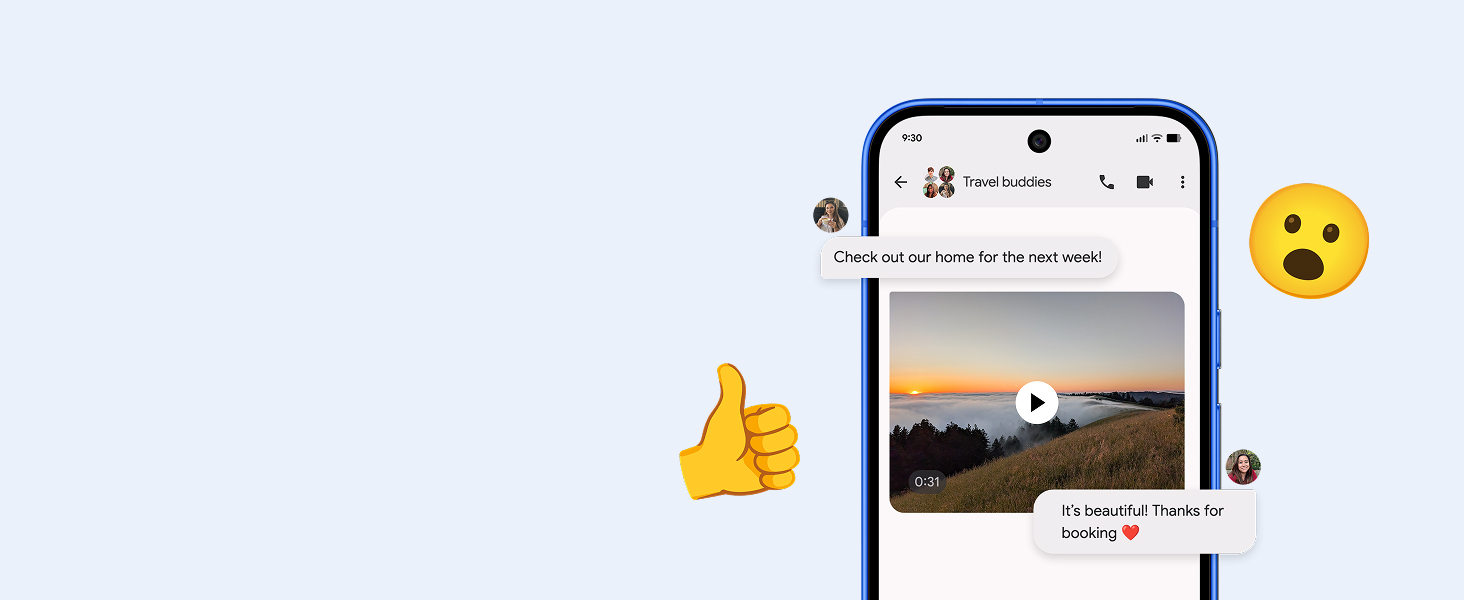
Image: Illustration of seamless data transfer and messaging compatibility when switching to Pixel.
4. Pixel 10 телефонуңузду иштетүү
Камеранын өзгөчөлүктөрү:
The Pixel 10 features an upgraded triple rear camera system:
- 5x Telephoto Lens: Achieve up to 20x Super Res Zoom for detailed distant shots.
- Түнкү көрүнүш: Capture crisp, clear photos in low-light conditions.
- Камеранын машыктыруучусу: Receive guidance to improve your photography skills.
- Video Boost: Enhance video quality for smoother, more vibrant footage.

Image: Demonstrates the 20x Super Res Zoom and Night Sight capabilities of the Pixel 10 camera.
Video: A demonstration of the Pixel 10's Camera Coach feature, guiding users to capture better photos.
Gemini AI Assistant:
Gemini is integrated into your Pixel 10 to assist with various tasks:
- Gemini Live: Engage in natural, free-flowing conversations.
- Визуалдык издөө: Point your camera at objects to get information or brainstorm ideas.
- Көп тапшырма: Use Gemini across apps to get things done efficiently.

Image: A user interacting with Gemini Live by pointing the Pixel 10 camera at a sea creature in an aquarium.
Video: A short demonstration of the Pixel Drop Nano Banana feature in Gemini, showcasing AI capabilities.
Актуа дисплейи:
The 6.3-inch Actua display offers a 3,000-nit peak brightness, ensuring content is easy to view ал тургай, түз күн нурунун астында.
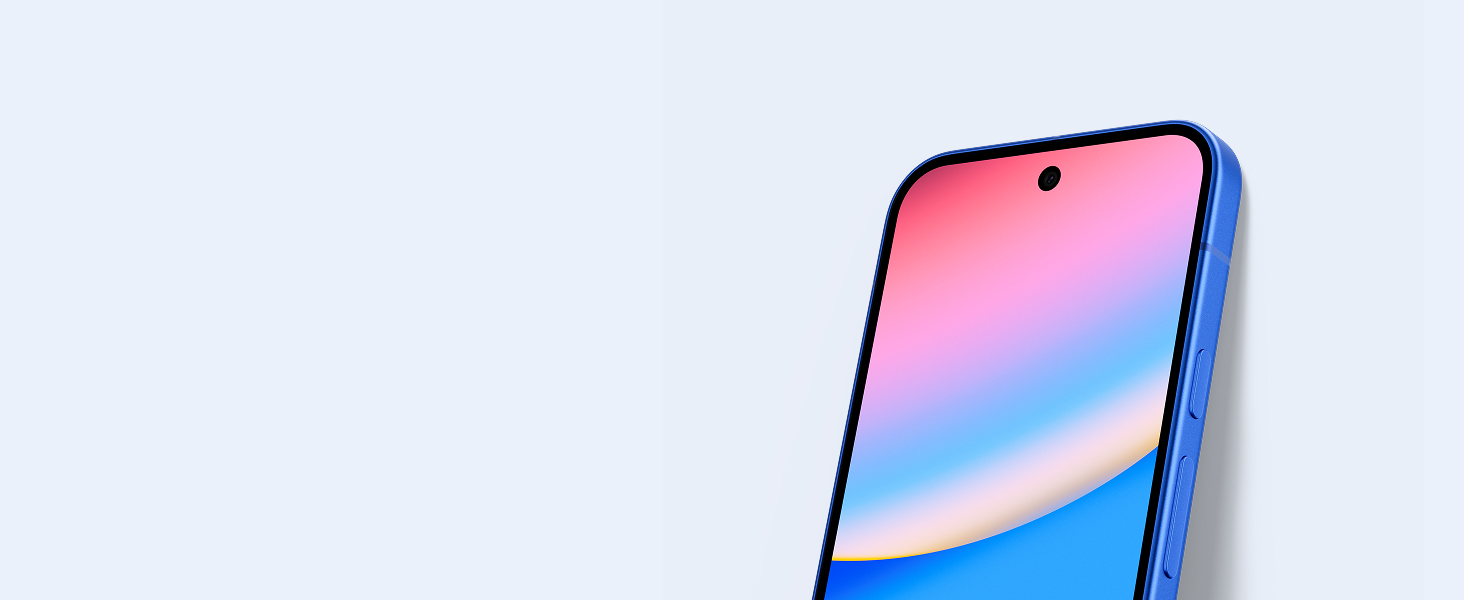
Image: Close-up of the Pixel 10's Actua display, emphasizing its clarity and brightness.
5. Техникалык тейлөө
Durability and Protection:
The Pixel 10 is built with scratch-resistant Corning Gorilla Glass Victus 2 and has an IP68 rating for water and dust protection. This means the device is designed to withstand splashes, spills, and dust exposure.

Image: Illustrates the Pixel 10's durable design, including its water and dust protection.
Аппаратыңызды тазалоо:
To clean your Pixel 10, use a soft, lint-free cloth. Avoid abrasive materials or harsh chemicals that could damage the screen or finish. For stubborn smudges, lightly dampчүпүрөктү суу менен.
6. Кыйынчылыктарды
Жалпы маселелер жана чечимдер:
- Кабарлоо маселелери: If you experience problems with notifications, check your phone's notification settings. Ensure all relevant app notifications are enabled. Sometimes, toggling notification settings off and on can resolve the issue.
- Slow or Troublesome Start/Restart: If your device is slow to start or restart, try holding the power button for 20 seconds or more. Ensure your device is updated to the latest software version, as updates often include performance improvements.
- Face Unlock/Fingerprint Sensor Issues: Ensure your environment is well-lit for face unlock. For fingerprint issues, re-register your fingerprints in the settings. Clean the sensor area to ensure no debris is interfering.
- Батареяны төгүү: Monitor app usage in battery settings to identify power-hungry applications. Adjust screen brightness and background app refresh settings to conserve battery life.
7. Техникалык шарттар
| Өзгөчөлүк | Спецификация |
|---|---|
| Модель аты | Пиксел 10 |
| Элемент моделинин номери | GLBW0 |
| Операция системасы | Android 16 |
| CPU модели | Google Tensor |
| CPU ылдамдыгы | 3.78 ГГц |
| Screen Size | 6.3 дюйм |
| Дисплей технологиясы | OLED |
| Резолюция | 2340 x 1330 |
| Жаңыртуу ылдамдыгы | 120 Гц |
| RAM эстутум орнотулган өлчөмү | 12 ГБ |
| Эстутум сактоо сыйымдуулугу | 128 ГБ |
| Батарея сыйымдуулугу | 4970 мАч |
| Телефон менен сүйлөшүү убактысы | 24 саат |
| Connectivity Technologies | Bluetooth, NFC, Wi-Fi |
| GPS | Туура |
| Продукциянын өлчөмдөрү | 6 x 2.8 x 0.3 дюйм |
| Элемент Салмагы | 10.8 унция |

Image: A comparison table showing specifications for Pixel 10, Pixel 10 Pro, and Pixel 10 Pro Fold.
8. Кепилдик жана колдоо
Кепилдик маалыматы:
The Google Pixel 10 comes with a standard manufacturer's warranty. Please refer to the Warranty Booklet included in your product packaging for detailed terms and conditions.
Кардарларды колдоо:
For additional support, troubleshooting, or service inquiries, please visit the official Google Support website or contact Google customer service directly. You can find more information at gstore.com.
9. Юридикалык маалымат
Certain features and services, including Gemini AI, may require internet connection and may not be available in all regions or languages. 5G service requires a compatible data plan and network coverage. Battery life estimates are based on typical usage and may vary. Trial offers for Google One Premium, Fitbit Premium, and YouTube Premium are subject to eligibility, terms, and expiration dates (October 31, 2026). A valid form of payment is required for sign-up, and subscriptions will auto-renew unless canceled. Return of the purchased device may affect trial offers. Fitbit Premium content and features may vary by country and language. For full legal details, please refer to the documentation provided with your device or visit the Google Store webсайт.


