1. Киришүү
This manual provides essential information for the safe and efficient use of your DOOGEE Fire 3 rugged smartphone. Please read it thoroughly before operating your device.
The DOOGEE Fire 3 is designed for durability and performance, featuring a robust build, long-lasting battery, and the latest Android 15 operating system. It is engineered to withstand challenging environments while providing a smooth and personalized mobile experience.

Сүрөт 1: Алдыңкы жана арткы view of the DOOGEE Fire 3 rugged smartphone.
Unboxing the DOOGEE Fire 3
Watch this video for a detailed unboxing experience of your new DOOGEE Fire 3 smartphone, showcasing all included accessories and initial presentation.
Video 1: DOOGEE Fire 3 Unboxing.
2. Баштапкы орнотуу
2.1 SIM картаны жана MicroSD картасын орнотуу
To install your SIM card(s) and an optional MicroSD card:
- Телефондун капталындагы SIM карта салгычын табыңыз.
- Берилген SIM картаны чыгаруучу куралды лотоктун жанындагы кичинекей тешикке салып, лоток чыгып кеткенче акырын басыңыз.
- Nano-SIM картаңызды(ларыңызды) жана/же MicroSD картаңызды лотоктогу белгиленген уячаларга салыңыз. Алтын контакттары ылдый карасын.
- Аспаптын корпусуна туура келгенче, лотокту кылдаттык менен кайра телефонго түртүңүз.
Note: Please check compatibility with your local frequency band before purchasing and inserting SIM cards. The phone supports GSM T-Mobile, but may not work with AT&T, new Cricket, or Verizon.
2.2 Күйгүзүү жана баштапкы конфигурация
To power on your device, press and hold the Power button located on the side of the phone until the DOOGEE logo appears. Follow the on-screen prompts to complete the initial setup, which includes:
- Тилиңизди тандоо.
- Wi-Fi тармагына туташууда.
- Google аккаунтуңуз орнотулууда.
- Configuring screen lock (PIN, pattern, password).
2.3 Бетти таануу менен ачуу функциясын орнотуу
For enhanced security and convenience, you can set up Face Unlock:
- барыңыз Орнотуулар > Коопсуздук жана купуялык > Жүзүнөн ачуу.
- Жүзүңүздү каттоо үчүн экрандагы нускамаларды аткарыңыз. Жакшы жарыктанган жерде экениңизди текшериңиз.
- Катталгандан кийин, сиз жөн гана алдыңкы камераны карап, телефонуңуздун кулпусун ача аласыз.
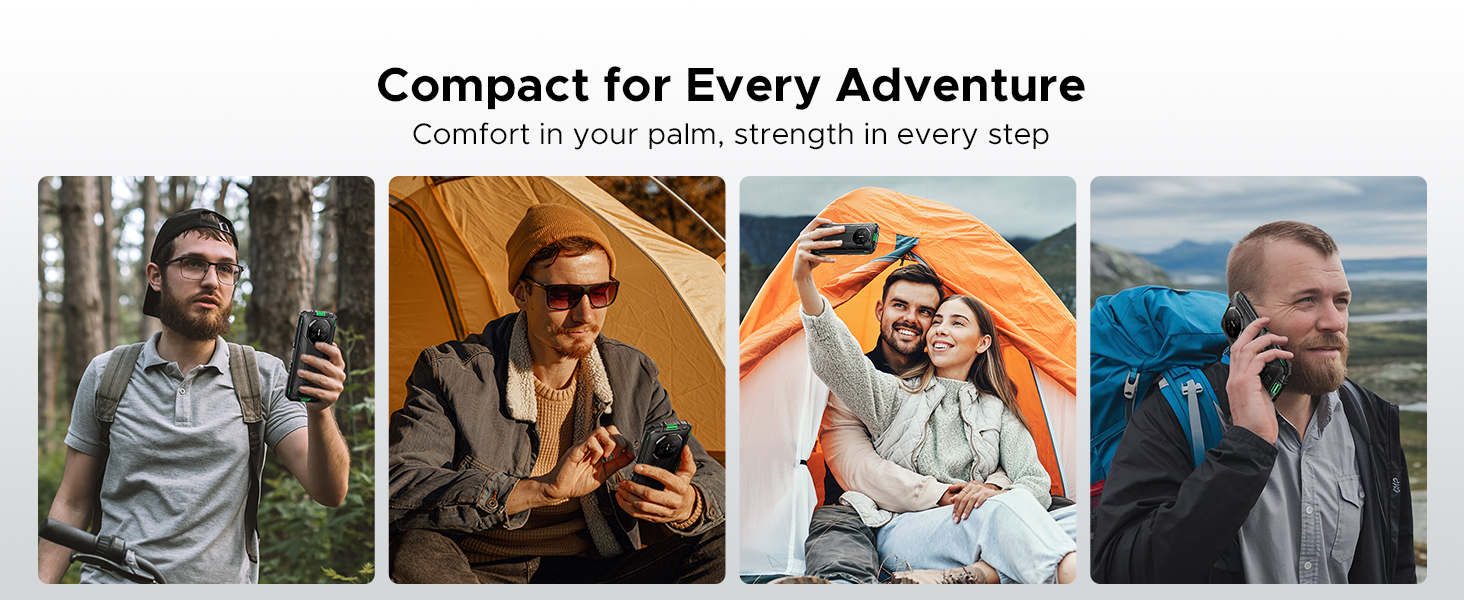
Figure 2: Key features including Face Unlock.
3. Аппаратыңызды иштетүү
3.1 Android 15 өзгөчөлүктөрү
Your DOOGEE Fire 3 runs on Android 15, offering a range of features for improved usability and privacy:
- Колдонмону клондоо: Ар кандай аккаунттар үчүн бир эле колдонмонун бир нече нускаларын иштетиңиз.
- Smart Motion Sensing: Utilize gestures for quick actions.
- Супер алмашуу буфери: Enhanced clipboard functionality for managing copied content.
- Бөлүнгөн экран: Use two apps simultaneously on the screen.
- Enhanced Privacy Protection: Колдонмо уруксаттарын жана маалыматтарга жетүүнү майдалап көзөмөлдөө.
- Колкап режими: Improve touch sensitivity for use with gloves.
- Screen Awareness: Keeps the screen on while you are looking at it.
- Жандуу коштомо жазуу: Automatically captions media playing on your device (English only).
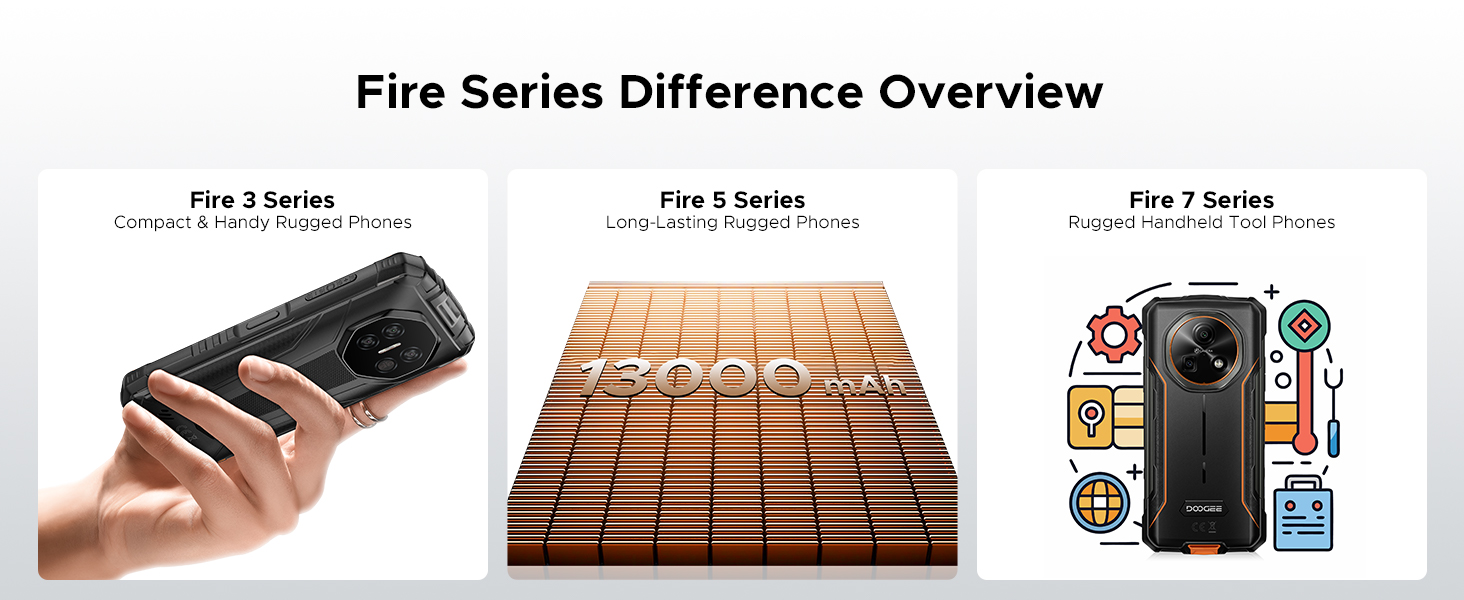
Figure 3: Android 15 operating system features.
3.2 Камераны колдонуу
The DOOGEE Fire 3 features a 13MP AI triple rear camera and an 8MP front camera.
- Сүрөткө тартуу: Камера колдонмосун ачып, кадрыңызды кадрга түшүрүп, жапкыч баскычын таптаңыз.
- Жасалма интеллект көрүнүшүн таануу: The camera automatically detects scenes (e.g., greenery, sunrise) and optimizes settings for the best photo quality.
- Алдыңкы камера: Селфи жана видео чалуулар үчүн алдыңкы камерага которулуңуз.

Figure 4: Capturing photos with the 13MP main camera.
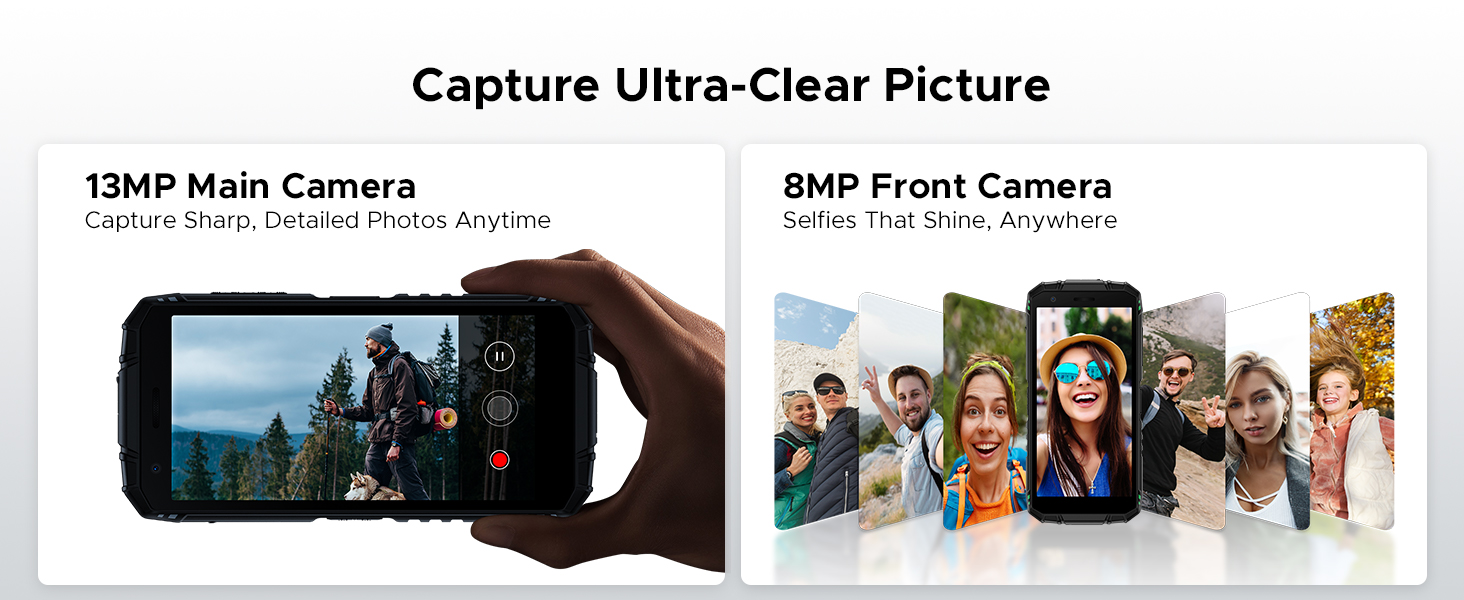
Figure 5: AI Scene Recognition in the camera app.
3.3 Санариптик куралдар топтому
The DOOGEE Fire 3 includes a suite of useful tools for outdoor and daily activities:
- Компас
- Үн өлчөгүч
- Сүрөт илинип турат
- лупа
- Протектор
- Plumb Bob
- Ойготкуч коңгуроо
- Градиент
- Бийиктик өлчөө
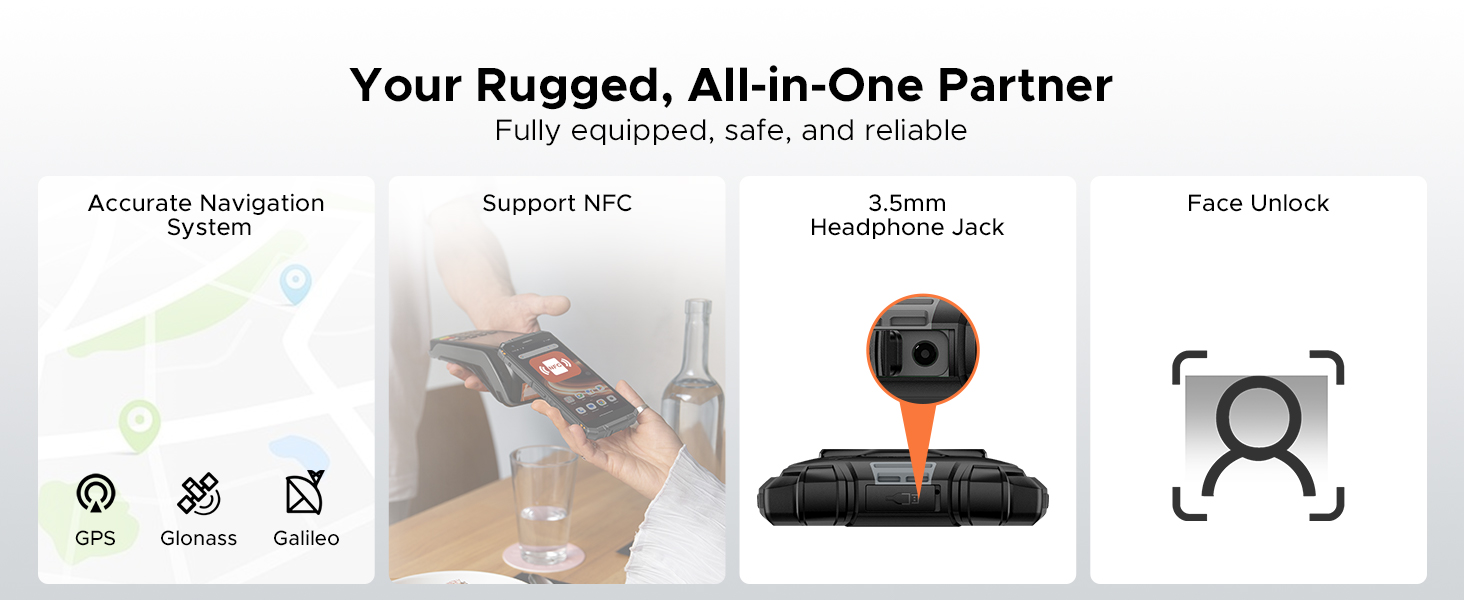
Figure 6: Digital Toolkit applications.
3.4 Навигация жана байланыш
The device supports multiple navigation systems and essential connectivity features:
- Навигация: Accurate positioning with GPS, Glonass, and Galileo.
- NFC: Supports Near Field Communication for contactless payments and data exchange.
- 3.5 мм гарнитура уячасы: Зымдуу аудио аксессуарлар үчүн.
3.5 General Usage Overview
Бул видео жалпы маалымат беретview of the DOOGEE Fire 3's compact size and powerful features in various usage scenarios.
Video 2: DOOGEE Fire 3 Small Body, Big Power.
4. Батареяны башкаруу
The DOOGEE Fire 3 is equipped with a massive 8350mAh battery, designed for extended use.
4.1 Батареянын иштөө мөөнөтү жана заряддоо
- Күтүү убактысы: 47 күнгө чейин.
- Музыка ойнотуу: 87 саатка чейин.
- Видео көрүү: 28 саатка чейин.
- Чалуу: 44 саатка чейин.
- Заряддоо: 10W заряддоону колдойт.
- Тескери заряддоо: The phone can act as a power bank to charge other devices like earbuds or smartwatches.
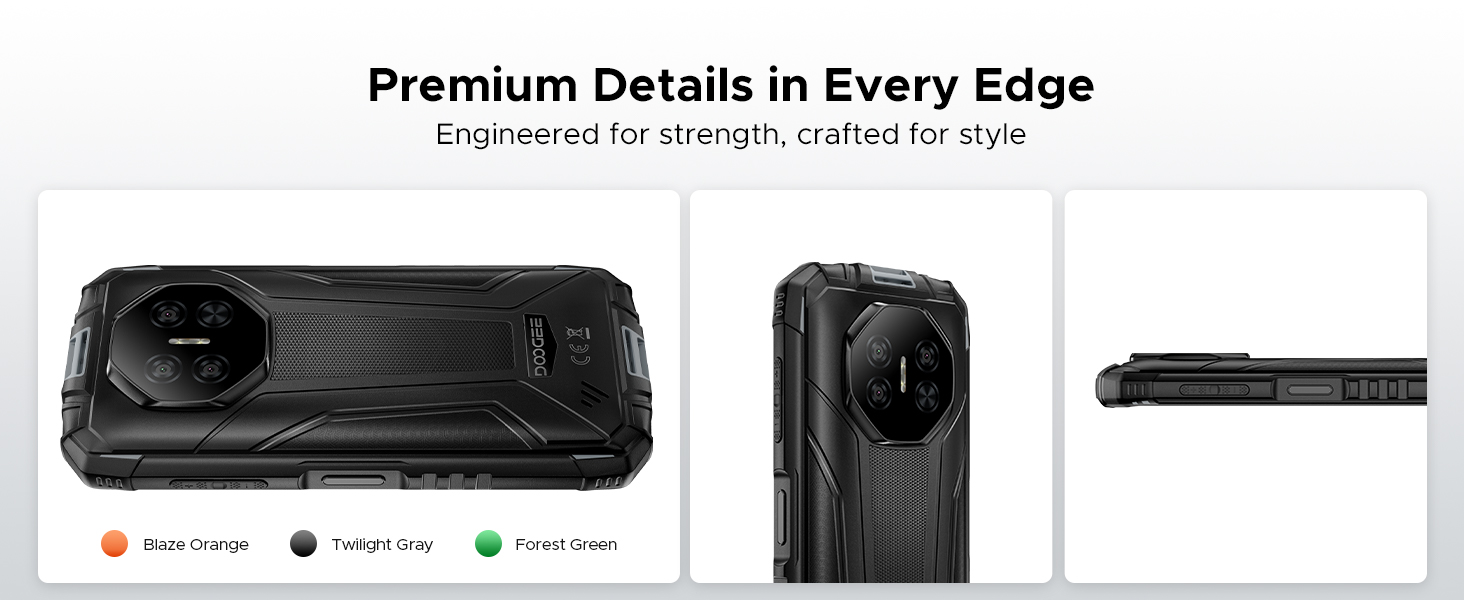
Figure 7: 8350mAh large battery features.
4.2 Battery Performance Overview
This video demonstrates the impressive battery life and charging capabilities of the DOOGEE Fire 3 rugged phone.
Video 3: DOOGEE Fire 3 Rugged Phone - Big Battery.
5. Узактыгы жана дизайн
The DOOGEE Fire 3 is built to endure harsh conditions, certified with industry-leading ruggedness standards.
5.1 Бекемдиктин сертификаттары
- IP68: Сууга жана чаңга чыдамдуу.
- IP69K: Жогорку басымдагы, жогорку температурадагы суу агымдарына туруктуу.
- MIL-STD-810H: Military-grade standard for drops, shocks, and extreme temperatures.
The phone can withstand drops from up to 5 feet, survive 30 minutes underwater at 4 feet depth, and is fully protected against dust, sand, and dirt.
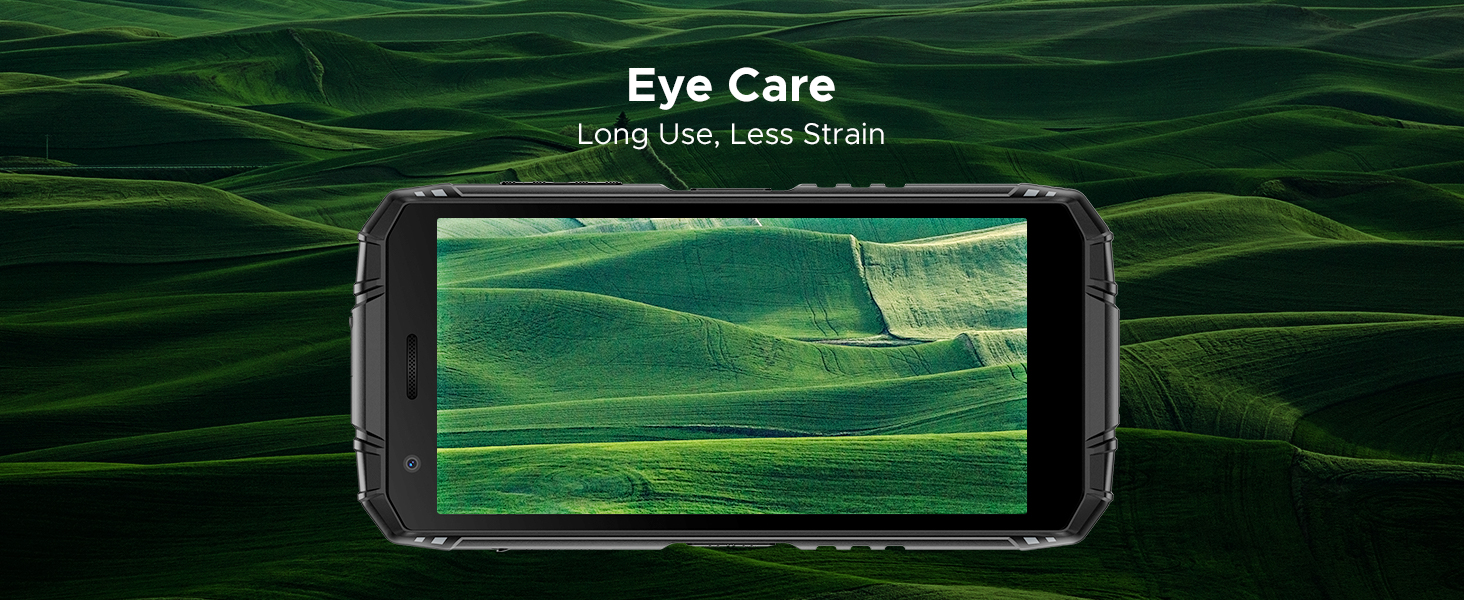
Figure 8: IP68/IP69K/MIL-STD-810H certifications for water, drop, and dust resistance.
5.2 Физикалык мүнөздөмөлөр
- Өлчөмдөрү: 162.5 x 77.4 x 17.8 мм
- Салмагы: 291г (9.2 унция)
- Дисплей: 5.5" HD+ IPS Display with 400 nits (TYP) brightness, 16.7M screen color, and 720*1440 resolution. Features Eye Care mode for reduced strain.
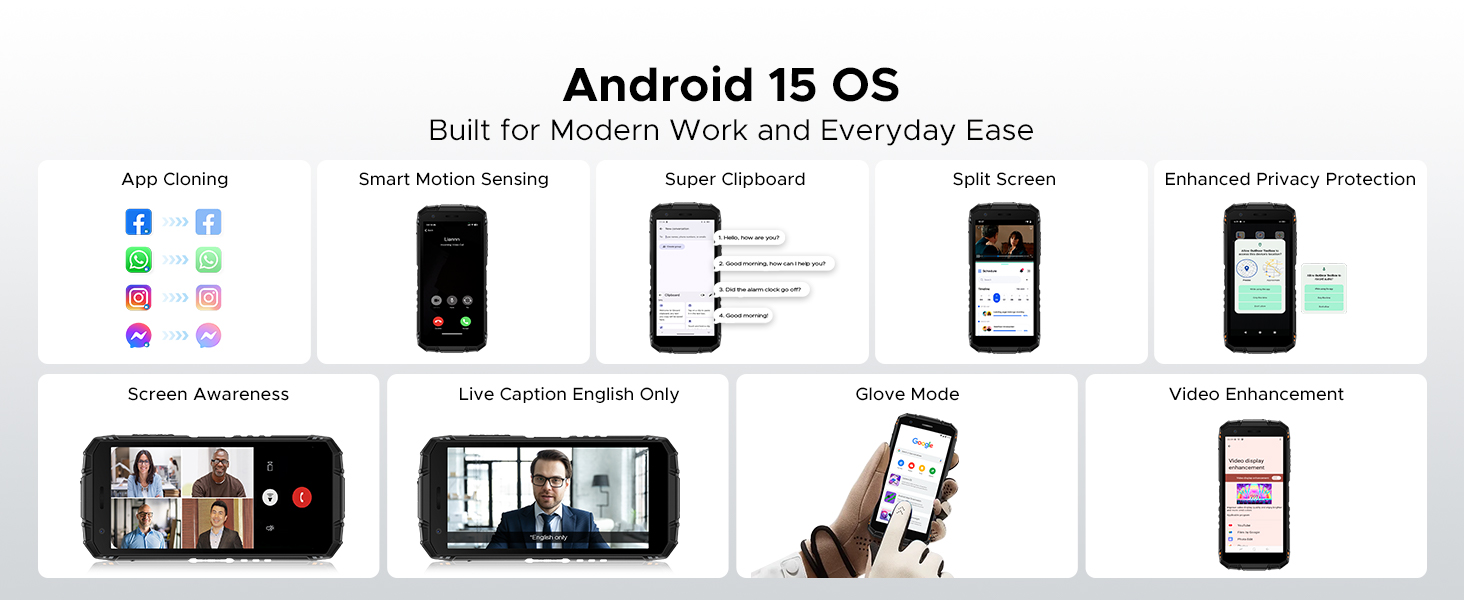
Figure 9: Compact design for comfortable grip.
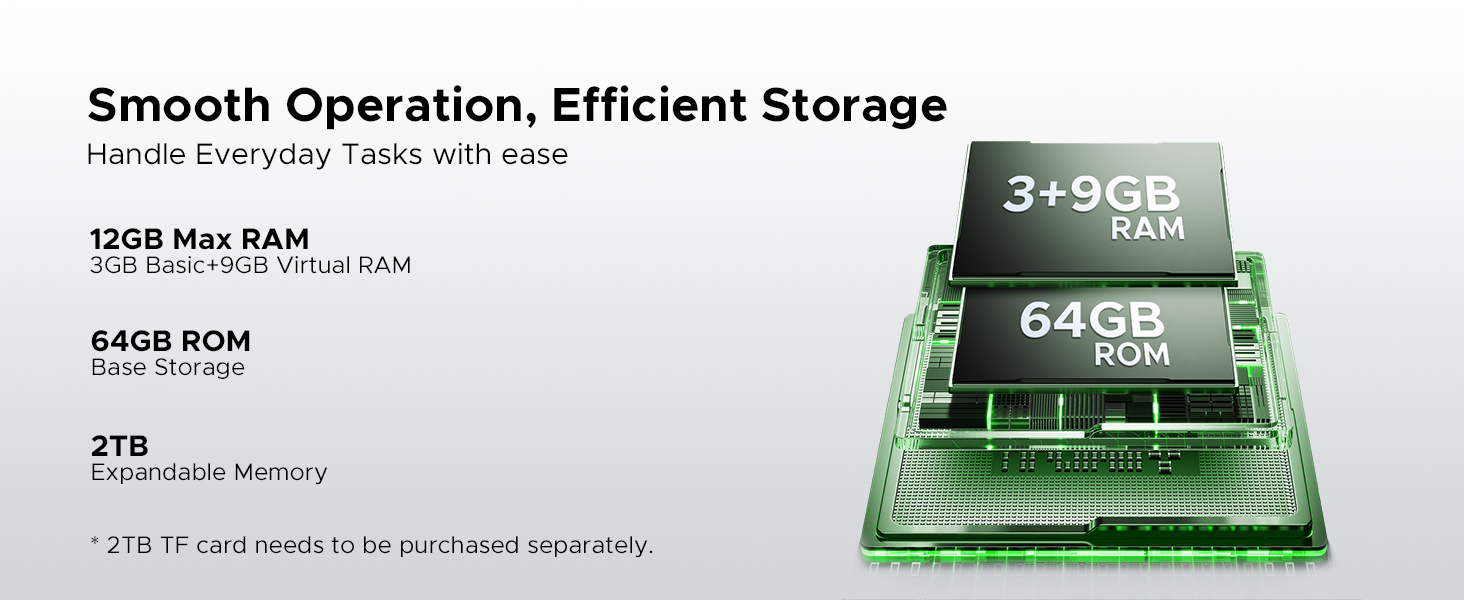
Figure 10: 5.5" HD+ IPS Display details.
6. Техникалык шарттар
| Өзгөчөлүк | Деталь |
|---|---|
| Бренд | DOOGEE |
| Модель аты | Өрт 3 |
| Операция системасы | Android 15 |
| Процессор | Unisoc SC9863A Octa-Core (1.6GHz) |
| RAM | 12GB (3GB Basic + 9GB Virtual) |
| Ички сактагыч | 64 ГБ |
| Кеңейтүүчү сактагыч | Up to 2TB via MicroSD card (not included) |
| Screen Size | 5.45 дюйм |
| Дисплей түрү | HD+ IPS Display |
| Резолюция | 720*1440 |
| Жарыктык | 400 нит (TYP) |
| Арткы камера | 13MP AI үч камерасы |
| Алдыңкы камера | 8MP |
| Батарея сыйымдуулугу | 8350mAh |
| Заряддоо | 10W, Reverse Charging supported |
| Туруктуу | IP68, IP69K, MIL-STD-810H (Waterproof, Drop-proof, Dust-proof) |
| Байланыш | 4G Cellular Technology, Wireless, NFC |
| Навигация | GPS, Глонасс, Галилео |
| Өлчөмдөр | 162.5 x 77.4 x 17.8 мм |
| Элемент Салмагы | 262 грамм (9.2 унция) |
| Өзгөчөлүктөр | Face Unlock, Digital Toolkit, 3.5mm Headphone Jack |
| Зымсыз оператордун шайкештиги | GSM T-Mobile (Not compatible with AT&T, new Cricket, Verizon) |
7. Кыйынчылыктарды
If you encounter issues with your DOOGEE Fire 3, refer to the following common solutions:
7.1 Кубаттоо жана кубаттоо маселелери
- Телефон күйбөйт: Батарея заряддалганын текшериңиз. Телефонду заряддагычка туташтырыңыз жана аны кайра күйгүзүүдөн мурун бир нече мүнөт күтө туруңуз.
- Телефон заряддалбай жатат: Check the charging cable and adapter for damage. Try a different power outlet. Ensure the charging port is clean and free of debris.
7.2 Тармак жана байланыш
- No signal/Network issues: Verify your SIM card is correctly inserted. Check if your carrier is supported by the device (GSM T-Mobile compatible). Restart the phone.
- Wi-Fi туташуу көйгөйлөрү: Wi-Fi роутериңизди өчүрүп-күйгүзүңүз. Телефонуңуздагы тармакты унутуп, кайра туташыңыз.
7.3 Ишти аткаруу жана программалык камсыздоо
- Apps crashing/Freezing: Close background apps. Clear the cache of the problematic app (Settings > Apps > [App Name] > Storage > Clear cache). Update the app or the phone's software.
- Жай аткаруу: Керексиз нерселерди жок кылуу менен сактоо мейкиндигин бошотуңуз fileже колдонмолор. Түзмөгүңүздү үзгүлтүксүз өчүрүп-күйгүзүңүз.
7.4 Дисплей маселелери
- Экран жооп бербейт: Perform a forced restart (usually by holding the Power button for 10-15 seconds).
- Display flickering: Check for software updates. If the issue persists, contact support.
7.5 Water/Dust Exposure
While the DOOGEE Fire 3 is rugged, prolonged exposure or extreme conditions beyond its ratings (IP68/IP69K/MIL-STD-810H) can cause damage. If the phone has been exposed to water or dust, ensure all ports are dry and clean before charging or using accessories.
8. Кепилдик жана колдоо
DOOGEE жогорку сапаттагы продукцияларды жана эң сонун кардарларды тейлөөнү камсыз кылууга умтулат.
8.1 Кепилдик маалыматы
- Кепилдик мөөнөтү: Your DOOGEE Fire 3 comes with a 2-year free warranty.
- Акчаны кайтарып берүү кепилдиги: Enjoy 30 days of money back without reason from the date of purchase.
Кепилдик дооматтары үчүн сатып алганыңыздын далилин сактап коюңуз.
8.2 Кардарларды колдоо
For any problems or inquiries, our professional support team is available 24/7 to assist you.
- Онлайн колдоо: Расмий DOOGEE сайтына кириңиз webКөп берилүүчү суроолор, колдоо ресурстары жана байланыш параметрлери үчүн сайт.
- Электрондук почта колдоо: Продуктуңуздун таңгагына же расмий өкүлгө кайрылыңыз website for specific email contact details.
We recommend checking the official DOOGEE website for the most up-to-date support information and warranty terms.


