1. Киришүү
This manual provides detailed instructions for the installation, operation, and maintenance of your WONLINK 1200Mbps Dual Band WiFi Extender. This device is designed to expand your existing WiFi network coverage, eliminate dead zones, and provide stable, high-speed internet access throughout your home or office.
2. Коопсуздук маалыматы
- Ensure the device is plugged into a standard electrical outlet with the correct voltage.
- Аппаратты сууга, нымдуулукка же экстремалдык температурага тийгизбеңиз.
- Аппаратты жылуулук булактарынын жанына же тике күн нуруна коюудан алыс болуңуз.
- Аппаратты өзүңүз ачууга же оңдоого аракет кылбаңыз. Тейлөө үчүн квалификациялуу кызматкерлерге кайрылыңыз.
- Аппаратты балдардан жана үй жаныбарларынан алыс кармаңыз.
3. Пакеттин мазмуну
Пакетиңизде бардык буюмдар бар экенин текшериңиз:
- 1 x WONLINK 1200Mbps WiFi Extender
- 1 x Колдонуу боюнча нускамалар (бул колдонмо)
- 1 x RJ-45 тармак кабели
4. Продукт бүтүп калдыview
The WONLINK WiFi Extender features a compact design with four external antennas for enhanced signal coverage. It supports dual-band WiFi (2.4GHz and 5.8GHz) and includes an Ethernet port for wired connections.

4.1-сүрөт: Фронт view of the WONLINK WiFi Extender, showing LED indicators and WPS button.
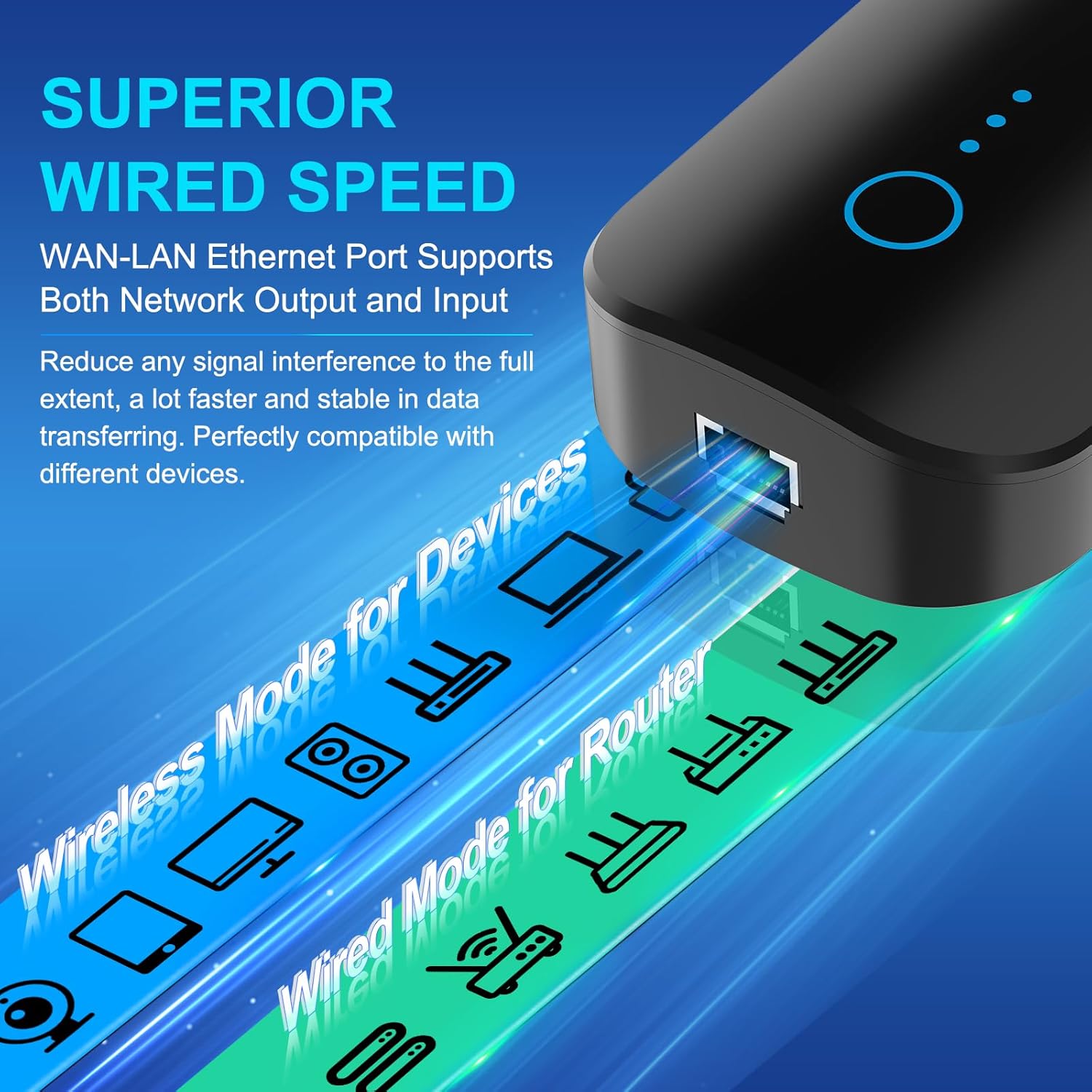
4.2-сүрөт: Side view highlighting the WAN/LAN Ethernet port for wired connections.
LED көрсөткүчтөрү:
- Power LED: Кубаттын абалын көрсөтөт.
- WiFi LED: WiFi аракетин көрсөтөт.
- Сигнал LED: Displays the strength of the received router signal.
Баскычтар жана порттор:
- WPS/Reset баскычы: Used for quick setup (WPS) or factory reset.
- WAN/LAN Ethernet Port: Supports both network output and input for wired devices.
5. Орнотуу жана орнотуу
The WONLINK WiFi Extender can be set up using two methods: WPS (Wi-Fi Protected Setup) or via a web браузер.
5.1. WPS Setup (Recommended for quick setup)
- Plug the WiFi Extender into an electrical outlet near your main router. Wait for the Power LED to light up.
- Негизги роутериңиздеги WPS баскычын басыңыз.
- Within 2 minutes, press the WPS button on the WONLINK WiFi Extender. The Signal LED on the extender will blink during the connection process.
- Once connected, the Signal LED will turn solid, indicating a successful connection.
- Unplug the extender and relocate it to a suitable position between your router and the WiFi dead zone. Ensure the Signal LED indicates a good signal strength from your router.

5.1-сүрөт: Illustrates the WPS button on the extender and router for quick connection.
5.2. Web Браузерди орнотуу
- Plug the WiFi Extender into an electrical outlet. Wait for the Power LED to light up.
- On your computer or smartphone, connect to the extender's default WiFi network (e.g., "WONLINK-XXXX-2G" or "WONLINK-XXXX-5G"). No password is required initially.
- ачуу а web браузер жана демейки IP дарегин киргизиңиз 192.168.10.1 дарек тилкесинде.
- Follow the on-screen instructions to log in (default username/password might be "admin/admin" or specified in the quick start guide).
- Select "Repeater Mode" or "AP Mode" based on your requirements.
- Scan for available WiFi networks and select your home network (SSID).
- Enter your home WiFi network's password.
- Confirm settings and restart the extender if prompted.
- Once configured, the extender will broadcast new WiFi networks (e.g., "YourNetworkName-EXT" or similar). Connect your devices to these new networks.

5.2-сүрөт: Step-by-step visual guide for web браузер орнотуу.
6. Иштөө режимдери
The WONLINK WiFi Extender supports multiple operating modes to suit various networking needs:
- Кайталоо режими: Бар болгон зымсыз тармактын камтуу аймагын кеңейтет. Бул WiFi өлүк зоналарын жок кылуунун эң кеңири таралган режими.
- Кирүү чекити (AP) режими: Converts a wired network connection into a wireless access point. Ideal for creating a new WiFi network from an Ethernet source.
- Багыттоочу режим: Functions as a basic router, creating a private network from a modem connection.

6.1-сүрөт: Visual representation of Repeater, Router, and AP modes.
7. Техникалык тейлөө
- үзгүлтүксүз тазалоо: Gently wipe the device with a dry, soft cloth to remove dust. Do not use liquid cleaners.
- Программалык камсыздоонун жаңыртуулары: Өндүрүүчүнү текшериңиз webоптималдуу иштөөнү жана коопсуздукту камсыз кылуу үчүн мезгил-мезгили менен микропрограммалык камсыздоону жаңыртып туруу үчүн сайтты текшерип туруңуз.
- Оптималдуу жайгаштыруу: Кеңейткичтин ачык жерге, тоскоолдуктардан жана тоскоолдук жаратышы мүмкүн болгон башка электрондук түзүлүштөрдөн алыс жайгаштырылганын текшериңиз.
- Кайра иштетилүүдө: Эгер сиз тармак көйгөйлөрүнө туш болсоңуз, кеңейткичти 10 секундга сууруп, андан кийин кайра сайып, кайра күйгүзүп көрүңүз.
8. Кыйынчылыктарды
Q1: The extender is not powering on.
A: Ensure the power outlet is functional and the extender is securely plugged in. Try a different outlet.
Q2: Cannot connect to the extender's default WiFi network during setup.
A: Make sure the extender is powered on and you are within its range. If you have previously configured it, perform a factory reset by pressing and holding the WPS/Reset button for 5-8 seconds until the LEDs flash.
Q3: The extender is connected to the router, but there is no internet access.
A:
- Негизги роутериңизде интернетке кирүү мүмкүнчүлүгү бар экенин текшериңиз.
- Ensure the extender is receiving a strong signal from the router (check the Signal LED). Relocate the extender closer to the router if the signal is weak.
- Reconfigure the extender, ensuring you enter the correct password for your main WiFi network.
Q4: The extended WiFi network is slow or unstable.
A:
- Relocate the extender to an optimal position, ideally halfway between your router and the desired coverage area, where it can receive a strong signal from the router.
- Minimize interference by keeping the extender away from large metal objects, microwaves, cordless phones, and Bluetooth devices.
- Роутериңиздин микропрограммасы жаңыртылганын текшериңиз.
- Consider using the 5GHz band for devices that support it, as it generally offers higher speeds and less interference, though with shorter range.
9. Техникалык шарттар
| Өзгөчөлүк | Description |
|---|---|
| Бренд | WONLINK |
| Зымсыз байланыш стандарты | 802.11a/b/g/n/ac |
| Маалыматтарды өткөрүү ылдамдыгы | 1200 Мегабит/секунда (Мбит/сек) |
| Жыштык тилкесинин классы | Кош тилкелүү (2.4 ГГц жана 5.8 ГГц) |
| Өзгөчөлүктөр | 360 Degree Coverage, Access Point Mode, Repeater Mode, Router Mode |
| Ethernet порту | 10/100Mbps RJ45 WAN/LAN Port |
| Антенналар | 4 тышкы жогорку күчөткүчтүү антенналар |
| Коопсуздук | WPA-PSK/WPA2-PSK/WPA/WPA2 |
| Элемент Салмагы | 7.4 унция |
| Пакеттин өлчөмдөрү | 8.15 x 3.86 x 3.03 дюйм |
10. Кепилдик жана колдоо
For warranty information and technical support, please refer to the official WONLINK webсайтка же түздөн-түз кардарларды тейлөөгө кайрылыңыз. Кепилдик дооматтар үчүн сатып алуу дүмүрчөгүңүздү сактаңыз.
Webсайт: Visit the WONLINK Store on Amazon


