1. Киришүү
This manual provides detailed instructions for the safe and efficient use of your LG 43QNED82AUA 43 Inch QNED AI 4K Smart TV, along with the included Walts Large/Extra Large Full Motion Mount and Amber Protection 3-Outlet-Surge Surge Protector. Please read this manual thoroughly before installation and operation, and retain it for future reference.
Пакеттин мазмуну
- LG 43QNED82AUA 43 Inch QNED AI 4K Smart TV
- Сыйкырдуу алыстан башкаруу
- Электр кабели
- Walts Large/Extra Large Full Motion Mount
- Amber Protection 3-Outlet-Surge Surge Protector
- User Manuals and Documentation

Сүрөт 1.1: Алдыңкы view of the LG 43QNED82AUA 43 Inch QNED AI 4K Smart TV.

1.2-сүрөт: Каптал view of the LG 43QNED82AUA 43 Inch QNED AI 4K Smart TV, showing the included stand.
2. Орнотуу
2.1 Таңгактан чыгаруу жана алгачкы текшерүү
Carefully remove all components from the packaging. Inspect for any signs of damage. If any items are missing or damaged, contact your retailer immediately.
2.2 Mounting the TV (Walts Full Motion Mount)
The Walts Large/Extra Large Full Motion Mount allows for flexible positioning of your TV. Ensure the mounting surface is strong enough to support the weight of the TV and mount. The TV supports VESA 200 x 200 mounting patterns. The mount is compatible with VESA patterns up to 700mm x 500mm.
- Сыналгы кашааларын тиркөө: Secure the vertical brackets to the back of your LG TV using the appropriate screws provided with the mount. Ensure they are aligned with the VESA mounting holes.
- Дубал плитасын орнотуу: Locate wall studs and securely attach the wall plate of the mount to the wall using the provided hardware. Use a level to ensure it is straight.
- Телевизор илип: Carefully lift the TV and hook the attached brackets onto the wall plate. Secure the TV to the mount according to the mount's specific instructions.
- Позицияны тууралоо: Utilize the full motion capabilities to extend, swivel, and tilt the TV to your desired viewбурч.

Figure 2.1: Walts Full Motion Mount in an extended position.

Сүрөт 2.2: Алдыңкы view of the Walts Full Motion Mount.
2.3 Кубат жана перифериялык түзүлүштөрдү туташтыруу
- Тоскоолдуктан коргоочу: Plug the Amber Protection 3-Outlet-Surge Surge Protector into a wall outlet. The LED indicator will glow blue when working, confirming protection for your devices up to 1225 Joules.
- Кубат кабели: Connect the TV's power cable to the TV and then to one of the outlets on the Amber Protection Surge Protector.
- HDMI түзмөктөрү: Connect external devices (e.g., Blu-ray player, game console) to the TV's HDMI ports (3 available).
- USB түзмөктөрү: Connect USB storage devices to the TV's USB port (1 available).
- Антенна/кабель: Connect your antenna or cable TV source to the RF Input.
- Оптикалык аудио: For external audio systems, connect an optical cable to the SPDIF (Optical Digital Audio Out) port.

Figure 2.3: Amber Protection 3-Outlet-Surge Surge Protector.
2.4 Баштапкы орнотуу устасы
Upon first power-on, the TV will guide you through an initial setup process. This includes language selection, network connection (Wi-Fi 5), channel scanning, and remote control pairing.
3. Иштөө нускамалары
3.1 Magic Remote Control
The Magic Remote Control allows for intuitive navigation using point-and-click, scroll, and voice commands. Refer to the separate Magic Remote manual for detailed button functions.
3.2 Smart TV функциялары (webOS 25)
LG сыналгыңыз иштеп жатат webOS 25, providing access to a wide range of streaming services and applications. Supported services include Netflix, Max, Disney+, YouTube, Prime Video, ESPN, Apple TV, Sling TV, and more. Navigate the home screen to access apps, inputs, and settings.
3.3 Сүрөт жана дисплей жөндөөлөрү
- Динамикалык QNED Түсү: Experience vibrant and accurate colors with 100% Color Volume.
- Караңгылык Pro: Enhances contrast with precise local dimming control.
- HDR10 Pro: Delivers a dramatic visual experience with improved brightness and contrast in compatible content.
- Alpha 7 AI процессору Gen8: This processor automatically optimizes picture and sound quality, including 4K upscaling and Dynamic Tone Mapping Pro.

Figure 3.1: Visual representation of Dynamic QNED Color technology.
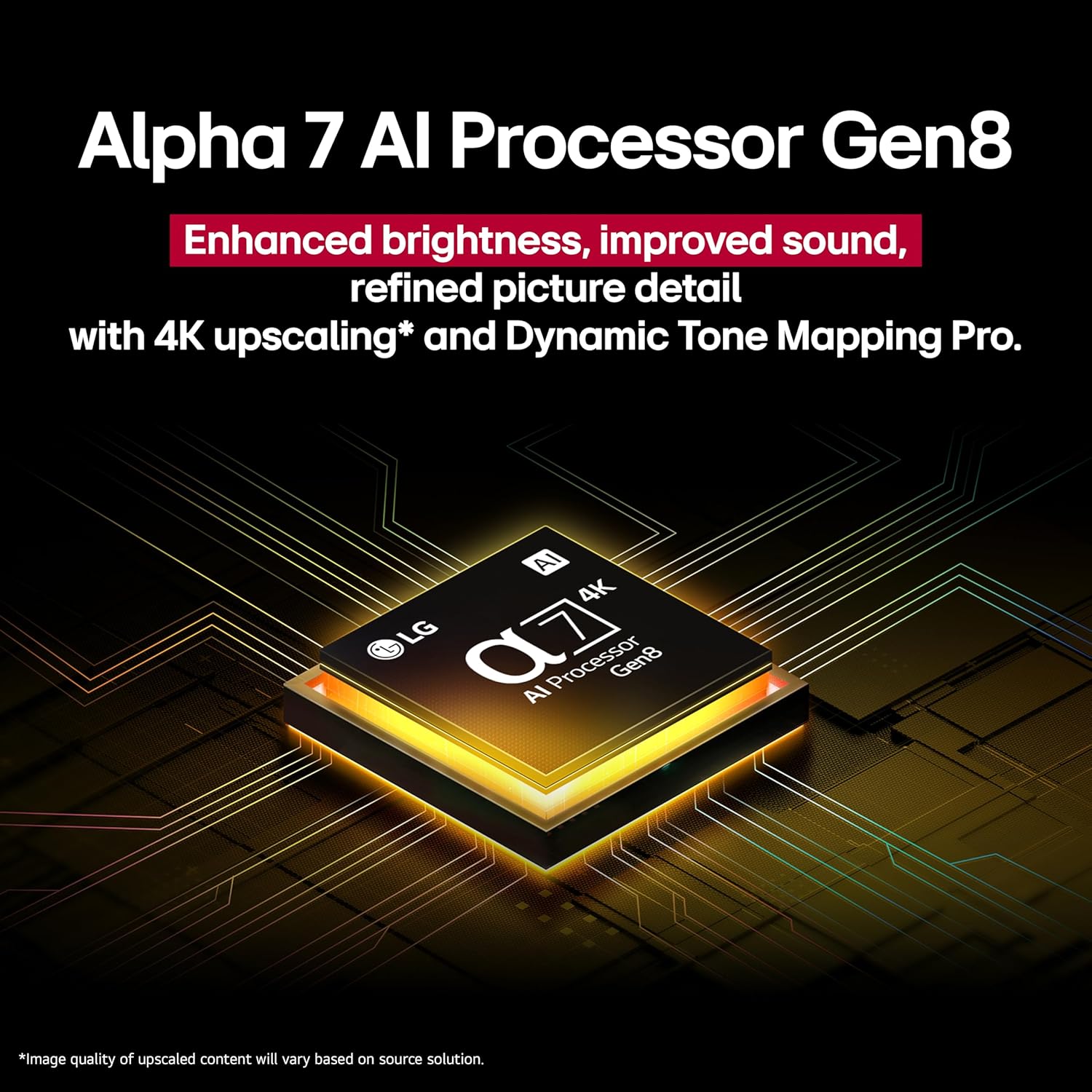
Figure 3.2: Close-up of the Alpha 7 AI Processor Gen8 chip.
3.4 Аудио орнотуулары
- LG Sound Sync: Wirelessly connect compatible LG soundbars or speakers.
- Үн режимин бөлүшүү: Share sound settings across compatible devices.
- Bluetooth Surround даяр: Айланадагы үн тажрыйбасы үчүн Bluetooth динамиктерин туташтырыңыз.
- WOW оркестри: Integrates TV speakers with a compatible soundbar for enhanced audio.
3.5 AI Features and Connectivity
- AI Concierge, AI Search, AI Chatbot, Voice ID: Utilize these features for personalized content recommendations, quick searches, and voice recognition.
- Smart Home интеграциясы: Compatible with Google Assistant, Amazon Alexa, Apple Home, and Apple AirPlay2.
- Game Service & ALLM: Access gaming services and benefit from Auto Low Latency Mode for a smoother gaming experience.
4. Техникалык тейлөө
4.1 Cleaning the TV Screen and Body
Before cleaning, unplug the TV from the power outlet. Use a soft, dry cloth to gently wipe the screen and TV body. For stubborn marks, lightly dampen the cloth with water or a specialized screen cleaner. Avoid using harsh chemicals, abrasives, or direct spraying of liquids onto the TV.
4.2 Программалык камсыздоо жаңыртуулары
Ensure your TV's software is up to date for optimal performance and security. You can usually check for and install updates through the TV's settings menu under "General" or "Support."
5. Кыйынчылыктарды
| Көйгөй | Мүмкүн себеп | Чечим |
|---|---|---|
| Күч жок | Power cable disconnected; surge protector off/tripped | Check power cable connection; ensure surge protector is on and functioning. |
| Сүрөт жок, бирок үн бар | Туура эмес киргизүү булагы тандалды; тышкы түзмөктө көйгөй бар | Verify correct HDMI input; check external device power and connection. |
| Үн жок | Volume muted; external audio system issue; incorrect audio output setting | Unmute volume; check external audio system; adjust TV audio output settings. |
| Пульт иштебей жатат | Batteries depleted; obstruction; remote not paired | Replace batteries; remove obstructions; re-pair Magic Remote (refer to remote manual). |
| Тармакка туташуу маселелери | Wi-Fi signal weak; router issue; incorrect password | Restart router; check Wi-Fi password; move TV closer to router or use wired connection. |
For further assistance, please refer to the LG support webсайтка же кардарларды тейлөөгө кайрылыңыз.
6. Техникалык шарттар
| Өзгөчөлүк | Деталь |
|---|---|
| Screen Size | 43 дюйм |
| Бренд | LG |
| Дисплей технологиясы | QNED |
| Резолюция | 4K |
| Жаңыртуу ылдамдыгы | 60 Гц |
| Продукциянын өлчөмдөрү (D x W x Y) | 10.1"D x 38.1"W x 25"H |
| Элемент Салмагы | 21.6 фунт |
| Модель аты | 43QNED82AUA |
| Түс | Кара |
| Операция системасы | webOS 25 |
| Controller Type | Сыйкырдуу алыстан башкаруу |
| HDMI портторунун жалпы саны | 3 |
| Жалпы USB порттору | 1 |
| Зымсыз технология | Bluetooth, WiFi |
| Монтаж түрү | Wall Mount (VESA 200 x 200) |
| Модель жылы | 2025 |
| Колдоого алынган Интернет кызматтары | Netflix, Max, Disney+, YouTube, Prime Video, ESPN, Apple TV, Sling TV, and More |
| Аудио чыгаруу режими | Курчап |
| Аудио каналдардын саны | 2 |
7. Продукт видеолору
Видео 7.1: Бүттүview of the LG QNED82AUA Series TV, highlighting its key features and design. This video is provided by Walts TV.
8. Кепилдик жана колдоо
Your LG 43QNED82AUA TV comes with a manufacturer's warranty. Please refer to the warranty card included in your package for specific terms and conditions. For technical support, service, or warranty claims, please visit the official LG webсайтка же кардарларды тейлөө бөлүмүнө кайрылыңыз. Сатып алганыңыздын далили катары сатып алуу дүмүрчөгүңүздү сактаңыз.
For support regarding the Walts Full Motion Mount or Amber Protection Surge Protector, please refer to their respective documentation or contact their customer support channels.