1. Продукт бүтүп калдыview
The JEYI Magnetic 2230 M.2 NVMe SSD Enclosure (Model i9-M2230R) is designed to expand storage for compatible devices, particularly iPhones with MagSafe. It supports 2230 M.2 NVMe SSDs up to 2TB and offers high-speed data transfer via USB 3.2 Gen 2 (10Gbps).

Figure 1.1: Magnetic NVMe Enclosure with built-in magnetic rings compatible with MagSafe.
This enclosure features a full aluminum alloy case for efficient heat dissipation, ensuring stable performance during intensive use. It is compatible with various operating systems including Windows, Mac OS, Linux, Android, and iOS.
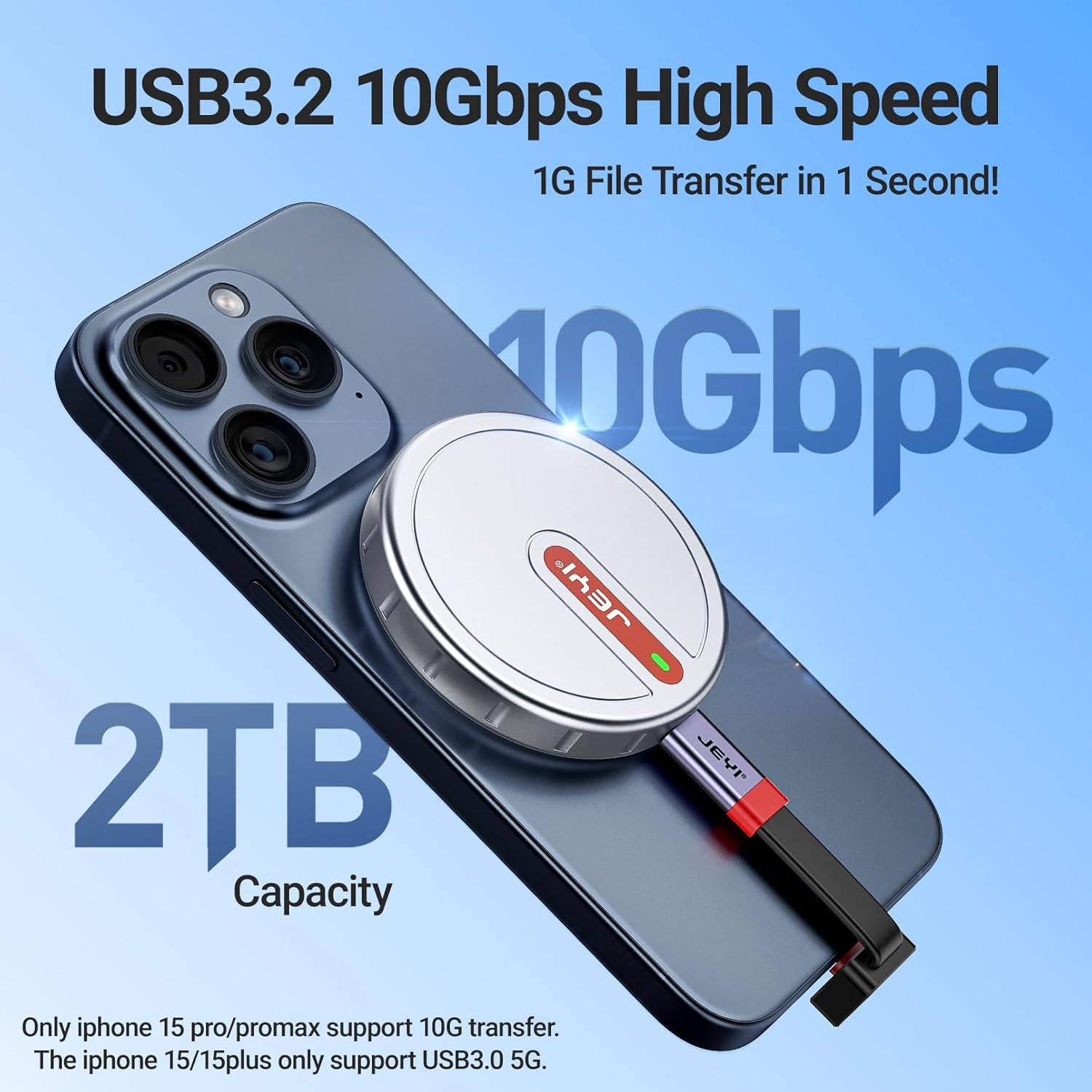
Figure 1.2: High-speed data transfer (10Gbps) and up to 2TB storage capacity.
The enclosure is specifically designed for 2230 M.2 NVMe SSDs (M-Key and B&M-Key). It is not compatible with B-Key (SATA) M.2 SSDs or other form factors like 2242, 2260, or 2280.

Figure 1.3: NVMe compatibility, showing support for M-Key and B&M-Key 2230 NVMe SSDs only.
2. Пакеттин мазмуну
Пакетте бардык буюмдар бар экенин текшериңиз:
- Magnetic SSD Enclosure
- Screwdriver
- Магниттик шакек
- Силикон аянтчасы
- Термалдык жабдык
- Long USB-C Cable
- Short USB-C Cable

2.1-сүрөт: Продукт пакетине камтылган мазмун.
3. Орнотуу нускамалары
M.2 NVMe SSD дискиңизди корпуска орнотуу үчүн төмөнкү кадамдарды аткарыңыз:
- Бураманы бошотуңуз: Use the provided screwdriver to loosen the screw on the enclosure cover.
- Insert the 2230 SSD: Carefully insert your 2230 M.2 NVMe SSD into the M.2 slot inside the enclosure. Ensure it is seated correctly.
- Термикалык жаздыкчаны колдонуу: Place the thermal pad over the SSD to ensure proper heat transfer to the enclosure.
- Cover and Fix: Replace the enclosure cover and tighten the screw to secure the SSD.
- Attach Magnetic Ring (if needed): If your device does not have built-in MagSafe compatibility or you are using a non-MagSafe case, glue the protective magnetic ring to the back of your phone case for a secure magnetic attachment.

Figure 3.1: Visual guide for SSD installation and magnetic ring attachment.
Маанилүү: Before first use, format the SSD to exFAT via Windows/macOS Disk Utility for cross-platform compatibility. NTFS requires third-party drivers on Mac.
4. Иштөө нускамалары
The JEYI Magnetic 2230 M.2 NVMe SSD Enclosure offers versatile usage across various devices.
4.1. Usage with iPhone 15 Pro/Pro Max
For iPhone 15 Pro/Pro Max (and future compatible models), the enclosure attaches magnetically to the back of the phone. Connect the enclosure to your iPhone using the provided USB-C cable. This allows direct recording of ProRes 4K video to the external SSD, expanding your phone's storage capacity.

Figure 4.1: Magnetic attachment for iPhone, enabling convenient handheld use.

Figure 4.2: Recording 4K ProRes video directly to the external SSD.
4.2. Usage with Other Phones/Devices
For other smartphones or devices without built-in MagSafe, use the included metal magnetic plate. Attach this plate to your phone case to enable magnetic compatibility with the enclosure. Connect the enclosure via the appropriate USB-C cable.

Figure 4.3: Enclosure use with a phone case requiring an additional magnetic ring.
4.3. Usage with Laptops, Tablets, and Game Consoles
The enclosure can be connected to laptops, tablets, and handheld game consoles (e.g., Steam Deck) via the USB-C cable for external storage. The magnetic attachment can be utilized on compatible surfaces or with additional magnetic accessories.

Figure 4.4: Connecting the enclosure to a laptop for data transfer.

Figure 4.5: Enclosure attached to a tablet for expanded storage.

Figure 4.6: Using the enclosure with a handheld game console.
5. Техникалык тейлөө
The JEYI SSD Enclosure is designed with a full aluminum alloy case and thermal pads for superior heat dissipation. This design helps maintain optimal operating temperatures for the NVMe SSD, which can generate significant heat during high-speed data transfers.

Figure 5.1: Triple heat dissipation mechanism for efficient cooling.
- Тазалоо: Use a soft, dry cloth to clean the exterior of the enclosure. Avoid liquid cleaners or abrasive materials.
- Жылуулук башкаруу: During prolonged high-volume data transfers, the enclosure may become warm to the touch. This is normal and indicates effective heat dissipation. Ensure adequate airflow around the device.
- Сактагыч: Корпусту салкын, кургак жерде, күндүн нуру түз тийбеген жана өтө жогорку температурадан алыс сактаңыз.
6. Кыйынчылыктарды
If you encounter issues with your JEYI SSD Enclosure, refer to the following common solutions:
| Көйгөй | Мүмкүн себеп | Чечим |
|---|---|---|
| Enclosure not recognized by device | SSD not properly installed, incorrect cable, unformatted SSD, incompatible SSD type. | Ensure SSD is securely seated. Try a different USB-C cable. Format the SSD to exFAT (see Setup Instructions). Verify your SSD is a 2230 M.2 NVMe (M-Key or B&M-Key). |
| Маалыматтарды өткөрүү ылдамдыгы жай | USB port limitation, cable quality, SSD throttling due to heat. | Ensure you are using a USB 3.2 Gen 2 (10Gbps) port. Use the provided high-quality USB-C cable. Allow the enclosure to cool if it becomes excessively hot during large transfers. |
| Магниттик тиркеме начар | Thick phone case, no magnetic ring applied. | Ensure the magnetic ring is properly attached to your phone case if your device lacks MagSafe. Consider a thinner phone case. |
| Enclosure gets hot | Normal operation during high data transfer. | This is expected behavior as the aluminum case dissipates heat from the NVMe SSD. The enclosure is designed to manage heat effectively. If performance degrades, allow it to cool. |
7. Техникалык шарттар
| Модель номери | i9-M2230R |
| Шайкеш келген SSD дисктер | M.2 NVMe 2230 (M-Key, B&M-Key) |
| Макс сактоо сыйымдуулугу | 2 ТБ |
| Маалыматтарды өткөрүү ылдамдыгы | 10 Гбит/сек чейин (USB 3.2 2-муун) |
| Интерфейс | USB-C |
| Материал | Алюминий эритмеси |
| Өлчөмдөр | 59мм x 59мм x 10мм (2.32 x 2.32 x 0.39 дюйм) |
| Элемент Салмагы | 55.2г (1.95 унция) |
| Шайкештик | Windows, Mac OS, Linux, Android, iOS (iPhone 15 Pro/Pro Max, 16 Pro/Pro Max, 17 Pro/Pro Max) |
8. Кепилдик жана колдоо
For warranty information and technical support, please refer to the product packaging or contact JEYI customer service directly. Details regarding specific warranty periods and support channels are typically provided with your purchase.
You can often find additional support resources, FAQs, and contact information on the official JEYI webсайт же продукт сатылып алынган сатуучу аркылуу.


