1. Киришүү
Сатып алганыңыз үчүн рахматasing the Panasonic Lamdash PRO 5-Blade Electric Shaver, model ES-L571D-K. This advanced shaver is designed to provide a gentle yet deep shave, even on thick beards, utilizing a 5-blade system, a high-speed linear motor, and intelligent Lamdash AI+ technology. This manual provides essential information for safe and effective use, setup, operation, and maintenance of your new shaver.
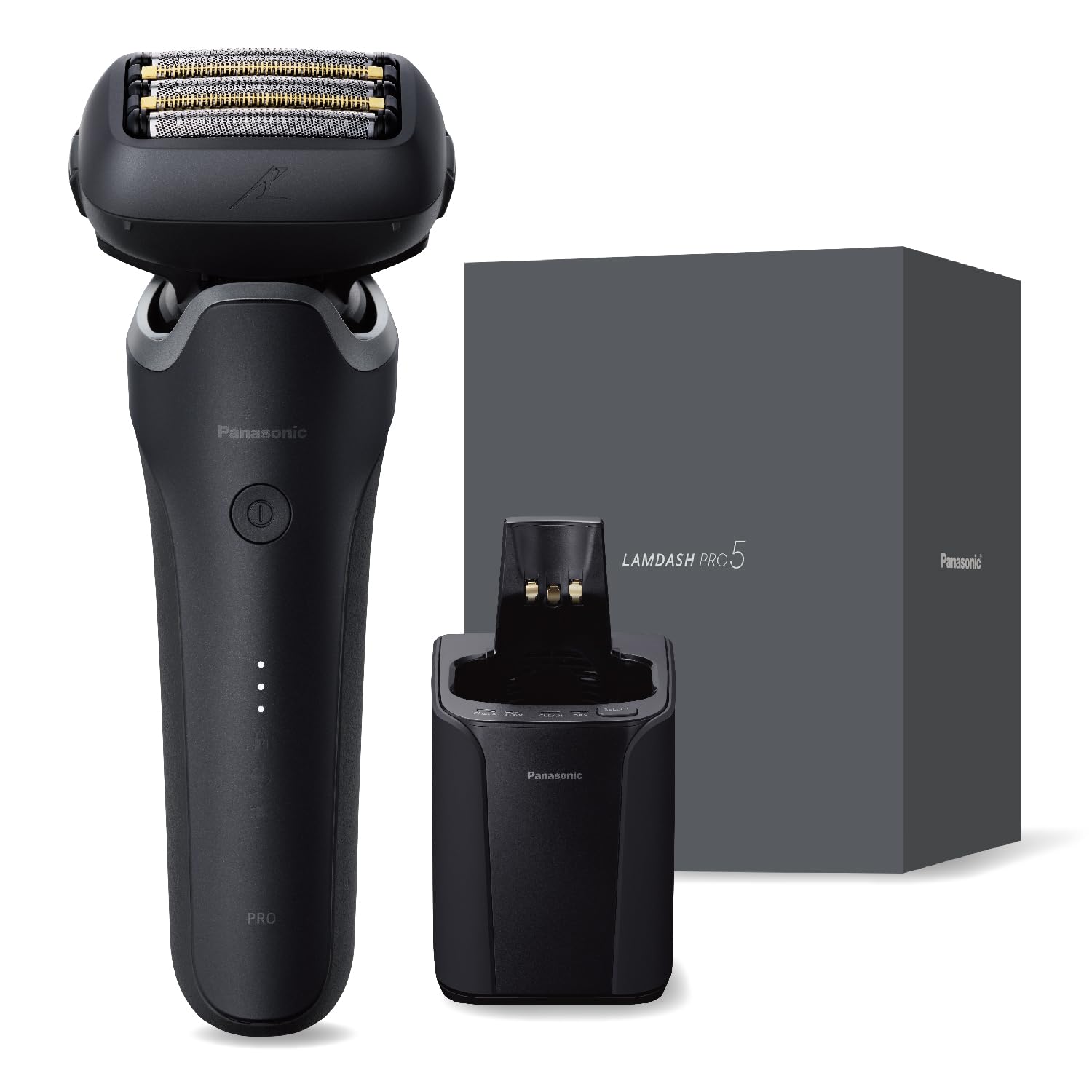
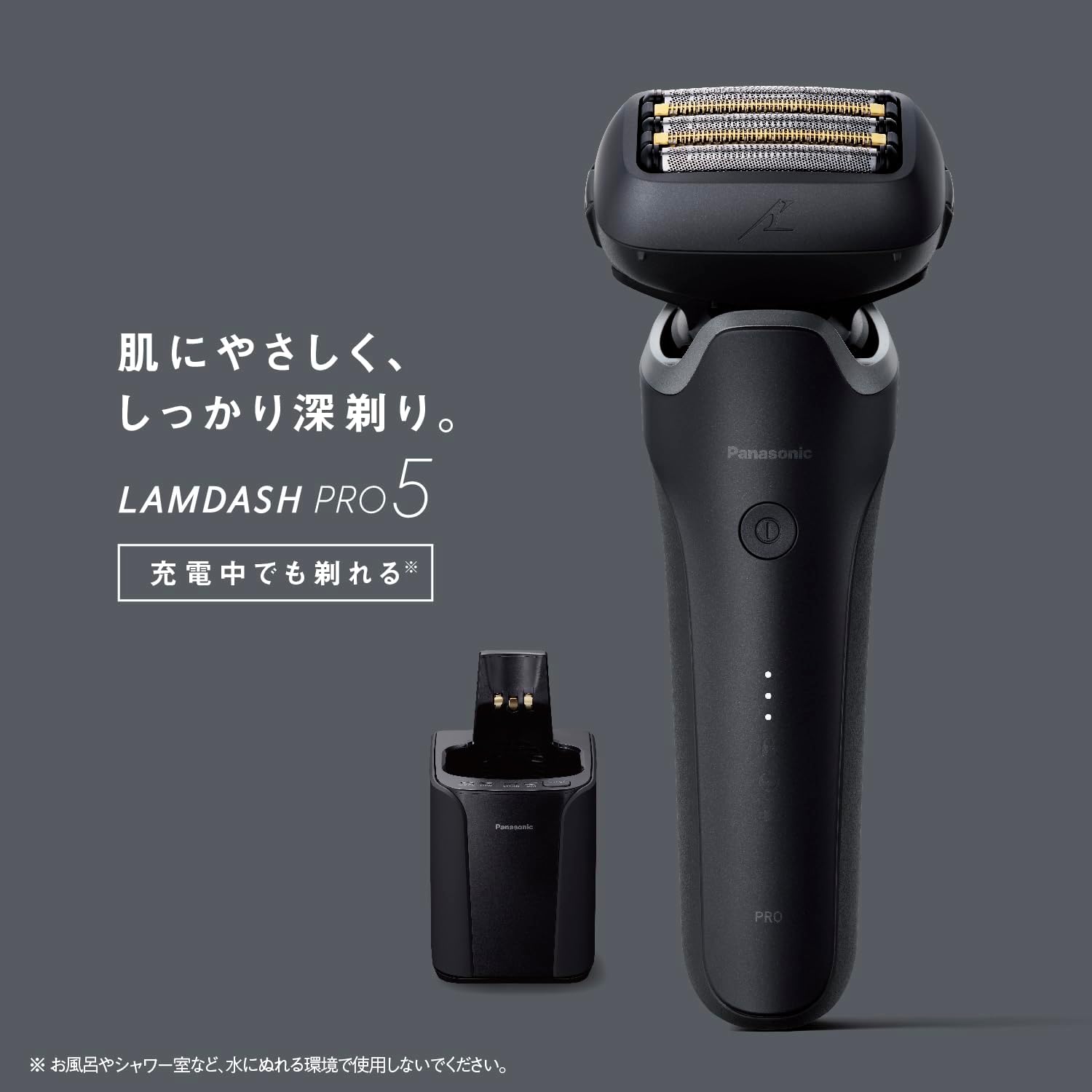
Image: The Panasonic Lamdash PRO 5-Blade Electric Shaver ES-L571D-K in matte black.
2. Коопсуздук маалыматы
Жаракат алуунун же зыяндын алдын алуу үчүн продуктуну колдонуудан мурун бардык коопсуздук көрсөтмөлөрүн кылдаттык менен окуп чыгыңыз.
- This electric shaver uses a high-speed linear motor. Improper handling or use may result in cuts. Always use with care.
- When operating the automatic cleaning and charging system, exercise extreme caution as it involves both water and electricity. Ensure the unit is properly placed and connections are secure.
- Do not disassemble, repair, or modify the shaver or its components. Contact authorized service personnel for any repairs.
- Устаны жана анын аксессуарларын балдар жетпеген жерде сактаңыз.
- Do not use the shaver if the blades or outer foil are damaged, as this may cause skin irritation or injury.
3. Пакеттин мазмуну
Төмөндө тизмеленген нерселердин баары пакетиңизге камтылганын текшериңиз:
- Shaver Main Unit
- Automatic Cleaning and Charging System
- баштык
- Dedicated Cleaning Solution (1 pack)
- USB кабели (Type-A to Type-C)
- AC адаптер
- Арналган май
- Тазалоочу щетка

Image: All accessories included with the Panasonic Lamdash PRO 5-Blade Electric Shaver.
4. Продукциянын өзгөчөлүктөрү
4.1. 5-Blade System
The shaver features a sophisticated 5-blade system designed for a close and comfortable shave. This system includes specialized blades to capture and cut various types of beard hair effectively.
Сүрөт: деталдуу view of the 5-blade cutting system.
4.2. High-Speed Linear Motor
Equipped with Panasonic's fastest linear motor, the shaver delivers approximately 14,000 strokes per minute. This powerful motor ensures consistent cutting performance, even when shaving thick beards, without a drop in power.

Сүрөт: ички view highlighting the high-speed linear motor mechanism.
4.3. 5D Flexible Head
The shaver head moves in five directions (5D) to closely follow the contours of your face, including complex areas like under the chin. This flexibility ensures maximum skin contact for an efficient and gentle shave.

Image: A visual representation of the shaver's 5D head movement for contour following.
4.4. Lamdash AI+ Technology
Lamdash AI+ technology automatically detects beard density approximately 233 times per second and adjusts shaving power accordingly. This ensures optimal power for different beard areas, providing a smooth shave while minimizing skin irritation. Note: The sensor's reaction (change in drive sound) may vary depending on beard density or stubble inside the shaver head, but this is not a malfunction.
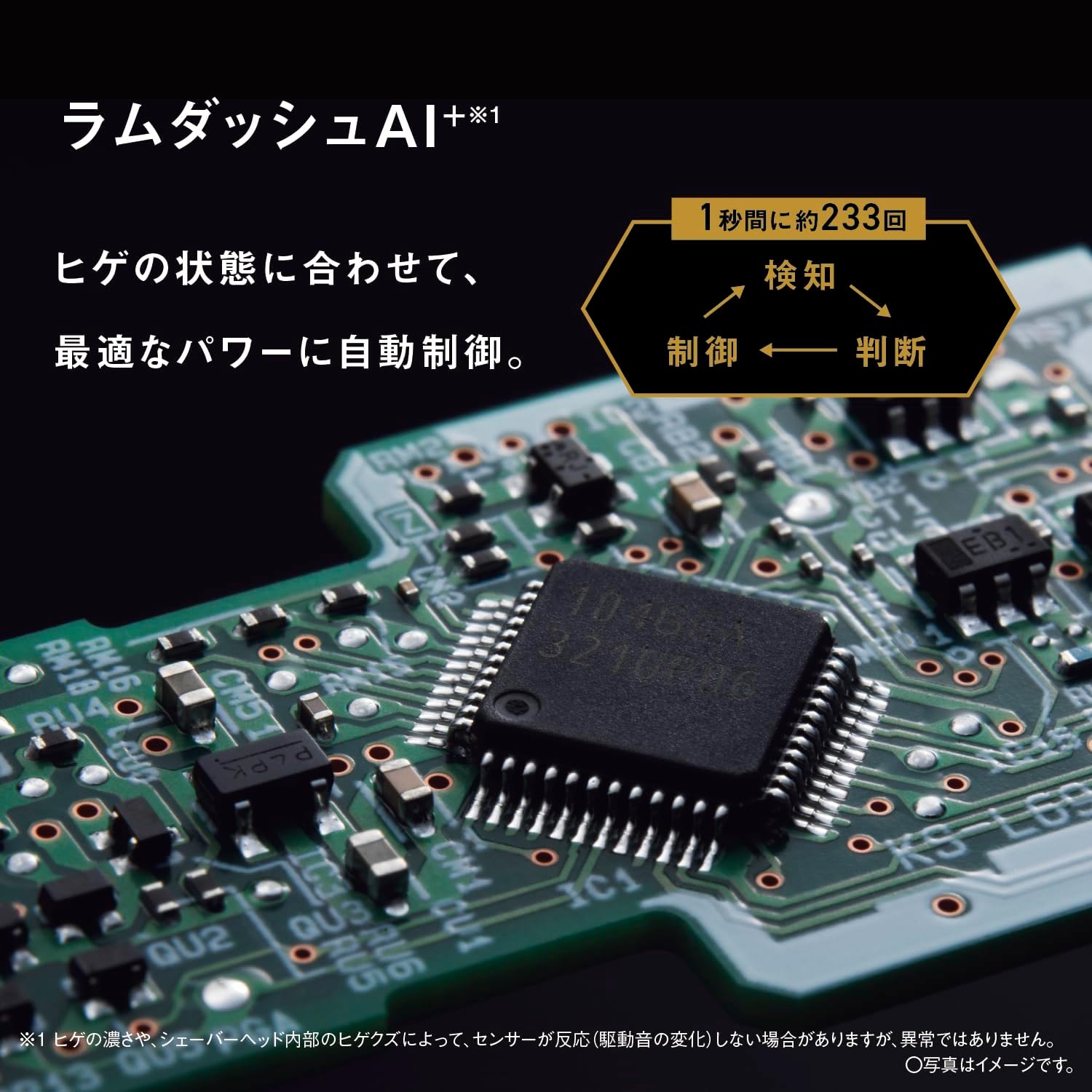
Image: A close-up of the circuit board, representing the Lamdash AI+ intelligent control system.
4.5. Automatic Cleaning and Charging System
The included automatic cleaning and charging system simplifies daily maintenance. With a single switch, it performs cleaning, heated drying, and charging, ensuring your shaver is always hygienic and ready for use. The system also boasts over 99% sterilization.

Image: The automatic cleaning and charging system, showing its compact design and functionality.
4.6. Waterproof Design (IPX7 Standard)
The shaver is designed to be waterproof (IPX7 standard), allowing for easy and thorough cleaning under running water. This feature ensures hygiene and extends the life of your shaver.

Image: The shaver head with water droplets, demonstrating its waterproof capability.
5. Орнотуу
5.1. Баштапкы заряддоо
- Connect the AC adapter to the automatic cleaning and charging system.
- Place the shaver securely into the cleaning and charging system.
- Plug the AC adapter into a power outlet. The charging indicator on the shaver will illuminate.
- Allow approximately 1 hour for a full rapid charge. The shaver can also be used while charging.

Image: The shaver unit correctly placed in its automatic cleaning and charging system.
5.2. Биринчи колдонууга даярдоо
Before the first shave, ensure the shaver is fully charged. It is recommended to apply a small amount of the dedicated oil to the blades for optimal performance and longevity.
6. Иштөө нускамалары
6.1. Сакал алуу
- Электр устараны иштетүү үчүн кубат баскычын басыңыз.
- Устаны териңизге туура бурчта (90 градус) кармаңыз.
- Gently stretch your skin with your free hand and move the shaver slowly against the direction of beard growth.
- The Lamdash AI+ will automatically adjust power based on beard density.
- For optimal results, avoid pressing too hard, as this can cause skin irritation.
6.2. Wet/Dry Shaving
The ES-L571D-K supports both dry shaving and wet shaving with foam or gel. For a more comfortable shave, especially for sensitive skin, wet shaving is recommended.
7. Техникалык тейлөө
7.1. Автоматтык тазалоо
- After shaving, remove any large debris from the shaver head.
- Place the shaver into the automatic cleaning and charging system.
- Ensure the dedicated cleaning solution is in the system.
- Press the cleaning button. The system will initiate a cleaning cycle, followed by heated drying and charging.
7.2. Manual Cleaning (Water Wash)
For quick cleaning, the shaver can be rinsed directly under running water. Ensure the shaver is turned off before rinsing. Do not use the automatic cleaning and charging system or AC adapter during water washing.
7.3. Бычакты алмаштыруу
For continued optimal shaving performance, it is recommended to replace the outer foil and inner blades approximately every 1.5 years. The replacement interval may vary depending on usage. Refer to the product packaging for compatible replacement blades.

Image: The shaver head with the outer foil and inner blades detached, illustrating the replacement process.
7.4. Майлоо
Regularly apply a drop of the dedicated oil to the blades to maintain smooth operation and extend their lifespan. This is especially important after manual cleaning.
8. Кыйынчылыктарды
- Устра күйгүзбөйт: Ensure the shaver is fully charged. If using the AC adapter, check the connection.
- Төмөндөтүлгөн кыруу натыйжалуулугу: Clean the shaver head thoroughly. Consider replacing the outer foil and inner blades if they are old or damaged.
- Иш учурунда адаттан тыш ызы-чуу: Check for any trapped beard stubble or debris in the shaver head. If the noise persists, it may indicate wear on the blades or motor.
- Automatic cleaning system not working: Ensure the shaver is correctly seated in the system and that there is sufficient cleaning solution. Check power connection.
- Теринин дүүлүгүүсү: Ensure you are not pressing too hard. Try wet shaving with foam or gel. If irritation persists, consult a dermatologist.
If you encounter issues not covered here, please refer to the full user manual or contact Panasonic customer support.
9. Техникалык шарттар
| Бренд | Panasonic |
| Модель номери | ES-L571D-K |
| Өзгөчөлүктөрү | Lamdash AI+, Automatic Cleaning and Charging System |
| Камтылган компоненттер | Automatic Cleaning and Charging System, Pouch, Dedicated Cleaning Solution (1), USB Cable (Type-A to Type-C), AC Adapter, Dedicated Oil, Cleaning Brush |
| Продукт Салмагы | Approx. 215g (excluding cap) |
| Түс | Matte Black |
| Бычактын материалы | Дат баспаган болот |
| Баш түрү | Reciprocating |
| Батареянын сүрөттөлүшү | Lithium Ion (Lithium Ion Battery) |
| Blades саны | 5 |
| Power Source | Rechargeable/AC (approx. 1 hour rapid charge) |
| Тазалоо ыкмасы | Automatic Cleaning and Charging System, Sonic Vibration, Water Washable |
| Эл аралык колдонуу | Supported (separate plug adapter may be required) |
| Келип чыккан өлкө | Main Unit: Japan / Cleaning System, AC Adapter: China |
10. Кепилдик жана колдоо
This product comes with a manufacturer's warranty of 12 months from the date of purchase. Please retain your proof of purchase for warranty claims.
Кошумча жардам, өнүмдөрдү каттоо, же үчүн view other Panasonic products, please visit the official Panasonic store:
Техникалык колдоо же тейлөө боюнча суроолоруңуз болсо, Panasonic кардарларды тейлөө кызматына алардын расмий өкүлдөрү аркылуу кайрылыңыз webсайтты же кепилдик документтериңизде көрсөтүлгөн байланыш маалыматын.


