Fachixy FC-200 зымсыз оюн гарнитурасы Колдонуучунун колдонмосу
Модели: FC-200
Introduction
This manual provides detailed instructions for the proper use and maintenance of your Fachixy FC-200 Wireless Gaming Headset. Please read this manual thoroughly before using the product to ensure optimal performance and longevity. The FC-200 headset offers versatile connectivity via 2.4GHz wireless and Bluetooth 5.4, designed for a wide range of gaming and multimedia devices.
Маанилүү коопсуздук маалыматы
Угуу жөндөмүнө зыян келтирбөө үчүн катуу үн деңгээлинде көпкө угуудан качыңыз.
Гарнитураны өтө жогорку температурага, нымдуулукка же суюктуктарга дуушар кылбаңыз.
Keep the headset away from strong magnetic fields.
Гарнитураны ажыратууга же өзгөртүүгө аракет кылбаңыз. Бул кепилдикти жокко чыгарат.
Use only the provided charging cable for charging.
Пакеттин мазмуну
Пакетиңизде бардык буюмдар бар экенин текшериңиз:
Fachixy FC-200 зымсыз оюн гарнитурасы
2.4G USB Dongle
USB заряддоо кабели
Колдонуучунун Колдонмосу (бул документ)
Продукт бүттүview жана Controls
Familiarize yourself with the headset's components and control buttons.
Сүрөт: Diagram showing the control buttons on the left earcup of the Fachixy FC-200 headset. Labels indicate buttons for RGB control, microphone mute/mode switch, power/play/pause/call, and volume control.
RGB/Re-pair Button (1): Press for 3 seconds to turn RGB lighting on/off. In Bluetooth mode, press for 3 seconds to re-pair.
Microphone/Mode Switch Button (2): Press for 3 seconds to turn the microphone on/off. Press for 2 seconds to switch between Bluetooth and 2.4G modes.
Power/Play/Pause/Call Button (3): Press for 3 seconds to turn the headset on/off. Press to play/pause audio or answer/end calls.
Volume Control (4): Scroll forward or backward to adjust volume.
Микрофон: Detachable or retractable microphone for voice communication.
USB-C заряддоо порту: Гарнитураны заряддоо үчүн.
Орнотуу колдонмосу
1. Гарнитураны заряддоо
Before first use, fully charge the headset. Connect the provided USB charging cable to the headset's USB-C port and the other end to a USB power source (e.g., computer, wall adapter). A full charge takes approximately 2.5 hours and provides up to 50 hours of battery life (with RGB off). A voice alert will notify you when the battery charge drops below 10%.
Insert the 2.4G USB dongle into an available USB port on your PC, PS4, PS5, or laptop.
Power on the headset by pressing and holding the Power button (3) for 3 seconds.
The headset should automatically connect to the dongle. A successful connection is indicated by a stable light on the headset or a voice prompt.
On your device, ensure the Fachixy FC-200 is selected as the audio input and output device in your sound settings.
Сүрөт: The Fachixy FC-200 wireless gaming headset shown alongside its 2.4G USB dongle, illustrating the wireless connectivity method.
3. Bluetooth 5.4 Connection (for PC, Tablets, Mobile Phones, Switch)
Гарнитура күйгүзүлгөнүн текшериңиз.
Press and hold the Microphone/Mode Switch button (2) for 2 seconds to switch to Bluetooth mode. The headset will enter pairing mode, indicated by a flashing light or voice prompt.
On your device (PC, tablet, mobile phone, Switch), enable Bluetooth and search for "FC-200" in the list of available devices.
Select "FC-200" to pair. Once connected, the headset's indicator light will become stable.
Маанилүү шайкештик эскертүүлөрү:
Neither 2.4G nor Bluetooth modes are compatible with Xbox consoles (all Series).
The microphone is not supported when using the headset with Nintendo Switch.
Bluetooth mode is not compatible with PS4 or PS5 consoles.
Иштөө нускамалары
Күйгүзүү/өчүрүү
To power on: Press and hold the Power button (3) for 3 seconds.
To power off: Press and hold the Power button (3) for 3 seconds.
Mode Switching (Bluetooth / 2.4G)
To switch between 2.4G and Bluetooth modes: Press and hold the Microphone/Mode Switch button (2) for 2 seconds.
Үндү көзөмөлдөө
Adjust volume: Use the Volume Control wheel (4) by scrolling it forward to increase volume or backward to decrease volume.
Микрофонду башкаруу
To turn microphone on/off: Press and hold the Microphone/Mode Switch button (2) for 3 seconds.
RGB жарык көзөмөлдөө
To turn RGB lighting on/off: Press and hold the RGB/Re-pair button (1) for 3 seconds.
Аудио ойнотуу жана чалууларды башкаруу
Play/Pause: Press the Power button (3) once.
Answer/End Call: Press the Power button (3) once during an incoming call or an active call.
Техникалык тейлөө
Тазалоо: Гарнитураны тазалоо үчүн жумшак, кургак чүпүрөктү колдонуңуз. Абразивдүү тазалагычтарды же эриткичтерди колдонбоңуз.
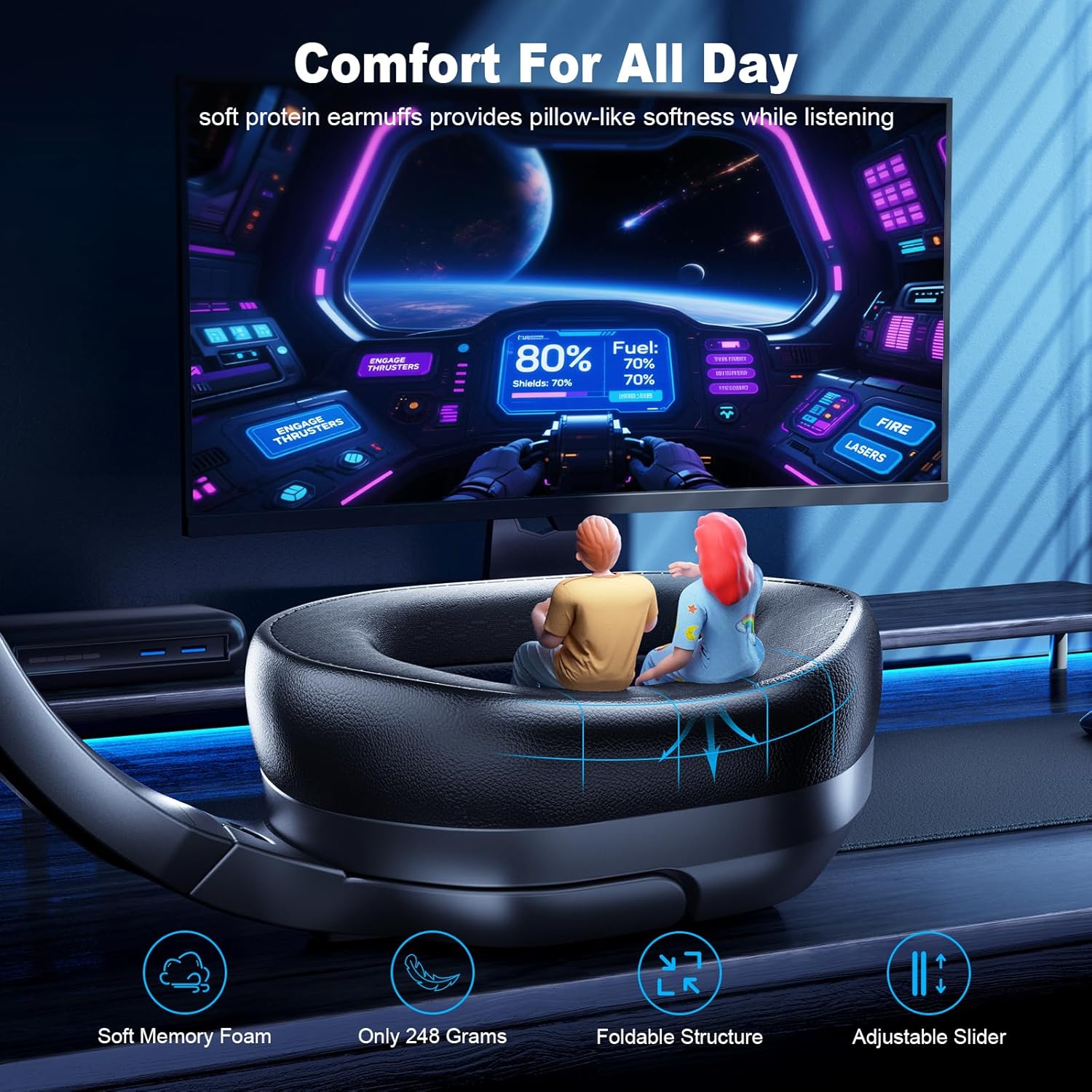
Сактагыч: Гарнитураны салкын, кургак жерде, күндүн түз нурунан жана өтө жогорку температурадан алыс сактаңыз. Бүктөлүүчү дизайны аны компакттуу сактоого мүмкүндүк берет.
Батареяга кам көрүү: To preserve battery life, charge the headset regularly, even if not in frequent use. Avoid fully discharging the battery for extended periods.
Проблемаларды чечүү
Көйгөй
Мүмкүн чечим
Гарнитура күйбөйт.
Ensure the headset is charged. Connect it to a power source using the USB charging cable.
Үн жок же үн сапаты начар.
Гарнитуранын жана туташкан түзмөгүңүздүн үн деңгээлин текшериңиз.
Ensure the headset is correctly paired/connected (2.4G dongle inserted, Bluetooth paired).
Verify that "FC-200" is selected as the audio output device in your device's sound settings.
Try re-pairing the headset.
Микрофон иштебей жатат.
Ensure the microphone is not muted (press and hold button 2 for 3 seconds).
Verify that "FC-200" is selected as the audio input device in your device's sound settings.
Remember the microphone is not supported on Nintendo Switch.
Cannot connect via 2.4GHz.
Ensure the USB dongle is fully inserted into a working USB port.
Confirm the headset is in 2.4G mode (press and hold button 2 for 2 seconds to switch modes).
Башка USB портун колдонуп көрүңүз.
Bluetooth аркылуу туташуу мүмкүн эмес.
Ensure the headset is in Bluetooth pairing mode (flashing light, press and hold button 2 for 2 seconds to switch).
Түзмөгүңүздө Bluetooth күйгүзүлгөнүн жана ал жаңы түзмөктөрдү издеп жатканын текшериңиз.
Try "forgetting" the device on your phone/PC and re-pairing.
Remember Bluetooth mode is not compatible with PS4/PS5.
Foldable, Lightweight, Microphone Included, Volume Control
Элемент Салмагы
13.7 унция
UPC
673658101209
Кепилдик маалымат
Fachixy products are covered by a limited warranty from the date of purchase. This warranty covers manufacturing defects in materials and workmanship. It does not cover damage caused by misuse, accidents, unauthorized modifications, or normal wear and tear. Please retain your proof of purchase for warranty claims.
Кардарларды колдоо
For technical assistance, warranty claims, or general inquiries, please contact Fachixy customer support. Refer to the official Fachixy webакыркы байланыш маалыматы үчүн сайт же сатып алуу документтери.
Онлайн колдоо: зыярат кылыңыз Fachixy Store on Amazon Көп берилүүчү суроолор жана продукт маалыматы үчүн.
Тектеш документтер - FC-200
Fachixy FC-100 оюн гарнитурасын колдонуучунун колдонмосу Fachixy FC-100 оюн гарнитурасы үчүн кеңири колдонуучу колдонмосу, анда PS4, PS5, Xbox, Nintendo Switch, PC жана Mac сыяктуу ар кандай платформалар үчүн орнотуу, функциялар жана мүчүлүштүктөрдү оңдоо камтылган. Продукциянын мүнөздөмөлөрү, коопсуздук эскертүүлөрү жана байланыш маалыматы камтылган.
Fachixy FC200 Оюн гарнитурасынын Колдонуучу колдонмосу Fachixy FC200 оюн гарнитурасы боюнча кеңири колдонмо, анда PlayStation, Xbox жана Nintendo консолдорун орнотуу, техникалык мүнөздөмөлөр, мүчүлүштүктөрдү оңдоо жана коопсуздук жөнүндө маалымат камтылган.