Introduction
This manual provides detailed instructions for the operation and maintenance of your BYYBUO 10.1-inch Android 15 Tablet, Model A10_M_US. Please read this manual thoroughly before using your device to ensure proper functionality and longevity. Keep this manual for future reference.
Кутуда эмне бар
Upon unboxing your BYYBUO Tablet, verify that all listed items are present:
- BYYBUO 10.1-inch Android 15 Tablet
- Protective Case (pre-installed)
- Экран коргоочусу (алдын ала орнотулган)
- Заряддоо кабели (Type-C)
- Кубаттуу адаптер
- Колдонуучунун Колдонмосу (бул документ)

Image: The BYYBUO 10.1-inch Android 15 Tablet, shown with its pre-installed protective case and screen protector, highlighting its sleek design and ready-to-use state.
Жайгашуу
- Алгачкы заряддоо: Before first use, fully charge the tablet using the provided Type-C charging cable and power adapter. Connect the cable to the tablet's charging port and the adapter to a power outlet. The battery indicator will show charging status.
- Күйгүзүү/өчүрүү: Press and hold the power button (located on the side) for a few seconds until the BYYBUO logo appears. To power off, press and hold the power button, then select "Power off" from the options.
- Баштапкы конфигурация: Upon first startup, follow the on-screen prompts to select your language, connect to a Wi-Fi network, and set up your Google account. A Google account is required to download apps from the Google Play Store.
- Экран коргоочу: The tablet comes with a pre-installed screen protector. Ensure it is free from bubbles or dust for optimal viewing.

Image: The BYYBUO Tablet showcasing the Android 15 Go operating system, illustrating its intuitive interface and access to Google services for efficient multitasking and enhanced security.
Иштөө нускамалары
Навигация жана интерфейс
- Сенсордук экран жаңсоолор:
- Tap: Select an item or open an app.
- Swipe: Navigate between home screens, scroll through lists, or open notification/quick settings panels.
- Pinch-to-Zoom: Zoom in or out on images and web барактар.
- Башкы экран: The central hub for your apps and widgets. Customize by long-pressing on empty space.
- Эскертме панели: Swipe down from the top of the screen to access notifications and quick settings (Wi-Fi, Bluetooth, brightness, etc.).
Колдонмо башкаруу
- Колдонмолор жүктөлүүдө: Open the "Play Store" app, search for desired applications, and tap "Install."
- Колдонмолорду орнотуудан чыгаруу: Long-press an app icon on the home screen or app drawer, then drag it to "Uninstall" or select the uninstall option. Alternatively, go to Settings > Apps > See all apps, select the app, and tap "Uninstall."
Байланыш
- Wi-Fi туташуусу: Go to Settings > Network & internet > Wi-Fi. Turn Wi-Fi on, select your network, and enter the password if required. The tablet supports Wi-Fi 6 (2.4G/5G) for fast and stable connections.
- Bluetooth жупташууда: Go to Settings > Connected devices > Connection preferences > Bluetooth. Turn Bluetooth on, scan for devices, and select your device to pair. The tablet supports Bluetooth 5.2.
- Аудио чыгаруу: Use the built-in dual stereo speakers or connect headphones via the 3.5mm headphone jack for a personalized audio experience.

Image: The BYYBUO Tablet displaying a video call with multiple participants, demonstrating its dual-band Wi-Fi 6 and Bluetooth 5.2 capabilities for smooth communication.
Камераны колдонуу
Планшеттин алдыңкы камерасы 5 МП жана арткы камерасы 8 МП.
- Сүрөт/видео тартуу: Open the "Camera" app. Tap the shutter button to take a photo or switch to video mode to record.
- Видео чалуулар: Utilize the front camera for video conferencing through compatible applications.
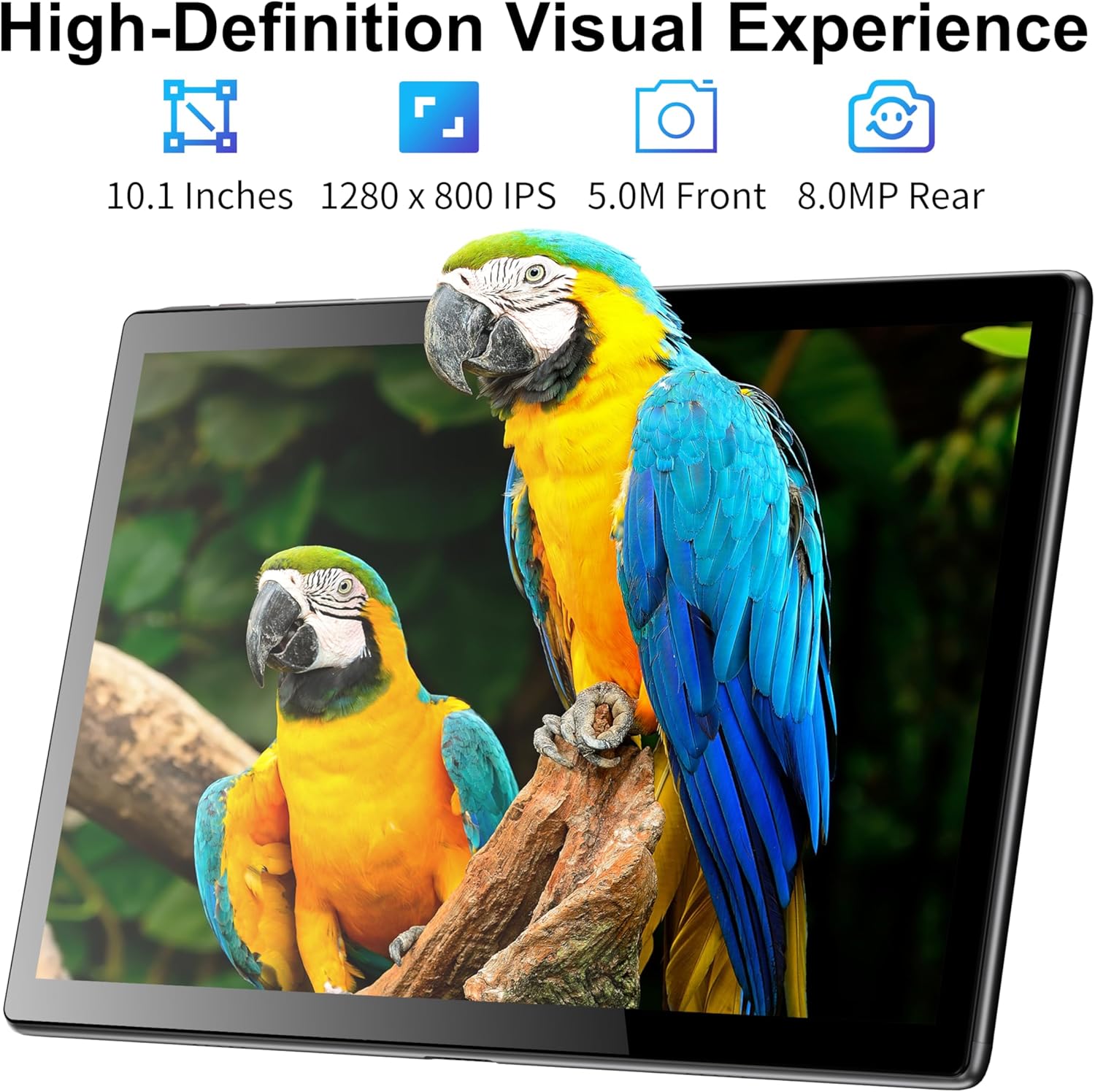
Image: The BYYBUO Tablet showcasing its 1280x800 IPS HD display with a vivid image, emphasizing its visual quality and the functionality of its 5MP front and 8MP rear cameras.
Сактагычты башкаруу
The tablet comes with 64GB of internal storage. This can be expanded up to 1TB using an SD card (sold separately).
- SD картаны салуу: Locate the SD card slot on the side of the tablet. Carefully insert the SD card until it clicks into place.
- Башкаруу Files: Use the pre-installed "Files" app to browse, organize, and manage your documents, photos, and videos.

Image: A graphic illustrating the BYYBUO Tablet's large storage capacity, featuring 8GB RAM, 64GB ROM, and the option to expand up to 1TB, suitable for various applications and media.
Батарея башкаруу
The 5000mAh battery provides up to 7 hours of continuous use and 5 days of standby time.
- Батареянын иштөө мөөнөтүн оптималдаштыруу: Reduce screen brightness, close unused apps, and disable Wi-Fi/Bluetooth when not in use to extend battery life.
- Заряддоо: Charge the tablet when the battery level is low to prevent unexpected shutdowns.

Image: A visual representation of the BYYBUO Tablet being charged via its Type-C port, emphasizing its 5000mAh battery capacity and charging process.
Техникалык тейлөө
- Тазалоо: Планшеттин экранын жана корпусун тазалоо үчүн жумшак, мамыксыз чүпүрөктү колдонуңуз. Абразивдүү материалдарды же катуу химиялык заттарды колдонбоңуз.
- Программалык камсыздоо жаңыртуулары: Regularly check for and install system updates (Settings > System > System update) to ensure optimal performance, security, and access to new features.
- Сактагычты оптималдаштыруу: Periodically clear cache data from apps (Settings > Apps > [App Name] > Storage & cache > Clear cache) and delete unnecessary fileсактагыч мейкиндигин бошотуу үчүн.
- Экологиялык шарттар: Планшетті өтө жогорку температурага, түз күн нуруна же жогорку нымдуулукка дуушар кылбаңыз.
Проблемаларды чечүү
Жалпы маселелер жана чечимдер:
- Планшет күйбөйт:
- Батарея заряддалганын текшериңиз. Заряддагычты туташтырыңыз жана кайра күйгүзүү аракетинен мурун бир нече мүнөт күтүңүз.
- If unresponsive, try a soft reset by pressing and holding the power button for 10-15 seconds.
- Жай аткаруу:
- Фондо иштеп жаткан колдонулбаган колдонмолорду жабуу.
- Clear app cache and temporary files.
- Системанын жаңыртууларын текшериңиз.
- Consider a factory reset as a last resort (back up data first).
- Wi-Fi/Bluetooth туташуу маселелери:
- Toggle Wi-Fi/Bluetooth off and on again.
- Restart the tablet and your router/Bluetooth device.
- Тармакты/түзмөктү унутуп, кайра туташыңыз.
- Колдонмолор бузулуп жатат:
- Колдонмонун акыркы версиясына жаңыртылганын текшериңиз.
- Колдонмонун кэшин жана дайындарын тазалаңыз (Орнотуулар > Колдонмолор > [Колдонмонун аты] > Сактагыч жана кэш).
- Reinstall the app.
Техникалык шарттар
| Өзгөчөлүк | Деталь |
|---|---|
| Бренд | BYYBUO |
| Модель аты | A10_M_US |
| Операция системасы | Android 15 |
| Screen Size | 10.1 дюйм |
| Screen Resolution | 1280 x 800 pixels (IPS HD Touchscreen) |
| Процессор | Quad-core, 1.5 GHz (Allwinner) |
| RAM | 8GB (3GB + 5GB) |
| Ички сактагыч | 64 ГБ |
| Кеңейтүүчү сактагыч | Up to 1TB via SD card (sold separately) |
| Арткы камера | 8 депутат |
| Алдыңкы камера | 5 депутат |
| Батарея сыйымдуулугу | 5000mAh |
| Батареянын орточо иштөө мөөнөтү | 7 саат |
| Зымсыз түрү | Wi-Fi 6 (802.11ac, 802.11b, 802.11g, 802.11n) |
| Bluetooth | Bluetooth 5.2 |
| Өлчөмдөрү (LxWxH) | 9.52 x 6.32 x 0.32 дюйм |
| Элемент Салмагы | 2.27 фунт |
Кепилдик жана колдоо
For warranty information and customer support, please refer to the official BYYBUO website or contact their customer service directly. The product may be eligible for additional protection plans, as detailed on the purchase platform.
Расмий бренд дүкөнү: BYYBUO Store on Amazon


