Introduction
This manual provides comprehensive instructions for setting up, operating, and maintaining your Fusion5 10.1" Windows 11 Professional Tablet PC, Model FWIN232 PRO NEO. Please read this manual carefully before using your device to ensure proper function and longevity. Keep this manual for future reference.
Кутуда эмне бар
Пакетте бардык буюмдар бар экенин текшериңиз:
- Fusion5 10.1" Windows 11 Professional Tablet PC (FWIN232 PRO NEO)
- 36W Type-C Fast Charger
- Колдонуучунун Колдонмосу (бул документ)
Продукт бүттүview
Планшетиңиздин физикалык компоненттери жана порттору менен таанышып алыңыз.

Сүрөт: бүттүview of the Fusion5 FWIN232 PRO NEO tablet, highlighting the headphone jack, volume buttons, power button, 2x USB Type-C ports, Micro HDMI port, Micro SD slot, and docking keyboard connection.
- Гарнитура уячасы: Зымдуу кулакчындарды же тышкы аудио түзүлүштөрдү туташтыруу үчүн.
- Үн баскычтары: Аудио чыгаруу деңгээлин тууралаңыз.
- Кубат баскычы: Press to turn the tablet on/off or put it to sleep/wake it up.
- USB Type-C порттору (x2): Used for charging, data transfer, and connecting compatible peripherals. One port is dedicated for charging, the other for data transfer.
- Микро HDMI порту: Connect to an external display or TV.
- Micro SD оюгу: Insert a Micro SD card for expandable storage up to 512GB.
- Docking Keyboard Connection: Magnetic connector for an optional docking keyboard (sold separately).
- Алдыңкы камера: Видео чалуулар жана селфи үчүн.
- Арткы камера: Сүрөт жана видео тартуу үчүн.
Жайгашуу
- Планшетти заряддоо:
Before first use, fully charge your tablet using the provided 36W Type-C fast charger. Connect the charger to one of the USB Type-C ports and plug it into a power outlet. The charging indicator will illuminate.
- Күйгүзүү:
Press and hold the Power Button for a few seconds until the Fusion5 logo appears on the screen.
- Windows 11 баштапкы орнотуусу:
Follow the on-screen prompts to complete the initial Windows 11 Professional setup. This includes selecting your region, language, connecting to a Wi-Fi network, and setting up your Microsoft account.
- Inserting a Micro SD Card (Optional):
If you wish to expand storage, carefully insert a Micro SD card into the Micro SD slot until it clicks into place. The tablet supports up to 512GB Micro SD cards.
Планшетти иштетүү
Windows 11 Professional
Your tablet runs on Windows 11 Professional, offering a full desktop operating system experience. This provides access to a wide range of applications and features, including advanced tools and built-in security.
Сенсордук экран навигациясы
The 10.1" Full HD IPS touchscreen supports multi-touch gestures. Use familiar gestures like tapping, swiping, pinching, and zooming to navigate the interface, open applications, and interact with content.

Image: A hand interacting with the tablet's touchscreen, illustrating the instant touch response feature.
Tablet Mode vs. Laptop Mode
The tablet can be used in two primary modes:
- Планшет режими: Ideal for media consumption, browsing, and touch-based interactions.
- Ноутбук режими: When connected to an optional docking keyboard (sold separately), the tablet transforms into a laptop-like experience, suitable for typing and productivity tasks.

Image: A split image showing the tablet being used handheld in tablet mode and connected to a keyboard in laptop mode.
Байланыш
Your Fusion5 tablet offers various connectivity options:
- Dual-Band Wi-Fi (2.4GHz & 5GHz): Интернетке кирүү үчүн зымсыз тармактарга туташыңыз. барыңыз Орнотуулар > Тармак жана интернет > Wi-Fi байланыштарды башкаруу үчүн.
- Bluetooth 5.0: Pair with Bluetooth-enabled devices such as headphones, speakers, or keyboards. Go to Орнотуулар > Bluetooth жана түзмөктөр байланыштарды башкаруу үчүн.
- USB Type-C: Use the USB Type-C ports for connecting external storage, charging, or other compatible accessories.
- Микро HDMI: Connect an HDMI cable to an external monitor or TV to extend or duplicate your display.

Image: A person using the tablet for a video call, illustrating the fast Wi-Fi and Bluetooth connectivity.
Сактоо жана аткаруу
The FWIN232 PRO NEO is equipped with:
- Процессор: Intel 13th Gen Alder Lake N100 Quad-Core CPU (up to 3.4GHz) for efficient performance.
- RAM: 16 ГБ оперативдүү эс тутум бир нече тапшырмаларды аткаруу үчүн.
- Ички сактагыч: 512GB SSD for fast boot times and application loading.
- Кеңейтүүчү сактагыч: A Micro SD card slot supports up to 512GB additional storage.

Image: The tablet displaying "No lag. Just power" with icons for Intel 13th Gen, Quad-Core CPU, 16GB RAM, and 512GB SSD.

Image: Multiple tablet screens layered, representing ample storage with 16GB RAM, 512GB SSD, and 512GB Micro SD expansion.
Дисплей жана аудио
- Дисплей: 10.1" Full HD (1920x1200) IPS touchscreen with 400 nits brightness for clear and vibrant visuals.
- Аудио: Upgraded dual speakers provide enhanced sound quality for media consumption and video calls.
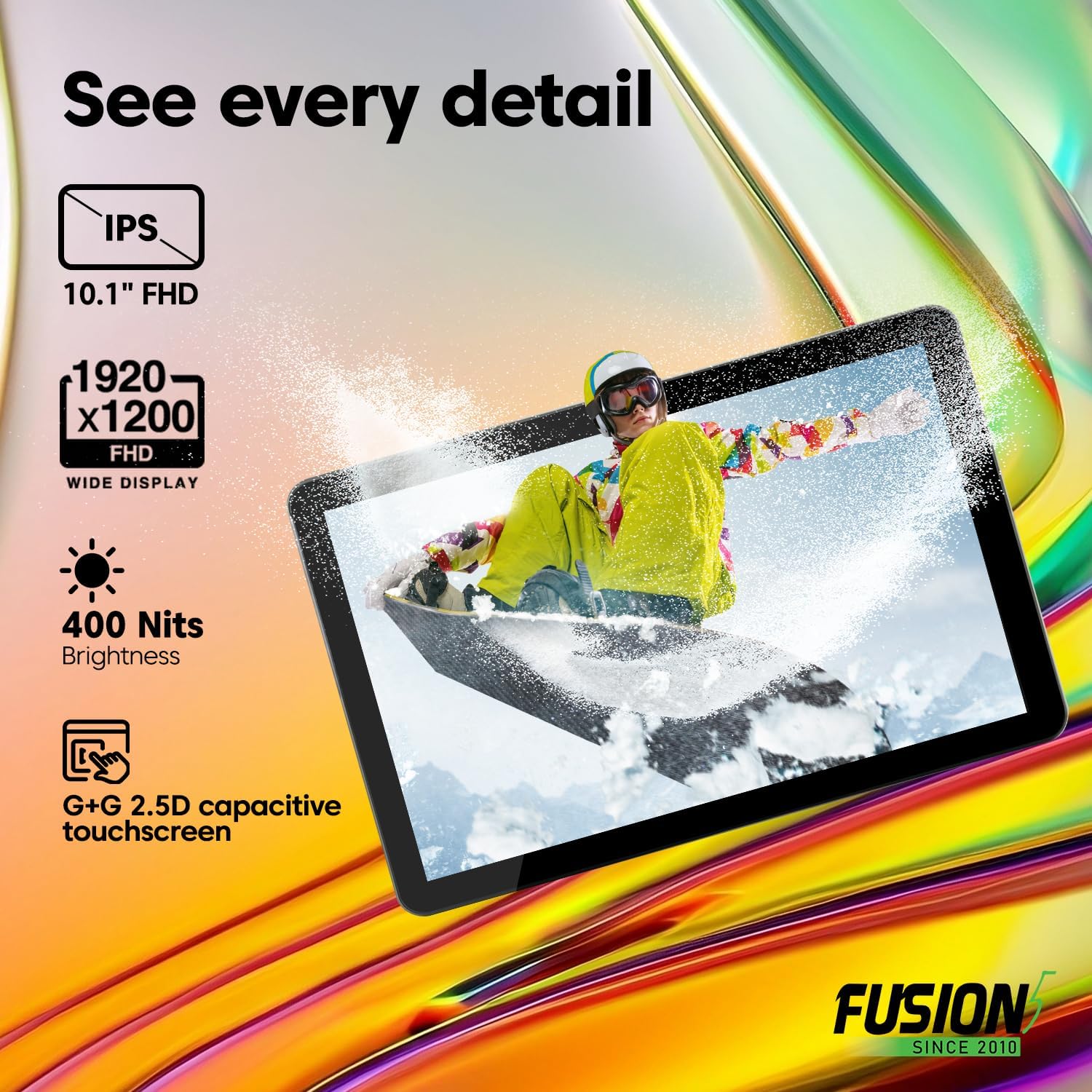
Image: The tablet displaying "See every detail" with icons for IPS 10.1" FHD, 1920x1200 FHD, 400 Nits Brightness, and G+G 2.5D capacitive touchscreen.
Камералар
The tablet features dual cameras:
- Алдыңкы камера: 5MP for video conferencing and self-portraits.
- Арткы камера: Сүрөт жана видео тартуу үчүн 2 мегапиксел.

Image: A close-up of the tablet's camera with example photos, illustrating the ability to capture moments with front and rear cameras.
Батарея жана заряддоо
Your tablet is equipped with an 8000mAh battery for extended use. It supports FusionCharge fast charging with the included 36W Type-C fast charger. A full charge provides approximately 5 hours of average battery life.

Image: The tablet resting on a desk, highlighting the 8000mAh long-lasting battery and FusionCharge fast charging with a 36W Type-C charger.
Техникалык тейлөө
- Тазалоо: Экранды жана корпусту тазалоо үчүн жумшак, мамыксыз чүпүрөктү колдонуңуз. Абразивдүү тазалоочу каражаттарды же эриткичтерди колдонбоңуз.
- Сактагыч: Планшетти күн нурунан жана экстремалдык температурадан алыс салкын, кургак жерде сактаңыз.
- Программалык камсыздоо жаңыртуулары: Оптималдуу иштөөнү жана коопсуздукту камсыз кылуу үчүн Windows жаңыртууларын үзгүлтүксүз текшерип жана орнотуп туруңуз. Орнотуулар > Windows Жаңыртуу.
- Батареяга кам көрүү: Батареянын иштөө мөөнөтүн узартуу үчүн, батареяны тез-тез толук зарядсыздандырбаңыз. Батареянын деңгээли төмөн болгондо планшетти кубаттаңыз.
Проблемаларды чечүү
| Көйгөй | Мүмкүн чечим |
|---|---|
| Планшет күйбөйт. | Ensure the tablet is charged. Connect the charger and wait a few minutes before attempting to power on again. If unresponsive, perform a hard reset by holding the power button for 10-15 seconds. |
| Экран жооп бербей жатат. | Планшетти кайра иштетиңиз. Эгер маселе чечилбесе, экрандын таза жана таштандылардан таза экенин текшериңиз. |
| Wi-Fi туташуу маселелери. | Check if Wi-Fi is enabled in settings. Restart your router and the tablet. Ensure you are within range of the Wi-Fi network. |
| Жай аткаруу. | Close unnecessary applications. Check for and install any pending Windows updates. Ensure sufficient free storage space. |
| Батарея бат эле түгөнөт. | Adjust screen brightness. Close background applications. Disable Wi-Fi or Bluetooth when not in use. Check battery usage in Windows settings to identify power-hungry apps. |
Техникалык шарттар
| Өзгөчөлүк | Деталь |
|---|---|
| Модел | FWIN232 PRO NEO |
| Операция системасы | Windows 11 Professional |
| Screen Size | 10.1 дюйм |
| Screen Resolution | 1920 x 1200 Pixels (Full HD IPS) |
| Процессор | Intel 13th Gen Alder Lake N100 Quad-Core (up to 3.4 GHz) |
| Графикалык сопроцессор | Intel UHD графикасы |
| RAM | 16 ГБ |
| Ички сактагыч | 512 ГБ SSD |
| Кеңейтүүчү сактагыч | Micro SD slot (up to 512 GB) |
| Зымсыз түрү | 802.11ac (Dual-Band Wi-Fi 2.4GHz & 5GHz) |
| Bluetooth | Bluetooth 5.0 |
| Порттар | 2x USB Type-C, Micro HDMI, 3.5mm Headphone Jack |
| Арткы Webcam Resolution | 2 депутат |
| Фронт Webcam Resolution | 5 депутат |
| Батарея сыйымдуулугу | 8000 мАч |
| Батареянын орточо иштөө мөөнөтү | 5 саат |
| Заряддагыч | 36W Type-C Fast Charger |
| Элемент Салмагы | 1.43 фунт |
| Продукциянын өлчөмдөрү (LxWxH) | 9.5 x 6.37 x 0.37 дюйм |
Кепилдик жана колдоо
Your Fusion5 FWIN232 PRO NEO Tablet PC comes with a 2 Жыл Толук Кепилдик, which includes protection for up to two accidental screen damage claims. Additionally, a 30-Day No Quibble Return policy is in effect.
For support, warranty registration, or to speak with a representative, please refer to the contact information provided with your device or visit the official Fusion5 webсайт.
Video: An official product video from LSElectronics (Seller) showcasing the 10.1" Windows 11 Pro Tablet PC, highlighting its features like 16GB RAM and 512GB SSD. This video provides a visual overview of the product's capabilities and design.


