1. Киришүү
Welcome to the user manual for your new Lava Play Ultra 5G smartphone. This guide provides essential information on setting up, operating, maintaining, and troubleshooting your device. Please read this manual carefully to ensure optimal performance and longevity of your smartphone.
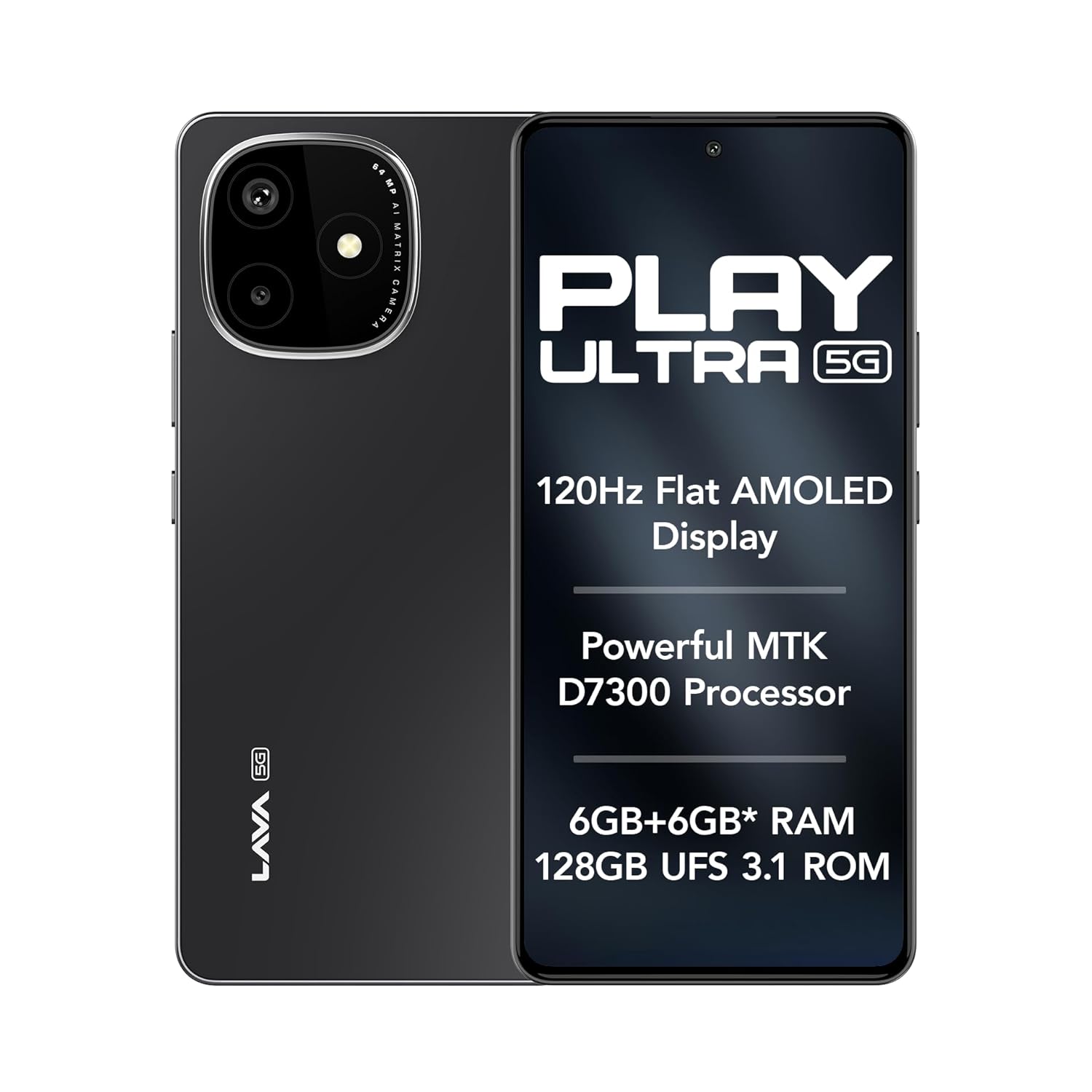
Image: The Lava Play Ultra 5G smartphone, showcasing its sleek design and key display features.
2. Кутуда эмне бар
Upon unboxing your Lava Play Ultra 5G, please verify that all the following items are included:
- Lava Play Ultra 5G Smartphone
- Кубаттуу адаптер
- USB кабели
- SIM лоток чыгаруучу
- Телефон корпусу
- Гарнитура
3. Орнотуу
3.1. SIM картаны жана microSD картаны салуу
- Түзмөгүңүздүн капталындагы SIM салгычты табыңыз.
- SIM лоток чыгаруучу куралды лотоктун жанындагы кичинекей тешикке салып, лоток чыгып кеткенче акырын басыңыз.
- Nano-SIM картаңызды(ларыңызды) жана/же microSD картаңызды лотоктогу белгиленген уячаларга салыңыз. Алтын контакттары ылдый карасын.
- Табаны телефондун ичине кылдаттык менен кайра кыстарыңыз.
3.2. Батареяны заряддоо
Before first use, fully charge your Lava Play Ultra 5G. Connect the USB cable to the power adapter and then to the phone's charging port. Plug the power adapter into a wall outlet. The device supports 33W fast charging.
3.3. Күйгүзүү / Өчүрүү
- To power on: Press and hold the Power button until the Lava logo appears.
- Өчүрүү үчүн: Кубат баскычын басып, кармап туруңуз, андан кийин экрандагы параметрлерден "Өчүрүү" дегенди тандаңыз.
3.4. Баштапкы орнотуу устасы
Upon first power-on, follow the on-screen instructions to complete the initial setup. This includes selecting your language, connecting to Wi-Fi, setting up your Google account, and configuring security features.
4. Аппаратыңызды иштетүү
4.1. Навигация
- Сенсордук экран жаңсоолор: Таптоо, серпүү, чоңойтуу үчүн чымчоо жана көпкө басуу дисплей менен иштешүүнүн стандарттуу ишараттары болуп саналат.
- Баскычтар: The Power button controls power and screen lock. Volume buttons adjust audio levels.
4.2. Байланыш
- Wi-Fi: Жөндөөлөр > Тармак жана интернет > Wi-Fi аркылуу зымсыз тармактарга туташыңыз.
- Bluetooth: Pair with other Bluetooth devices via Settings > Connected devices > Bluetooth.
- Мобилдик хотспот: Share your phone's internet connection via Settings > Network & internet > Hotspot & tethering.
5. Камеранын өзгөчөлүктөрү
The Lava Play Ultra 5G is equipped with a versatile camera system to capture your moments.
- Арткы камера: 64MP Sony IMX682 main sensor with Electronic Image Stabilization (EIS) for steady shots.
- Макро линза: 5MP dedicated macro lens for detailed close-up photography.
- Алдыңкы камера: 13MP selfie camera for clear self-portraits and video calls.
Камера режимдери төмөнкүлөрдү камтыйт:
- Time-Lapse
- Портрет режими
- HDR режими

Сүрөт: деталдуу view of the Lava Play Ultra 5G's 64MP camera system.
Сүрөт: бүттүview of the Lava Play Ultra 5G's camera capabilities and modes.
6. Performance and Display
Experience smooth performance and vibrant visuals with the Lava Play Ultra 5G.
- Процессор: Powered by the MTK D7300 processor, built on 4nm technology, offering efficient and powerful performance.
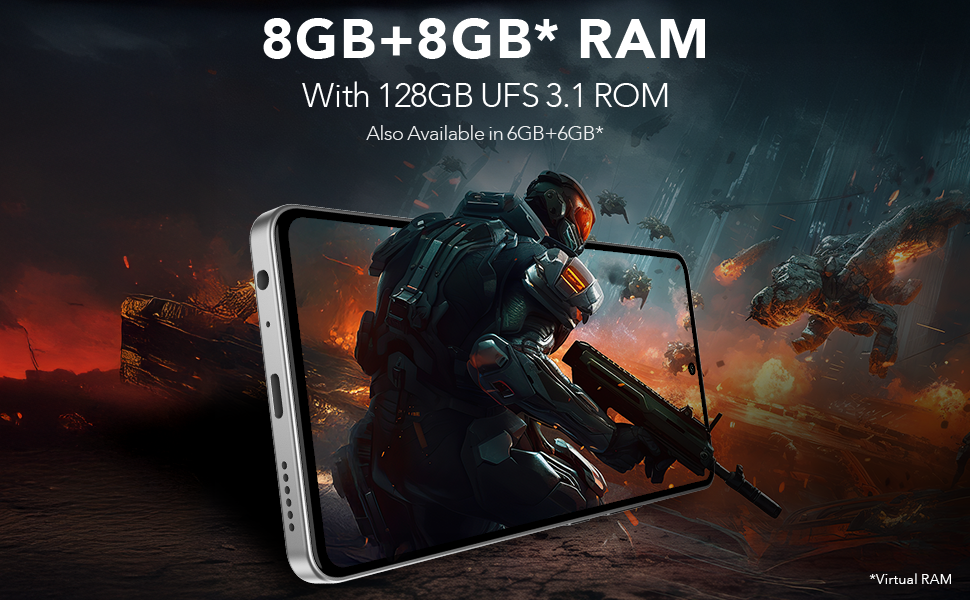
- Оперативдүү эс тутум жана сактоо: Up to 12GB expandable RAM (6GB physical + 6GB virtual) paired with 128GB UFS 3.1 storage for fast app loading and multitasking.
- Дисплей: Features a 6.67" FHD+ AMOLED display with a 120Hz refresh rate and 1200 nits peak brightness, ensuring vivid colors and smooth scrolling. The display supports 100% DCI-P3 Colour Gamut.
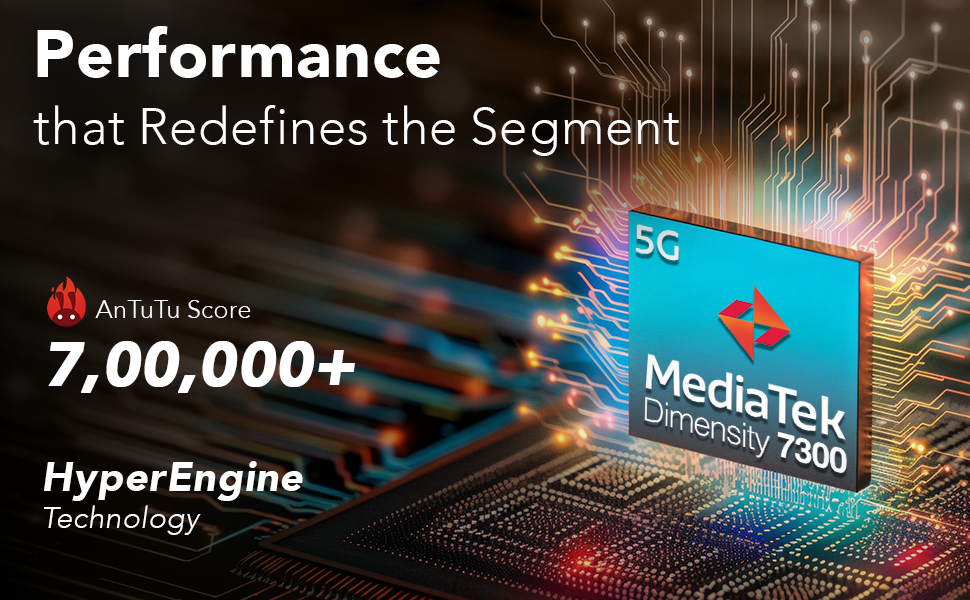
Image: Illustration of the MediaTek Dimensity 7300 processor's performance capabilities.
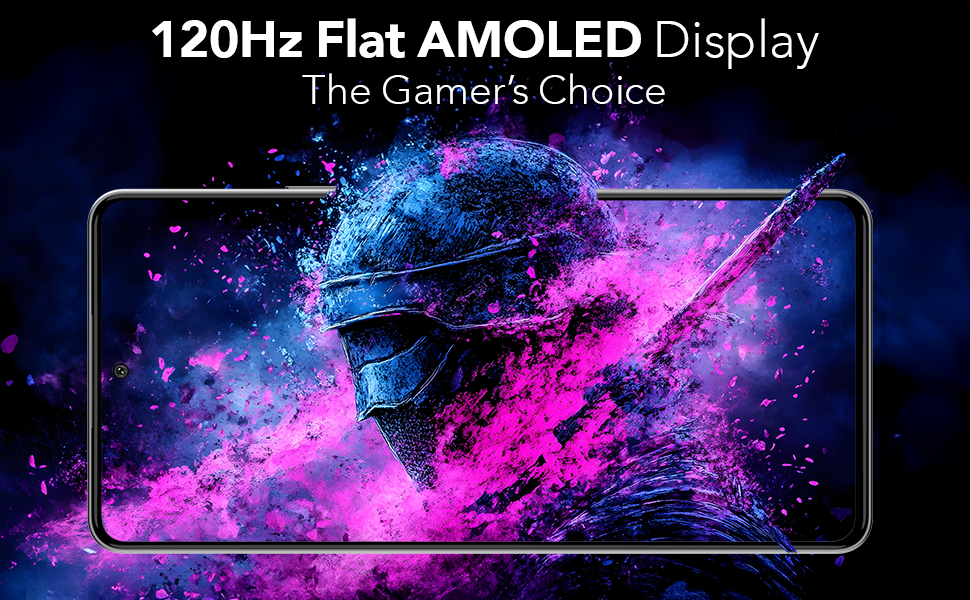
Image: The 120Hz Flat AMOLED Display in action, highlighting its visual quality.
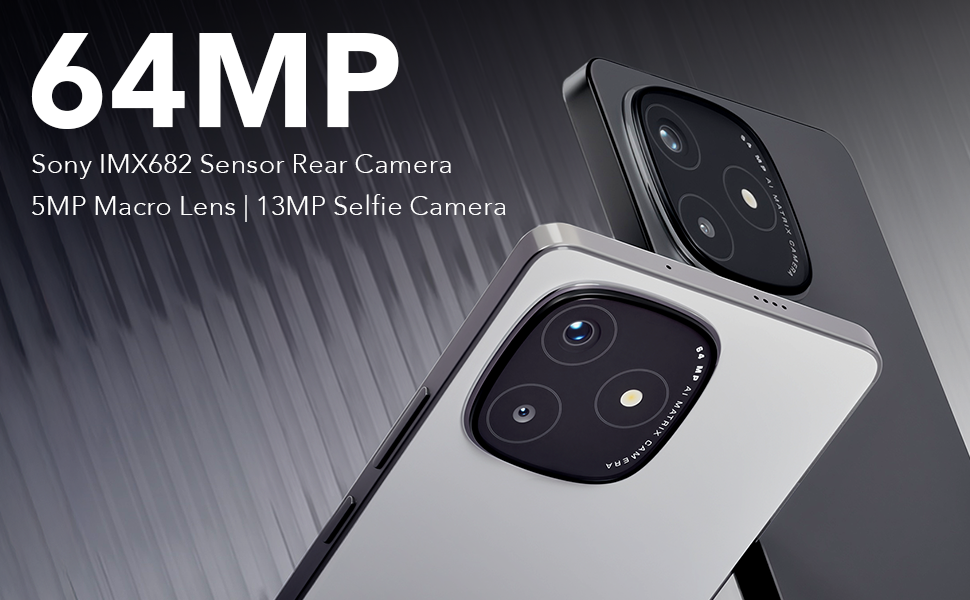
Image: Representation of the phone's RAM and storage capabilities for smooth performance.
7. Аудио өзгөчөлүктөрү
The Lava Play Ultra 5G provides an enhanced audio experience:
- Кош стерео динамиктер: Delivers rich and immersive sound for media consumption.
- Noise-Cancelling Dual Microphones: Ensures clear audio during calls and recordings by reducing background noise.
- Аудио Jack: Includes a 3.5 mm audio jack for traditional wired headsets.
8. Узактыгы
The Lava Play Ultra 5G is designed with durability in mind:
- IP64 рейтинги: Provides protection against dust ingress and splashes of water, making it suitable for various environments.

Image: The Lava Play Ultra 5G demonstrating its IP64 dust and water resistance.
9. Программалык камсыздоо жана жаңыртуулар
Your Lava Play Ultra 5G runs on a clean and optimized Android experience:
- Операция системасы: Android 15, offering a near-stock Android experience with no bloatware or unwanted apps.
- Программалык камсыздоону жаңыртуу: Assured Android upgrades for 2 years.
- Коопсуздук жаңыртуулары: Regular security updates for 3 years to keep your device protected.
10. Техникалык шарттар
Detailed technical specifications for the Lava Play Ultra 5G:
| Өзгөчөлүк | Спецификация |
|---|---|
| Операция системасы | Android 15 |
| Продукциянын өлчөмдөрү | 16.87 x 0.83 x 7.81 см; 196 г |
| Батареялар | 1 Литий Полимер (кошулган) |
| Connectivity Technologies | Bluetooth, USB, Wi-Fi |
| GPS | Туура |
| Өзгөчөлүктөр | Always On Display, Dual SIM, Fast Charging Support, Mobile Hotspot Capability, Water Resistant (IP64) |
| Резолюция | 1080 x 2400 |
| Камеранын башка өзгөчөлүктөрү | Алдыңкы, Арткы |
| Аудио Jack | 3.5 мм |
| Форма фактору | Бар |
| Түс | Arctic Slate |
| Батарея кубаттуулугунун рейтинги | 5000 миллионamp Саат |
| RAM эстутум орнотулган өлчөмү | 6 ГБ |
| Эстутум сактоо сыйымдуулугу | 128 ГБ |
| Screen Size | 6.67 дюйм |
| Өндүрүүчү | Лава, Лава Интернешнл ЖЧКсы |
| Келип чыккан өлкө | Индия |
11. Техникалык тейлөө
To ensure the longevity and optimal performance of your Lava Play Ultra 5G, follow these maintenance guidelines:
- Тазалоо: Экранды жана денени тазалоо үчүн жумшак, түксүз чүпүрөктү колдонуңуз. Абразивдүү материалдардан же катуу химиялык заттардан алыс болуңуз.
- Программалык камсыздоо жаңыртуулары: Акыркы мүмкүнчүлүктөрдөн, коопсуздук жаңыртууларынан жана майнаптуулукту жакшыртуулардан пайда алуу үчүн системанын жаңыртууларын дайыма текшерип, орнотуп туруңуз.
- Батареяга кам көрүү: Avoid extreme temperatures. Do not let the battery fully drain frequently. For long-term storage, charge the battery to around 50%.
- Сактагычты башкаруу: Мезгил-мезгили менен ачык-айкын керексиз files, cache, and unused apps to free up storage space and maintain device speed.
12. Кыйынчылыктарды
This section addresses common issues you might encounter with your Lava Play Ultra 5G.
12.1. Түзмөк жооп бербей жатат
- Кайра баштоо: Кайра күйгүзүүгө мажбурлоо үчүн кубат баскычын 10-15 секунд басып туруңуз.
- Заряд: Ensure the device has sufficient battery. Connect to the charger and wait a few minutes before attempting to power on.
12.2. Батареянын иштөө мөөнөтү начар
- Фондук колдонмолор: Фондо иштеп жаткан колдонулбаган колдонмолорду жабуу.
- Экран жарыктыгы: Экран жарыктыгын азайтыңыз же адаптацияланган жарыктыгын иштетиңиз.
- Байланыш: Колдонулбаган учурда Wi-Fi, Bluetooth же GPSти өчүрүңүз.
- Кубатты үнөмдөө режими: Activate Battery Saver mode in Settings.
12.3. Тармакка туташуу маселелери
- Түзмөктү кайра иштетүү: Жөнөкөй кайра күйгүзүү көбүнчө тармактын убактылуу мүчүлүштүктөрүн чечет.
- Check SIM: SIM карта туура салынганын жана иштетилгенин текшериңиз.
- Тармак орнотуулары: Тармак жөндөөлөрүн Орнотуулар > Система > Кайра коюу параметрлери > Wi-Fi, мобилдик жана Bluetooth'ту кайра коюу аркылуу баштапкы абалга келтириңиз.
12.4. Camera Issues
- Таза линза: Камера линзасынын таза жана тактары жок экенин текшериңиз.
- Restart Camera App: Close and reopen the camera application.
- Кэшти тазалоо: Go to Settings > Apps & notifications > Camera > Storage & cache > Clear cache.
13. Кепилдик жана колдоо
Lava provides comprehensive support for your Play Ultra 5G device.
- Кепилдик: Refer to the warranty card included in your product packaging for detailed terms and conditions.
- Home Repair Service: Lava offers a convenient home repair service for eligible issues. Please contact customer support for more details.
- Кардарларды колдоо: For further assistance, technical support, or service requests, please visit the official Lava webсайтына же кардарларды тейлөө ишеним телефонуна кайрылыңыз.


