1. Киришүү
This manual provides detailed instructions for the setup, operation, and maintenance of your EWEADN V80 Wired TKL RGB Gaming Keyboard. Please read this manual thoroughly before using the product to ensure optimal performance and longevity.

Figure 1: EWEADN V80 Wired TKL RGB Gaming Keyboard, showcasing its compact design and gradient pink keycaps.
2. Продукт бүтүп калдыview
2.1 Негизги өзгөчөлүктөрү
- Зымдуу туташуу: USB-C wired design for stable, interference-free connection with zero input lag.
- 80% TKL жайгашуусу: Compact Tenkeyless design saves desk space while retaining essential keys.
- RGB жарыктандыруу: 12 dynamic lighting modes with adjustable brightness and speed.
- Тынч мембраналык өчүргүчтөр: Provides tactile feedback with minimal noise, suitable for quiet environments.
- PBT баскычтоптору: Double-shot injection-molded PBT keycaps with side-printed legends for durability and clear backlighting.
- 26 Негизги Анти-Гостинг: Ensures accurate registration of multiple simultaneous keypresses.
- Эргономикалык дизайн: Integrated two-stage kickstand for adjustable typing angles to reduce wrist strain.
- Көп системалуу колдоо: Compatible with Windows and Mac operating systems.
2.2 Кутуда эмне бар
- EWEADN V80 Wired TKL RGB Gaming Keyboard
- USB-C - USB-A кабели
- User Manual
3. Орнотуу
3.1 Баскычтопту туташтыруу
- USB-C портун клавиатуранын арткы бетинен табыңыз.
- Берилген кабелдин USB-C учун клавиатурага туташтырыңыз.
- Кабелдин USB-A учун компьютериңиздеги (PC же Mac) жеткиликтүү USB портуна туташтырыңыз.
- Баскычтоп плагин жана ойнотуу болуп саналат жана операциялык тутумуңуз тарабынан автоматтык түрдө таанылышы керек.

Figure 2: The USB-C port for connecting the keyboard to your computer.
3.2 Системанын шайкештиги
The EWEADN V80 keyboard is compatible with Windows and Mac operating systems. No additional drivers are typically required for basic functionality.
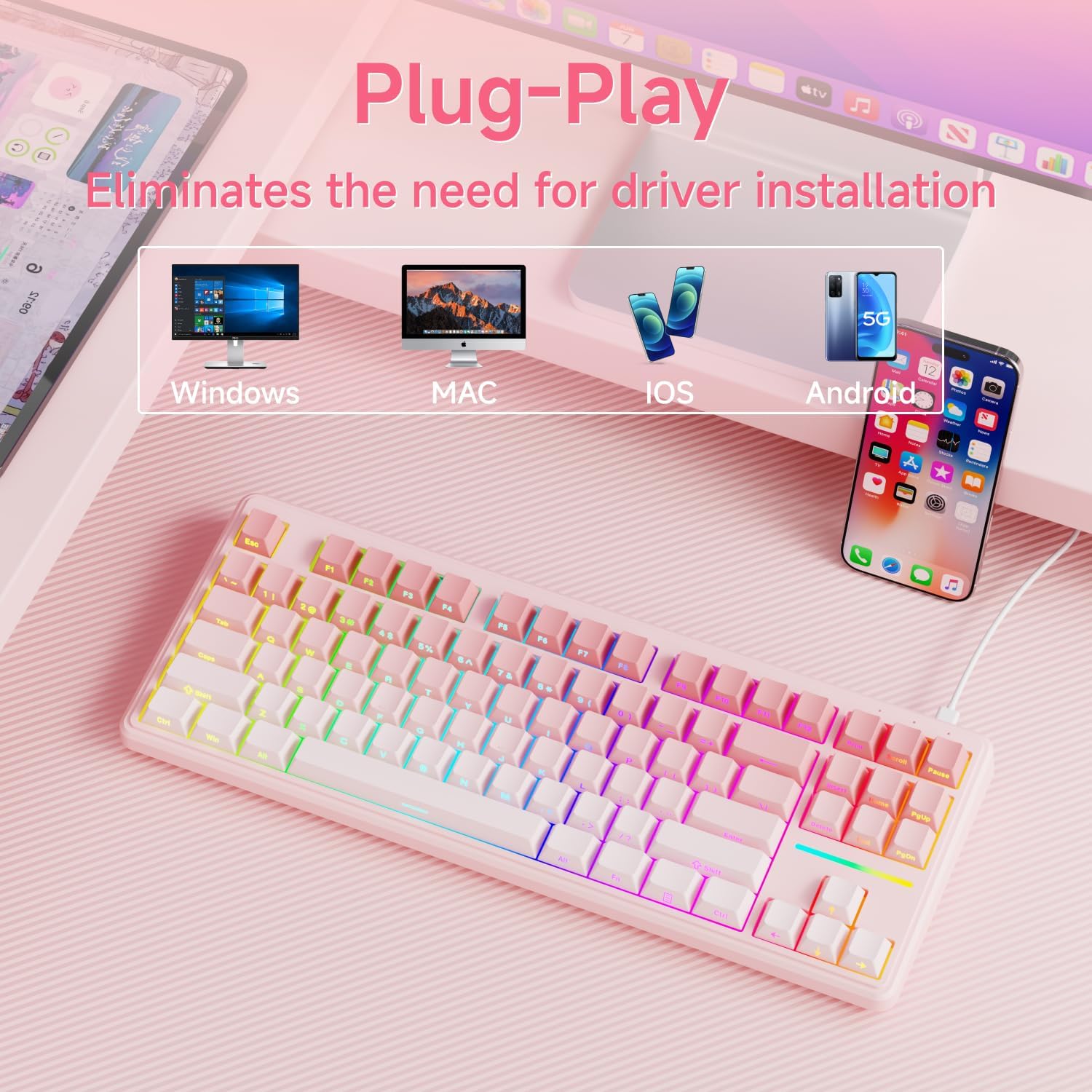
Figure 3: The keyboard supports multiple operating systems and devices for versatile use.
4. Операция
4.1 RGB жарыгын башкаруу
The keyboard features 12 dynamic RGB lighting modes. All lighting functions are controlled using the FN башка баскычтар менен айкалышта.
- Арткы жарыкты күйгүзүү/өчүрүү: Басыңыз FN + BackSpace.
- Жарыктандыруу режимин өзгөртүү: Басыңыз FN + Insert 12 түрдүү жарыктандыруу эффекттерин айланып өтүү.
- Жарыктыкты жөндөө: Басыңыз FN + PU (Page Up) to increase brightness, FN + PD (Page Down) to decrease brightness.
- Ылдамдыкты жөндөө: Басыңыз FN + '-' to decrease lighting speed, FN + '=' to increase lighting speed.
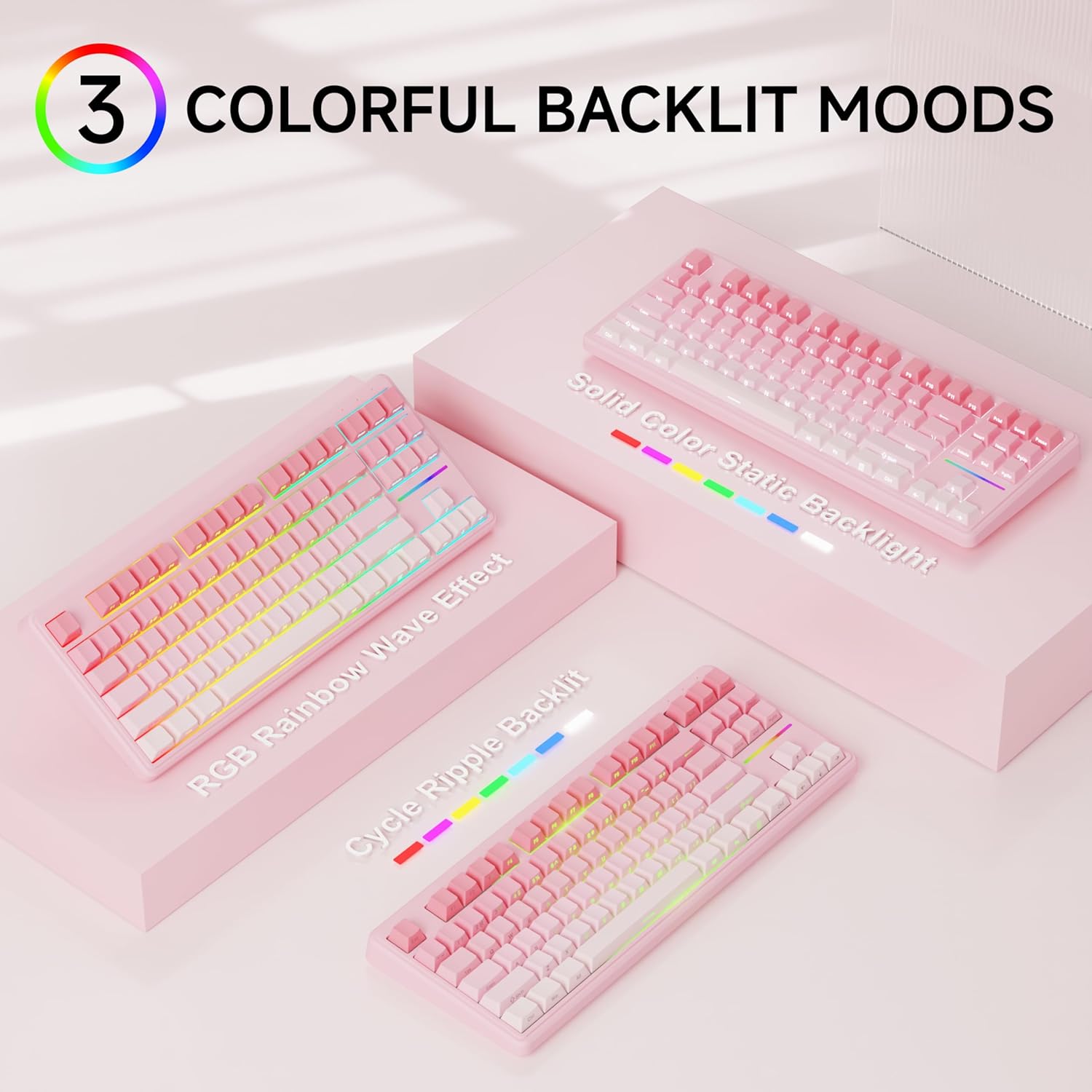
4-сүрөт: Мисamples of the diverse RGB backlighting modes available on the keyboard.
Video 1: A short demonstration of the EWEADN V80 Wired RGB Gaming Keyboard's lighting effects and compact design.
4.2 Key Functions (FN Combinations)
| Комбинация | Функция |
|---|---|
| FN + F1 | Screen Brightness - |
| FN + F2 | Экран жарыктыгы + |
| FN + F3 | Convert Mode |
| FN + F4 | Микрофонду өчүрүү |
| FN + F5 | Мульти-медиа |
| FN + F6 | Мурунку ыр |
| FN + F7 | Ойнотуу/Тыныгуу |
| FN + F8 | Кийинки ыр |
| FN + F9 | Көлөмү - |
| FN + F10 | Көлөм + |
| FN + F11 | Үнсүз |
| FN + F12 | Калькулятор |
4.3 Арбактарга каршы
The V80 keyboard supports 26-key anti-ghosting, ensuring that every keypress is registered accurately, even during rapid and simultaneous inputs common in gaming. This prevents missed commands and enhances your gaming experience.

Figure 5: Illustration of the 26-key anti-ghosting feature, ensuring all simultaneous keypresses are recognized.
5. Техникалык тейлөө
5.1 Тазалоо
- Тазалоодон мурун клавиатураны компьютерден ажыратыңыз.
- Бир аз жумшак, түксүз кездемени колдонуңуз dampбаскычтоптун капкактарын жана клавиатуранын бетин суу же жумшак тазалоочу эритме менен сүртүңүз.
- Катуу химиялык заттарды, абразивдүү тазалагычтарды колдонуудан же суюктуктарды түздөн-түз клавиатурага чачуудан качыңыз.
- Баскыч капкактарынын ортосундагы чаңды жана калдыктарды тазалоо үчүн кысылган абаны колдонуңуз.
5.2 Сактоо
Store the keyboard in a cool, dry place away from direct sunlight and extreme temperatures. If storing for an extended period, consider placing it back in its original packaging to protect it from dust and physical damage.
6. Кыйынчылыктарды
6.1 Жалпы маселелер
- Баскычтоп жооп бербейт:
- USB-C кабели клавиатурага жана компьютерге бекем туташып турганын текшериңиз.
- Баскычтопту компьютериңиздин башка USB портуна туташтырууга аракет кылыңыз.
- Компьютериңизди өчүрүп күйгүзүңүз.
- Арткы жарык иштебейт:
- Ensure the backlight is not turned off (FN + BackSpace).
- Adjust the brightness using FN + PU/PD.
- Катталбаган ачкычтар:
- Clean the affected key to ensure no debris is obstructing the switch.
- Системага тиешелүү маселени болтурбоо үчүн баскычтопту башка компьютерде сынап көрүңүз.
6.2 Колдоо кызматы менен байланышуу
If you encounter issues not resolved by the troubleshooting steps, please contact EWEADN customer support at eweadnkeyboard@outlook.com. Provide your product model (V80) and a detailed description of the problem.

Figure 6: EWEADN offers comprehensive after-sales support for customer inquiries and issues.
7. Техникалык шарттар
| Өзгөчөлүк | Деталь |
|---|---|
| Модель номери | V80 |
| Байланыш | Зымдуу (USB-C) |
| Макет | 80% TKL (ачкычсыз) |
| Которуу түрү | Мембрана |
| Баскыч капкактары | PBT Double-shot, Side-printed legends |
| Арткы жарыктандыруу | RGB (12 modes, adjustable brightness/speed) |
| Anti-Ghosting | 26-Кайрылуу |
| Эргономика | Эки-сtage adjustable kickstand |
| Продукциянын өлчөмдөрү | 14.37 x 5.47 x 1.53 дюйм |
| Элемент Салмагы | 1.71 фунт |
| Шайкеш түзмөктөр | Ноутбук, компьютер, смартфон, планшет |
8. Кепилдик жана колдоо
The EWEADN V80 Wired TKL RGB Gaming Keyboard comes with a 48-month (4-year) manufacturer warranty. For warranty claims or further assistance, please contact our dedicated customer support team at eweadnkeyboard@outlook.com.


