1. Бүттүview
The UPERFECT 15.6" Portable Monitor is designed to enhance productivity and entertainment on the go. Featuring a slim, lightweight profile and vibrant 125% sRGB Full HD display, it offers versatile connectivity and an adjustable stand for optimal viewing angles. This manual provides comprehensive instructions for setting up, operating, maintaining, and troubleshooting your monitor.

Figure 1: UPERFECT Portable Monitor 15.6"
2. Пакеттин мазмуну
Пакетте бардык буюмдар бар экенин текшериңиз:
- 15.6" 1080P Monitor
- Mini HDMI - HDMI кабели
- Type C to Type C Cable
- USB to Type C Cable
- PD30W Power Adapter
- User Manual
- 15.6" Monitor Case

Сүрөт 2: Камтылган пакеттин мазмуну
3. Орнотуу
3.1 Физикалык орнотуу
The monitor features a built-in 0–180° adjustable/foldable stand for optimal viewing angles. It supports both horizontal and vertical placement. For alternative mounting, the monitor is VESA-standard compatible (75mm) allowing for wall-mount or arm-mount installations.

Figure 3: Adjustable Stand for Flexible Viewing

Figure 4: VESA Mount Compatibility and Display Modes
3.2 Байланыштар
The UPERFECT Portable Monitor offers versatile connectivity options for various devices:
- USB-C (Full-featured): Connect a single USB-C cable from your compatible laptop, smartphone, or tablet to the monitor for both video signal and power.
- Мини HDMI: Use the Mini HDMI to HDMI cable to connect to devices like gaming consoles (PS4/PS5/Xbox/Steam Deck) or PCs. In this setup, power must be supplied separately via a USB-C cable connected to the PD30W Power Adapter or another power source.
5-сүрөт: Монитордун порттору жана башкаруу элементтери
Plug & Play: No drivers are required for most compatible devices. Simply connect the appropriate cables, and the monitor should automatically detect the signal.

Figure 6: Plug & Play Connectivity with Gaming Console
3.3 Видео көрсөтүү
Video 1: UPERFECT Portable Monitor 15.6 Inch - This video demonstrates the unboxing and basic setup of the UPERFECT 15.6 inch portable monitor, showcasing its slim design and connectivity options.
4. Иштөө нускамалары
4.1 Power On/Off and OSD Menu
The monitor features control buttons on its side (refer to Figure 5). Use these buttons to power the monitor on or off and to navigate the On-Screen Display (OSD) menu for various settings.
4.2 Көрсөтүү режимдери
Depending on your connected device and operating system, you can configure the monitor to operate in different display modes:
- Узартуу режими: Иш тактаңызды эки экранда тең кеңейтип, көбүрөөк жумуш мейкиндигин камсыз кылат.
- Кайталануу режими: Mirrors the content of your primary screen onto the portable monitor.
- Вертикалдуу режим: Allows the monitor to be used in a portrait orientation, ideal for reading documents or coding.
4.3 Дисплейди тууралоо
Access the OSD menu using the side buttons to adjust settings such as:
- Жарыктык жана контраст: Adjust for optimal visibility in different lighting conditions.
- Түс жөндөөлөрү: Түс температурасын, өңүн жана каныккандыгын так жөндөө.
- Көлөмү: Control the audio output from the built-in speakers or connected headphones.
- Аспект катышы: Select between 16:9 or other available ratios.
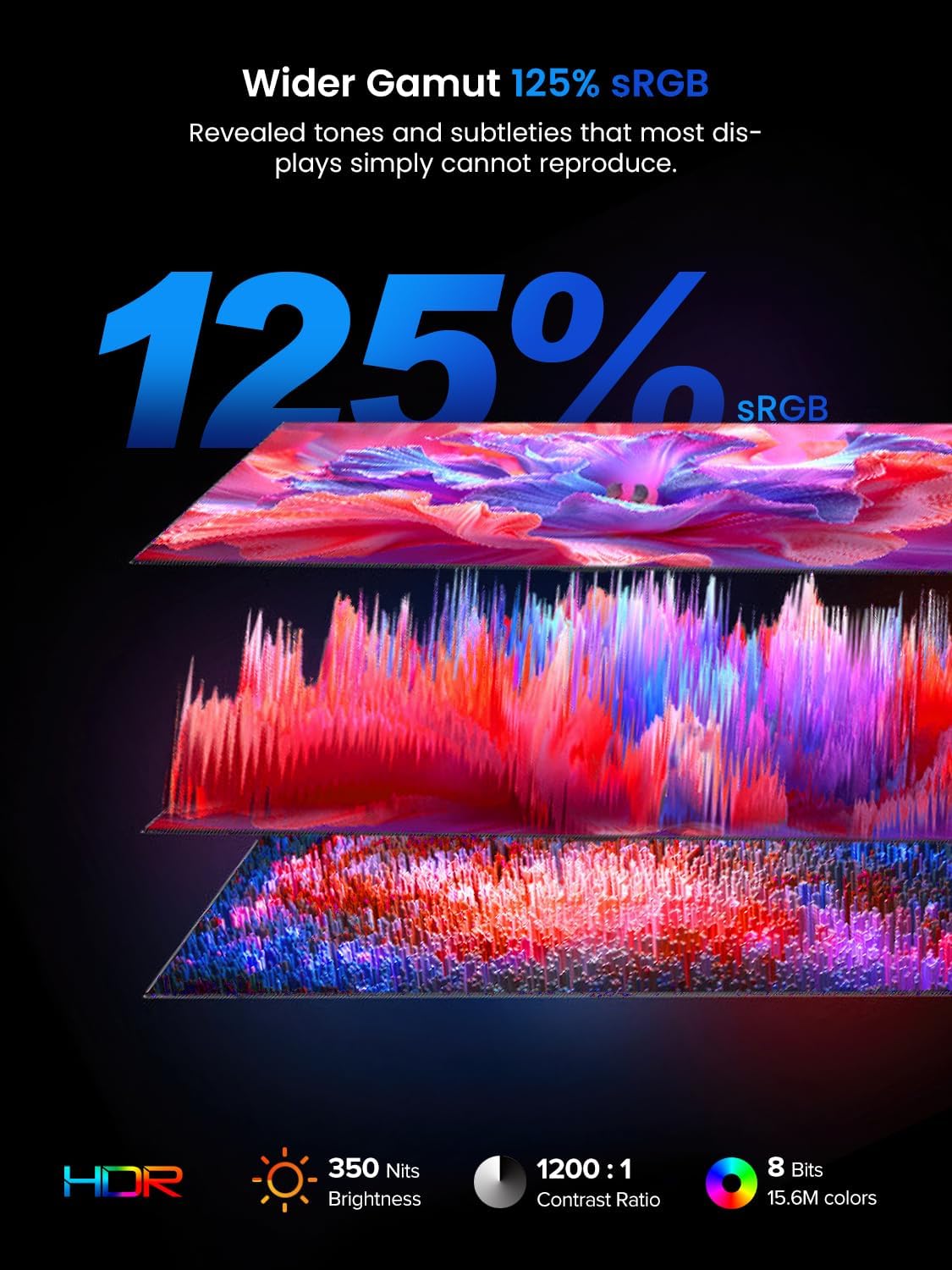
Figure 7: Display Features: 125% sRGB, 350 Nits, 1200:1 Contrast Ratio
5. Техникалык шарттар
| Өзгөчөлүк | Спецификация |
|---|---|
| Screen Size | 15.6 дюйм |
| Screen Resolution | 1920 x 1080 пиксел (Full HD) |
| Аспект катышы | 16:9 |
| Түс гаммасы | 125% sRGB |
| Жарыктык | 350 нит |
| Контраст катышы | 1200:1 |
| Screen Surface | Мт |
| Элемент моделинин номери | М180К01 |
| Элемент Салмагы | 2.2 фунт |
| Продукциянын өлчөмдөрү | 0.23 x 13.9 x 8.2 дюйм |
| Тtage | 5 вольт |
| Өндүрүүчү | МЫКТЫ |
6. Техникалык тейлөө
To ensure the longevity and optimal performance of your UPERFECT Portable Monitor, follow these maintenance guidelines:
- Экранды тазалоо: Экранды акырын сүртүү үчүн жумшак, түксүз чүпүрөктү колдонуңуз. өжөр тактар үчүн, бир аз гampen the cloth with water or a screen-specific cleaning solution. Avoid using harsh chemicals, alcohol, or abrasive materials.
- Денени тазалоо: Монитордун корпусун жумшак, кургак чүпүрөк менен сүртүңүз.
- Сактагыч: When not in use or during transport, always place the monitor in its protective sleeve to prevent scratches and impacts.
- Экстремалдуу шарттарды болтурбоо: Мониторду узак убакыт бою өтө жогорку температурага, нымдуулукка же күндүн түз нуруна дуушар кылбаңыз.

Figure 8: Protective Sleeve for Safe Transport and Storage
7. Кыйынчылыктарды
Эгерде сиз мониторуңуз менен кандайдыр бир көйгөйлөргө туш болсоңуз, төмөнкү жалпы көйгөйлөрдү чечүү кадамдарын караңыз:
- Сигнал жок:
- Бардык кабелдердин (USB-C же HDMI) мониторго да, түзмөгүңүзгө да бекем туташтырылганын текшериңиз.
- Verify that your device's display output is enabled and configured correctly (e.g., extended or duplicated display).
- If using HDMI, ensure the monitor is receiving power via a separate USB-C connection.
- Кубат жок:
- Check if the PD30W Power Adapter is properly connected to a power outlet and the monitor's USB-C port.
- If powering via a single USB-C cable from your device, ensure your device's USB-C port supports power delivery.
- Display Issues (e.g., incorrect resolution, mirroring):
- Adjust display settings on your connected device (Windows/macOS) to select the desired resolution and display mode (extend, duplicate).
- Ensure the monitor's refresh rate is compatible with your device's output.
- Аудио көйгөйлөр:
- Check the volume settings on both the monitor (via OSD menu) and your connected device.
- If using headphones, ensure they are properly plugged into the 3.5mm audio jack.
- Жаркылдаган же ызылдаган:
- Ensure all cables are securely connected and try using different cables if available.
- Verify that the power supply is stable and sufficient.
If the issue persists after attempting these steps, please contact UPERFECT customer service for further assistance.
8. Кепилдик жана колдоо
For warranty information, please refer to the warranty card included in your product package. UPERFECT is committed to customer satisfaction. If you have any questions or require support, please contact UPERFECT customer service. Contact details can typically be found on the official UPERFECT webсайтында же кепилдик картасында.


