1. Киришүү
This manual provides detailed instructions for the SJCAM ZV100 5K 80MP Digital Camera. Please read this manual thoroughly before using your camera to ensure proper operation and to maximize its performance. Keep this manual for future reference.
2. Кутуда эмне бар
Пакетиңизде бардык буюмдар бар экенин текшериңиз:
- 1x SJCAM ZV100 Digital Camera
- 1x Rechargeable Battery (750mAh)
- 1x Type-C USB кабели
- 1x Lanyard
- 1x Ташуу сумкасы
- 1x Wiping Cloth
- 1x Колдонуучунун колдонмосу
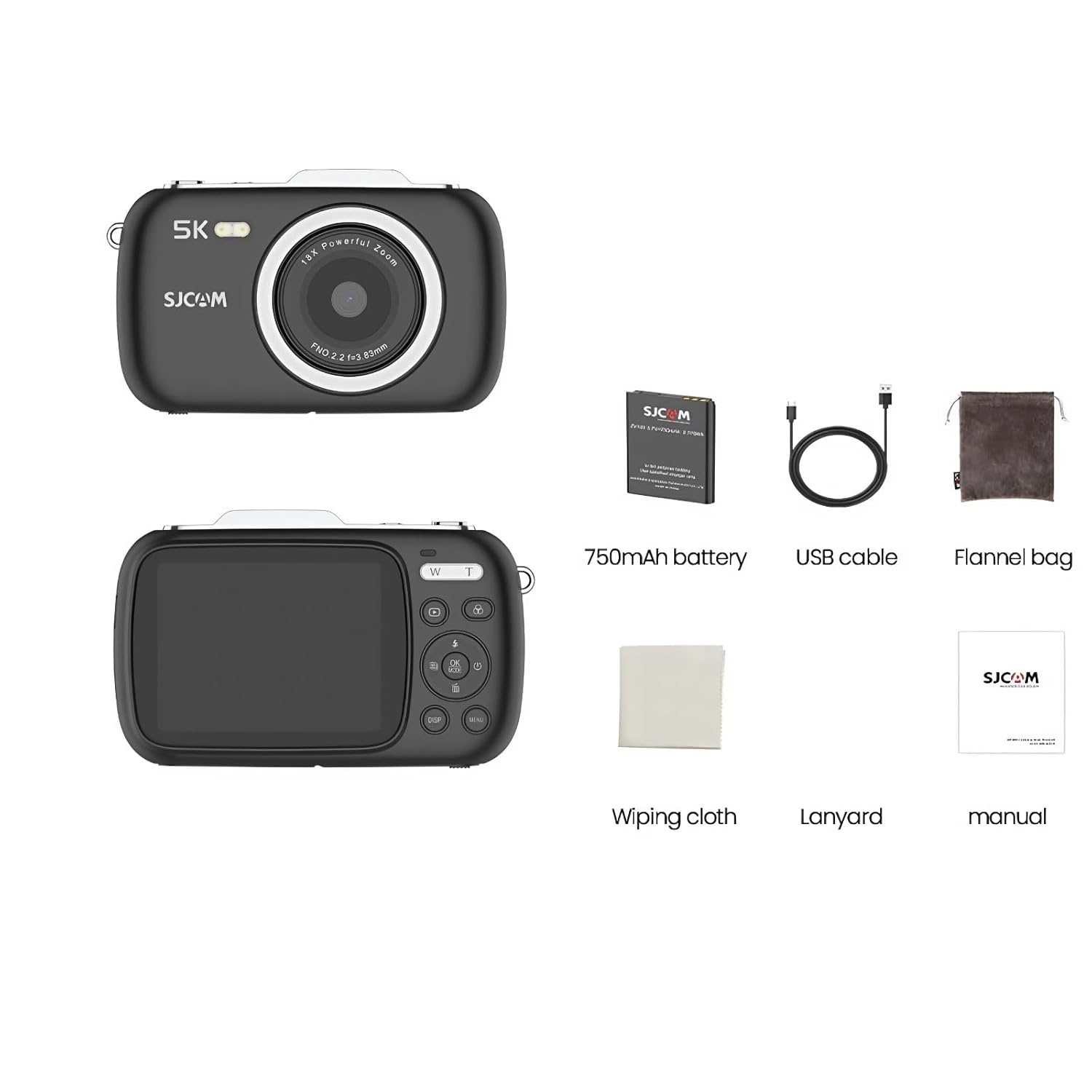
Image: All components included with the SJCAM ZV100 Digital Camera.
3. Продукт бүтүп калдыview
The SJCAM ZV100 is a compact digital camera designed for capturing high-quality photos and videos. It features an 80MP sensor for still images and supports 5K video recording.

Сүрөт: алдыңкы жана арткы views of the SJCAM ZV100 Digital Camera.
Негизги өзгөчөлүктөрү:
- 80 мегапикселдик сүрөттөр: Жогорку чечилиштеги сүрөттөрдү тартыңыз.
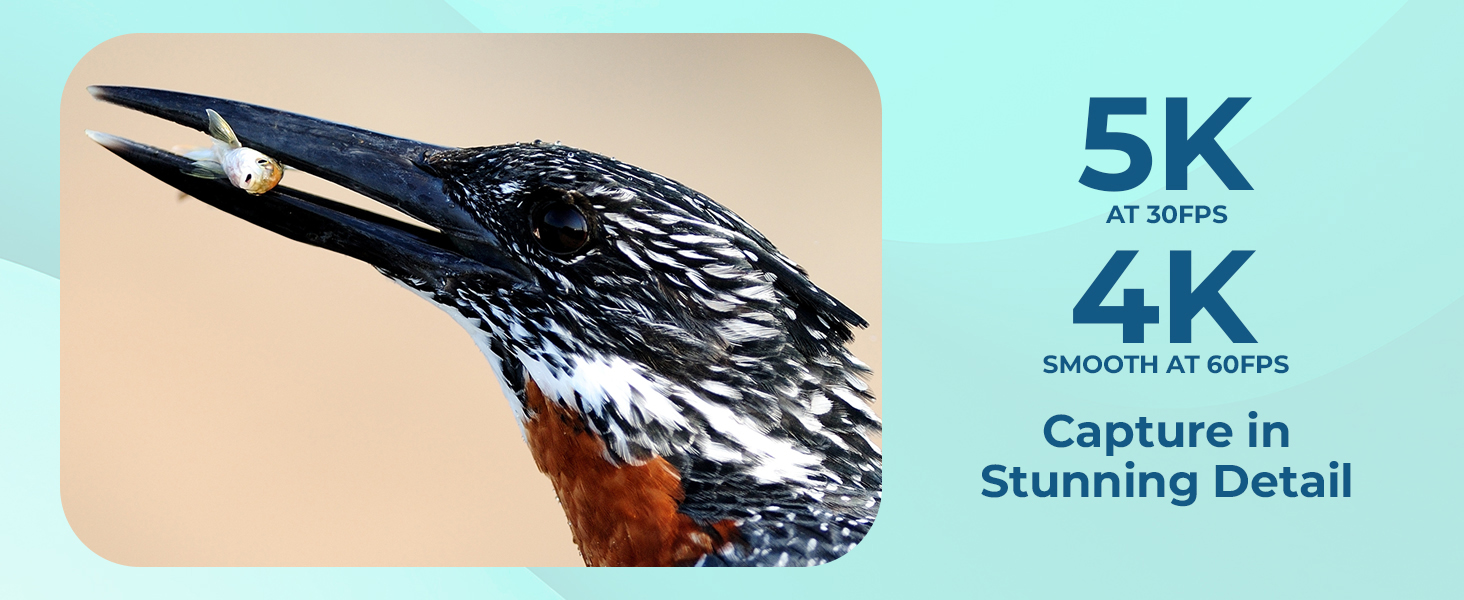
- 5K видео жаздыруу: Record video at 5K resolution (4608x2650) at 30 frames per second, or 4K at 60 frames per second.
- 18X Digital Zoom: Magnify subjects for detailed shots.
- Компакт жана портативдик дизайн: Жеңил жана алып жүрүүгө оңой.
- Built-in Creative Tools: 5 preset scene modes and 8 filters for in-camera stylization.
- Webcam Функционалдык: Use as a high-quality webcam via USB.
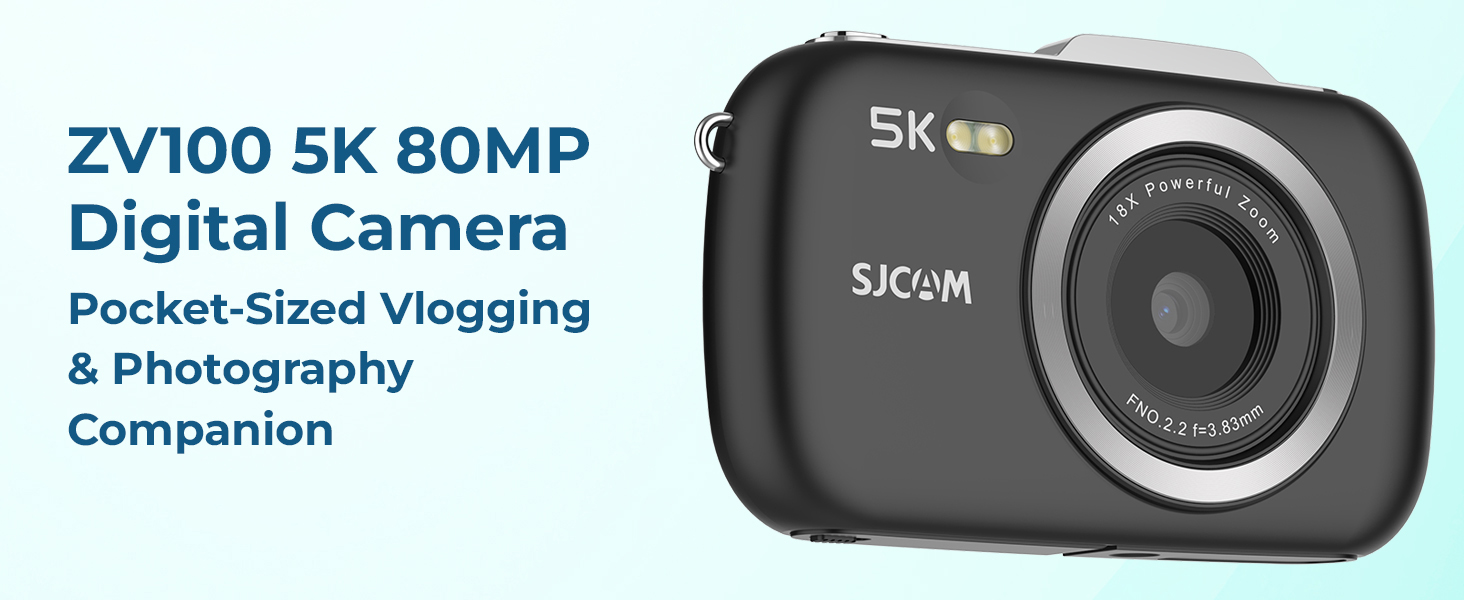
Сүрөт: бүттүview of the ZV100's main features.
4. Орнотуу
4.1 Батареяны заряддоо
- Insert the included 750mAh battery into the camera's battery compartment. Ensure correct orientation.
- Connect the camera to a power source (e.g., computer USB port or USB wall adapter) using the provided Type-C USB cable.
- Заряддоо индикаторунун жарыгы күйөт. Заряддоо аяктагандан кийин ал өчөт же түсүн өзгөртөт.
4.2 Микро SD картаны салуу
A Micro SD card (not included) is required to store photos and videos. The camera supports cards up to 128GB (Class 10 or higher recommended).
- Locate the Micro SD card slot on the side or bottom of the camera.
- Gently insert the Micro SD card with the gold contacts facing the camera's front until it clicks into place.
- Алып салуу үчүн, картаны ичкери карай чыгып кеткенче басыңыз.
5. Камераны иштетүү
5.1 Күйгүзүү/өчүрүү
- Күйгүзүү: Press and hold the Power button (usually marked with Ⓘ) for a few seconds.
- Өчүрүү: Press and hold the Power button again until the camera shuts down.
5.2 Сүрөт тартуу
- Камераны күйгүзүңүз.
- ЖК экранды колдонуп кадрыңызды тартыңыз.
- Press the Shutter button halfway down to focus.
- Сүрөткө тартуу үчүн жапкычты толугу менен басыңыз.
5.3 Видеолорду жаздыруу
- Камераны күйгүзүңүз.
- Видео режимине которулуңуз (камераңыздын өзгөчө режим баскычын же менюну караңыз).
- Press the Shutter button to start recording. A red indicator or timer will appear on the screen.
- Жазууну токтотуу үчүн Жабуу баскычын дагы бир жолу басыңыз.
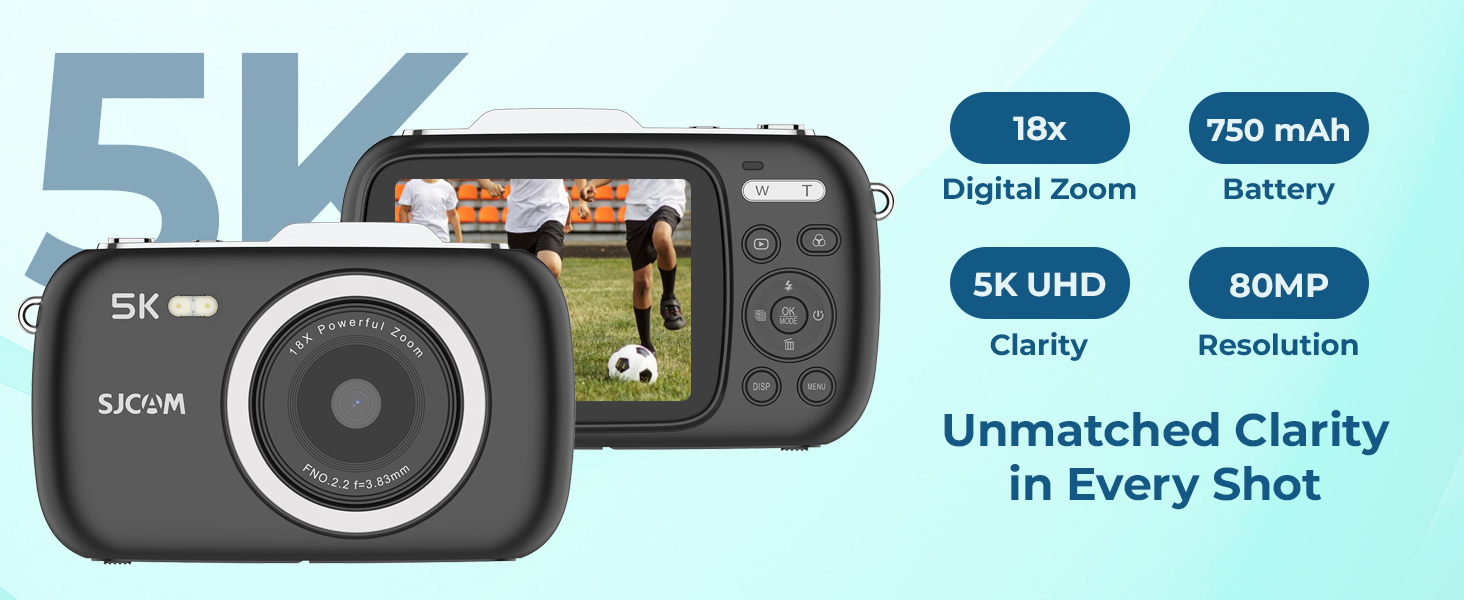
Image: The ZV100 supports 5K video at 30fps and 4K video at 60fps.
5.4 Using Digital Zoom
The ZV100 features 18X digital zoom. Use the 'W' (Wide) and 'T' (Telephoto) buttons, typically located near the shutter, to adjust the zoom level.
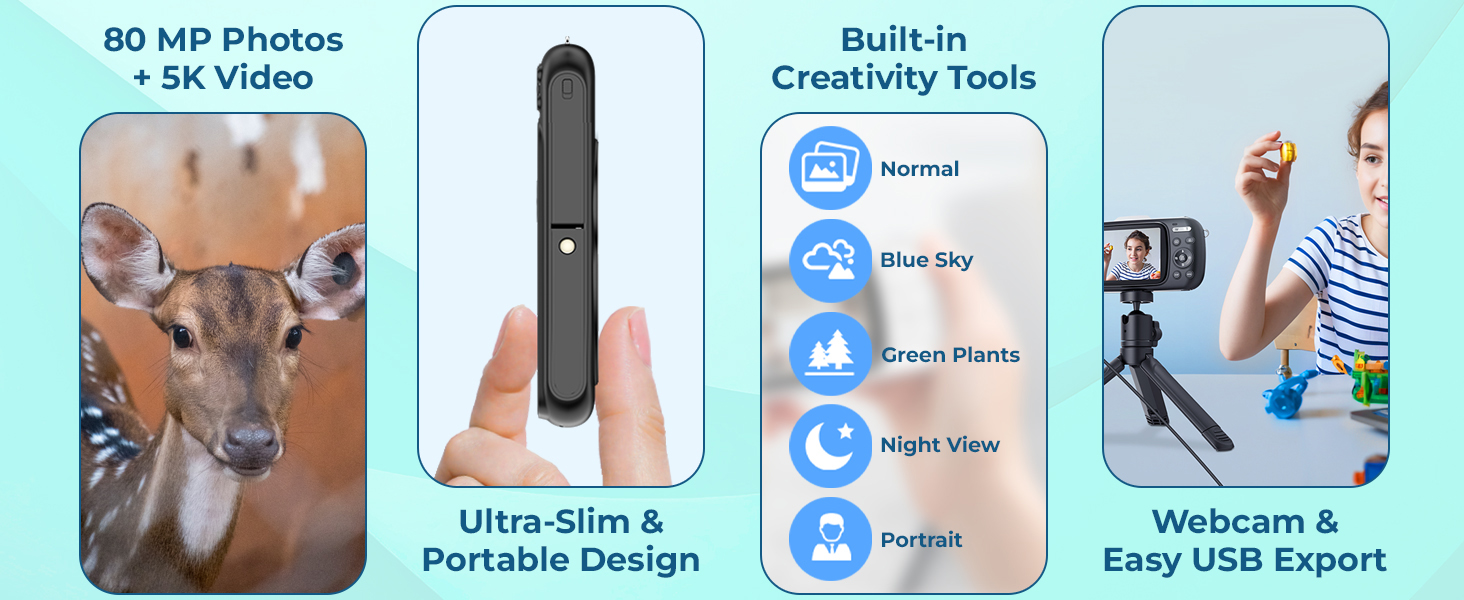
Image: Demonstration of 1X, 9X, and 18X digital zoom capabilities.
5.5 Scene Modes and Filters
The camera includes 5 preset scene modes and 8 built-in filters to enhance your photos and videos.
- Сахна режимдери: Normal, Blue Sky, Night View, Portrait, Green Plants.
- Чыпкалар: Color, Grayscale, Nostalgia, Dog's Eye, and more.
Access these options through the camera's menu system (usually by pressing the 'MENU' button) and navigate to the respective settings.
Сүрөт: Мисamples of various shooting modes and timer functions.
5.6 Flash колдонуу
The built-in flash can be used in low-light conditions. You can typically set the flash mode (Auto, On, Off, Red-eye Reduction) via the camera's menu or a dedicated flash button.
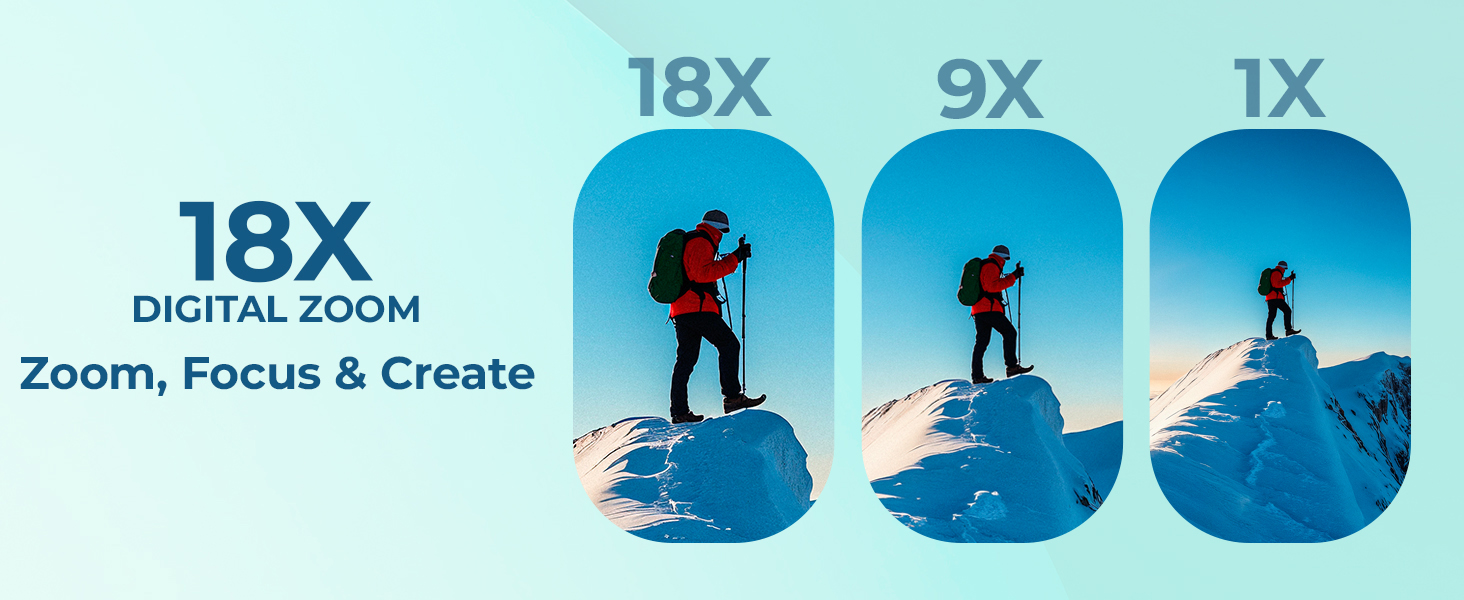
Image: Comparison of a scene captured without and with flash.
6. Байланыш
6.1 USB Quick Export
Connect the camera to your computer using the provided Type-C USB cable to transfer photos and videos. The camera will appear as a removable drive, allowing you to copy fileтүздөн-түз с.
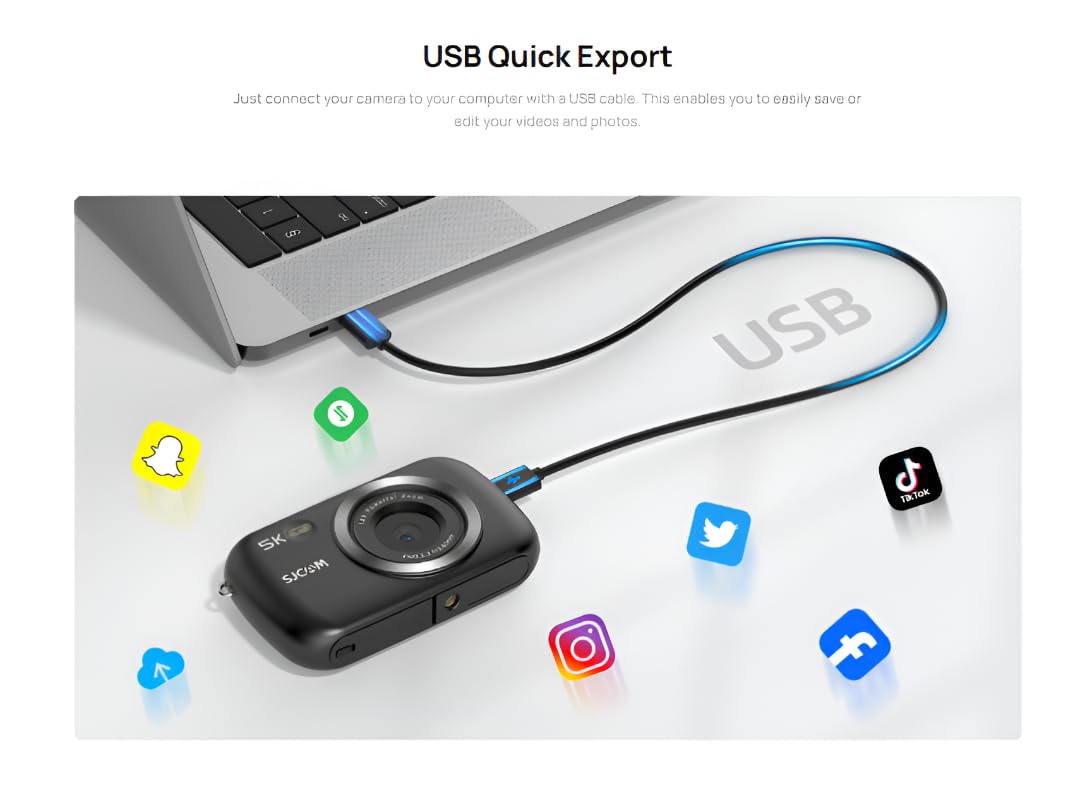
Image: USB connection for quick export of media fileс компьютерге.
6.2 Webcam Functionality
The ZV100 can be used as a webcam. Connect the camera to your computer via USB. In your computer's settings or video conferencing software, select the ZV100 as your video input device.
7. Техникалык тейлөө
7.1 Камераны тазалоо
- Use the included wiping cloth or a soft, lint-free cloth to clean the camera body.
- For the lens, use a specialized lens cleaning cloth and solution. Avoid touching the lens directly with your fingers.
- Катуу химиялык заттарды же абразивдүү тазалоочу каражаттарды колдонбоңуз.
7.2 Батареяга кам көрүү
- Батареяны колдонбогондо салкын, кургак жерде сактаңыз.
- Батареяны бат-баттан толук кубаттап калуудан алыс болуңуз.
- Узак мөөнөткө сактасаңыз, батарейканы болжол менен 50% сыйымдуулугуна чейин заряддаңыз.
7.3 Сактоо
When not in use, store the camera in its carry bag in a dry, dust-free environment away from direct sunlight and extreme temperatures.
8. Кыйынчылыктарды
| Көйгөй | Мүмкүн себеп | Чечим |
|---|---|---|
| Камера күйбөйт. | Low battery or incorrect battery insertion. | Батареяны толук заряддаңыз. Батарея туура салынганын текшериңиз. |
| Сүрөткө тартуу/видео жаздыруу мүмкүн эмес. | Micro SD картасы жок, карта толуп калган же картада ката кетти. | Micro SD картаны салыңыз. Керексизин өчүрүңүз files or format the card (this will erase all data). Try a different card. |
| Сүрөттөр бүдөмүк. | Lens is dirty, insufficient light, or camera shake. | Clean the lens. Use flash in low light. Hold the camera steady or use a tripod. |
| Computer does not recognize camera. | Faulty USB cable or port, or incorrect camera mode. | Try a different USB cable or port. Ensure the camera is in the correct USB mode (e.g., Mass Storage or PC Camera). |
9. Техникалык шарттар
| Өзгөчөлүк | Деталь |
|---|---|
| Бренд | SJCAM |
| Модель номери | ZV100 |
| Фото сенсор технологиясы | CMOS |
| Видео тартуунун резолюциясы | 5K (4608*2650) 30fps, 4K 60fps |
| Максималдуу фокус узундугу | 3.83 миллиметр |
| Максималдуу диафрагма | 2.2 f |
| Flash эс тутум түрү | Micro SD (128 ГБ чейин) |
| Видео тартуу форматы | MP4 |
| Колдоого алынган аудио формат | MP4 |
| Screen Size | 2.8 дюйм |
| Байланыш технологиясы | USB |
| Батарея | 1 A battery (750mAh, included) |
| Продукциянын өлчөмдөрү | 3 x 10 x 7 см; 700 г |
10. Кепилдик жана колдоо
10.1 Кепилдик маалыматы
The SJCAM ZV100 Digital Camera comes with a 1-year limited warranty from the date of purchase. This warranty covers manufacturing defects and workmanship. It does not cover damage caused by misuse, accidents, unauthorized modifications, or normal wear and tear.
Кепилдик дооматтары үчүн сатып алганыңыздын далилин сактап коюңуз.
10.2 Кардарларды колдоо
For technical assistance, troubleshooting, or warranty inquiries, please contact SJCAM customer support through their official webпродукт сатылып алынган сайт же сатуучу.
зыярат кылыңыз SJCAM Store on Amazon көбүрөөк маалымат жана колдоо булактары үчүн.


