1. Киришүү
The Baseus Inspire XP1 Adaptive Noise Cancelling Earbuds are designed to provide a high-fidelity audio experience with advanced noise cancellation capabilities. Featuring Sound by Bose technology and Dolby Spatial Audio, these earbuds offer immersive sound and clear communication. This manual provides instructions for setup, operation, and maintenance to ensure optimal performance.
2. Пакеттин мазмуну
Пакетиңизде бардык буюмдар бар экенин текшериңиз:
- Baseus Inspire XP1 Noise Cancelling Wireless Earbuds
- Заряддоо кутусу
- Eartips (S/M/L sizes)
- USB-C заряддоо кабели
- User Manual

Image: Package contents of the Baseus Inspire XP1 earbuds.
3. Продукт бүтүп калдыview
The Baseus Inspire XP1 earbuds feature a contoured in-ear fit with umbrella-shaped liquid silicone tips for comfort and noise isolation. They are equipped with a 6-mic sound sensor array for clear calls and touch-sensitive surfaces for control.

Image: Baseus Inspire XP1 Earbuds.
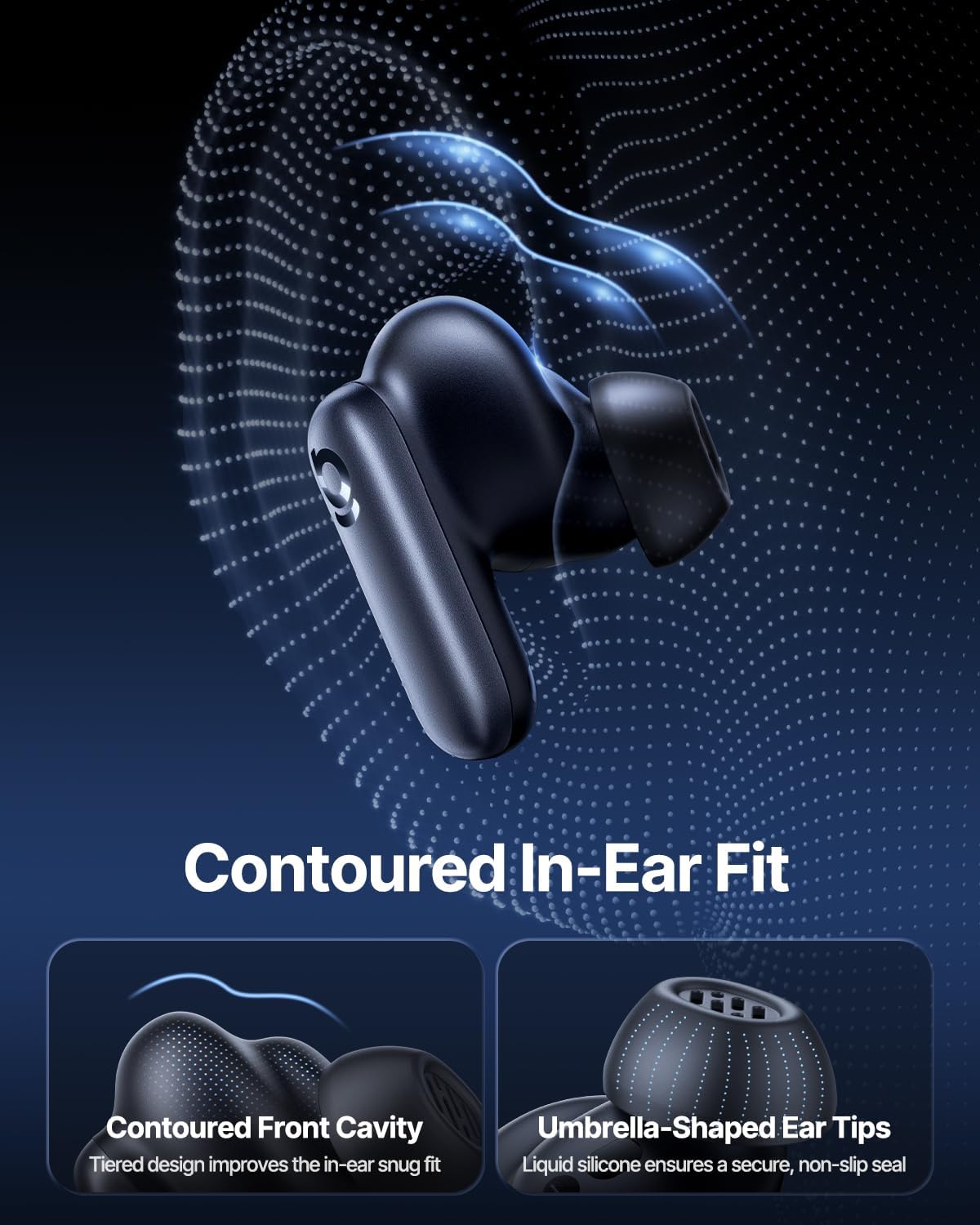
Image: Contoured In-Ear Fit and Umbrella-Shaped Ear Tips.
4. Орнотуу
4.1 Баштапкы жупташтыруу
- Кулакчындарды заряддоо: Place both earbuds into the charging case and close the lid. Connect the USB-C charging cable to the case and a power source. The indicator light on the case will show charging status.
- Жупташтыруу режимин иштетүү: Open the charging case. The earbuds will automatically enter pairing mode, indicated by a flashing light on the earbuds or case.
- Bluetooth аркылуу туташуу: Түзмөгүңүздө (смартфон, планшет, ноутбук) Bluetooth жөндөөлөрүнө өтүп, Bluetooth'ду иштетиңиз. Издөө "Baseus Inspire XP1" in the list of available devices and select it to connect.
- Ырастоо: Once connected, a voice prompt will confirm successful pairing, and the indicator light will turn solid or off.
4.2 Baseus App Installation
For full functionality, including Dolby Audio, custom EQ settings, and adaptive tuning, download the official Baseus App from your device's app store (iOS App Store or Google Play Store). The app allows for personalized control of your listening experience.
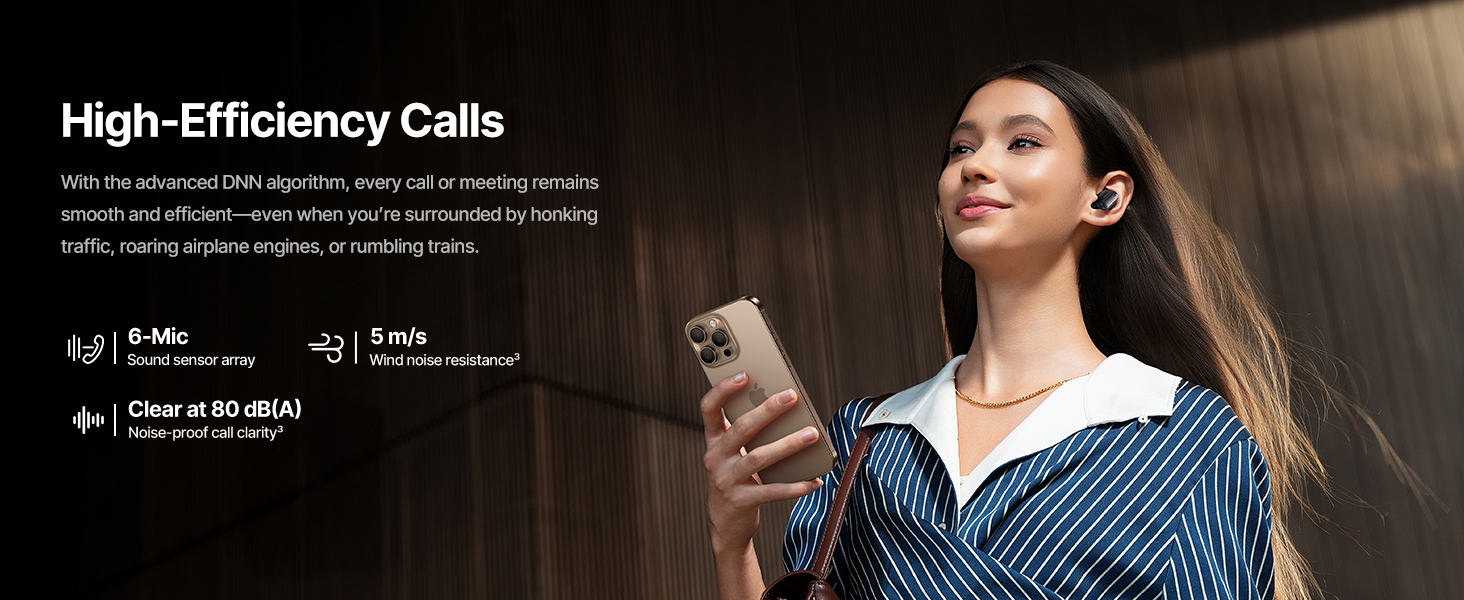
Image: Smart App Control interface.
5. Иштөө нускамалары
5.1 Күйгүзүү/өчүрүү
- Күйгүзүү: Заряддоо кутучасын ачсаңыз, кулакчындар автоматтык түрдө күйүп, акыркы жупташтырылган түзмөккө туташууга аракет кылат.
- Өчүрүү: Кулакчындарды кайра заряддоо кутусуна салып, капкагын жабыңыз. Алар автоматтык түрдө өчүп, кубаттай башташат.
5.2 Сенсордук башкаруу
The earbuds feature touch-sensitive surfaces for various functions:
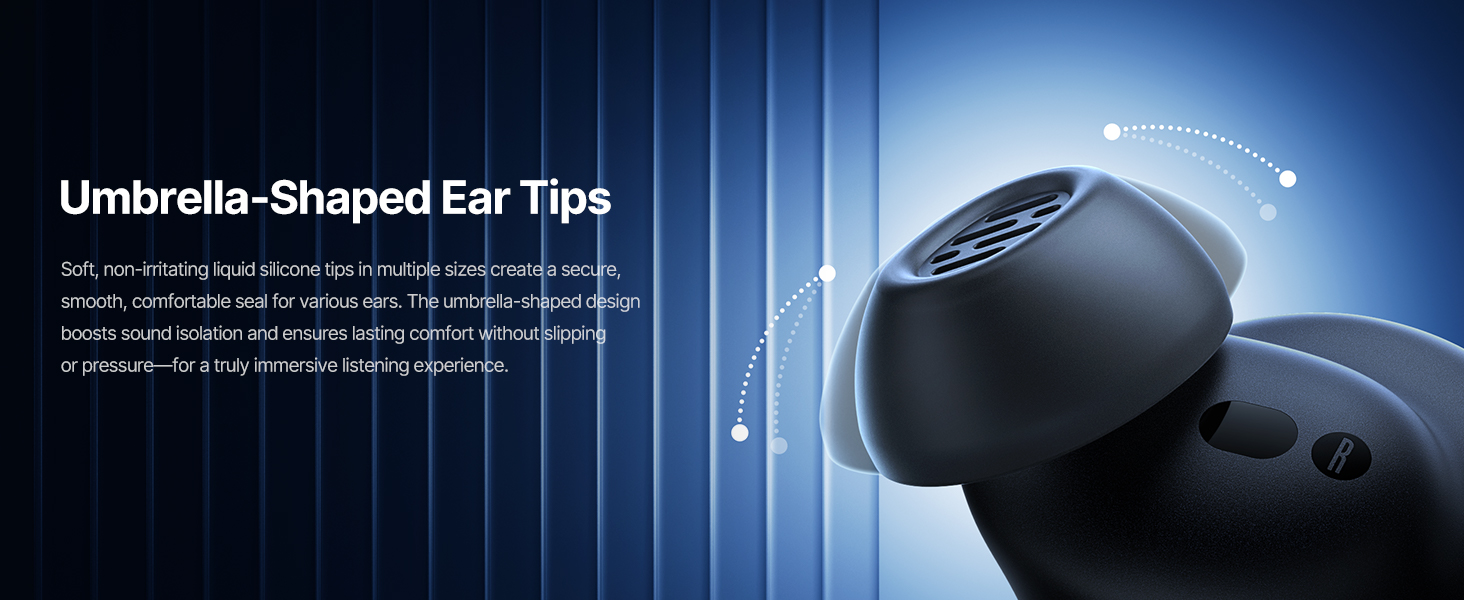
Image: Touch Control Guide.
- Музыканы ойнотуу/тындыруу: Кулакчындын бирин эки жолу басыңыз.
- Чалууларга жооп берүү/аяктоо: Кулакчындын бирин эки жолу басыңыз.
- Чалууларды четке кагуу: Кулакчындарды 1.5 секунд басып туруңуз.
- ANC/Тунук режимин которуу: Кулакчындарды 1.5 секунд басып туруңуз.
- Үн Жардамчысын жандыруу: Кулакчындын бирин үч жолу таптаңыз.
5.3 Adaptive Noise Cancellation (ANC) and Transparency Mode
The Inspire XP1 earbuds feature Premium Adaptive ANC, which dynamically adjusts noise reduction up to -50 dB based on your environment. Transparency Mode allows you to hear your surroundings without removing the earbuds.

Image: Premium Adaptive ANC in use.
Switch between ANC and Transparency Mode by tapping and holding the touch surface for 1.5 seconds, or manage settings via the Baseus App.
5.4 High-Efficiency Clear Calls
Equipped with a 6-mic sound sensor array and AI algorithms, the earbuds provide clear calls by reducing wind noise and environmental distractions up to 80 dB(A).
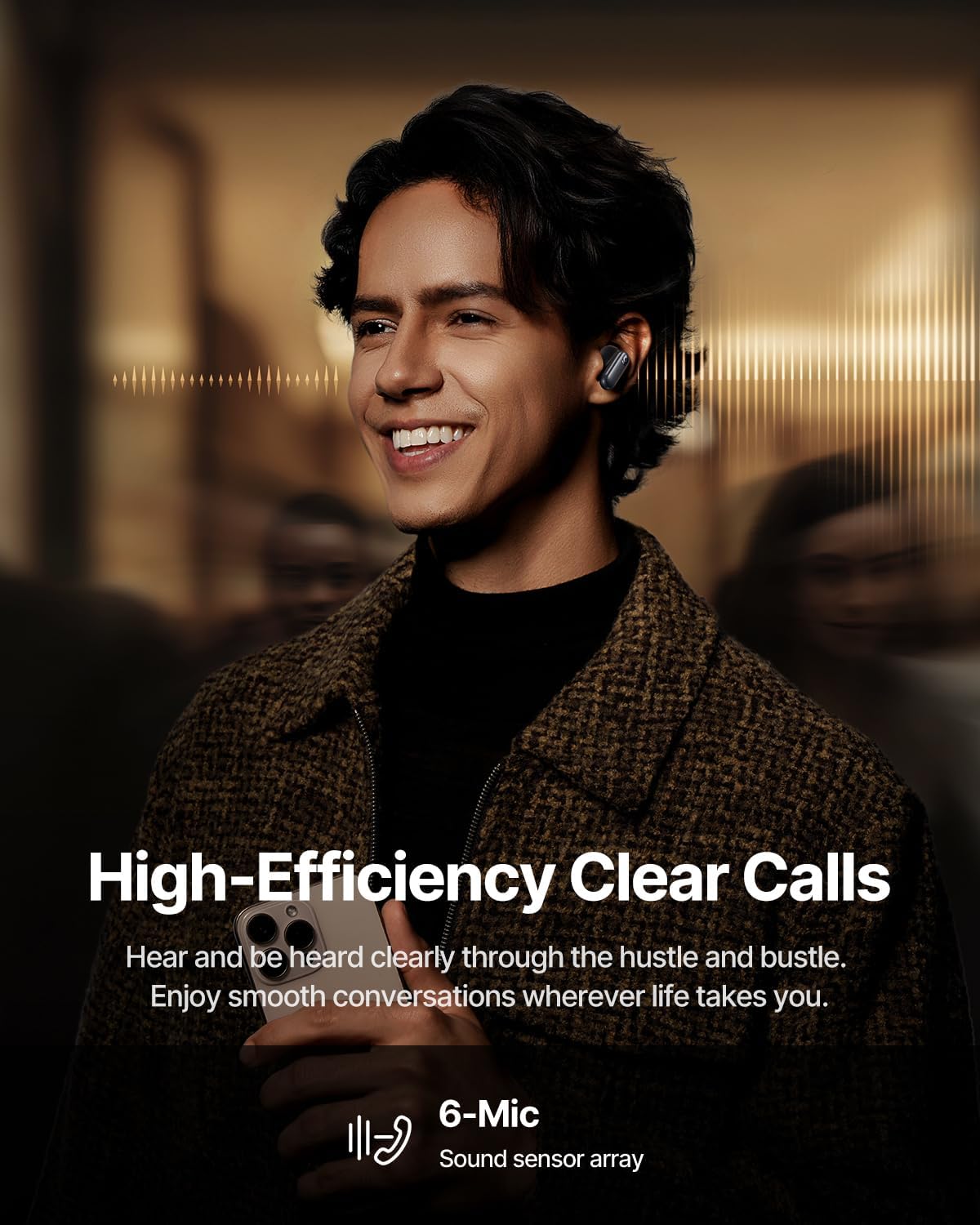
Image: High-Efficiency Clear Calls.
5.5 Заряддоо жана батареянын иштөө мөөнөтү
The earbuds offer extended playtime with the charging case:
- ANC өчүк: Up to 8 hours per charge, and up to 45 hours with the charging case.
- ANC күйүк: Up to 6 hours per charge, and up to 35 hours with the charging case.
- Тез кубаттоо: 10 мүнөт кубаттоо болжол менен 2.5 саат ойнотууну камсыз кылат.

Image: Day-and-Night Playtime.
5.6 Instant Multipoint Connection
Utilize Baseus Smart-Connect and Bluetooth 6.1 for seamless switching between two paired devices, such as a phone and a laptop, enabling uninterrupted calls and multitasking.
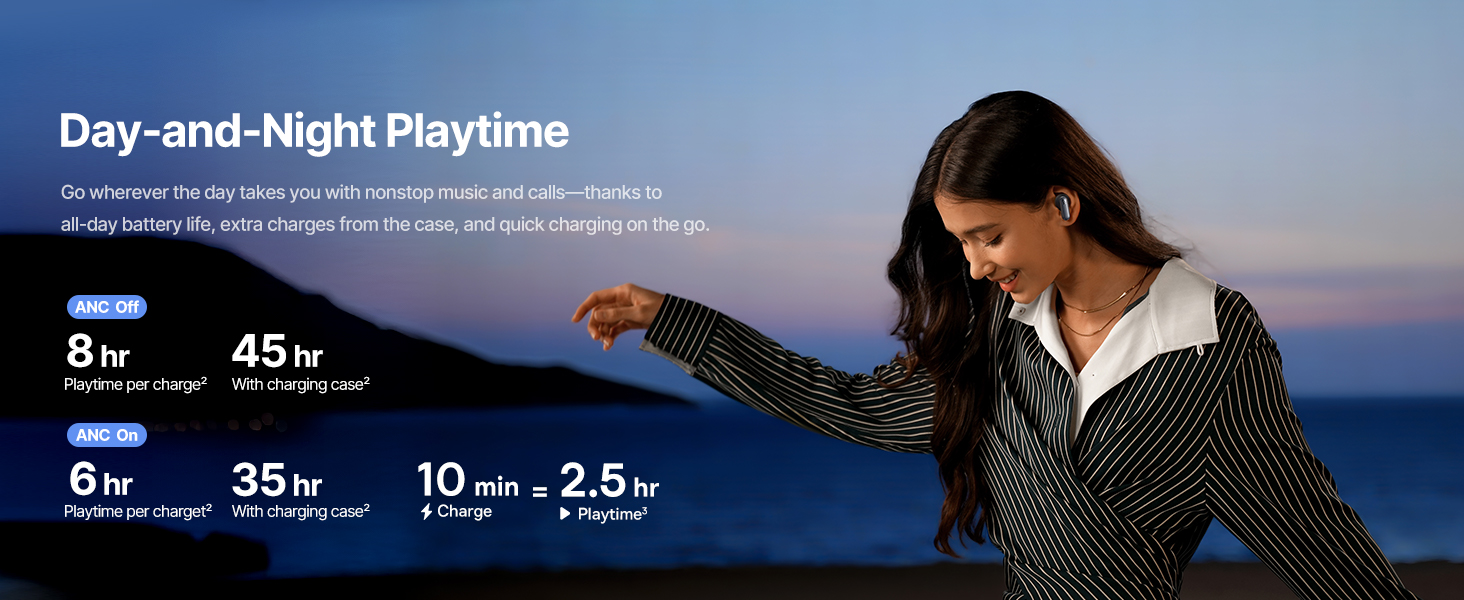
Image: Instant Multipoint Connection.
6. Техникалык тейлөө
- Тазалоо: Regularly clean the earbuds and charging case with a soft, dry, lint-free cloth. Do not use abrasive materials or harsh chemicals.
- Наушниктер: Зарыл болсо, силикон кулакчындардын учтарын алып салып, жумшак самын жана суу менен тазалаңыз. Кайра орнотуудан мурун алардын толугу менен кургаганын текшериңиз.
- Заряддоо порттору: USB-C кубаттоо портун чаңдан жана таштандыдан тазалаңыз.
- Сактагыч: When not in use, store the earbuds in their charging case to protect them and maintain battery life. Avoid extreme temperatures.
7. Кыйынчылыктарды
7.1 Кулакчындар жупташтырылбайт
- Ensure the earbuds are charged and the charging case lid is open.
- Түзмөгүңүздүн Bluetooth'ун өчүрүп, күйгүзүңүз.
- Bluetooth жөндөөлөрүндө түзмөктү унутуп, кайра жупташтырып көрүңүз.
- Try resetting the earbuds (refer to the Baseus App or Baseus support for specific reset instructions).
7.2 Үн жок же үнү төмөн
- Түзмөгүңүздөгү жана гарнитураңыздагы үн деңгээлин текшериңиз.
- Кулакчындар кулагыңызга туура орноштурулганын текшериңиз.
- Кулакчындар түзмөгүңүздөгү туура аудио чыгышка туташкандыгын текшериңиз.
- Кулакчын динамиктериндеги калдыктарды тазалаңыз.
7.3 Заряддоо маселелери
- Заряддоо кабели корпуска да, кубат булагына да бекем туташтырылганын текшериңиз.
- Башка USB-C кабелин жана кубат адаптерин колдонуп көрүңүз.
- Наушниктеги жана корпустун ичиндеги заряддоо контакттарын тазалаңыз.
8. Техникалык шарттар
Image: Product Specifications.
| Модель аты | Baseus Inspire XP1 |
| Байланыш технологиясы | Bluetooth 6.1, зымсыз |
| Зымсыз байланыш технологиясы | Bluetooth 6.1 |
| Noise Control | Adaptive Noise Cancellation, Environmental Noise Cancellation |
| Аудио драйверинин өлчөмү | 10 миллиметр |
| Жыштык диапазону | 20 Гц - 20 000 Гц |
| Батареянын иштөө мөөнөтү (ANC өчүк) | 8 саат (кулакчын), 45 саат (кубаттоочу кутуча менен) |
| Заряддоо порту | USB-C |
| Башкаруу ыкмасы | Колдонмо, тийүү |
| Материал | Силикон |
| Элемент Салмагы | 7.8 унция |
9. Кепилдик жана колдоо
Baseus products are covered by a limited warranty. For detailed warranty information, product support, or to contact customer service, please visit the official Baseus webсайтына кириңиз же таңгагыңызга кирген кепилдик картасын караңыз.
Сиз да зыярат кылсаңыз болот Amazon'догу Baseus дүкөнү кошумча ресурстар жана продукт маалымат үчүн.


