1. Киришүү
This manual provides essential information for the proper setup, operation, and maintenance of your Gawfolk GF005 28-inch UHD 4K Computer Monitor. Please read this manual thoroughly before using the product to ensure optimal performance and safety.
2. Коопсуздук маалыматы
- Кокус кулап калбоо үчүн монитордун туруктуу, түз бетине коюлганын текшериңиз.
- Мониторду жамгырдын, нымдуулуктун же экстремалдык температуранын таасирине тийгизбеңиз.
- Ашыкча ысып кетүүнүн алдын алуу үчүн вентиляция тешиктерин жабуудан качыңыз.
- Монитор менен кошо берилген кубат адаптерин гана колдонуңуз.
- Disconnect the power cable from the outlet before cleaning or if the monitor will not be used for an extended period.
- Мониторду өзүңүз оңдоого аракет кылбаңыз. Бардык тейлөөлөрдү квалификациялуу кызматкерлерге тапшырыңыз.
3. Пакеттин мазмуну
Verify that all items are present in the package. If any items are missing or damaged, contact customer support.
Видео: Gawfolk GF005 28-inch 4K Monitor Unboxing Video. This video demonstrates the unboxing process and displays all included accessories.
- Gawfolk GF005 28-inch UHD 4K Monitor
- Монитордун негизи
- Monitor Mounting Arm
- DP кабели
- Кубаттуу адаптер
- Монитор колдонмосу
- Stand Base Screws
4. Орнотуу
Follow these steps to assemble and connect your monitor. For a visual guide, refer to the installation video below.
Видео: Gawfolk GF005 28'' 4K Monitor Mount Installation Video. This video provides a step-by-step demonstration of how to install the monitor stand.
4.1 Стендди чогултуу
- Мониторду таңгагынан этияттык менен алып чыгыңыз, аны жумшак бетке коюп коргоңуз.
- Attach the monitor mounting arm to the back of the monitor. Ensure it clicks securely into place.
- Secure the monitor stand base to the mounting arm using the provided screws and screwdriver.
- Чогулган мониторду туруктуу үстөлгө же бетке кой.

Сүрөт: Фронт view of the Gawfolk GF005 monitor with its stand assembled.
4.2 Туташтыруучу кабельдер
The monitor features multiple input ports for versatile connectivity.

Сүрөт: Арткы view of the monitor detailing the available input ports (DC, HDMI 2.0 x2, DP 1.4 x2, Audio Out) and VESA mount points.
- Connect the provided DP cable from your computer's graphics card to one of the DP 1.4 ports on the monitor for optimal 4K 60Hz performance. Alternatively, use an HDMI 2.0 cable for up to 4K 50Hz.
- Connect the power adapter to the monitor's DC input and then to a power outlet.
- If desired, connect external audio devices to the Audio Out port.
4.3 VESA дубалга орнотуу
The monitor supports standard 75x75mm VESA mounting for wall or arm installation (mounting hardware sold separately).
5. Иштөө нускамалары
5.1 Күйгүзүү/өчүрүү
Press the power button, usually located on the back or bottom of the monitor, to turn it on or off. The power indicator light will illuminate when the monitor is on.
5.2 Дисплей орнотууларын тууралоо
Use the control buttons (typically located on the back or bottom right) to navigate the On-Screen Display (OSD) menu. From the OSD, you can adjust settings such as brightness, contrast, color temperature, input source, and more.
5.3 Негизги өзгөчөлүктөрү
- UHD 4K токтому: Enjoy sharp and detailed visuals with a 3840x2560 resolution IPS panel.
- 3:2 ара катышы: Offers increased vertical screen space, beneficial for document viewing and creative tasks.
- 10-биттик түс тереңдиги: Displays up to 1.07 billion colors with 128% sRGB coverage for accurate and vivid color reproduction.
- Eye-Care Technologies: Features DC dimming to reduce screen flicker and a low blue light design to minimize eye strain during extended use.
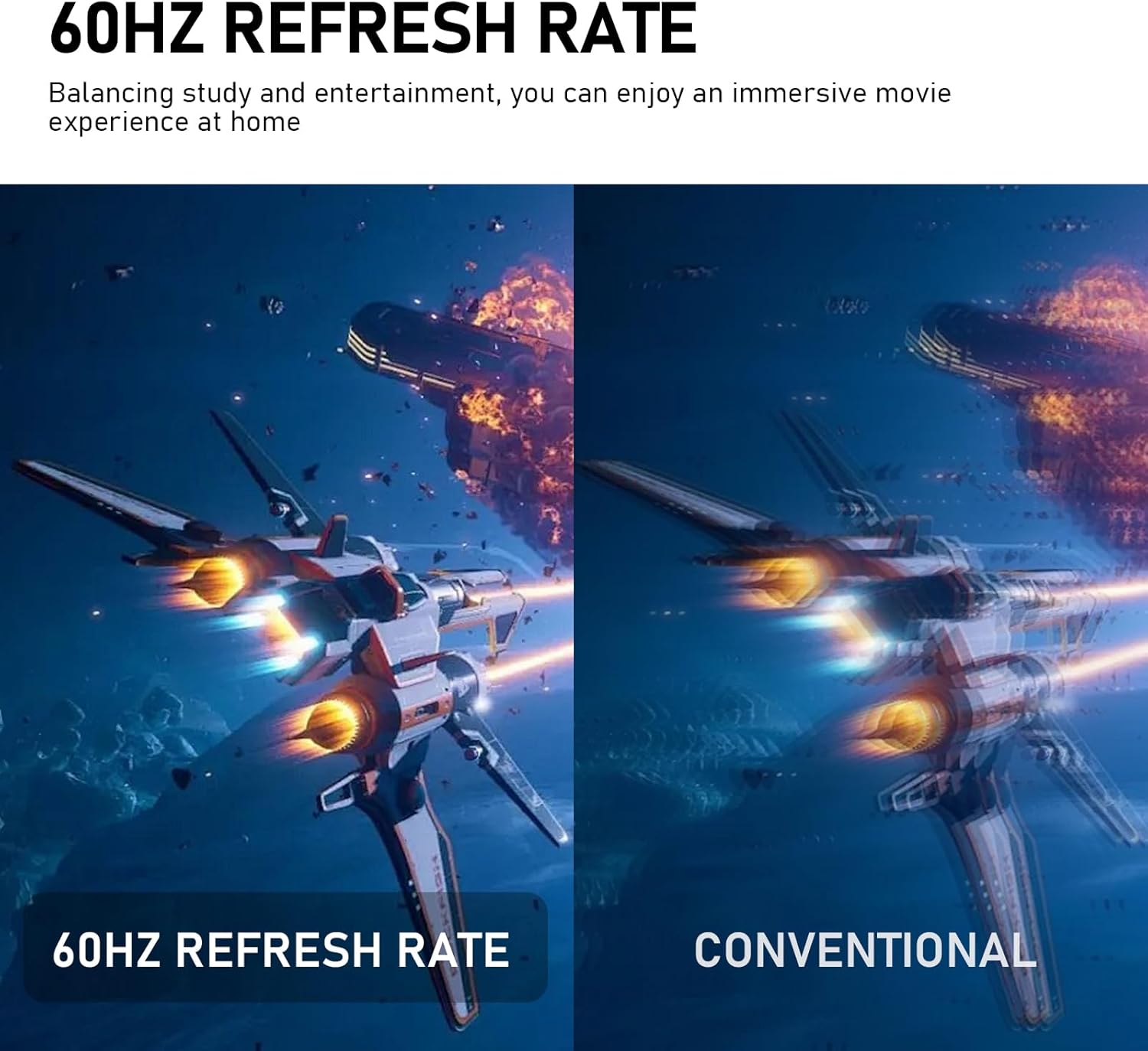
- Адаптивдүү синхрондоштуруу: Synchronizes the monitor's 60Hz refresh rate with your graphics card to eliminate screen tearing and stuttering.
- Камтылган динамиктер: Integrated speakers provide audio for daily use, reducing desktop clutter.
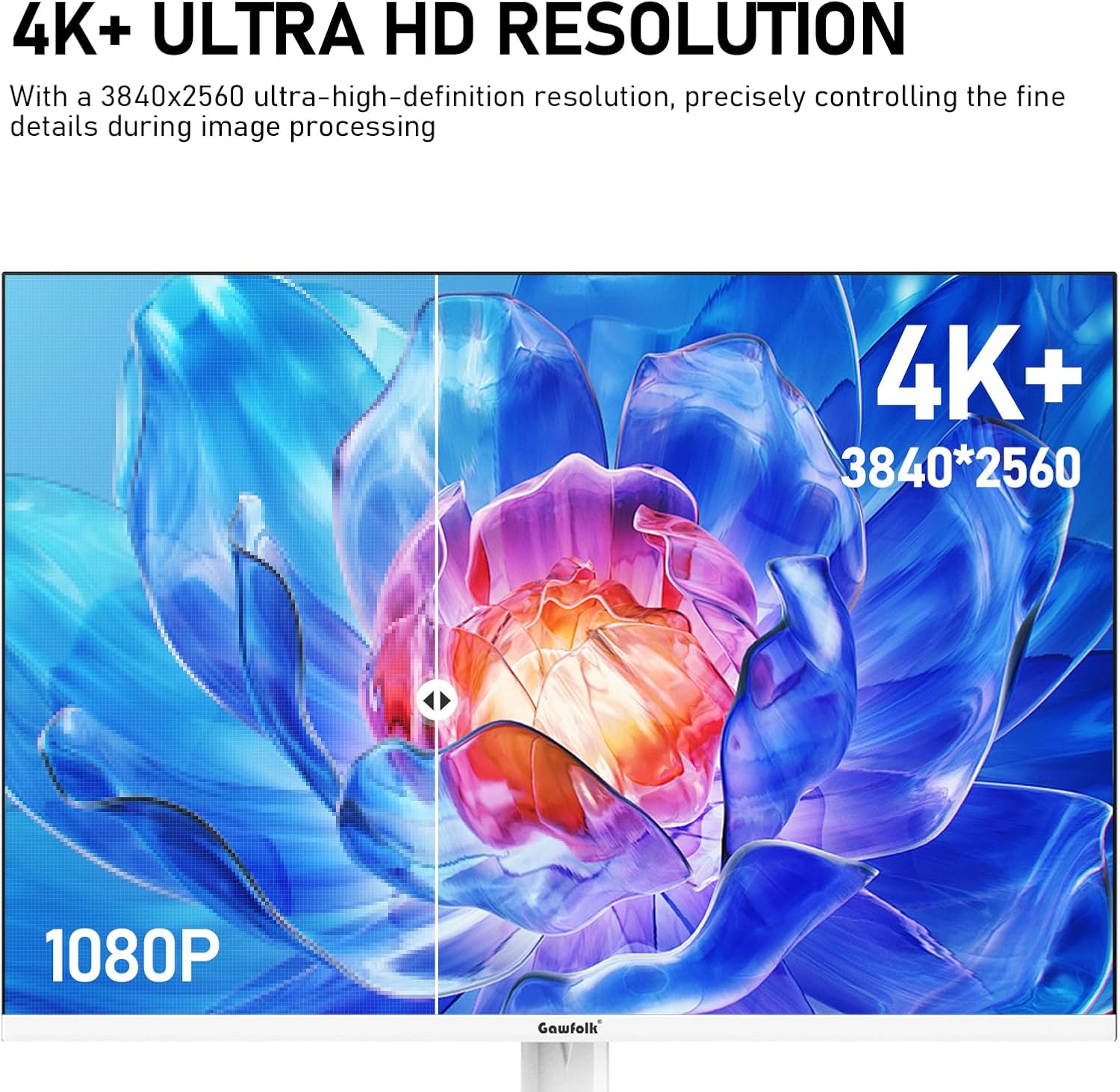
Сүрөт: Visual comparison demonstrating the clarity of 4K+ Ultra HD resolution.
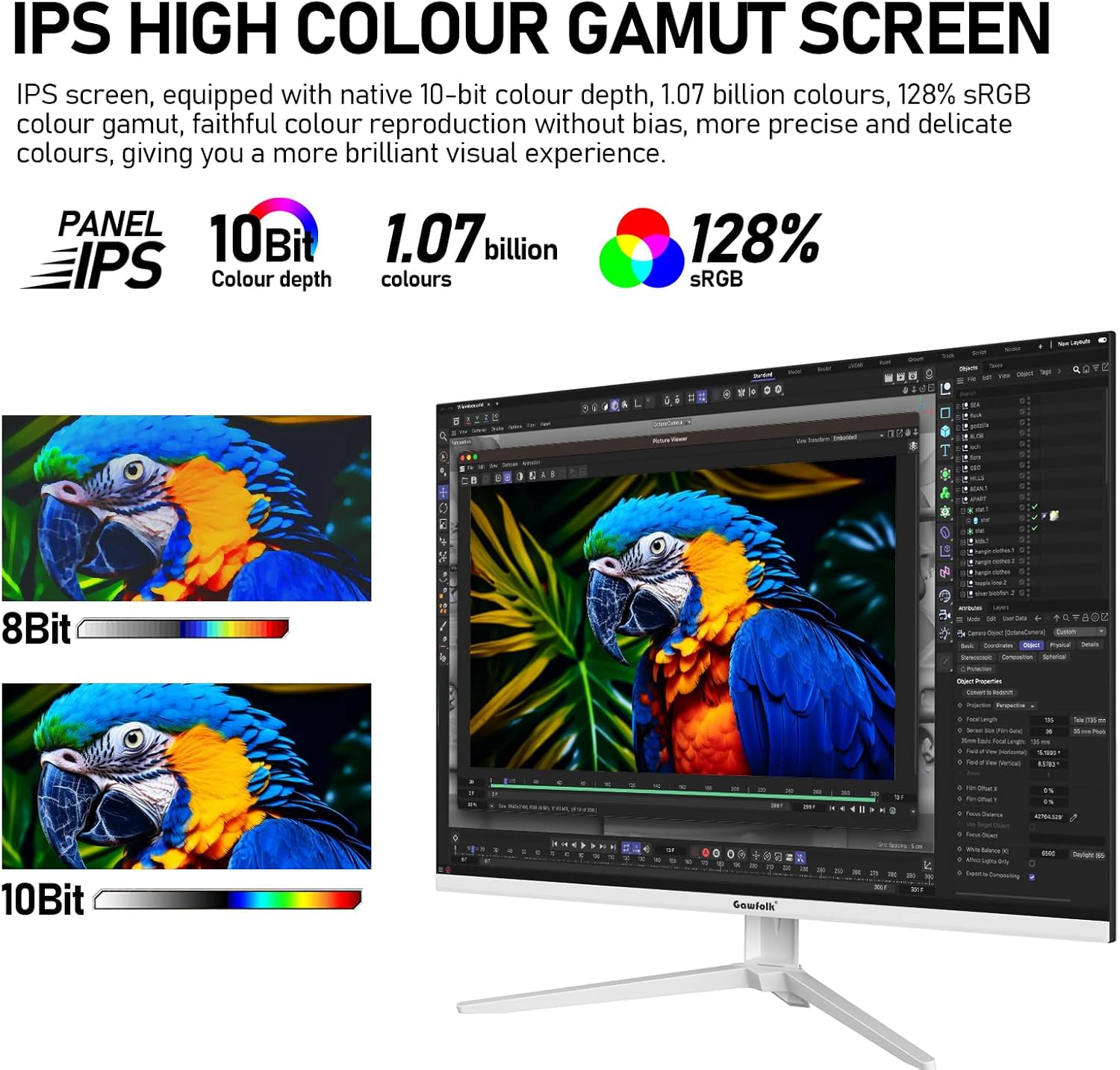
Сүрөт: Illustration of the IPS panel's high color gamut and 10-bit color depth capabilities.
Сүрөт: Depiction of the monitor's built-in dual speakers providing audio.

Сүрөт: Visual representation of the smoothness provided by a 60Hz refresh rate compared to conventional displays.

Сүрөт: Diagram illustrating the benefits of DC Dimming and Low Blue Light technology for reducing eye strain.
6. Техникалык тейлөө
6.1 Мониторду тазалоо
- Тазалоодон мурун ар дайым мониторду сууруп коюңуз.
- Жумшак, түксүз кездемени жеңил колдонуңуз dampсуу же жумшак, абразивдүү эмес экран тазалагыч менен иштетиңиз.
- Тазалоочу каражатты түз экранга чачпаңыз.
- Avoid using benzene, thinner, ammonia-based cleaners, or abrasive materials.
6.2 Сактоо
If storing the monitor for an extended period, place it in its original packaging in a dry, cool environment away from direct sunlight.
7. Кыйынчылыктарды
Мониторуңузда көйгөйлөргө туш болсоңуз, төмөнкү жалпы көйгөйлөрдү жана чечимдерди караңыз:
- Кубат жок: Ensure the power cable is securely connected to both the monitor and the power outlet. Verify the power outlet is functional.
- Сигнал жок: Check that the video cable (DP or HDMI) is firmly connected to both the monitor and your computer. Ensure the correct input source is selected in the monitor's OSD menu.
- Жаркылдаган экран: Confirm that the video cable is properly connected. Adjust the refresh rate settings on your computer. Ensure Adaptive Sync is enabled if supported by your graphics card.
- Сүрөттүн сапаты начар: Adjust brightness, contrast, and color settings via the OSD menu. Ensure your computer's display resolution matches the monitor's native resolution (3840x2560).
- Орнотулган динамиктерден үн чыкпай жатат: Check the volume settings on both the monitor and your computer. Ensure the correct audio output device is selected on your computer.
If the problem persists after attempting these solutions, please contact Gawfolk customer support.
8. Техникалык шарттар
| Өзгөчөлүк | Спецификация |
|---|---|
| Screen Size | 28 дюйм |
| Панел түрү | IPS |
| Резолюция | 3840 x 2560 Pixels (UHD 4K) |
| Аспект катышы | 3:2 |
| Түс тереңдиги | 10-бит (1.07 миллиард түс) |
| Түс гаммасы | 128% sRGB |
| Жаңыртуу ылдамдыгы | 60Hz (DP), 50Hz (HDMI) |
| Сүрөттүн жарыктыгы | 270 Кандела |
| Viewбурч | 178° кең Viewбурч |
| Байланыш | 2x HDMI 2.0, 2x DisplayPort 1.4, Audio Out |
| Баяндамачылар | Камтылган |
| VESA тоосу | 75x75мм |
| Продукциянын өлчөмдөрү | 7.83 x 24.09 x 19.96 дюйм |
| Элемент Салмагы | 7.48 фунт |
| Модель номери | GF005 |
9. Кепилдик жана колдоо
Gawfolk provides 12 months of after-sales service for this monitor. If you encounter any problems or require assistance, please feel free to communicate with us through the retailer or the official Gawfolk support channels.


