1. Киришүү
Welcome to the TECLAST T65 Android 16 Tablet user manual. This document provides essential information for setting up, operating, maintaining, and troubleshooting your new device. Please read this manual thoroughly to ensure optimal performance and longevity of your tablet.

Figure 1: TECLAST T65 Android 16 Tablet
2. Кутуда эмне бар
Upon opening your TECLAST T65 package, please verify that all the following items are included:
- T65 A16 Tablet
- User Manual
- Заряддоо кабели
- Заряддагыч
- Кепилдик картасы
3. Продукт бүтүп калдыview
The TECLAST T65 features a sleek design with a large 13.4-inch display and dual rear cameras. Its slim profile and lightweight construction make it suitable for various mobile scenarios.

2-сүрөт: Каптал view showing ports and buttons.
3-сүрөт: Артка view highlighting the dual camera module.
4. Орнотуу
4.1 Баштапкы күйгүзүү
- Press and hold the Power button (usually located on the side) until the TECLAST logo appears on the screen.
- Тилиңизди тандоо, Wi-Fi тармагына туташуу жана Google аккаунтуңузду орнотуу үчүн экрандагы көрсөтмөлөрдү аткарыңыз.
- Review жана баштапкы орнотууну аяктоо үчүн шарттарды кабыл алыңыз.
4.2 SIM/MicroSD картасын салуу
The TECLAST T65 supports 4G LTE connectivity and expandable storage via a MicroSD card. Locate the SIM/MicroSD card tray on the side of the tablet. Use the provided ejector tool to open the tray and carefully insert your SIM card(s) and/or MicroSD card as indicated on the tray.

Figure 4: SIM and MicroSD card insertion.
5. Планшетиңизди иштетүү
5.1 Дисплейдин өзгөчөлүктөрү
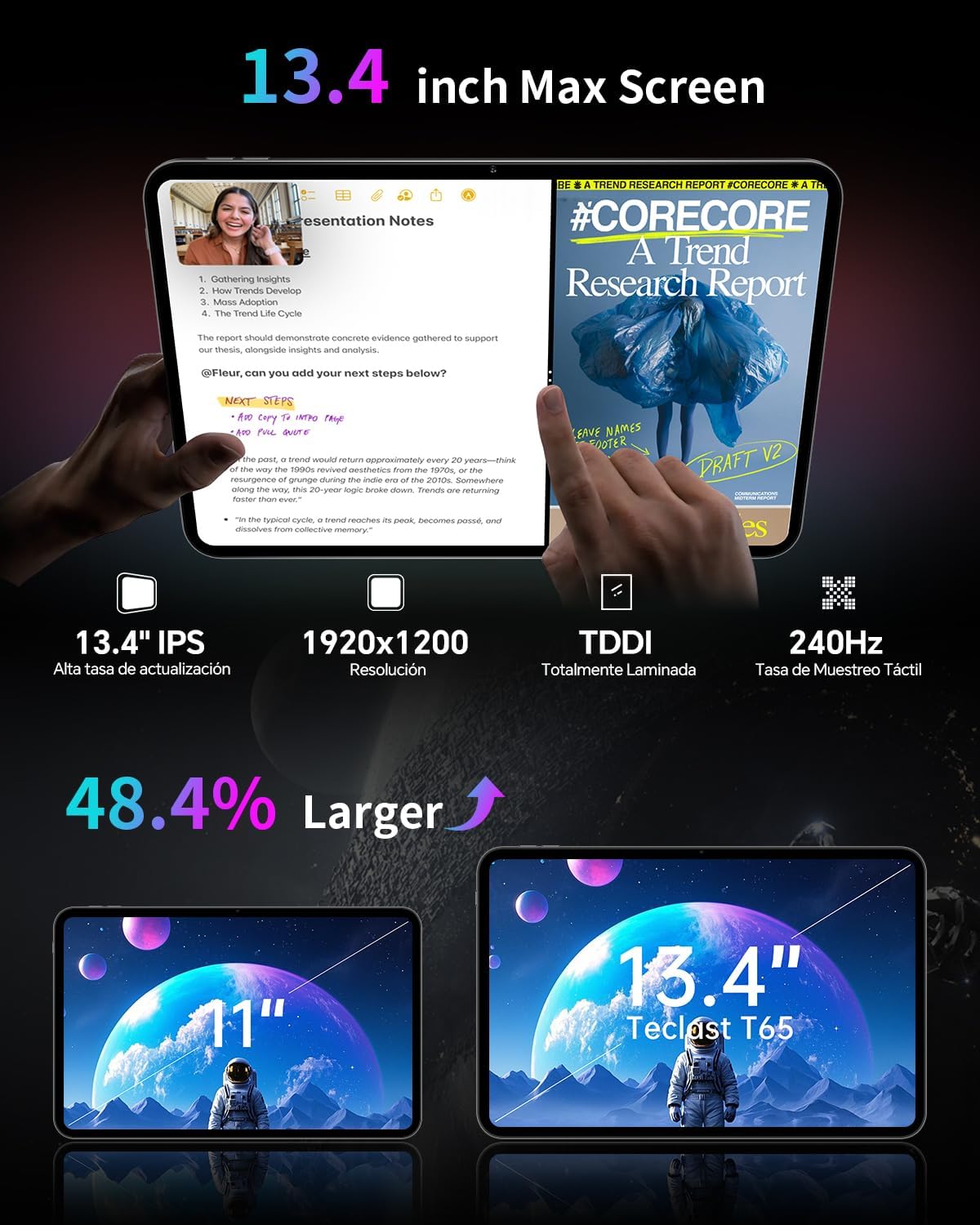
The T65 features a 13.4-inch IPS display with a 1920x1200 resolution and a 120Hz refresh rate. This high refresh rate ensures smooth animations and responsive touch interactions, enhancing your viewing experience for streaming and browsing.

Figure 5: 120Hz AdaptiveSync Display for smooth visuals.

Figure 6: Expanded viewing area of the 13.4-inch display.
5.2 Аткаруу жана сактоо
The tablet is powered by a 2.2GHz Octa-Core Unisoc T7280 processor, providing efficient performance for both work and entertainment. It comes with 128GB of internal storage, expandable up to 1TB via a TF (MicroSD) card, and 20GB of RAM (8GB physical + 12GB virtual).

Figure 7: Octa-Core Processor for efficient operation.
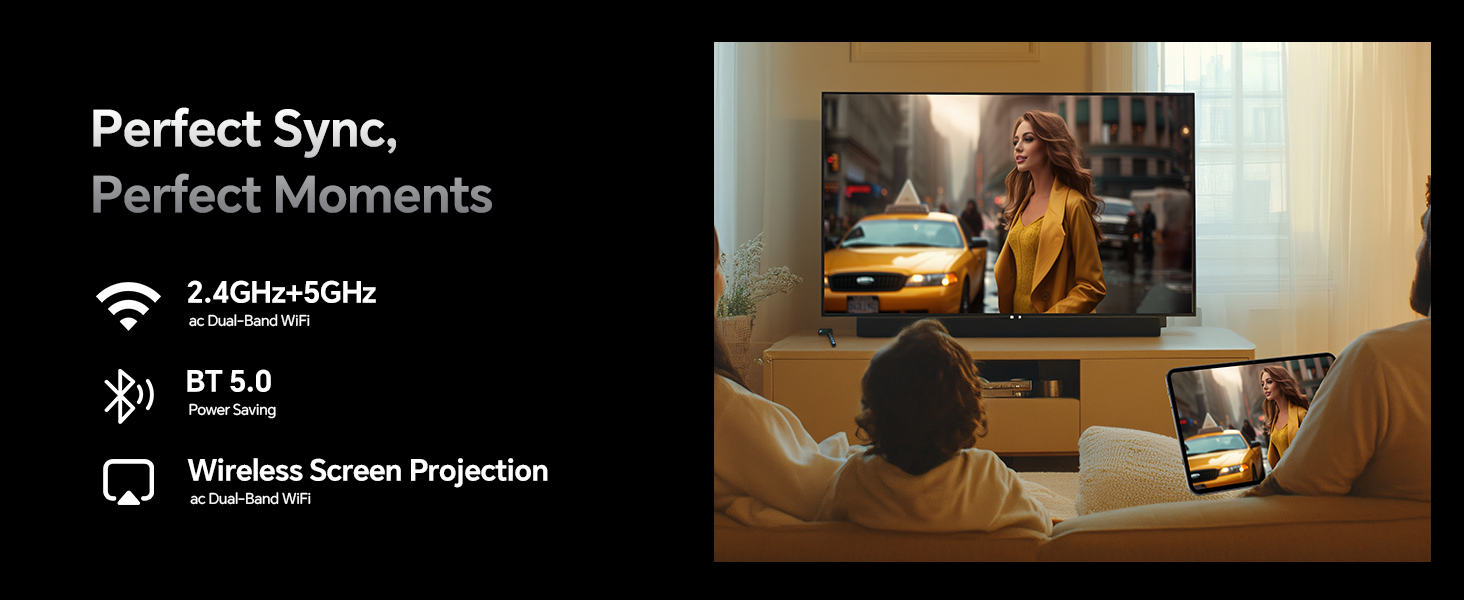
Figure 8: Storage and RAM capabilities.
5.3 Батареянын иштөө мөөнөтү
Equipped with an 8000mAh battery, the T65 provides extended usage times. Expect approximately 7 hours for gaming, 8 hours for video playback, 10 hours for music, and 7 hours for web бир заряд менен серептөө.

Figure 9: Extended battery performance.
5.4 Байланыш
The tablet supports dual-band Wi-Fi (2.4GHz+5GHz), 4G LTE (TDD+FDD), Bluetooth 5.0, and GPS for reliable navigation and communication. It also features a 3.5mm headphone jack for audio and USB-C for convenient charging.
5.5 Android 16 өзгөчөлүктөрү
The TECLAST T65 runs on Android 16, offering enhanced security with customizable rights management. New features include sidebars for quick app launch, floating balls for system control, gesture controls, and a global dark mode for personalized customization. Parental controls are built-in for a safe browsing environment.
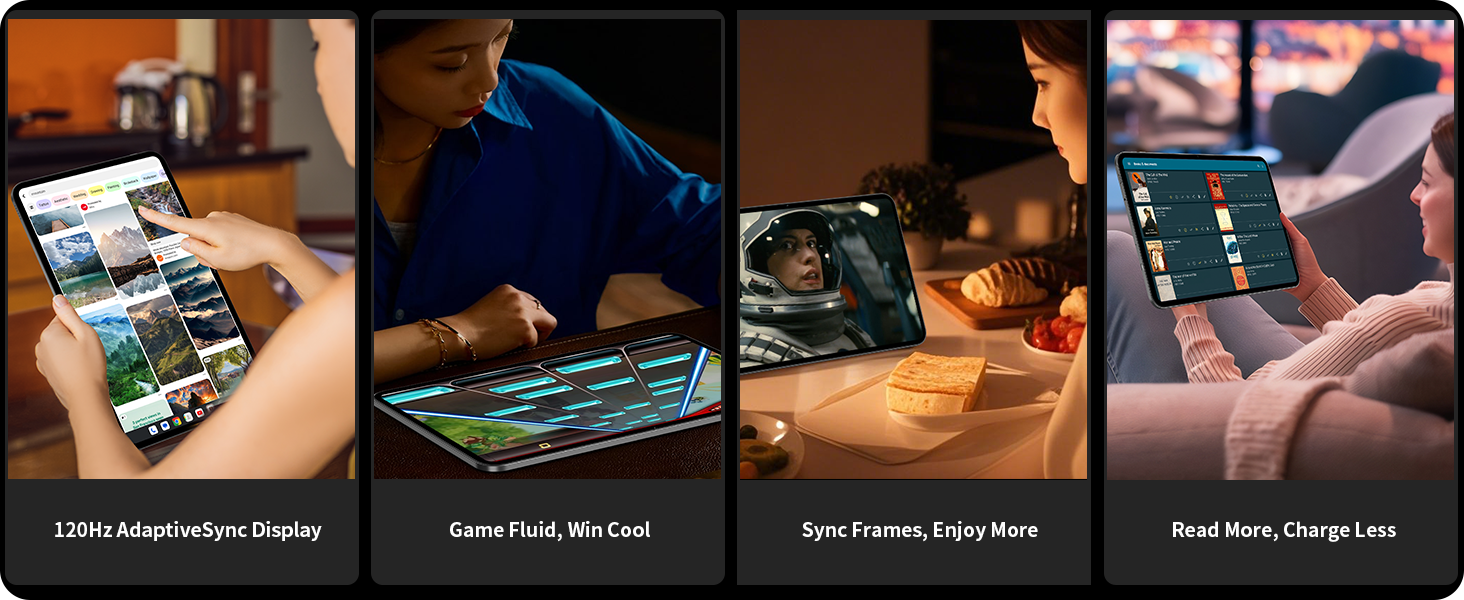
Figure 10: Key features of Android 16.

Figure 11: Navigation with Quick Sidebar and Assistive Control.
5.6 Eye Protection and Reading Modes
The tablet offers three reading modes: Reading Mode, Eye Protection Mode, and Dark Mode, designed to reduce eye strain during prolonged use.

Figure 12: Eye protection features.
6. Техникалык тейлөө
6.1 Тазалоо
To clean your tablet, use a soft, lint-free cloth. For stubborn smudges, lightly dampчүпүрөктү суу же экранга коопсуз тазалоо эритмеси менен жабыңыз. Катуу химиялык заттарды же абразивдүү материалдарды колдонуудан алыс болуңуз.
6.2 Программалык камсыздоо жаңыртуулары
Regularly check for and install software updates to ensure your tablet has the latest features, security patches, and performance improvements. Navigate to Орнотуулар > Система > Система жаңыртуу жеткиликтүү жаңыртууларды текшерүү үчүн.
6.3 Батареяга кам көрүү
Батареянын иштөө мөөнөтүн узартуу үчүн, планшетиңизди экстремалдуу температурага дуушар кылбаңыз. Оптималдуу узак мөөнөттүү ден соолук үчүн батарейканын зарядын 20% жана 80% арасында кармап туруу сунушталат.
7. Кыйынчылыктарды
7.1 Планшет күйбөй жатат
- Батарея заряддалганын текшериңиз. Планшетти заряддагыч түзүлүшкө туташтырып, кайра күйгүзүүдөн мурун бир нече мүнөт күтө туруңуз.
- Мажбурлап өчүрүп күйгүзүү үчүн Кубат баскычын жок дегенде 10-15 секунд басып туруңуз.
7.2 Wi-Fi туташуу маселелери
- Wi-Fi роутериңизди жана планшетиңизди өчүрүп күйгүзүңүз.
- Тармакты унутуңуз Орнотуулар > Тармак жана интернет > Wi-Fi жана кайра туташтырыңыз.
- Wi-Fi сигналынын чегинде экениңизди текшериңиз.
7.3 Жай аткаруу
- Керексиз фон колдонмолорун жабуу.
- Көп колдонулган колдонмолор үчүн кэш дайындарын тазалоо Орнотуулар > Колдонмолор > [Колдонмонун аты] > Сактагыч жана кэш.
- Жеткиликтүү сактоо мейкиндигин камсыз кылыңыз.
8. Техникалык шарттар
| Өзгөчөлүк | Деталь |
|---|---|
| Бренд | TECLAST |
| Модель аты | T65 |
| Операция системасы | Android 16 |
| Screen Size | 13.4 дюйм |
| Screen Resolution | 1920 x 1200 Pixels (IPS) |
| Жаңыртуу ылдамдыгы | 120Hz |
| Процессор | Unisoc T7280 сегиз ядролуу (2.2 ГГц) |
| RAM | 20 ГБ (8 ГБ физикалык + 12 ГБ виртуалдык) |
| Flash эстутум өлчөмү | 128 ГБ |
| Кеңейтүүчү сактагыч | 1 ТБ чейин (MicroSD/TF картасы) |
| Зымсыз түрү | 802.11a/b/g/n/ac (Dual-Band Wi-Fi) |
| Уюлдук байланыш | 4G LTE (TDD+FDD) |
| Bluetooth | Bluetooth 5.0 |
| GPS | Beidou, GPS, GLONASS, GALILEO |
| Батарея сыйымдуулугу | 8000mAh |
| Элемент Салмагы | 2.94 фунт (болжол менен 1.33 кг) |
| Продукциянын өлчөмдөрү | 12 x 7.9 x 0.33 дюйм (болжол менен 30.5 x 20.1 x 0.84 см) |
| Түс | Боз |
9. Кепилдик жана колдоо
Your TECLAST T65 tablet comes with a warranty. Please refer to the included Warranty Card for detailed terms and conditions, including coverage period and claim procedures.
For technical support, troubleshooting assistance, or further inquiries, please visit the official TECLAST website or contact their customer service. Contact information can typically be found on the Warranty Card or the brand's official online presence.
Онлайн ресурстар:
- TECLAST Official Webсайт: Visit the TECLAST Store on Amazon


